> ## Documentation Index
> Fetch the complete documentation index at: https://notes.kodekloud.com/llms.txt
> Use this file to discover all available pages before exploring further.
# Understanding State Accumulation and Data Flow
> Explains how graph-based systems accumulate shared state across nodes to enable contextual reasoning, track execution, support iterative agents, common patterns, and mitigation strategies for state bloat.
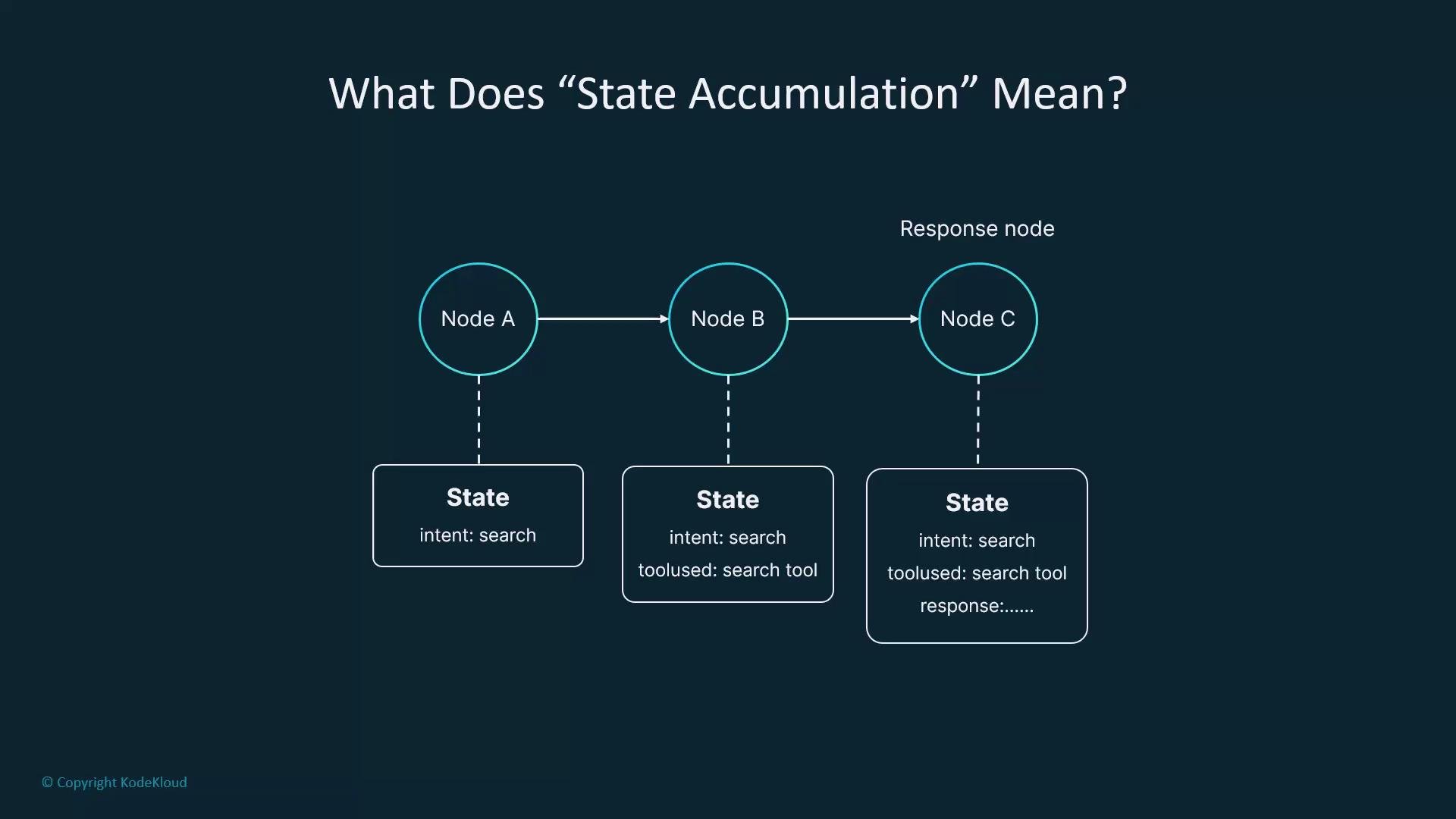
State accumulation is how LangGraph (and similar graph-based systems) remembers what happened during execution. The shared graph state acts as an incremental memory: each node can read from it, modify it, and pass the enriched state forward. Without accumulation, a graph is essentially stateless and cannot reason about prior events or maintain coherent multi-step behavior.
 Why state accumulation matters
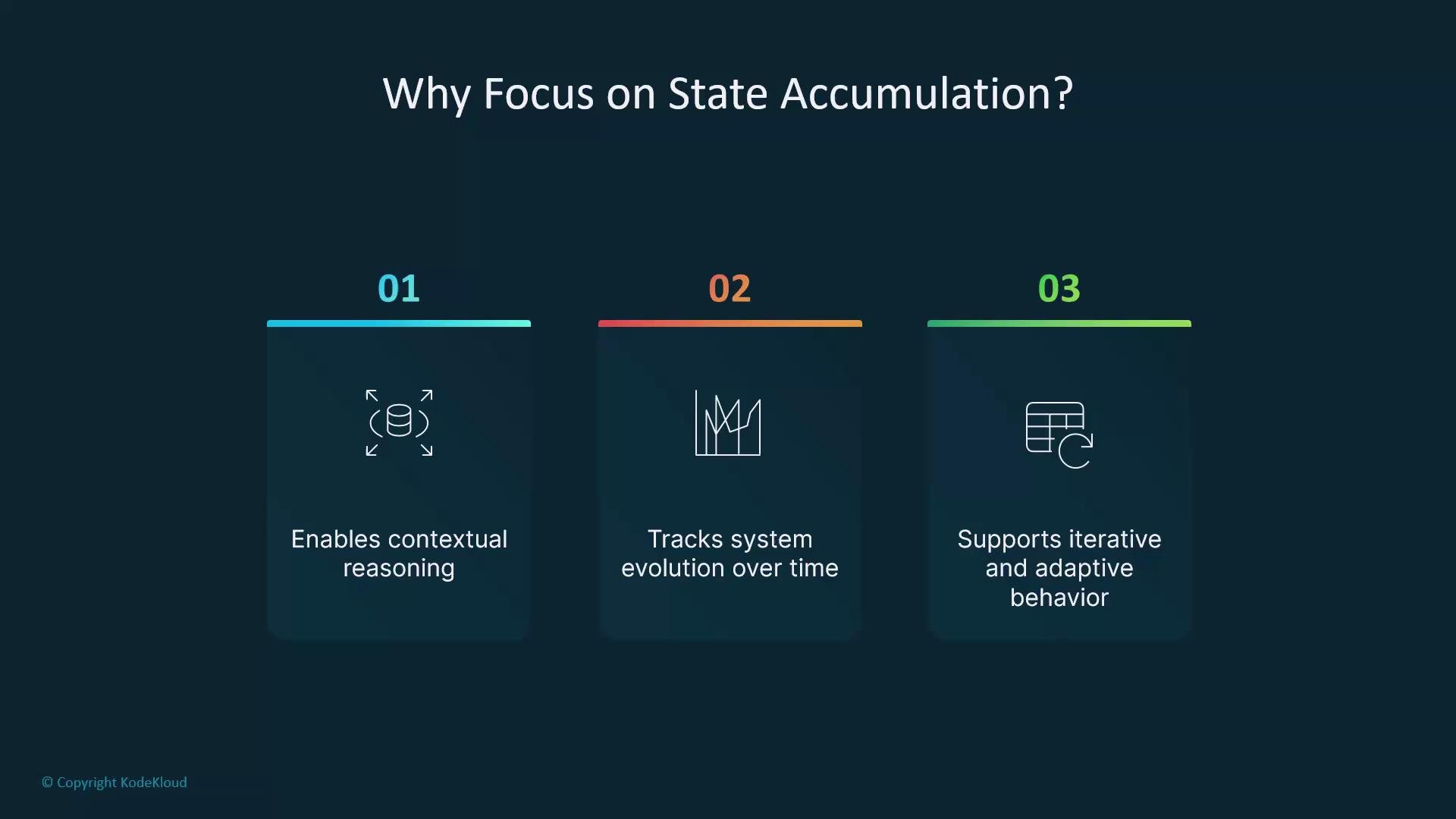
* Enables contextual reasoning across multiple nodes and turns.
* Tracks the system's evolution over time, useful for audits and debugging.
* Supports iterative and adaptive behavior (e.g., agents refining their plan or tools over multiple passes).
How accumulation works (conceptual)
* The graph state is a dictionary/object shared between nodes.
* Each node may add new fields or update existing ones.
* Over time the state becomes a record of inputs, intermediate decisions, tool invocations, and final output.
Example: a simple state evolution
```js theme={null}
// initial state (empty)
state = {}
// After an intent classifier node:
state = {
chat_history: [{ role: "user", text: "How long does the battery last?" }],
intent: "battery_query"
}
// After a tool runner:
state.tools_used = [
{ tool: "spec_lookup", tool_response: "Battery lasts ~10 hours" }
]
// At response node:
state.response = "The battery typically lasts about 10 hours under normal usage."
```
Why state accumulation matters
* Enables contextual reasoning across multiple nodes and turns.
* Tracks the system's evolution over time, useful for audits and debugging.
* Supports iterative and adaptive behavior (e.g., agents refining their plan or tools over multiple passes).
How accumulation works (conceptual)
* The graph state is a dictionary/object shared between nodes.
* Each node may add new fields or update existing ones.
* Over time the state becomes a record of inputs, intermediate decisions, tool invocations, and final output.
Example: a simple state evolution
```js theme={null}
// initial state (empty)
state = {}
// After an intent classifier node:
state = {
chat_history: [{ role: "user", text: "How long does the battery last?" }],
intent: "battery_query"
}
// After a tool runner:
state.tools_used = [
{ tool: "spec_lookup", tool_response: "Battery lasts ~10 hours" }
]
// At response node:
state.response = "The battery typically lasts about 10 hours under normal usage."
```
 Analogy: delivery journal
Think of the state as a delivery journal. At every stop the courier adds notes—what was delivered, which tool was used, or a customer request—and the journal becomes richer over the route. The graph state similarly accumulates actionable context that later nodes can consult.
State accumulation in chatbots and agents
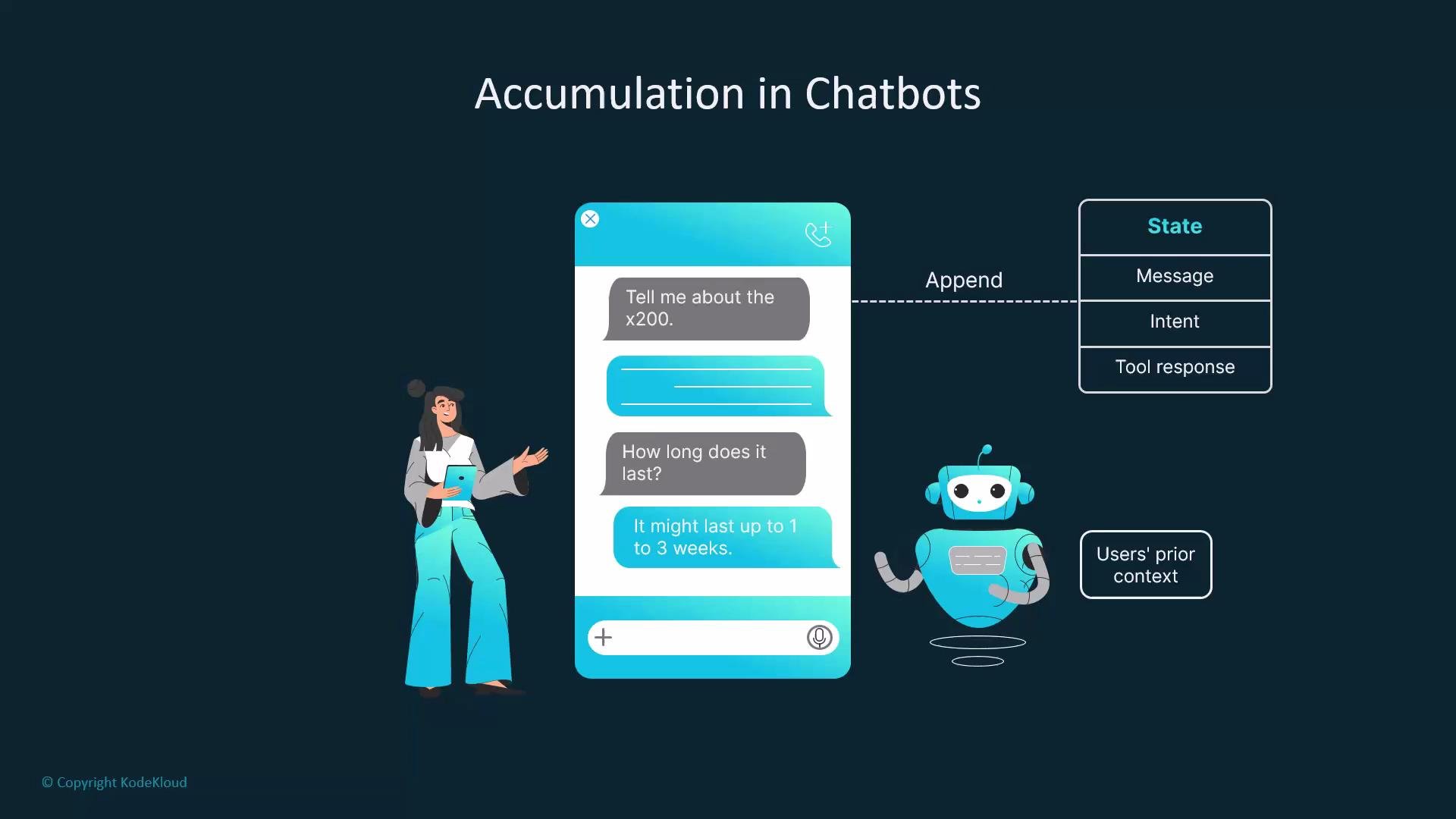
* Follow-up questions only make sense when prior messages are preserved.
* Tools (search, calculators, external APIs) produce outputs that should be appended to the state so later nodes can reason with them.
* Execution traces (steps\_taken) help debugging, audit, and reproducibility.
Analogy: delivery journal
Think of the state as a delivery journal. At every stop the courier adds notes—what was delivered, which tool was used, or a customer request—and the journal becomes richer over the route. The graph state similarly accumulates actionable context that later nodes can consult.
State accumulation in chatbots and agents
* Follow-up questions only make sense when prior messages are preserved.
* Tools (search, calculators, external APIs) produce outputs that should be appended to the state so later nodes can reason with them.
* Execution traces (steps\_taken) help debugging, audit, and reproducibility.
 Common accumulation patterns
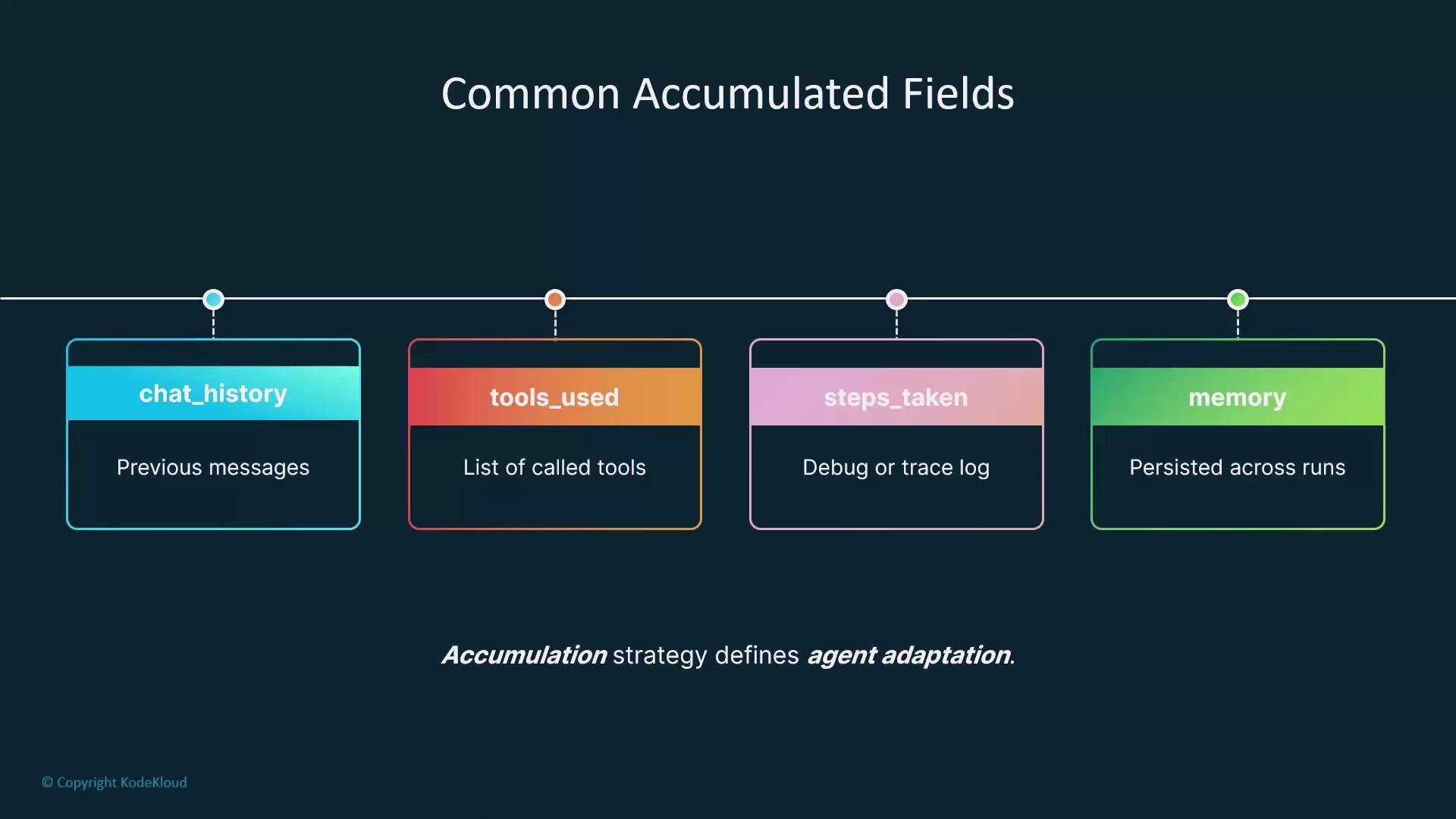
| Field | Purpose | Example |
| -------------- | --------------------------------------------------------------- | ---------------------------------------------------------- |
| `chat_history` | Preserve conversation turns for context and prompt construction | `[{ role: "user", text: "Where is my order?" }]` |
| `tools_used` | Log tool invocations and results for later reasoning or display | `[{ tool: "order_lookup", tool_response: {...} }]` |
| `steps_taken` | Execution trace for debugging, replay, or auditing | `["classify_intent", "call_order_api", "format_response"]` |
| `memory` | Persistent or summarized facts retained across executions | `{"preferred_shipping":"overnight"}` |
Common accumulation patterns
| Field | Purpose | Example |
| -------------- | --------------------------------------------------------------- | ---------------------------------------------------------- |
| `chat_history` | Preserve conversation turns for context and prompt construction | `[{ role: "user", text: "Where is my order?" }]` |
| `tools_used` | Log tool invocations and results for later reasoning or display | `[{ tool: "order_lookup", tool_response: {...} }]` |
| `steps_taken` | Execution trace for debugging, replay, or auditing | `["classify_intent", "call_order_api", "format_response"]` |
| `memory` | Persistent or summarized facts retained across executions | `{"preferred_shipping":"overnight"}` |
 Trade-offs and mitigation
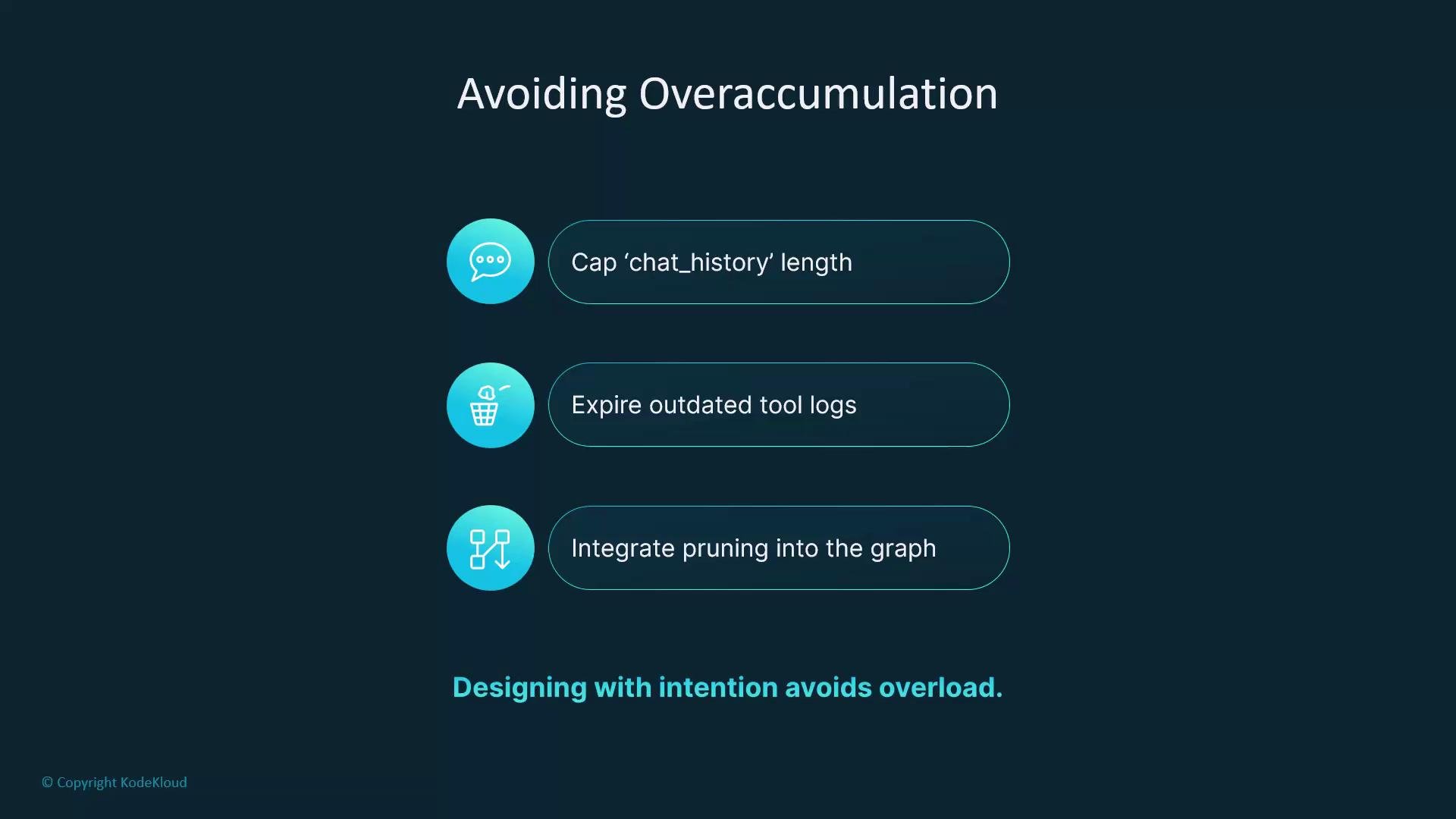
Accumulating everything without control can bloat the state, increase memory use, and slow processing. Common mitigation strategies:
* Cap chat history length (e.g., keep the last N turns).
* Expire or summarize older tool logs.
* Prune or compress `steps_taken` entries for long-running flows.
* Persist only what helps behavior or auditing; drop or archive the rest.
Trade-offs and mitigation
Accumulating everything without control can bloat the state, increase memory use, and slow processing. Common mitigation strategies:
* Cap chat history length (e.g., keep the last N turns).
* Expire or summarize older tool logs.
* Prune or compress `steps_taken` entries for long-running flows.
* Persist only what helps behavior or auditing; drop or archive the rest.
 Decide what to persist based on the agent's goals. Keep only the state that improves behavior or is required for auditing; summarize or drop the rest to maintain performance.
Further reading and references
* State (computer science): [https://en.wikipedia.org/wiki/State\_(computer\_science)](https://en.wikipedia.org/wiki/State_\(computer_science\))
* For practical designs, search for "conversational memory patterns", "agent tool logging", and "execution tracing best practices" to find implementation examples and community patterns.
Decide what to persist based on the agent's goals. Keep only the state that improves behavior or is required for auditing; summarize or drop the rest to maintain performance.
Further reading and references
* State (computer science): [https://en.wikipedia.org/wiki/State\_(computer\_science)](https://en.wikipedia.org/wiki/State_\(computer_science\))
* For practical designs, search for "conversational memory patterns", "agent tool logging", and "execution tracing best practices" to find implementation examples and community patterns.