> ## Documentation Index
> Fetch the complete documentation index at: https://notes.kodekloud.com/llms.txt
> Use this file to discover all available pages before exploring further.
# Ansible Collections
> This article explores Ansible Collections and demonstrates their role in simplifying network device automation across various vendors.
In this article, we explore Ansible Collections and demonstrate how they simplify the automation of network devices from various vendors.
## Scenario Overview
Imagine you are a network engineer managing a vast infrastructure. You need to automate the configuration of devices from vendors such as Cisco, Juniper, and Arista. Although Ansible provides built-in modules for network automation, you might need vendor-specific enhancements and functionalities.
Ansible Collections offer specialized content—including modules, roles, and playbooks—designed to work with each vendor's devices. For example, collections such as Network.Cisco, Network.Juniper, and Network.Arista provide functionalities tuned specifically for their respective devices.
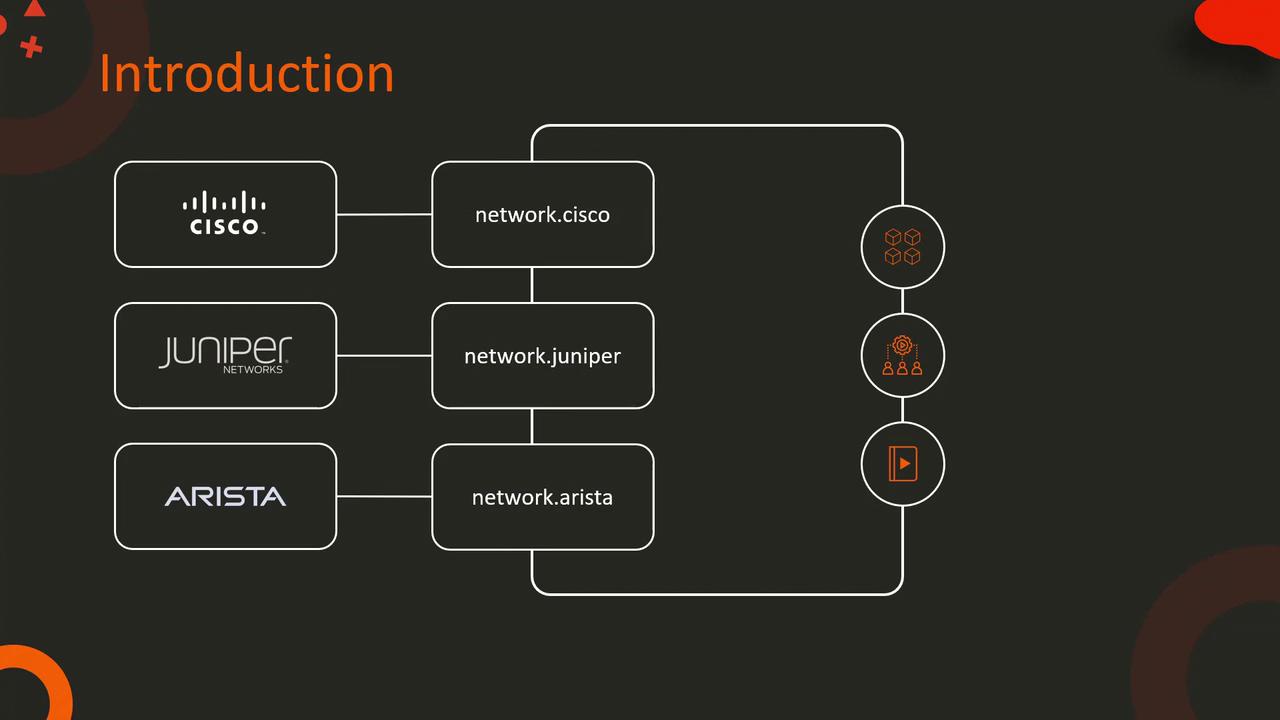
By installing the appropriate collection, you unlock advanced capabilities for automating your network infrastructure. For instance, to install the Network.Cisco collection, run:
```bash theme={null}
$ ansible-galaxy collection install network.cisco
```
Once installed, integrate the collection's modules and roles directly into your playbooks for seamless Cisco-specific automation.
## Understanding Ansible Collections
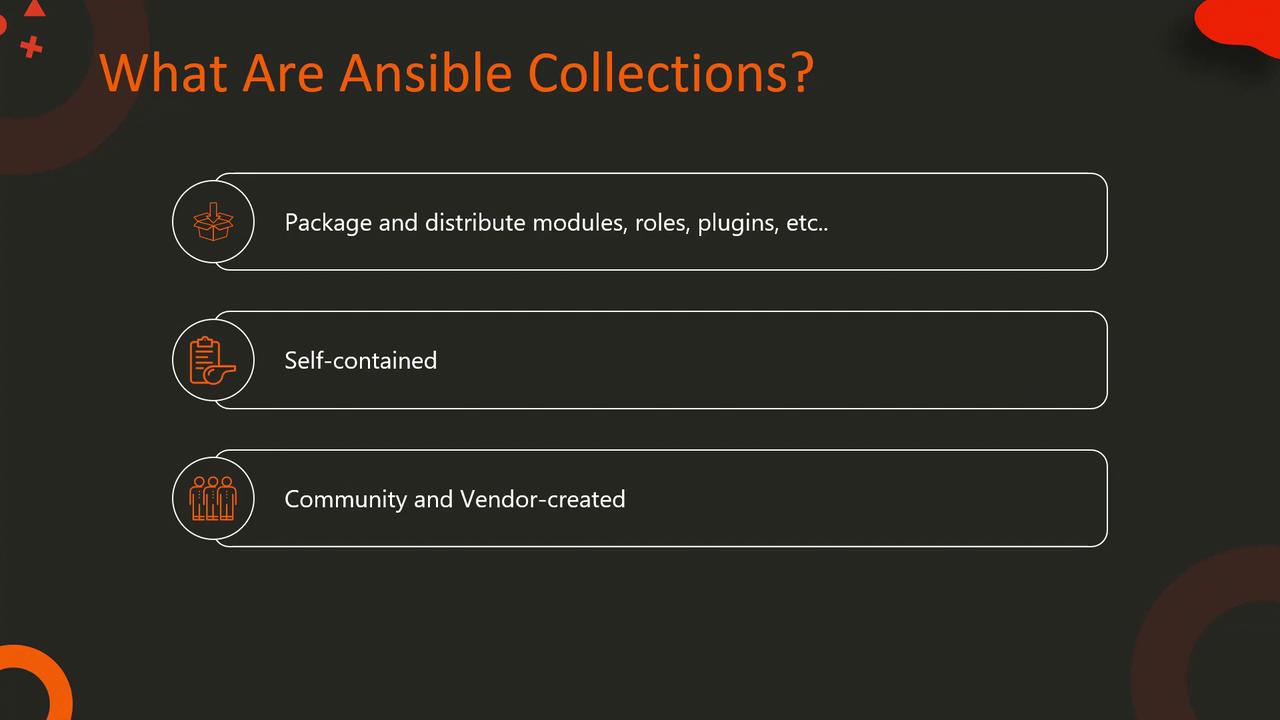
Ansible Collections package and distribute content such as modules, roles, plugins, and related assets into self-contained units. This modular design enables both community members and vendors to share specialized functionalities efficiently and widely.
## Key Benefits of Using Collections
Below are some of the primary advantages of leveraging Ansible Collections:
### 1. Expanded Functionality
Collections extend the core capabilities of Ansible by offering vendor or cloud-specific modules. For example, to manage AWS resources, you can install the amazon.aws collection. Follow these steps:
1. Install the collection:
```bash theme={null}
$ ansible-galaxy collection install amazon.aws
```
2. Use its modules in your playbook:
```yaml theme={null}
---
- hosts: localhost
collections:
- amazon.aws
tasks:
- name: Create an S3 bucket
aws_s3_bucket:
name: my-bucket
region: us-west-1
```
### 2. Modularity and Reusability
Collections promote creating and reusing custom roles, modules, and plugins across playbooks. For example, consider the following directory structure for a custom collection. In your playbook, reference your collection to leverage its components:
```yaml theme={null}
---
- hosts: localhost
collections:
- my_namespace.my_collection
roles:
- my_custom_role
tasks:
- name: Use custom module
my_custom_module:
param: value
```
This modular design enhances reusability across multiple automation scenarios.
### 3. Simplified Distribution and Version Management
Managing and distributing your automation content becomes effortless with Collections. You can specify required collections and their versions in a `requirements.yml` file, as shown below:
```yaml theme={null}
---
collections:
- name: amazon.aws
version: "1.5.0"
- name: community.mysql
src: https://github.com/ansible-collections/community.mysql
version: "1.2.1"
```
Then, install all required collections with a single command:
```bash theme={null}
$ ansible-galaxy collection install -r requirements.yml
```
Using a `requirements.yml` file centralizes collection management and helps maintain dependency integrity by ensuring you use the correct versions.
## Conclusion
Ansible Collections provide a powerful mechanism to extend Ansible’s core capabilities, making them ideal for complex environments with diverse network devices. By leveraging these collections, you can:
* Integrate vendor-specific functionalities.
* Enhance modularity and reusability in your automation workflows.
* Simplify distribution and version management.
Adopting Ansible Collections not only streamlines your network automation tasks but also ensures that your workflows remain robust and scalable.
Well, that's all for now—happy automating!