> ## Documentation Index
> Fetch the complete documentation index at: https://notes.kodekloud.com/llms.txt
> Use this file to discover all available pages before exploring further.
# Inventory Formats
> This article discusses choosing the appropriate inventory format for managing server inventories, highlighting INI for small setups and YAML for larger organizations.
When managing server inventories, choosing the right format can significantly streamline your operations. Consider the following examples that highlight common scenarios:
For a small startup with just a few servers handling basic tasks like web hosting and database management, a simple INI format inventory is often sufficient. This format is comparable to a basic organizational chart with only a few departments.
Using the INI format makes it easy to manage a limited number of servers without dealing with overly complex structures.
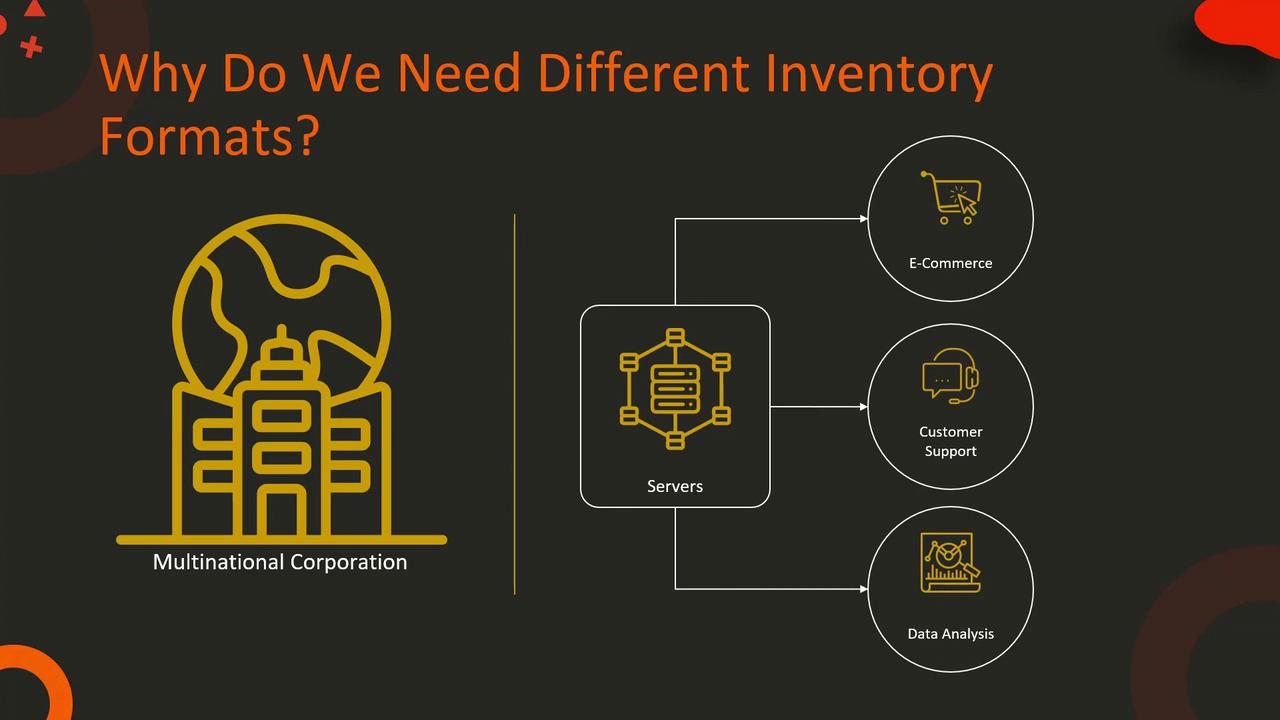
In contrast, a multinational corporation with hundreds of servers distributed globally will benefit from a more detailed and structured inventory. A YAML inventory format, which resembles a complex organizational chart with multiple departments, sub-departments, and teams, is ideal for handling diverse functions such as e-commerce, customer support, and data analysis.
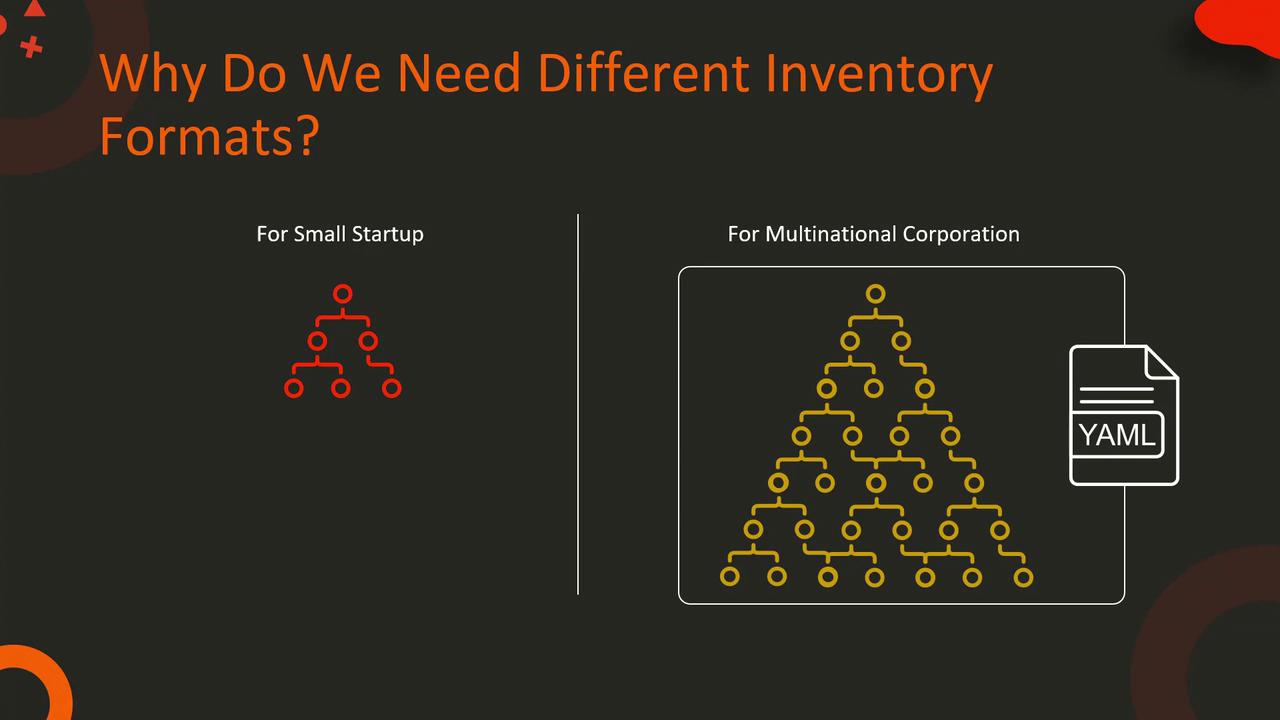
Different inventory formats allow you to group your servers based on various criteria, such as their roles (e.g., web servers, database servers, application servers), geographic location (e.g., servers in the US, Europe, or Asia), or organizational structure. Ansible supports two main inventory formats: INI and YAML.
## INI Format Example
The INI format is straightforward and works well for smaller deployments. Below is an example:
```ini theme={null}
[webservers]
web1.example.com
web2.example.com
[dbservers]
db1.example.com
db2.example.com
```
## YAML Format Example
For more complex environments, the YAML format is highly recommended. Here's an example of a YAML inventory designed for extensive and distributed systems:
```yaml theme={null}
all:
children:
webservers:
hosts:
web1.example.com:
web2.example.com:
dbservers:
hosts:
db1.example.com:
db2.example.com:
```
When choosing an inventory format, consider the complexity and scale of your project. Align your choice with your organizational structure to ensure efficient management of server groups.
That concludes this lesson. We'll see you in the next one.