> ## Documentation Index
> Fetch the complete documentation index at: https://notes.kodekloud.com/llms.txt
> Use this file to discover all available pages before exploring further.
# Ansible Modules
> This article explores various Ansible modules categorized by functionality for tasks like system management, command execution, file handling, and cloud interactions.
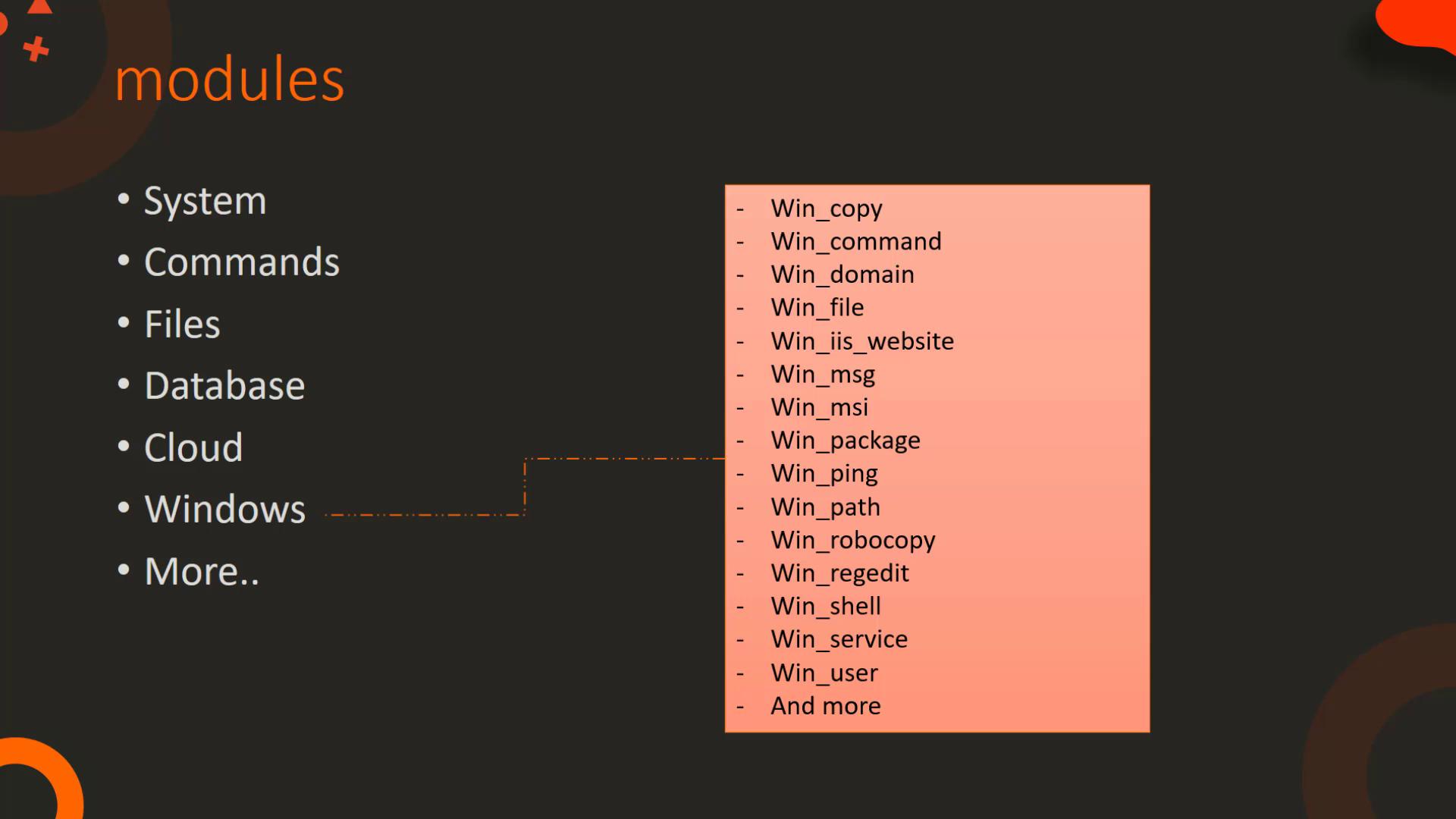
In this article, we explore a variety of Ansible modules categorized by their functionality. Each module group is tailored for specific tasks such as system management, command execution, file handling, database operations, cloud interactions, and Windows management.
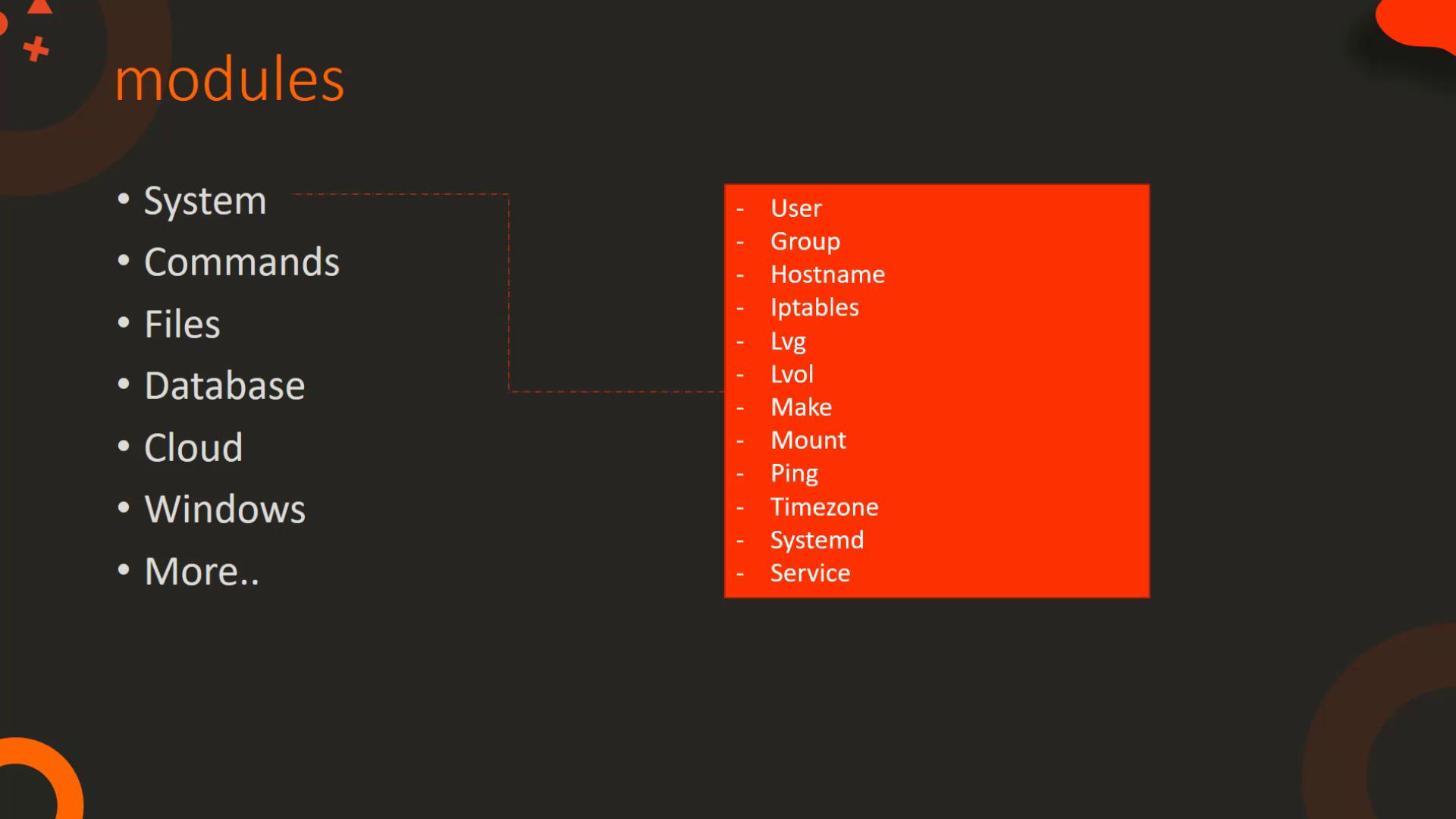
Modules are grouped as follows:
* **System Modules:** Perform actions at the operating system level, such as managing users and groups, configuring IP tables and firewalls, handling logical volumes, managing mount operations, and controlling services (start, stop, restart).
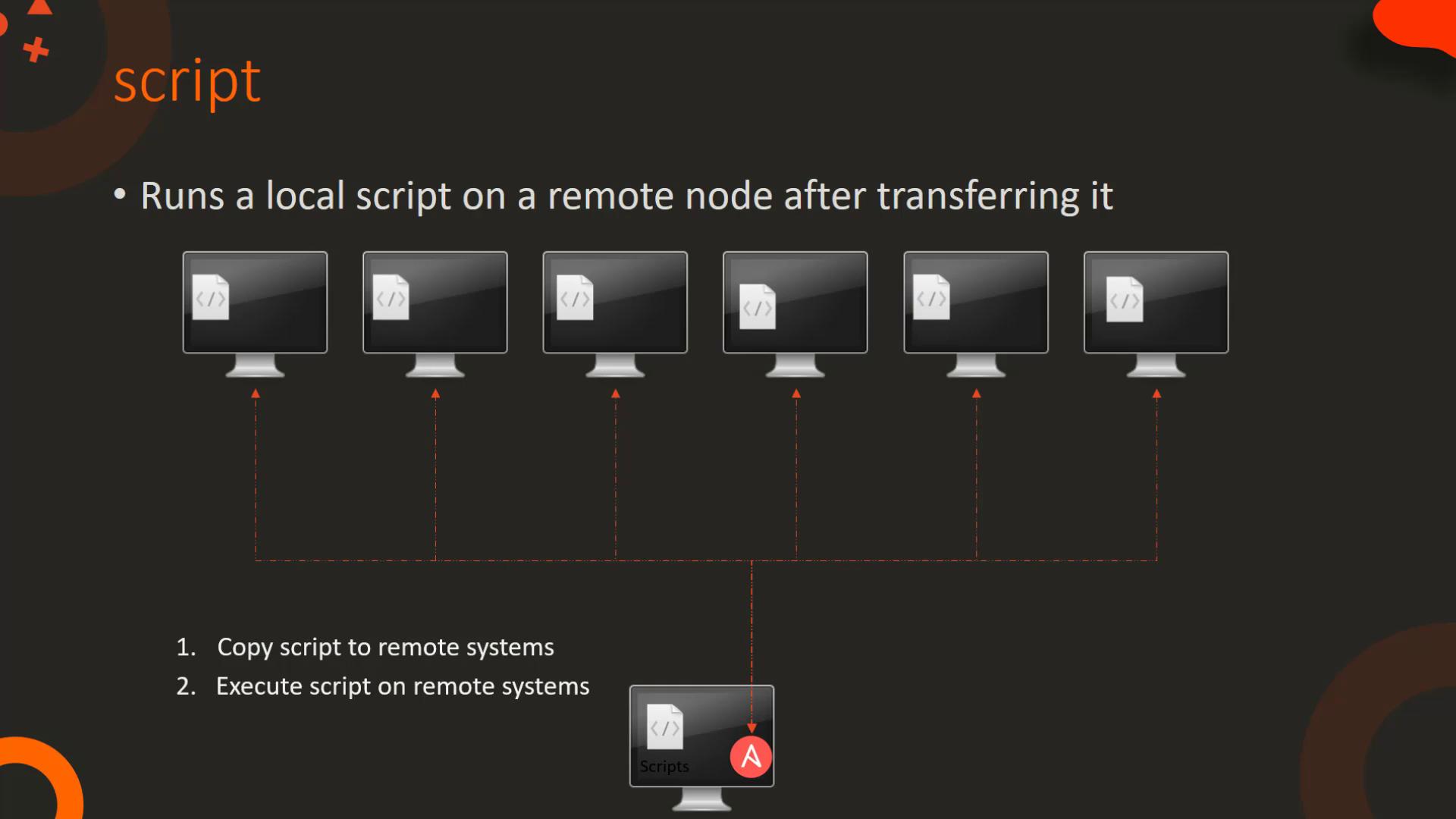
* **Command Modules:** Allow execution of commands or scripts on a host. Use the `command` module for simple commands or the `expect` module for interactive commands. The `script` module lets you run local scripts on remote hosts.
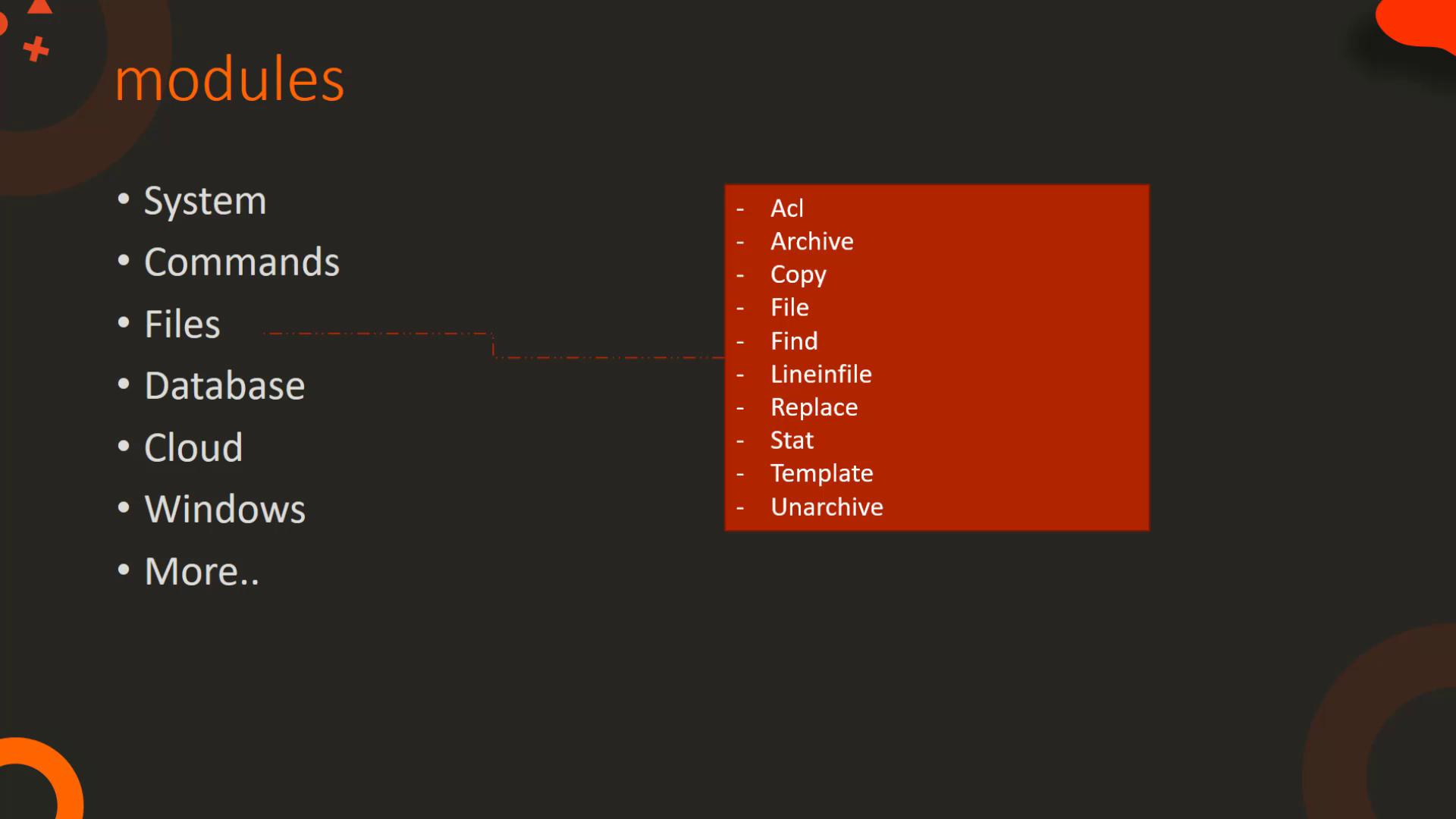
* **File Modules:** Facilitate operations on files, including setting file permissions with ACL, compression with `archive`/`unarchive`, and file content modifications using modules like `find`, `lineinfile`, and `replace`.
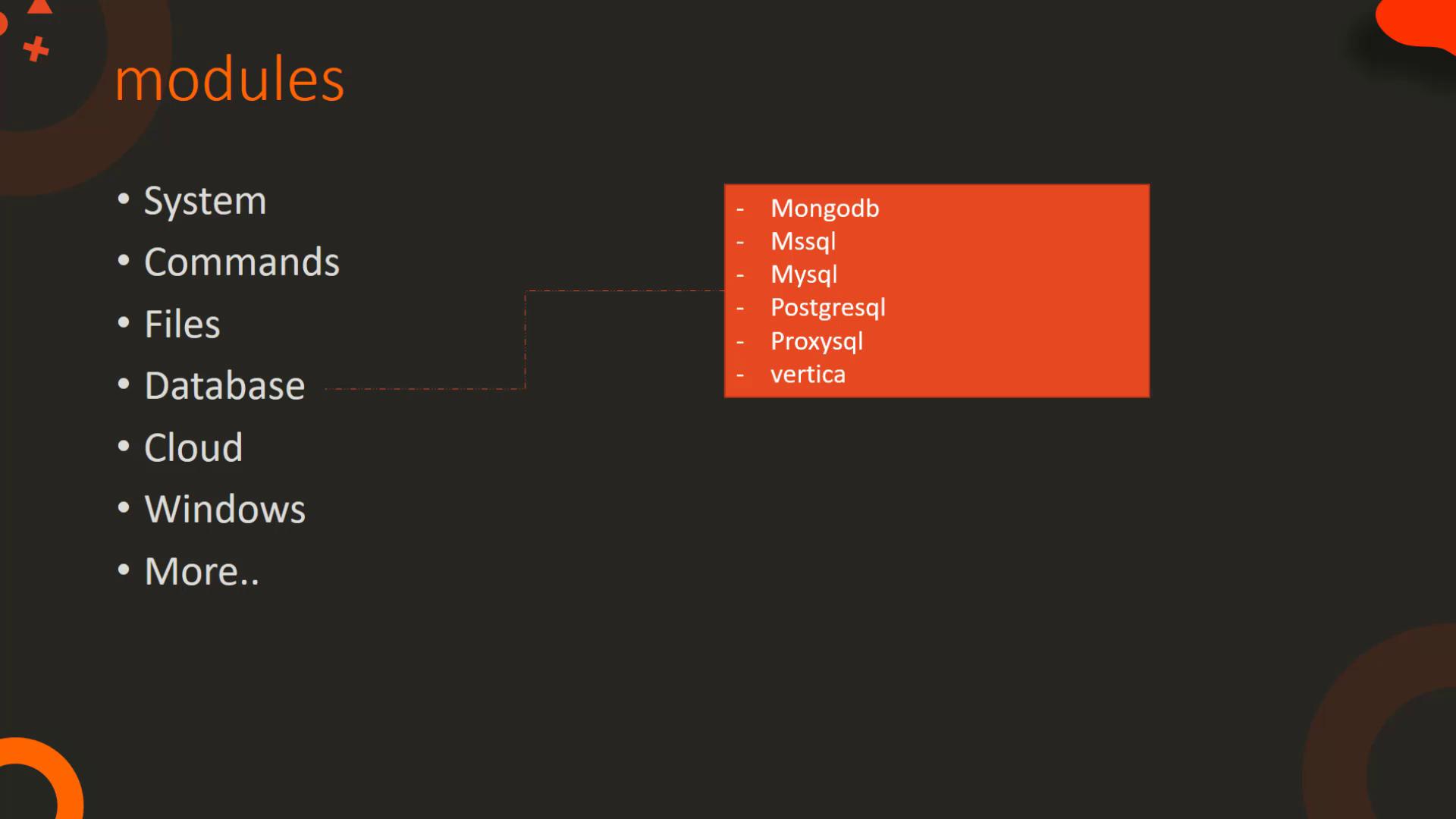
* **Database Modules:** Manage database operations for systems such as MongoDB, MySQL, MS SQL, and PostgreSQL, allowing you to add, remove, or update configurations.
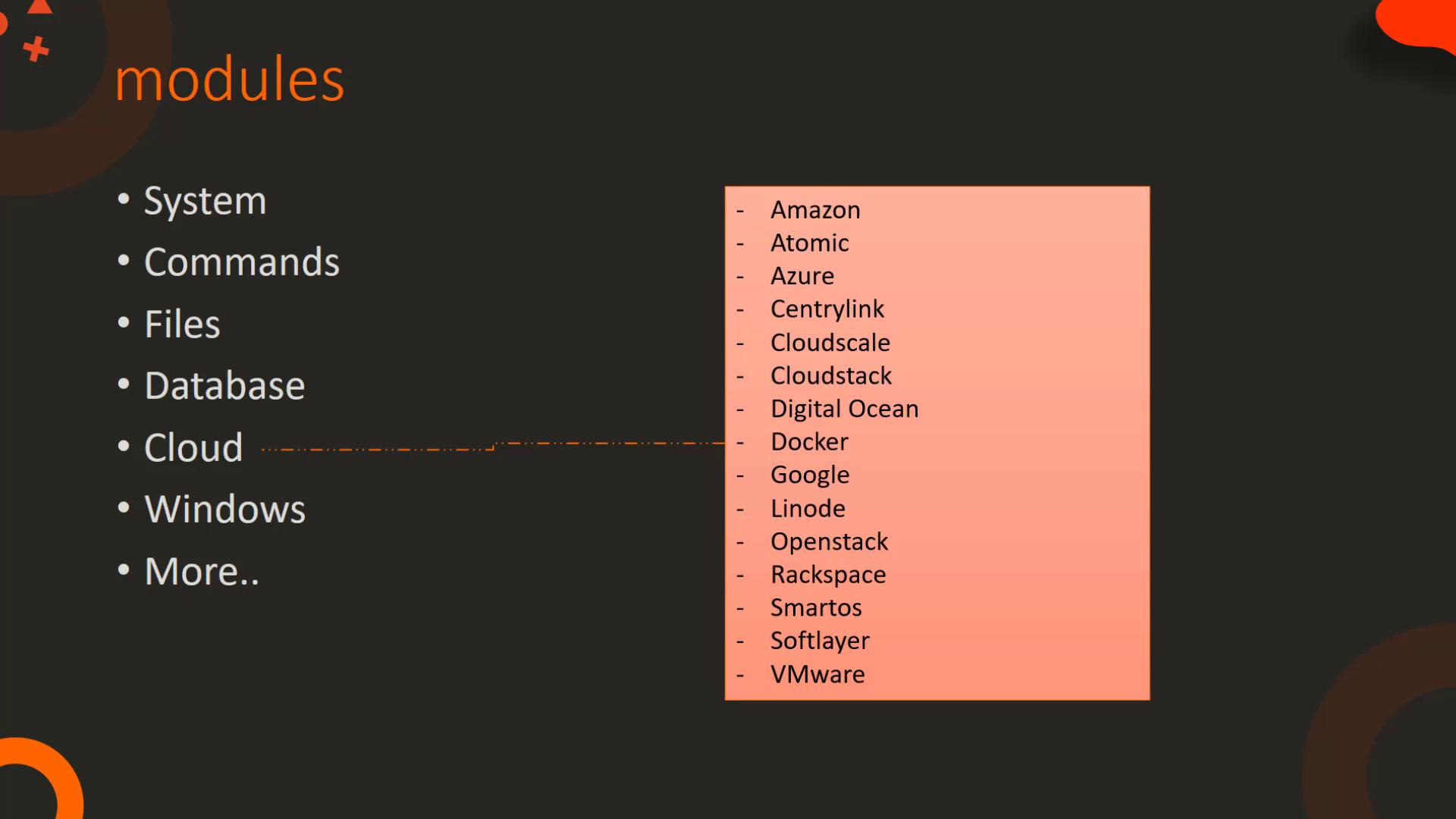
* **Cloud Modules:** Offer robust functionalities for various cloud providers including Amazon, Azure, Docker, Google, OpenStack, and VMware. They help manage tasks like instance creation/destruction, networking, security configurations, container management, and data center operations.
* **Windows Modules:** Optimize management of Windows environments. Modules like `win_copy`, `win_command`, `win_service`, and others help with tasks ranging from file transfer to installing software and managing Windows services.
For a complete reference and detailed documentation, please visit the [Ansible Documentation](https://docs.ansible.com).
Let's delve into some specific modules to understand how to utilize them and read their documentation pages.
***
## The Command Module
The command module executes a command on a remote node using key-value pair parameters. Below is an example playbook that runs the `date` command and displays the contents of `/etc/resolv.conf`:
```yaml theme={null}
- name: Play 1
hosts: localhost
tasks:
- name: Execute command 'date'
command: date
- name: Display resolv.conf contents using full path
command: cat /etc/resolv.conf
- name: Display resolv.conf contents using change directory
command: cat resolv.conf chdir=/etc
- name: Create folder if it does not exist
command: mkdir /folder creates=/folder
```
Notice how parameters such as `chdir` and `creates` modify the execution behavior. The `chdir` parameter changes the working directory before executing the command, while the `creates` parameter prevents command execution if a specific file or directory already exists.
One important concept is "free form" input. In the command module, the command itself (e.g., `cat /etc/resolv.conf` or `mkdir /folder`) is provided as a free form string. In contrast, modules like the copy module require explicit parameter names:
```yaml theme={null}
- name: Play 1
hosts: localhost
tasks:
- name: Copy file from source to destination
copy:
src: /source_file
dest: /destination
```
The command module accepts free form commands, making it ideal for straightforward executions, while modules such as copy require a structured key=value syntax.
***
## The Script Module
The script module facilitates executing a local script on remote nodes. When invoked, Ansible automatically transfers the script from the controller machine to the target nodes and then runs it. This automation simplifies tasks that require script execution across multiple machines.
Simply specify the local path of the script and include any necessary arguments.
***
## The Service Module
The service module manages system services, enabling you to start, stop, or restart them. Below is an example playbook to start a database service:
```yaml theme={null}
- name: Start Services in order
hosts: localhost
tasks:
- name: Start the database service using key-value format
service: name=postgresql state=started
```
You can also express the same logic using a dictionary format for enhanced readability:
```yaml theme={null}
- name: Start Services in order
hosts: localhost
tasks:
- name: Start the database service using a map
service:
name: postgresql
state: started
```
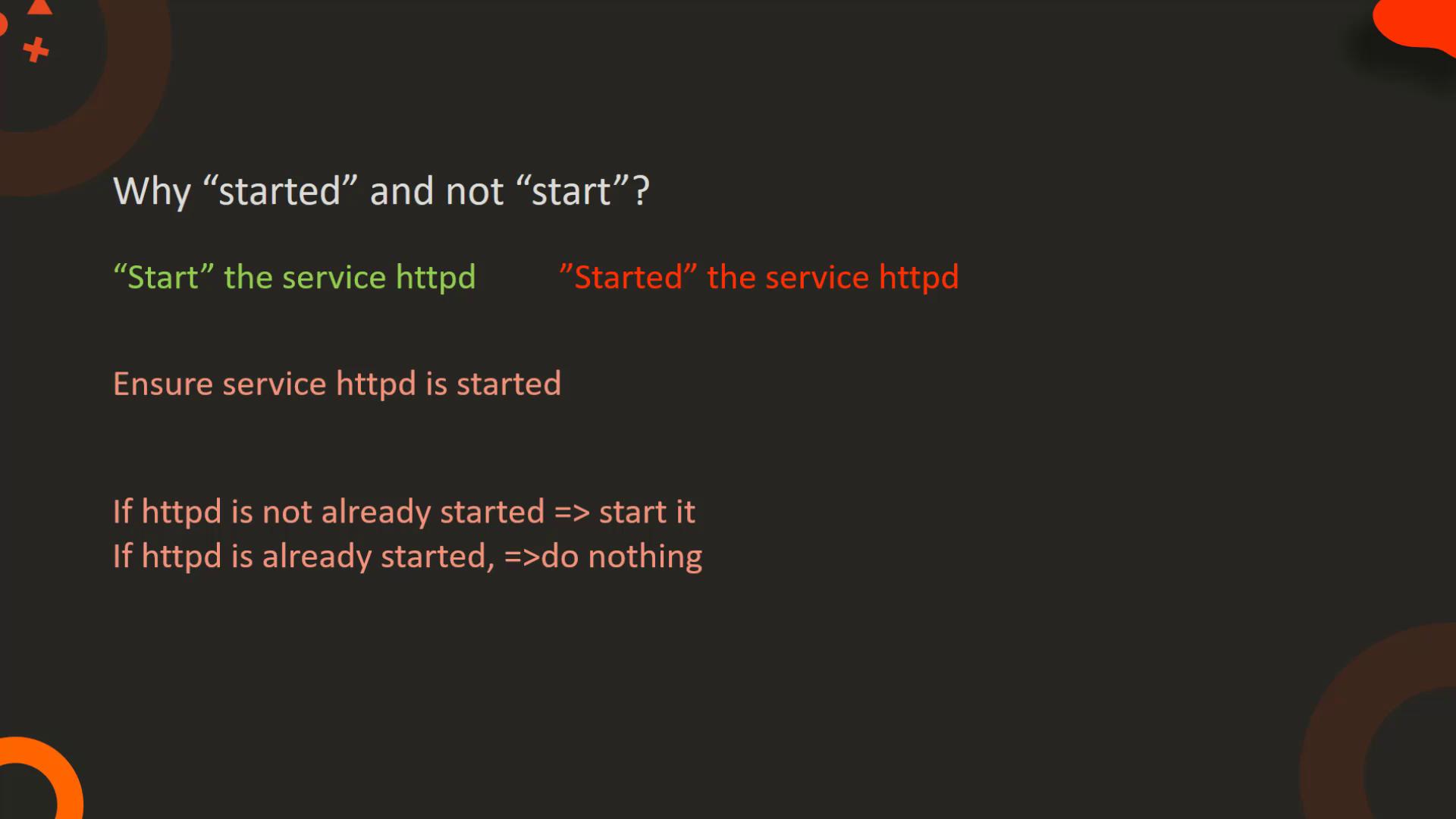
In these examples, the `name` parameter identifies the service (in this case, PostgreSQL), and the `state` parameter declares the desired state. The use of "started" instead of "start" ensures that if the service is already running, Ansible performs no extra action, promoting idempotency.
Idempotency ensures that running the same playbook multiple times results in a consistent state without unintended side effects.
***
## The Lineinfile Module
The lineinfile module is essential for managing file content. It ensures that a specific line is present in a file by adding or replacing it as needed, making it highly useful for configuration management. For example, to add a new DNS server entry to `/etc/resolv.conf`:
```yaml theme={null}
- name: Add DNS server to resolv.conf
hosts: localhost
tasks:
- name: Ensure the correct nameserver is present in resolv.conf
lineinfile:
path: /etc/resolv.conf
line: 'nameserver 10.1.250.10'
```
In contrast, a shell script appending text to a file might create duplicate entries over multiple executions:
```sh theme={null}
# Sample script
echo "nameserver 10.1.250.10" >> /etc/resolv.conf
```
Repeated executions of the script could result in multiple lines, while the lineinfile module guarantees a single, idempotent entry.
***
## Summary Table of Ansible Module Categories
| Module Category | Primary Functionality | Example Modules |
| --------------- | --------------------------------------------------------------- | ------------------------------------- |
| System | OS-level changes; user, group, firewall, and service management | user, group, service |
| Command | Execute commands and scripts on remote hosts | command, expect, script |
| Files | File operations; permissions, content modification, compression | copy, lineinfile, find, replace |
| Database | Manage and configure databases | mysql\_db, postgresql\_db, mongodb |
| Cloud | Manage cloud infrastructure and resources | amazon, azure, google, openstack |
| Windows | Administer Windows environments | win\_copy, win\_command, win\_service |
***
This concludes our detailed walkthrough of essential Ansible modules. To extend your knowledge, explore Ansible’s comprehensive documentation and practice these modules in real-world scenarios.
For more detailed information, visit the official [Ansible Documentation](https://docs.ansible.com).
See you in the next lesson!