> ## Documentation Index
> Fetch the complete documentation index at: https://notes.kodekloud.com/llms.txt
> Use this file to discover all available pages before exploring further.
# Ansible Conditionals based on facts variables re use
> Guide to using Ansible conditionals with gathered facts and variables to handle OS specific tasks, environment configurations, and reuse tasks across mixed server environments.
In this lesson we’ll cover how to use Ansible conditionals to:
* detect target operating systems and versions using facts,
* apply environment-specific configuration using variables,
* reuse common tasks while running environment-specific steps only where appropriate.
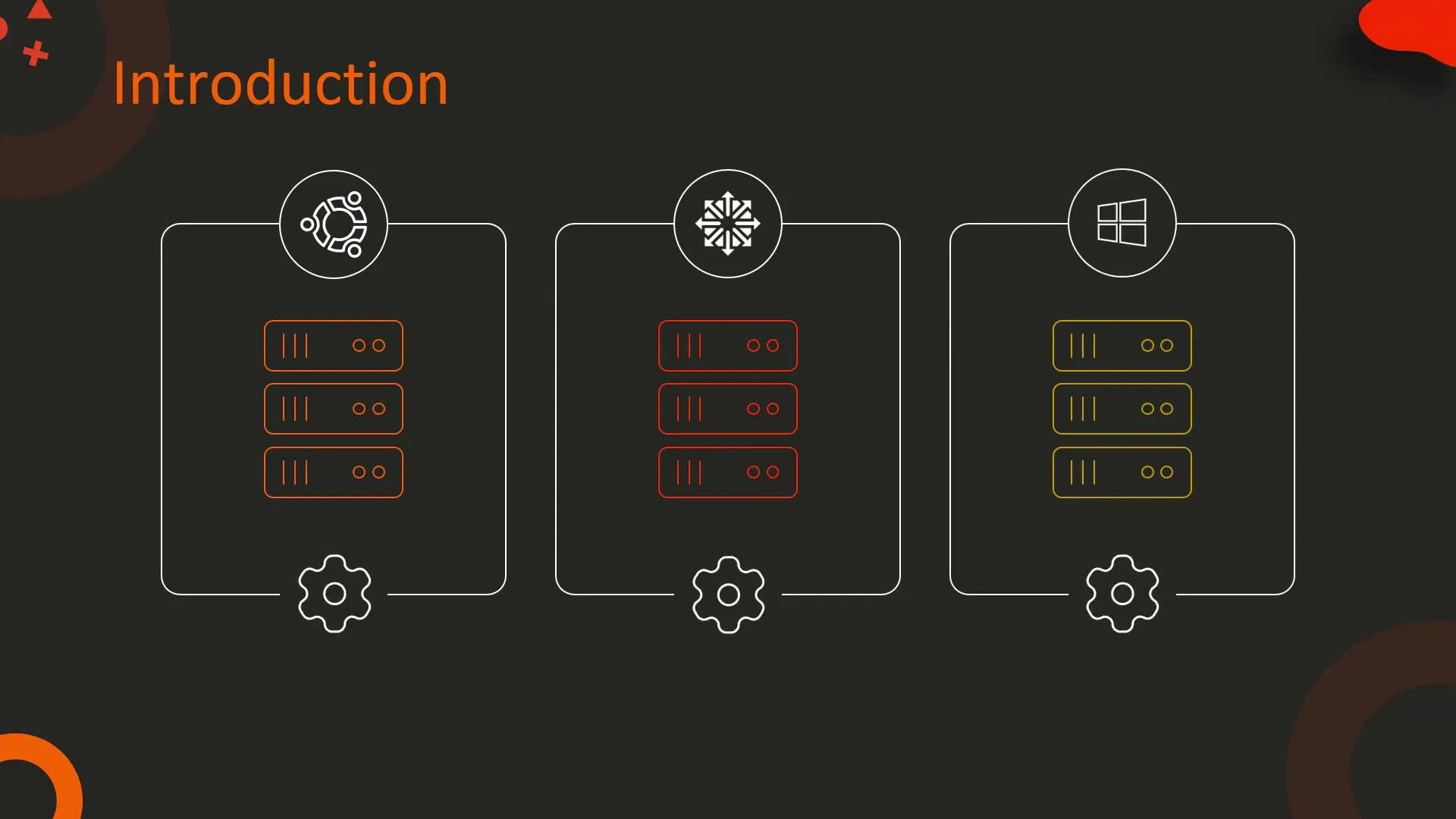
Imagine a mixed infrastructure of Ubuntu 18.04, CentOS 7, and Windows Server 2019 hosts. Your goal is to deploy a web application across all these hosts but run different actions per OS and per environment (development, staging, production).
 ## Facts: What they are and how to use them
Ansible facts are automatically gathered system variables (unless you disable gathering). Facts provide details like distribution, distribution version, os\_family, architecture, and more — and are commonly used inside `when` conditionals to drive OS-specific behaviour.
Helpful links:
* Ansible user guide — conditionals: [https://docs.ansible.com/ansible/latest/user\_guide/playbooks\_conditionals.html](https://docs.ansible.com/ansible/latest/user_guide/playbooks_conditionals.html)
* Facts & the setup module: [https://docs.ansible.com/ansible/latest/collections/ansible/builtin/setup\_module.html](https://docs.ansible.com/ansible/latest/collections/ansible/builtin/setup_module.html)
By default Ansible gathers facts at the start of a play using the setup module. If you set gather\_facts: false, you must call the setup module explicitly (or enable gathering) before relying on `ansible_facts`.
Quick reference table: common facts and their uses
| Fact name | Typical use case | Example value |
| --------------------------------------------- | --------------------------------------------- | ------------------ |
| `ansible_facts['os_family']` | Broad family checks (Debian, RedHat, Windows) | `Debian` |
| `ansible_facts['distribution']` | Distribution-specific checks | `Ubuntu`, `CentOS` |
| `ansible_facts['distribution_major_version']` | Version-specific checks | `18`, `7` |
| `ansible_facts['architecture']` | Architecture-specific package choices | `x86_64` |
You can inspect facts for a host with an ad-hoc command:
* ansible \ -m setup
Or by adding a debug task to a play:
```yaml theme={null}
- name: Show gathered facts
debug:
var: ansible_facts
```
## Scenario 1 — Install Nginx only on Ubuntu 18.04
Use facts in a `when` conditional to target a specific distribution and major version.
Example task (apt-based install only for Ubuntu 18.04):
```yaml theme={null}
- name: Install Nginx on Ubuntu 18.04
apt:
name: nginx=1.18.0
state: present
when:
- ansible_facts['distribution'] == 'Ubuntu'
- ansible_facts['distribution_major_version'] == '18'
```
Notes:
* For targeting all Debian-family distributions you could use `ansible_facts['os_family'] == 'Debian'`.
* Always validate the exact fact keys by inspecting gathered facts on your hosts.
Relevant docs:
* apt module: [https://docs.ansible.com/ansible/latest/collections/ansible/builtin/apt\_module.html](https://docs.ansible.com/ansible/latest/collections/ansible/builtin/apt_module.html)
## Scenario 2 — Use a variable to apply environment-specific configuration
Define an environment variable (for example `app_env`) to drive templating so each environment receives its specific configuration.
Example templating task that chooses the source template based on `app_env`:
```yaml theme={null}
- name: Deploy environment-specific config
template:
src: "{{ app_env }}_config.j2"
dest: /etc/myapp/config.conf
vars:
# optionally override per-task (prefer inventory/group_vars for real deployments)
# app_env: production
```
Where to define `app_env`:
* inventory (host\_vars or group\_vars)
* dedicated variable files
* at the play level:
```yaml theme={null}
vars:
app_env: production
```
Relevant docs:
* template module: [https://docs.ansible.com/ansible/latest/collections/ansible/builtin/template\_module.html](https://docs.ansible.com/ansible/latest/collections/ansible/builtin/template_module.html)
## Scenario 3 — Reuse common tasks, but start services only in production
Many tasks are common across all hosts (package installation, directories, permissions). Use a `when` conditional to run environment-only actions (for example starting services) on production hosts.
A compact example play that brings the scenarios together:
```yaml theme={null}
- name: Deploy myapp across mixed servers
hosts: all
become: yes
vars:
app_env: production # in real deployments, set this per-inventory/host_vars
tasks:
- name: Install required packages (Debian-family)
apt:
name:
- package1
- package2
state: present
when: ansible_facts['os_family'] == 'Debian'
- name: Create necessary directories and set permissions
file:
path: /opt/myapp
state: directory
owner: myapp
group: myapp
mode: '0755'
- name: Deploy environment-specific config
template:
src: "{{ app_env }}_config.j2"
dest: /etc/myapp/config.conf
notify: Restart myapp
- name: Start web application service (only in production)
service:
name: myapp
state: started
when: app_env == 'production'
handlers:
- name: Restart myapp
service:
name: myapp
state: restarted
```
Notes:
* Replace the `apt` task with `yum` or `win_chocolatey` on non-Debian systems when needed.
* Use `notify` + `handlers` to centralize service restarts after configuration changes.
Service module docs:
* [https://docs.ansible.com/ansible/latest/collections/ansible/builtin/service\_module.html](https://docs.ansible.com/ansible/latest/collections/ansible/builtin/service_module.html)
## Best practices and tips
* Keep environment and role variables out of inline tasks. Prefer inventory (`host_vars` / `group_vars`) or dedicated variable files to make playbooks reusable and easy to manage.
* Use consistent variable names across repositories (e.g., `app_env` or `environment`) to avoid confusion.
* Inspect facts frequently with the setup module or debug to determine which fact names and values are available on your target hosts.
* Use multiple `when` conditions as lists for readability:
when:
* condition1
* condition2
* Prefer checking `os_family` for portability across similar distributions, and use `distribution` + `distribution_major_version` for precise control.
## Summary
Ansible conditionals — combining gathered facts and variables — let you write readable, maintainable automation for mixed OS environments. Use facts to detect OS and versions, variables to parameterize environment-specific behavior, and `when` conditionals to reuse common tasks while restricting environment-specific changes to the appropriate hosts.
Further reading:
* Ansible documentation: [https://docs.ansible.com/ansible/latest/index.html](https://docs.ansible.com/ansible/latest/index.html)
* Playbooks and conditionals: [https://docs.ansible.com/ansible/latest/user\_guide/playbooks\_conditionals.html](https://docs.ansible.com/ansible/latest/user_guide/playbooks_conditionals.html)
## Facts: What they are and how to use them
Ansible facts are automatically gathered system variables (unless you disable gathering). Facts provide details like distribution, distribution version, os\_family, architecture, and more — and are commonly used inside `when` conditionals to drive OS-specific behaviour.
Helpful links:
* Ansible user guide — conditionals: [https://docs.ansible.com/ansible/latest/user\_guide/playbooks\_conditionals.html](https://docs.ansible.com/ansible/latest/user_guide/playbooks_conditionals.html)
* Facts & the setup module: [https://docs.ansible.com/ansible/latest/collections/ansible/builtin/setup\_module.html](https://docs.ansible.com/ansible/latest/collections/ansible/builtin/setup_module.html)
By default Ansible gathers facts at the start of a play using the setup module. If you set gather\_facts: false, you must call the setup module explicitly (or enable gathering) before relying on `ansible_facts`.
Quick reference table: common facts and their uses
| Fact name | Typical use case | Example value |
| --------------------------------------------- | --------------------------------------------- | ------------------ |
| `ansible_facts['os_family']` | Broad family checks (Debian, RedHat, Windows) | `Debian` |
| `ansible_facts['distribution']` | Distribution-specific checks | `Ubuntu`, `CentOS` |
| `ansible_facts['distribution_major_version']` | Version-specific checks | `18`, `7` |
| `ansible_facts['architecture']` | Architecture-specific package choices | `x86_64` |
You can inspect facts for a host with an ad-hoc command:
* ansible \ -m setup
Or by adding a debug task to a play:
```yaml theme={null}
- name: Show gathered facts
debug:
var: ansible_facts
```
## Scenario 1 — Install Nginx only on Ubuntu 18.04
Use facts in a `when` conditional to target a specific distribution and major version.
Example task (apt-based install only for Ubuntu 18.04):
```yaml theme={null}
- name: Install Nginx on Ubuntu 18.04
apt:
name: nginx=1.18.0
state: present
when:
- ansible_facts['distribution'] == 'Ubuntu'
- ansible_facts['distribution_major_version'] == '18'
```
Notes:
* For targeting all Debian-family distributions you could use `ansible_facts['os_family'] == 'Debian'`.
* Always validate the exact fact keys by inspecting gathered facts on your hosts.
Relevant docs:
* apt module: [https://docs.ansible.com/ansible/latest/collections/ansible/builtin/apt\_module.html](https://docs.ansible.com/ansible/latest/collections/ansible/builtin/apt_module.html)
## Scenario 2 — Use a variable to apply environment-specific configuration
Define an environment variable (for example `app_env`) to drive templating so each environment receives its specific configuration.
Example templating task that chooses the source template based on `app_env`:
```yaml theme={null}
- name: Deploy environment-specific config
template:
src: "{{ app_env }}_config.j2"
dest: /etc/myapp/config.conf
vars:
# optionally override per-task (prefer inventory/group_vars for real deployments)
# app_env: production
```
Where to define `app_env`:
* inventory (host\_vars or group\_vars)
* dedicated variable files
* at the play level:
```yaml theme={null}
vars:
app_env: production
```
Relevant docs:
* template module: [https://docs.ansible.com/ansible/latest/collections/ansible/builtin/template\_module.html](https://docs.ansible.com/ansible/latest/collections/ansible/builtin/template_module.html)
## Scenario 3 — Reuse common tasks, but start services only in production
Many tasks are common across all hosts (package installation, directories, permissions). Use a `when` conditional to run environment-only actions (for example starting services) on production hosts.
A compact example play that brings the scenarios together:
```yaml theme={null}
- name: Deploy myapp across mixed servers
hosts: all
become: yes
vars:
app_env: production # in real deployments, set this per-inventory/host_vars
tasks:
- name: Install required packages (Debian-family)
apt:
name:
- package1
- package2
state: present
when: ansible_facts['os_family'] == 'Debian'
- name: Create necessary directories and set permissions
file:
path: /opt/myapp
state: directory
owner: myapp
group: myapp
mode: '0755'
- name: Deploy environment-specific config
template:
src: "{{ app_env }}_config.j2"
dest: /etc/myapp/config.conf
notify: Restart myapp
- name: Start web application service (only in production)
service:
name: myapp
state: started
when: app_env == 'production'
handlers:
- name: Restart myapp
service:
name: myapp
state: restarted
```
Notes:
* Replace the `apt` task with `yum` or `win_chocolatey` on non-Debian systems when needed.
* Use `notify` + `handlers` to centralize service restarts after configuration changes.
Service module docs:
* [https://docs.ansible.com/ansible/latest/collections/ansible/builtin/service\_module.html](https://docs.ansible.com/ansible/latest/collections/ansible/builtin/service_module.html)
## Best practices and tips
* Keep environment and role variables out of inline tasks. Prefer inventory (`host_vars` / `group_vars`) or dedicated variable files to make playbooks reusable and easy to manage.
* Use consistent variable names across repositories (e.g., `app_env` or `environment`) to avoid confusion.
* Inspect facts frequently with the setup module or debug to determine which fact names and values are available on your target hosts.
* Use multiple `when` conditions as lists for readability:
when:
* condition1
* condition2
* Prefer checking `os_family` for portability across similar distributions, and use `distribution` + `distribution_major_version` for precise control.
## Summary
Ansible conditionals — combining gathered facts and variables — let you write readable, maintainable automation for mixed OS environments. Use facts to detect OS and versions, variables to parameterize environment-specific behavior, and `when` conditionals to reuse common tasks while restricting environment-specific changes to the appropriate hosts.
Further reading:
* Ansible documentation: [https://docs.ansible.com/ansible/latest/index.html](https://docs.ansible.com/ansible/latest/index.html)
* Playbooks and conditionals: [https://docs.ansible.com/ansible/latest/user\_guide/playbooks\_conditionals.html](https://docs.ansible.com/ansible/latest/user_guide/playbooks_conditionals.html)