> ## Documentation Index
> Fetch the complete documentation index at: https://notes.kodekloud.com/llms.txt
> Use this file to discover all available pages before exploring further.
# Composite Resources and Compositions
> Explains Crossplane CompositeResourceDefinitions and Compositions that let platform teams expose higher level APIs so developers request single composite resources which expand into managed concrete infrastructure.
Imagine ordering a burger by listing every ingredient separately: the bun, the patty, lettuce, sauce — each item spelled out on its own. It's tedious, and you'd need to know the whole recipe to place the order.
A set menu fixes this.
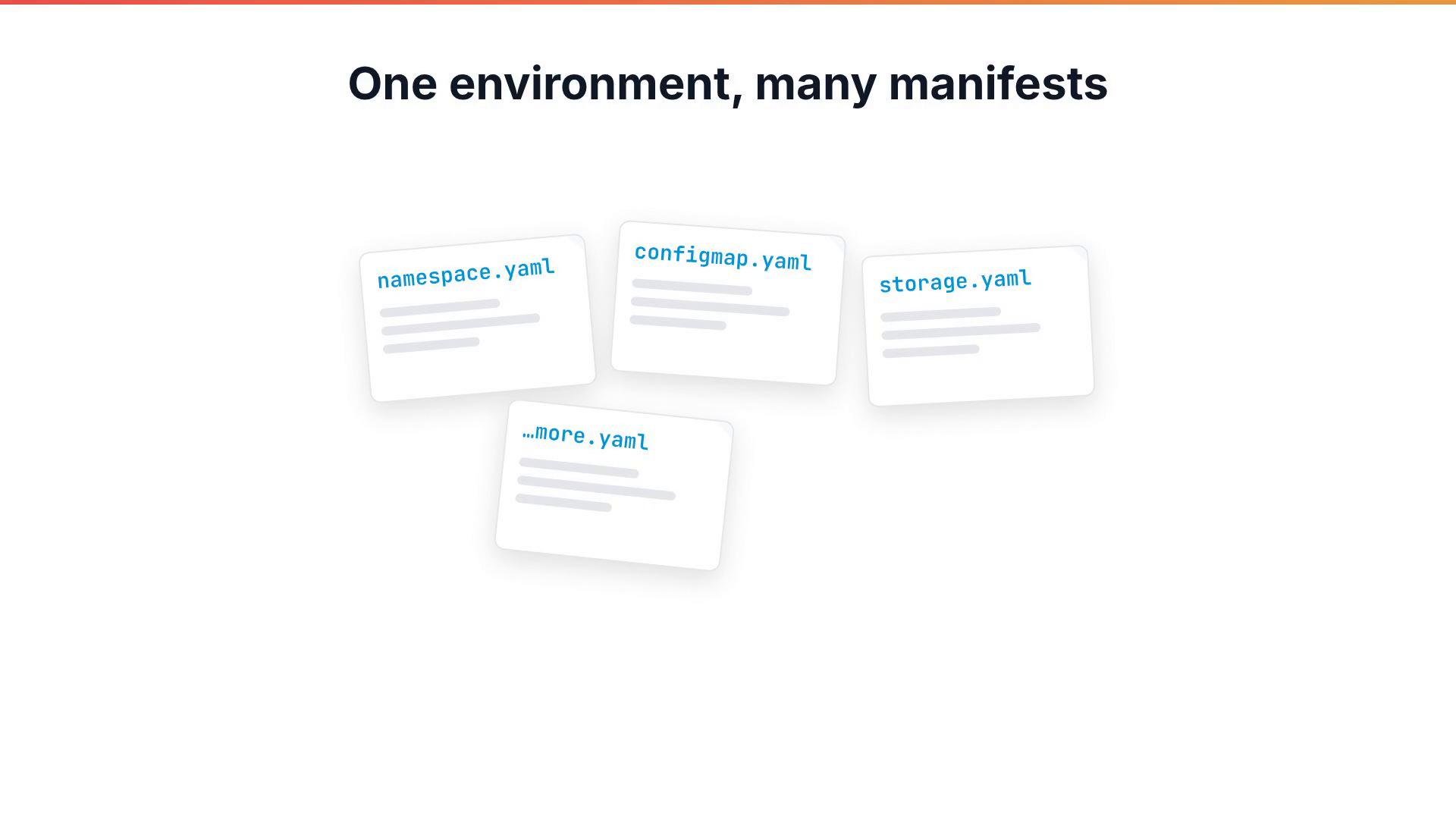
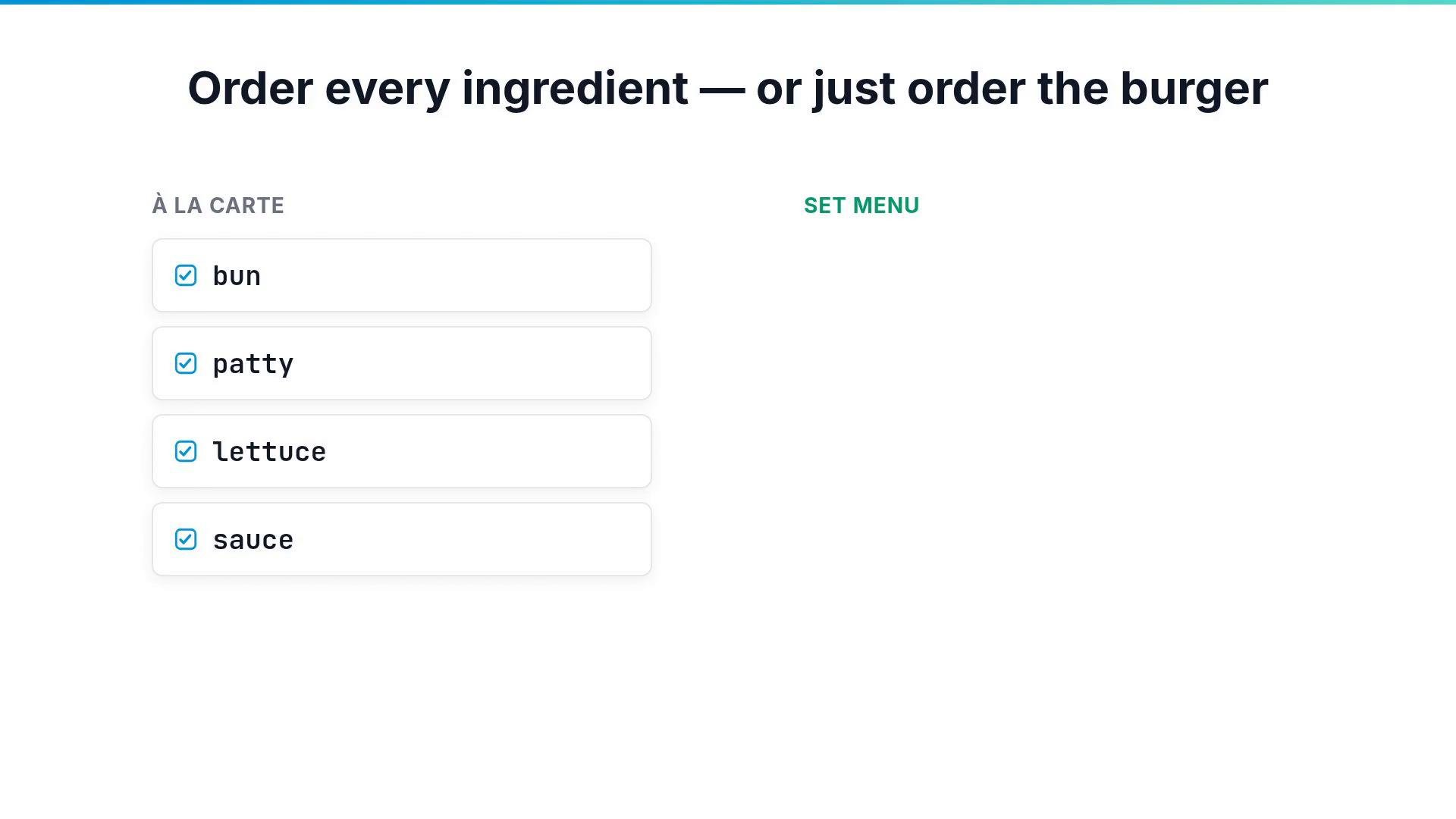 Instead of listing every resource for an application environment (namespace, ConfigMap, storage, etc.), you want developers to request a single, higher-level resource. Crossplane provides that higher-level API through CompositeResourceDefinitions (XRDs) and Compositions. A Composition acts as the blueprint that builds the full infrastructure from a single request — like a kitchen assembling a burger from a set menu.
 Why use Compositions?
* Reduce manifest sprawl and human error.
* Provide a simple, consistent API for developers.
* Let platform teams evolve implementations without changing developer workflows.
* Enable self-service infrastructure by encapsulating complexity.
How it works
1. Define a CompositeResourceDefinition (XRD) that declares a new API (the composite type) and its schema.
2. Create a Composition that implements that API by specifying the concrete resources to provision and how request fields map into them (via patches and functions).
3. Developers create instances of the composite type (for example `XSimpleApp`) and Crossplane expands and manages all underlying resources.
Table: Key Crossplane resources
| Resource Type | Purpose | Example |
| - | - | - |
| CompositeResourceDefinition (XRD) | Declares a custom composite API and validates request fields | `kind: XSimpleApp` |
| Composition | Blueprint that implements the XRD by creating concrete resources and wiring inputs | `compositeTypeRef: apiVersion: platform.example.org/v1 kind: XSimpleApp` |
Example: a minimal XRD
Below is a minimal `CompositeResourceDefinition` for an `XSimpleApp`. It declares the composite API, the requestable fields, and validation (here `appName` and `environment` are required; `environment` limits values to `dev`, `staging`, or `prod`).
```yaml theme={null}
apiVersion: apiextensions.crossplane.io/v1
kind: CompositeResourceDefinition
metadata:
name: xsimpleapps.platform.example.org
spec:
group: platform.example.org
names:
kind: XSimpleApp
versions:
- name: v1
served: true
referenceable: true
schema:
openAPIV3Schema:
type: object
properties:
spec:
type: object
properties:
appName:
type: string
environment:
type: string
enum:
- dev
- staging
- prod
required:
- appName
- environment
```
Example: a Composition (blueprint)
A Composition implements the XRD by describing which concrete resources to create for every `XSimpleApp` instance. This example uses `mode: Pipeline` and a step that references a function for patching and transformations (details on functions/patching follow in later lessons).
```yaml theme={null}
apiVersion: apiextensions.crossplane.io/v1
kind: Composition
metadata:
name: xsimpleapp
spec:
compositeTypeRef:
apiVersion: platform.example.org/v1
kind: XSimpleApp
mode: Pipeline
pipeline:
- step: resources
functionRef:
name: function-patch-and-transform
input:
resources:
- name: namespace
base:
apiVersion: v1
kind: Namespace
metadata:
name: placeholder-namespace
- name: configmap
base:
apiVersion: v1
kind: ConfigMap
metadata:
name: placeholder-configmap
data:
example: placeholder
```
Apply and observe
1. Apply the XRD first. Kubernetes will register a new composite resource type.
2. Apply the Composition. Platform owners manage Compositions; developers should not need to edit them.
3. When a developer creates an `XSimpleApp`, Crossplane expands that single request into the concrete resources defined by the Composition and reconciles them continuously.
Example `kubectl get ns` after Crossplane provisions a namespace for an `XSimpleApp`:
```bash theme={null}
user@cluster:~$ kubectl get ns
NAME STATUS AGE
default Active 6d
crossplane-system Active 2h
placeholder-namespace Active 12s
```
Developer experience
Developers only need to create and maintain instances of the composite API. For example, a developer requests an `XSimpleApp` with simple fields:
```yaml theme={null}
apiVersion: platform.example.org/v1
kind: XSimpleApp
metadata:
name: demo-app
spec:
appName: demo
environment: prod
```
Crossplane will:
* Create and manage the namespace and ConfigMap defined by the Composition.
* Use functions/patches configured in the Composition to propagate request values (`appName`, `environment`) into the generated resources.
* Reconcile and repair drift automatically.
XRDs and Compositions let platform teams expose a simplified API to developers. Platform owners maintain Compositions (the implementation blueprints), while developers create instances of the composite type. Functions and patches inside a Composition map request fields into generated resources to keep configuration DRY and consistent.
XRDs can be cluster-scoped or namespace-scoped. Choose the scope carefully: it determines where users can create composite instances and affects access control and lifecycle management.
Next steps
* Try creating the XRD and Composition in a test cluster and then create an `XSimpleApp` instance to see Crossplane provision the underlying resources.
* In follow-up lessons, learn how Composition functions and patching transform request fields into concrete resource fields and how to conditionally compose resources.
Links and references
* [Crossplane Documentation](https://crossplane.io/docs/)
* [Kubernetes CustomResourceDefinition (CRD) docs](https://kubernetes.io/docs/tasks/extend-kubernetes/custom-resources/custom-resource-definitions/)
* [OpenAPI v3 Schema for Kubernetes](https://kubernetes.io/docs/tasks/extend-kubernetes/custom-resources/custom-resource-definitions/#validation)
This documentation is built and hosted on [Mintlify](https://mintlify.com), a developer documentation platform.
Why use Compositions?
* Reduce manifest sprawl and human error.
* Provide a simple, consistent API for developers.
* Let platform teams evolve implementations without changing developer workflows.
* Enable self-service infrastructure by encapsulating complexity.
How it works
1. Define a CompositeResourceDefinition (XRD) that declares a new API (the composite type) and its schema.
2. Create a Composition that implements that API by specifying the concrete resources to provision and how request fields map into them (via patches and functions).
3. Developers create instances of the composite type (for example `XSimpleApp`) and Crossplane expands and manages all underlying resources.
Table: Key Crossplane resources
| Resource Type | Purpose | Example |
| - | - | - |
| CompositeResourceDefinition (XRD) | Declares a custom composite API and validates request fields | `kind: XSimpleApp` |
| Composition | Blueprint that implements the XRD by creating concrete resources and wiring inputs | `compositeTypeRef: apiVersion: platform.example.org/v1 kind: XSimpleApp` |
Example: a minimal XRD
Below is a minimal `CompositeResourceDefinition` for an `XSimpleApp`. It declares the composite API, the requestable fields, and validation (here `appName` and `environment` are required; `environment` limits values to `dev`, `staging`, or `prod`).
```yaml theme={null}
apiVersion: apiextensions.crossplane.io/v1
kind: CompositeResourceDefinition
metadata:
name: xsimpleapps.platform.example.org
spec:
group: platform.example.org
names:
kind: XSimpleApp
versions:
- name: v1
served: true
referenceable: true
schema:
openAPIV3Schema:
type: object
properties:
spec:
type: object
properties:
appName:
type: string
environment:
type: string
enum:
- dev
- staging
- prod
required:
- appName
- environment
```
Example: a Composition (blueprint)
A Composition implements the XRD by describing which concrete resources to create for every `XSimpleApp` instance. This example uses `mode: Pipeline` and a step that references a function for patching and transformations (details on functions/patching follow in later lessons).
```yaml theme={null}
apiVersion: apiextensions.crossplane.io/v1
kind: Composition
metadata:
name: xsimpleapp
spec:
compositeTypeRef:
apiVersion: platform.example.org/v1
kind: XSimpleApp
mode: Pipeline
pipeline:
- step: resources
functionRef:
name: function-patch-and-transform
input:
resources:
- name: namespace
base:
apiVersion: v1
kind: Namespace
metadata:
name: placeholder-namespace
- name: configmap
base:
apiVersion: v1
kind: ConfigMap
metadata:
name: placeholder-configmap
data:
example: placeholder
```
Apply and observe
1. Apply the XRD first. Kubernetes will register a new composite resource type.
2. Apply the Composition. Platform owners manage Compositions; developers should not need to edit them.
3. When a developer creates an `XSimpleApp`, Crossplane expands that single request into the concrete resources defined by the Composition and reconciles them continuously.
Example `kubectl get ns` after Crossplane provisions a namespace for an `XSimpleApp`:
```bash theme={null}
user@cluster:~$ kubectl get ns
NAME STATUS AGE
default Active 6d
crossplane-system Active 2h
placeholder-namespace Active 12s
```
Developer experience
Developers only need to create and maintain instances of the composite API. For example, a developer requests an `XSimpleApp` with simple fields:
```yaml theme={null}
apiVersion: platform.example.org/v1
kind: XSimpleApp
metadata:
name: demo-app
spec:
appName: demo
environment: prod
```
Crossplane will:
* Create and manage the namespace and ConfigMap defined by the Composition.
* Use functions/patches configured in the Composition to propagate request values (`appName`, `environment`) into the generated resources.
* Reconcile and repair drift automatically.
XRDs and Compositions let platform teams expose a simplified API to developers. Platform owners maintain Compositions (the implementation blueprints), while developers create instances of the composite type. Functions and patches inside a Composition map request fields into generated resources to keep configuration DRY and consistent.
XRDs can be cluster-scoped or namespace-scoped. Choose the scope carefully: it determines where users can create composite instances and affects access control and lifecycle management.
Next steps
* Try creating the XRD and Composition in a test cluster and then create an `XSimpleApp` instance to see Crossplane provision the underlying resources.
* In follow-up lessons, learn how Composition functions and patching transform request fields into concrete resource fields and how to conditionally compose resources.
Links and references
* [Crossplane Documentation](https://crossplane.io/docs/)
* [Kubernetes CustomResourceDefinition (CRD) docs](https://kubernetes.io/docs/tasks/extend-kubernetes/custom-resources/custom-resource-definitions/)
* [OpenAPI v3 Schema for Kubernetes](https://kubernetes.io/docs/tasks/extend-kubernetes/custom-resources/custom-resource-definitions/#validation)
This documentation is built and hosted on [Mintlify](https://mintlify.com), a developer documentation platform.