> ## Documentation Index
> Fetch the complete documentation index at: https://notes.kodekloud.com/llms.txt
> Use this file to discover all available pages before exploring further.
# Anatomy of a Job Spec
> Explains Nomad job specifications declarative job, group, and task structure, resource settings, planning and running jobs to manage containerized workloads and placement
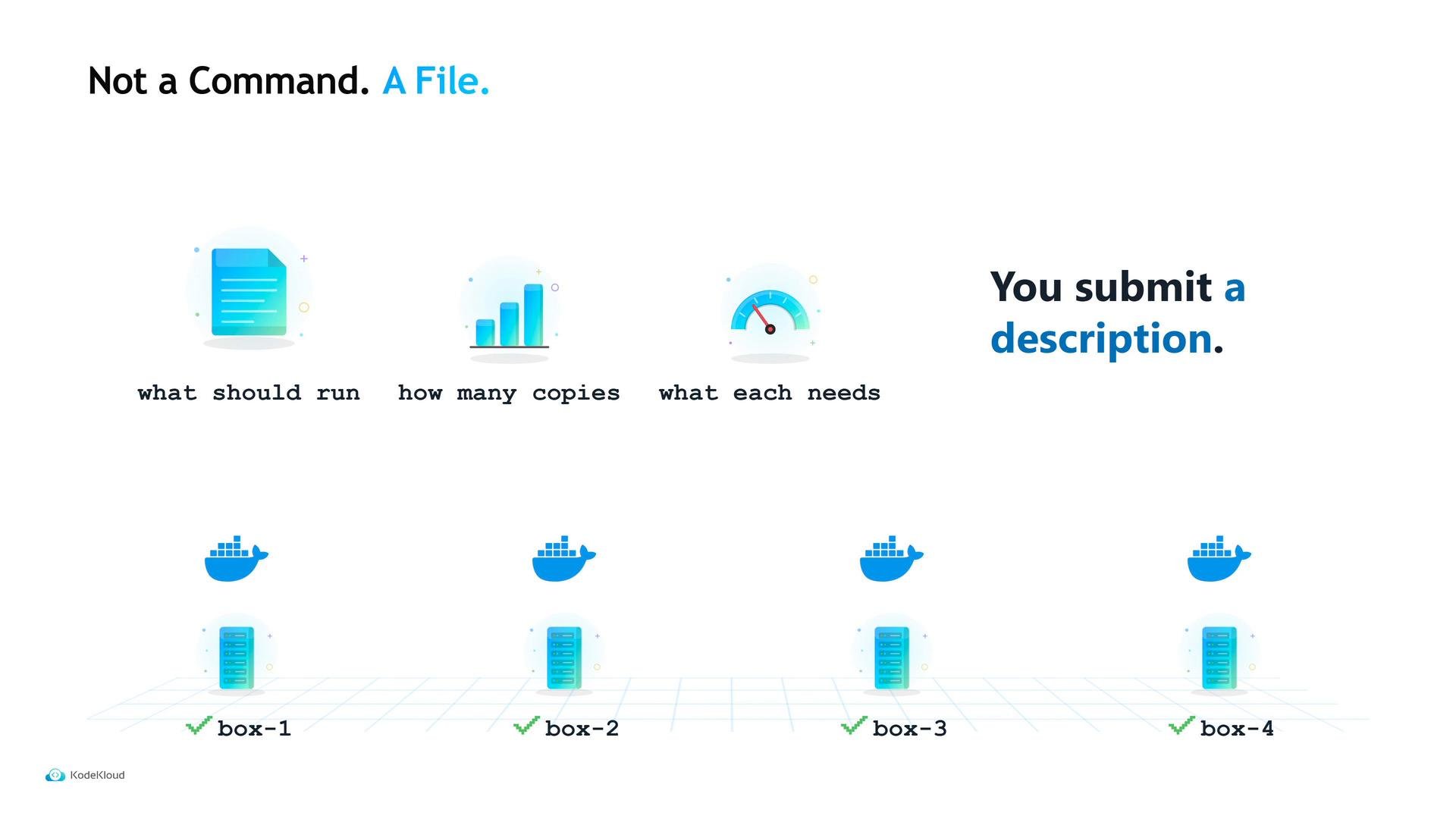
What Maya hands the cluster is a file: a declarative specification of what should be true once she submits it. Instead of typing a container start command on a host, she writes down:
* what should run,
* how many copies should exist, and
* what each copy needs to run.
The cluster (Nomad) is responsible for making that declaration true — and keeping it true. Nomad uses a job specification written in HCL (HashiCorp Configuration Language), the same configuration language used across HashiCorp tools.
A job spec is declarative: you describe the desired state and Nomad converges the cluster to match it. This is different from imperatively executing commands on individual machines.
 ## Three nested levels
A Nomad job spec has three nested levels. Each level has a clear responsibility and affects placement and lifecycle.
## Three nested levels
A Nomad job spec has three nested levels. Each level has a clear responsibility and affects placement and lifecycle.
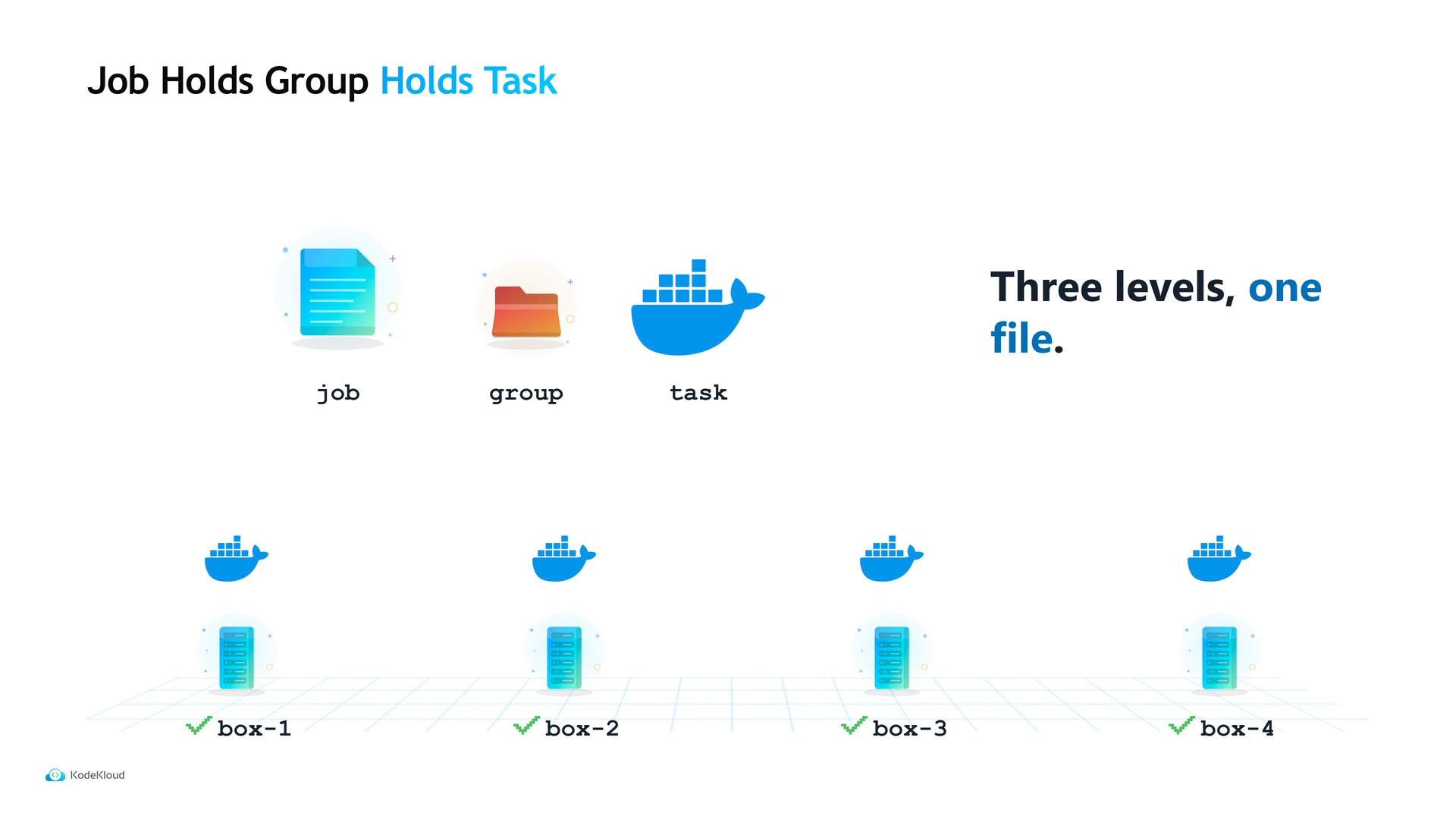 * Job — The top-level declaration you submit and version. It states metadata such as datacenters and job type.
* Group — The unit of placement and scaling. All tasks in one group land on the same client and scale together.
* Task — The actual runnable unit: a container, binary, or process.
Why have a group? Because sometimes services need to run together on the same machine (for example, an application and a sidecar helper). Grouping guarantees those tasks travel and scale together.
Table: Job vs Group vs Task
| Level | Purpose | Common settings |
| - | - | - |
| Job | Submitted unit, top-level metadata | `datacenters`, `type` |
| Group | Placement & scaling unit | `count`, `network`, `constraints` |
| Task | The process to run | `driver`, `config`, `resources` |
Now let's walk through the example file Maya uses for Tidepool's API.
## A simple job header
This job is named `tidepool-api`, runs in datacenter `dc1`, and is a `service` job:
```hcl theme={null}
$ cat tidepool-api.nomad.hcl
job "tidepool-api" {
datacenters = ["dc1"]
type = "service"
}
```
The `type` controls lifecycle expectations:
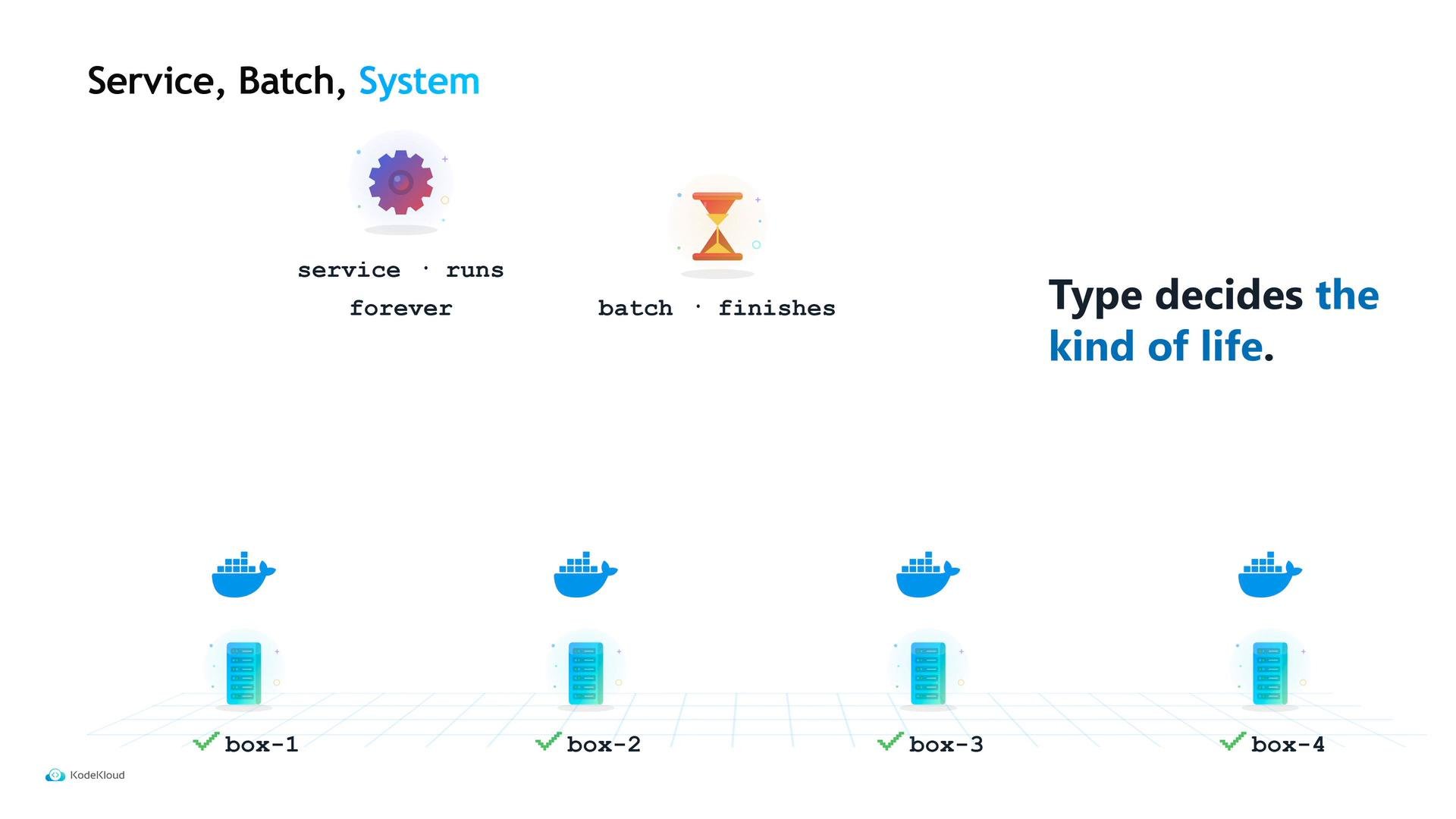
* `service` — expected to run continuously; Nomad restarts failures.
* `batch` — expected to run to completion and exit.
* `system` — run one copy on every client node (useful for agents like log shippers).
* Job — The top-level declaration you submit and version. It states metadata such as datacenters and job type.
* Group — The unit of placement and scaling. All tasks in one group land on the same client and scale together.
* Task — The actual runnable unit: a container, binary, or process.
Why have a group? Because sometimes services need to run together on the same machine (for example, an application and a sidecar helper). Grouping guarantees those tasks travel and scale together.
Table: Job vs Group vs Task
| Level | Purpose | Common settings |
| - | - | - |
| Job | Submitted unit, top-level metadata | `datacenters`, `type` |
| Group | Placement & scaling unit | `count`, `network`, `constraints` |
| Task | The process to run | `driver`, `config`, `resources` |
Now let's walk through the example file Maya uses for Tidepool's API.
## A simple job header
This job is named `tidepool-api`, runs in datacenter `dc1`, and is a `service` job:
```hcl theme={null}
$ cat tidepool-api.nomad.hcl
job "tidepool-api" {
datacenters = ["dc1"]
type = "service"
}
```
The `type` controls lifecycle expectations:
* `service` — expected to run continuously; Nomad restarts failures.
* `batch` — expected to run to completion and exit.
* `system` — run one copy on every client node (useful for agents like log shippers).
 Tidepool’s CSV worker is a good example of a `batch` job: upload → process → exit. Tidepool’s Fluent Bit runs as an agent today; converting it to a `system` job would make Nomad run it automatically on every node.
## Group, tasks, and resources
Inside the job is a `group` named `api`. A group commonly sets:
* `count` — how many copies (allocations) should run,
* `network` — declared ports and labels, and
* `tasks` — the runnable units.
Each `task` sets a `driver` (for example, `docker`), a `config` block with driver-specific settings (like `image` for Docker), and a `resources` block that declares CPU (MHz) and memory (MB) requirements — the inputs Nomad uses to decide placement.
Tidepool’s CSV worker is a good example of a `batch` job: upload → process → exit. Tidepool’s Fluent Bit runs as an agent today; converting it to a `system` job would make Nomad run it automatically on every node.
## Group, tasks, and resources
Inside the job is a `group` named `api`. A group commonly sets:
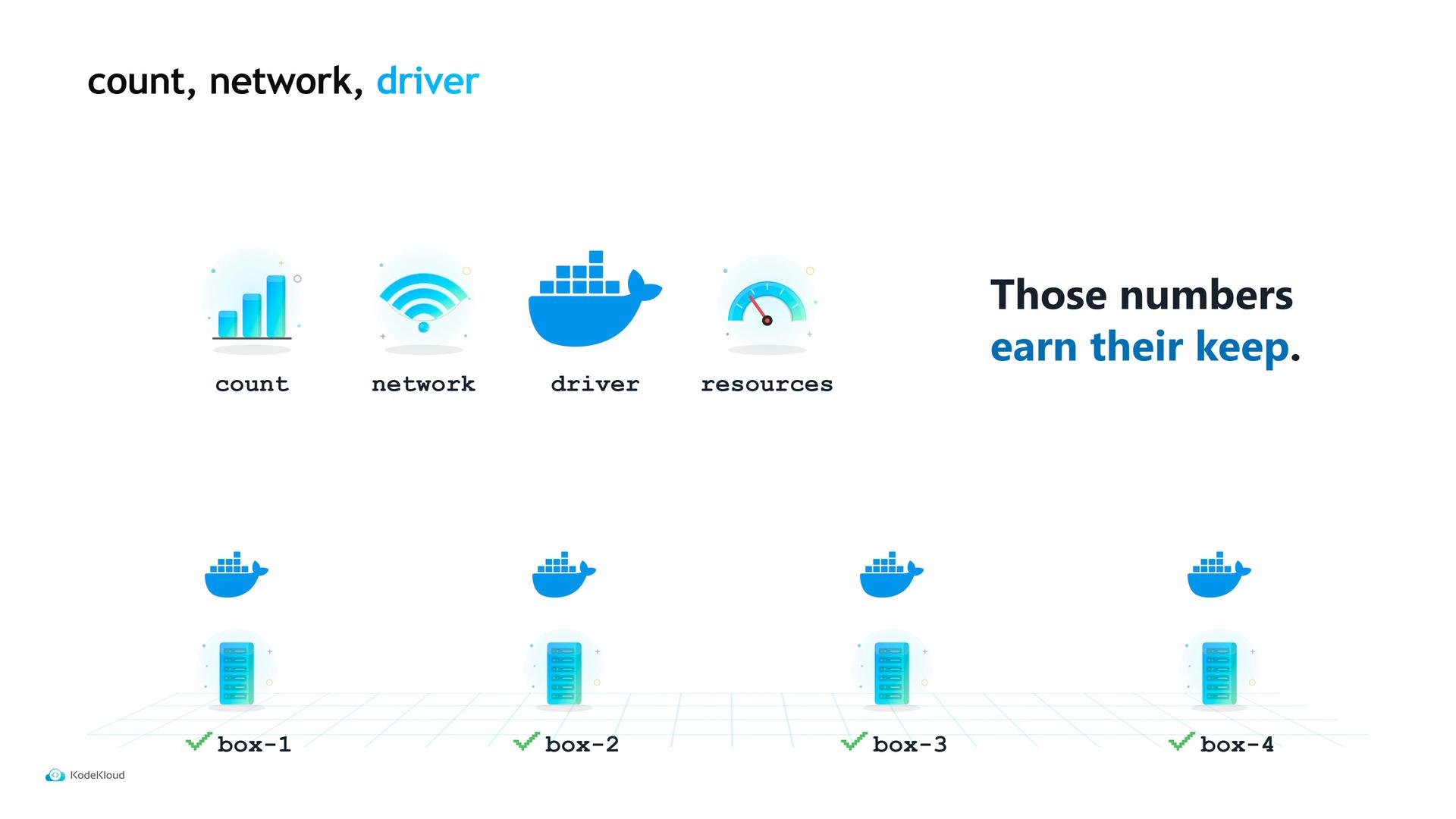
* `count` — how many copies (allocations) should run,
* `network` — declared ports and labels, and
* `tasks` — the runnable units.
Each `task` sets a `driver` (for example, `docker`), a `config` block with driver-specific settings (like `image` for Docker), and a `resources` block that declares CPU (MHz) and memory (MB) requirements — the inputs Nomad uses to decide placement.
 Those CPU and memory values are how Nomad decides which client can host the task. Choose them carefully — undersizing can cause performance issues, oversizing reduces packing efficiency.
Resource requests (CPU in MHz, memory in MB) directly affect placement. Incorrect sizing can lead to poor utilization or performance problems. Always profile workloads and set conservative defaults.
## From plan to run
Before changing the cluster, Maya previews the outcome with a local plan. `nomad job plan` simulates placement without altering the cluster. When ready, she runs `nomad job run` with the same file. A few seconds later `nomad job status` shows allocations and health.
```bash theme={null}
$ nomad job plan tidepool-api.nomad.hcl
+ Job: "tidepool-api"
$ nomad job run tidepool-api.nomad.hcl
Allocation "alb2c3" created
```
The allocation ID above indicates the job is running on a specific machine — a machine Maya never named. Nomad’s scheduler and placement logic chose the client based on available resources and constraints. If that machine fails, Nomad will reschedule the allocation elsewhere to maintain the declared state.
## Links and references
* Nomad documentation: [https://www.nomadproject.io/](https://www.nomadproject.io/)
* HCL (HashiCorp Configuration Language): [https://developer.hashicorp.com/hcl](https://developer.hashicorp.com/hcl)
Further reading:
* [Nomad job specification reference](https://www.nomadproject.io/docs/job-specification)
* [Best practices for resource sizing and placement](https://www.nomadproject.io/docs/operations/best-practices)
This documentation is built and hosted on [Mintlify](https://mintlify.com), a developer documentation platform.
Those CPU and memory values are how Nomad decides which client can host the task. Choose them carefully — undersizing can cause performance issues, oversizing reduces packing efficiency.
Resource requests (CPU in MHz, memory in MB) directly affect placement. Incorrect sizing can lead to poor utilization or performance problems. Always profile workloads and set conservative defaults.
## From plan to run
Before changing the cluster, Maya previews the outcome with a local plan. `nomad job plan` simulates placement without altering the cluster. When ready, she runs `nomad job run` with the same file. A few seconds later `nomad job status` shows allocations and health.
```bash theme={null}
$ nomad job plan tidepool-api.nomad.hcl
+ Job: "tidepool-api"
$ nomad job run tidepool-api.nomad.hcl
Allocation "alb2c3" created
```
The allocation ID above indicates the job is running on a specific machine — a machine Maya never named. Nomad’s scheduler and placement logic chose the client based on available resources and constraints. If that machine fails, Nomad will reschedule the allocation elsewhere to maintain the declared state.
## Links and references
* Nomad documentation: [https://www.nomadproject.io/](https://www.nomadproject.io/)
* HCL (HashiCorp Configuration Language): [https://developer.hashicorp.com/hcl](https://developer.hashicorp.com/hcl)
Further reading:
* [Nomad job specification reference](https://www.nomadproject.io/docs/job-specification)
* [Best practices for resource sizing and placement](https://www.nomadproject.io/docs/operations/best-practices)
This documentation is built and hosted on [Mintlify](https://mintlify.com), a developer documentation platform.