> ## Documentation Index
> Fetch the complete documentation index at: https://notes.kodekloud.com/llms.txt
> Use this file to discover all available pages before exploring further.
# Nomad vs Kubernetes
> Comparison of Nomad and Kubernetes trade-offs, architectures, operational complexity, ecosystem, and workload models to help teams choose between minimal single-binary Nomad and feature-rich Kubernetes
Sam’s answer to Maya’s question didn’t begin where she expected: not with a head-to-head verdict, but with an explanation of trade-offs. Functionally, Nomad and Kubernetes accomplish the same core goals: schedule work onto machines, restart processes that die, and distribute replicas so a single failure won’t take everything down. Put their feature lists side-by-side and they largely overlap.
The meaningful differences lie in architecture and operational surface area — how much machinery each system requires to run reliably.
## What Kubernetes provides (and what you must run)
Kubernetes separates decision-making and state storage across multiple control-plane components. These pieces collectively store the “desired state” of the cluster and expose the APIs that operators, controllers, and clients use to drive that state.
Core control-plane components:
* etcd — a dedicated, distributed key-value store that persistently holds the cluster’s desired state.
* kube-apiserver — the single front door for every component, tool, and human interacting with the cluster.
* kube-scheduler — decides which node should run each pod or workload.
* controller manager — a set of controllers (reconciliation loops) that continuously compare desired state to actual state and reconcile differences.
On every node you also run:
* kubelet — the agent that actually starts and monitors containers.
* A CNI plugin of your choice — Kubernetes delegates pod networking to an externally installed Container Network Interface provider.
Before your first container runs, you typically operate multiple control-plane binaries, node agents, and a networking layer to choose, configure, and upgrade. Each part has its own configuration, certificates, and failure modes. Together these pieces are the Kubernetes control plane.
## How Nomad differs
Nomad implements the same scheduling goals using a far smaller set of components. Nomad’s servers hold cluster state and make decisions; clients run the work. Consensus (Raft) is built into the Nomad binary, so there is no separate etcd-like database to install and operate. Upgrades can be as simple as replacing the single Nomad binary on servers.
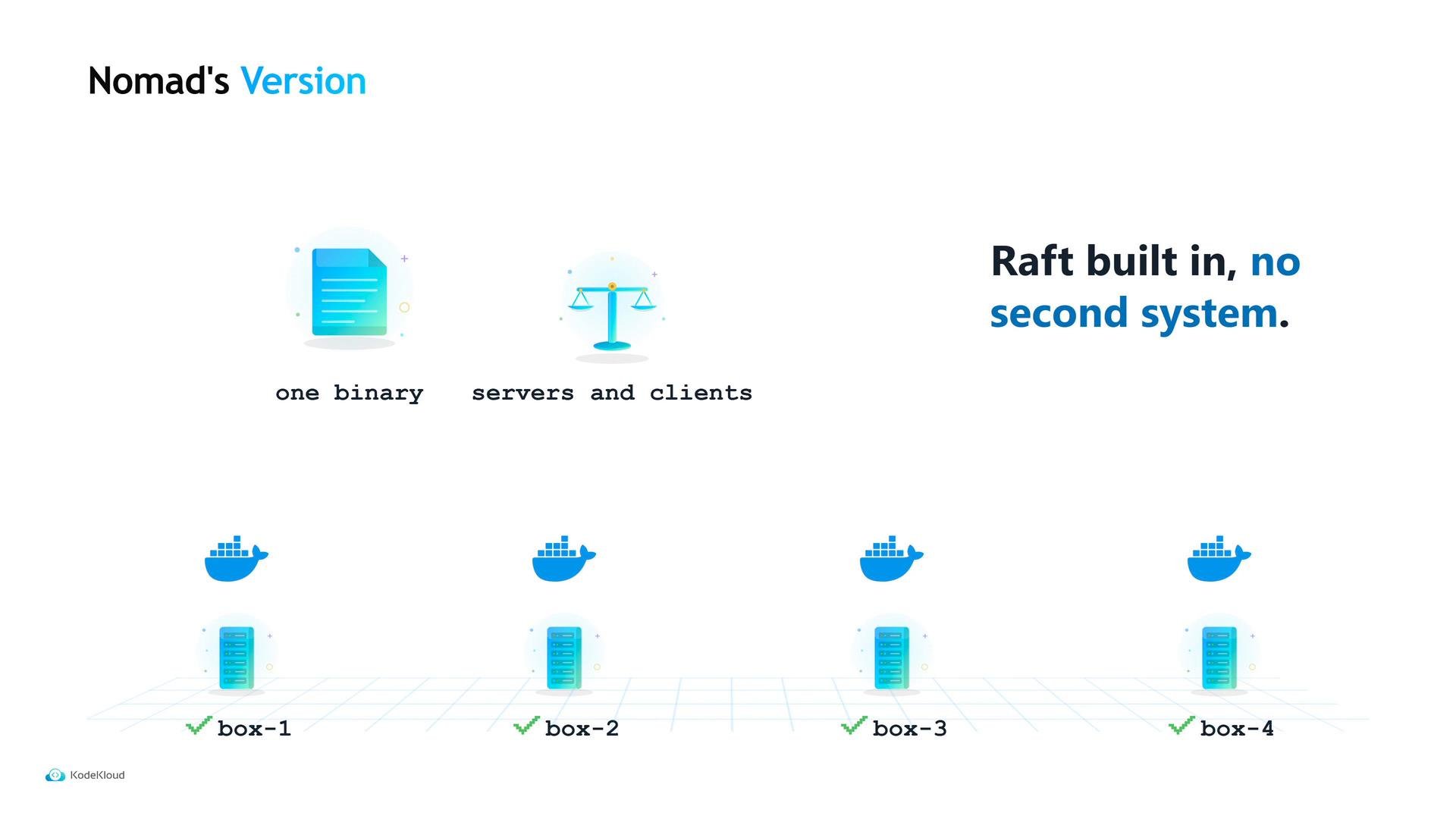 That compact single-binary design reduces operational surface area, but it also entails trade-offs in ecosystem and integrations.
## Ecosystem and operational considerations
Kubernetes is the industry standard:
* Large operator community and many tutorials.
* Vast ecosystem of add-ons, operators, and tools.
* Managed control planes offered by every major cloud provider, allowing teams to avoid operating control plane components themselves.
Operationally, this ecosystem has real value: if Maya searches an unfamiliar error at 2 AM, Kubernetes will usually surface more community answers and integrations than Nomad.
## Workload model differences
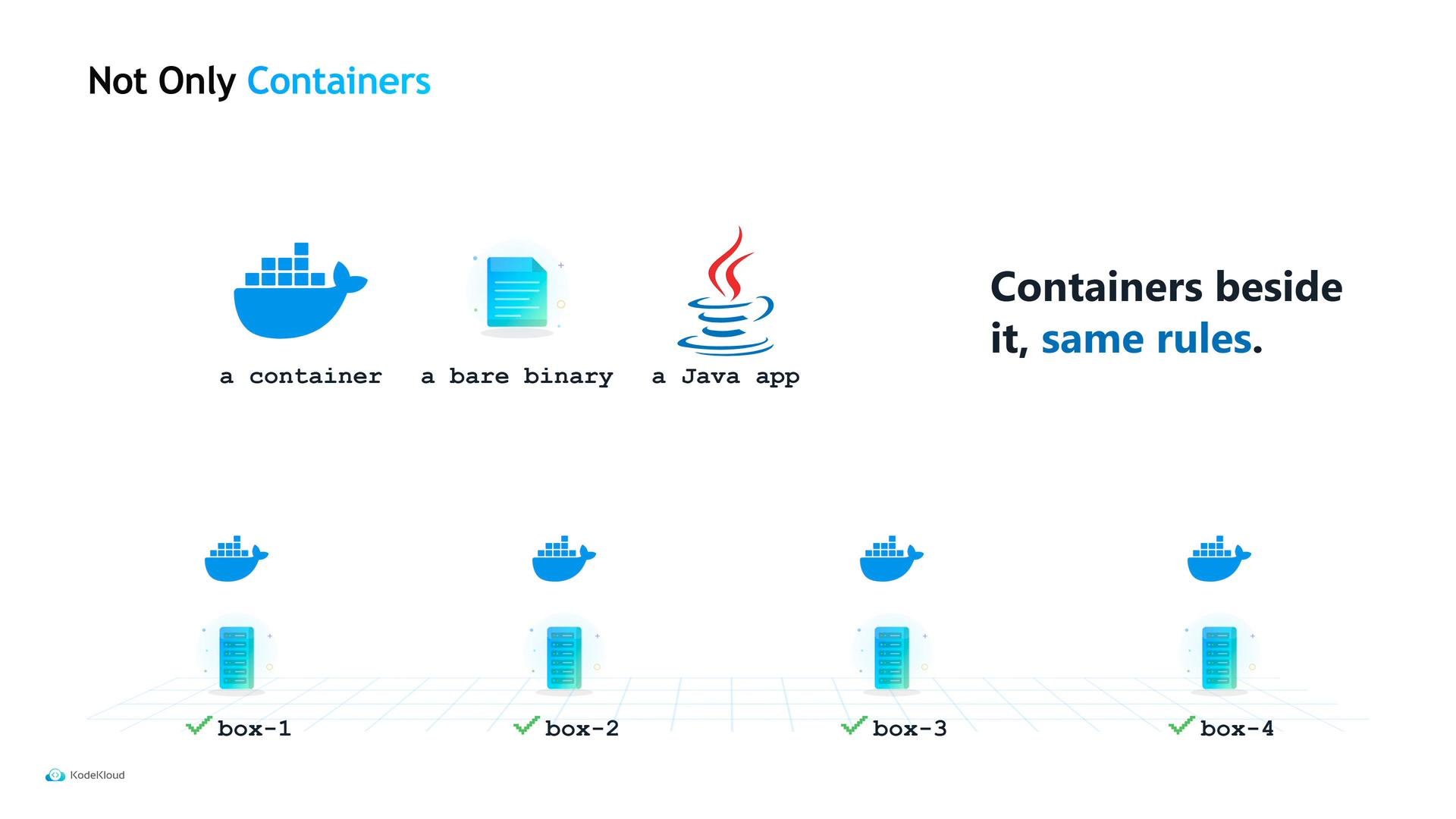
Kubernetes treats containers as the primary scheduling abstraction. Running a plain binary on Kubernetes typically means packaging it into a container image first.
Nomad treats containers and non-containerized binaries more uniformly: you can schedule a simple binary alongside containers under the same job rules, without mandatory containerization. This makes Nomad appealing when you must manage mixed workloads (containers plus legacy binaries) with minimal friction.
That compact single-binary design reduces operational surface area, but it also entails trade-offs in ecosystem and integrations.
## Ecosystem and operational considerations
Kubernetes is the industry standard:
* Large operator community and many tutorials.
* Vast ecosystem of add-ons, operators, and tools.
* Managed control planes offered by every major cloud provider, allowing teams to avoid operating control plane components themselves.
Operationally, this ecosystem has real value: if Maya searches an unfamiliar error at 2 AM, Kubernetes will usually surface more community answers and integrations than Nomad.
## Workload model differences
Kubernetes treats containers as the primary scheduling abstraction. Running a plain binary on Kubernetes typically means packaging it into a container image first.
Nomad treats containers and non-containerized binaries more uniformly: you can schedule a simple binary alongside containers under the same job rules, without mandatory containerization. This makes Nomad appealing when you must manage mixed workloads (containers plus legacy binaries) with minimal friction.
 ## Quick comparison
| Area | Kubernetes | Nomad |
| - | - | - |
| Control plane | Multiple specialized components (`etcd`, `kube-apiserver`, `kube-scheduler`, controller manager) | Single binary with Raft-built servers and clients |
| Operational surface | Higher — more components, certificates, and upgrade paths | Lower — fewer moving parts to operate and upgrade |
| Ecosystem & tooling | Large ecosystem, many operators, managed services | Smaller ecosystem, simpler integration model |
| Workload types | Primarily containers; non-container workloads require packaging | First-class support for containers and non-container binaries |
| Best fit | Teams needing ecosystem integrations, managed control planes, or Kubernetes-only operators | Small teams, mixed workloads, or teams that prefer minimal infra complexity |
## How to decide
Consider team size, team expertise, and workload mix:
* Choose Kubernetes when:
* You have a platform team or many engineers experienced with Kubernetes.
* You need specific ecosystem pieces (an operator, a managed control plane, or a pre-built service mesh).
* You want the broadest amount of community support and integrations.
* Choose Nomad when:
* Your team is small and developers double as operators.
* You run a mix of containers and plain binaries or other non-containerized processes.
* You prefer a minimal operational surface and simpler upgrades.
Choose Kubernetes when you need the ecosystem and managed services it provides. Choose Nomad when you want minimal operational complexity and you must run mixed workload types (containers and non-containers) without heavy infrastructure.
For example, Tidepool — a six-person team with no separate platform team and one of four workloads that isn't a container — found Nomad to be the sensible choice. Other organizations with different constraints may reasonably prefer Kubernetes.
Maya now understands the trade-offs. What she doesn't yet have is a running cluster: she still has four ordinary machines and a single downloaded file. Next up: turning those machines into a cluster that can accept jobs.
## Further reading
* Kubernetes Basics — [https://kubernetes.io/docs/concepts/overview/what-is-kubernetes/](https://kubernetes.io/docs/concepts/overview/what-is-kubernetes/)
* Nomad Documentation — [https://www.nomadproject.io/docs/](https://www.nomadproject.io/docs/)
This documentation is built and hosted on [Mintlify](https://mintlify.com), a developer documentation platform.
## Quick comparison
| Area | Kubernetes | Nomad |
| - | - | - |
| Control plane | Multiple specialized components (`etcd`, `kube-apiserver`, `kube-scheduler`, controller manager) | Single binary with Raft-built servers and clients |
| Operational surface | Higher — more components, certificates, and upgrade paths | Lower — fewer moving parts to operate and upgrade |
| Ecosystem & tooling | Large ecosystem, many operators, managed services | Smaller ecosystem, simpler integration model |
| Workload types | Primarily containers; non-container workloads require packaging | First-class support for containers and non-container binaries |
| Best fit | Teams needing ecosystem integrations, managed control planes, or Kubernetes-only operators | Small teams, mixed workloads, or teams that prefer minimal infra complexity |
## How to decide
Consider team size, team expertise, and workload mix:
* Choose Kubernetes when:
* You have a platform team or many engineers experienced with Kubernetes.
* You need specific ecosystem pieces (an operator, a managed control plane, or a pre-built service mesh).
* You want the broadest amount of community support and integrations.
* Choose Nomad when:
* Your team is small and developers double as operators.
* You run a mix of containers and plain binaries or other non-containerized processes.
* You prefer a minimal operational surface and simpler upgrades.
Choose Kubernetes when you need the ecosystem and managed services it provides. Choose Nomad when you want minimal operational complexity and you must run mixed workload types (containers and non-containers) without heavy infrastructure.
For example, Tidepool — a six-person team with no separate platform team and one of four workloads that isn't a container — found Nomad to be the sensible choice. Other organizations with different constraints may reasonably prefer Kubernetes.
Maya now understands the trade-offs. What she doesn't yet have is a running cluster: she still has four ordinary machines and a single downloaded file. Next up: turning those machines into a cluster that can accept jobs.
## Further reading
* Kubernetes Basics — [https://kubernetes.io/docs/concepts/overview/what-is-kubernetes/](https://kubernetes.io/docs/concepts/overview/what-is-kubernetes/)
* Nomad Documentation — [https://www.nomadproject.io/docs/](https://www.nomadproject.io/docs/)
This documentation is built and hosted on [Mintlify](https://mintlify.com), a developer documentation platform.