> ## Documentation Index
> Fetch the complete documentation index at: https://notes.kodekloud.com/llms.txt
> Use this file to discover all available pages before exploring further.
# Standing Up a Nomad Cluster
> Guide to configure and verify a Nomad cluster, covering server and client HCL files, required network ports, startup verification, and submitting jobs
You have four existing machines and one downloaded file. A small amount of configuration turns those machines into a Nomad cluster. This guide walks through the required config files and verification steps so you can avoid the most common setup problems — nearly all cluster issues come from one misconfigured value rather than complex failures.
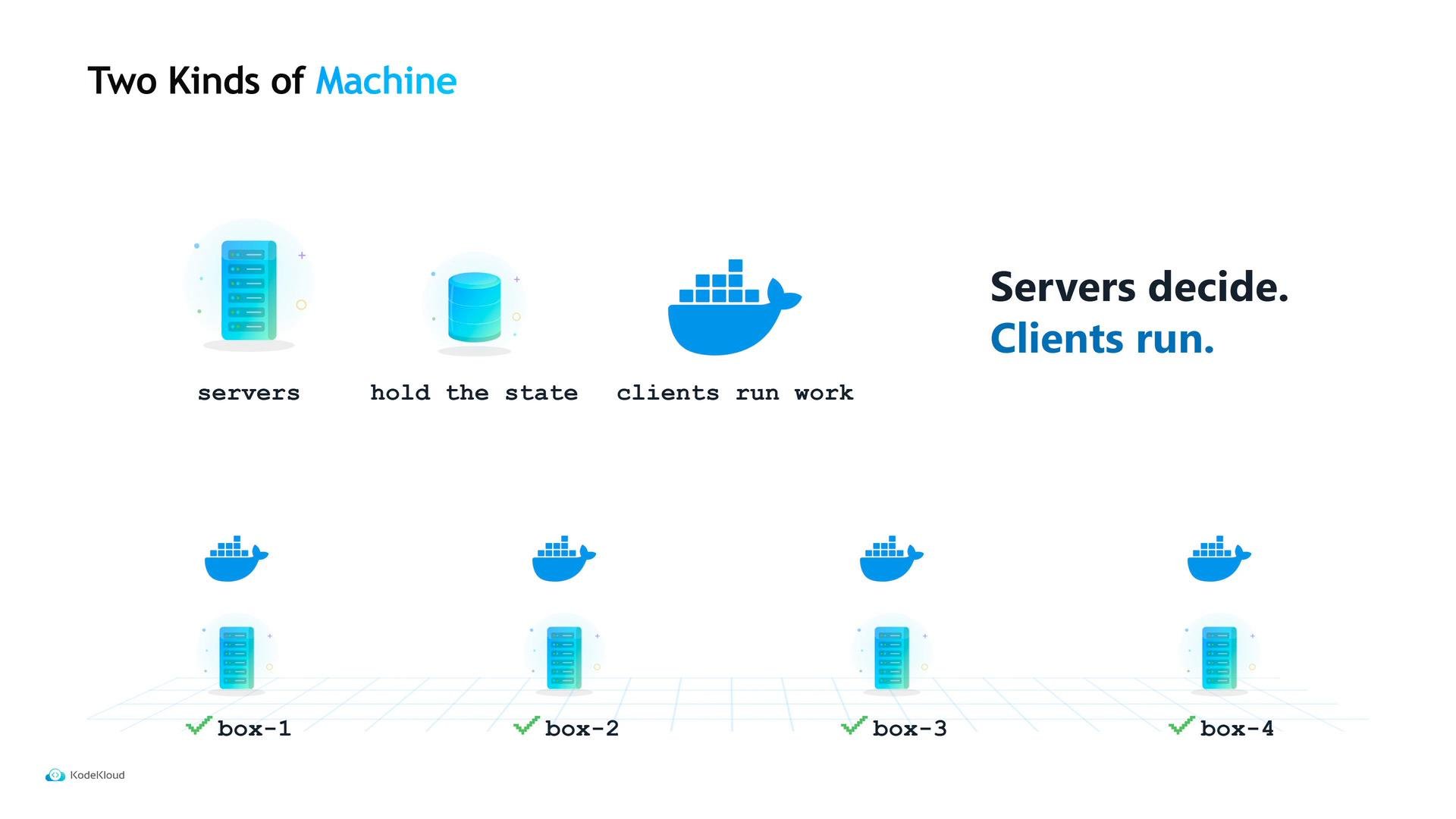
Maya's example cluster uses two roles:
* Servers — hold cluster state and make scheduling decisions; they do not run user workloads.
* Clients — run containers and tasks; they report availability to the servers.
Separating servers and clients keeps cluster state small and predictable: servers can be small, inexpensive VMs that never compete with your applications for CPU or memory.
 ## Server configuration
Start by provisioning three small server machines. Create `server.hcl` on each server and set the persistent data directory, the bind address, and the server block that enables server mode and declares the expected number of servers.
```hcl theme={null}
$ cat server.hcl
data_dir = "/opt/nomad/data"
bind_addr = "0.0.0.0"
server {
enabled = true
bootstrap_expect = 3
}
```
* `data_dir` — where Nomad writes persistent state on disk. Use a stable path outside temp folders so state survives reboots and cleanup.
* `bind_addr = "0.0.0.0"` — listen on all network interfaces (not just localhost).
* `bootstrap_expect` — how many server nodes should form the cluster before electing a leader.
Set `bootstrap_expect` to the total number of server nodes you intend to run. For production use an odd number (3 or 5) so servers can form a quorum if one node fails. If `bootstrap_expect = 3`, Nomad will wait until it can see 3 servers before electing a leader — starting fewer than this will leave the cluster inactive.
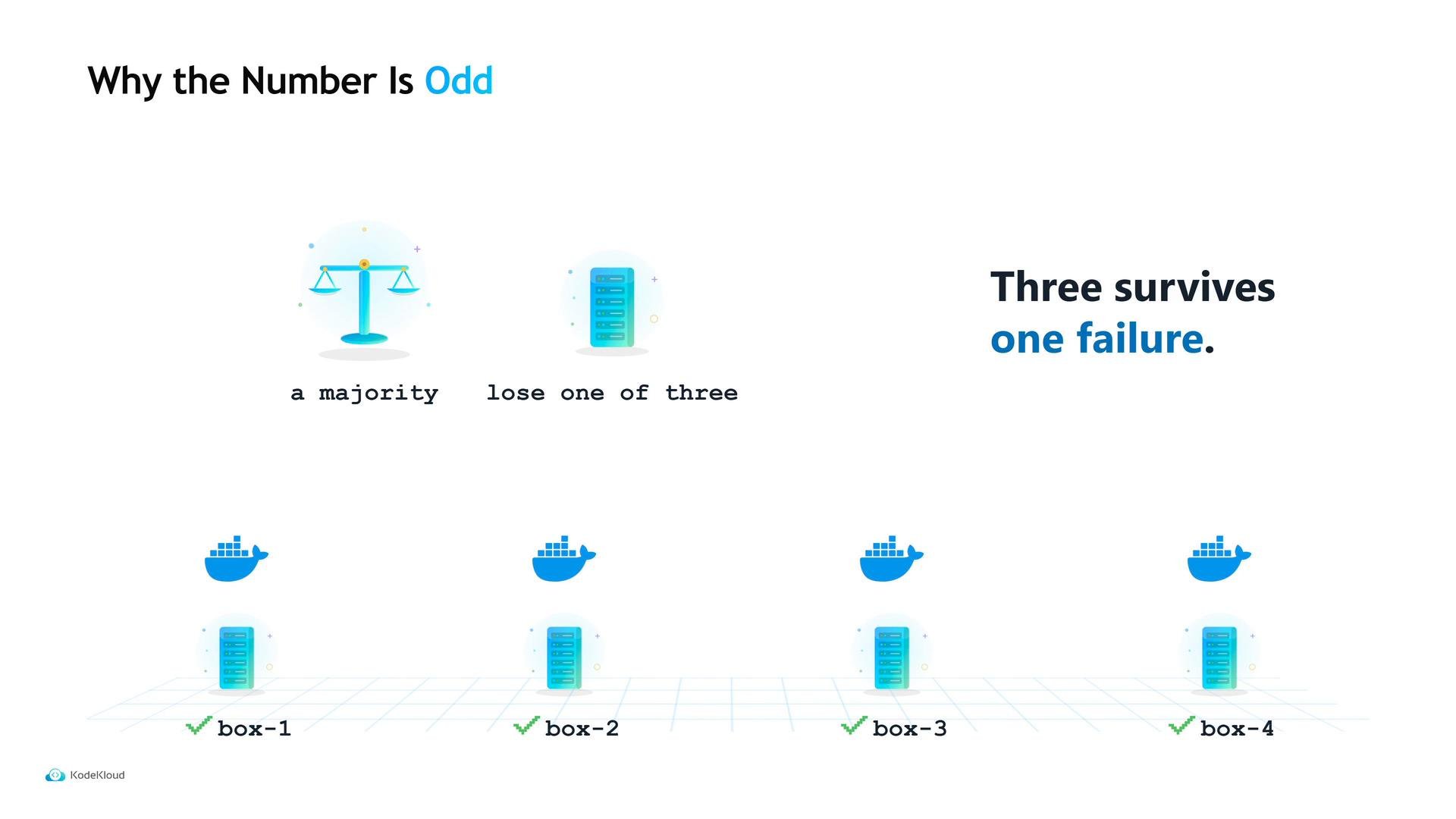
Why choose three servers? Server leader election uses majority votes. With 3 servers you can lose one and still achieve a majority (2 of 3). With 4 servers you still need 3 to form a majority, so the fourth node increases cost without improving single-failure tolerance. In general: 3 tolerates one failure, 5 tolerates two; higher counts add latency and cost.
## Server configuration
Start by provisioning three small server machines. Create `server.hcl` on each server and set the persistent data directory, the bind address, and the server block that enables server mode and declares the expected number of servers.
```hcl theme={null}
$ cat server.hcl
data_dir = "/opt/nomad/data"
bind_addr = "0.0.0.0"
server {
enabled = true
bootstrap_expect = 3
}
```
* `data_dir` — where Nomad writes persistent state on disk. Use a stable path outside temp folders so state survives reboots and cleanup.
* `bind_addr = "0.0.0.0"` — listen on all network interfaces (not just localhost).
* `bootstrap_expect` — how many server nodes should form the cluster before electing a leader.
Set `bootstrap_expect` to the total number of server nodes you intend to run. For production use an odd number (3 or 5) so servers can form a quorum if one node fails. If `bootstrap_expect = 3`, Nomad will wait until it can see 3 servers before electing a leader — starting fewer than this will leave the cluster inactive.
Why choose three servers? Server leader election uses majority votes. With 3 servers you can lose one and still achieve a majority (2 of 3). With 4 servers you still need 3 to form a majority, so the fourth node increases cost without improving single-failure tolerance. In general: 3 tolerates one failure, 5 tolerates two; higher counts add latency and cost.
 ## Client configuration
On your application machines, enable client mode. Create `client.hcl` and add a `server_join` block so clients will continuously retry connecting to the server addresses. This removes strict boot ordering: clients will keep trying until the servers are reachable.
```hcl theme={null}
$ cat client.hcl
client {
enabled = true
}
server_join {
retry_join = ["10.0.0.11", "10.0.0.12", "10.0.0.13"]
}
```
* `retry_join` should list server IPs or hostnames. Clients will retry these addresses until they join a server.
## Important network ports
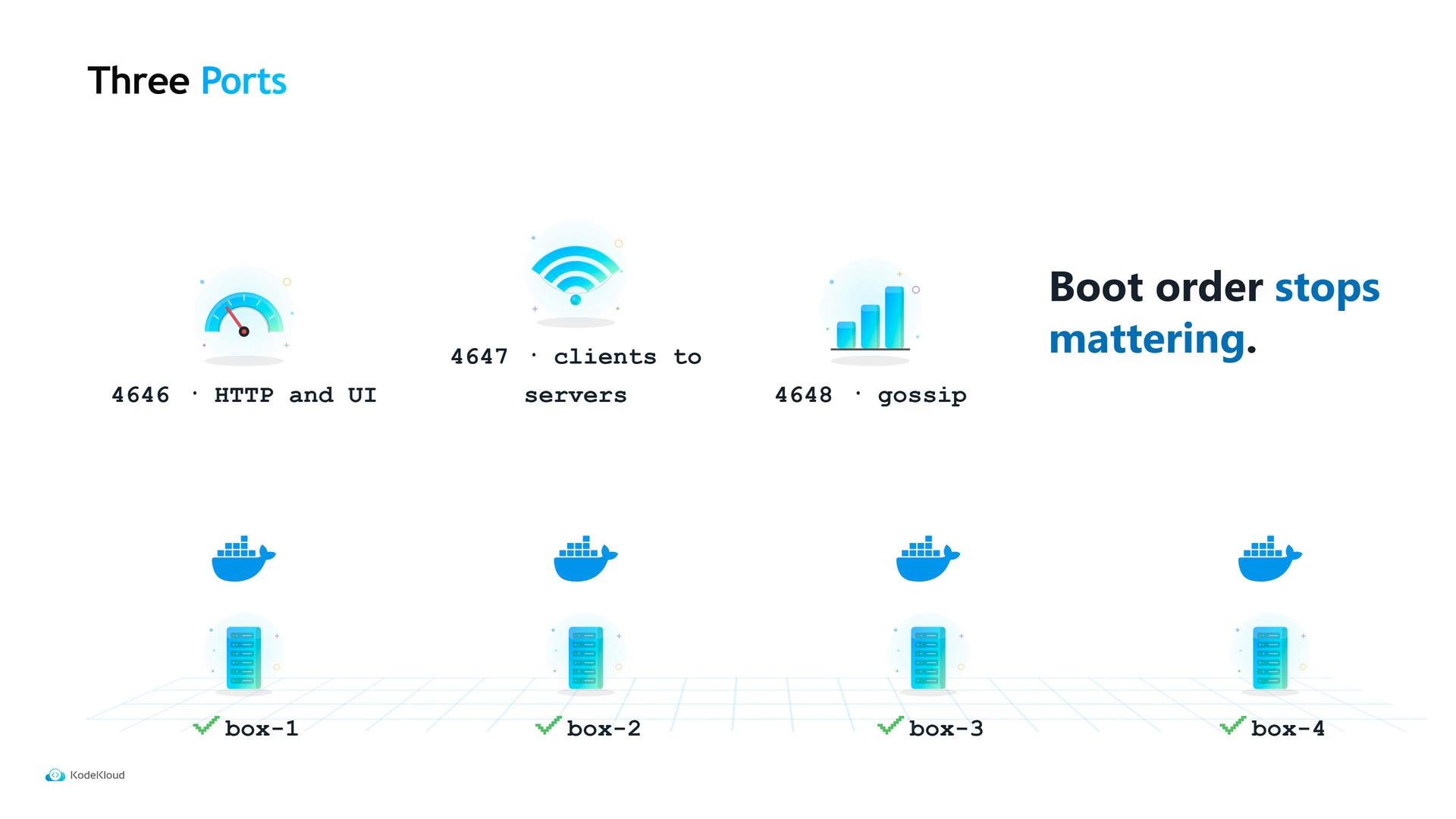
Ensure the machines can reach each other on the Nomad ports below. A misconfigured firewall blocking these ports (especially server-to-server gossip) is a common cause of failed clusters.
| Port | Purpose | Who needs access |
| - | - | - |
| `4646` | Nomad HTTP API and Web UI | Clients, operators, and external tools to reach servers |
| `4647` | Nomad RPC (internal client ⇄ server traffic) | Clients → servers and server RPC |
| `4648` | Serf LAN/gossip (server-to-server health & membership) | Server ⇄ server only |
Open ports `4646`, `4647`, and `4648` as required. Clients need `4646` and `4647` to talk to servers; they do not need `4648`. Blocked or filtered `4647`/`4648` between servers is the most frequent networking cause of cluster formation failures.
## Client configuration
On your application machines, enable client mode. Create `client.hcl` and add a `server_join` block so clients will continuously retry connecting to the server addresses. This removes strict boot ordering: clients will keep trying until the servers are reachable.
```hcl theme={null}
$ cat client.hcl
client {
enabled = true
}
server_join {
retry_join = ["10.0.0.11", "10.0.0.12", "10.0.0.13"]
}
```
* `retry_join` should list server IPs or hostnames. Clients will retry these addresses until they join a server.
## Important network ports
Ensure the machines can reach each other on the Nomad ports below. A misconfigured firewall blocking these ports (especially server-to-server gossip) is a common cause of failed clusters.
| Port | Purpose | Who needs access |
| - | - | - |
| `4646` | Nomad HTTP API and Web UI | Clients, operators, and external tools to reach servers |
| `4647` | Nomad RPC (internal client ⇄ server traffic) | Clients → servers and server RPC |
| `4648` | Serf LAN/gossip (server-to-server health & membership) | Server ⇄ server only |
Open ports `4646`, `4647`, and `4648` as required. Clients need `4646` and `4647` to talk to servers; they do not need `4648`. Blocked or filtered `4647`/`4648` between servers is the most frequent networking cause of cluster formation failures.
 ## Start the agents and verify the cluster
Start the Nomad agent on each machine using the appropriate config file. Example commands to check cluster status:
```bash theme={null}
$ nomad server members
srv-1 alive leader
srv-2 alive
srv-3 alive
$ nomad node status
ID Name Class Status
box-1 box-1 ready
box-2 box-2 ready
box-3 box-3 ready
box-4 box-4 ready
```
* `nomad server members` — shows known servers and which one is leader.
* `nomad node status` — lists registered client nodes and their readiness.
When every client reports `ready`, your cluster can accept jobs. Note that no physical changes were made to Maya's machines — the cluster exists because Nomad servers now hold state and schedule work across the client machines.
## Next step: running workloads
A newly formed cluster is empty: it knows about machines but has nothing to run. Submit a Nomad job specification (`.nomad` HCL file or equivalent) to tell Nomad what to schedule, how many instances to run, which resources to reserve, and which containers or tasks to launch.
## Quick reference
| File | Role | Key fields |
| - | - | - |
| `server.hcl` | Server node | `data_dir`, `bind_addr`, `server { enabled, bootstrap_expect }` |
| `client.hcl` | Client node | `client { enabled }`, `server_join { retry_join = [...] }` |
## Links and references
* [Nomad Documentation — Installing and configuring Nomad](https://www.nomadproject.io/docs)
* [Serf — HashiCorp gossip & membership](https://www.serf.io/)
* [Nomad Job Specification](https://www.nomadproject.io/docs/job-specification)
This documentation is built and hosted on [Mintlify](https://mintlify.com), a developer documentation platform.
## Start the agents and verify the cluster
Start the Nomad agent on each machine using the appropriate config file. Example commands to check cluster status:
```bash theme={null}
$ nomad server members
srv-1 alive leader
srv-2 alive
srv-3 alive
$ nomad node status
ID Name Class Status
box-1 box-1 ready
box-2 box-2 ready
box-3 box-3 ready
box-4 box-4 ready
```
* `nomad server members` — shows known servers and which one is leader.
* `nomad node status` — lists registered client nodes and their readiness.
When every client reports `ready`, your cluster can accept jobs. Note that no physical changes were made to Maya's machines — the cluster exists because Nomad servers now hold state and schedule work across the client machines.
## Next step: running workloads
A newly formed cluster is empty: it knows about machines but has nothing to run. Submit a Nomad job specification (`.nomad` HCL file or equivalent) to tell Nomad what to schedule, how many instances to run, which resources to reserve, and which containers or tasks to launch.
## Quick reference
| File | Role | Key fields |
| - | - | - |
| `server.hcl` | Server node | `data_dir`, `bind_addr`, `server { enabled, bootstrap_expect }` |
| `client.hcl` | Client node | `client { enabled }`, `server_join { retry_join = [...] }` |
## Links and references
* [Nomad Documentation — Installing and configuring Nomad](https://www.nomadproject.io/docs)
* [Serf — HashiCorp gossip & membership](https://www.serf.io/)
* [Nomad Job Specification](https://www.nomadproject.io/docs/job-specification)
This documentation is built and hosted on [Mintlify](https://mintlify.com), a developer documentation platform.