> ## Documentation Index
> Fetch the complete documentation index at: https://notes.kodekloud.com/llms.txt
> Use this file to discover all available pages before exploring further.
# Dynamic Configuration and Nomad Variables
> Using Nomad Variables and templates to manage non-secret runtime configuration and reload apps without redeploying, contrasted with Vault for secret lifecycle management
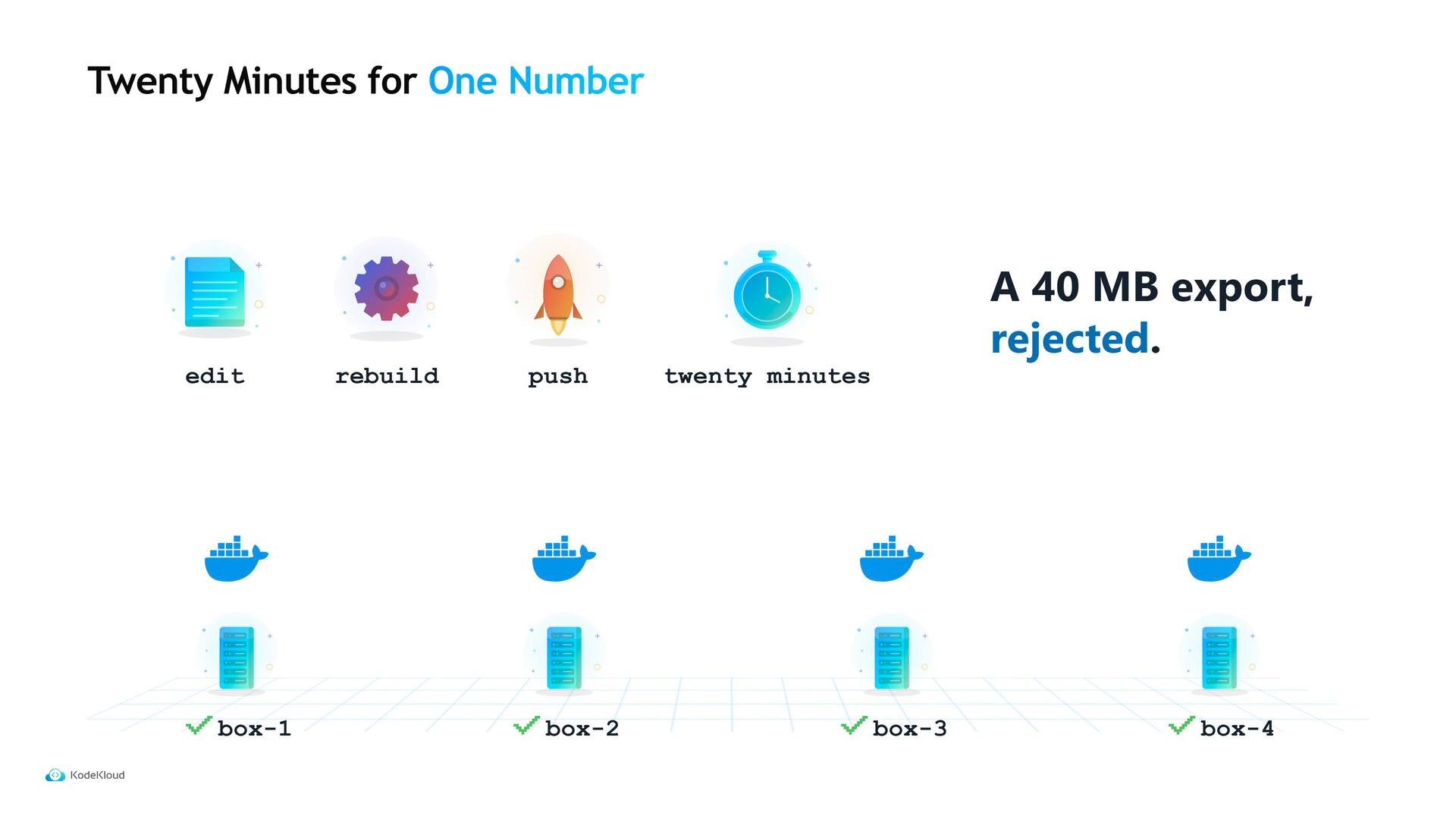
A support ticket arrived: a customer's 40 MB export was rejected. The culprit was a single number — an upload limit — baked into a configuration file inside Tidepool’s container image. Changing that number required editing the file, rebuilding the image, pushing it, and rolling out every API instance: twenty minutes of CI/CD just to update one value.
So why was that number inside the image? When Maya first containerized the app, putting configuration in the image was straightforward. That works until values need to change more often than code.
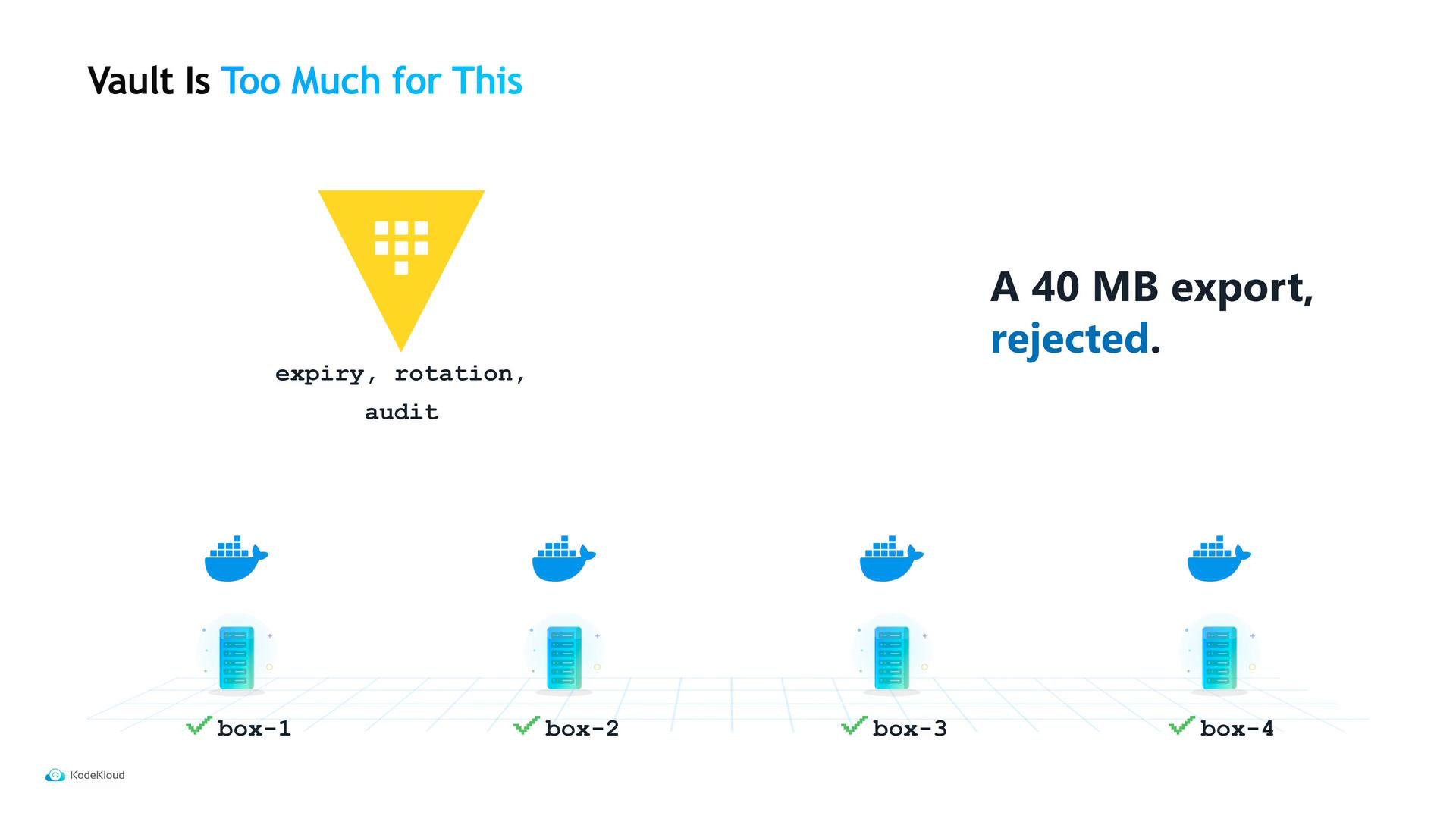
 Maya could have stored the limit in Vault — Tidepool already integrated Vault — and fetched it from the template at runtime. But Vault is designed to manage credentials: issuing ephemeral secrets, rotating them, leasing them, and auditing access. That’s powerful but heavyweight for a non-secret numeric limit, and it creates an additional operational dependency.
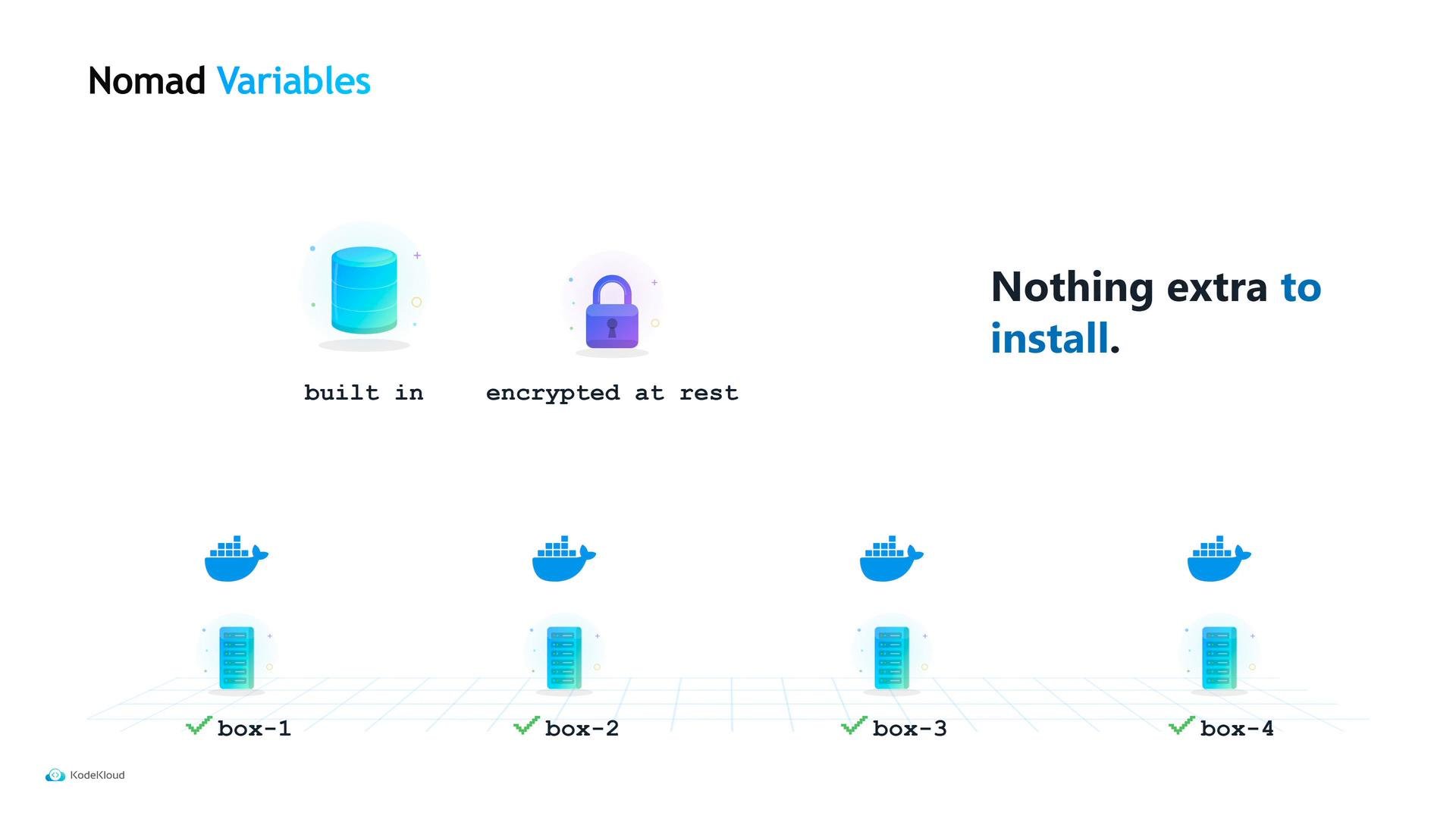
 Nomad provides a simpler, built-in option: Nomad Variables. They are encrypted configuration values stored in Nomad’s state store, replicated across Nomad servers, and governed by the same ACL rules — no separate cluster required.
 Example — create the variable at a path that reflects job/group/task:
```bash theme={null}
$ nomad var put nomad/jobs/tidepool-api/api/server
upload_limit=50MB
Created variable "nomad/jobs/tidepool-api/api/server"
$ nomad var get nomad/jobs/tidepool-api/api/server
upload_limit=50MB
```
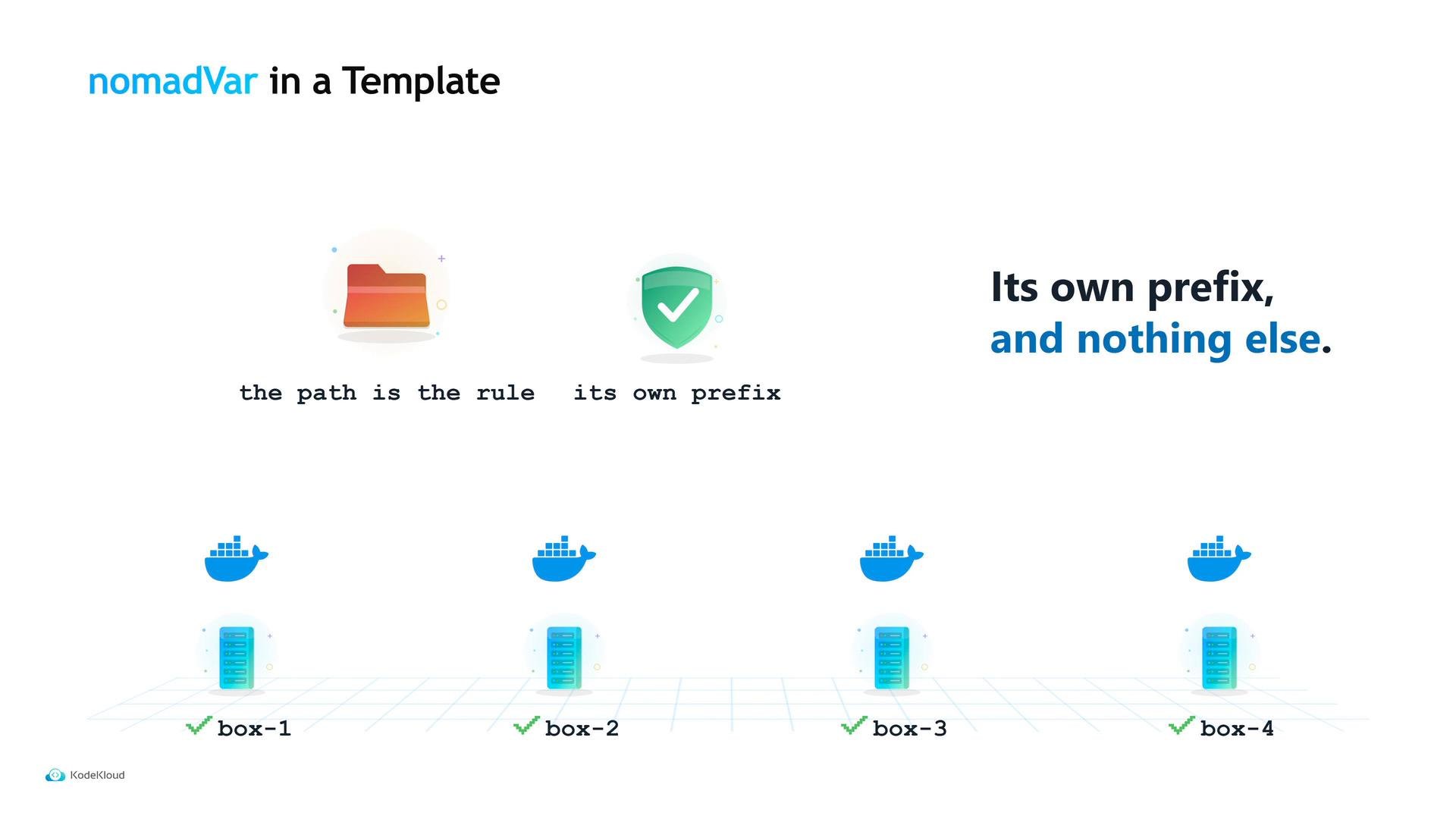
Why that path? Reading it backwards — `server` (task), `api` (group), `tidepool-api` (job) — makes the variable’s scope and ownership obvious. Nomad grants a task read and list access to variables under its own path automatically; you don’t need an extra ACL rule for that. The API can read its own configuration, cannot read the CSV worker’s, and cannot read another team’s. The path is the permission boundary.
To inject the variable into the running app, use a Nomad template block. The template mechanism is the same one used for secrets and other dynamic values: the `nomadVar` function fetches the variable by path and key. Nomad renders the file before the task starts and re-renders it when the variable changes, writing a plain file that the application reads.
Example — create the variable at a path that reflects job/group/task:
```bash theme={null}
$ nomad var put nomad/jobs/tidepool-api/api/server
upload_limit=50MB
Created variable "nomad/jobs/tidepool-api/api/server"
$ nomad var get nomad/jobs/tidepool-api/api/server
upload_limit=50MB
```
Why that path? Reading it backwards — `server` (task), `api` (group), `tidepool-api` (job) — makes the variable’s scope and ownership obvious. Nomad grants a task read and list access to variables under its own path automatically; you don’t need an extra ACL rule for that. The API can read its own configuration, cannot read the CSV worker’s, and cannot read another team’s. The path is the permission boundary.
To inject the variable into the running app, use a Nomad template block. The template mechanism is the same one used for secrets and other dynamic values: the `nomadVar` function fetches the variable by path and key. Nomad renders the file before the task starts and re-renders it when the variable changes, writing a plain file that the application reads.
 A typical template snippet that writes the variable into a config file and uses signaling to reload the app (instead of restarting it) looks like this:
```hcl theme={null}
template {
destination = "local/config/tidepool-api.conf"
change_mode = "signal"
change_signal = "SIGHUP"
data = <
A typical template snippet that writes the variable into a config file and uses signaling to reload the app (instead of restarting it) looks like this:
```hcl theme={null}
template {
destination = "local/config/tidepool-api.conf"
change_mode = "signal"
change_signal = "SIGHUP"
data = <
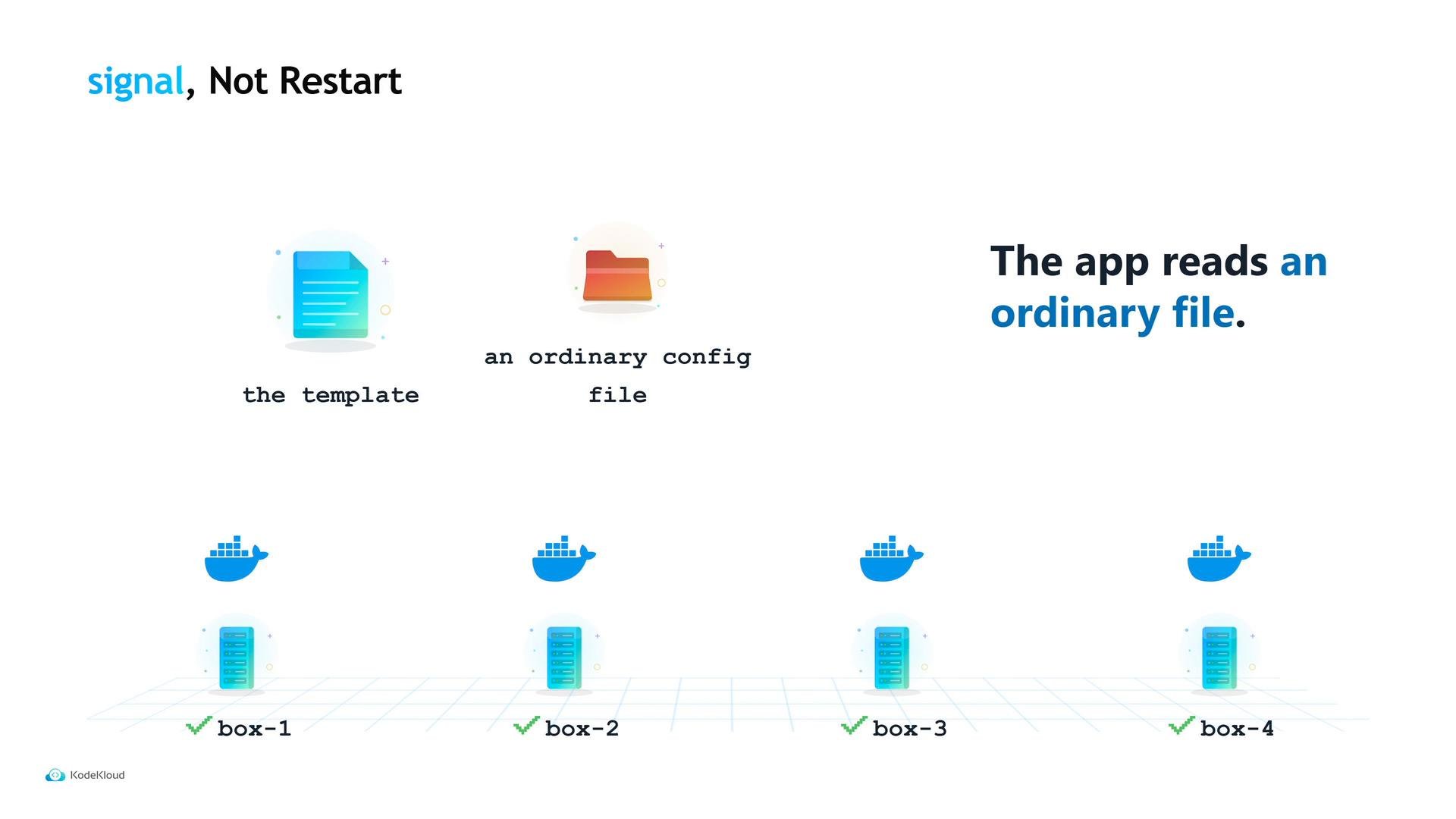 The application must support reloading its configuration on the chosen signal (many do). The workflow is simple:
* Maya updates the variable with `nomad var put`.
* Nomad re-renders the template and writes the updated config file.
* Nomad sends the configured signal (e.g., `SIGHUP`) to the process.
* The process reloads the new `upload_limit` and the next upload succeeds — no rebuild, no pipeline, no redeploy.
You can inspect the current value and see when it last changed with `nomad var get`.
When to use Nomad Variables vs Vault
* Use Nomad Variables for non-secret configuration you want to change without shipping code: limits, feature flags, timeouts, or endpoints.
* Use Vault when you require credential lifecycle management: rotation, expiry, leases, and detailed audit trails.
Comparison at a glance:
| Use Case | Recommended Tool | Why |
| - | - | - |
| Non-secret runtime config (limits, flags, timeouts) | Nomad Variables | Stored in Nomad’s state store, ACL-protected, re-render templates, no extra infrastructure |
| Credentials that need rotation/leases | Vault | Issues ephemeral credentials, manages rotation and expiry, provides auditable access |
| Secrets requiring strict central lifecycle controls | Vault | End-to-end secret lifecycle management and robust auditing |
| Simple, frequently changed settings for a single job | Nomad Variables | Path-based permissions and automatic access for the owning task |
See Nomad’s docs for details:
* Nomad Variables: [https://www.nomadproject.io/docs/operators/variables](https://www.nomadproject.io/docs/operators/variables)
* Nomad template stanza: [https://www.nomadproject.io/docs/job-spec/template](https://www.nomadproject.io/docs/job-spec/template)
* nomad var CLI: [https://www.nomadproject.io/docs/commands/var](https://www.nomadproject.io/docs/commands/var)
The application must support reloading its configuration on the chosen signal (many do). The workflow is simple:
* Maya updates the variable with `nomad var put`.
* Nomad re-renders the template and writes the updated config file.
* Nomad sends the configured signal (e.g., `SIGHUP`) to the process.
* The process reloads the new `upload_limit` and the next upload succeeds — no rebuild, no pipeline, no redeploy.
You can inspect the current value and see when it last changed with `nomad var get`.
When to use Nomad Variables vs Vault
* Use Nomad Variables for non-secret configuration you want to change without shipping code: limits, feature flags, timeouts, or endpoints.
* Use Vault when you require credential lifecycle management: rotation, expiry, leases, and detailed audit trails.
Comparison at a glance:
| Use Case | Recommended Tool | Why |
| - | - | - |
| Non-secret runtime config (limits, flags, timeouts) | Nomad Variables | Stored in Nomad’s state store, ACL-protected, re-render templates, no extra infrastructure |
| Credentials that need rotation/leases | Vault | Issues ephemeral credentials, manages rotation and expiry, provides auditable access |
| Secrets requiring strict central lifecycle controls | Vault | End-to-end secret lifecycle management and robust auditing |
| Simple, frequently changed settings for a single job | Nomad Variables | Path-based permissions and automatic access for the owning task |
See Nomad’s docs for details:
* Nomad Variables: [https://www.nomadproject.io/docs/operators/variables](https://www.nomadproject.io/docs/operators/variables)
* Nomad template stanza: [https://www.nomadproject.io/docs/job-spec/template](https://www.nomadproject.io/docs/job-spec/template)
* nomad var CLI: [https://www.nomadproject.io/docs/commands/var](https://www.nomadproject.io/docs/commands/var)
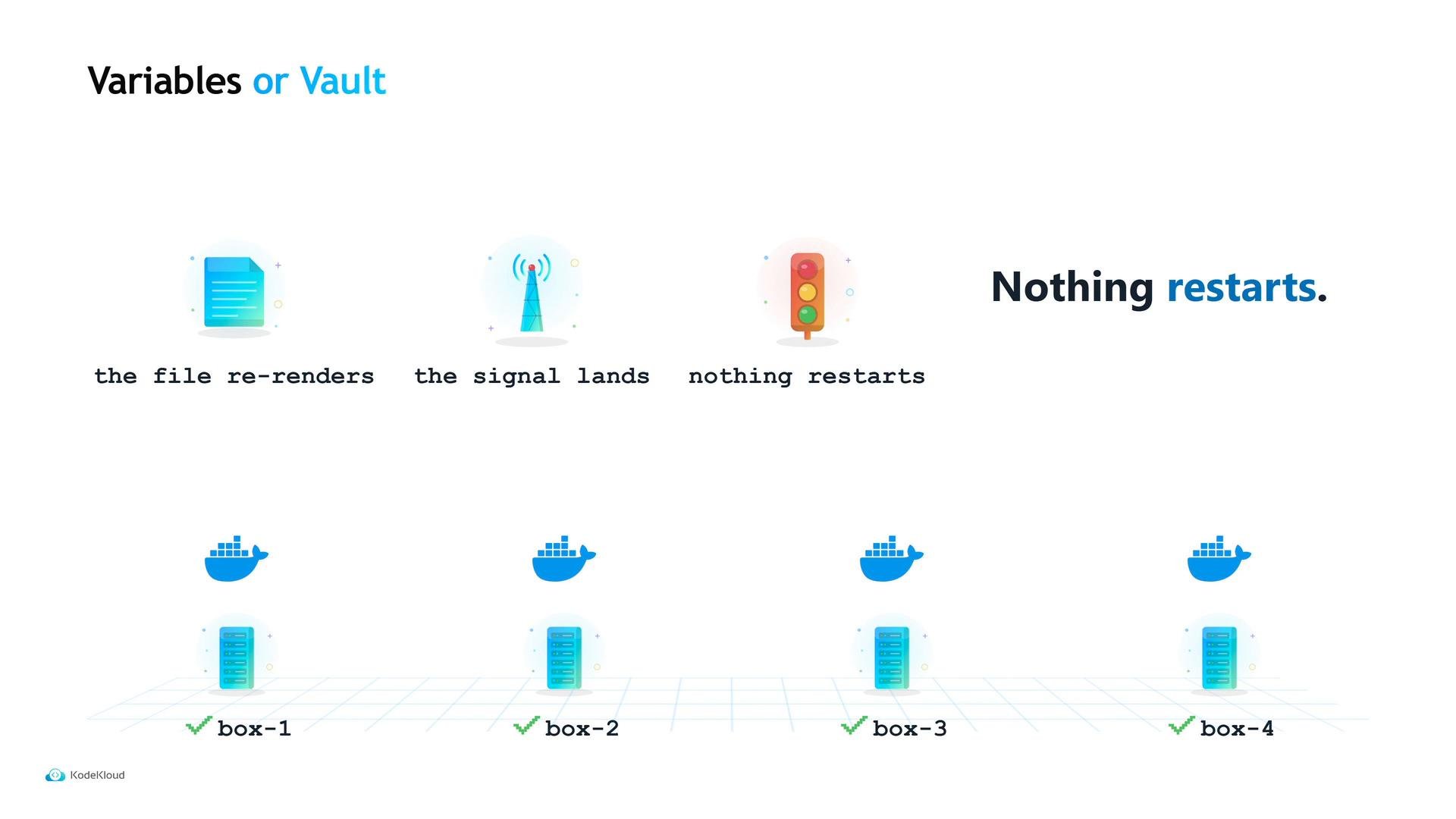 Use Nomad Variables for non-secret configuration that you want to update without redeploying. Use Vault when you need rotation, expiry, or detailed audit trails for secrets.
This documentation is built and hosted on [Mintlify](https://mintlify.com), a developer documentation platform.
Use Nomad Variables for non-secret configuration that you want to update without redeploying. Use Vault when you need rotation, expiry, or detailed audit trails for secrets.
This documentation is built and hosted on [Mintlify](https://mintlify.com), a developer documentation platform.