> ## Documentation Index
> Fetch the complete documentation index at: https://notes.kodekloud.com/llms.txt
> Use this file to discover all available pages before exploring further.
# Module 2 Summary
> Walks through a Nomad job file to demonstrate scaling, resource reservation, service discovery, Vault secrets integration, health checks, and debugging allocations.
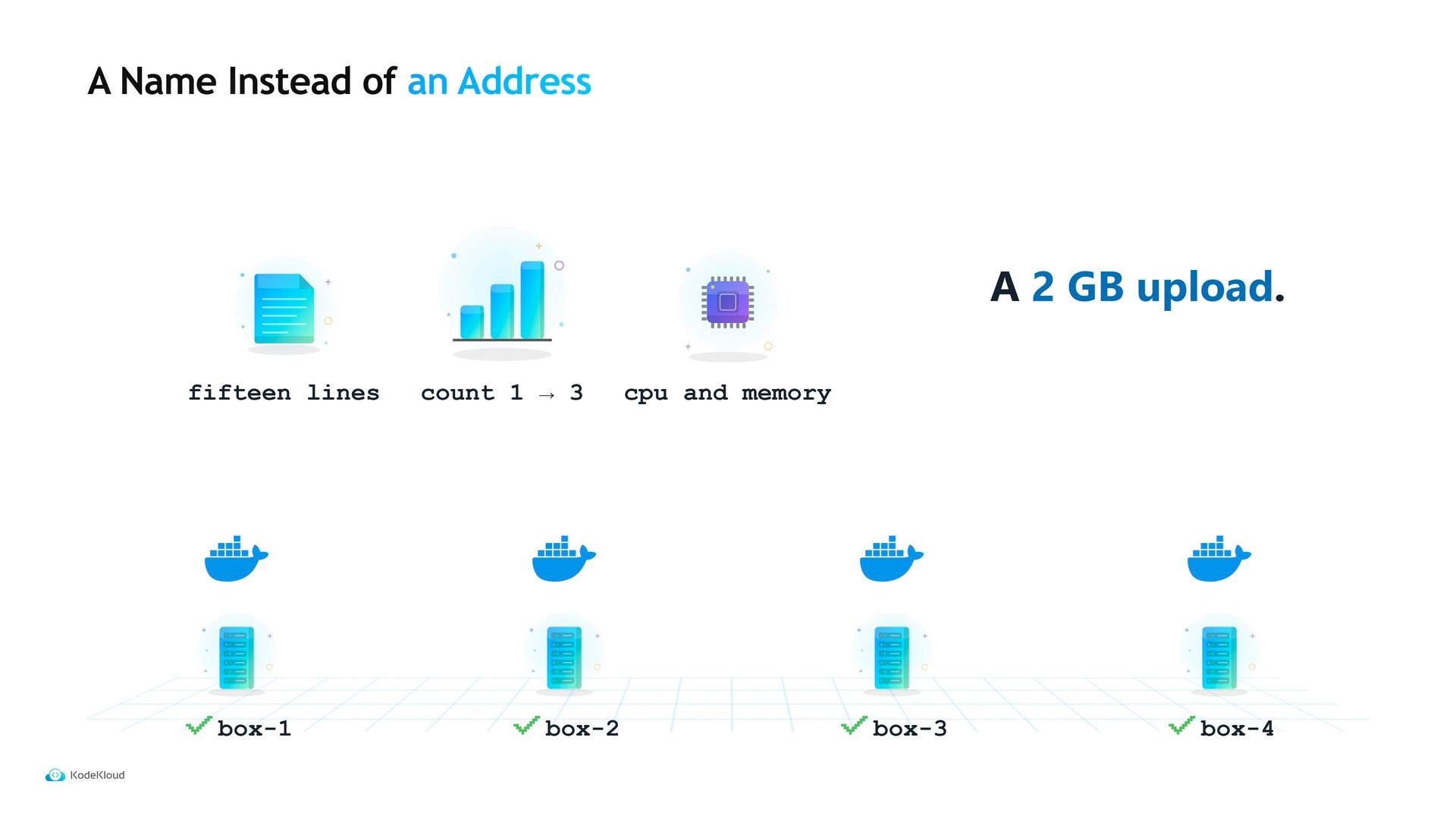
The clearest way to summarize this module is to walk through a single Nomad job file and show how each stanza addresses a specific operational concern. When Maya first wrote Tidepool's job spec it was \~15 lines: a job, a group, a task, an image, and `count = 1`. As load increased—and a customer uploaded a 2 GB spreadsheet—Maya iterated the spec to handle scaling, resource reservation, service discovery, secrets, and debugability. We'll step through those concerns in order.
1. Scaling
* The task count grew from one to three to handle the larger uploads. Scaling in Nomad is controlled by the job's `count` (or `scale` for other drivers) and the scheduler places allocations across the cluster.
2. Resource reservation
* Maya added CPU and memory in the task's `resources` block to reserve capacity for each allocation. If you over-provision, you waste cluster resources; if you under-provision, the OS or container runtime can kill the process. Choose conservative values, then adjust after profiling.
3. Discovery and health checks
* With three copies running, the frontend relied on a hard-coded address and failed for two of the instances. A `service` stanza registers a logical name in service discovery so other components look up a friendly name instead of an IP.
* Inside `service` you can add a `check` to report health. A discovery consumer (for example, a load balancer or Consul) must respect that health status or it may route traffic to unhealthy instances.
 Health checks are valuable beyond restart policy: they help discovery systems and controllers avoid routing traffic to unhealthy tasks. When integrating with a provider such as Consul, ensure both registration and health checks are present and consumers respect the check status.
Example of a minimal `service` stanza with an HTTP health check:
```hcl theme={null}
service {
name = "frontend"
port = "http"
check {
name = "http"
type = "http"
path = "/health"
interval = "10s"
timeout = "2s"
}
}
```
4. Secrets and identity (Vault integration)
* A database password had been stored in the repository for two years. To fix this, Maya added a Vault integration to the job. The Nomad `vault` stanza contains the role/policy information; Nomad and Vault use the allocation's identity to authenticate and determine which secrets the task can read.
* A `template` stanza consumes those secrets and renders them into the allocation as environment variables or files on the allocation's ephemeral filesystem. This avoids long‑term storage of secrets on the host.
Example of the pattern (simplified):
```hcl theme={null}
vault {
enabled = true
policies = ["app-policy"]
}
template {
data = <
nomad alloc status
nomad alloc logs -stderr
nomad alloc exec -task /bin/sh
```
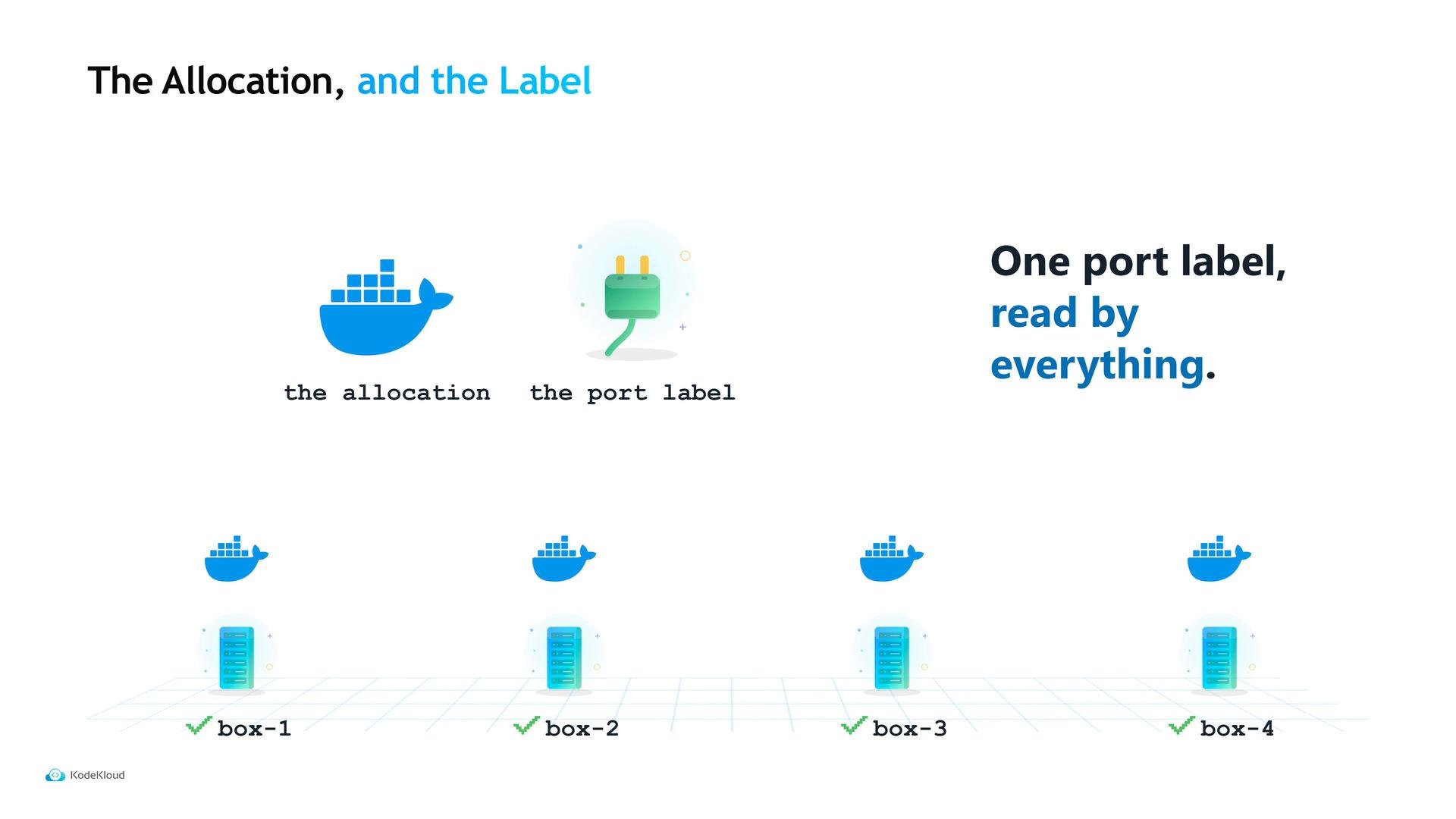
Underpinning discovery and runtime wiring is a single port label. The `network` stanza maps a port label (such as `http`), Nomad picks host ports for dynamic mappings, the allocation environment exposes that mapped port to the task, and the `service` stanza registers that port for discovery. Everything—runtime, discovery, and health—reads the same port label.
Health checks are valuable beyond restart policy: they help discovery systems and controllers avoid routing traffic to unhealthy tasks. When integrating with a provider such as Consul, ensure both registration and health checks are present and consumers respect the check status.
Example of a minimal `service` stanza with an HTTP health check:
```hcl theme={null}
service {
name = "frontend"
port = "http"
check {
name = "http"
type = "http"
path = "/health"
interval = "10s"
timeout = "2s"
}
}
```
4. Secrets and identity (Vault integration)
* A database password had been stored in the repository for two years. To fix this, Maya added a Vault integration to the job. The Nomad `vault` stanza contains the role/policy information; Nomad and Vault use the allocation's identity to authenticate and determine which secrets the task can read.
* A `template` stanza consumes those secrets and renders them into the allocation as environment variables or files on the allocation's ephemeral filesystem. This avoids long‑term storage of secrets on the host.
Example of the pattern (simplified):
```hcl theme={null}
vault {
enabled = true
policies = ["app-policy"]
}
template {
data = <
nomad alloc status
nomad alloc logs -stderr
nomad alloc exec -task /bin/sh
```
Underpinning discovery and runtime wiring is a single port label. The `network` stanza maps a port label (such as `http`), Nomad picks host ports for dynamic mappings, the allocation environment exposes that mapped port to the task, and the `service` stanza registers that port for discovery. Everything—runtime, discovery, and health—reads the same port label.
 Quick reference table — common job file blocks and their operational role:
| Job stanza | Purpose | Example / notes |
| - | - | - |
| `count` / `scale` | Scale number of allocations | Adjust to increase capacity |
| `resources` | Reserve CPU & memory per task | `cpu`, `memory` values to avoid OOM/kills |
| `service` | Service discovery registration | Registers logical name and ports |
| `check` | Health reporting for a task | Consumers should honor check status |
| `vault` | Secrets access via identity | Grants allocation access to Vault secrets |
| `template` | Render secrets into allocation | Produces env vars or files at runtime |
| `network` | Map port labels to host ports | Single label used across discovery and env |
In short: Tidepool's job file controls scaling, discovery, secret access, and debuggability. That leaves two open questions to address going forward:
* Why does changing a single number (for example an upload limit or a timeout) still require a rebuild or a full deploy?
* Why are Maya and Sam the only people who can answer the question, "What is running right now?"
These are the operational and organizational challenges we'll address next.
Links and references
* Nomad documentation: [https://www.nomadproject.io/docs](https://www.nomadproject.io/docs)
* Consul documentation: [https://www.consul.io/docs](https://www.consul.io/docs)
* Vault documentation: [https://www.vaultproject.io/docs](https://www.vaultproject.io/docs)
* HashiCorp Learn and certification courses (example): [https://learn.kodekloud.com/](https://learn.kodekloud.com/)
This documentation is built and hosted on [Mintlify](https://mintlify.com), a developer documentation platform.
Quick reference table — common job file blocks and their operational role:
| Job stanza | Purpose | Example / notes |
| - | - | - |
| `count` / `scale` | Scale number of allocations | Adjust to increase capacity |
| `resources` | Reserve CPU & memory per task | `cpu`, `memory` values to avoid OOM/kills |
| `service` | Service discovery registration | Registers logical name and ports |
| `check` | Health reporting for a task | Consumers should honor check status |
| `vault` | Secrets access via identity | Grants allocation access to Vault secrets |
| `template` | Render secrets into allocation | Produces env vars or files at runtime |
| `network` | Map port labels to host ports | Single label used across discovery and env |
In short: Tidepool's job file controls scaling, discovery, secret access, and debuggability. That leaves two open questions to address going forward:
* Why does changing a single number (for example an upload limit or a timeout) still require a rebuild or a full deploy?
* Why are Maya and Sam the only people who can answer the question, "What is running right now?"
These are the operational and organizational challenges we'll address next.
Links and references
* Nomad documentation: [https://www.nomadproject.io/docs](https://www.nomadproject.io/docs)
* Consul documentation: [https://www.consul.io/docs](https://www.consul.io/docs)
* Vault documentation: [https://www.vaultproject.io/docs](https://www.vaultproject.io/docs)
* HashiCorp Learn and certification courses (example): [https://learn.kodekloud.com/](https://learn.kodekloud.com/)
This documentation is built and hosted on [Mintlify](https://mintlify.com), a developer documentation platform.