> ## Documentation Index
> Fetch the complete documentation index at: https://notes.kodekloud.com/llms.txt
> Use this file to discover all available pages before exploring further.
# Service Discovery With Nomad and Consul
> Explains service discovery using Nomad and Consul, configuring services and health checks, differences in health filtering, and when to use Nomad built-in registry versus Consul
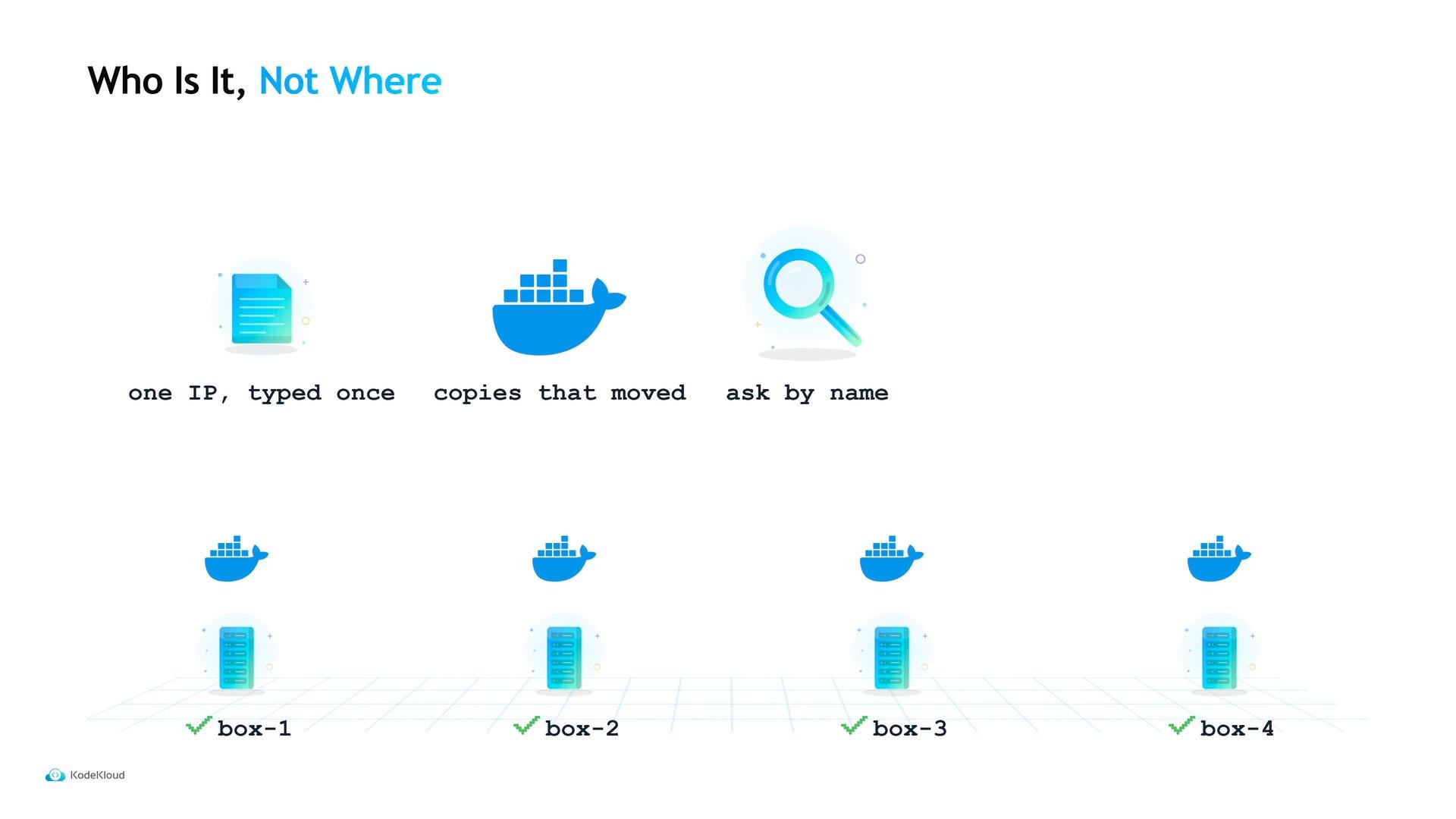
Hard-coding an API's IP and port into a config file works only as long as the service never moves. Tidepool’s web frontend initially used a single static address for its API — fine when the API lived on one stable machine, but brittle once services are relocated, restarted, or scaled.
A more resilient approach is to stop asking “Where is it?” and instead ask “Who is it?” — register each API copy under a logical name, and have clients look up that name to get the currently alive addresses. As instances start and stop, the registry’s results change automatically and client configs stay unchanged.
 ## How Nomad exposes services
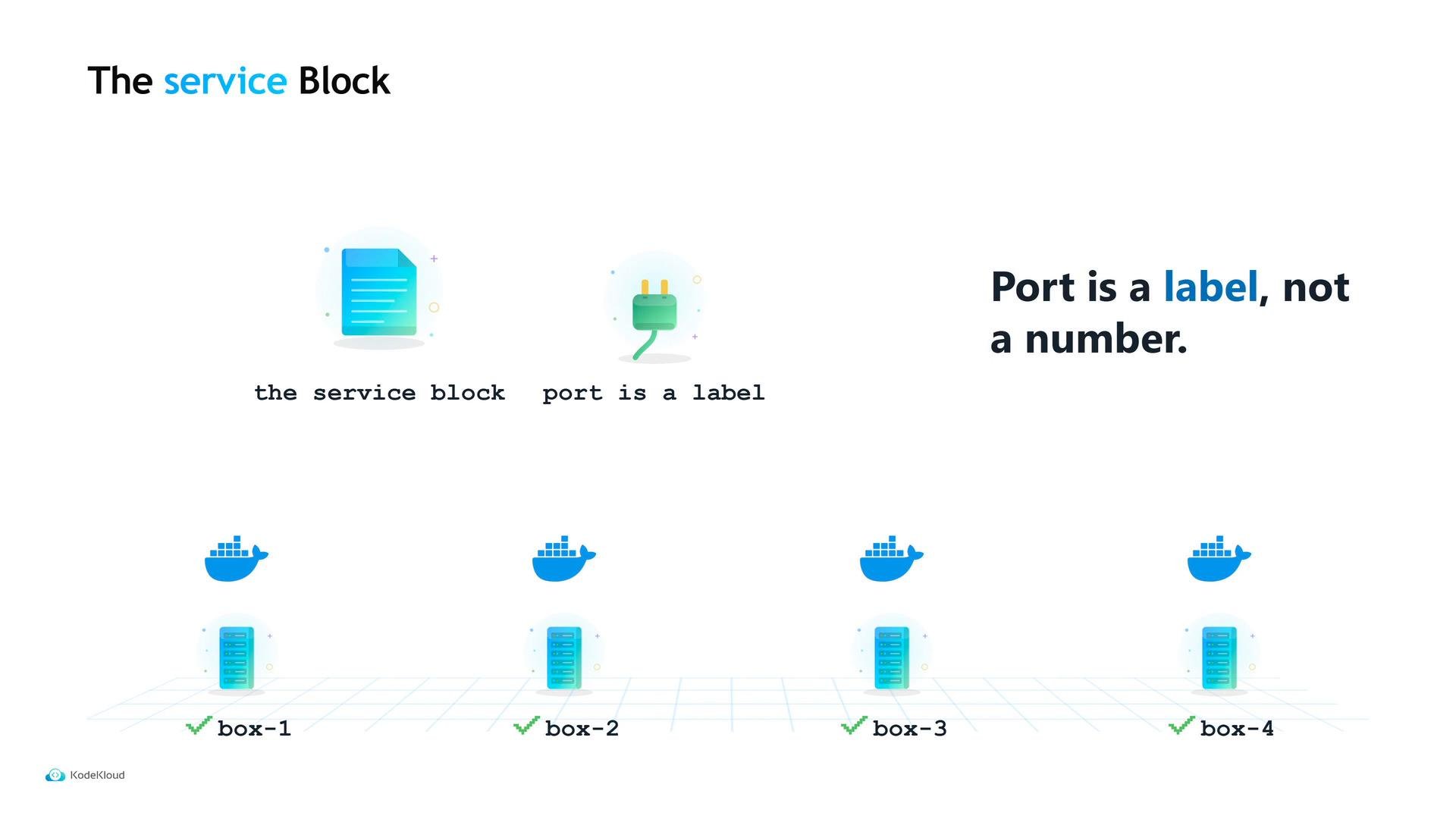
In Nomad, service discovery is configured inside the `group` block of a job file via a `service` stanza. Each service includes three core properties:
* `name` — the logical name that clients will query (e.g., `tidepool-api`).
* `port` — a port *label* that refers to a port declared in the job’s `network` block (not a literal number).
* `provider` — the registry that manages service entries (Nomad’s built-in registry or Consul).
Always reference the port label (for example, `http`) defined in the `network` block so Nomad can assign ports dynamically at runtime. Do not hard-code numeric ports inside the `service` block.
## How Nomad exposes services
In Nomad, service discovery is configured inside the `group` block of a job file via a `service` stanza. Each service includes three core properties:
* `name` — the logical name that clients will query (e.g., `tidepool-api`).
* `port` — a port *label* that refers to a port declared in the job’s `network` block (not a literal number).
* `provider` — the registry that manages service entries (Nomad’s built-in registry or Consul).
Always reference the port label (for example, `http`) defined in the `network` block so Nomad can assign ports dynamically at runtime. Do not hard-code numeric ports inside the `service` block.
 ### Example Nomad job (HCL)
This example shows a minimal job that registers an `http`-labelled service with Nomad’s registry and attaches an HTTP health check.
```hcl theme={null}
job "tidepool" {
datacenters = ["dc1"]
group "api" {
count = 3
network {
port "http" {}
}
task "api" {
driver = "docker"
config {
image = "tidepool/api:latest"
ports = ["http"]
}
resources {
network {
port "http" {}
}
}
}
service {
name = "tidepool-api"
port = "http"
provider = "nomad" # Use "nomad" explicitly for Nomad's built-in registry
check {
type = "http"
path = "/healthz"
interval = "10s"
timeout = "2s"
}
# Optional: restart the task after consecutive check failures
# check_restart {
# limit = 3
# }
}
}
}
```
If you omit `provider`, Nomad assumes `consul` by default. Explicitly set `provider = "nomad"` to use Nomad’s built-in service registry.
## Health checks: who is actually healthy?
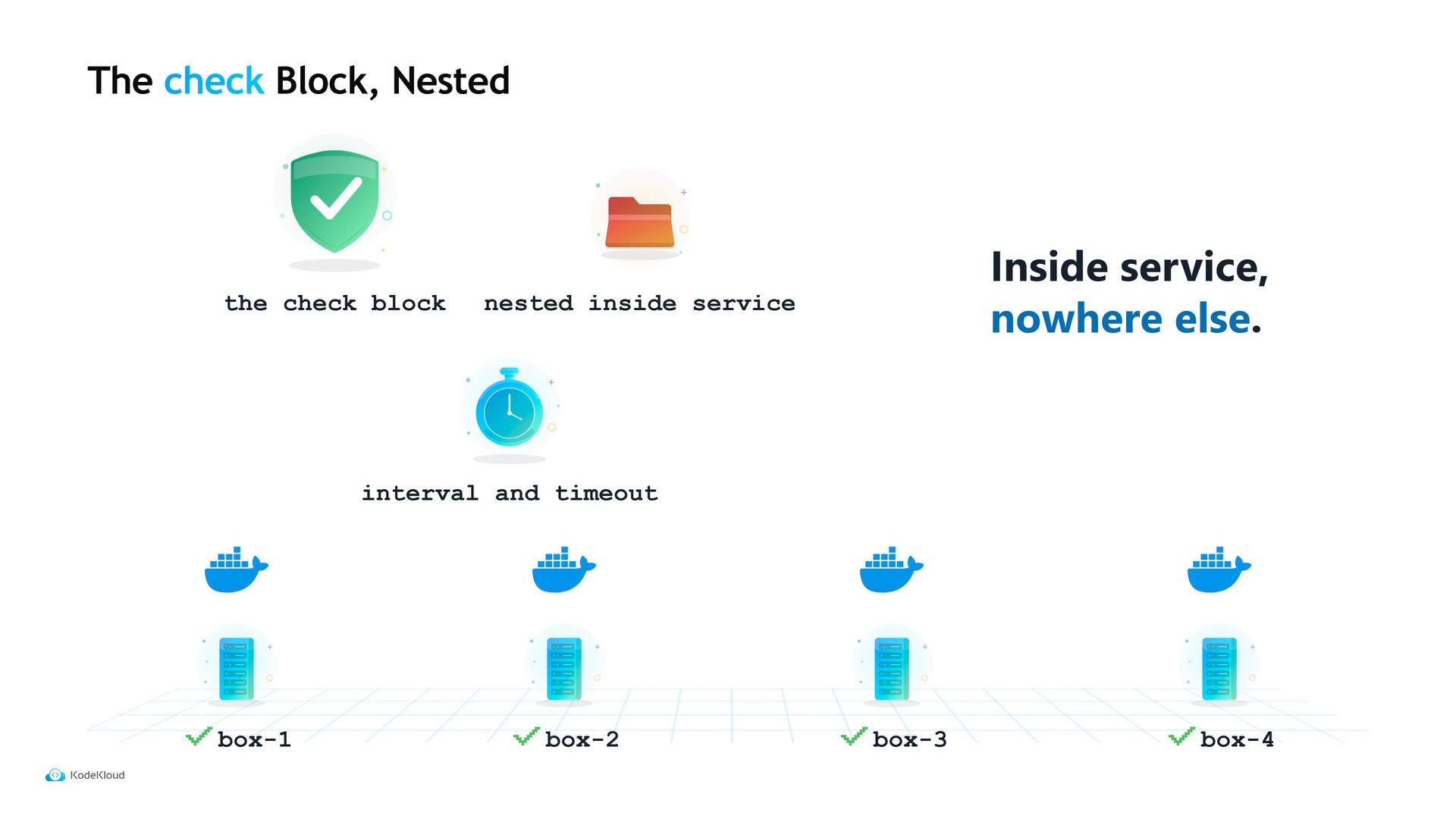
Registering a service name is only part of the story — clients need to know which instances are healthy. That’s why the `service` block supports a nested `check` stanza. The `check` must be nested directly under `service` (not at top-level or inside `task`).
Common check properties:
| Field | Purpose | Example |
| - | - | - |
| `type` | Type of probe (usually `http` or `tcp`) | `http` |
| `path` | HTTP path to probe (only for `http` checks) | `/healthz` |
| `interval` | How often Nomad probes the instance | `10s` |
| `timeout` | How long to wait for a response | `2s` |
Nomad will call the check endpoint repeatedly for every service copy. This gives visibility into instance health so operators can act.
### Example Nomad job (HCL)
This example shows a minimal job that registers an `http`-labelled service with Nomad’s registry and attaches an HTTP health check.
```hcl theme={null}
job "tidepool" {
datacenters = ["dc1"]
group "api" {
count = 3
network {
port "http" {}
}
task "api" {
driver = "docker"
config {
image = "tidepool/api:latest"
ports = ["http"]
}
resources {
network {
port "http" {}
}
}
}
service {
name = "tidepool-api"
port = "http"
provider = "nomad" # Use "nomad" explicitly for Nomad's built-in registry
check {
type = "http"
path = "/healthz"
interval = "10s"
timeout = "2s"
}
# Optional: restart the task after consecutive check failures
# check_restart {
# limit = 3
# }
}
}
}
```
If you omit `provider`, Nomad assumes `consul` by default. Explicitly set `provider = "nomad"` to use Nomad’s built-in service registry.
## Health checks: who is actually healthy?
Registering a service name is only part of the story — clients need to know which instances are healthy. That’s why the `service` block supports a nested `check` stanza. The `check` must be nested directly under `service` (not at top-level or inside `task`).
Common check properties:
| Field | Purpose | Example |
| - | - | - |
| `type` | Type of probe (usually `http` or `tcp`) | `http` |
| `path` | HTTP path to probe (only for `http` checks) | `/healthz` |
| `interval` | How often Nomad probes the instance | `10s` |
| `timeout` | How long to wait for a response | `2s` |
Nomad will call the check endpoint repeatedly for every service copy. This gives visibility into instance health so operators can act.
 ## Nomad built-in provider: visibility vs. filtering
One important caveat with Nomad’s built-in provider: it records and shows check failures, but it does not filter out failing instances from the service listing. That means a copy with failing checks can still appear in client query results.
## Nomad built-in provider: visibility vs. filtering
One important caveat with Nomad’s built-in provider: it records and shows check failures, but it does not filter out failing instances from the service listing. That means a copy with failing checks can still appear in client query results.
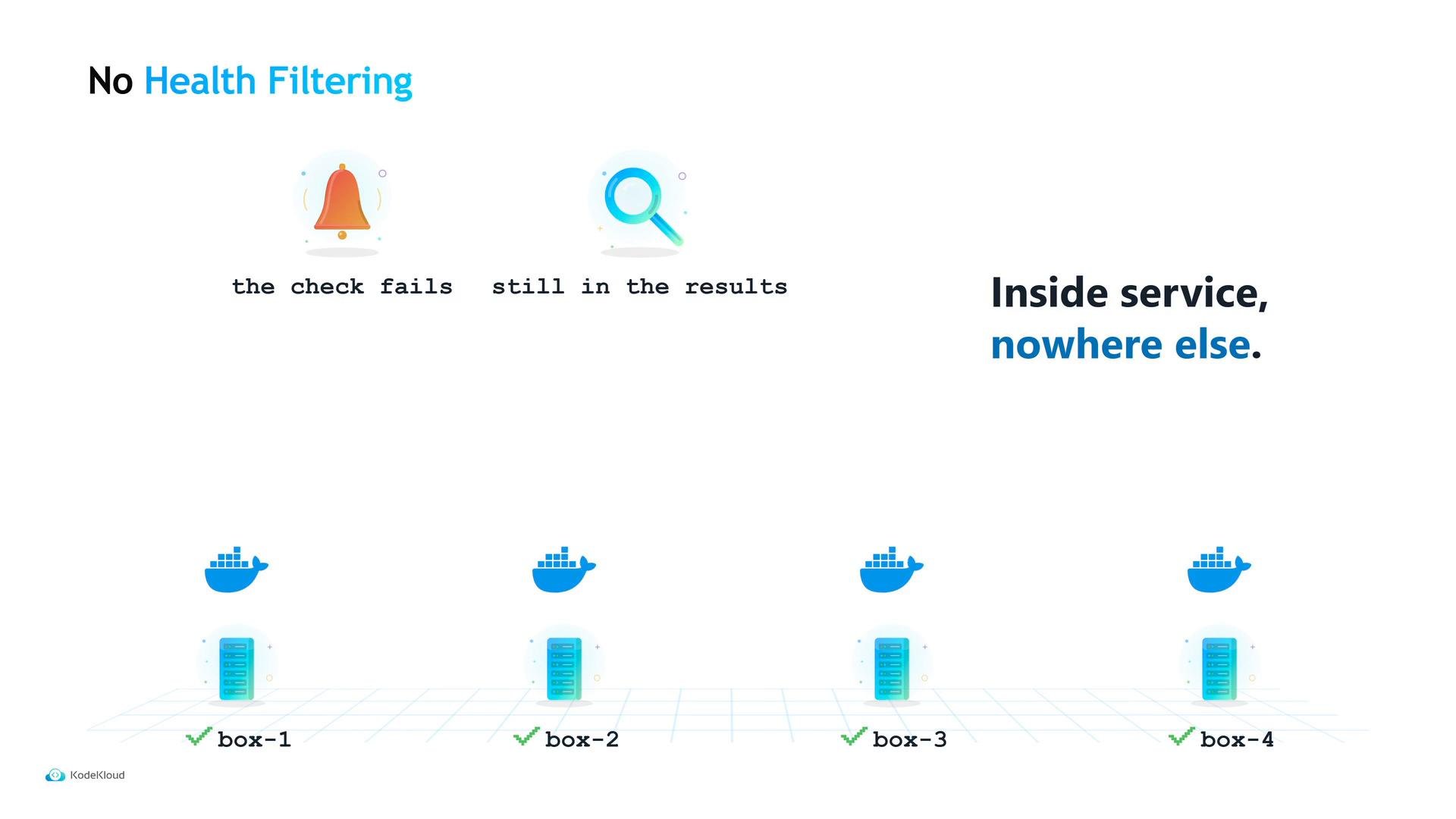 So what does a failing check accomplish if the unhealthy copy remains listed? It provides visibility and the option to automate recovery:
* Visibility: operators can see which instances are failing and investigate.
* Automatic restarts: you can configure a `check_restart` block to restart tasks after N consecutive failures. Note that `check_restart.limit` defaults to `0` (disabled).
So what does a failing check accomplish if the unhealthy copy remains listed? It provides visibility and the option to automate recovery:
* Visibility: operators can see which instances are failing and investigate.
* Automatic restarts: you can configure a `check_restart` block to restart tasks after N consecutive failures. Note that `check_restart.limit` defaults to `0` (disabled).
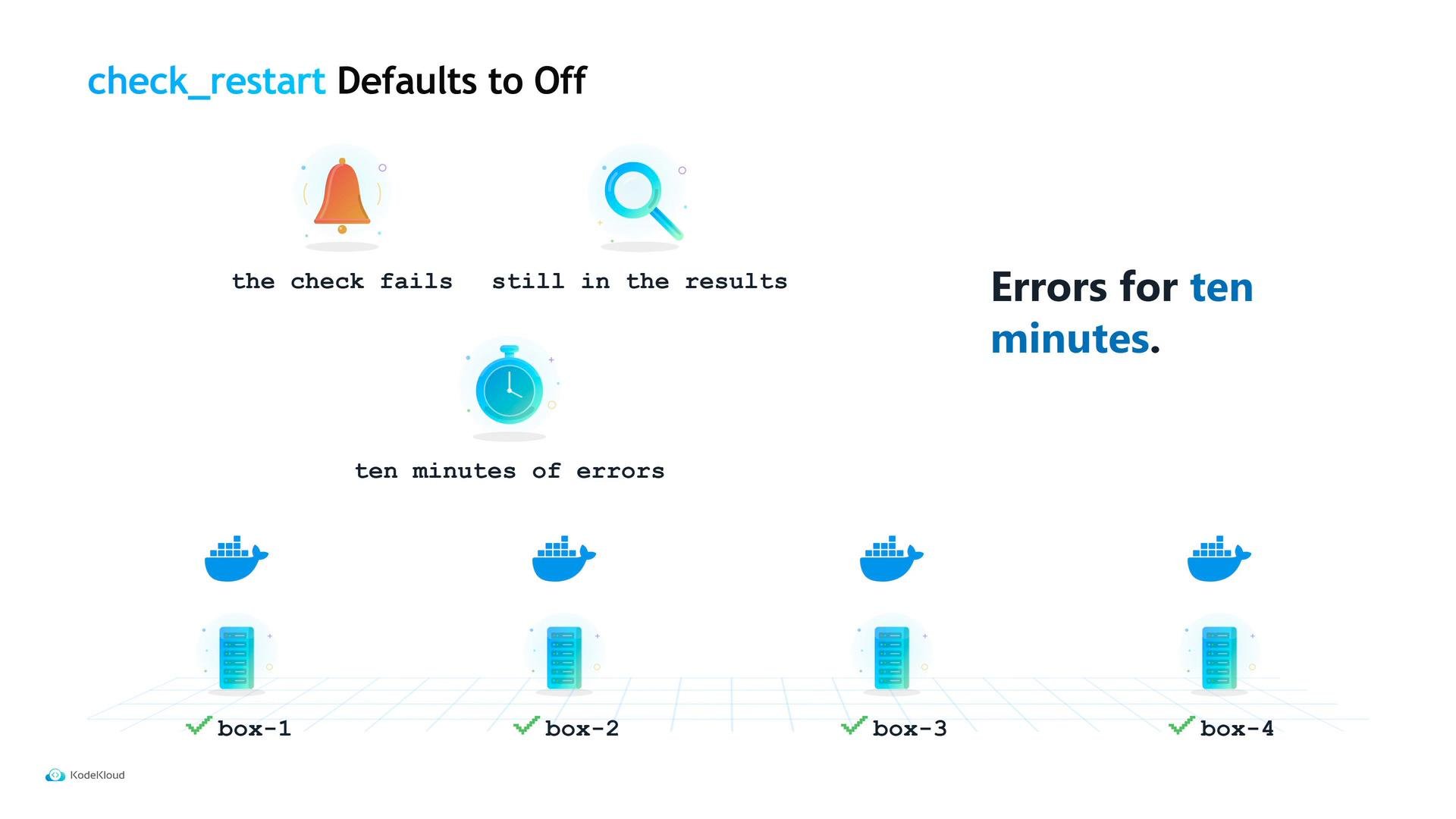 Be careful: `check_restart.limit` defaults to `0` (off). If you add a check but do not set a restart limit, a permanently broken instance may remain listed and continue to receive traffic until someone intervenes.
## Why choose Consul?
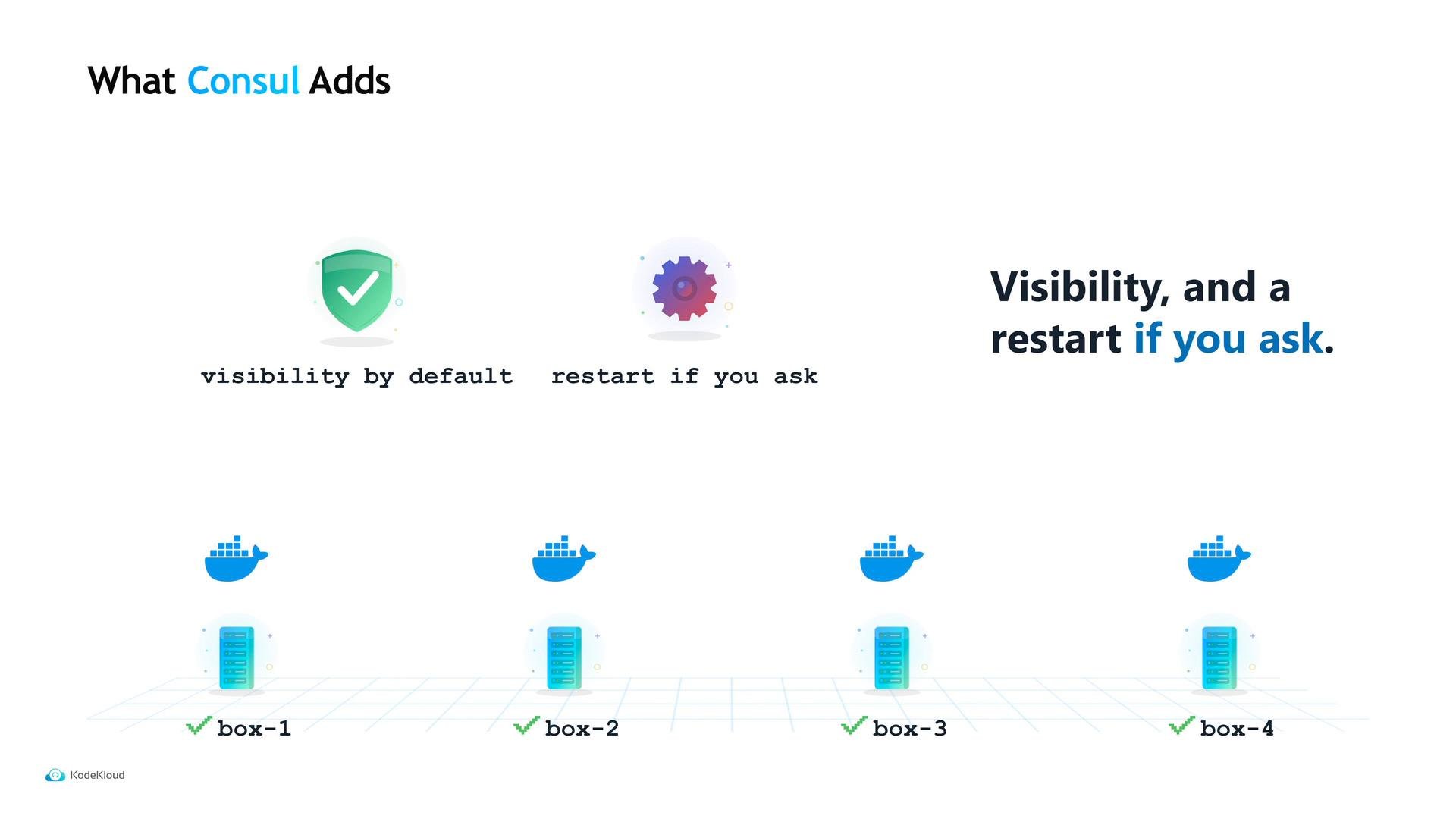
Because the built-in provider does not filter unhealthy instances by default, many teams prefer Consul for service discovery. Consul offers additional capabilities:
* Health filtering by default — Consul returns only instances whose checks are passing.
* DNS-based discovery — clients that resolve hostnames can use Consul without Nomad-specific logic.
* Optional service proxying and mTLS — secure, authenticated communication between services.
Be careful: `check_restart.limit` defaults to `0` (off). If you add a check but do not set a restart limit, a permanently broken instance may remain listed and continue to receive traffic until someone intervenes.
## Why choose Consul?
Because the built-in provider does not filter unhealthy instances by default, many teams prefer Consul for service discovery. Consul offers additional capabilities:
* Health filtering by default — Consul returns only instances whose checks are passing.
* DNS-based discovery — clients that resolve hostnames can use Consul without Nomad-specific logic.
* Optional service proxying and mTLS — secure, authenticated communication between services.
 ## Which provider should you use?
| Scenario | Recommended provider |
| - | - |
| All callers and services run inside the same Nomad cluster and clients implement retries | Nomad built-in provider (`provider = "nomad"`) |
| You need failing instances filtered from results, DNS-based resolution, or service identity/mTLS | Consul (`provider = "consul"`) |
Remember that Consul is additional infrastructure: you must operate Consul servers, handle upgrades, and plan for its availability.
In Tidepool’s case, Maya continued to use Nomad’s built-in registry because the frontend already implements retries: a bad copy costs a retry, not an outage. Regardless of provider, the static two-year-old address was removed and replaced by a dynamic discovery model that scales and survives instance churn.
There is one more block in that configuration file that we haven't touched yet.
This documentation is built and hosted on [Mintlify](https://mintlify.com), a developer documentation platform.
## Which provider should you use?
| Scenario | Recommended provider |
| - | - |
| All callers and services run inside the same Nomad cluster and clients implement retries | Nomad built-in provider (`provider = "nomad"`) |
| You need failing instances filtered from results, DNS-based resolution, or service identity/mTLS | Consul (`provider = "consul"`) |
Remember that Consul is additional infrastructure: you must operate Consul servers, handle upgrades, and plan for its availability.
In Tidepool’s case, Maya continued to use Nomad’s built-in registry because the frontend already implements retries: a bad copy costs a retry, not an outage. Regardless of provider, the static two-year-old address was removed and replaced by a dynamic discovery model that scales and survives instance churn.
There is one more block in that configuration file that we haven't touched yet.
This documentation is built and hosted on [Mintlify](https://mintlify.com), a developer documentation platform.