> ## Documentation Index
> Fetch the complete documentation index at: https://notes.kodekloud.com/llms.txt
> Use this file to discover all available pages before exploring further.
# Introduction
> Hands-on course teaching Kyverno for Kubernetes policies, including installation, validation and mutation policy authoring, testing, enforcement, advanced patterns, labs, and a final practical challenge.
Welcome to the Learn by Doing course: Kubernetes Policies with Kyverno.
Instructors: Vijin Palazhi and Srinivas.
This hands‑on course is built for DevOps engineers, system administrators, and cloud professionals who want practical experience creating, validating, and enforcing Kubernetes policies using Kyverno. You will deploy Kyverno in a Kubernetes cluster, author policies, test them, and apply best practices to improve cluster security and compliance.
By the end of this course you will be able to:
* Install and configure Kyverno in a Kubernetes cluster.
* Write validation and mutation policies.
* Test and iterate on policies safely.
* Apply advanced patterns and enforce organizational compliance.
 This lesson uses short, focused labs with an Overview and step‑by‑step Tasks. Think of the Overview tab as the lesson content and the Tasks tab as your workbook. The Overview opens by default.
To work in each lab:
* Open the terminal using the terminal toggle icon in the lab UI. This provides an interactive shell connected to a live Kubernetes cluster.
* If you get stuck, use the Hint and Solution tabs.
* Use the Check button to validate task results and advance through exercises.
When using the default `nginx` image in examples, use `/bin/sh` for an interactive shell because `bash` may not be available.
The examples in this course sometimes run containers as `root` for demonstration. Never run root containers in production—use least privilege and a proper `securityContext`.
Representative lab example — a pod running as root (for demonstration only). Save this as `root-pod.yaml` and apply it to inspect the container filesystem:
```yaml theme={null}
apiVersion: v1
kind: Pod
metadata:
name: root-pod
spec:
containers:
- name: root-container
image: nginx
securityContext:
runAsUser: 0
```
Commands to apply and inspect:
```bash theme={null}
kubectl apply -f root-pod.yaml
kubectl exec -it root-pod -- /bin/sh
cat /etc/passwd
```
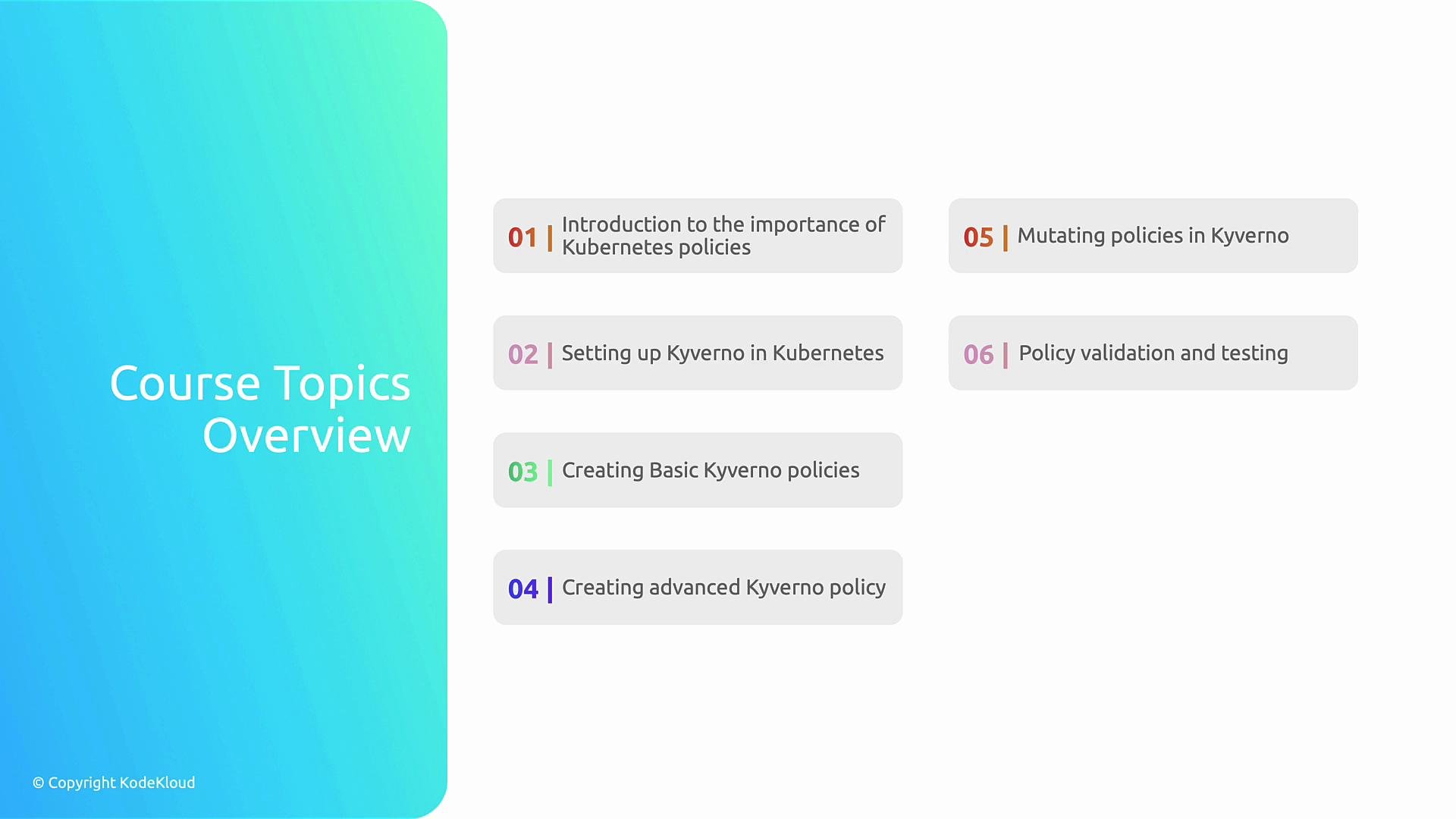
Course structure — topics are arranged to build skills progressively:
| Topic | What you'll learn |
| --------------------------- | ------------------------------------------------------------------------------------- |
| Why policies matter | The role of policies in security, compliance, and guardrails for Kubernetes workloads |
| Installing Kyverno | How to install and configure Kyverno in a cluster and why Kyverno is a strong choice |
| Basic policies | Validation and mutation examples to enforce simple rules |
| Advanced patterns | Reusable patterns, policy composition, and performance considerations |
| Mutating resources | Auto-injection and mutation strategies to enforce defaults and sidecars |
| Policy testing & validation | Techniques and tools for testing policies safely |
| Final challenge | Apply everything in a real-world scenario to validate learning |
Finally, you will complete a Kyverno policy challenge that consolidates the lessons into a practical scenario.
This lesson uses short, focused labs with an Overview and step‑by‑step Tasks. Think of the Overview tab as the lesson content and the Tasks tab as your workbook. The Overview opens by default.
To work in each lab:
* Open the terminal using the terminal toggle icon in the lab UI. This provides an interactive shell connected to a live Kubernetes cluster.
* If you get stuck, use the Hint and Solution tabs.
* Use the Check button to validate task results and advance through exercises.
When using the default `nginx` image in examples, use `/bin/sh` for an interactive shell because `bash` may not be available.
The examples in this course sometimes run containers as `root` for demonstration. Never run root containers in production—use least privilege and a proper `securityContext`.
Representative lab example — a pod running as root (for demonstration only). Save this as `root-pod.yaml` and apply it to inspect the container filesystem:
```yaml theme={null}
apiVersion: v1
kind: Pod
metadata:
name: root-pod
spec:
containers:
- name: root-container
image: nginx
securityContext:
runAsUser: 0
```
Commands to apply and inspect:
```bash theme={null}
kubectl apply -f root-pod.yaml
kubectl exec -it root-pod -- /bin/sh
cat /etc/passwd
```
Course structure — topics are arranged to build skills progressively:
| Topic | What you'll learn |
| --------------------------- | ------------------------------------------------------------------------------------- |
| Why policies matter | The role of policies in security, compliance, and guardrails for Kubernetes workloads |
| Installing Kyverno | How to install and configure Kyverno in a cluster and why Kyverno is a strong choice |
| Basic policies | Validation and mutation examples to enforce simple rules |
| Advanced patterns | Reusable patterns, policy composition, and performance considerations |
| Mutating resources | Auto-injection and mutation strategies to enforce defaults and sidecars |
| Policy testing & validation | Techniques and tools for testing policies safely |
| Final challenge | Apply everything in a real-world scenario to validate learning |
Finally, you will complete a Kyverno policy challenge that consolidates the lessons into a practical scenario.
 Ready to begin? Start with the first lab to install Kyverno and create your first policy.
Links and references
* Kyverno documentation: [https://kyverno.io/](https://kyverno.io/)
* Kubernetes documentation: [https://kubernetes.io/docs/](https://kubernetes.io/docs/)
* Getting started with Kyverno: [https://kyverno.io/docs/quickstart/](https://kyverno.io/docs/quickstart/)
Ready to begin? Start with the first lab to install Kyverno and create your first policy.
Links and references
* Kyverno documentation: [https://kyverno.io/](https://kyverno.io/)
* Kubernetes documentation: [https://kubernetes.io/docs/](https://kubernetes.io/docs/)
* Getting started with Kyverno: [https://kyverno.io/docs/quickstart/](https://kyverno.io/docs/quickstart/)