> ## Documentation Index
> Fetch the complete documentation index at: https://notes.kodekloud.com/llms.txt
> Use this file to discover all available pages before exploring further.
# Course Introduction
> Hands-on MariaDB course teaching installation, configuration, security, SQL, schema design, backups, performance tuning and Docker deployment for database administrators, developers, and IT professionals.
Hello and welcome to this Learn-By-Doing course on MariaDB.
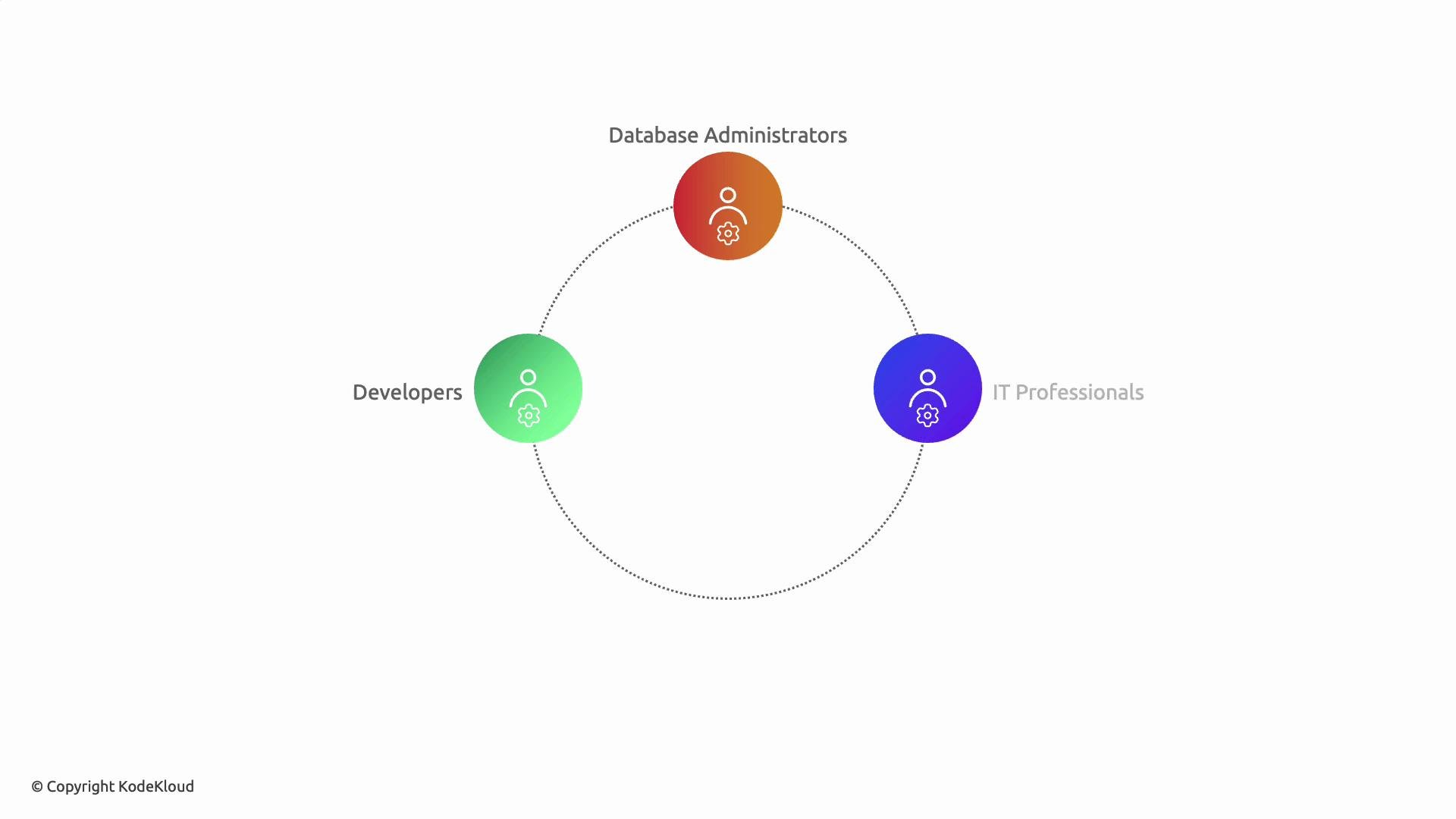
My name is Jarugu Phanivardhan, and I will be your instructor for this course. This hands-on course is tailored for database administrators, developers, and IT professionals who want to master MariaDB for reliable, high-performance database management across development and production environments.
 What you'll do in this course
* Set up and configure MariaDB for development and production.
* Manage users and privileges securely.
* Write and optimize basic SQL queries (CRUD).
* Design and modify table columns and schemas.
* Implement partitioned tables for large datasets.
* Choose and configure appropriate storage engines.
* Perform backups, enable logging, and monitor activity.
* Deploy and operate MariaDB in containerized environments using Docker.
Learning outcomes
* Confidently install and configure MariaDB in multiple environments.
* Securely manage users and roles and restrict access.
* Optimize queries and tune basic performance parameters.
* Implement scalable table designs and backup strategies.
* Deploy MariaDB containers and integrate with CI/CD workflows.
How to use the hands-on labs
* Open the lab environment and consult the course material and workbook.
* Use the terminal provided by the lab environment to run commands and interact with the database.
* Validate your work using the lab's check/validation feature to confirm task completion.
Common way to start the MariaDB client from the lab terminal:
```bash theme={null}
sudo mariadb -u root -p
```
This will prompt for the root password. If you must provide the password inline (use cautiously and only in non-production, controlled labs), you can run:
```bash theme={null}
sudo mariadb -u root -p'Pe$w0rd'
```
For security, prefer the first form (`sudo mariadb -u root -p`) so the password is not visible in your shell history or process list.
If you get stuck
* Consult hints and solutions available in the lab.
* Use the lab validation feature to verify your answers.
* Revisit the workbook examples and command notes.
Course topics (progressive sequence)
| Topic | What you’ll learn | Example / Tools |
| ----------------------- | -------------------------------------------------------- | --------------------------------------------- |
| Basic configurations | Install, initialize, and configure MariaDB server | `mysqld`, configuration files (`/etc/mysql/`) |
| User management | Create users, grant and revoke privileges securely | `CREATE USER`, `GRANT`, `REVOKE` |
| Basic SQL commands | CRUD operations and simple query tuning | `SELECT`, `INSERT`, `UPDATE`, `DELETE` |
| Columns & schema design | Define columns, types, and constraints | `ALTER TABLE`, `CREATE TABLE` |
| Partitioned tables | Partition strategies for large datasets | `PARTITION BY RANGE` |
| Storage engines | InnoDB, MyISAM, Aria — when to use each | Engine selection and configuration |
| Backup and logging | Logical and physical backups, binary logs, audit logging | `mysqldump`, `mariabackup`, `binary log` |
| MariaDB on Docker | Containerize MariaDB and manage persistent data | `docker run`, `docker-compose` |
Further reading and references
* MariaDB Documentation: [https://mariadb.com/kb/en/](https://mariadb.com/kb/en/)
* Docker Documentation: [https://docs.docker.com/](https://docs.docker.com/)
* Best practices for backups and restores: [https://mariadb.com/kb/en/backup-and-restore/](https://mariadb.com/kb/en/backup-and-restore/)
Ready to begin?
Each lesson builds on the previous one, moving from initial setup to advanced configuration and performance optimization. Start the first hands-on lab to apply these concepts in a practical environment.
What you'll do in this course
* Set up and configure MariaDB for development and production.
* Manage users and privileges securely.
* Write and optimize basic SQL queries (CRUD).
* Design and modify table columns and schemas.
* Implement partitioned tables for large datasets.
* Choose and configure appropriate storage engines.
* Perform backups, enable logging, and monitor activity.
* Deploy and operate MariaDB in containerized environments using Docker.
Learning outcomes
* Confidently install and configure MariaDB in multiple environments.
* Securely manage users and roles and restrict access.
* Optimize queries and tune basic performance parameters.
* Implement scalable table designs and backup strategies.
* Deploy MariaDB containers and integrate with CI/CD workflows.
How to use the hands-on labs
* Open the lab environment and consult the course material and workbook.
* Use the terminal provided by the lab environment to run commands and interact with the database.
* Validate your work using the lab's check/validation feature to confirm task completion.
Common way to start the MariaDB client from the lab terminal:
```bash theme={null}
sudo mariadb -u root -p
```
This will prompt for the root password. If you must provide the password inline (use cautiously and only in non-production, controlled labs), you can run:
```bash theme={null}
sudo mariadb -u root -p'Pe$w0rd'
```
For security, prefer the first form (`sudo mariadb -u root -p`) so the password is not visible in your shell history or process list.
If you get stuck
* Consult hints and solutions available in the lab.
* Use the lab validation feature to verify your answers.
* Revisit the workbook examples and command notes.
Course topics (progressive sequence)
| Topic | What you’ll learn | Example / Tools |
| ----------------------- | -------------------------------------------------------- | --------------------------------------------- |
| Basic configurations | Install, initialize, and configure MariaDB server | `mysqld`, configuration files (`/etc/mysql/`) |
| User management | Create users, grant and revoke privileges securely | `CREATE USER`, `GRANT`, `REVOKE` |
| Basic SQL commands | CRUD operations and simple query tuning | `SELECT`, `INSERT`, `UPDATE`, `DELETE` |
| Columns & schema design | Define columns, types, and constraints | `ALTER TABLE`, `CREATE TABLE` |
| Partitioned tables | Partition strategies for large datasets | `PARTITION BY RANGE` |
| Storage engines | InnoDB, MyISAM, Aria — when to use each | Engine selection and configuration |
| Backup and logging | Logical and physical backups, binary logs, audit logging | `mysqldump`, `mariabackup`, `binary log` |
| MariaDB on Docker | Containerize MariaDB and manage persistent data | `docker run`, `docker-compose` |
Further reading and references
* MariaDB Documentation: [https://mariadb.com/kb/en/](https://mariadb.com/kb/en/)
* Docker Documentation: [https://docs.docker.com/](https://docs.docker.com/)
* Best practices for backups and restores: [https://mariadb.com/kb/en/backup-and-restore/](https://mariadb.com/kb/en/backup-and-restore/)
Ready to begin?
Each lesson builds on the previous one, moving from initial setup to advanced configuration and performance optimization. Start the first hands-on lab to apply these concepts in a practical environment.