> ## Documentation Index
> Fetch the complete documentation index at: https://notes.kodekloud.com/llms.txt
> Use this file to discover all available pages before exploring further.
# Deploying an LKE cluster using Terraform
> Learn to automate provisioning of a Linode Kubernetes Engine cluster using Terraform for repeatable, version-controlled deployments.
Learn how to automate the provisioning of a Linode Kubernetes Engine (LKE) cluster using Terraform. By defining your infrastructure as code, you gain repeatable, version-controlled deployments.
## Prerequisites
* Terraform v1.0+ installed
* A valid Linode API token
* `kubectl` installed and configured
Store your Linode API token securely. We recommend using environment variables (`TF_VAR_token`) or a protected `.tfvars` file instead of hard-coding credentials.
***
## 1. Terraform Configuration
### 1.1 Required Provider
Specify the Linode provider and lock its version:
```hcl theme={null}
terraform {
required_providers {
linode = {
source = "linode/linode"
version = "1.27.1"
}
}
required_version = ">= 1.0"
}
```
### 1.2 Provider & Variables
Configure the provider to use your API token:
```hcl theme={null}
provider "linode" {
token = var.token
}
variable "token" {
description = "Linode API token"
type = string
sensitive = true
}
```
### 1.3 LKE Cluster Resource
Create an LKE cluster named **my-cluster** in `us-central`, using Kubernetes v1.23 and a three-node pool:
```hcl theme={null}
resource "linode_lke_cluster" "my_cluster" {
label = "my-cluster"
k8s_version = "1.23"
region = "us-central"
tags = ["prod"]
pool {
type = "g6-standard-2"
count = 3
# To enable auto-scaling, uncomment the block below:
# autoscaler {
# min = 3
# max = 10
# }
}
}
```
If you enable the `autoscaler`, ensure your account has sufficient quota for scaling nodes.
### 1.4 Output Kubernetes Configuration
Expose the generated kubeconfig for use with `kubectl`:
```hcl theme={null}
output "kubeconfig" {
value = linode_lke_cluster.my_cluster.kubeconfig
sensitive = true
}
```
***
## 2. Deploying the Cluster
Initialize, plan, and apply your configuration:
| Command | Description |
| ------------------------------- | --------------------------------- |
| `terraform init` | Download provider plugins |
| `terraform plan` | Preview changes |
| `terraform apply -auto-approve` | Provision resources automatically |
```bash theme={null}
cd Linode
terraform init
terraform plan
terraform apply -auto-approve
```
Expected output:
```bash theme={null}
Plan: 1 to add, 0 to change, 0 to destroy.
Changes to Outputs:
+ kubeconfig = (sensitive value)
```
***
## 3. Monitoring Provisioning
You can track cluster creation progress in the Linode Cloud Manager. Provisioning typically takes 5–15 minutes.
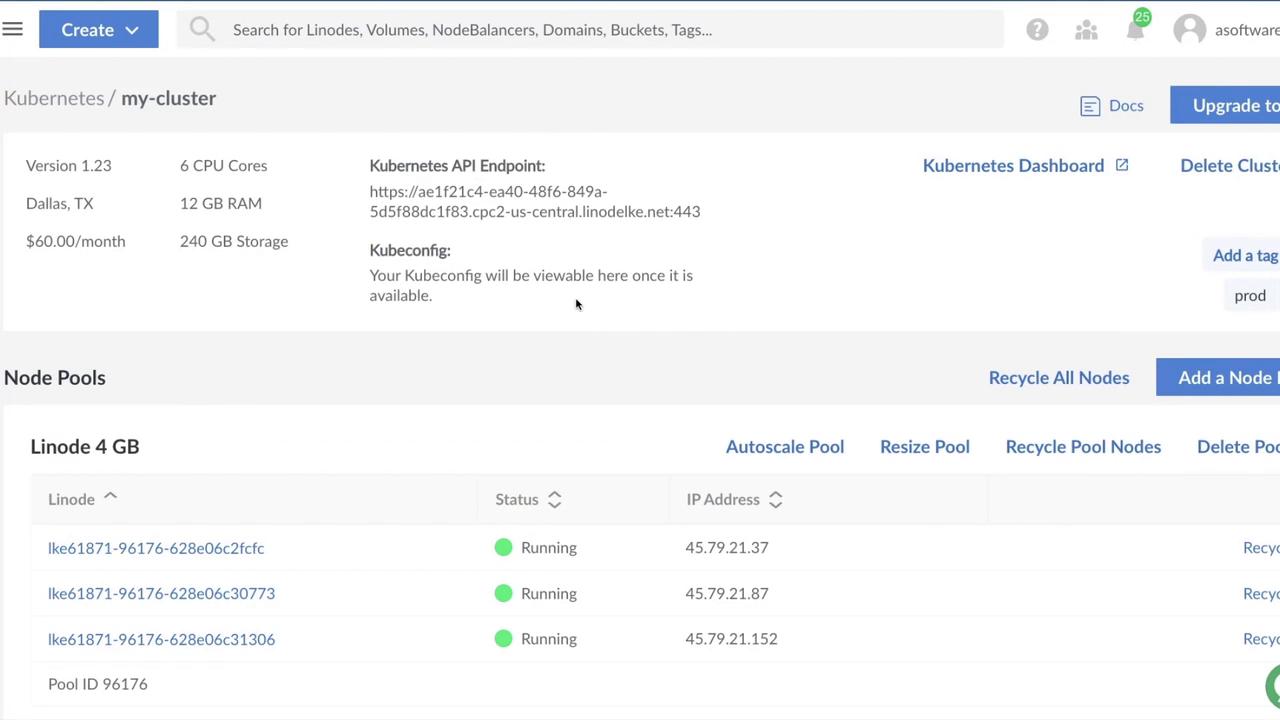
Once the status reads **Running**, your LKE cluster is ready for workloads.
***
## 4. Explore the Code on GitHub
View the full Terraform configuration in the [`Linode`](https://github.com/linode/kubernetes-quickstart-environments/tree/main/Linode) folder of the Kubernetes-Quickstart-Environments repo.
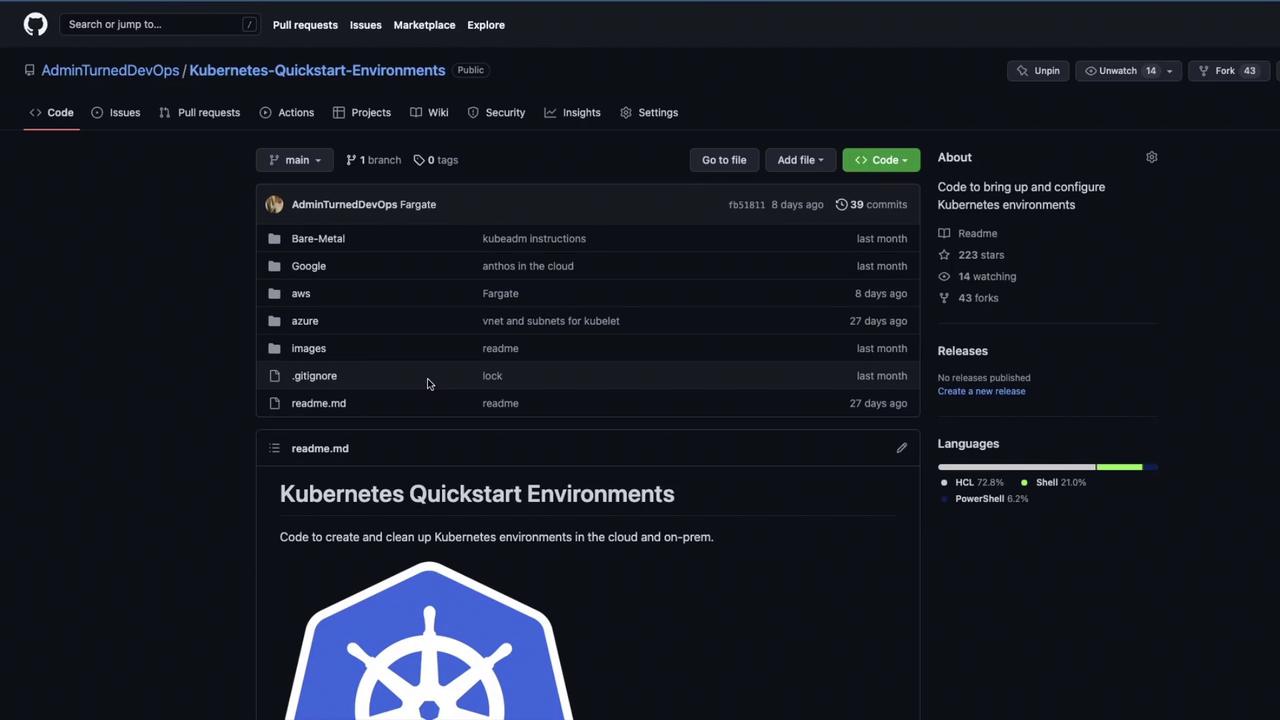
Clone the repo to discover additional examples and automate your Kubernetes infrastructure on Linode:
```bash theme={null}
git clone https://github.com/linode/kubernetes-quickstart-environments.git
cd kubernetes-quickstart-environments/Linode
```
***
## References
* [Linode Kubernetes Engine (LKE)](https://www.linode.com/products/kubernetes/)
* [Terraform Documentation](https://www.terraform.io/docs)
* [kubectl Overview](https://kubernetes.io/docs/reference/kubectl/overview/)
* [Linode Cloud Manager](https://cloud.linode.com/)