> ## Documentation Index
> Fetch the complete documentation index at: https://notes.kodekloud.com/llms.txt
> Use this file to discover all available pages before exploring further.
# Create Partitions and Filesystems btrfs
> This guide teaches how to create, manage, and optimize Btrfs volumes on Linux, covering single-device setups to multi-disk RAID configurations.
In this comprehensive guide, you’ll learn how to build, manage, and optimize Btrfs (B-tree file system) volumes on Linux. We cover everything from one-device setups to multi-disk RAID configurations, subvolumes, snapshots, and transparent compression.
## Btrfs Overview
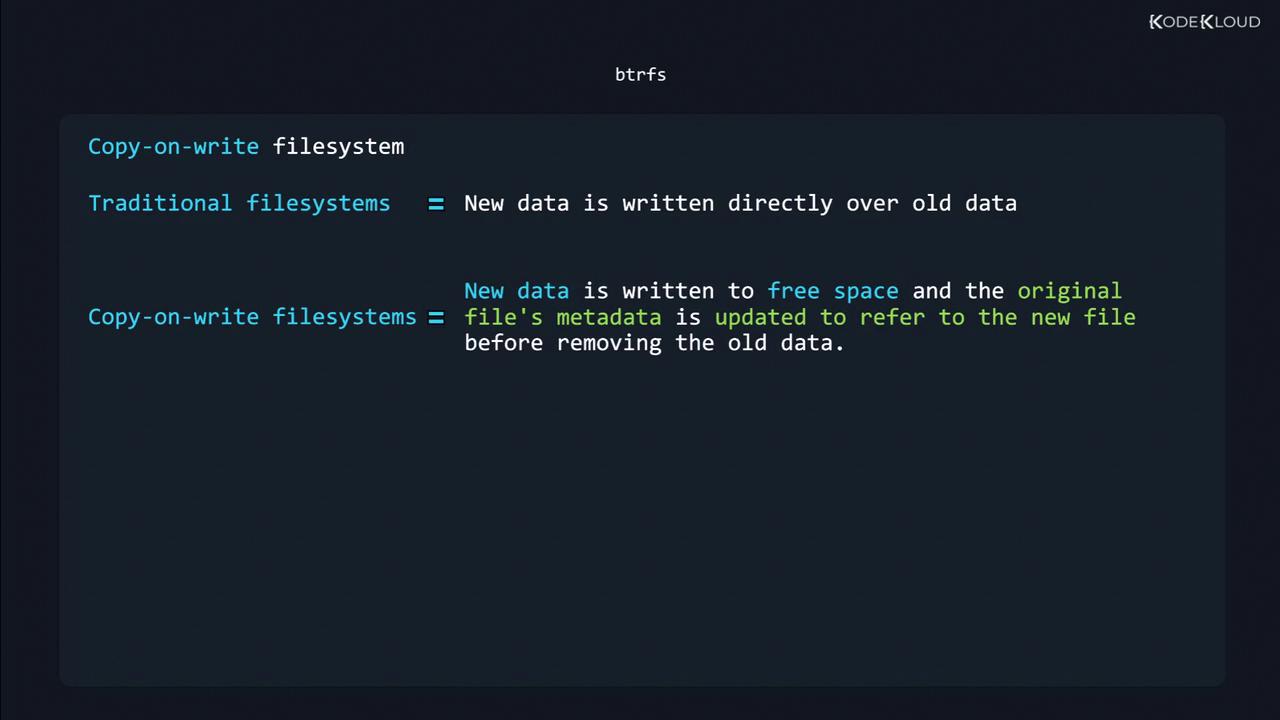
Btrfs is a modern copy-on-write (COW) filesystem designed for Linux environments with large storage needs, multiple disks, or advanced snapshot requirements. Its core capabilities include:
| Feature | Description |
| ------------------------------ | -------------------------------------------------------------------------------- |
| Multi-device support | RAID-like layouts: `single`, `dup`, `raid0`, `raid1`, `raid5`, `raid6`, `raid10` |
| Transparent compression | ZLIB, LZO, ZSTD algorithms for on-the-fly data reduction |
| SSD optimizations | TRIM support, reduced fragmentation |
| Snapshots & incremental backup | Create point-in-time subvolume copies for quick rollback and backup |
| Online defragmentation | Defragment without unmounting |
| Subvolumes with quotas | Isolate datasets, enforce per-subvolume space limits |
| Deduplication | Post-process or realtime block dedupe |
When modifying data, COW filesystems write new data to free space, update metadata, then discard the old blocks. This preserves data integrity across crashes.
## 1. Creating a Btrfs Filesystem
### 1.1 Single-Device Setup
Initialize a simple Btrfs volume on `/dev/sdb1`:
```bash theme={null}
sudo mkfs.btrfs /dev/sdb1
```
Add a human-readable label:
```bash theme={null}
sudo mkfs.btrfs -L "New Disk" /dev/sdb1
```
Changing labels on a mounted filesystem can cause mount failures. Always unmount before relabeling.
### 1.2 Multi-Device & RAID Profiles
Expand a Btrfs pool across `/dev/sdb` and `/dev/sdc`:
```bash theme={null}
sudo mkfs.btrfs \
-d raid1 \
-m raid1 \
-L "MirrorPool" \
/dev/sdb /dev/sdc
```
| Profile | Data Layout | Use Case |
| ------- | ------------- | --------------------------------- |
| single | No redundancy | Tests, single-disk volumes |
| dup | Metadata only | Protect metadata on single device |
| raid0 | Striping | Max performance, no redundancy |
| raid1 | Mirroring | Redundancy, small pools |
| raid5/6 | Parity | Large pools, high capacity |
| raid10 | Stripe+Mirror | Performance + redundancy |
## 2. Subvolumes
Subvolumes are independent namespaces within a Btrfs filesystem—each with its own snapshots and quotas.
1. Mount the main volume:
```bash theme={null}
sudo mount /dev/sdb1 /mnt/disk
```
2. Create a subvolume named `BKP`:
```bash theme={null}
sudo btrfs subvolume create /mnt/disk/BKP
```
3. Verify the listing:
```bash theme={null}
ls -lh /mnt/disk/
# drwxr-xr-x 1 root root 0 Jul 13 17:35 BKP
# drwxrwxr-x 1 carol carol 988 Jul 13 17:30 Images
```
4. Inspect subvolume metadata:
```bash theme={null}
sudo btrfs subvolume show /mnt/disk/BKP
# Name: BKP
# UUID: e90a14fe-69fa-da4f-9764-3384f66fa32e
# Subvolume ID: 260
# Creation time: 2019-07-13 17:35:40 -0300
```
## 3. Mounting a Specific Subvolume
To mount `BKP` directly:
```bash theme={null}
sudo mount -t btrfs \
-o subvol=BKP \
/dev/sdb1 /mnt/BKP
```
## 4. Snapshots
Snapshots capture a subvolume’s state at a specific point in time. They are instant, space-efficient, and independent from ongoing changes.
### 4.1 Create a Read-Write Snapshot
```bash theme={null}
sudo btrfs subvolume snapshot /mnt/disk /mnt/disk/snap
```
### 4.2 Verify & Test
Remove some files from the live subvolume:
```bash theme={null}
rm /mnt/disk/LG-G8S-ThinQ-*
```
Original data remains intact in the snapshot:
```bash theme={null}
ls -lh /mnt/disk/snap/
# -rw-rw-r-- 1 carol carol 118K Jul 11 16:36 Twitter_Down_20190711.jpg
# -rw-rw-r-- 1 carol carol 324K Jul 2 15:22 Xiaomi_Mimoji.png
```
### 4.3 Read-Only Snapshots
Immutable snapshots prevent accidental writes:
```bash theme={null}
sudo btrfs subvolume snapshot -r /mnt/disk /mnt/disk/snap-ro
```
## 5. Transparent Compression
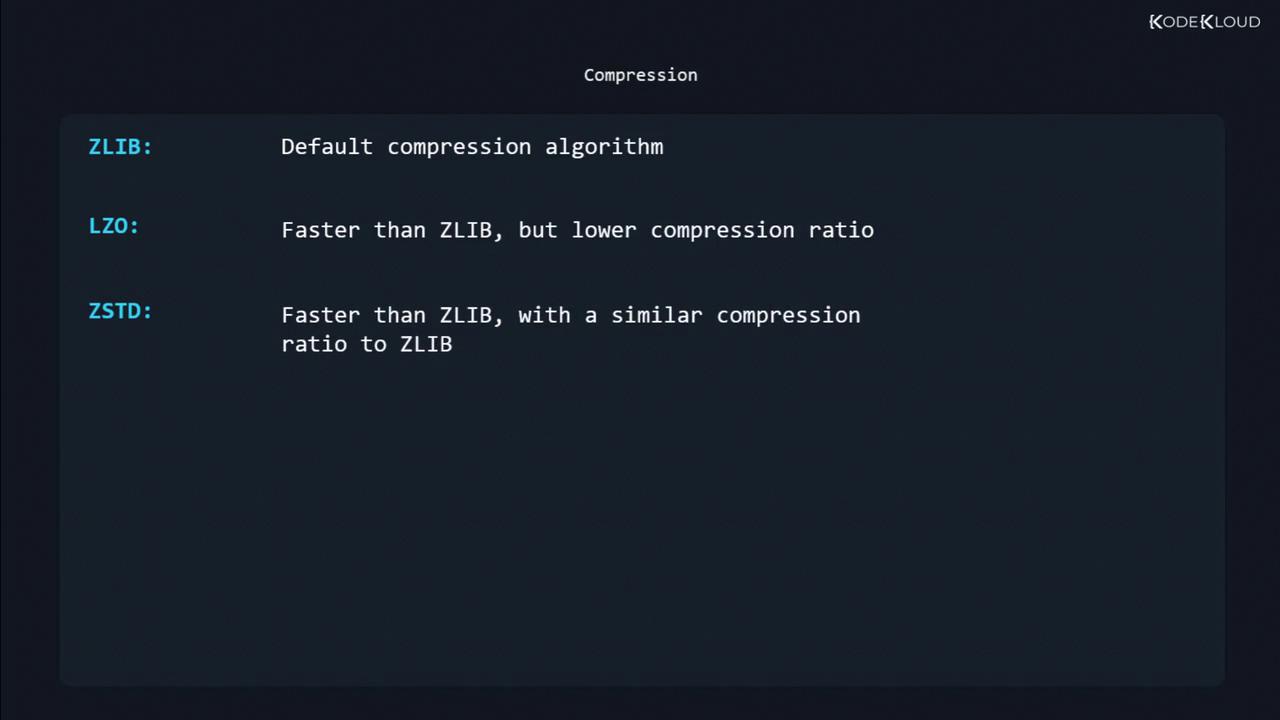
Enable compression at mount time to reduce disk usage without manual compression commands.
```bash theme={null}
sudo mount -o compression=zstd /dev/sdb1 /mnt/disk
```
| Algorithm | Speed | Compression Ratio |
| --------- | -------- | ----------------- |
| zlib | Moderate | Good (default) |
| lzo | Fast | Lower |
| zstd | Fastest | Similar to zlib |
## Additional Resources
* [Btrfs Wiki](https://btrfs.wiki.kernel.org/)
* [Kernel Documentation – Btrfs](https://www.kernel.org/doc/html/latest/filesystems/btrfs.html)
* [Linux Man Pages – btrfs](https://man7.org/linux/man-pages/man5/btrfs.5.html)