> ## Documentation Index
> Fetch the complete documentation index at: https://notes.kodekloud.com/llms.txt
> Use this file to discover all available pages before exploring further.
# Basic File Editing vi
> This guide covers managing and editing text files in Linux using pagers and Vim.
Managing and editing text files is a core skill for any Linux user. This guide covers:
* Viewing logs and files with the `less` and `more` pagers
* Performing quick edits in Vim (Vi IMproved)
* Verifying your changes after saving
***
## Navigating Files with `less`
The `less` pager provides powerful navigation and search features:
```bash theme={null}
less /var/log/dnf.log
```
* Scroll up/down with **↑** and **↓** or **PgUp**/**PgDn**
* The filename appears at the bottom left
* Quit with `q`
### Searching Inside `less`
| Action | Command |
| --------------------------------------- | -------------------------- |
| Search forward (case-sensitive) | `/debug` |
| Jump to next match | `n` |
| Toggle case-insensitive matching inline | `-i` |
| Start `less` in case-insensitive mode | `less -i /var/log/dnf.log` |
| Jump to previous match | `N` |
You can enable case-insensitive search at any time by typing `-i` inside `less`.
***
## Paging with `more`
A simpler alternative, `more` advances one screen at a time:
```bash theme={null}
more /var/log/dnf.log
```
* **Spacebar**: Next page
* **Enter**: Next line
* **q**: Quit
For large files or complex searches, `less` is generally preferred over `more`.
***
## Getting Started with Vim
Vim is a modal editor: it has **Normal**, **Insert**, and **Command** modes.
```bash theme={null}
vim
```
On launch without a filename, you'll see:
```text theme={null}
VIM - Vi IMproved 8.0.1763 by Bram Moolenaar et al.
Modified by
type :help or for on-line help
type :q to exit
```
### Switching to Insert Mode
* Press `i` to enter **Insert Mode** (`-- INSERT --` appears)
* Type your content
* Press `Esc` to return to **Normal Mode**
### Essential Vim Commands
| Command | Mode | Description |
| ---------- | ------- | ------------------------------ |
| `i` | Normal | Switch to **Insert Mode** |
| `/pattern` | Normal | Search forward for “pattern” |
| `\c` | Normal | Toggle case-insensitive search |
| `yy` | Normal | Yank (copy) current line |
| `dd` | Normal | Delete (cut) current line |
| `p` | Normal | Paste after the cursor |
| `:3` | Normal | Go to line 3 |
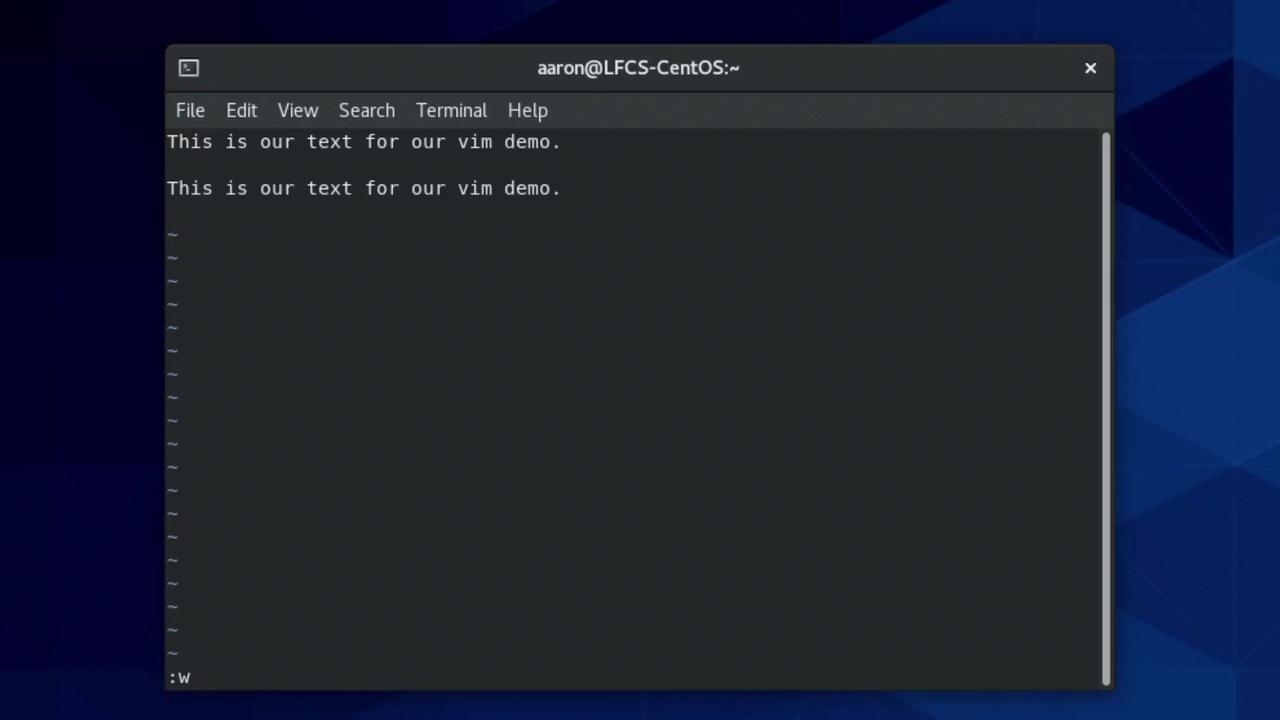
| `:w` | Command | Save (write) the buffer |
| `:wq` | Command | Save and quit |
| `:q!` | Command | Quit without saving changes |
Unsaved changes will be lost if you use `:q!`. Always use `:w` or `:wq` to preserve your edits.
### Saving Your Work
```text theme={null}
:w
```
***
## Comparing `less` vs `more`
| Pager | Usage | Navigation | Quit |
| ----- | ----------- | --------------- | ---- |
| less | `less FILE` | ↑/↓, PgUp/PgDn | `q` |
| more | `more FILE` | Spacebar, Enter | `q` |
***
## Verifying Your Edits
After saving a file (e.g., `testfile`), confirm the contents:
```bash theme={null}
cat testfile
```
Example output:
```text theme={null}
no yes no
yes
no
no
no
no
yes
new changes
```
***
## Further Reading
* [Vim Documentation](https://www.vim.org/docs.php)
* [less Man Page](https://linux.die.net/man/1/less)
* [Linux Command Reference](https://linuxcommand.org/lc3_learning_the_shell.php)