> ## Documentation Index
> Fetch the complete documentation index at: https://notes.kodekloud.com/llms.txt
> Use this file to discover all available pages before exploring further.
# Nano and Emacs
> This article compares GNU Nano and Emacs, two command-line text editors on Linux, highlighting their features, shortcuts, and use cases.
In this lesson, we'll compare two popular shell-based editors—GNU Nano and Emacs—and explore their features, keyboard shortcuts, and use cases. While [Vi](https://en.wikipedia.org/wiki/Vi_\(text_editor\)) is powerful, Nano and Emacs can be more approachable for newcomers on Linux systems.
## Why Choose GNU Nano?
GNU Nano is designed for simplicity: all input goes directly into the document, and commands use the Control (`Ctrl`) or Meta (`Alt` or `Command` on macOS) keys.
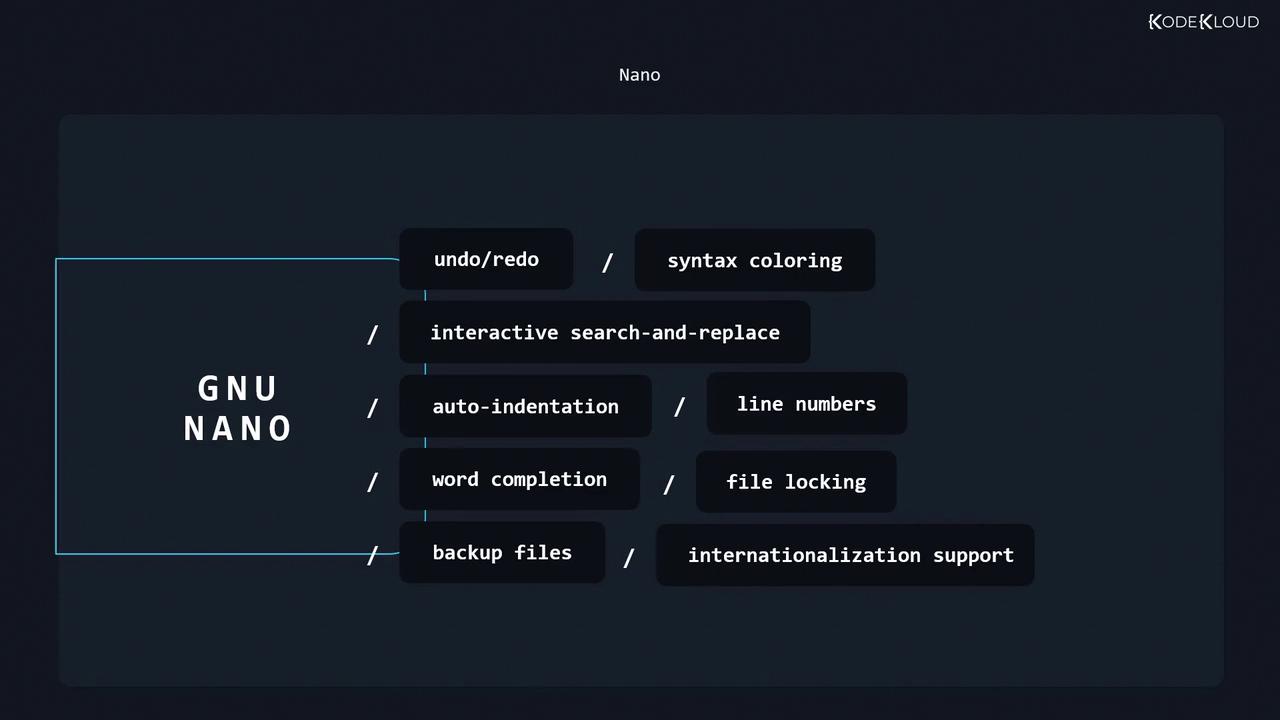
Key features of Nano include:
* Undo and redo
* Syntax coloring
* Interactive search and replace
* Auto-indentation
* Line numbers
* Word completion
* File locking and backup files
* Internationalization support
### Nano Keyboard Shortcuts
Most Nano commands appear at the bottom of the interface, but here are some essentials:
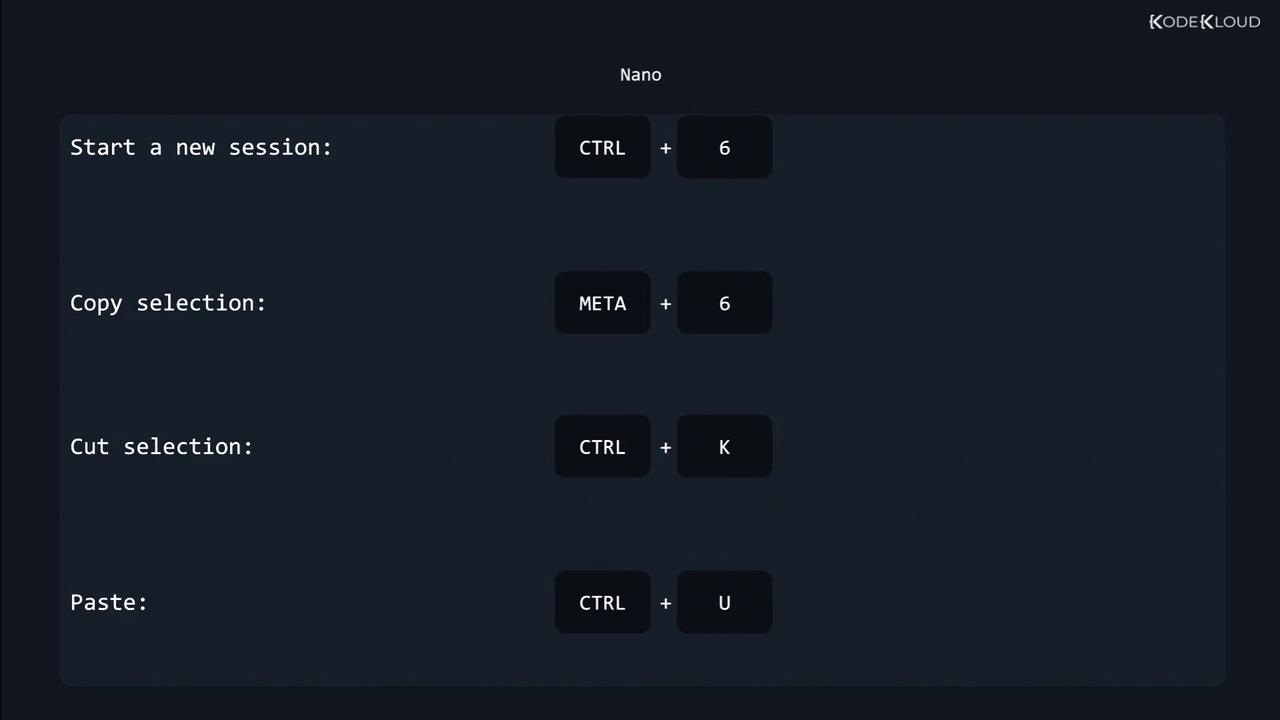
| Shortcut | Action |
| -------- | ---------------------------- |
| Ctrl+6 | Start selection |
| Meta+6 | Copy selection |
| Ctrl+K | Cut selection |
| Ctrl+U | Paste |
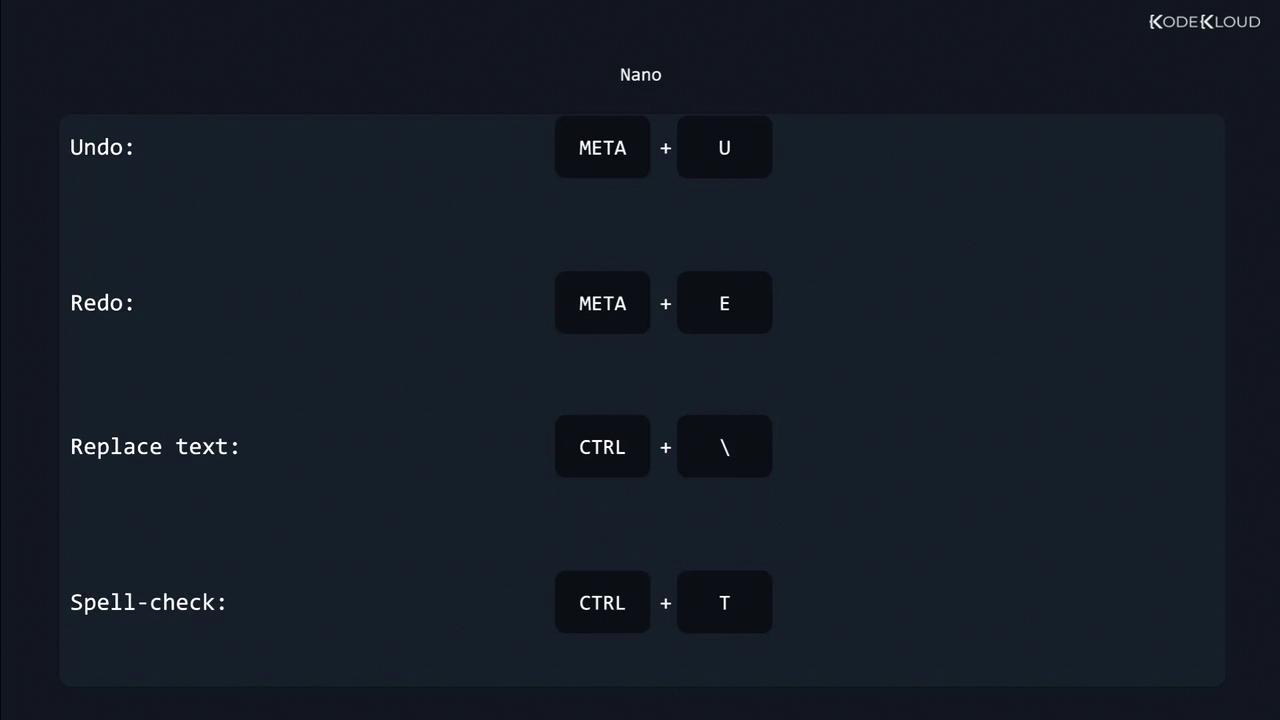
| Meta+U | Undo |
| Meta+E | Redo |
| Ctrl+\\ | Replace text |
| Ctrl+T | Spell check current document |
Press `Ctrl+G` at any time in Nano to open the Help menu. You can also customize Nano by editing your `~/.nanorc` file.
***
## Emacs: A Programmable Editor and IDE
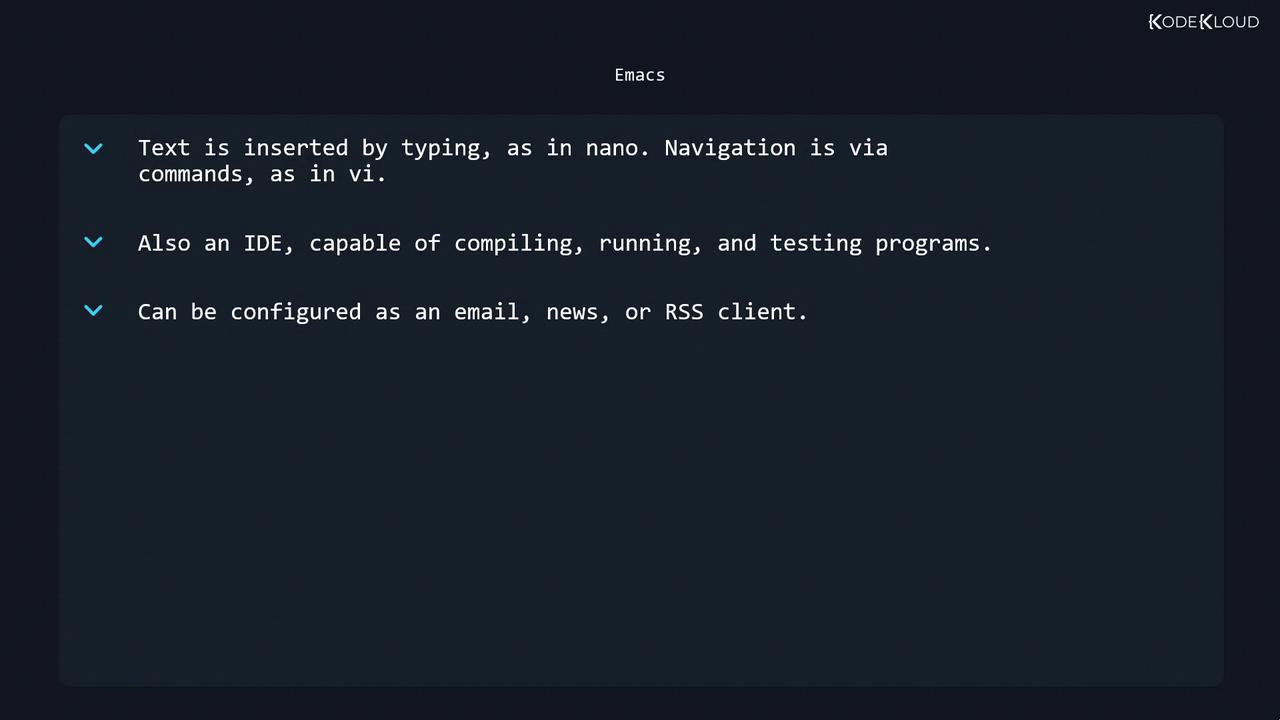
Emacs is a highly extensible editor that can function as a full IDE, email client, news reader, or RSS client. Like Nano, typing inserts text directly, but uses more keyboard-driven navigation.
Core capabilities of Emacs include:
* Syntax highlighting and indentation
* Integrated compiling, running, and testing
* Powerful undo/redo and version control integration
* Extensible architecture via Emacs Lisp
* Configuration as email, news, or RSS client
Emacs starts with `emacs filename` and provides built-in tutorials under `Ctrl+h t`. Explore packages via `M-x package-list-packages`.
***
## Feature Comparison
| Feature | GNU Nano | Emacs |
| ------------------- | ------------------------ | ------------------------------- |
| Learning Curve | Very gentle | Steeper, keyboard-driven |
| Syntax Highlighting | Yes | Yes |
| Undo/Redo | Basic | Advanced (multi-level) |
| Extensibility | Limited (.nanorc tweaks) | Extensive (Emacs Lisp packages) |
| Built-in IDE Tools | Minimal | Compiler, debugger, REPLs |
| Customization | Moderate | Highly customizable |
***
## Links and References
* [GNU Nano Official Site](https://www.nano-editor.org)
* [Emacs Home Page](https://www.gnu.org/software/emacs/)
* [Kubernetes Basics](https://kubernetes.io/docs/concepts/overview/what-is-kubernetes/)
* [Docker Hub](https://hub.docker.com/)
* [Terraform Registry](https://registry.terraform.io/)