> ## Documentation Index
> Fetch the complete documentation index at: https://notes.kodekloud.com/llms.txt
> Use this file to discover all available pages before exploring further.
# Manage Shared Libraries
> This article explores managing shared libraries on Linux, covering compilation, linking, library types, naming conventions, paths, linker configuration, and dependency inspection.
In this lesson, we explore how to manage shared libraries on Linux. You’ll learn about compilation vs. linking, static and dynamic libraries, naming conventions, library paths, dynamic linker configuration, and dependency inspection.
## 1. Compilation vs. Linking
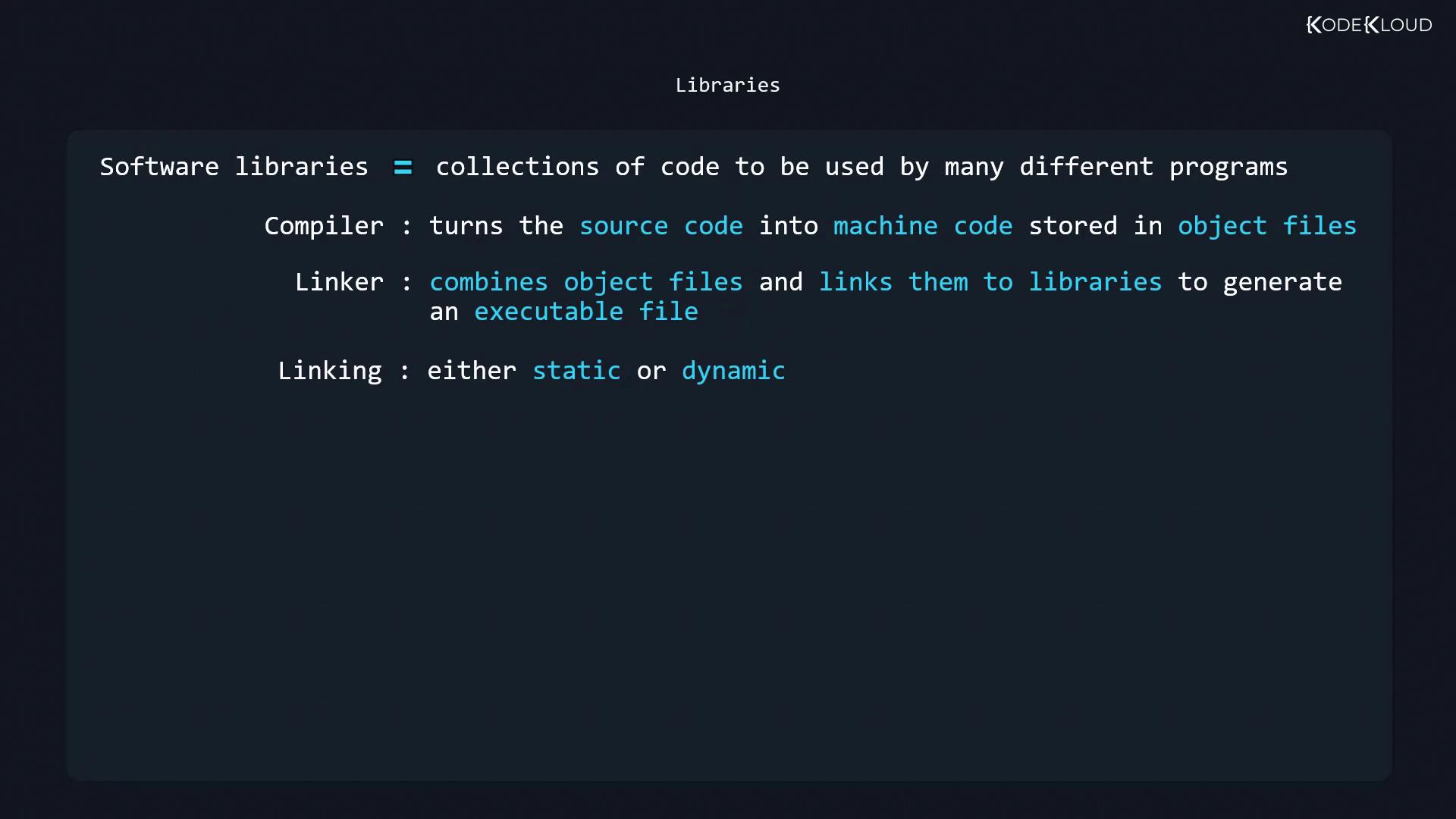
Building an executable from source involves two key steps:
1. **Compilation**\
The compiler (e.g., `gcc`) translates source files (`.c`, `.cpp`) into object files (`.o`).
2. **Linking**\
The linker combines object files and connects them to libraries, producing the final executable.
Linking can be:
* **Static**: Library code is embedded into the executable.
* **Dynamic**: Executable references shared libraries at runtime.
## 2. Static Libraries vs. Shared Libraries
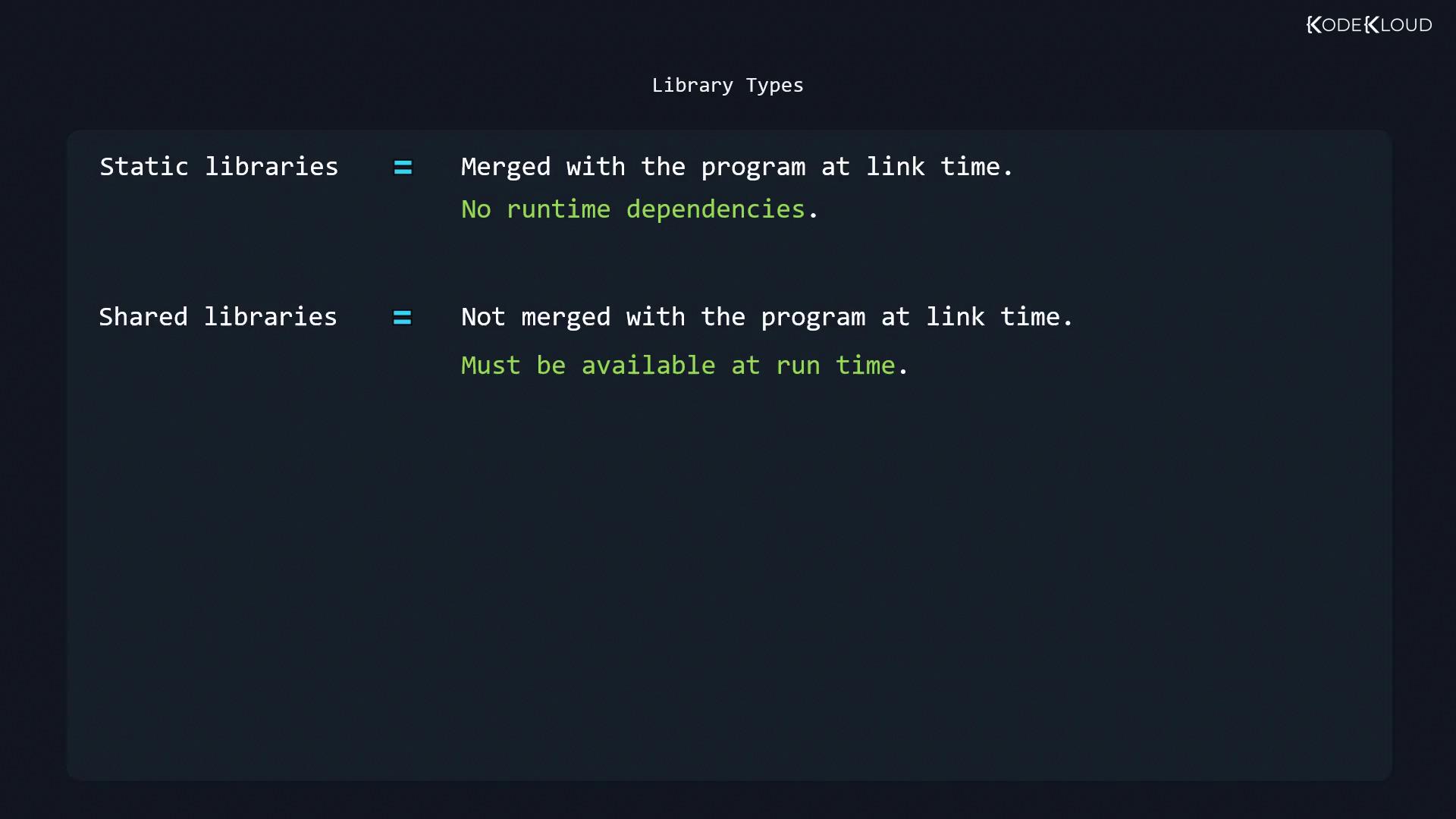
### Static Libraries (.a)
* Merged into the executable at link time.
* No runtime dependency on external files.
* Larger binary size, but fully self-contained.
Static linking increases the size of the executable since all used library code is included.
### Shared (Dynamic) Libraries (.so)
* Executable holds references, not library code.
* Resolved by the dynamic linker at runtime.
* Multiple programs can share a single library instance in memory, saving disk and RAM.
## 3. Shared Library Naming Conventions
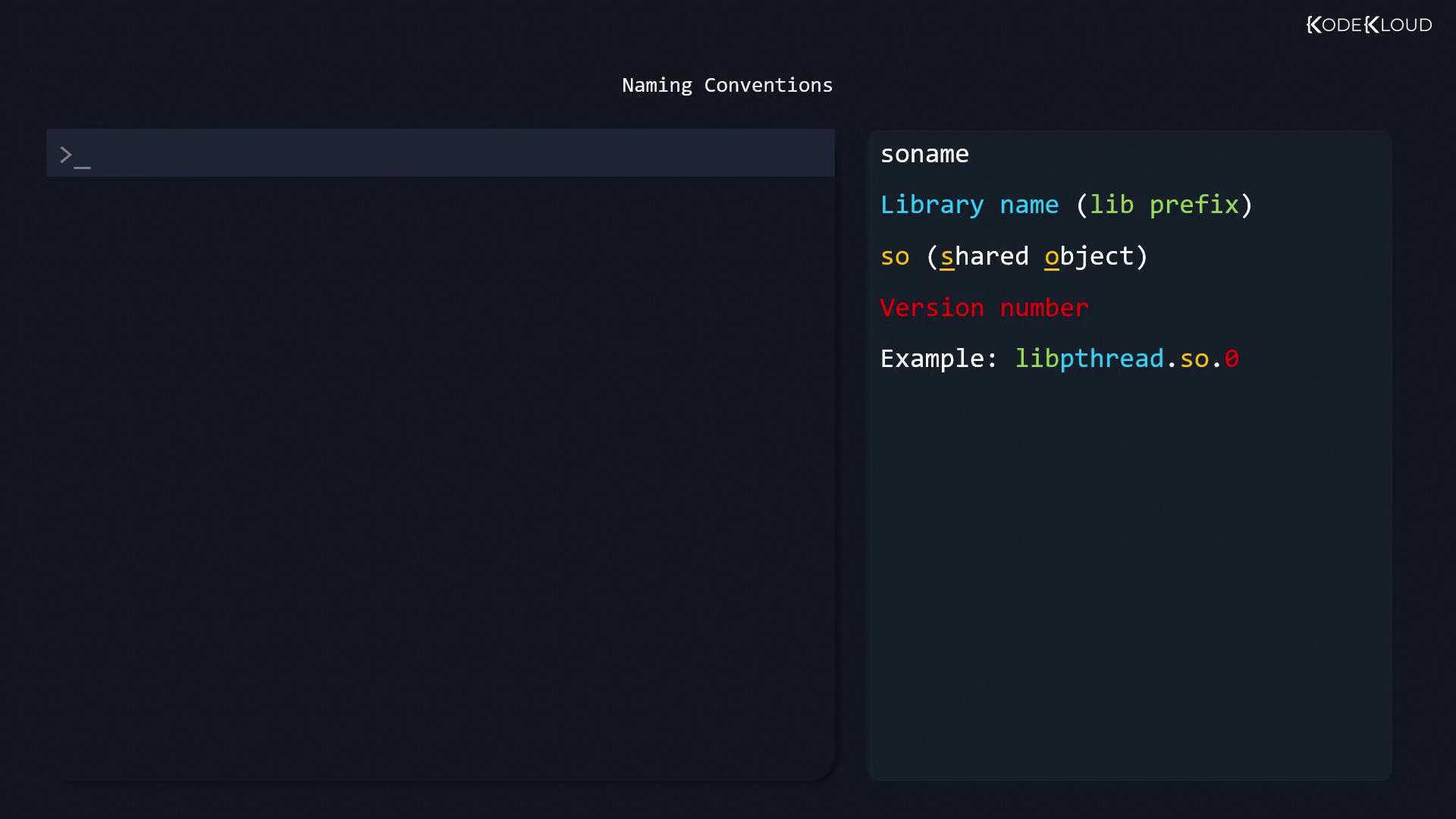
Shared libraries follow the SONAME pattern:
```text theme={null}
lib{name}.so.{major}
```
* `lib`: prefix
* `.so`: shared object
* `{major}`: major version
Example:
```text theme={null}
libpthread.so.0
```
On Debian 9.9, the GNU C library’s SONAME is `libc.so.6`, typically a symlink to the full version. Static archives end with `.a`, for example `libpthread.a`.
## 4. Common Library Locations
Shared libraries are usually installed in these directories:
| Directory | Description |
| ---------------- | ------------------------ |
| `/lib` | 32-bit system libraries |
| `/lib32` | 32-bit compatibility |
| `/lib64` | 64-bit system libraries |
| `/usr/lib` | Standard library path |
| `/usr/local/lib` | Local (custom) libraries |
## 5. Dynamic Linker Configuration
The dynamic linker (`ld.so` or `ld-linux.so`) reads `/etc/ld.so.conf` to locate libraries:
```text theme={null}
include /etc/ld.so.conf.d/*.conf
```
Each file in `/etc/ld.so.conf.d/` lists absolute library directories, for example:
```text theme={null}
/usr/local/lib
```
After editing, rebuild the cache and create necessary symlinks:
```bash theme={null}
sudo ldconfig -v
```
Sample output:
```bash theme={null}
/usr/local/lib:
/lib/x86_64-linux-gnu:
libfuse.so.2 -> libfuse.so.2.9.7
libnss_myhostname.so.2 -> libnss_myhostname.so.2
libidn.so.11 -> libidn.so.11.6.16
...
```
Query for a specific library:
```bash theme={null}
sudo ldconfig -p | grep libfuse
# libfuse.so.2 (libc6,x86-64) => /lib/x86_64-linux-gnu/libfuse.so.2
```
Inspect the symlink:
```bash theme={null}
ls -l /lib/x86_64-linux-gnu/libfuse.so.2
# lrwxrwxrwx 1 root root 16 Aug 21 2018 /lib/x86_64-linux-gnu/libfuse.so.2 -> libfuse.so.2.9.7
```
## 6. LD\_LIBRARY\_PATH Environment Variable
`LD_LIBRARY_PATH` is a colon-separated list of directories the dynamic linker checks before standard paths.
```bash theme={null}
export LD_LIBRARY_PATH=/usr/local/mylib:$LD_LIBRARY_PATH
echo $LD_LIBRARY_PATH
# /usr/local/mylib:...
```
To remove it:
```bash theme={null}
unset LD_LIBRARY_PATH
```
Overusing `LD_LIBRARY_PATH` can cause version conflicts and security issues. Prefer updating `/etc/ld.so.conf.d/` and running `ldconfig` for persistent changes.
For permanent updates, add the `export` line to `~/.bashrc` or `/etc/profile`.
## 7. Inspecting Dependencies with ldd
Use `ldd` to list shared libraries an executable depends on:
```bash theme={null}
ldd /usr/bin/git
```
Example output:
```text theme={null}
linux-vdso.so.1 => (0x00007ffcbb310000)
libpcre.so.3 => /lib/x86_64-linux-gnu/libpcre.so.3 (0x00007f18241eb000)
libz.so.1 => /lib/x86_64-linux-gnu/libz.so.1 (0x00007f1823fd1000)
libresolv.so.2 => /lib/x86_64-linux-gnu/libresolv.so.2 (0x00007f1823db6000)
libpthread.so.0 => /lib/x86_64-linux-gnu/libpthread.so.0 (0x00007f1823b99000)
librt.so.1 => /lib/x86_64-linux-gnu/librt.so.1 (0x00007f1823991000)
libc.so.6 => /lib/x86_64-linux-gnu/libc.so.6 (0x00007f18235c7000)
/lib64/ld-linux-x86-64.so.2 (0x00007f182445b000)
```
To list unused direct dependencies:
```bash theme={null}
ldd -u /usr/bin/git
```
Example:
```text theme={null}
Unused direct dependencies:
/lib/x86_64-linux-gnu/libz.so.1
/lib/x86_64-linux-gnu/libpthread.so.0
/lib/x86_64-linux-gnu/librt.so.1
```
Unused entries often result from linker options during the build process.
***
## References
* [GNU ldconfig Manual](https://man7.org/linux/man-pages/man8/ldconfig.8.html)
* [Linux Shared Libraries HOWTO](https://tldp.org/HOWTO/Program-Library-HOWTO/shared-libraries.html)
* [ld.so.conf Configuration](https://man7.org/linux/man-pages/man5/ld.so.conf.5.html)