> ## Documentation Index
> Fetch the complete documentation index at: https://notes.kodekloud.com/llms.txt
> Use this file to discover all available pages before exploring further.
# Determine and Configure Hardware Settings
> This guide explains how to configure hardware settings, detect devices, manage kernel modules, and explore kernel information in Linux.
Modern hardware requires proper configuration before and after installing an operating system. In this guide, you’ll learn how to configure firmware settings (BIOS/UEFI), detect hardware in Linux, inspect devices on PCI and USB buses, manage kernel modules, and explore kernel information in `/proc` and `/sys`.
## 1. Firmware Configuration: BIOS vs UEFI
Computers use firmware interfaces to initialize hardware and start the boot process. Legacy systems rely on BIOS (Basic Input/Output System), while most modern machines use UEFI (Unified Extensible Firmware Interface).
| Feature | BIOS | UEFI |
| ------------------------- | ----------------------------------- | --------------------------------------------------- |
| Initialization | Legacy MBR boot | GPT support, faster boot |
| Configuration interface | Text-based menu | Graphical menu, mouse support |
| Firmware updates | Manufacturer-specific flasher tools | Built-in update utilities |
| Hardware testing & config | Basic POST (Power-On Self-Test) | Extended diagnostics, secure boot, variable storage |
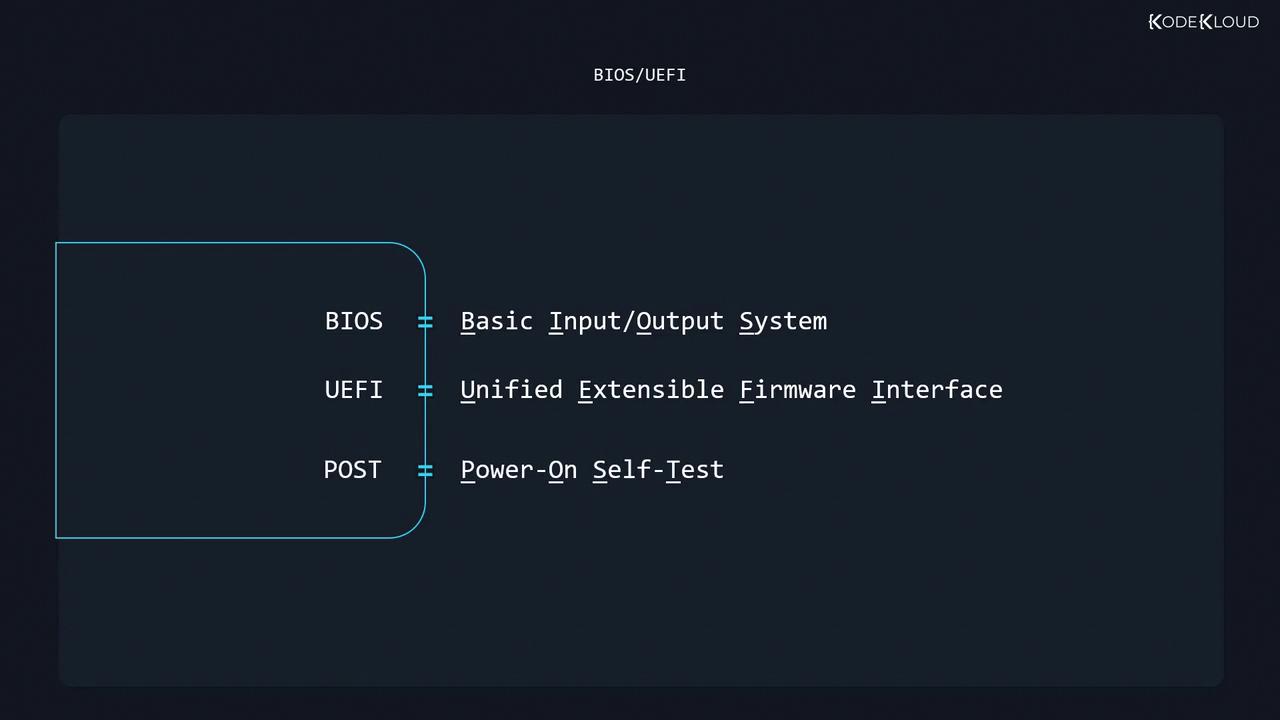
During POST, your firmware checks CPU, memory, and motherboard health. To enter the setup utility, press the key shown on-screen (often **F2**, **Delete**, or **F12**). Inside you can:
* Set the hardware clock’s date and time
* Enable/disable onboard peripherals (LAN, audio)
* Configure RAM error protection (ECC)
* Adjust IRQ and DMA channels
* Define boot device priority
* Enable performance features (XMP, virtualization)
* Disable unused hardware for security or power saving
Changing firmware settings can affect system stability. Always document original values before modifying.
## 2. Detecting Hardware in Linux
Once Linux boots, it discovers and initializes hardware. Missing devices usually indicate a faulty component or port; detected but non-functional devices often need the correct kernel module (driver).\
Here are the primary inspection tools:
| Tool | Purpose | Example |
| ------- | -------------------------- | ------------- |
| lspci | List PCI/PCIe devices | `sudo lspci` |
| lsusb | List USB devices | `sudo lsusb` |
| lsmod | Show loaded kernel modules | `lsmod` |
| modinfo | Display module details | `modinfo snd` |
### 2.1 Inspecting PCI Devices with lspci
The `lspci` utility enumerates PCI/PCIe devices:
```bash theme={null}
sudo lspci
```
Sample output:
```text theme={null}
00:00.0 Host bridge: Intel Corporation 440FX - 82441FX PMC [Natoma] (rev 02)
00:03.0 Ethernet controller: Intel Corporation 82540EM Gigabit Ethernet Controller (rev 02)
00:0c.0 USB controller: Intel Corporation 7 Series/C210 Series Chipset Family USB xHCI
```
To get verbose details for a specific device (e.g., `00:03.0`):
```bash theme={null}
sudo lspci -s 00:03.0 -v
```
Show only kernel driver info:
```bash theme={null}
sudo lspci -s 00:03.0 -k
```
### 2.2 Inspecting USB Devices with lsusb
List all USB devices:
```bash theme={null}
sudo lsusb
```
For a tree-view with drivers and speeds:
```bash theme={null}
sudo lsusb -t
```
Query a specific device by bus and device number:
```bash theme={null}
sudo lsusb -s 01:20
```
## 3. Managing Kernel Modules
Kernel modules enable Linux to communicate with hardware.
```bash theme={null}
# List loaded modules
lsmod
# Filter for sound-related modules
lsmod | fgrep -i snd
```
Unload (remove) a module:
```bash theme={null}
sudo modprobe -r snd_hda_intel
```
Unloading critical modules (e.g., storage or network drivers) can render your system unbootable. Proceed with caution.
View detailed information about a module:
```bash theme={null}
modinfo snd
```
List only parameters:
```bash theme={null}
modinfo snd -p
```
### 3.1 Persistent Module Configuration
To apply module parameters at boot or blacklist unwanted modules, use files in `/etc/modprobe.d/`:
| Config File | Purpose |
| -------------------------------- | ---------------------------- |
| `/etc/modprobe.d/.conf` | Set parameters for a module |
| `/etc/modprobe.d/blacklist.conf` | Prevent modules from loading |
| `/etc/modprobe.conf` | Legacy configuration file |
Example: blacklisting the `snd` driver:
```text theme={null}
blacklist snd
```
## 4. Kernel Information Files (/proc and /sys)
Linux exposes hardware and process information via two virtual filesystems:
* `/proc`: Process and kernel data (e.g., `/proc/cpuinfo`)
* `/sys`: Device and driver attributes (e.g., `/sys/class/net`)
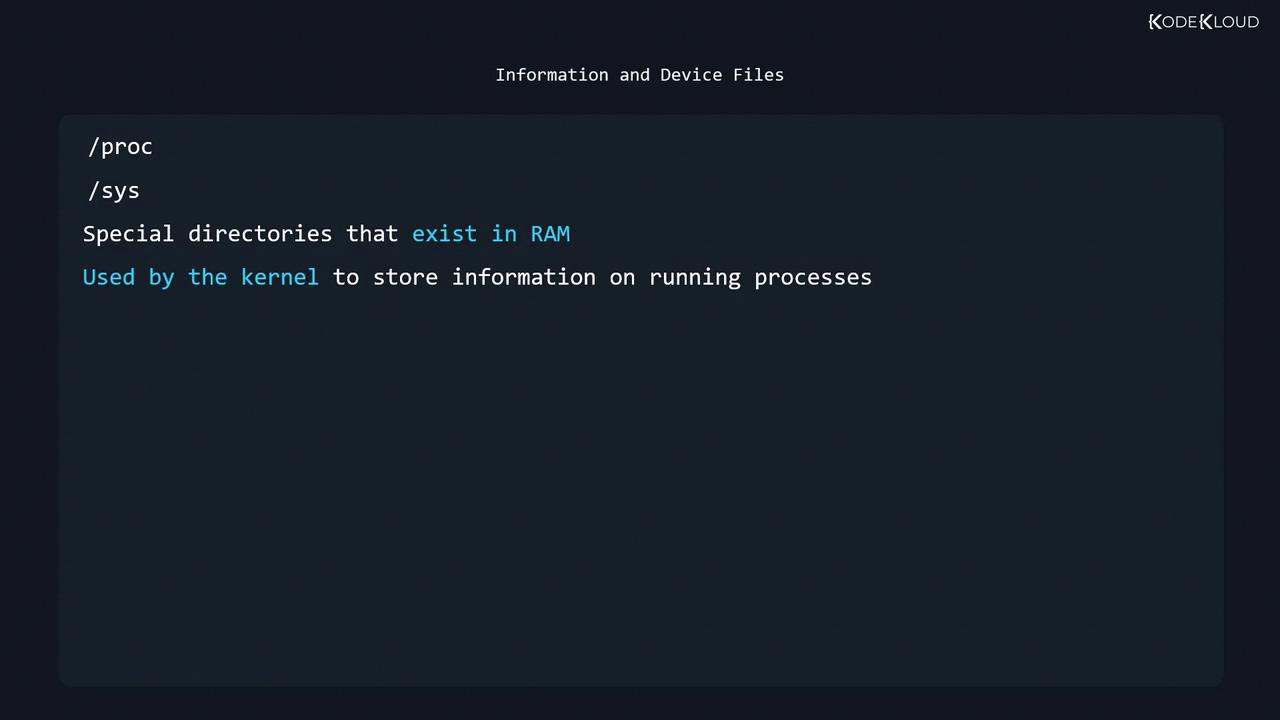
Since `/proc` and `/sys` reside in volatile memory, their contents reset on reboot.
***
Continue to the quiz to test your understanding of Linux hardware configuration and inspection.