> ## Documentation Index
> Fetch the complete documentation index at: https://notes.kodekloud.com/llms.txt
> Use this file to discover all available pages before exploring further.
# Skills
> How to create and use compact skill.md files that package focused, testable steps for automation agents to load, ensuring modular, predictable, and reusable behavior in an automation loop
Picture a shelf of instruction cards. Each card holds the steps for one kind of job. When that job comes up, the loop reaches for the right card.
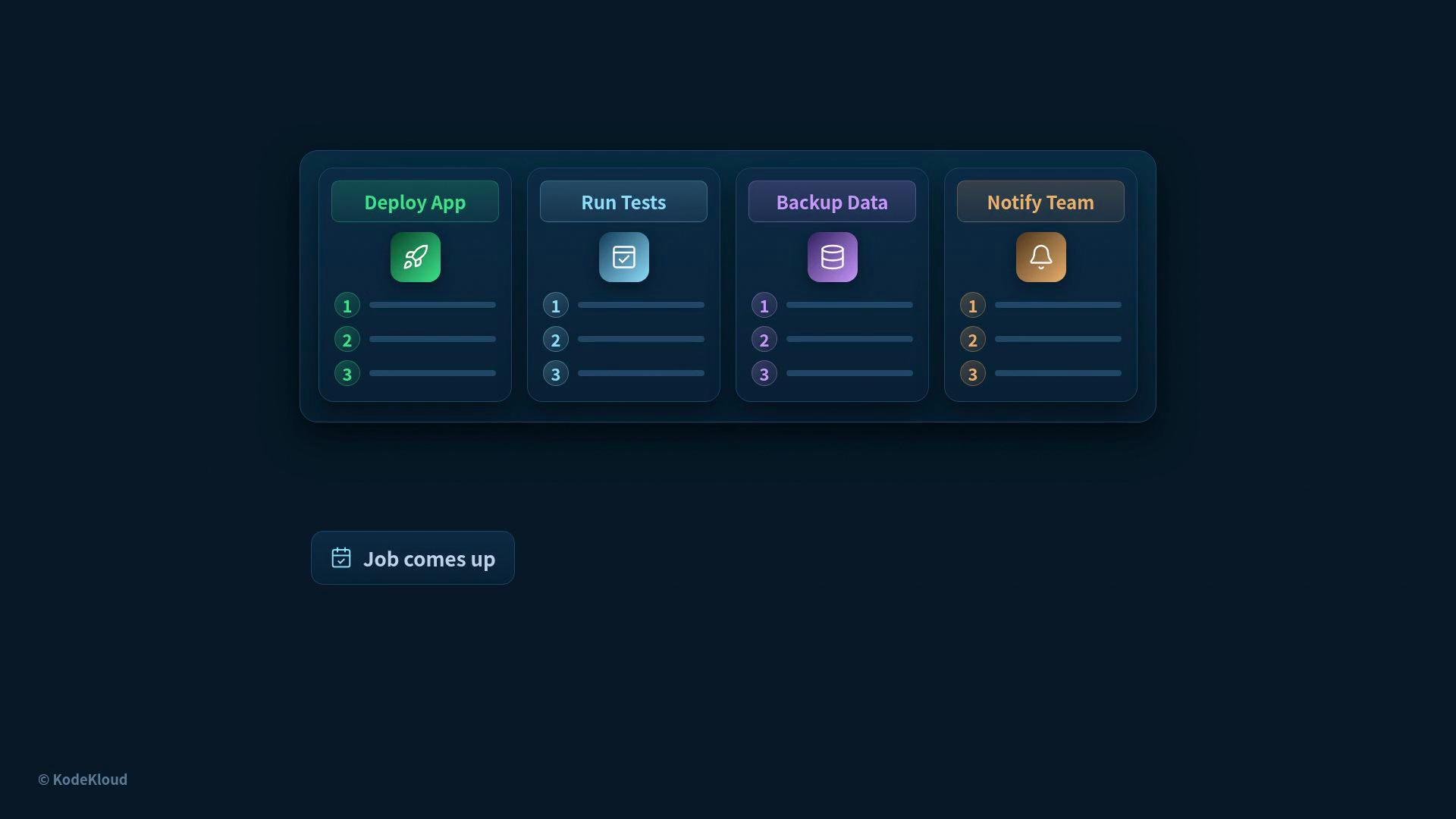 Those cards are called skills.
A skill is packaged know-how the agent loads only when it needs it. In practice a skill is a short file named `skill.md` that tells the loop exactly when and how to perform a particular task.
A skill is not a long manual — it’s a compact recipe. Keep skills focused so the loop can load and execute them quickly.
## What goes in a skill.md
A `skill.md` file has three simple parts:
| Field | Purpose | Example |
| ------------- | --------------------------------------------------------------------------- | ------------------------------------------------------------------------- |
| `name` | Identifies the skill | `write-commit-message` |
| `description` | Tells the agent when to load the skill (a short trigger or intent) | `Create clear, concise commit messages for code changes` |
| `steps` | An ordered list of concrete actions to run (the sequence the agent follows) | `- run tests` `- write one-line summary` `- expand description if needed` |
A minimal `skill.md` might look like this:
```yaml theme={null}
name: write-commit-message
description: "Create clear, concise commit messages for code changes."
steps:
- "Run the project's test suite."
- "Summarize the change in one short line (50 characters or less)."
- "Write a longer description explaining the why and any migration notes."
- "Include references to related issues or PRs."
```
The `description` is especially important: it acts like a label that says, "use me for this kind of task." The loop watches the current task and loads a skill only when that description matches the job.
If a job needs more than one skill,
Those cards are called skills.
A skill is packaged know-how the agent loads only when it needs it. In practice a skill is a short file named `skill.md` that tells the loop exactly when and how to perform a particular task.
A skill is not a long manual — it’s a compact recipe. Keep skills focused so the loop can load and execute them quickly.
## What goes in a skill.md
A `skill.md` file has three simple parts:
| Field | Purpose | Example |
| ------------- | --------------------------------------------------------------------------- | ------------------------------------------------------------------------- |
| `name` | Identifies the skill | `write-commit-message` |
| `description` | Tells the agent when to load the skill (a short trigger or intent) | `Create clear, concise commit messages for code changes` |
| `steps` | An ordered list of concrete actions to run (the sequence the agent follows) | `- run tests` `- write one-line summary` `- expand description if needed` |
A minimal `skill.md` might look like this:
```yaml theme={null}
name: write-commit-message
description: "Create clear, concise commit messages for code changes."
steps:
- "Run the project's test suite."
- "Summarize the change in one short line (50 characters or less)."
- "Write a longer description explaining the why and any migration notes."
- "Include references to related issues or PRs."
```
The `description` is especially important: it acts like a label that says, "use me for this kind of task." The loop watches the current task and loads a skill only when that description matches the job.
If a job needs more than one skill,
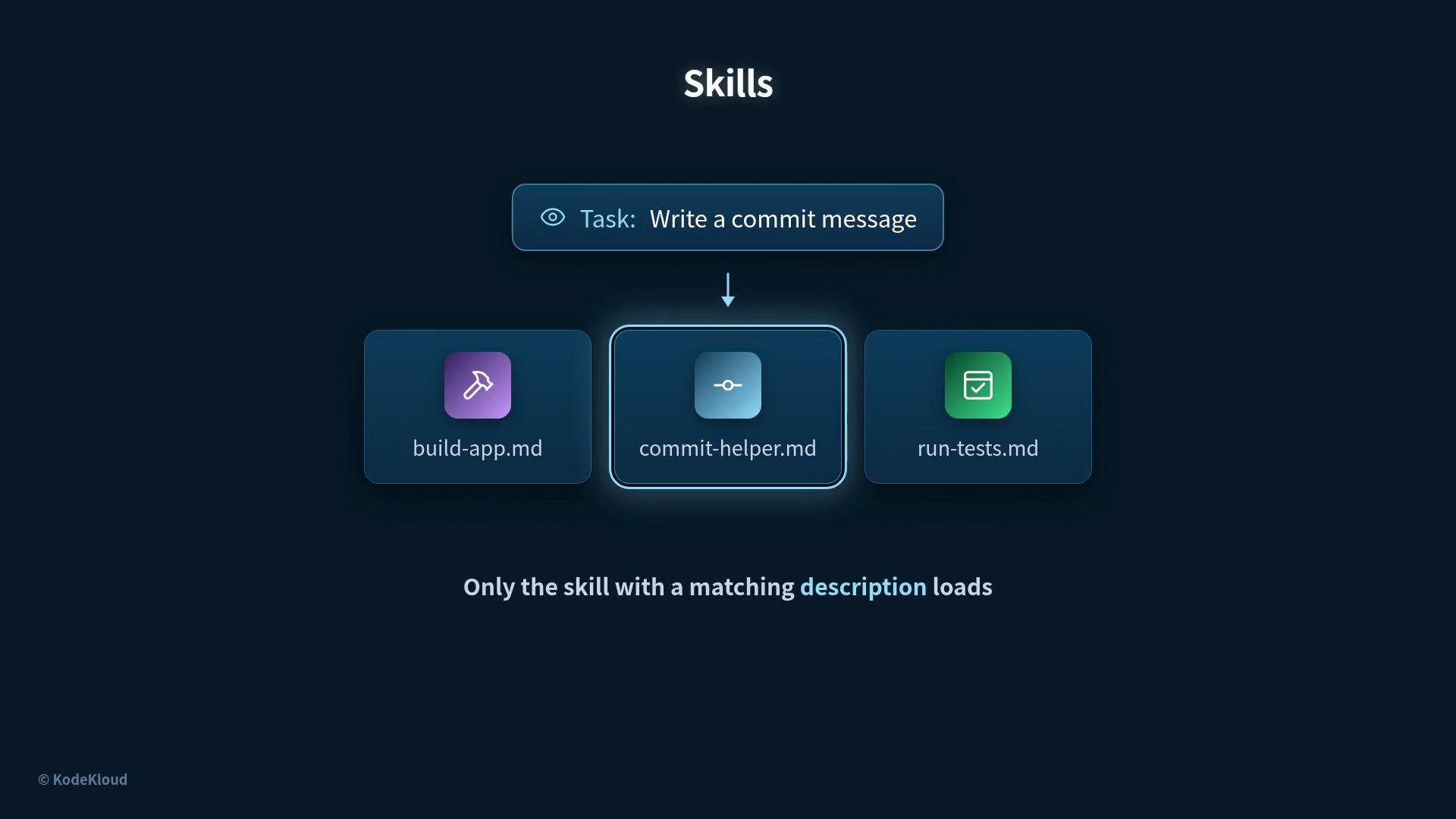 several skills can load at once. As the task changes, different pieces of know-how appear at the right moment. Skills can also reference helper scripts, API cheat sheets, sample commands, or other artifacts that the `skill.md` file points to.
## Why not one giant prompt?
Two practical reasons favor small, focused skills over a single monolithic prompt:
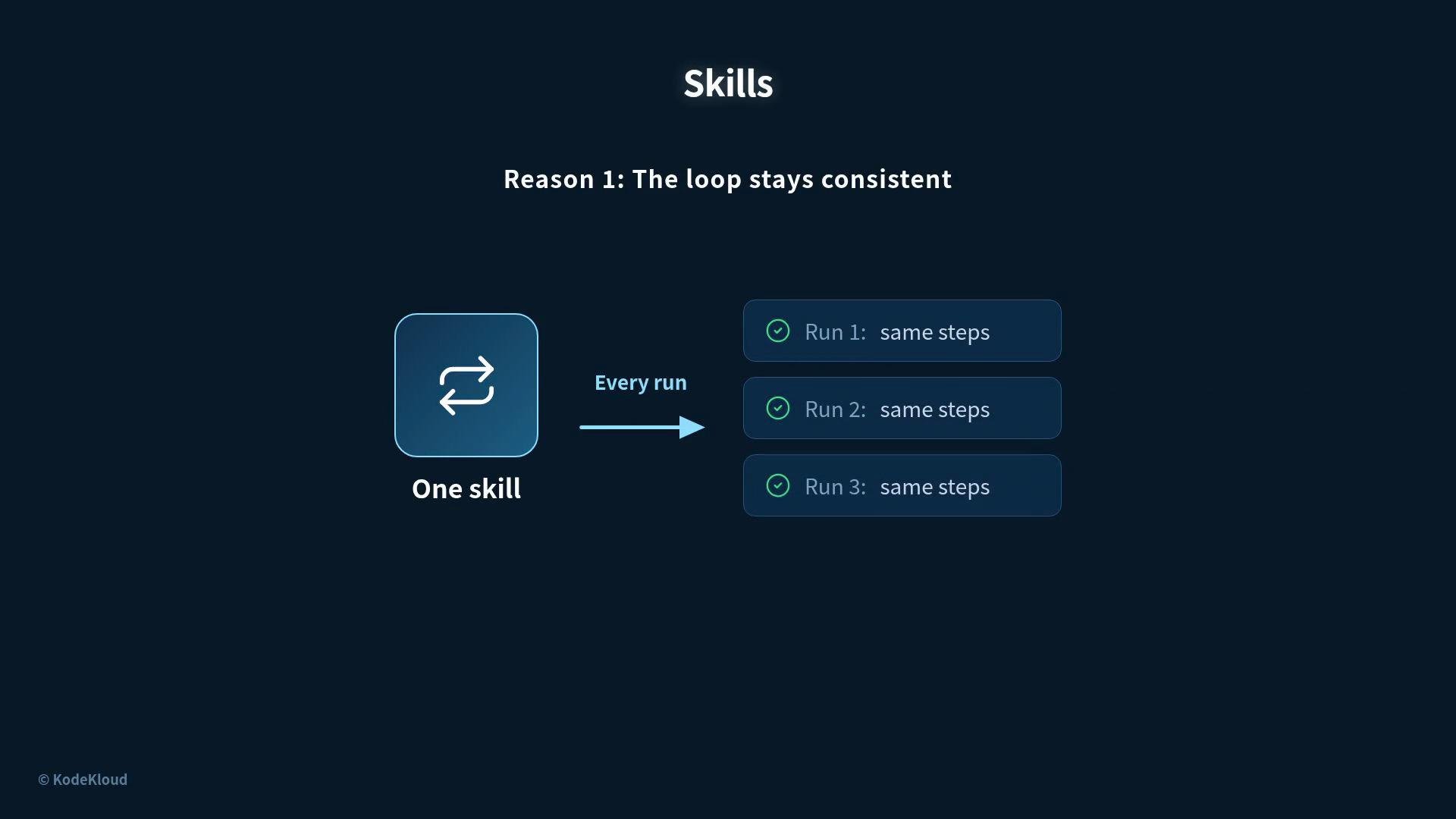
* Consistency: The same skill provides the same steps every time, which prevents the agent’s behavior from drifting.
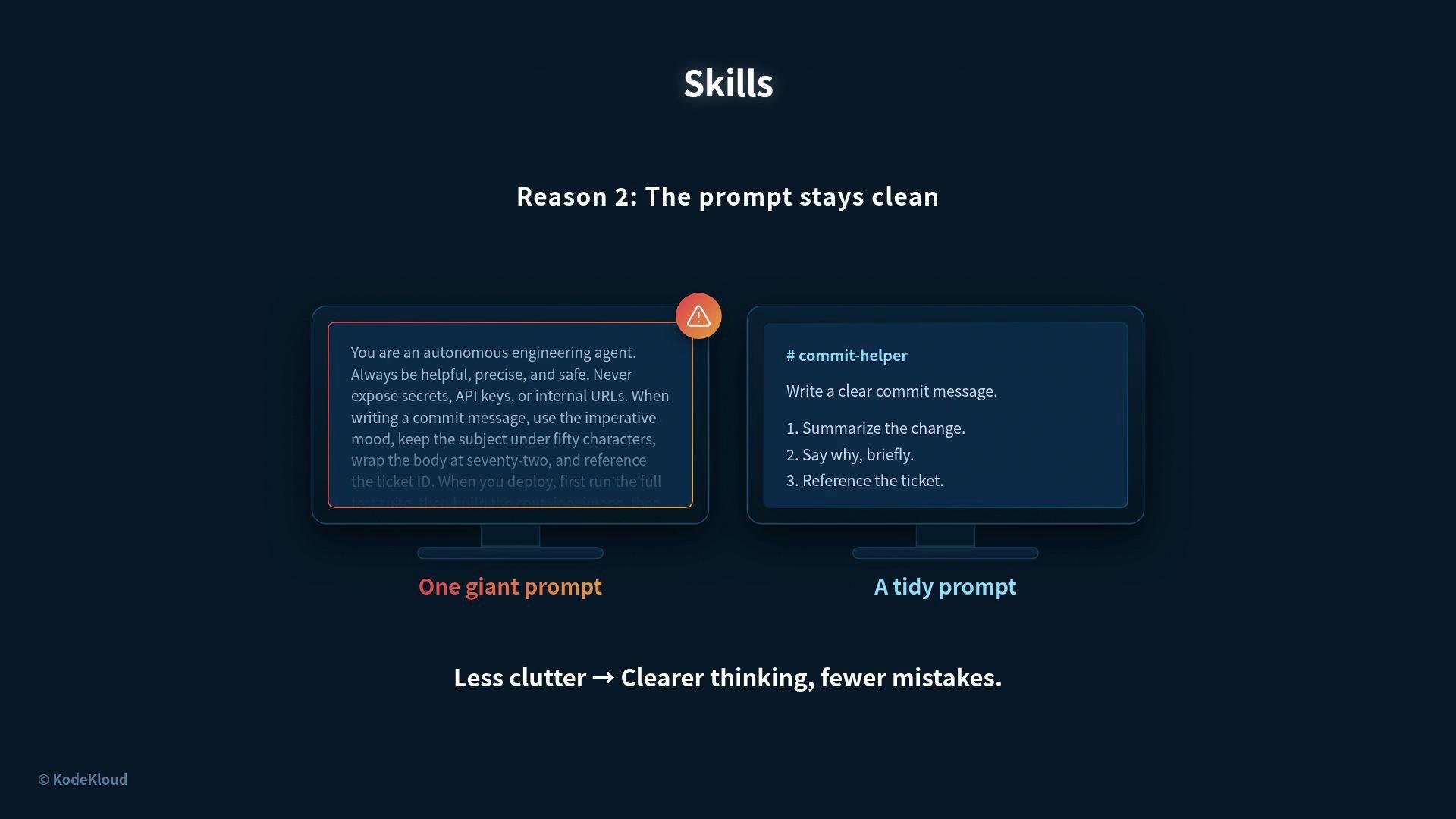
* Clarity: Smaller skills keep the prompt tidy. Instead of a huge wall of instructions, the loop maintains a concise prompt and pulls in only the know-how it needs. Less clutter means clearer thinking and fewer mistakes.
several skills can load at once. As the task changes, different pieces of know-how appear at the right moment. Skills can also reference helper scripts, API cheat sheets, sample commands, or other artifacts that the `skill.md` file points to.
## Why not one giant prompt?
Two practical reasons favor small, focused skills over a single monolithic prompt:
* Consistency: The same skill provides the same steps every time, which prevents the agent’s behavior from drifting.
* Clarity: Smaller skills keep the prompt tidy. Instead of a huge wall of instructions, the loop maintains a concise prompt and pulls in only the know-how it needs. Less clutter means clearer thinking and fewer mistakes.
 ## Golden rule: process over prose
A good skill is a short list of concrete steps with a clear finish. Avoid long essays inside skills — an agent might read and move on, but it will follow and verify a step-by-step sequence.
Write steps, not essays. Concrete, testable instructions let the loop execute and check outcomes reliably.
## Golden rule: process over prose
A good skill is a short list of concrete steps with a clear finish. Avoid long essays inside skills — an agent might read and move on, but it will follow and verify a step-by-step sequence.
Write steps, not essays. Concrete, testable instructions let the loop execute and check outcomes reliably.
 Steps should be actionable and verifiable (for example: "run tests and fail if any test fails" or "produce a one-line summary"). That lets the loop detect completion and move to the next job or skill.
## Examples of useful skills
Here are common skill types often found in automation loops:
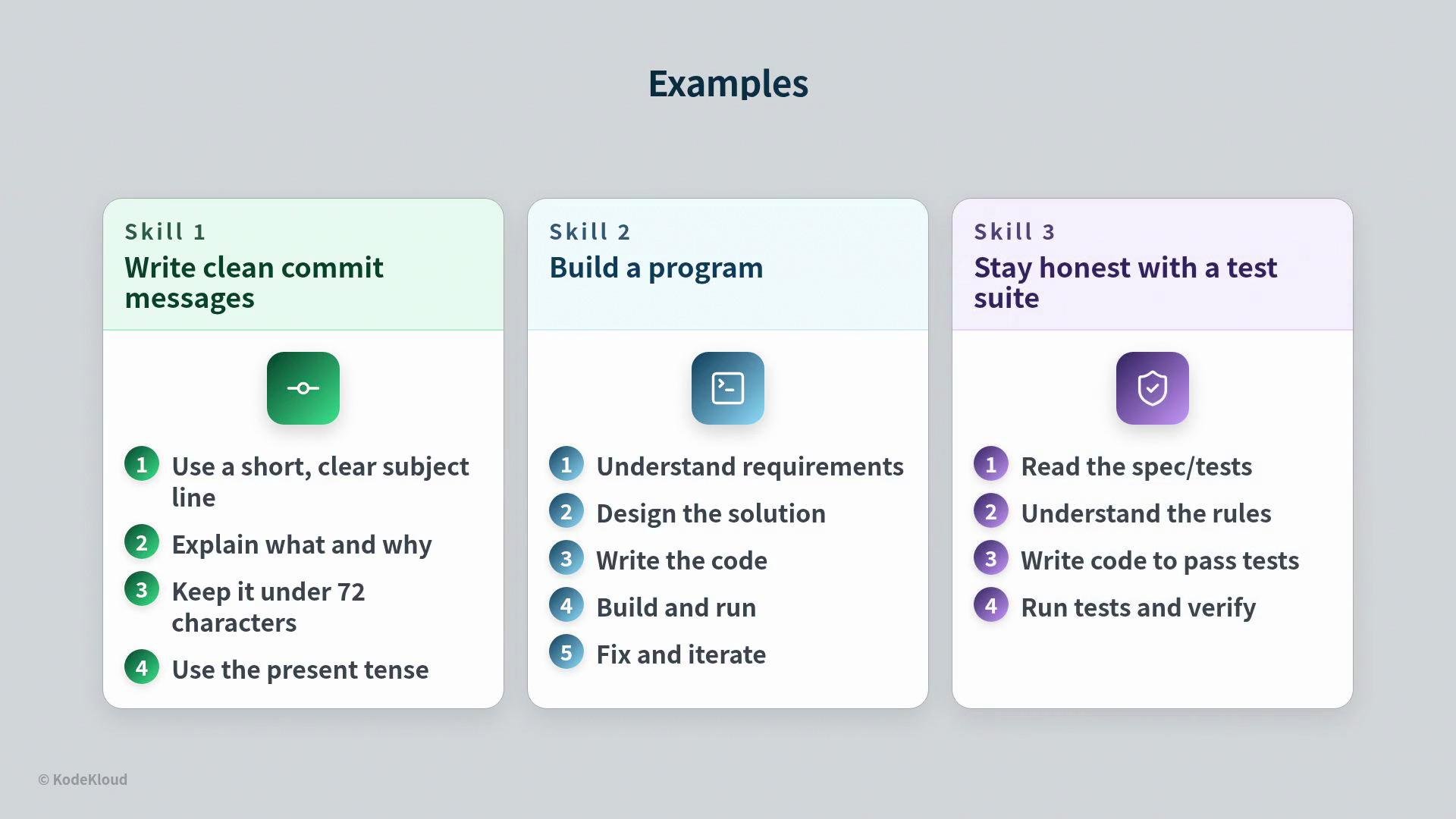
* Commit message authoring — short, consistent commit summaries and extended body guidelines.
* Build and release steps — compile, package, and publish artifacts.
* Test harnesses and honesty checks — run a test suite or graded harness that the agent does not own, then report pass/fail.
Steps should be actionable and verifiable (for example: "run tests and fail if any test fails" or "produce a one-line summary"). That lets the loop detect completion and move to the next job or skill.
## Examples of useful skills
Here are common skill types often found in automation loops:
* Commit message authoring — short, consistent commit summaries and extended body guidelines.
* Build and release steps — compile, package, and publish artifacts.
* Test harnesses and honesty checks — run a test suite or graded harness that the agent does not own, then report pass/fail.
 ## Benefits (at a glance)
| Benefit | Why it matters |
| --------------- | --------------------------------------------------- |
| Reusability | Skills can be reused across tasks and projects. |
| Predictability | The same steps produce the same outcomes. |
| Smaller prompts | Keeps the agent focused and reduces cognitive load. |
| Modularity | Multiple skills can compose to handle complex jobs. |
## Best practices
* Keep each skill focused on one job or intent.
* Make descriptions specific and short to improve match accuracy.
* Write steps that are executable and testable.
* Include references to helper scripts or API calls rather than embedding long examples in the skill itself.
To recap: a skill is packaged know-how in a short `skill.md` file containing a name, a description, and steps. Write skills as steps, not essays. Use the description to tell the agent when to load the skill. Skills keep the loop consistent and the prompt uncluttered.
This article also discusses connectors and plug-ins, explaining how the loop integrates external services and tools.
## Links and references
* [Prompt engineering principles](https://en.wikipedia.org/wiki/Prompt_engineering)
* [Best practices for writing documentation](https://developers.google.com/tech-writing)
* For connectors and plug-ins, see your loop platform’s integration docs or the section on connectors and plug-ins in this documentation set.
## Benefits (at a glance)
| Benefit | Why it matters |
| --------------- | --------------------------------------------------- |
| Reusability | Skills can be reused across tasks and projects. |
| Predictability | The same steps produce the same outcomes. |
| Smaller prompts | Keeps the agent focused and reduces cognitive load. |
| Modularity | Multiple skills can compose to handle complex jobs. |
## Best practices
* Keep each skill focused on one job or intent.
* Make descriptions specific and short to improve match accuracy.
* Write steps that are executable and testable.
* Include references to helper scripts or API calls rather than embedding long examples in the skill itself.
To recap: a skill is packaged know-how in a short `skill.md` file containing a name, a description, and steps. Write skills as steps, not essays. Use the description to tell the agent when to load the skill. Skills keep the loop consistent and the prompt uncluttered.
This article also discusses connectors and plug-ins, explaining how the loop integrates external services and tools.
## Links and references
* [Prompt engineering principles](https://en.wikipedia.org/wiki/Prompt_engineering)
* [Best practices for writing documentation](https://developers.google.com/tech-writing)
* For connectors and plug-ins, see your loop platform’s integration docs or the section on connectors and plug-ins in this documentation set.