> ## Documentation Index
> Fetch the complete documentation index at: https://notes.kodekloud.com/llms.txt
> Use this file to discover all available pages before exploring further.
# Worktrees
> Explains Git worktrees and how to create, list, remove, and prune separate working copies for safe experiments and CI.
When an automated loop or CI job needs to try bold changes, something must keep the main codebase safe. That something is a worktree — a separate working copy where experiments can run without risking the main repository.
What is a worktree?
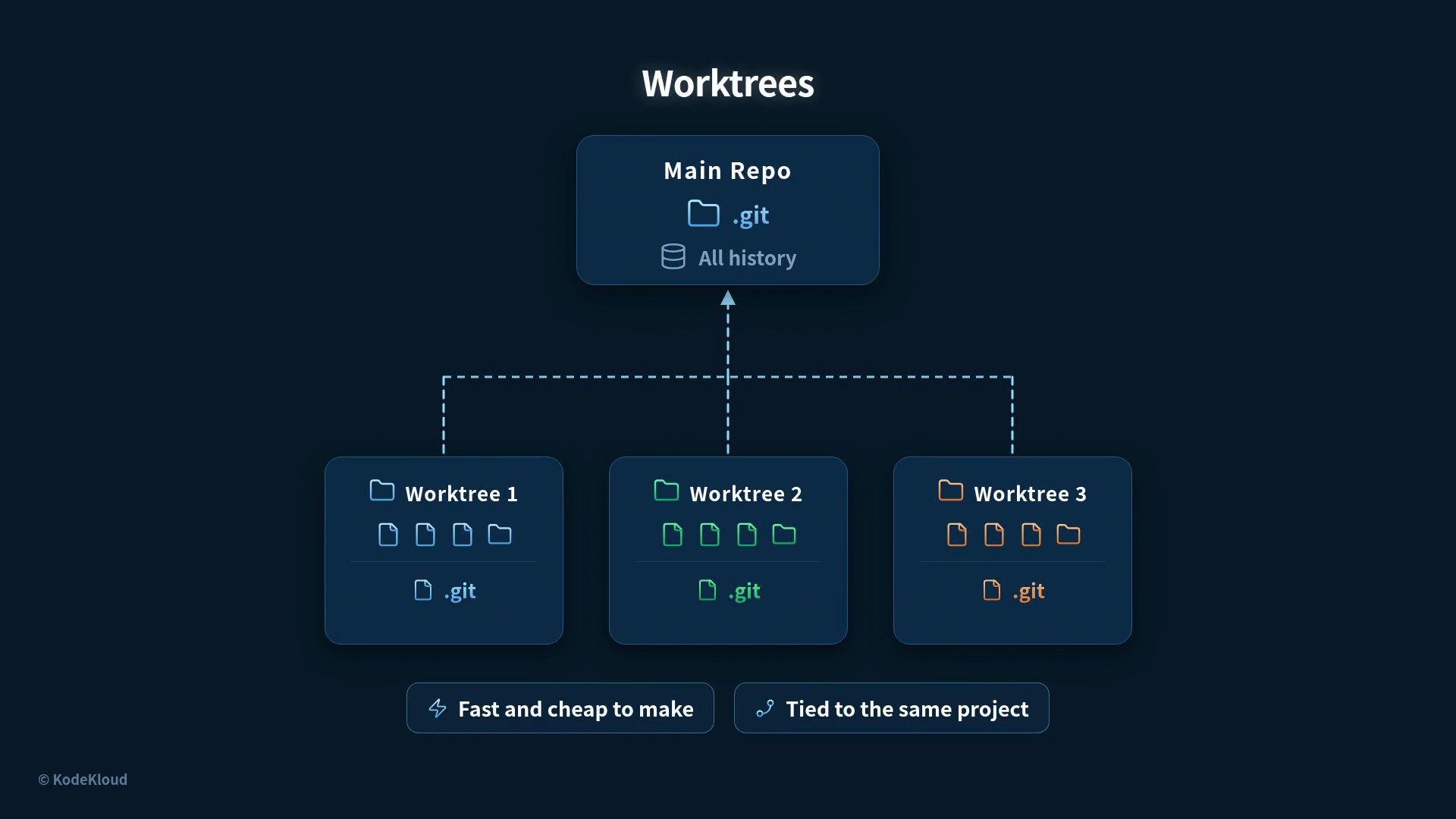
* A worktree is a separate working copy of the same Git repository.
* Every worktree lives in its own folder with its own checked-out files.
* Worktrees share a single repository history stored in the main `.git` directory.
* Each worktree contains a small `.git` *file* (not a directory) that points back to the shared git data (for example, a `gitdir:` reference into `.git/worktrees/...`).
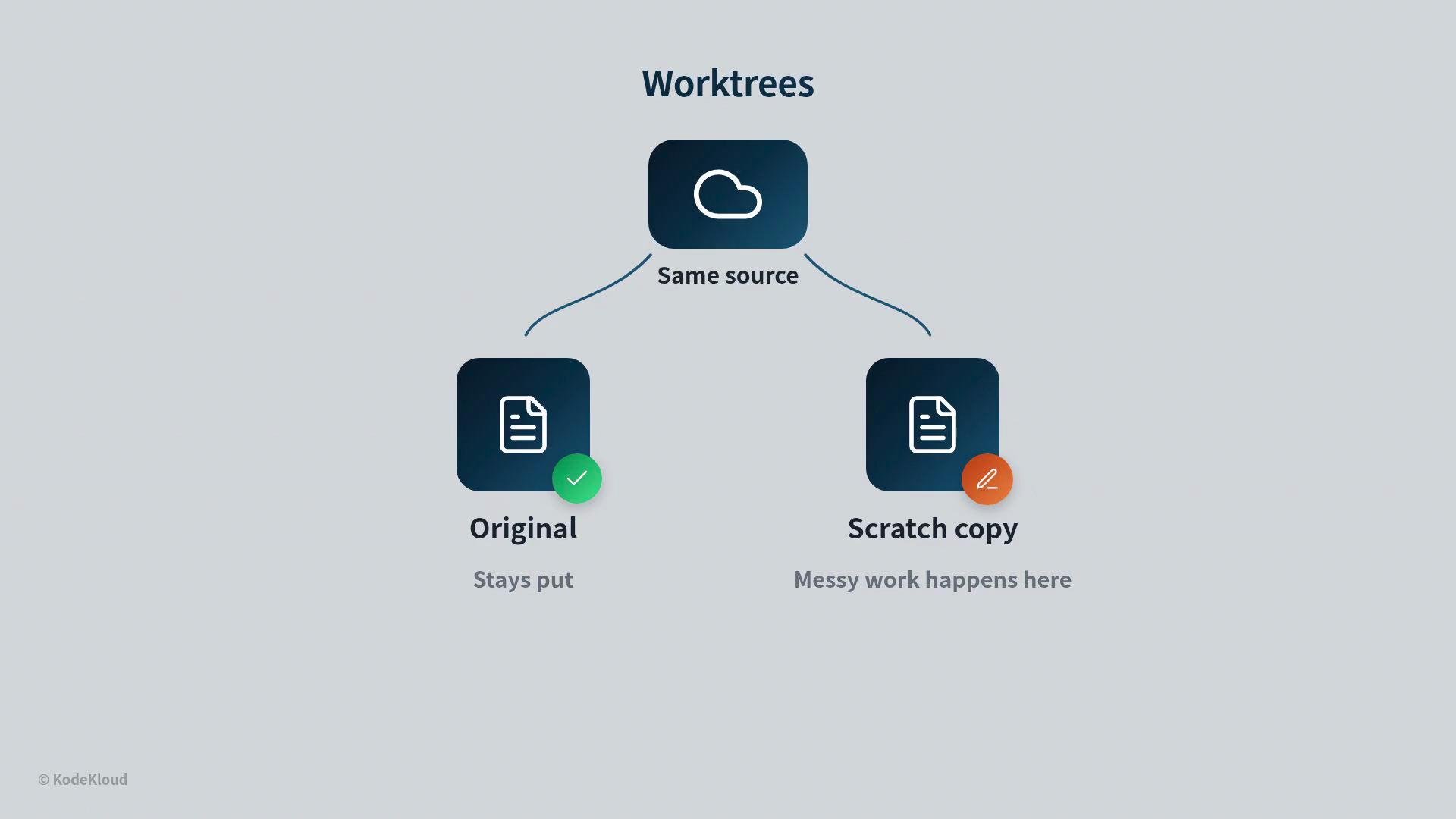
Because the history is shared, creating a worktree is fast and storage-efficient. Think of a worktree like a scratch copy of a shared document: you can experiment locally without duplicating the entire project history.
 How the original repo and worktree relate
* The original repository (the main folder) stays put and untouched while the worktree is the place for messy or experimental work.
* Changes made inside a worktree do not affect the original until you commit, merge, and push from that worktree.
How the original repo and worktree relate
* The original repository (the main folder) stays put and untouched while the worktree is the place for messy or experimental work.
* Changes made inside a worktree do not affect the original until you commit, merge, and push from that worktree.
 Why use a separate copy?
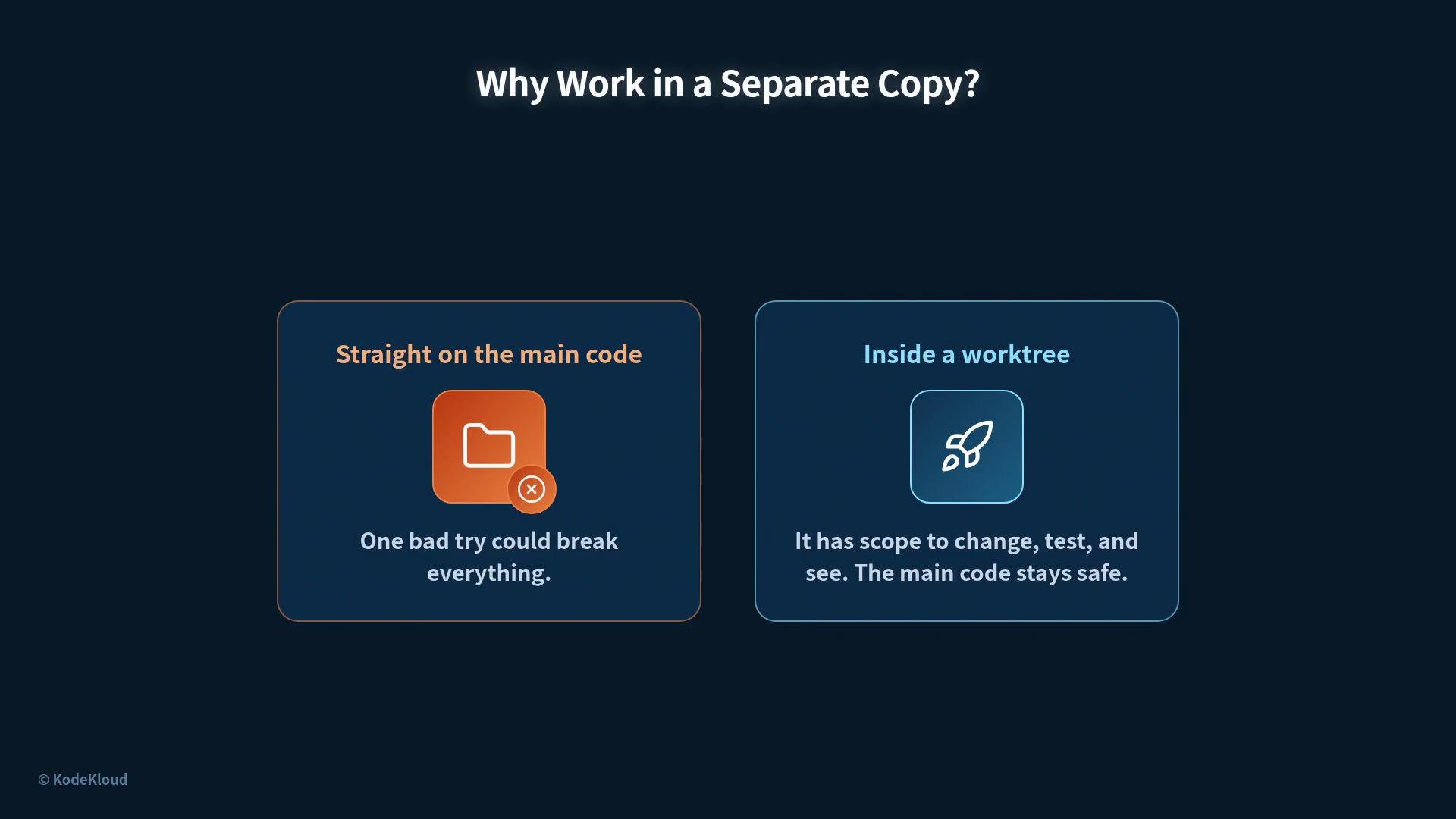
* Some experiments succeed and some fail. Running experiments directly in the main code risks breaking the primary branch.
* A worktree gives you an isolated place to make large changes, run tests, and iterate, without endangering the main codebase.
Why use a separate copy?
* Some experiments succeed and some fail. Running experiments directly in the main code risks breaking the primary branch.
* A worktree gives you an isolated place to make large changes, run tests, and iterate, without endangering the main codebase.
 Common git worktree operations
Below are the most commonly used `git worktree` commands for creating, listing, removing, and cleaning up worktrees.
| Command | Purpose | Example |
| ----------------------------: | ------------------------------------------------------------- | -------------------------------------------- |
| `git worktree add` | Create a new worktree and optionally a branch | `git worktree add ../try-login -b try-login` |
| `git worktree list` | Show all registered worktrees | `git worktree list` |
| `git worktree remove` | Remove a worktree (refuses if modified/untracked files exist) | `git worktree remove ../try-login` |
| `git worktree remove --force` | Force-remove a worktree including changes | `git worktree remove --force ../try-login` |
| `git worktree prune` | Prune stale worktree entries after manual deletion | `git worktree prune` |
Example workflows
Create a new worktree and branch:
```bash theme={null}
# create a new worktree (creates branch 'try-login' and checks it out)
$ git worktree add ../try-login -b try-login
Preparing worktree (new branch 'try-login')
HEAD is now at 9b8c25e
```
List all worktrees and where they live:
```bash theme={null}
$ git worktree list
/projects/main-project 9b8c25e [main]
/projects/try-login 9b8c25e [try-login]
```
Run multiple worktrees side-by-side (no file clashes because each has its own working directory):
```bash theme={null}
# add independent worktrees for a bugfix and a feature
$ git worktree add ../fix-bug -b fix-bug
Preparing worktree (new branch 'fix-bug')
HEAD is now at 9b8c25e
$ git worktree add ../new-feature -b new-feature
Preparing worktree (new branch 'new-feature')
HEAD is now at 9b8c25e
```
Remove a worktree when it's done:
```bash theme={null}
# remove a worktree when it's finished
$ git worktree remove ../try-login
Removing worktree '../try-login'... done
```
Git protects you from accidental deletion: it will refuse to remove a worktree that contains modified or untracked files.
```bash theme={null}
$ git worktree remove ../try-login
fatal: '../try-login' contains modified or untracked files
```
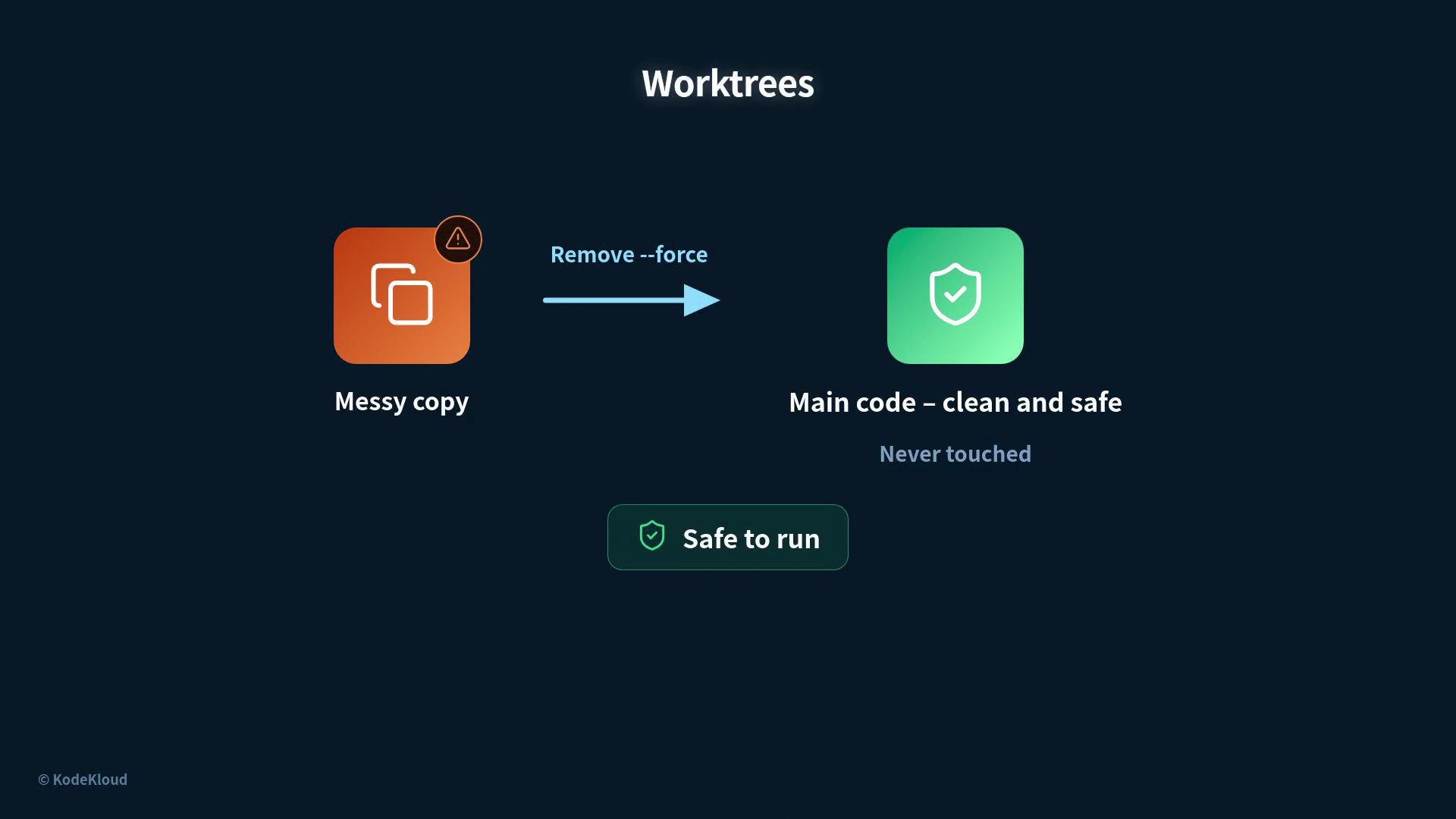
If you intentionally want to discard a worktree and all its changes, add `--force`:
```bash theme={null}
# force-remove a messy copy on purpose
$ git worktree remove --force ../try-login
Removing worktree '../try-login'... done
```
If you manually delete a worktree folder from disk but Git still lists it, clear stale entries with:
```bash theme={null}
# clear stale worktree entries after a manual delete
$ git worktree prune
Cleaning up worktree entries... done
```
Worktrees share the same repository history (the main `.git`) while keeping separate working trees. The small `.git` file inside each worktree points Git back to the shared data, which is why creating a worktree is inexpensive.
The payoff
* If a try fails, the usual cost is simply removing the worktree. The main repository remains clean.
* Worktrees make automated experiments and hands-off loops safe: failed tries are disposable, and multiple experiments can run concurrently without interfering with each other.
Common git worktree operations
Below are the most commonly used `git worktree` commands for creating, listing, removing, and cleaning up worktrees.
| Command | Purpose | Example |
| ----------------------------: | ------------------------------------------------------------- | -------------------------------------------- |
| `git worktree add` | Create a new worktree and optionally a branch | `git worktree add ../try-login -b try-login` |
| `git worktree list` | Show all registered worktrees | `git worktree list` |
| `git worktree remove` | Remove a worktree (refuses if modified/untracked files exist) | `git worktree remove ../try-login` |
| `git worktree remove --force` | Force-remove a worktree including changes | `git worktree remove --force ../try-login` |
| `git worktree prune` | Prune stale worktree entries after manual deletion | `git worktree prune` |
Example workflows
Create a new worktree and branch:
```bash theme={null}
# create a new worktree (creates branch 'try-login' and checks it out)
$ git worktree add ../try-login -b try-login
Preparing worktree (new branch 'try-login')
HEAD is now at 9b8c25e
```
List all worktrees and where they live:
```bash theme={null}
$ git worktree list
/projects/main-project 9b8c25e [main]
/projects/try-login 9b8c25e [try-login]
```
Run multiple worktrees side-by-side (no file clashes because each has its own working directory):
```bash theme={null}
# add independent worktrees for a bugfix and a feature
$ git worktree add ../fix-bug -b fix-bug
Preparing worktree (new branch 'fix-bug')
HEAD is now at 9b8c25e
$ git worktree add ../new-feature -b new-feature
Preparing worktree (new branch 'new-feature')
HEAD is now at 9b8c25e
```
Remove a worktree when it's done:
```bash theme={null}
# remove a worktree when it's finished
$ git worktree remove ../try-login
Removing worktree '../try-login'... done
```
Git protects you from accidental deletion: it will refuse to remove a worktree that contains modified or untracked files.
```bash theme={null}
$ git worktree remove ../try-login
fatal: '../try-login' contains modified or untracked files
```
If you intentionally want to discard a worktree and all its changes, add `--force`:
```bash theme={null}
# force-remove a messy copy on purpose
$ git worktree remove --force ../try-login
Removing worktree '../try-login'... done
```
If you manually delete a worktree folder from disk but Git still lists it, clear stale entries with:
```bash theme={null}
# clear stale worktree entries after a manual delete
$ git worktree prune
Cleaning up worktree entries... done
```
Worktrees share the same repository history (the main `.git`) while keeping separate working trees. The small `.git` file inside each worktree points Git back to the shared data, which is why creating a worktree is inexpensive.
The payoff
* If a try fails, the usual cost is simply removing the worktree. The main repository remains clean.
* Worktrees make automated experiments and hands-off loops safe: failed tries are disposable, and multiple experiments can run concurrently without interfering with each other.
 Quick recap
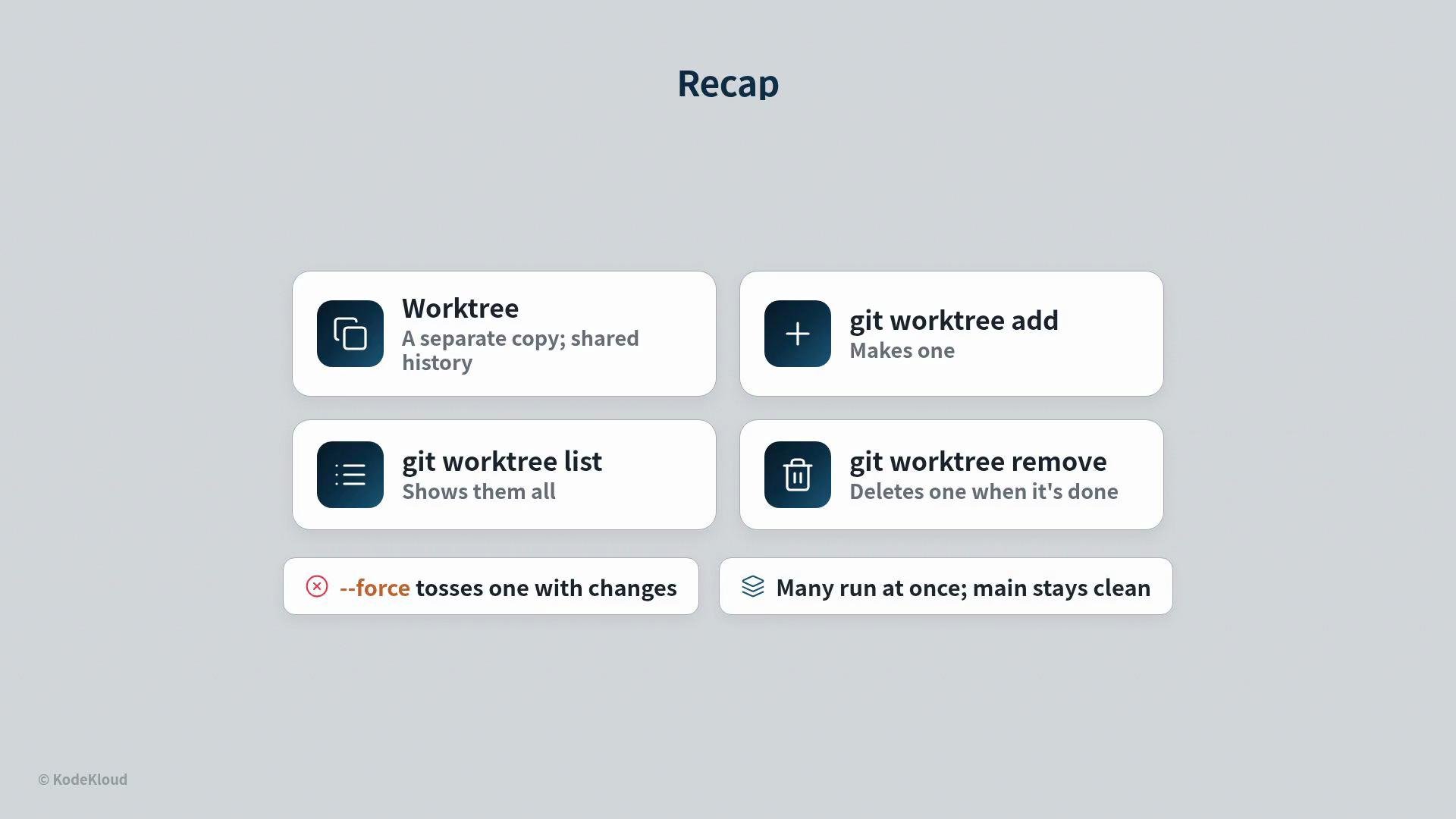
* A worktree is a separate working copy that shares the repository history.
* Use `git worktree add` to create one, `git worktree list` to display them, and `git worktree remove` to delete when finished.
* Add `--force` to discard a worktree with local changes, and run `git worktree prune` to clean up stale entries.
* Multiple subagents or experiments can run in parallel without clashing; failed attempts are cheap to throw away.
Quick recap
* A worktree is a separate working copy that shares the repository history.
* Use `git worktree add` to create one, `git worktree list` to display them, and `git worktree remove` to delete when finished.
* Add `--force` to discard a worktree with local changes, and run `git worktree prune` to clean up stale entries.
* Multiple subagents or experiments can run in parallel without clashing; failed attempts are cheap to throw away.
 Links and references
* [Git worktree documentation](https://git-scm.com/docs/git-worktree)
* [Git reference manual](https://git-scm.com/docs)
* For detailed workflows and best practices, search for "git worktree workflows" or consult your CI system's docs for integrating ephemeral worktrees into automated loops.
Links and references
* [Git worktree documentation](https://git-scm.com/docs/git-worktree)
* [Git reference manual](https://git-scm.com/docs)
* For detailed workflows and best practices, search for "git worktree workflows" or consult your CI system's docs for integrating ephemeral worktrees into automated loops.