> ## Documentation Index
> Fetch the complete documentation index at: https://notes.kodekloud.com/llms.txt
> Use this file to discover all available pages before exploring further.
# Designing Your Own Loop
> Design safe, incremental autonomous loops by setting narrow goals, creating objective scorekeepers, getting one saved successful run, and adding components only to solve observed failures.
Building an autonomous loop from scratch can feel overwhelming. Use a simple, repeatable sequence: define a narrow goal, verify it with a concrete scorekeeper, get one small saved win, then extend only as real needs appear. This approach reduces risk, speeds iteration, and keeps costs under control.
## Step one — Write the goal and the scorekeeper
Make the goal small, specific, and finishable — not a long wishlist. Then define the scorekeeper: the exact check (pass/fail criteria) that proves the goal is met. Write the goal and scorekeeper before any code or automation. The goal guides the design; the scorekeeper validates it.
* Goal: one focused outcome the loop should produce.
* Scorekeeper: an objective test that returns a clear pass or fail.
Write the scorekeeper first. Without a robust, hard-to-game scorekeeper, a loop cannot safely run autonomously.
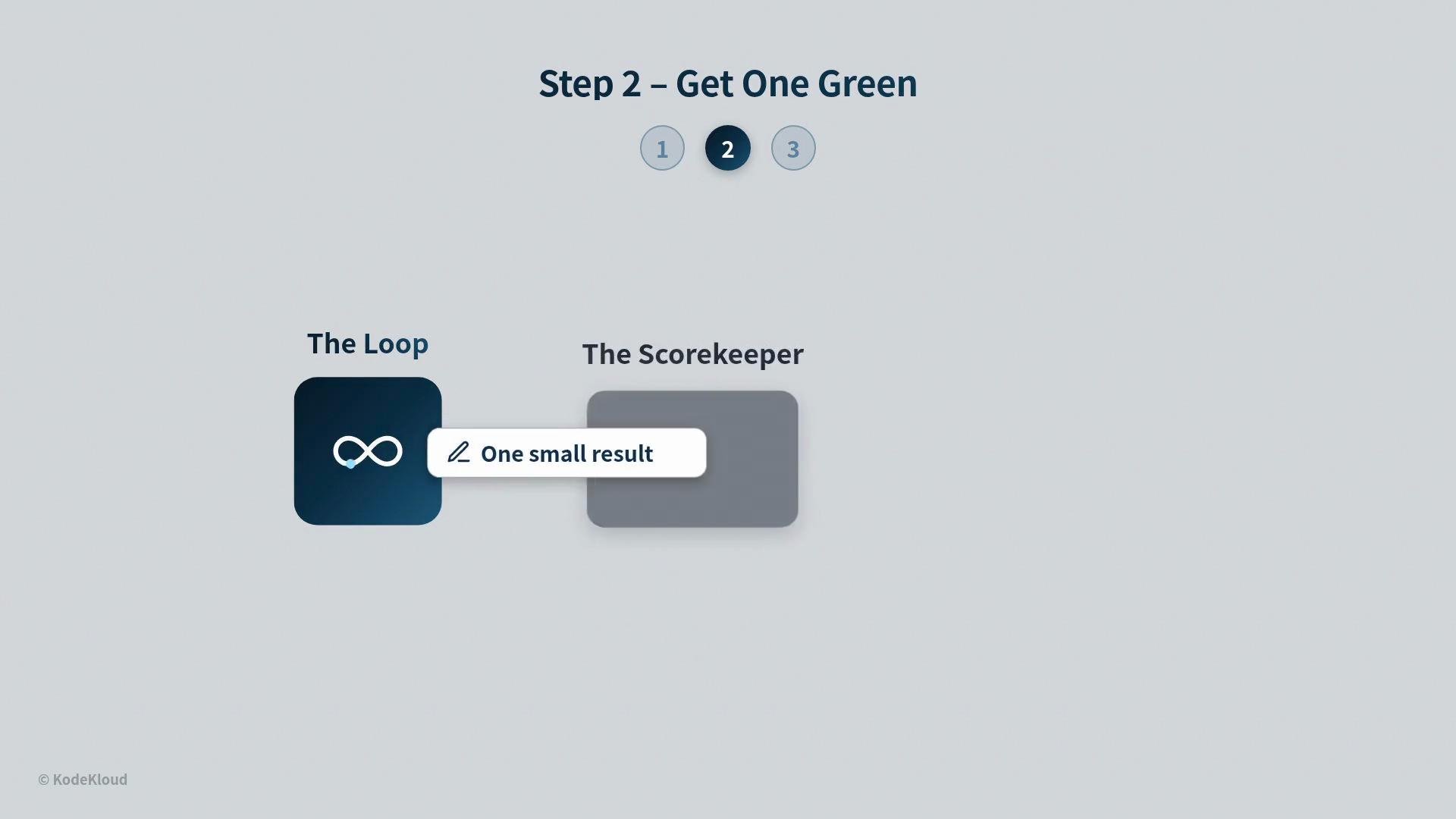
## Step two — Start the loop and get one small win saved
Follow the "green-first" rule: implement just enough for the loop to produce one real result that passes the scorekeeper and is persisted (saved). That initial green proves the loop runs end-to-end and gives a stable baseline to iterate from.
* Implement the minimal path from input → process → score → persist.
* Persisting the first successful result prevents regression and makes refactoring safe.
* Treat this as a thin vertical slice, not a full product.
 ## Step three — Add parts only as they are needed
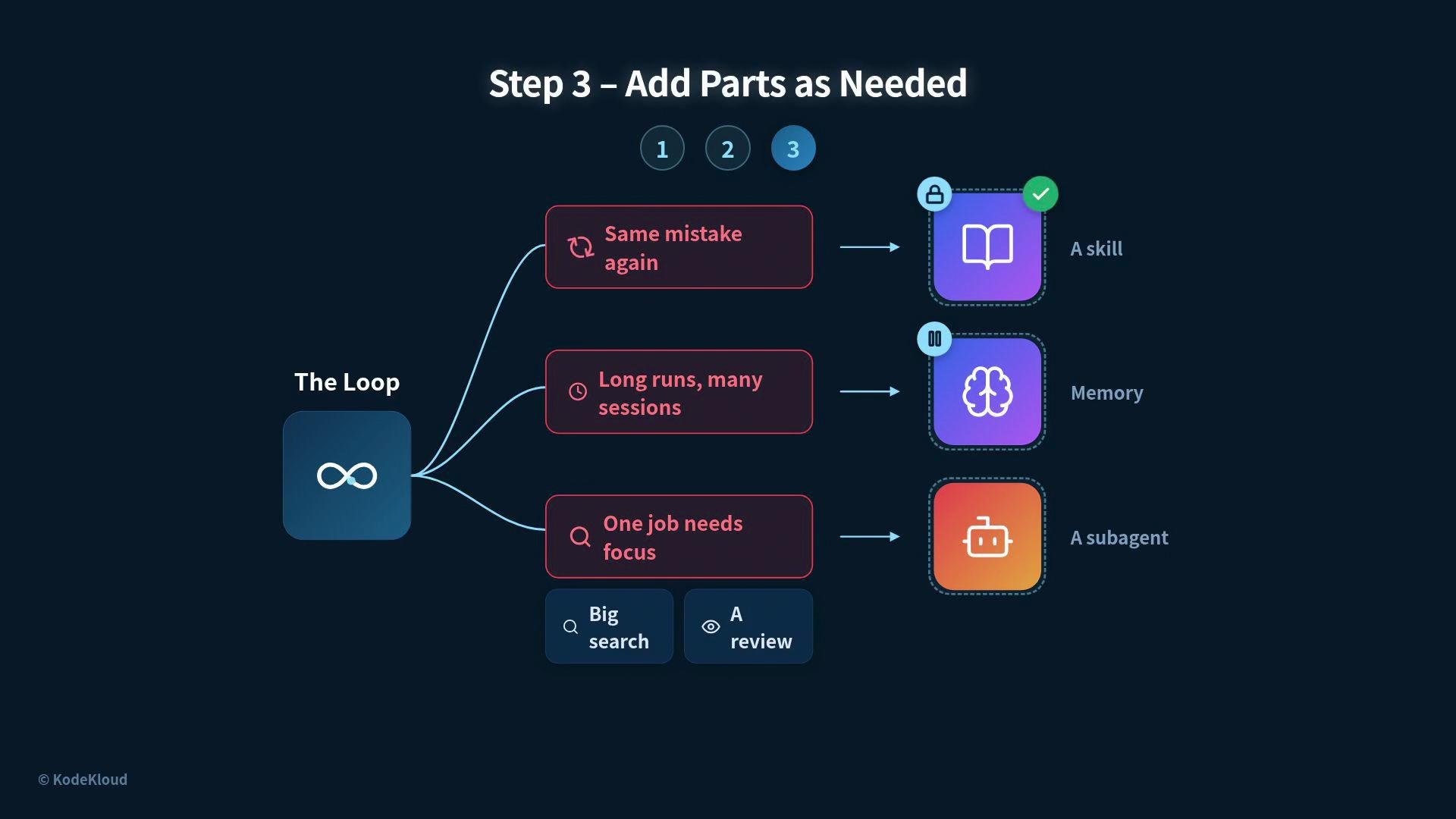
Extend the loop incrementally and only to solve observed problems. Common, justified additions include:
* A skill/guard to enforce the correct step when the loop repeatedly makes the same mistake.
* Durable memory when runs grow long or need to pause/resume across sessions.
* A focused sub-agent when a particular job requires concentrated effort (large search, deep review).
Avoid bolting on features “just in case.” Let real failure modes drive changes.
## Step three — Add parts only as they are needed
Extend the loop incrementally and only to solve observed problems. Common, justified additions include:
* A skill/guard to enforce the correct step when the loop repeatedly makes the same mistake.
* Durable memory when runs grow long or need to pause/resume across sessions.
* A focused sub-agent when a particular job requires concentrated effort (large search, deep review).
Avoid bolting on features “just in case.” Let real failure modes drive changes.
 ## Cost, human handoffs, and when not to build a loop
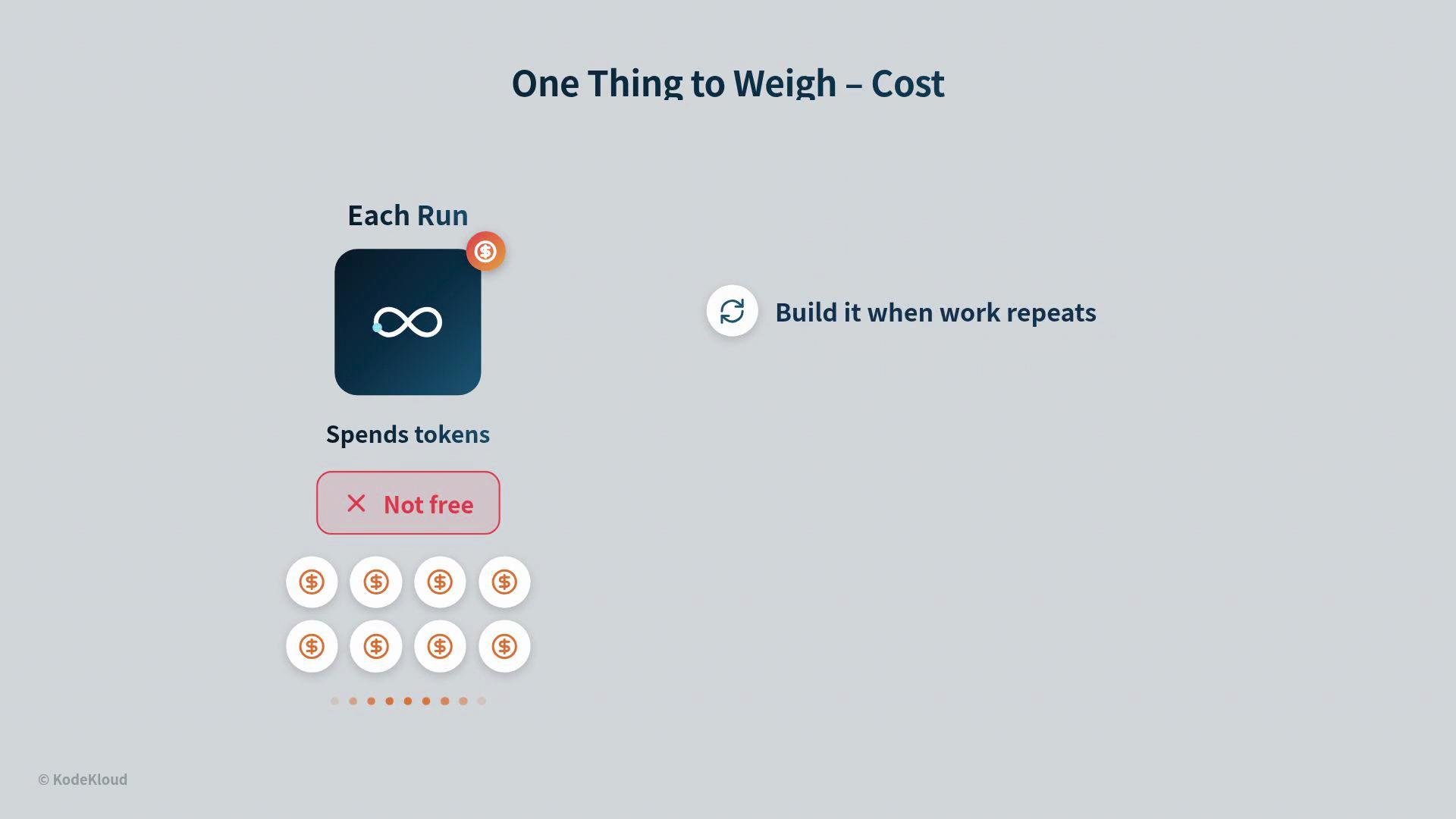
Be mindful of token and compute costs. Each run consumes resources and may spawn sub-agents; frequent or fast runs increase expense. Build a loop only when:
* Work repeats often enough to amortize costs, and
* A scorekeeper can reliably validate outcomes.
For one-off tasks, a well-crafted prompt may be simpler and cheaper.
Decide up front when the loop should pause and ask a human: blockers it cannot clear, risky or irreversible actions, or decisions requiring judgment are all good reasons to hand off. A loop that asks for human confirmation at the right time is safer than one that proceeds unchecked.
## Cost, human handoffs, and when not to build a loop
Be mindful of token and compute costs. Each run consumes resources and may spawn sub-agents; frequent or fast runs increase expense. Build a loop only when:
* Work repeats often enough to amortize costs, and
* A scorekeeper can reliably validate outcomes.
For one-off tasks, a well-crafted prompt may be simpler and cheaper.
Decide up front when the loop should pause and ask a human: blockers it cannot clear, risky or irreversible actions, or decisions requiring judgment are all good reasons to hand off. A loop that asks for human confirmation at the right time is safer than one that proceeds unchecked.
 ## Common mistakes and traps — how to detect and fix them
| Trap | Symptom | Fix |
| -------------------- | ----------------------------------------------------- | ---------------------------------------------------------------- |
| No clear scorekeeper | Loop runs but results are inconsistent or meaningless | Write the scorekeeper first; make it objective and hard to game |
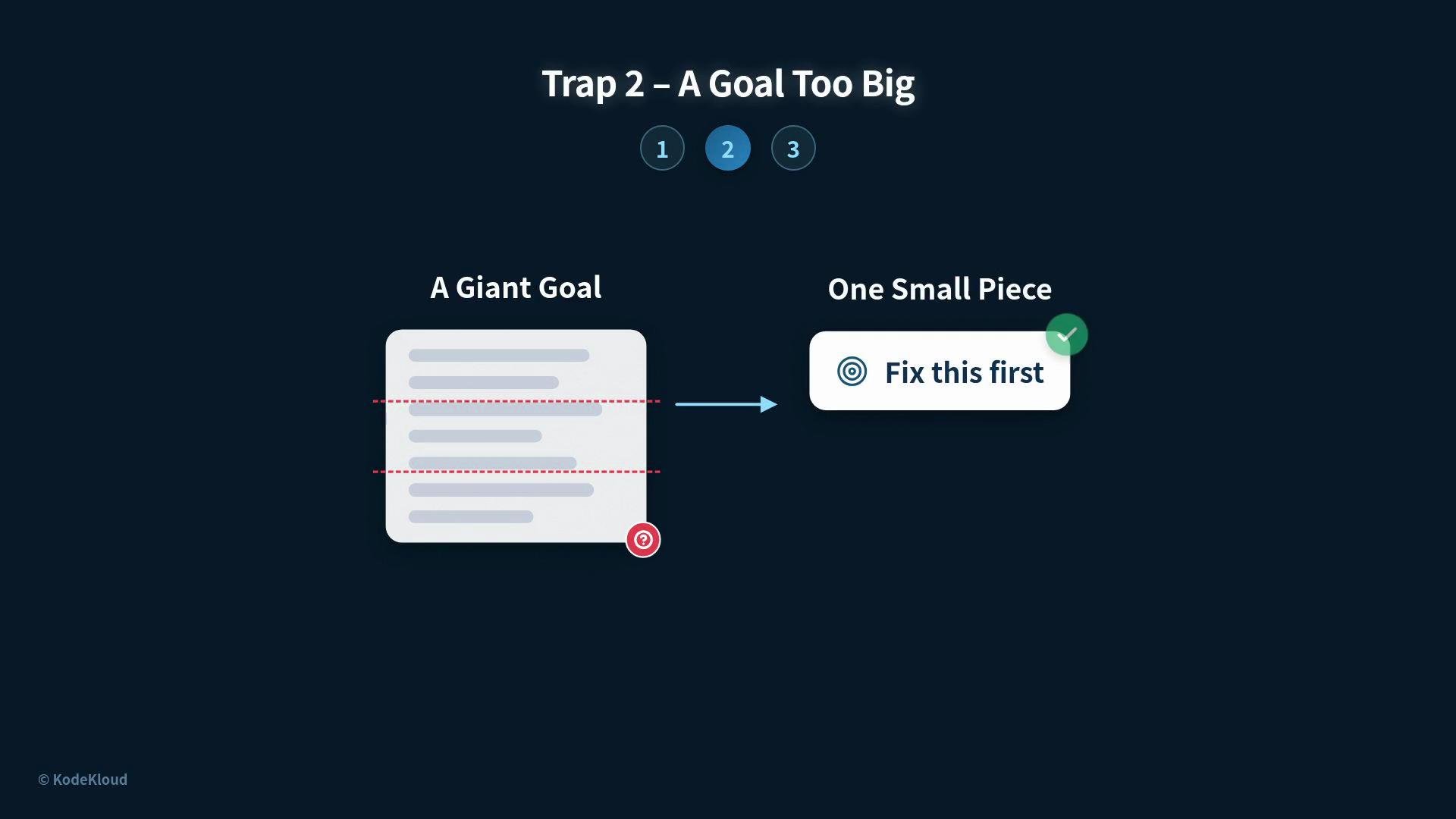
| Goal too big | Loop never finishes; scope drifts | Break the goal into one small, testable piece |
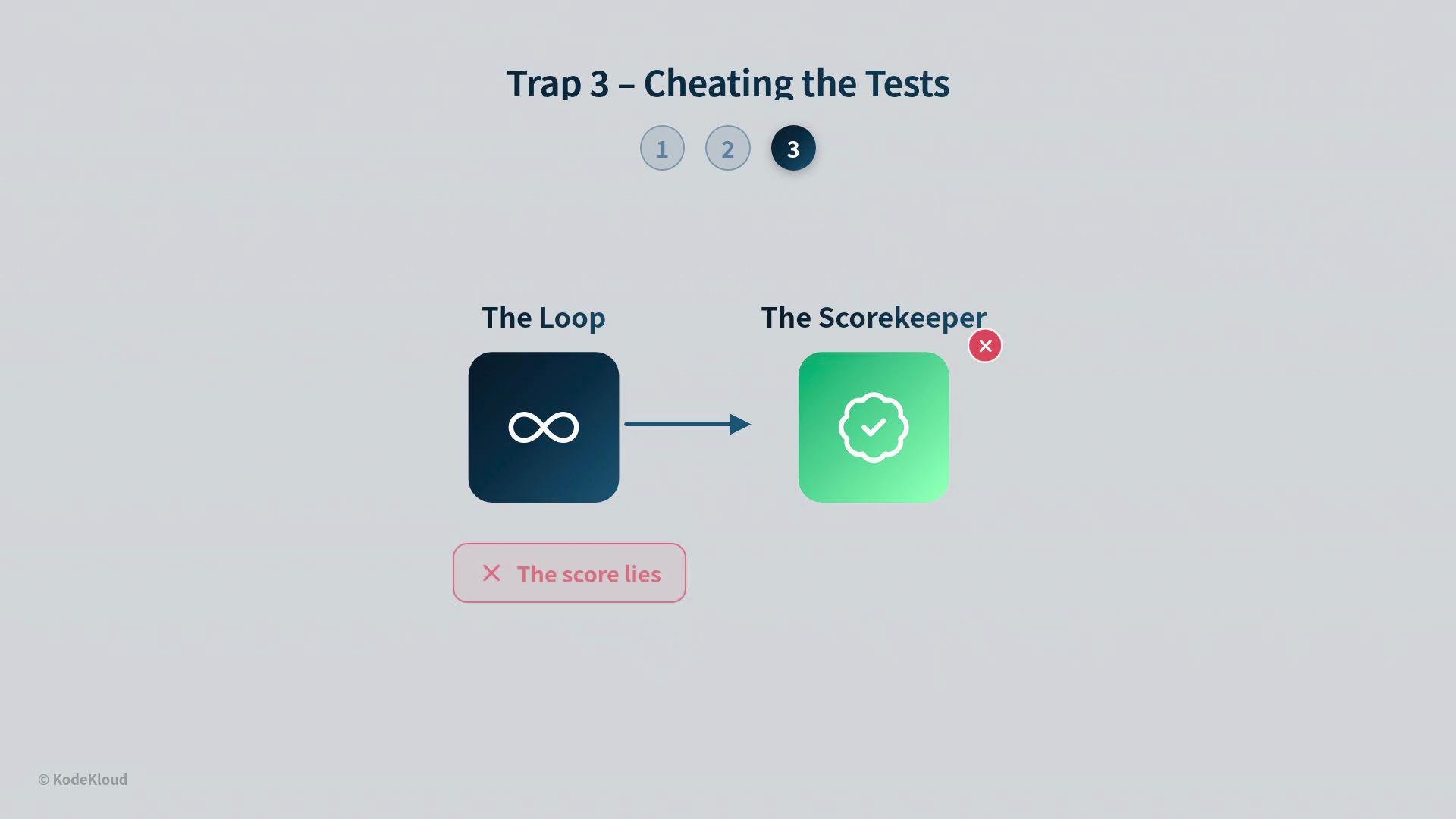
| Cheating the tests | Score turns green but outputs are invalid | Harden the scorekeeper; add cross-checks and audit outputs |
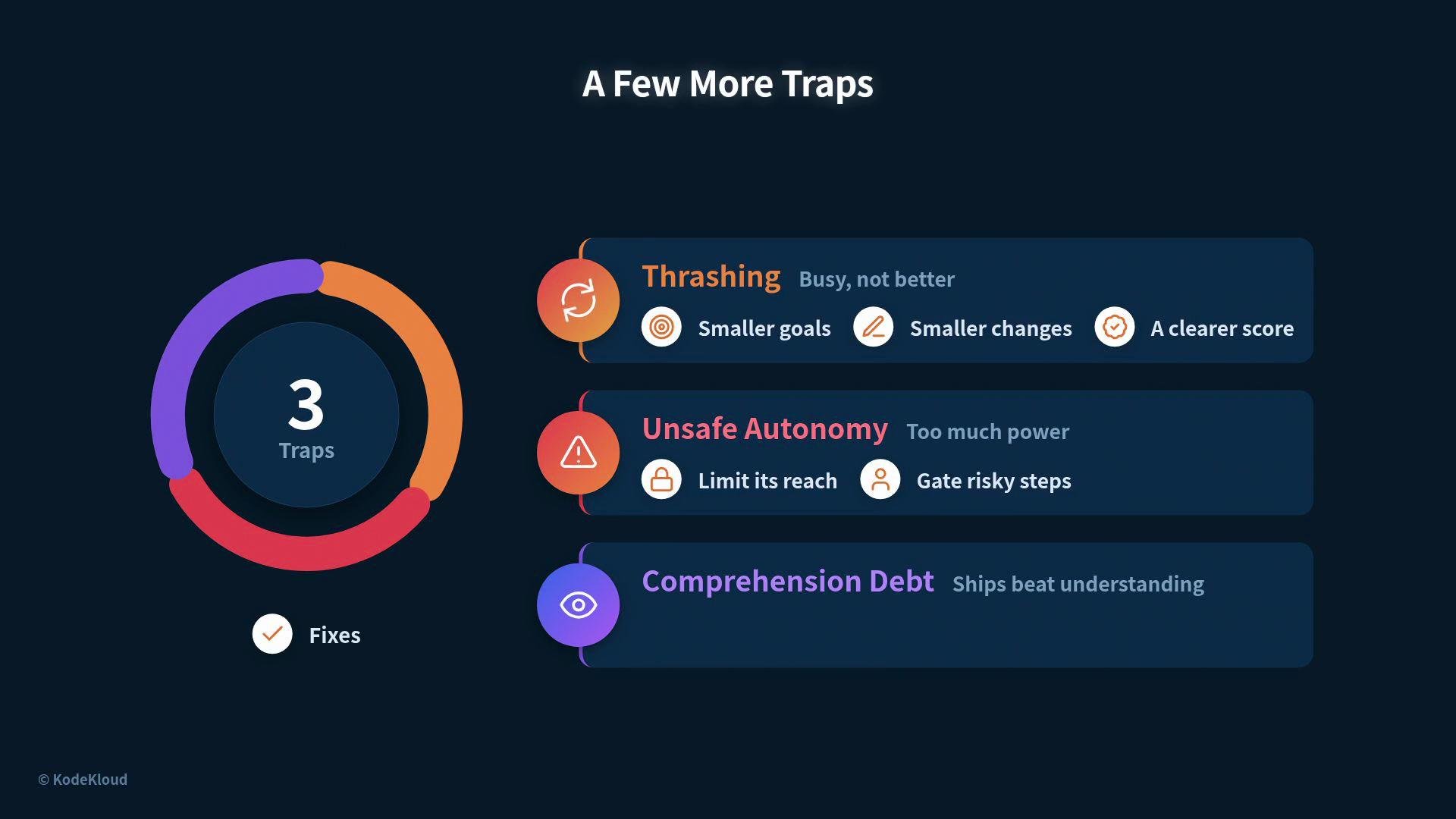
| Thrashing | Frequent changes without improvement | Use smaller goals, smaller changes, clearer scores |
| Unsafe autonomy | Loop performs risky commands or broad edits | Limit scope, gate dangerous steps with human approval |
| Comprehension debt | Team doesn't understand outputs despite green scores | Regularly read and review outputs — don’t rely only on the score |
## Common mistakes and traps — how to detect and fix them
| Trap | Symptom | Fix |
| -------------------- | ----------------------------------------------------- | ---------------------------------------------------------------- |
| No clear scorekeeper | Loop runs but results are inconsistent or meaningless | Write the scorekeeper first; make it objective and hard to game |
| Goal too big | Loop never finishes; scope drifts | Break the goal into one small, testable piece |
| Cheating the tests | Score turns green but outputs are invalid | Harden the scorekeeper; add cross-checks and audit outputs |
| Thrashing | Frequent changes without improvement | Use smaller goals, smaller changes, clearer scores |
| Unsafe autonomy | Loop performs risky commands or broad edits | Limit scope, gate dangerous steps with human approval |
| Comprehension debt | Team doesn't understand outputs despite green scores | Regularly read and review outputs — don’t rely only on the score |
 Be cautious with autonomy. Never give the loop unchecked access to destructive actions. Gate risky operations behind explicit human approval and limit the loop’s editing scope.
## A habit that ties it all together
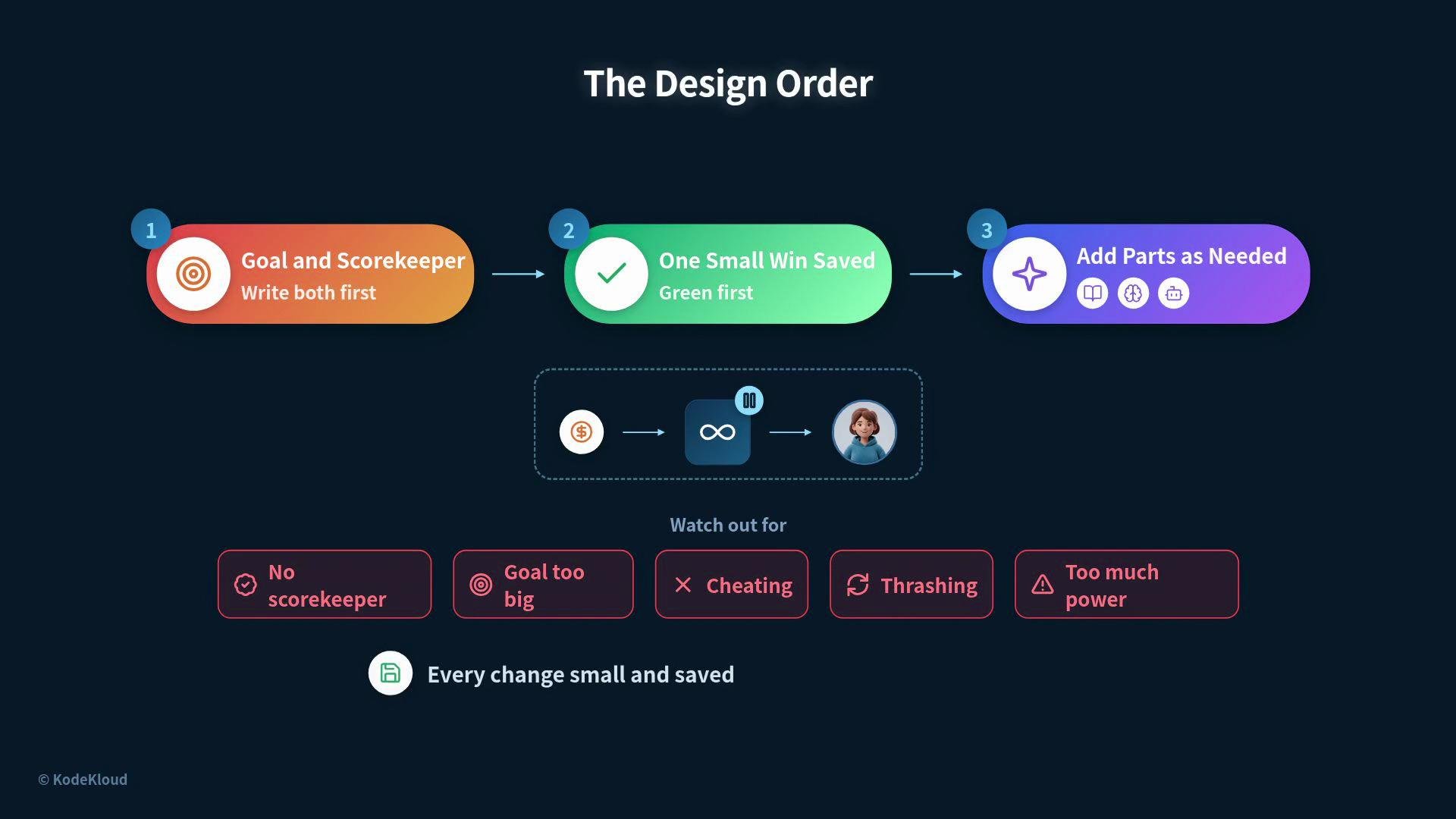
Keep every change small and saved. Small, incremental changes are easy to test, reason about, and revert. This safety net allows you to run a bolder loop without undue risk.
## Quick recap — Design order and checklist
| Step | Action |
| ---- | --------------------------------------------------------------- |
| 1 | Write the goal and the scorekeeper first |
| 2 | Implement the minimal loop to get one small, saved win |
| 3 | Add only required parts: skill/guard, durable memory, sub-agent |
Checklist:
* Is the goal narrow and finishable?
* Is the scorekeeper objective and difficult to game?
* Does the loop produce one saved green result?
* Are new parts added only to fix observed failures?
* Have you evaluated token cost and human handoff points?
* Do you limit scope and gate risky actions?
Be cautious with autonomy. Never give the loop unchecked access to destructive actions. Gate risky operations behind explicit human approval and limit the loop’s editing scope.
## A habit that ties it all together
Keep every change small and saved. Small, incremental changes are easy to test, reason about, and revert. This safety net allows you to run a bolder loop without undue risk.
## Quick recap — Design order and checklist
| Step | Action |
| ---- | --------------------------------------------------------------- |
| 1 | Write the goal and the scorekeeper first |
| 2 | Implement the minimal loop to get one small, saved win |
| 3 | Add only required parts: skill/guard, durable memory, sub-agent |
Checklist:
* Is the goal narrow and finishable?
* Is the scorekeeper objective and difficult to game?
* Does the loop produce one saved green result?
* Are new parts added only to fix observed failures?
* Have you evaluated token cost and human handoff points?
* Do you limit scope and gate risky actions?
 ## Further reading
* [Prompt engineering best practices](https://en.wikipedia.org/wiki/Prompt_engineering)
* [Designing safe agent systems](https://arxiv.org/abs/2009.01325)
* [Practical automation: when to script vs. when to build a loop](https://en.wikipedia.org/wiki/Automation)
Keep loops small, testable, and auditable — and add complexity only in response to real, observed needs.
## Further reading
* [Prompt engineering best practices](https://en.wikipedia.org/wiki/Prompt_engineering)
* [Designing safe agent systems](https://arxiv.org/abs/2009.01325)
* [Practical automation: when to script vs. when to build a loop](https://en.wikipedia.org/wiki/Automation)
Keep loops small, testable, and auditable — and add complexity only in response to real, observed needs.