> ## Documentation Index
> Fetch the complete documentation index at: https://notes.kodekloud.com/llms.txt
> Use this file to discover all available pages before exploring further.
# The Whole Loop in Motion
> Explains an automated iterative loop using goals, scorekeepers, memory, worktrees, skills, and helpers to make small validated changes until a goal is achieved, with human review for risky decisions
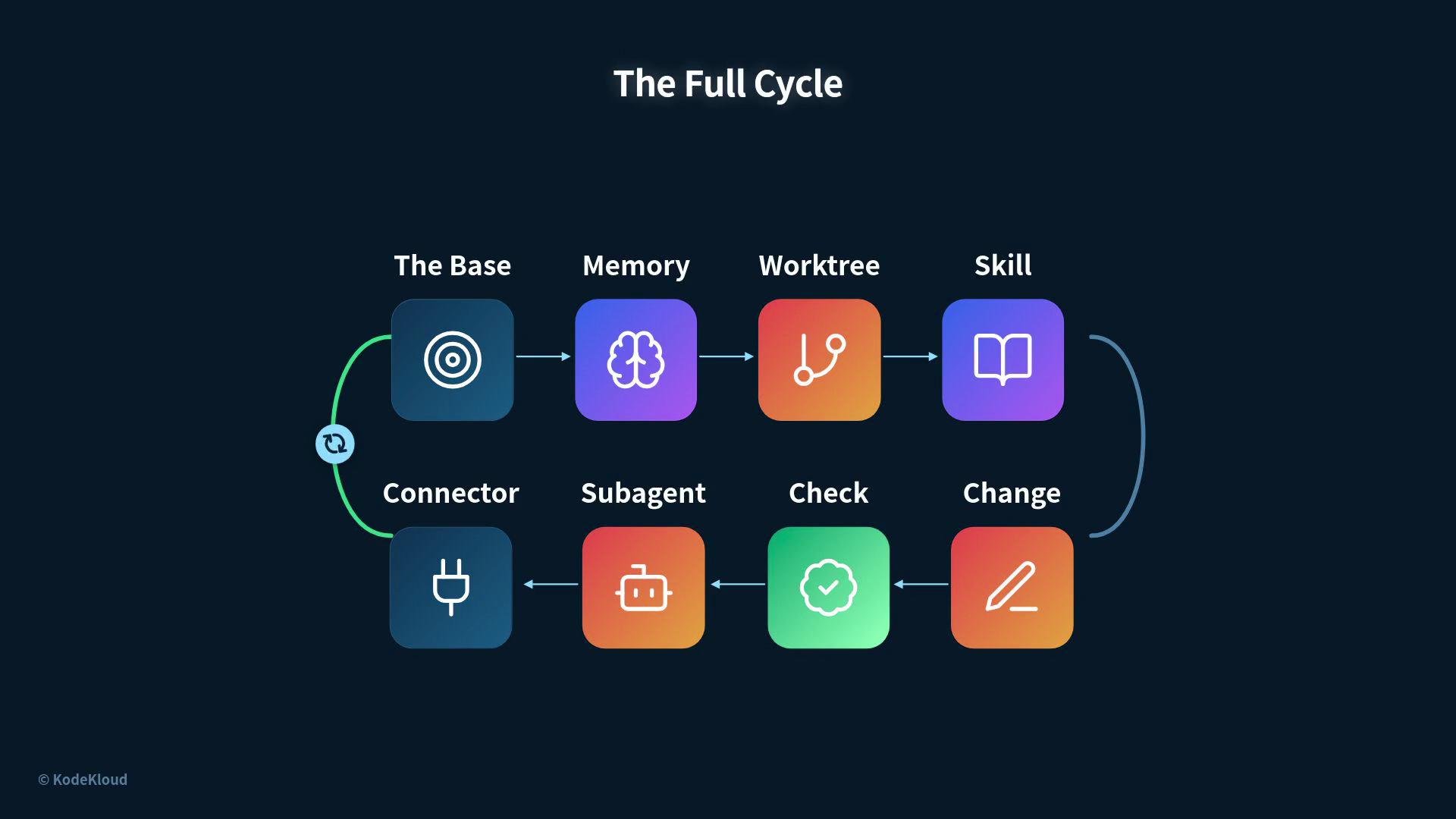
So far, each part of the system worked independently. Now we’ll run a complete loop from start to finish and show exactly where each of the six parts fits in the cycle.
Every loop requires two things before anything else runs:
* A clear goal — a precise statement of what “done” looks like.
* A scorekeeper — an objective measurement that proves whether the work improved or regressed.
The goal points the work in the right direction; the scorekeeper verifies progress. Nothing else should execute until these two are defined.
Now the cycle begins.
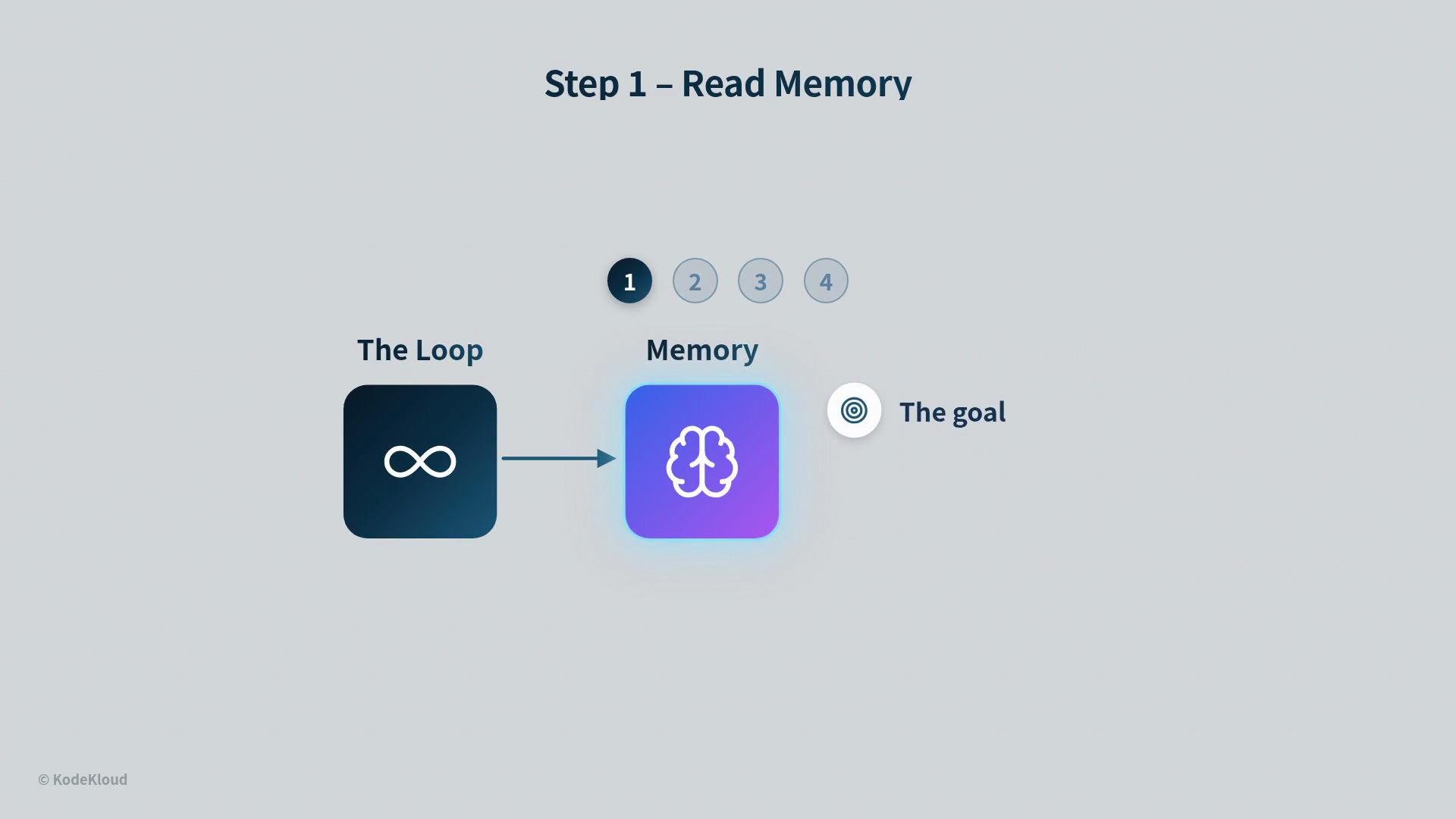
## Step 1 — Read memory
The loop first reads its memory: the current goal, the most recent score, what was already tried, and the next planned step. This allows the loop to resume quickly and avoid repeating work or making contradictory changes.
 ## Step 2 — Move into a worktree
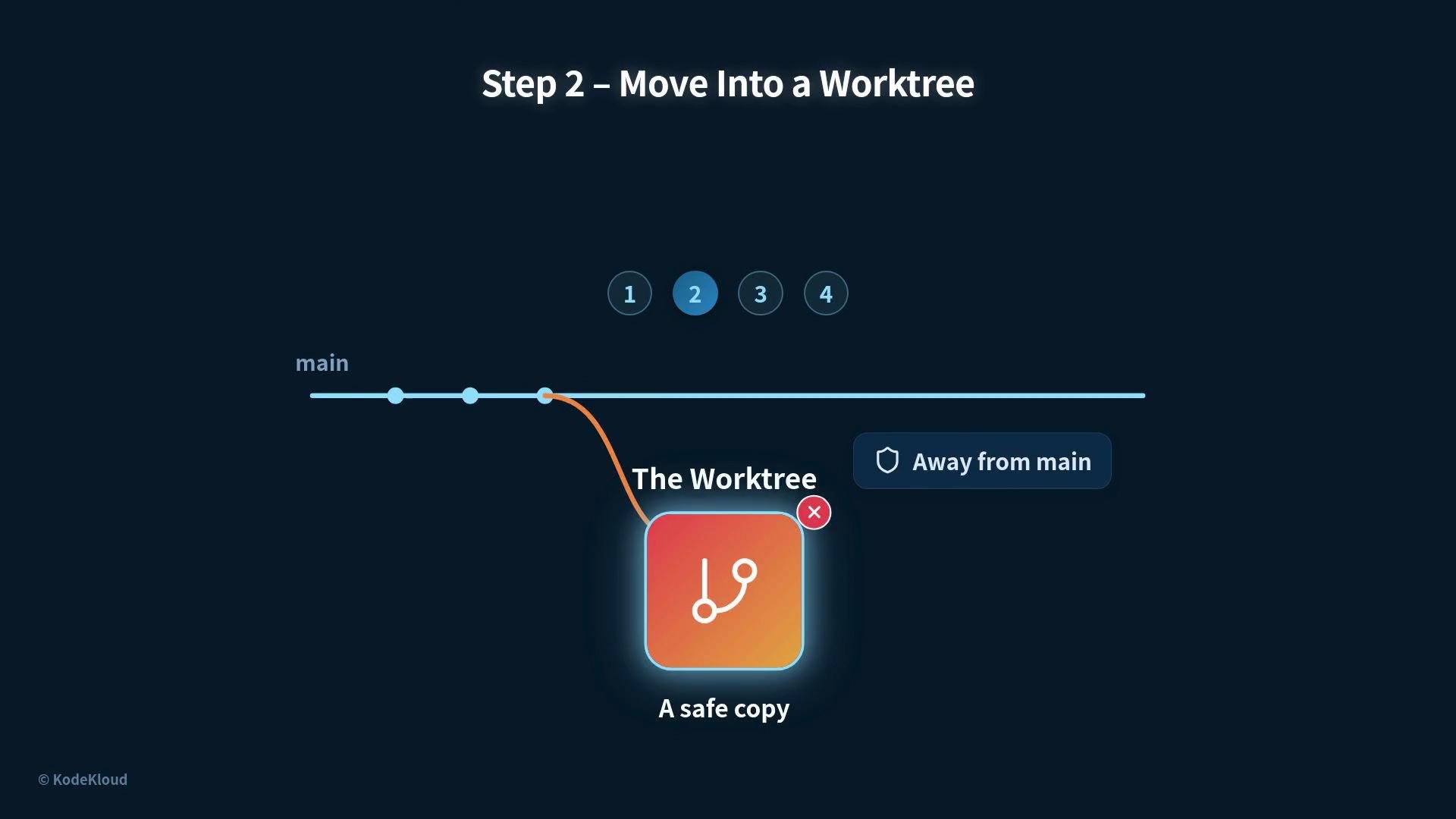
The loop creates a safe, isolated copy of the repository to experiment in. Using a Git worktree isolates changes from the main branch so experiments can be discarded if they fail without contaminating the primary codebase.
* Benefit: fast, disposable experiments
* Risk mitigation: keeps main branch clean
* Reference: [git-worktree documentation](https://git-scm.com/docs/git-worktree)
## Step 2 — Move into a worktree
The loop creates a safe, isolated copy of the repository to experiment in. Using a Git worktree isolates changes from the main branch so experiments can be discarded if they fail without contaminating the primary codebase.
* Benefit: fast, disposable experiments
* Risk mitigation: keeps main branch clean
* Reference: [git-worktree documentation](https://git-scm.com/docs/git-worktree)
 ## Step 3 — Lean on a skill
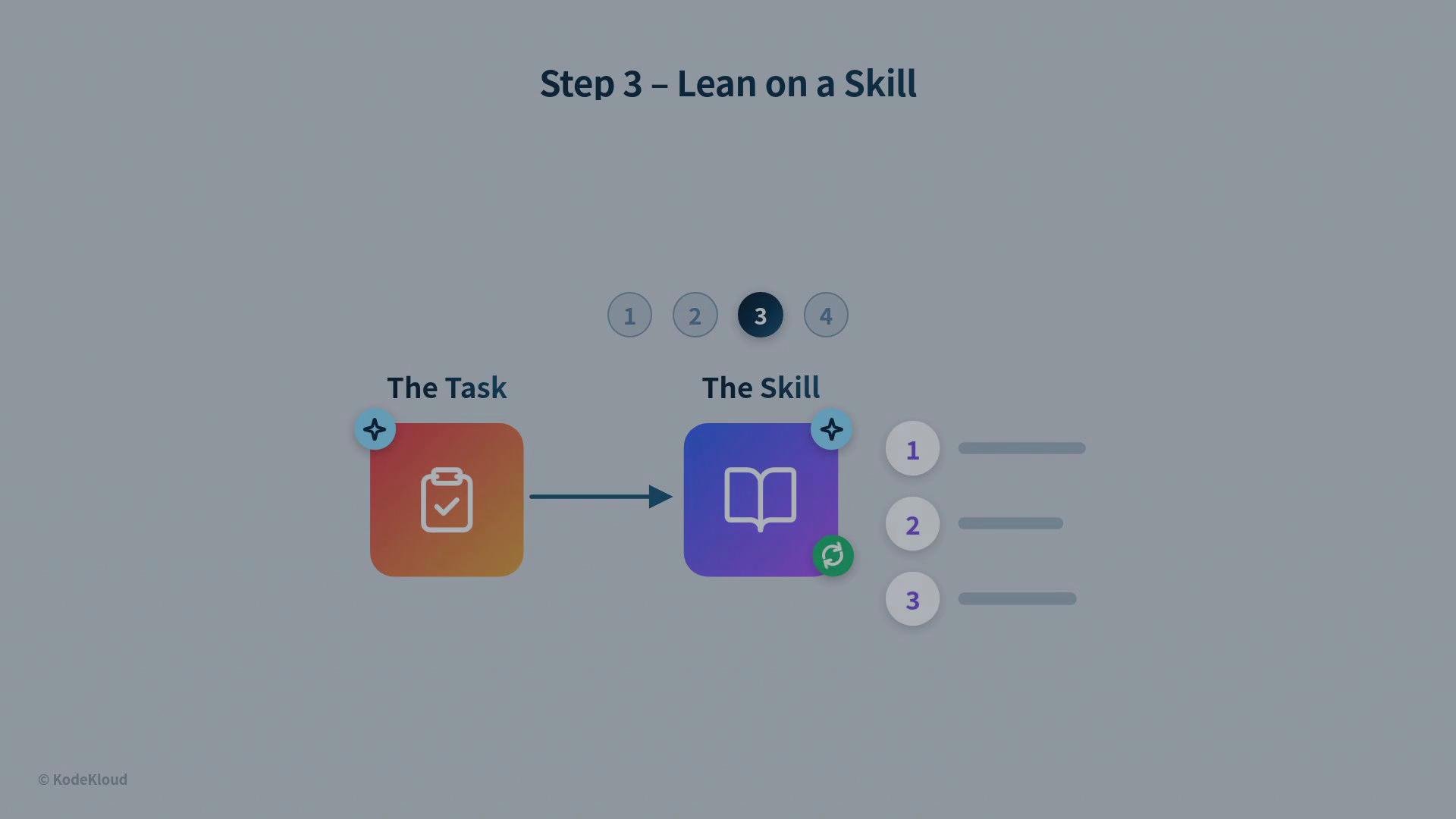
The task is mapped to a skill description that prescribes reproducible steps. Skills codify the know-how required to complete tasks, ensuring consistent behavior and predictable outcomes each time the loop needs to act.
## Step 3 — Lean on a skill
The task is mapped to a skill description that prescribes reproducible steps. Skills codify the know-how required to complete tasks, ensuring consistent behavior and predictable outcomes each time the loop needs to act.
 ## Step 4 — Make one small change and check the score
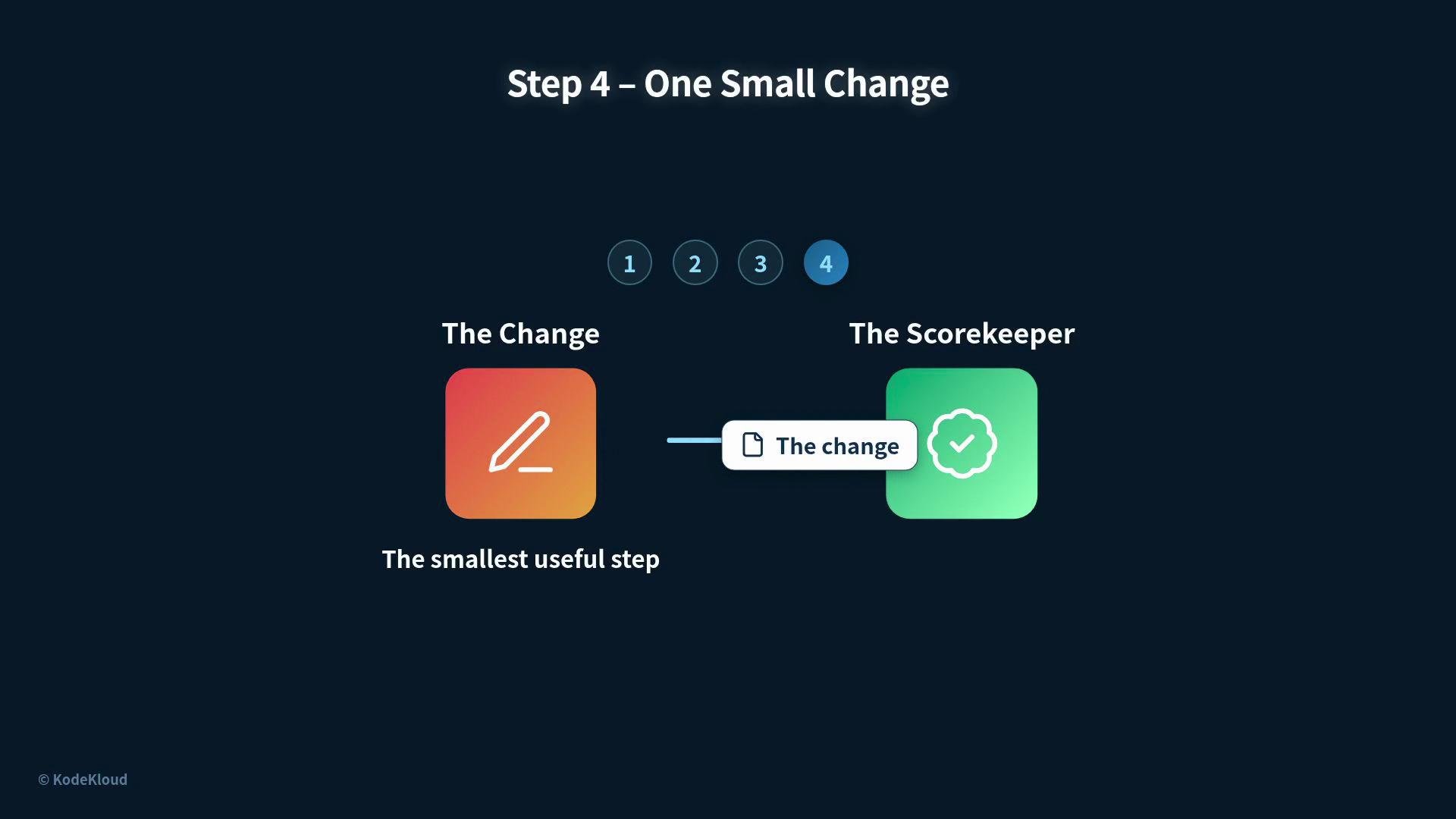
Apply a minimal, focused change that is likely to move the score in the right direction. Immediately evaluate the change against the scorekeeper:
* If the score improves → accept and persist the change.
* If the score worsens → rollback, diagnose, and try a different small change.
Small, incremental changes reduce risk and produce clear feedback.
## Step 4 — Make one small change and check the score
Apply a minimal, focused change that is likely to move the score in the right direction. Immediately evaluate the change against the scorekeeper:
* If the score improves → accept and persist the change.
* If the score worsens → rollback, diagnose, and try a different small change.
Small, incremental changes reduce risk and produce clear feedback.
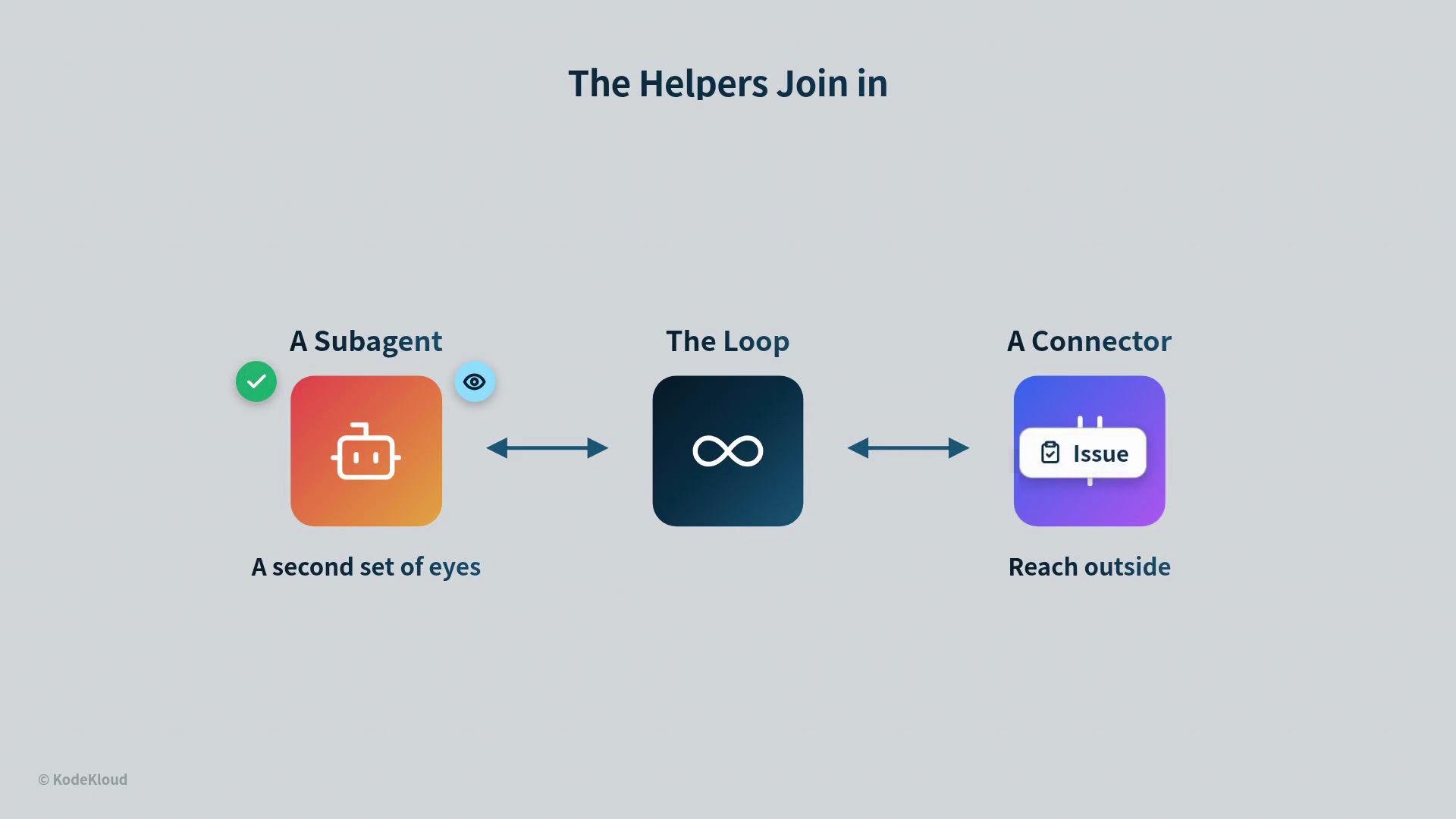
 ## Helpers: sub-agents and connectors
After a change is validated, helpers can augment the loop:
* A sub-agent provides a second set of eyes for review or focused tasks.
* A connector reaches outside the loop to fetch external context (for example, an issue from a tracker or a [pull request on GitHub](https://docs.github.com/en/pull-requests)).
These helpers integrate seamlessly when the work is ready for broader context or additional checks.
## Helpers: sub-agents and connectors
After a change is validated, helpers can augment the loop:
* A sub-agent provides a second set of eyes for review or focused tasks.
* A connector reaches outside the loop to fetch external context (for example, an issue from a tracker or a [pull request on GitHub](https://docs.github.com/en/pull-requests)).
These helpers integrate seamlessly when the work is ready for broader context or additional checks.
 ## Human judgment and safety gates
A robust loop does not run blind. If the loop encounters risky choices or subjective judgments, it stops and hands the state to a human reviewer. The handoff includes the full context so humans can make informed decisions about taste, architecture, or other subjective matters. Automation handles repeatable, checkable work; humans remain responsible for judgment.
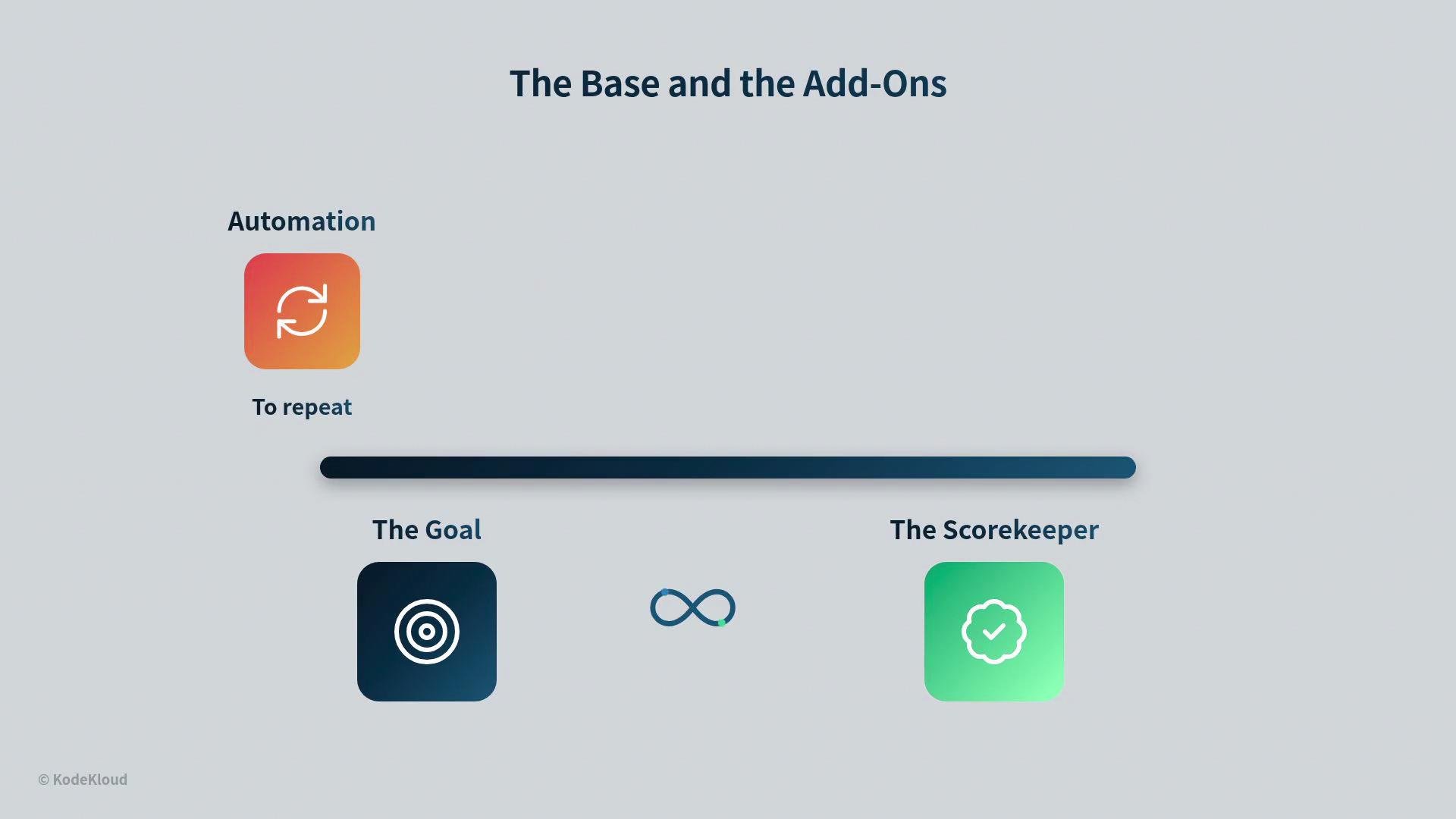
Automation runs the cycle repeatedly, persisting each validated improvement until the goal is achieved. At that point all six parts have been involved:
* Memory
* Worktree
* Skill
* Scorekeeper
* Sub-agent / Connector
* Automation
These form a complementary system: the goal and scorekeeper are the foundation; the other elements make the loop safer, more focused, and more capable.
## Human judgment and safety gates
A robust loop does not run blind. If the loop encounters risky choices or subjective judgments, it stops and hands the state to a human reviewer. The handoff includes the full context so humans can make informed decisions about taste, architecture, or other subjective matters. Automation handles repeatable, checkable work; humans remain responsible for judgment.
Automation runs the cycle repeatedly, persisting each validated improvement until the goal is achieved. At that point all six parts have been involved:
* Memory
* Worktree
* Skill
* Scorekeeper
* Sub-agent / Connector
* Automation
These form a complementary system: the goal and scorekeeper are the foundation; the other elements make the loop safer, more focused, and more capable.
 ## Full-cycle recap
Start-to-finish sequence:
1. Define the goal and the scorekeeper (required).
2. Read memory.
3. Create a worktree.
4. Lean on a skill.
5. Make one small change.
6. Check the score.
7. Let a sub-agent review (if needed).
8. Use a connector to reach external systems (if needed).
9. Repeat via automation until the goal is met.
10. Stop and hand over to a human whenever a choice requires real judgment.
## Full-cycle recap
Start-to-finish sequence:
1. Define the goal and the scorekeeper (required).
2. Read memory.
3. Create a worktree.
4. Lean on a skill.
5. Make one small change.
6. Check the score.
7. Let a sub-agent review (if needed).
8. Use a connector to reach external systems (if needed).
9. Repeat via automation until the goal is met.
10. Stop and hand over to a human whenever a choice requires real judgment.
 | Component | Role | Example |
| --------------------- | -----------------------------------: | ---------------------------------------------- |
| Goal | Directs what “done” means | `Fix failing tests and restore 100% pass rate` |
| Scorekeeper | Measures correctness | `unit test pass/fail, performance metric` |
| Memory | Stores state between runs | `last score, previous attempts, next action` |
| Worktree | Isolated experiment environment | `git worktree add -b try-change` |
| Skill | Encoded steps for the task | `lint-and-fix-style`, `refactor-function` |
| Sub-agent / Connector | Reviews and fetches external context | `code review sub-agent`, GitHub issue fetcher |
The most important two elements are the goal and the scorekeeper — they direct and validate every step in the loop. Build those first, then add the other parts to improve safety, focus, and reach.
| Component | Role | Example |
| --------------------- | -----------------------------------: | ---------------------------------------------- |
| Goal | Directs what “done” means | `Fix failing tests and restore 100% pass rate` |
| Scorekeeper | Measures correctness | `unit test pass/fail, performance metric` |
| Memory | Stores state between runs | `last score, previous attempts, next action` |
| Worktree | Isolated experiment environment | `git worktree add -b try-change` |
| Skill | Encoded steps for the task | `lint-and-fix-style`, `refactor-function` |
| Sub-agent / Connector | Reviews and fetches external context | `code review sub-agent`, GitHub issue fetcher |
The most important two elements are the goal and the scorekeeper — they direct and validate every step in the loop. Build those first, then add the other parts to improve safety, focus, and reach.