> ## Documentation Index
> Fetch the complete documentation index at: https://notes.kodekloud.com/llms.txt
> Use this file to discover all available pages before exploring further.
# Where to Find MCP Servers
> Guide to discovering, using, and bridging production and community MCP servers, catalogs, integrations, and tools for local and remote orchestration with clients
Now that you’ve learned how to run and compose MCP servers locally and remotely, connect them to Claude or CLI clients, and use them to orchestrate APIs and services, here’s a curated set of places to discover production-ready and community MCP servers you can use, extend, or remix.
Use this guide to find:
* ready-made MCP integrations for common platforms (Asana, GitHub, Supabase, etc.),
* community examples and tutorials,
* curated catalogs and registries,
* and tools to bridge remote MCP endpoints to local STDIO clients.
## Popular MCP Server Sources
1. Postman Explore — MCP Generator
* My top recommendation is the Postman Explore collection at [https://postman.com/explore/MCP-generator](https://postman.com/explore/MCP-generator). It hosts hundreds of published MCP server collections you can inspect, remix, and generate locally.
* These collections are ideal for experimentation: combine parts of a public API collection (e.g., PayPal) with other services (Amadeus, Discord) to generate a single MCP server that runs on your machine. That makes it possible to orchestrate workflows (initiate a payment, post to a channel, and save a record) using natural language.
2. OpenTools Registry — Official Integrations
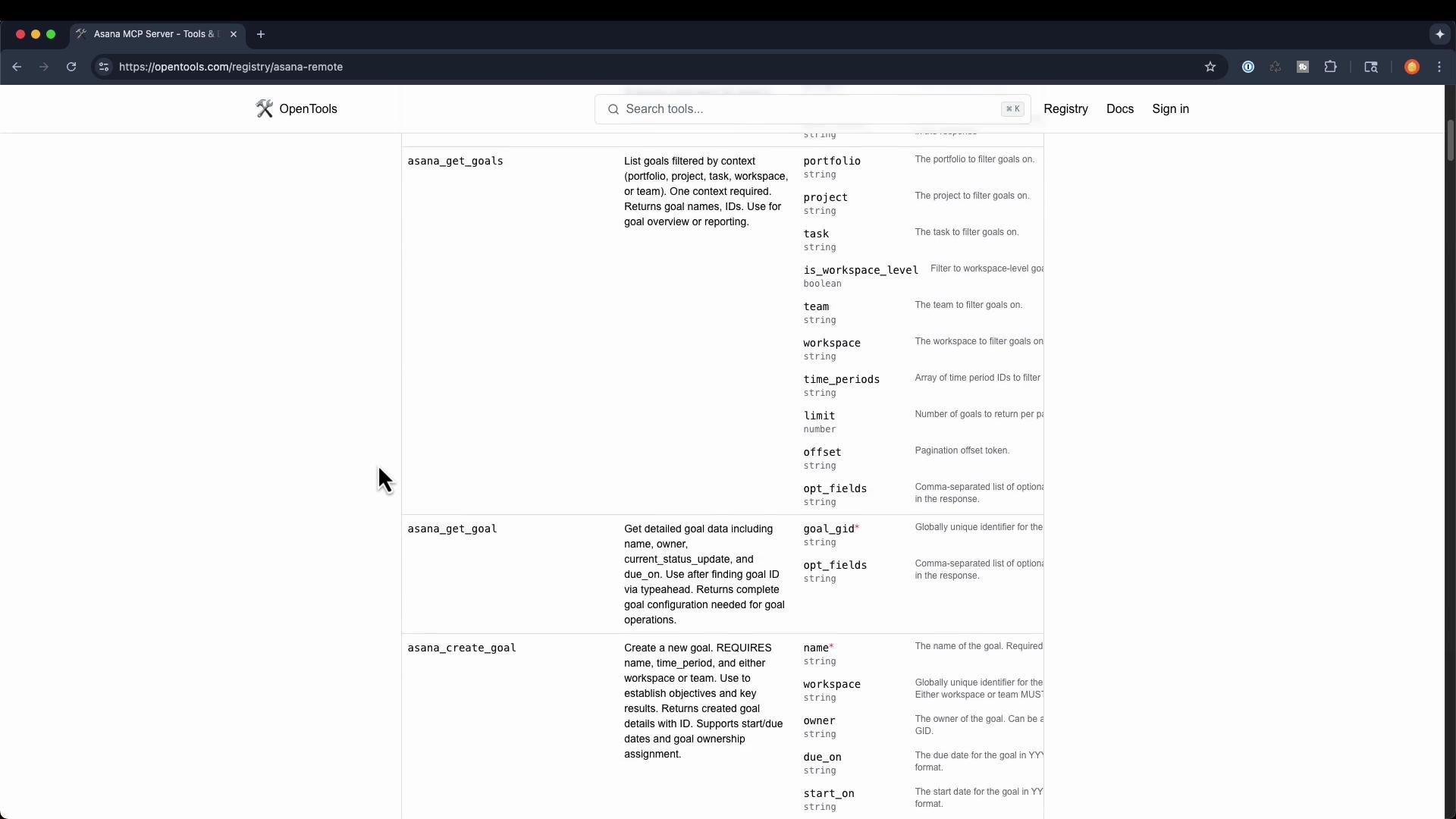
* The OpenTools registry at [https://opentools.com/registry](https://opentools.com/registry) lists production-grade MCP integrations maintained by platform vendors and companies. You’ll find integrations for services such as Asana with endpoints like `get_attachments`, `get_goals`, `create_goal`, and more.
* Remember: MCP provides a standardized protocol to describe and interact with APIs, object stores (S3), monitoring dashboards (Grafana), and other systems via a consistent interface.
 3. PulseMCP Server Directory
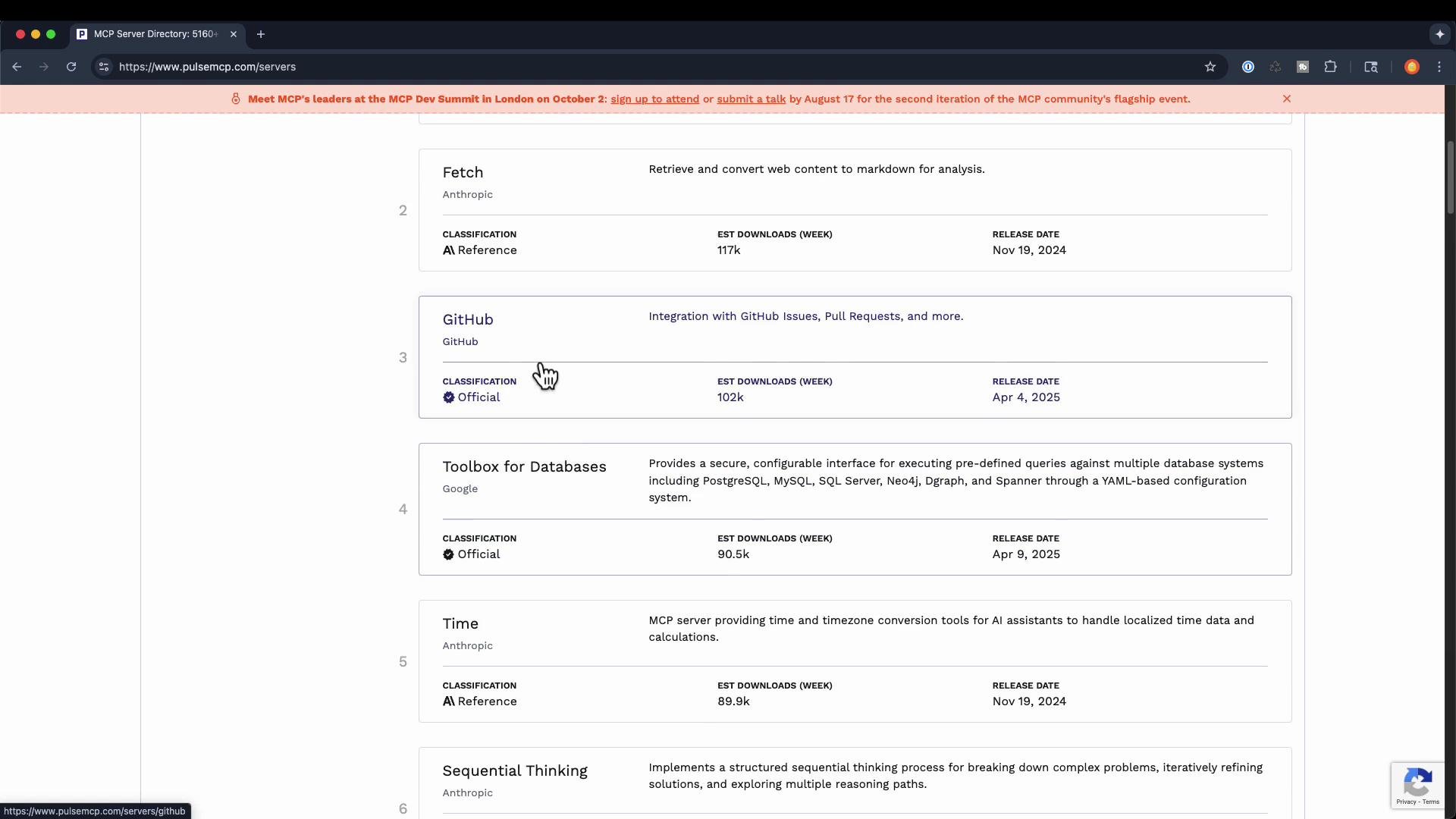
* Find a catalog of MCP servers, release metadata, and usage metrics at [https://pulsemcp.com/servers](https://pulsemcp.com/servers). Each entry typically includes classification, weekly downloads, and release dates to help you choose stable or trending servers.
3. PulseMCP Server Directory
* Find a catalog of MCP servers, release metadata, and usage metrics at [https://pulsemcp.com/servers](https://pulsemcp.com/servers). Each entry typically includes classification, weekly downloads, and release dates to help you choose stable or trending servers.
 4. Smithery.ai — Curated Integrations
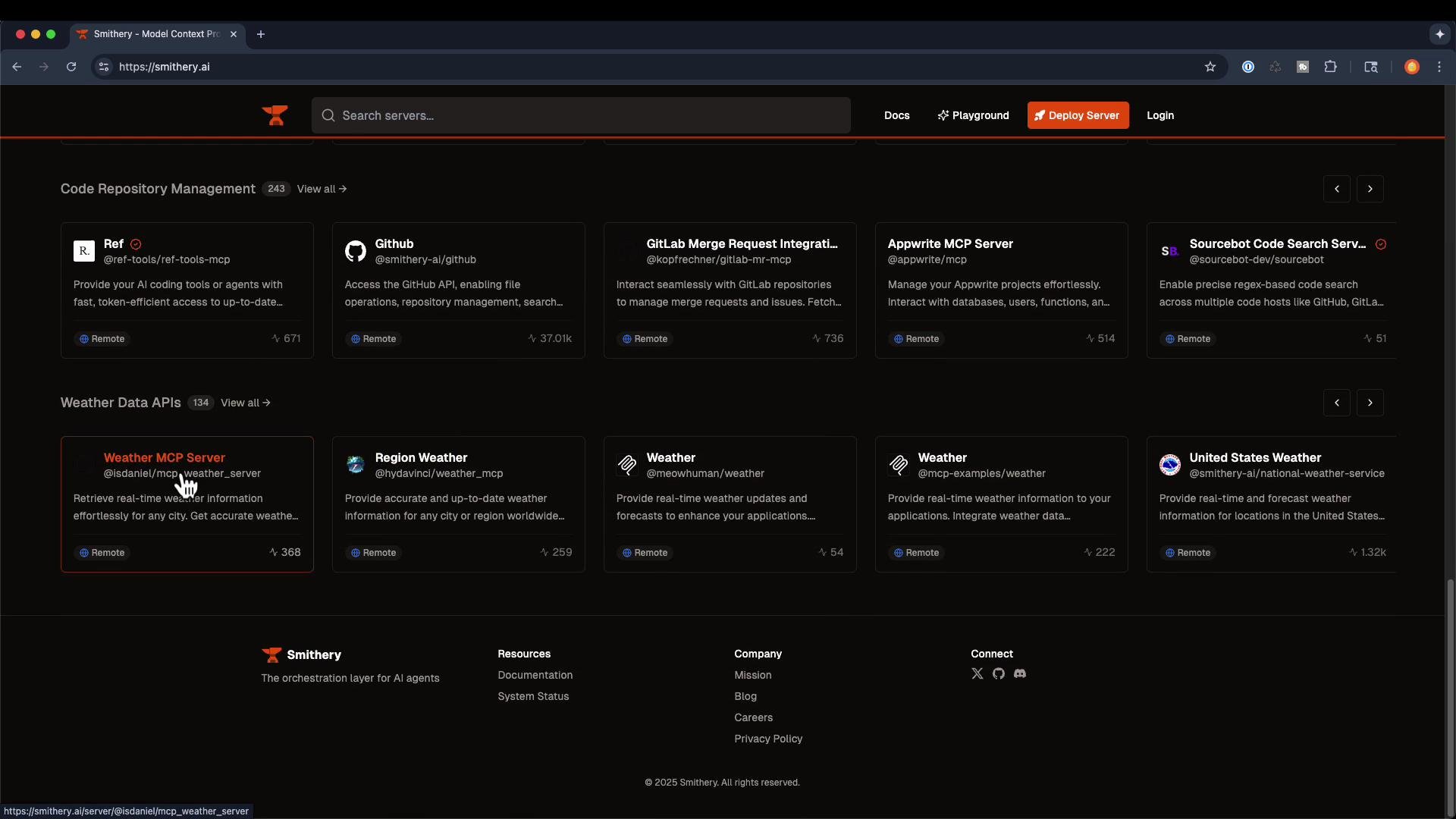
* [https://smithery.ai](https://smithery.ai) offers a curated catalog of integrations with ready-to-use MCP servers (Supabase, GitHub, GitLab merge requests, weather APIs, and more). It’s a good place to find polished integrations and examples for common workflows.
4. Smithery.ai — Curated Integrations
* [https://smithery.ai](https://smithery.ai) offers a curated catalog of integrations with ready-to-use MCP servers (Supabase, GitHub, GitLab merge requests, weather APIs, and more). It’s a good place to find polished integrations and examples for common workflows.
 5. Awesome MCP Servers (GitHub)
* The community-maintained list at [https://github.com/punkpeye/awesome-mcp-servers](https://github.com/punkpeye/awesome-mcp-servers) aggregates many MCP servers, clients, tutorials, and related resources. Use it to discover community-contributed servers and learning material.
5. Awesome MCP Servers (GitHub)
* The community-maintained list at [https://github.com/punkpeye/awesome-mcp-servers](https://github.com/punkpeye/awesome-mcp-servers) aggregates many MCP servers, clients, tutorials, and related resources. Use it to discover community-contributed servers and learning material.
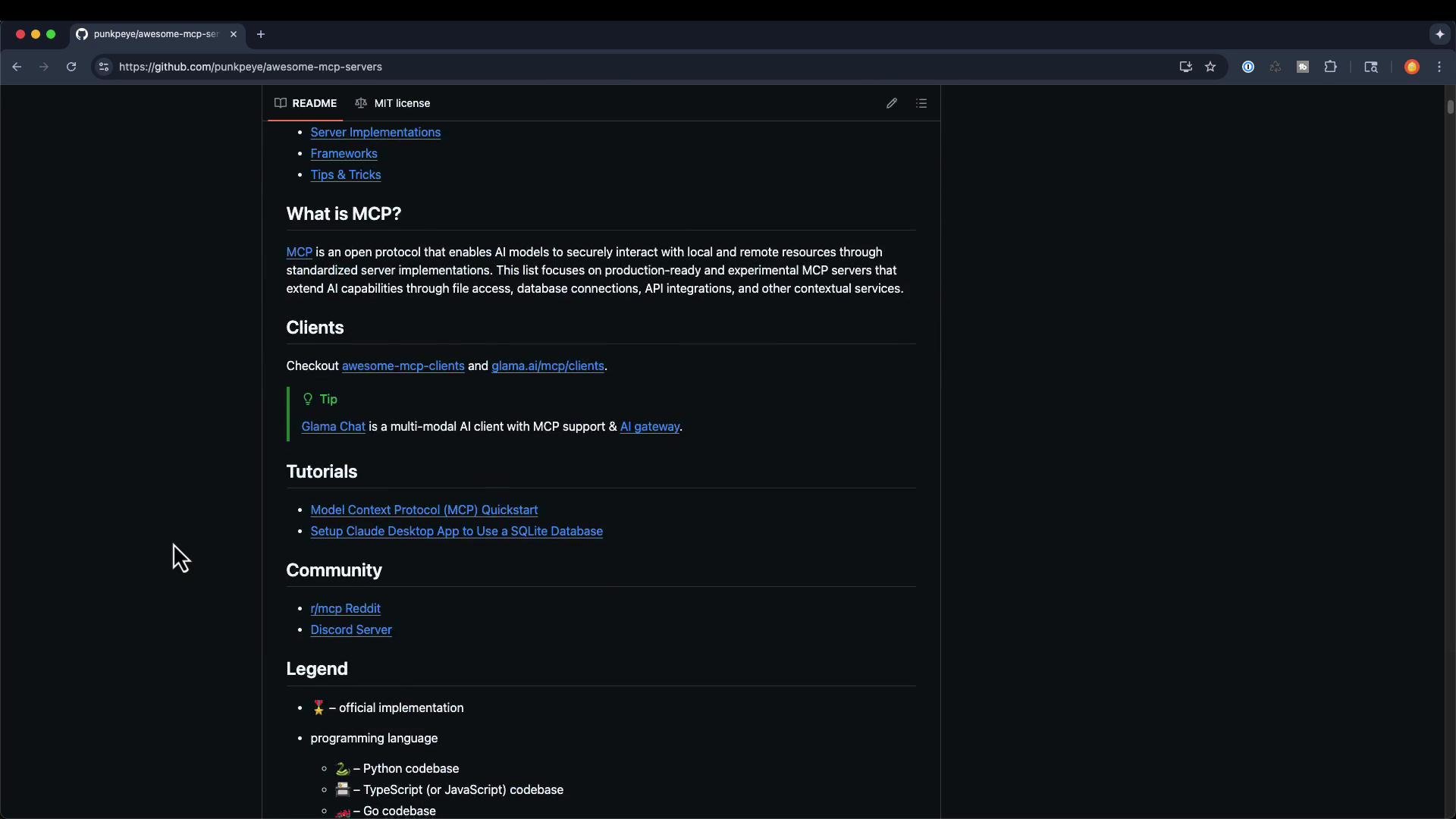 Table — Quick resource summary
| Resource | Best for | Link |
| ------------------------------- | ------------------------------------------------------- | -------------------------------------------------------------------------------------- |
| Postman Explore — MCP Generator | Rapidly generate local MCP servers from API collections | [https://postman.com/explore/MCP-generator](https://postman.com/explore/MCP-generator) |
| OpenTools registry | Production-grade, vendor-maintained integrations | [https://opentools.com/registry](https://opentools.com/registry) |
| PulseMCP Server Directory | Browse server metadata & download stats | [https://pulsemcp.com/servers](https://pulsemcp.com/servers) |
| Smithery.ai | Curated integration catalog for common services | [https://smithery.ai](https://smithery.ai) |
| Awesome MCP Servers (GitHub) | Community examples, clients, and tutorials | `https://github.com/punkpeye/awesome-mcp-servers` |
## MCP Remote — Exposing Remote Servers to STDIO Clients
If you have a client that only supports local STDIO MCP servers (for example, certain desktop apps) but you want to connect it to a remote, authenticated MCP server, the mcp-remote bridge proxies a remote SSE/HTTP MCP endpoint to a local STDIO-style server. This lets legacy or local-only clients connect to a remote MCP endpoint as if it were running locally.
mcp-remote is very helpful when bridging remote MCP endpoints to local clients but can be experimental in some ecosystems. Pay attention to authentication, TLS, and network security when exposing remote services locally.
Example client config (JSON snippet that launches the proxy via `npx`):
```json theme={null}
{
"mcpServers": {
"remote-example": {
"command": "npx",
"args": [
"mcp-remote",
"https://remote.mcp.server/sse"
]
}
}
}
```
Install the mcp-remote package:
```bash theme={null}
# Install locally in your project
npm i mcp-remote
# Or install globally
npm i -g mcp-remote
```
Common mcp-remote CLI usages (port binding, host override, allow non-TLS):
```bash theme={null}
# Basic: proxy a remote SSE endpoint to a local port (default behavior)
npx mcp-remote https://remote.mcp.server/sse
# Bind to a specific local port (e.g., 9696)
npx mcp-remote https://remote.mcp.server/sse 9696
# Bind to a specific local host address
npx mcp-remote https://remote.mcp.server/sse --host 127.0.0.1
# Allow non-TLS (HTTP) remote endpoints (use with caution)
npx mcp-remote http://internal-service.vpc/sse --allow-http
```
Many desktop clients (Claude Desktop, Cursor, Windsurf, etc.) can be configured to launch such a proxy so a remote MCP server appears local to the client.
## Anthropic and Remote MCP Servers
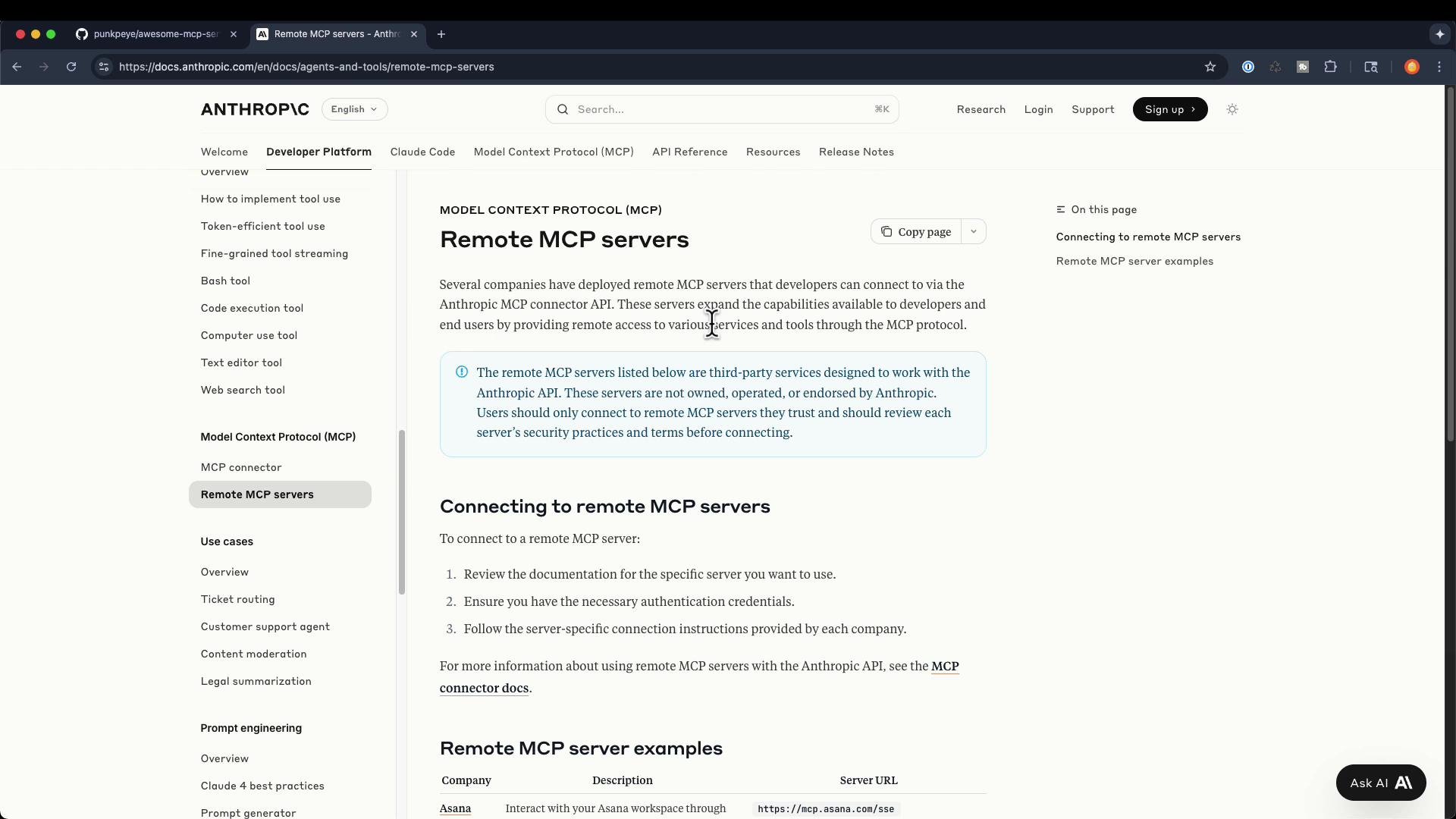
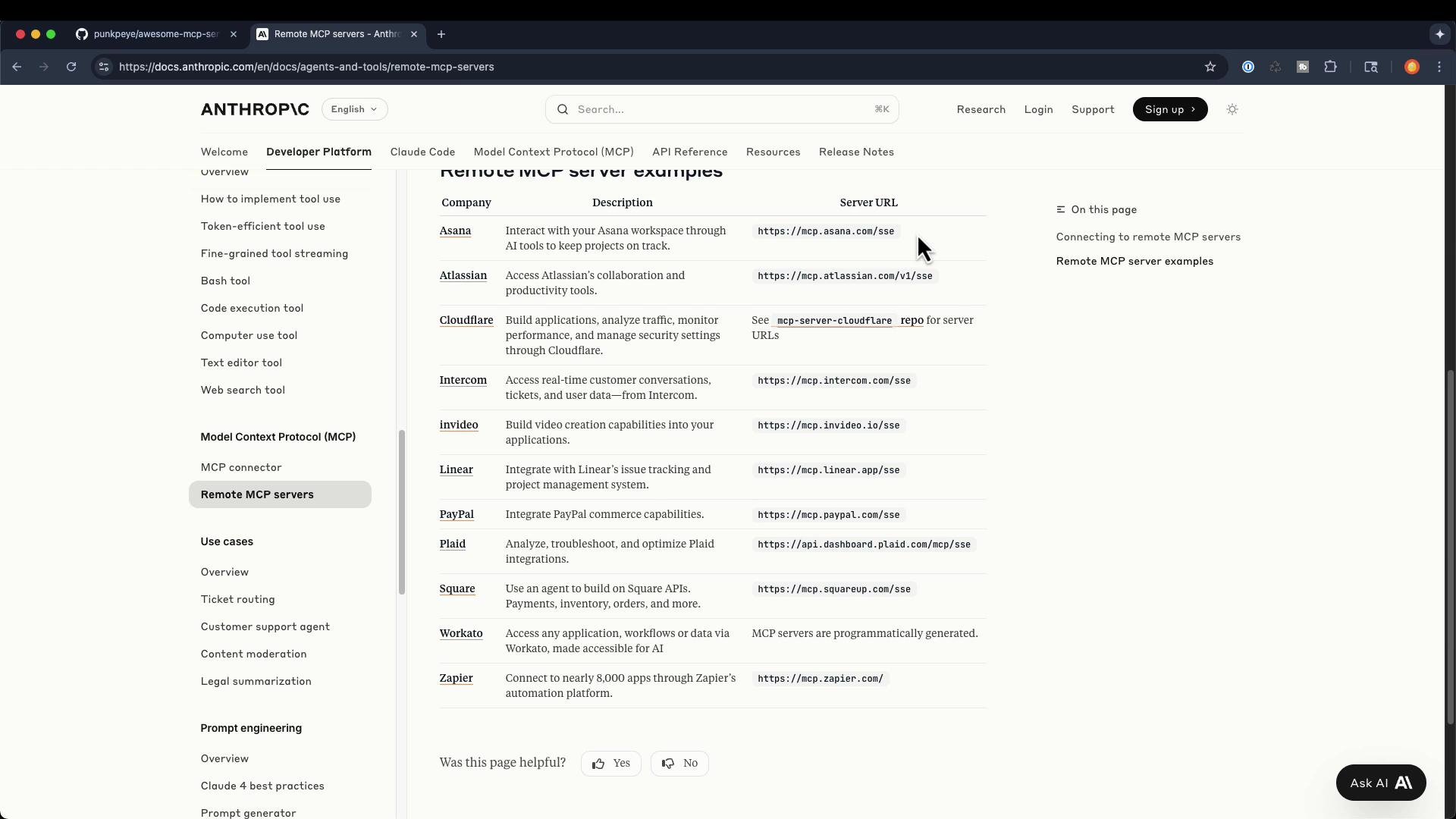
Anthropic’s developer docs include examples and references for remote MCP servers and how production providers typically expose MCP endpoints. A common format for remote MCP endpoints is `https://mcp..com/sse`, indicating an SSE-over-HTTPS endpoint for production integrations.
Table — Quick resource summary
| Resource | Best for | Link |
| ------------------------------- | ------------------------------------------------------- | -------------------------------------------------------------------------------------- |
| Postman Explore — MCP Generator | Rapidly generate local MCP servers from API collections | [https://postman.com/explore/MCP-generator](https://postman.com/explore/MCP-generator) |
| OpenTools registry | Production-grade, vendor-maintained integrations | [https://opentools.com/registry](https://opentools.com/registry) |
| PulseMCP Server Directory | Browse server metadata & download stats | [https://pulsemcp.com/servers](https://pulsemcp.com/servers) |
| Smithery.ai | Curated integration catalog for common services | [https://smithery.ai](https://smithery.ai) |
| Awesome MCP Servers (GitHub) | Community examples, clients, and tutorials | `https://github.com/punkpeye/awesome-mcp-servers` |
## MCP Remote — Exposing Remote Servers to STDIO Clients
If you have a client that only supports local STDIO MCP servers (for example, certain desktop apps) but you want to connect it to a remote, authenticated MCP server, the mcp-remote bridge proxies a remote SSE/HTTP MCP endpoint to a local STDIO-style server. This lets legacy or local-only clients connect to a remote MCP endpoint as if it were running locally.
mcp-remote is very helpful when bridging remote MCP endpoints to local clients but can be experimental in some ecosystems. Pay attention to authentication, TLS, and network security when exposing remote services locally.
Example client config (JSON snippet that launches the proxy via `npx`):
```json theme={null}
{
"mcpServers": {
"remote-example": {
"command": "npx",
"args": [
"mcp-remote",
"https://remote.mcp.server/sse"
]
}
}
}
```
Install the mcp-remote package:
```bash theme={null}
# Install locally in your project
npm i mcp-remote
# Or install globally
npm i -g mcp-remote
```
Common mcp-remote CLI usages (port binding, host override, allow non-TLS):
```bash theme={null}
# Basic: proxy a remote SSE endpoint to a local port (default behavior)
npx mcp-remote https://remote.mcp.server/sse
# Bind to a specific local port (e.g., 9696)
npx mcp-remote https://remote.mcp.server/sse 9696
# Bind to a specific local host address
npx mcp-remote https://remote.mcp.server/sse --host 127.0.0.1
# Allow non-TLS (HTTP) remote endpoints (use with caution)
npx mcp-remote http://internal-service.vpc/sse --allow-http
```
Many desktop clients (Claude Desktop, Cursor, Windsurf, etc.) can be configured to launch such a proxy so a remote MCP server appears local to the client.
## Anthropic and Remote MCP Servers
Anthropic’s developer docs include examples and references for remote MCP servers and how production providers typically expose MCP endpoints. A common format for remote MCP endpoints is `https://mcp..com/sse`, indicating an SSE-over-HTTPS endpoint for production integrations.
 ## Local vs Remote Trends
* Local MCP servers (Node, Python, Go) remain the most common environment for experimenting and developing MCP integrations. They’re easy to run, test, and hook up to local LLM clients like Claude or Cline.
* Production usage is trending toward remote MCP servers hosted by cloud and platform vendors (Cloudflare, Atlassian, Anthropic, etc.). Remote MCP endpoints typically use SSE over HTTPS to support production-grade integrations with authentication, monitoring, and scaling.
## Wrapping up — How to Explore Further
* Try these resources: Postman Explore, OpenTools registry, PulseMCP, Smithery, and the GitHub awesome list.
* Use `mcp-remote` to connect remote MCP endpoints to local STDIO-only clients when needed.
* Experiment by composing multiple APIs into a single MCP server to simplify complex workflows via natural language orchestration.
Thanks for taking this lesson. If you have questions, join the course community, work through the hands-on exercises, and keep exploring MCP servers and integrations — you’ll build confidence quickly.
## Links and references
* [Postman Explore — MCP Generator](https://postman.com/explore/MCP-generator)
* [OpenTools registry](https://opentools.com/registry)
* [PulseMCP Server Directory](https://pulsemcp.com/servers)
* [Smithery.ai](https://smithery.ai)
* [Awesome MCP Servers (GitHub)](https://github.com/punkpeye/awesome-mcp-servers)
* [Anthropic Developer Docs](https://www.anthropic.com/docs)
## Local vs Remote Trends
* Local MCP servers (Node, Python, Go) remain the most common environment for experimenting and developing MCP integrations. They’re easy to run, test, and hook up to local LLM clients like Claude or Cline.
* Production usage is trending toward remote MCP servers hosted by cloud and platform vendors (Cloudflare, Atlassian, Anthropic, etc.). Remote MCP endpoints typically use SSE over HTTPS to support production-grade integrations with authentication, monitoring, and scaling.
## Wrapping up — How to Explore Further
* Try these resources: Postman Explore, OpenTools registry, PulseMCP, Smithery, and the GitHub awesome list.
* Use `mcp-remote` to connect remote MCP endpoints to local STDIO-only clients when needed.
* Experiment by composing multiple APIs into a single MCP server to simplify complex workflows via natural language orchestration.
Thanks for taking this lesson. If you have questions, join the course community, work through the hands-on exercises, and keep exploring MCP servers and integrations — you’ll build confidence quickly.
## Links and references
* [Postman Explore — MCP Generator](https://postman.com/explore/MCP-generator)
* [OpenTools registry](https://opentools.com/registry)
* [PulseMCP Server Directory](https://pulsemcp.com/servers)
* [Smithery.ai](https://smithery.ai)
* [Awesome MCP Servers (GitHub)](https://github.com/punkpeye/awesome-mcp-servers)
* [Anthropic Developer Docs](https://www.anthropic.com/docs)