> ## Documentation Index
> Fetch the complete documentation index at: https://notes.kodekloud.com/llms.txt
> Use this file to discover all available pages before exploring further.
# Course Introduction What is MCP and Why It Matters
> Introduction to the Model Context Protocol explaining how a standardized client server framework connects LLMs to external data and tools, enabling live data access, actions, and reusable integrations
What is MCP?
MCP stands for Model Context Protocol. It’s a lightweight, open framework that standardizes how large language models (LLMs) request data and perform actions with external systems. Think of MCP as a common interface — like a universal connector — that lets models interact predictably with databases, file systems, web APIs, and other tools.
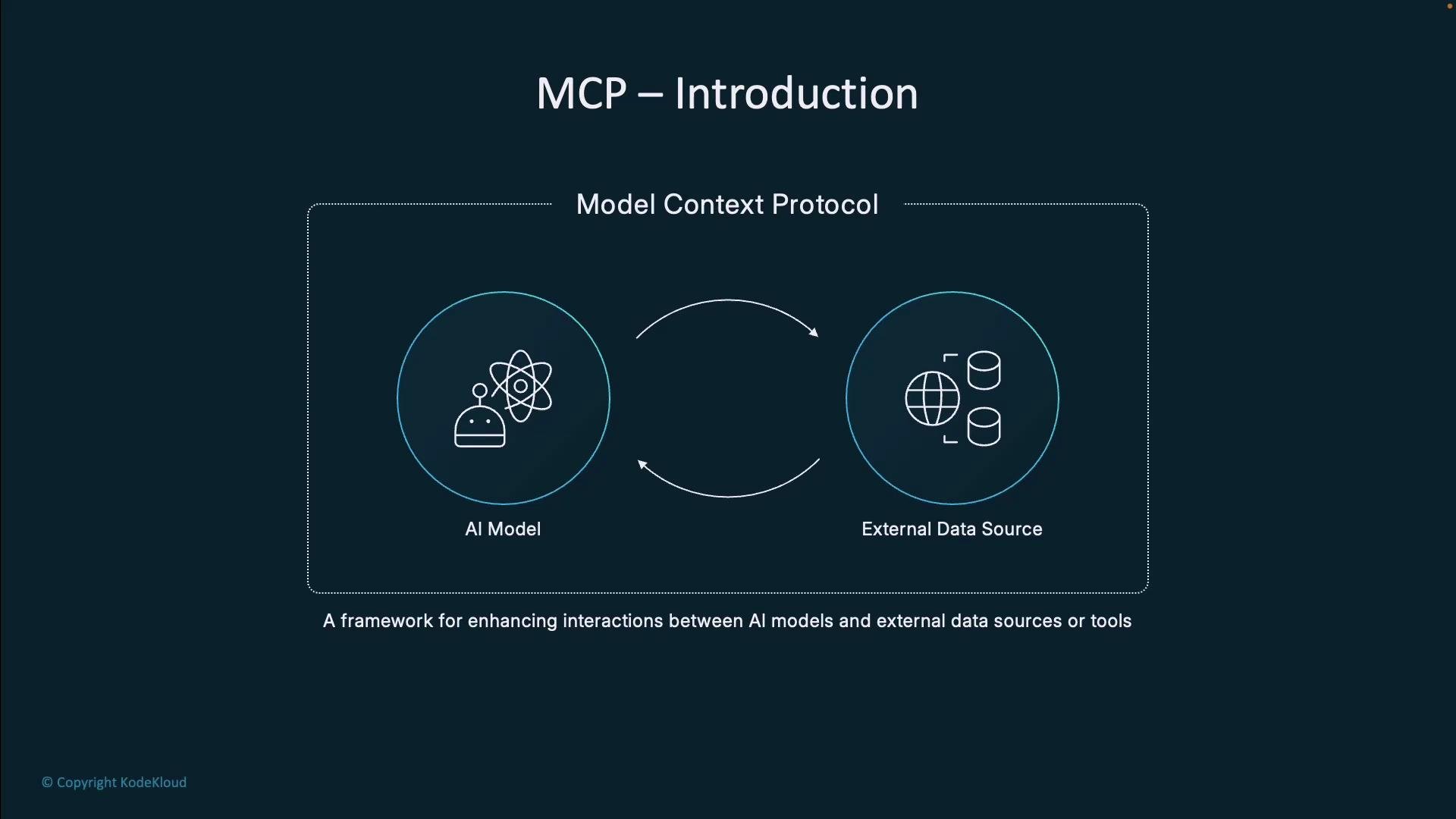 MCP was initiated by [Anthropic](https://www.anthropic.com) (the creators of [Claude](https://www.anthropic.com/claude)), but it’s designed to be an open, vendor-neutral protocol usable with any LLM. A helpful analogy: MCP is like USB for AI — a predictable, standardized way to connect models to external services.
MCP enables LLMs to access fresh, private, and actionable information without hardwiring bespoke integrations into every application.
Why MCP matters
Out of the box, LLMs face practical limits that matter for real applications:
* Training cutoff: Models only “know” information up to their training cutoff date.
* No live data access: They cannot query the web or enterprise systems without an external bridge.
* No direct access to private sources: Internal documents and databases require a secure interface to expose data.
* Limited actionability: Models alone don’t perform external actions (send emails, update systems, or run scripts).
Without a protocol like MCP, teams build many custom adapters, which multiplies engineering effort and increases maintenance overhead. MCP reduces duplication by offering a consistent contract between LLMs (via a host) and external services.
What we’ll cover in this lesson/article
* Key components of MCP architecture
* How MCP enables the flow between LLMs, host applications, and external services
* MCP primitives: resources, tools, and prompts
* Real-world examples and practical benefits
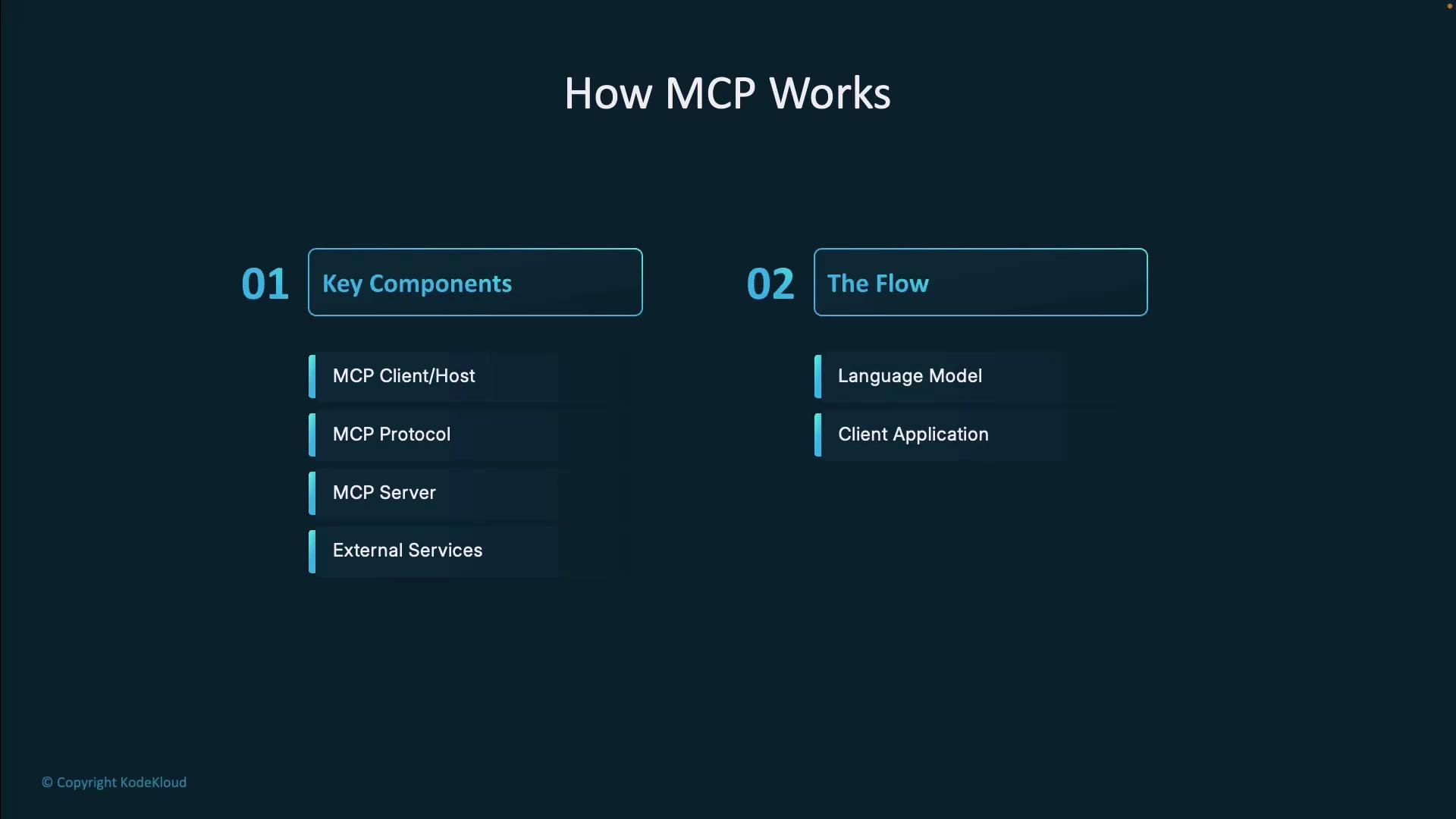
Below is a high-level architecture and flow overview.
MCP was initiated by [Anthropic](https://www.anthropic.com) (the creators of [Claude](https://www.anthropic.com/claude)), but it’s designed to be an open, vendor-neutral protocol usable with any LLM. A helpful analogy: MCP is like USB for AI — a predictable, standardized way to connect models to external services.
MCP enables LLMs to access fresh, private, and actionable information without hardwiring bespoke integrations into every application.
Why MCP matters
Out of the box, LLMs face practical limits that matter for real applications:
* Training cutoff: Models only “know” information up to their training cutoff date.
* No live data access: They cannot query the web or enterprise systems without an external bridge.
* No direct access to private sources: Internal documents and databases require a secure interface to expose data.
* Limited actionability: Models alone don’t perform external actions (send emails, update systems, or run scripts).
Without a protocol like MCP, teams build many custom adapters, which multiplies engineering effort and increases maintenance overhead. MCP reduces duplication by offering a consistent contract between LLMs (via a host) and external services.
What we’ll cover in this lesson/article
* Key components of MCP architecture
* How MCP enables the flow between LLMs, host applications, and external services
* MCP primitives: resources, tools, and prompts
* Real-world examples and practical benefits
Below is a high-level architecture and flow overview.
 Client–server model (the core idea)
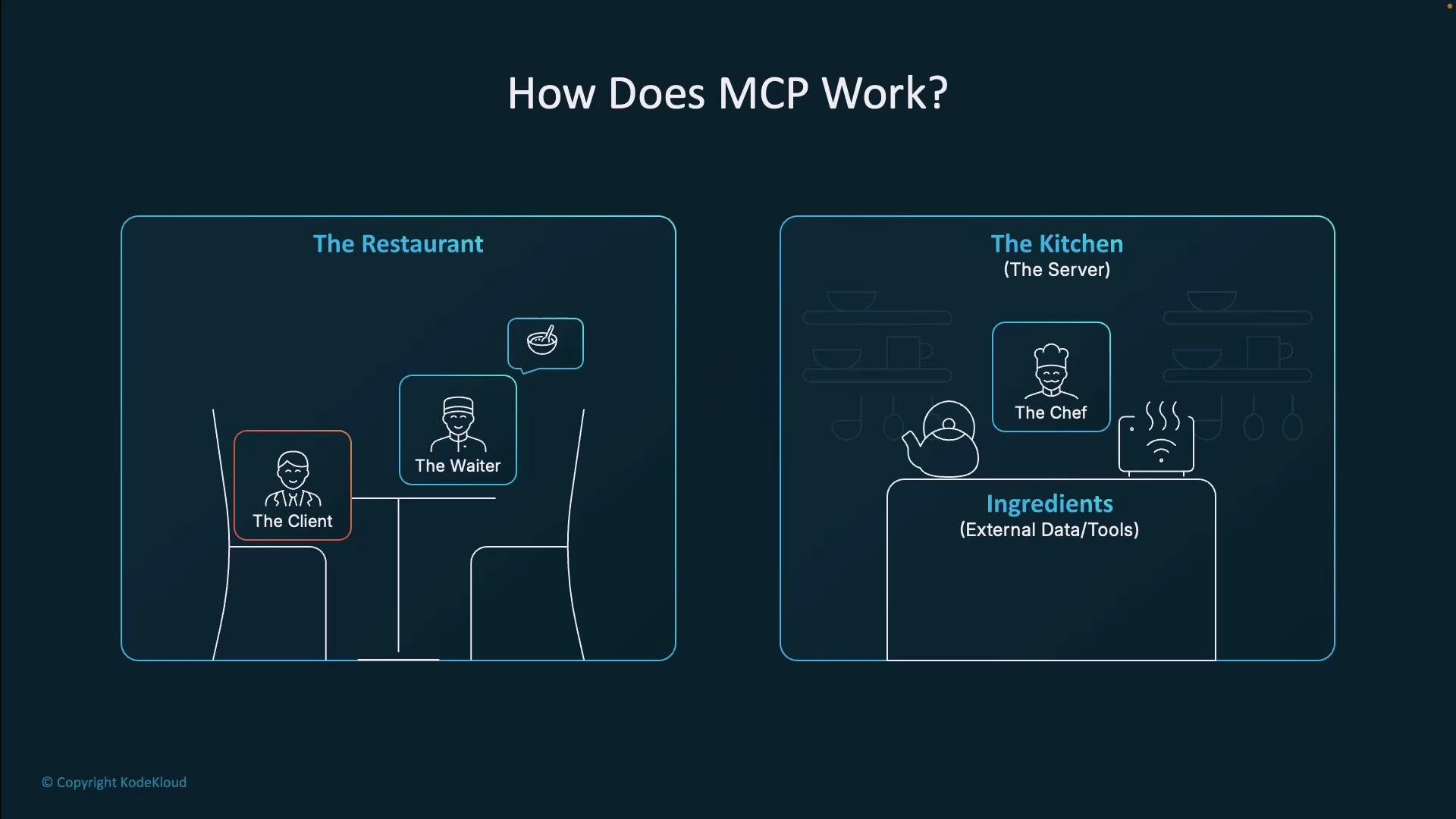
At its heart, MCP uses a familiar client–server pattern to mediate access to tools and data. A restaurant analogy often makes this easy to remember:
* Customer (Host application + LLM): The user-facing app that needs data or an action performed.
* Waiter (MCP client): The messenger that formats and forwards requests using MCP.
* Kitchen (MCP server): The system with access to ingredients (external data and tools) that fulfills requests.
* Ingredients / tools (External services): Databases, file stores, web APIs, and other services.
The MCP client (waiter) sends standardized requests to one or more MCP servers (kitchens). Each server interfaces with the external services (ingredients) to fetch data or execute actions and returns results to the client, which then passes them back to the host and the LLM.
Client–server model (the core idea)
At its heart, MCP uses a familiar client–server pattern to mediate access to tools and data. A restaurant analogy often makes this easy to remember:
* Customer (Host application + LLM): The user-facing app that needs data or an action performed.
* Waiter (MCP client): The messenger that formats and forwards requests using MCP.
* Kitchen (MCP server): The system with access to ingredients (external data and tools) that fulfills requests.
* Ingredients / tools (External services): Databases, file stores, web APIs, and other services.
The MCP client (waiter) sends standardized requests to one or more MCP servers (kitchens). Each server interfaces with the external services (ingredients) to fetch data or execute actions and returns results to the client, which then passes them back to the host and the LLM.
 A simplified MCP flow
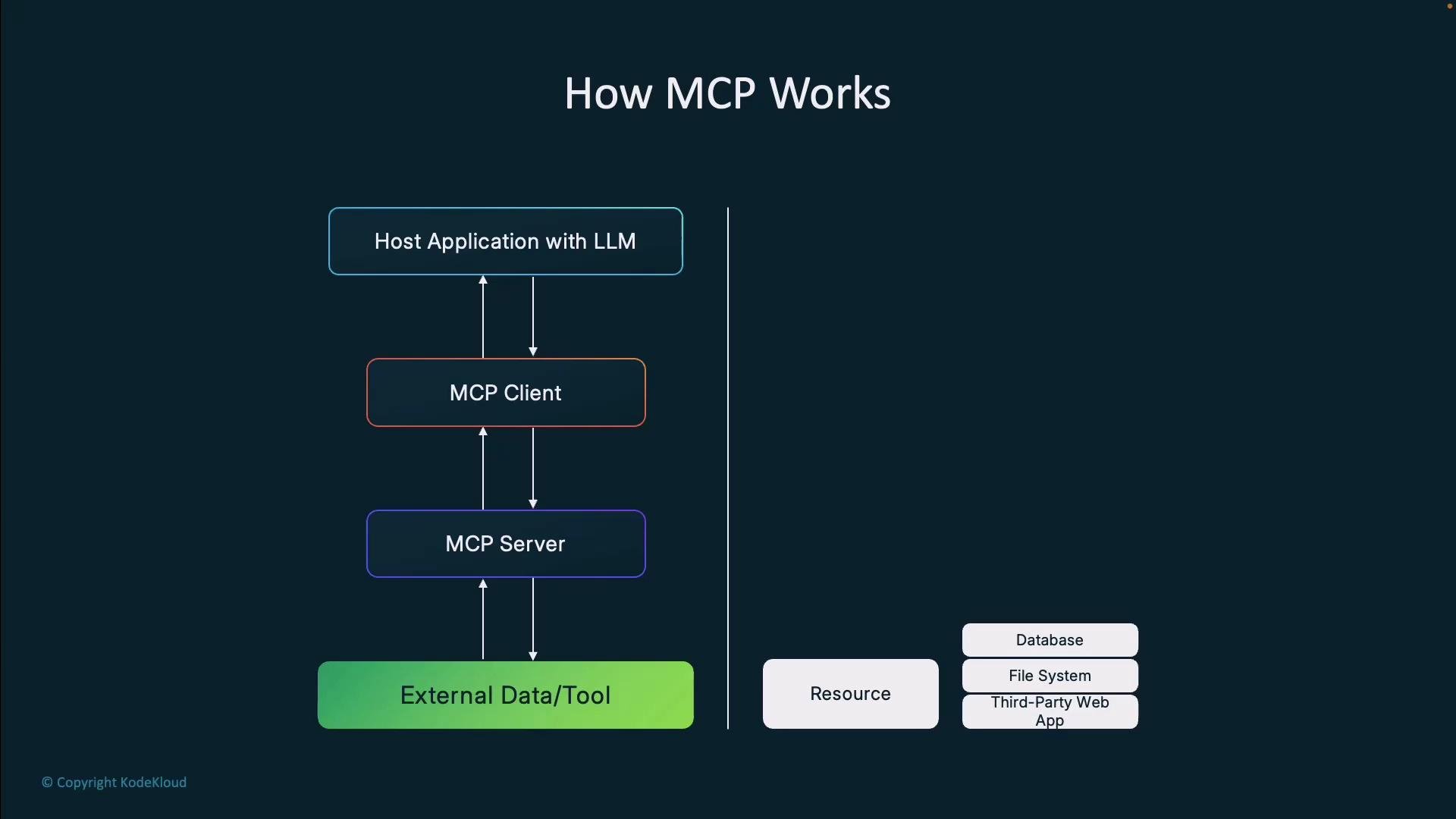
Typical request sequence:
Host application (with the LLM) → MCP client → MCP server → External data/tool
1. The host and LLM determine additional data or an action is required.
2. The LLM issues an MCP-formatted request to the MCP client.
3. The MCP client routes the request to the correct MCP server.
4. The server communicates with the external resource, retrieves data or performs the action, and returns the result.
5. The client relays the result back to the host application and the LLM.
This separation keeps responsibilities clear and makes it easy to add new capabilities without changing the LLM or host logic.
A simplified MCP flow
Typical request sequence:
Host application (with the LLM) → MCP client → MCP server → External data/tool
1. The host and LLM determine additional data or an action is required.
2. The LLM issues an MCP-formatted request to the MCP client.
3. The MCP client routes the request to the correct MCP server.
4. The server communicates with the external resource, retrieves data or performs the action, and returns the result.
5. The client relays the result back to the host application and the LLM.
This separation keeps responsibilities clear and makes it easy to add new capabilities without changing the LLM or host logic.
 MCP primitives: resources, tools, and prompts
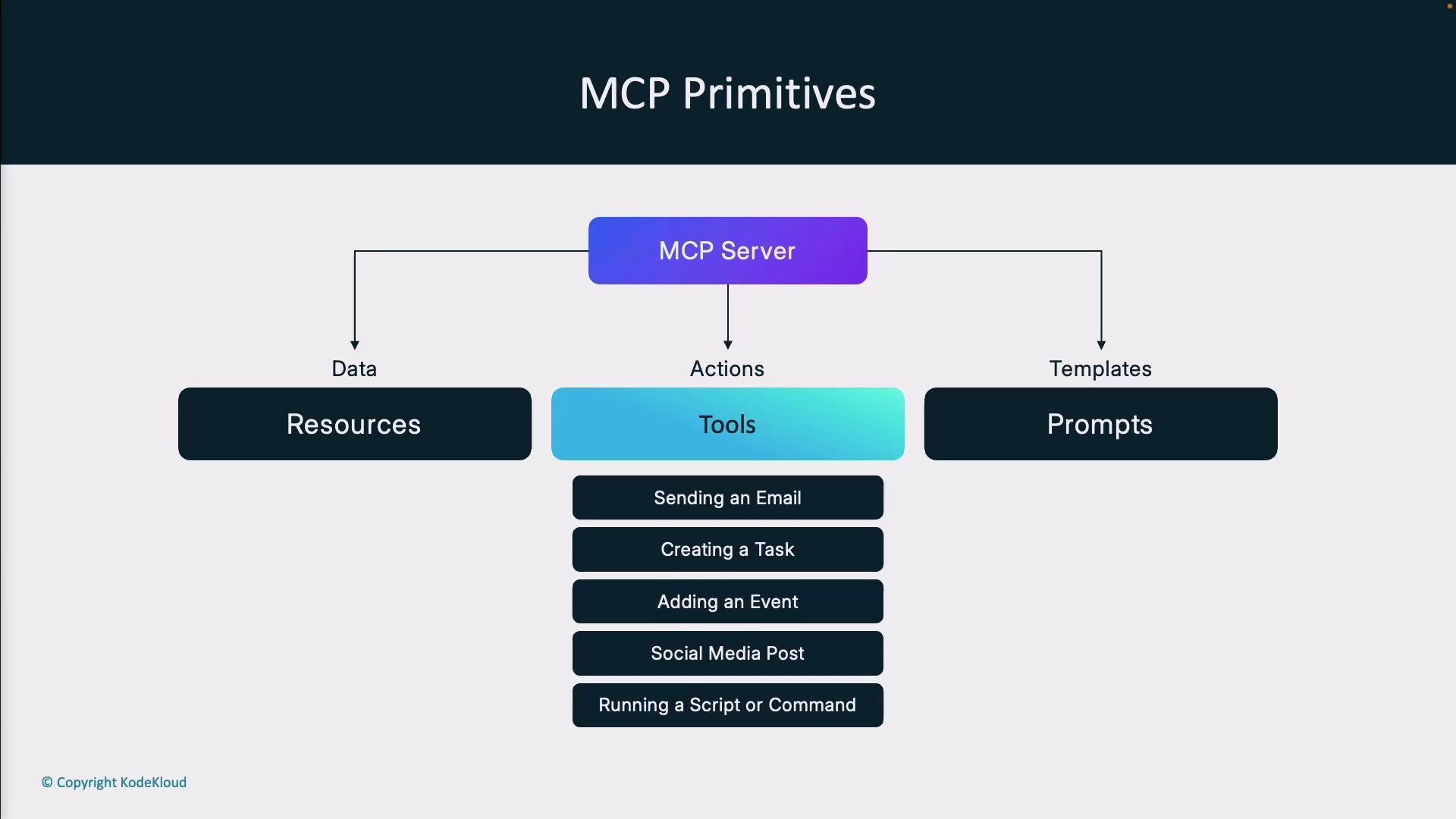
MCP servers expose three fundamental primitives that LLMs use through the client. These primitives make interactions structured, auditable, and reusable.
| Primitive | Purpose | Common examples |
| --------- | ------------------------------------------------- | -------------------------------------------------------- |
| Resources | Readable context data the LLM can query | File contents, database rows, API responses |
| Tools | Actions the LLM can request the server to perform | Send email, create task, run a script, post to a service |
| Prompts | Standardized templates or interaction patterns | Predefined request templates, structured input forms |
These primitives let the LLM request information or trigger actions in a consistent way across many backends.
MCP primitives: resources, tools, and prompts
MCP servers expose three fundamental primitives that LLMs use through the client. These primitives make interactions structured, auditable, and reusable.
| Primitive | Purpose | Common examples |
| --------- | ------------------------------------------------- | -------------------------------------------------------- |
| Resources | Readable context data the LLM can query | File contents, database rows, API responses |
| Tools | Actions the LLM can request the server to perform | Send email, create task, run a script, post to a service |
| Prompts | Standardized templates or interaction patterns | Predefined request templates, structured input forms |
These primitives let the LLM request information or trigger actions in a consistent way across many backends.
 Extending the analogy
In the restaurant metaphor, the host doesn’t need to understand how the kitchen prepares a dish or where every ingredient is sourced. Similarly, MCP abstracts away the internal details of external systems: the LLM “orders” data or an action, and the MCP server returns a consistent, usable response.
Real-world examples
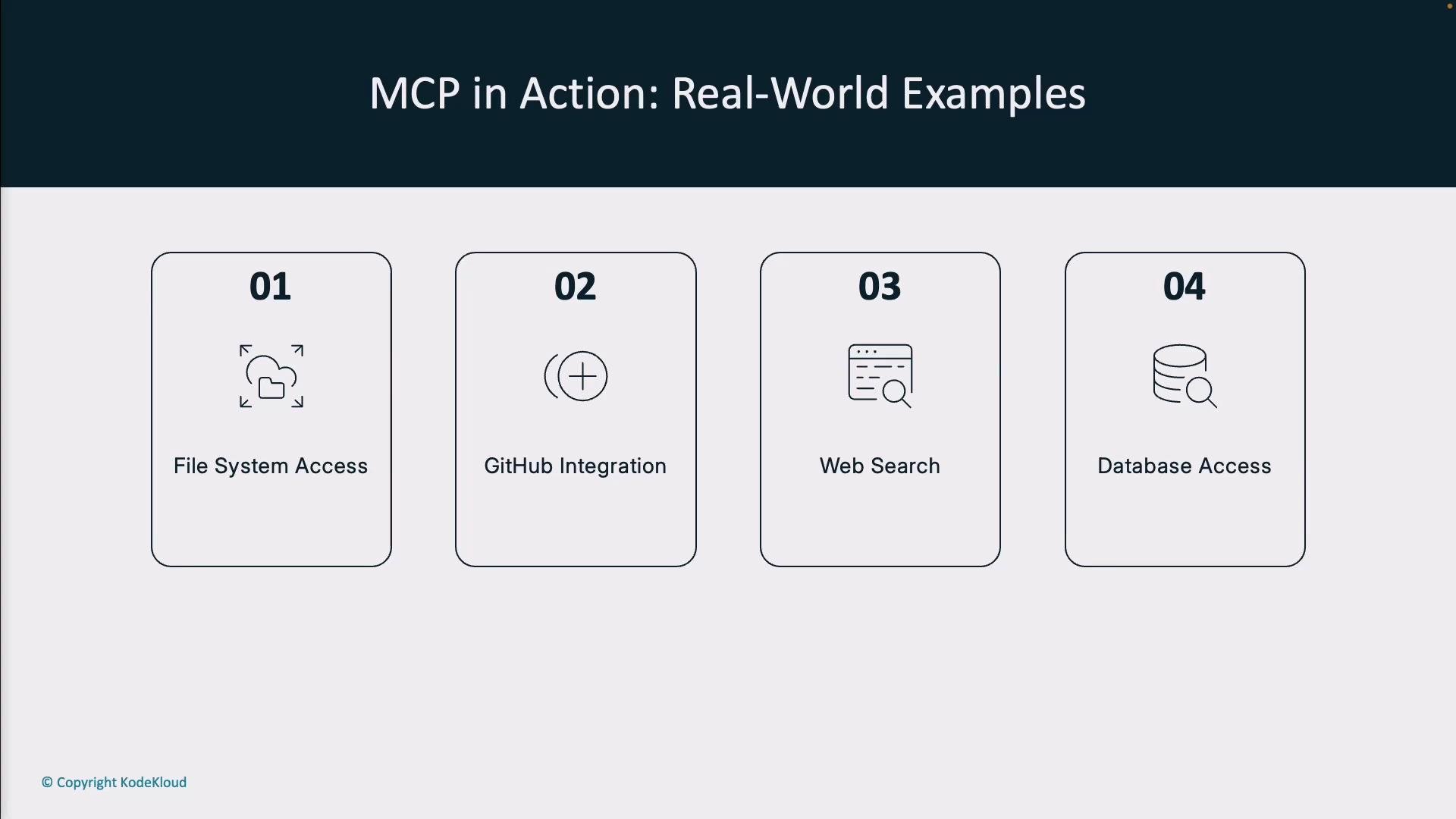
MCP supports practical workflows across many domains. Typical use cases include:
1. File system access — securely read and write files on behalf of the model, with audit logs.
2. GitHub integration — summarize commits, create pull requests, or comment on issues programmatically.
3. Web search augmentation — incorporate recent web results that are outside the model’s training data.
4. Database queries — fetch private customer data to provide contextually accurate answers.
A host application can connect to multiple MCP servers (e.g., one server for files, another for databases, a third for web search), enabling a single LLM-driven interface to orchestrate many backend systems.
Extending the analogy
In the restaurant metaphor, the host doesn’t need to understand how the kitchen prepares a dish or where every ingredient is sourced. Similarly, MCP abstracts away the internal details of external systems: the LLM “orders” data or an action, and the MCP server returns a consistent, usable response.
Real-world examples
MCP supports practical workflows across many domains. Typical use cases include:
1. File system access — securely read and write files on behalf of the model, with audit logs.
2. GitHub integration — summarize commits, create pull requests, or comment on issues programmatically.
3. Web search augmentation — incorporate recent web results that are outside the model’s training data.
4. Database queries — fetch private customer data to provide contextually accurate answers.
A host application can connect to multiple MCP servers (e.g., one server for files, another for databases, a third for web search), enabling a single LLM-driven interface to orchestrate many backend systems.
 Benefits of MCP
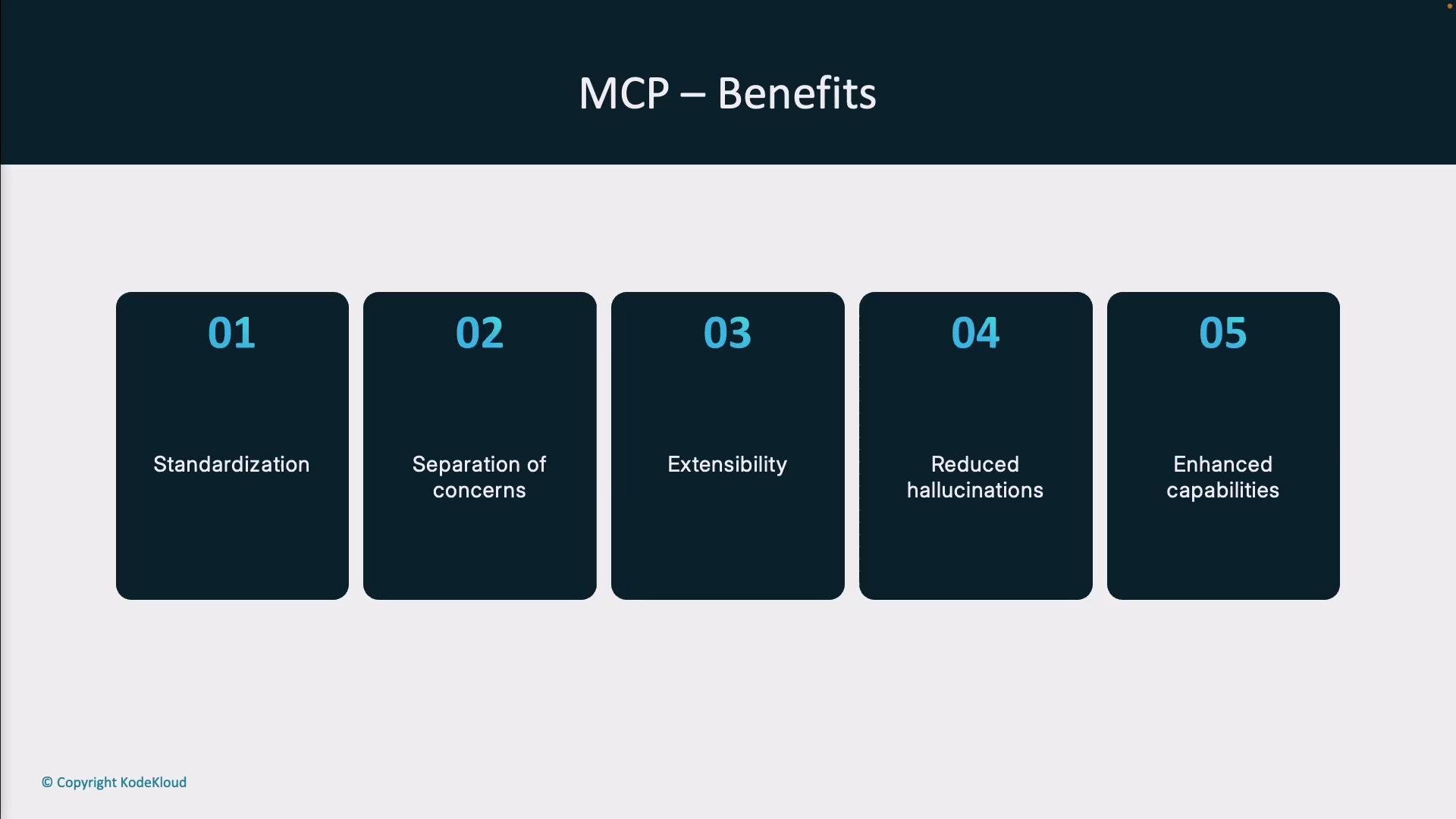
MCP delivers concrete advantages when building LLM-powered applications:
| Benefit | What it enables |
| ---------------------- | --------------------------------------------------------------------- |
| Standardization | Reusable integrations, less duplicated effort |
| Separation of concerns | Host and LLM focus on intent; servers handle integrations |
| Extensibility | Add new servers for more services without changing the client |
| Reduced hallucinations | Verify facts by pulling authoritative data before response generation |
| Enhanced capabilities | Combine LLM reasoning with real-world actions and live data |
Benefits of MCP
MCP delivers concrete advantages when building LLM-powered applications:
| Benefit | What it enables |
| ---------------------- | --------------------------------------------------------------------- |
| Standardization | Reusable integrations, less duplicated effort |
| Separation of concerns | Host and LLM focus on intent; servers handle integrations |
| Extensibility | Add new servers for more services without changing the client |
| Reduced hallucinations | Verify facts by pulling authoritative data before response generation |
| Enhanced capabilities | Combine LLM reasoning with real-world actions and live data |
 Final thoughts
MCP shifts how we apply LLMs: from isolated models with static knowledge to connected agents that can securely access live data and perform actions. By standardizing the interface between models and external systems, MCP reduces engineering friction, improves reliability, and unlocks new capabilities.
MCP is an open, standard approach for connecting models to external tools and data. In this lesson/article we’ll explore how to design and implement MCP clients and servers and how to use these primitives effectively.
Links and references
* [Anthropic — MCP origin and resources](https://www.anthropic.com)
* [Claude by Anthropic](https://www.anthropic.com/claude)
* Example specs and community projects: search for “Model Context Protocol” or check relevant GitHub repositories for MCP implementations and examples.
Final thoughts
MCP shifts how we apply LLMs: from isolated models with static knowledge to connected agents that can securely access live data and perform actions. By standardizing the interface between models and external systems, MCP reduces engineering friction, improves reliability, and unlocks new capabilities.
MCP is an open, standard approach for connecting models to external tools and data. In this lesson/article we’ll explore how to design and implement MCP clients and servers and how to use these primitives effectively.
Links and references
* [Anthropic — MCP origin and resources](https://www.anthropic.com)
* [Claude by Anthropic](https://www.anthropic.com/claude)
* Example specs and community projects: search for “Model Context Protocol” or check relevant GitHub repositories for MCP implementations and examples.