> ## Documentation Index
> Fetch the complete documentation index at: https://notes.kodekloud.com/llms.txt
> Use this file to discover all available pages before exploring further.
# Understanding MCP Components Tools Resources Prompts
> Explains MCP components—tools, resources, and prompts—their roles, interactions, examples, and guidance for building modular, auditable AI systems.
In this lesson we break down the core components of an MCP (Modular Component Platform) — the reusable building blocks that enable modular, extensible AI systems. Think of MCP like a box of LEGO: each piece has a specific role, and when connected correctly they enable complex, predictable behaviors.
MCP has four primary responsibilities:
* Keep software components organized and discoverable.
* Control what software components are allowed to do.
* Define interfaces and rules for inter-component communication.
* Provide a foundation for adding new capabilities over time.
MCP commonly exposes three core component types that work together to deliver reliable behavior: Tools, Resources, and Prompts. Implementations may include all three or a subset based on use case.
Not all MCP servers expose Tools, Resources, and Prompts. An implementation may include only the components needed for its specific workflows.
## Overview: Tools, Resources, Prompts
* Tools: executable integrations that perform actions (e.g., web search, code execution, API calls).
* Resources: non-executable knowledge stores (e.g., documents, databases, knowledge bases).
* Prompts: instruction templates or policies that shape model behavior and output format.
***
## Tools — the doers
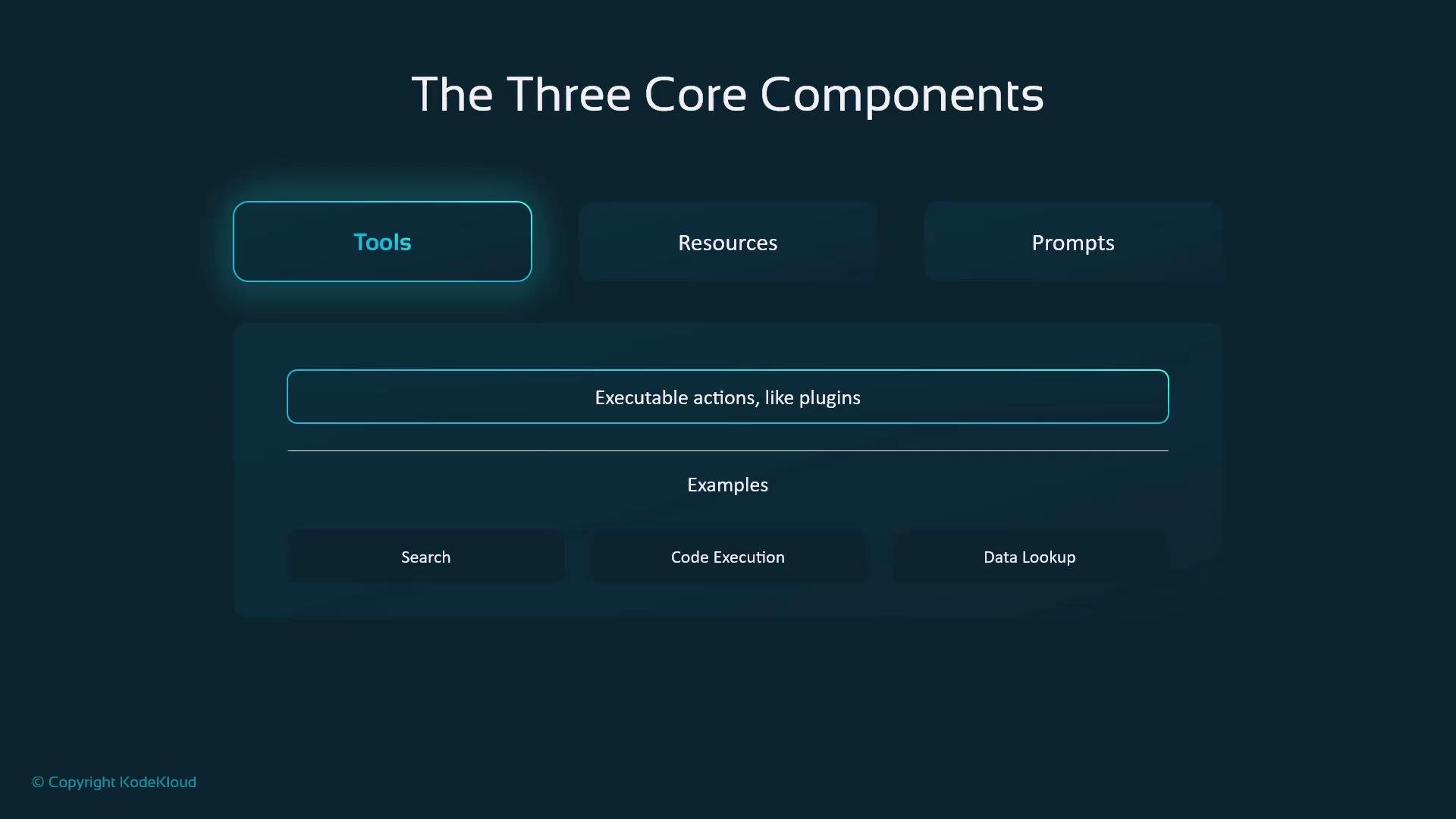
Tools are the components that perform actions on demand. When the system searches the web, runs code, generates an image, or queries an external API, it is invoking a tool. Tools expose clear input and output schemas (like a recipe), can be called explicitly, and often require authorization. They may return results synchronously or spawn longer-running tasks.
Common examples:
* Web search
* Code execution environments
* Image generation services
* File readers/parsers
* External API integrations
* Data analysis or ETL utilities
 Tools in MCP-style systems typically offer a small set of standard commands:
```bash theme={null}
tools/list # List all registered tools
tools/describe # Show details for a specific tool
tools/call # Execute a tool
```
Example `tools/list` response (sample output):
```text theme={null}
Available tools:
- web_search: Search the web for information
- code_run: Execute code in various languages
- image_gen: Generate images from text
- file_read: Read contents of uploaded files
```
Tools can have side effects and access external systems. Ensure proper authorization, rate limiting, and input validation are in place before exposing tools to untrusted inputs.
***
## Resources — the knowledge stores
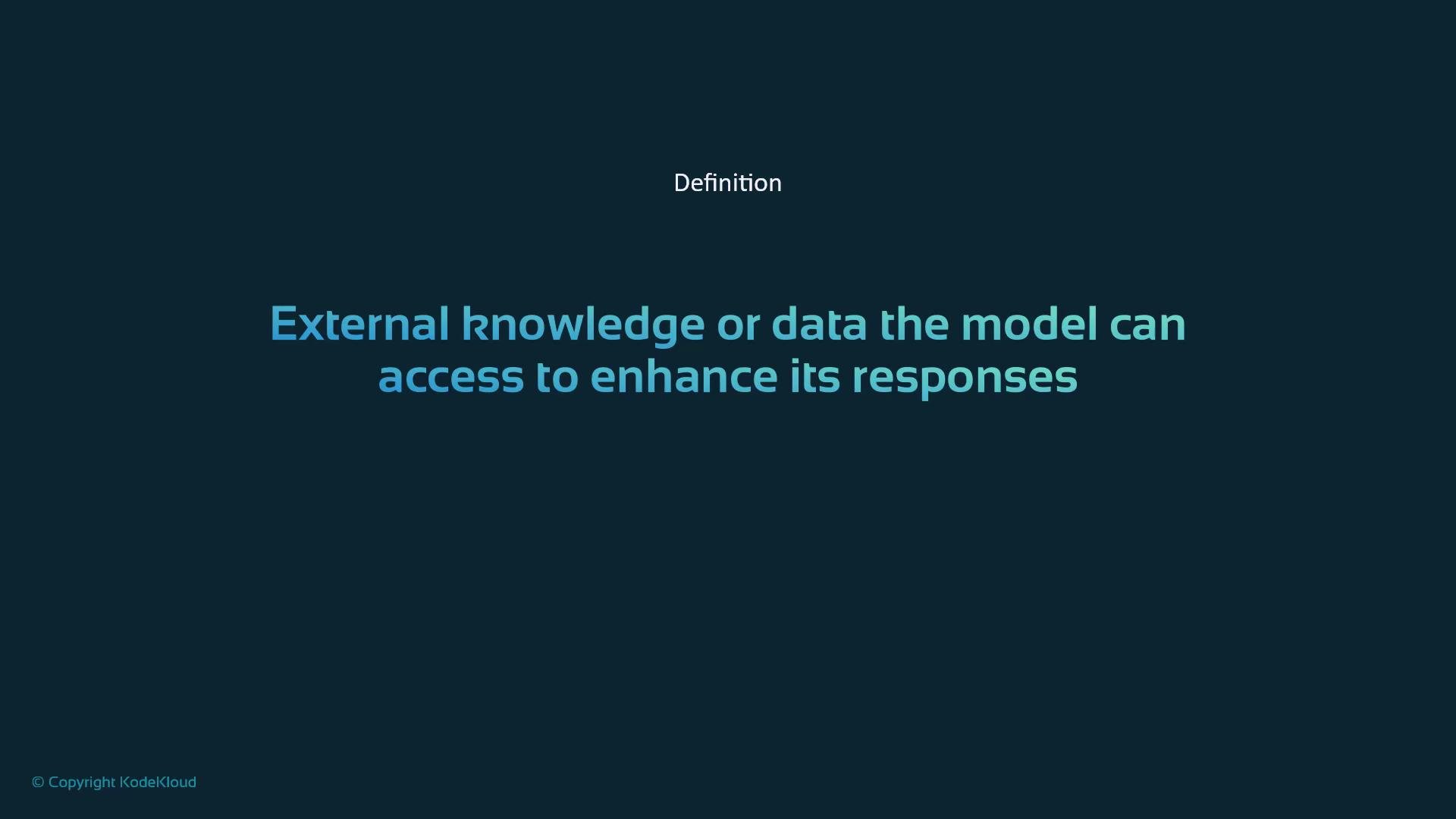
Resources are passive data sources the model consults to ground responses. They do not execute actions; instead they provide authoritative facts, documents, and structured data that the system can reference.
Key traits:
* Referential: provide data, not behavior.
* Mutable or immutable: can be static manuals or dynamic databases.
* Used to ground model responses and improve factual accuracy.
Typical examples:
* Company handbooks and policy documents
* PDFs, manuals, and technical documentation
* Customer records and product catalogs
* Search indexes and knowledge-base entries
Tools in MCP-style systems typically offer a small set of standard commands:
```bash theme={null}
tools/list # List all registered tools
tools/describe # Show details for a specific tool
tools/call # Execute a tool
```
Example `tools/list` response (sample output):
```text theme={null}
Available tools:
- web_search: Search the web for information
- code_run: Execute code in various languages
- image_gen: Generate images from text
- file_read: Read contents of uploaded files
```
Tools can have side effects and access external systems. Ensure proper authorization, rate limiting, and input validation are in place before exposing tools to untrusted inputs.
***
## Resources — the knowledge stores
Resources are passive data sources the model consults to ground responses. They do not execute actions; instead they provide authoritative facts, documents, and structured data that the system can reference.
Key traits:
* Referential: provide data, not behavior.
* Mutable or immutable: can be static manuals or dynamic databases.
* Used to ground model responses and improve factual accuracy.
Typical examples:
* Company handbooks and policy documents
* PDFs, manuals, and technical documentation
* Customer records and product catalogs
* Search indexes and knowledge-base entries
 ***
## Prompts — the behavior templates
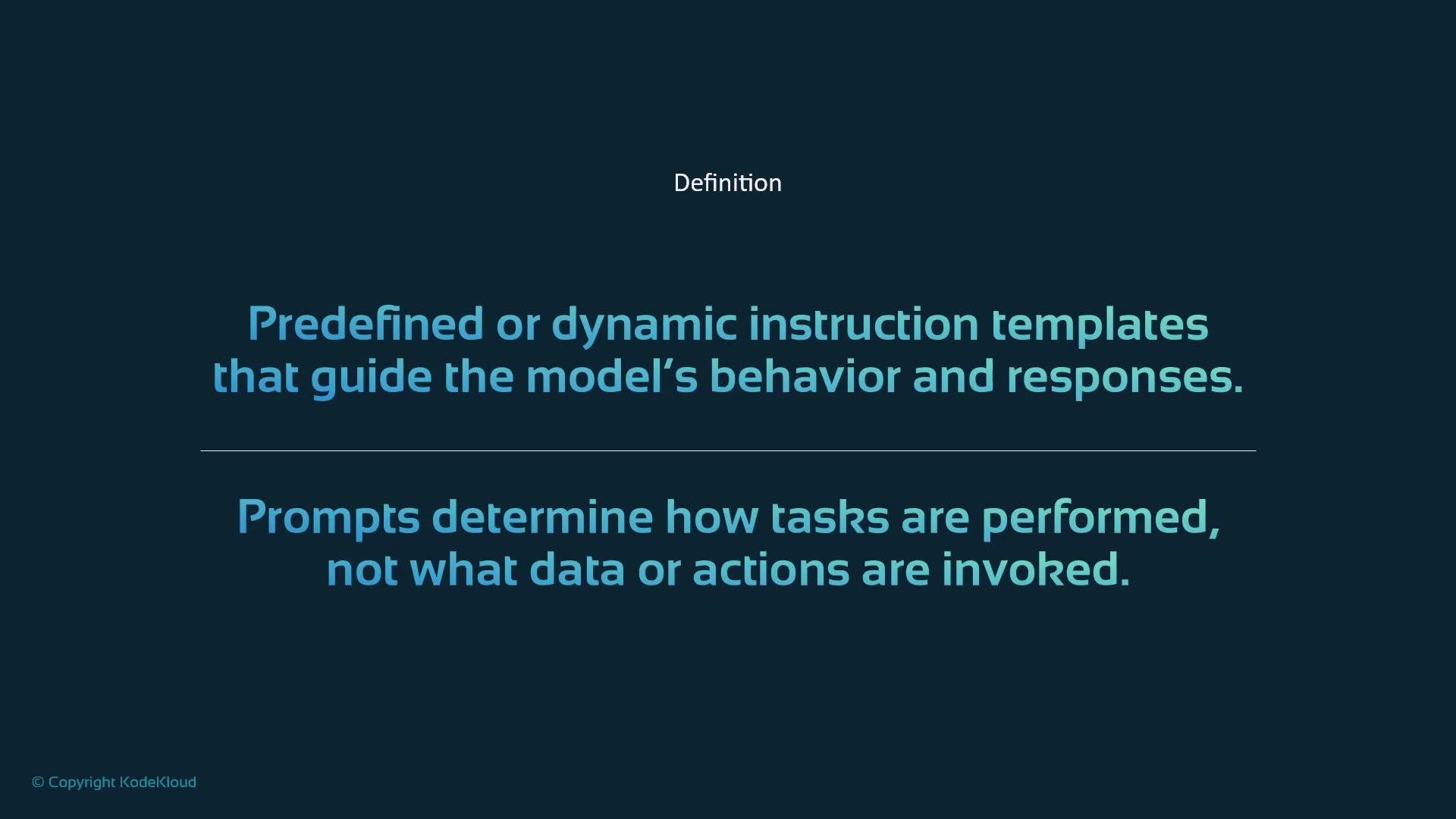
Prompts are instruction templates or policies that guide how the model should behave and how outputs should be formatted. They don’t add new data or trigger actions, but they are essential for consistent, predictable interactions.
What prompts do:
* Set tone, style, and persona (concise, friendly, formal).
* Define step-by-step templates (summarization, classification, translation).
* Enforce output formats or validation rules (e.g., produce JSON matching a schema).
In MCP servers, prompts are commonly applied during orchestration or preprocessing so the final model output conforms to expected structure and safety rules.
***
## Prompts — the behavior templates
Prompts are instruction templates or policies that guide how the model should behave and how outputs should be formatted. They don’t add new data or trigger actions, but they are essential for consistent, predictable interactions.
What prompts do:
* Set tone, style, and persona (concise, friendly, formal).
* Define step-by-step templates (summarization, classification, translation).
* Enforce output formats or validation rules (e.g., produce JSON matching a schema).
In MCP servers, prompts are commonly applied during orchestration or preprocessing so the final model output conforms to expected structure and safety rules.
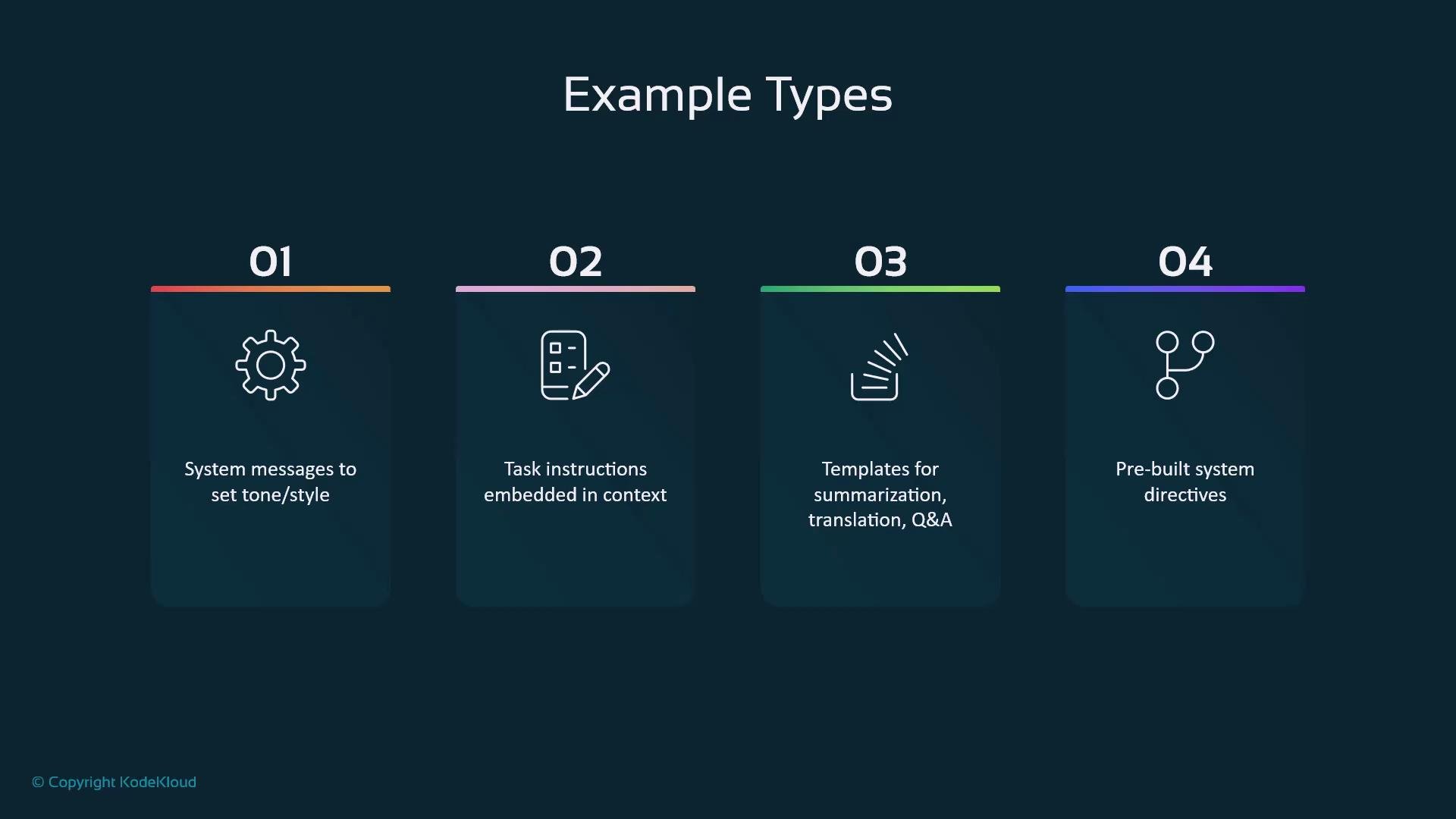
 Example prompt types you may encounter:
* System messages to set global tone and constraints
* Task-specific instructions embedded in context
* Reusable templates for summarization, extraction, or translation
* Pre-built directives enforcing format, safety, and validation rules
Example prompt types you may encounter:
* System messages to set global tone and constraints
* Task-specific instructions embedded in context
* Reusable templates for summarization, extraction, or translation
* Pre-built directives enforcing format, safety, and validation rules
 ***
## Comparison at a glance
| Component | Role | Invocation | Typical update cadence | Examples |
| --------: | -------------------- | ------------------------------------: | --------------------------: | ------------------------------------------- |
| Tools | Act (procedural) | Explicit `tools/call` | Developer-driven | `web_search`, `code_run`, `image_gen` |
| Resources | Inform (referential) | Queried when needed | Independent of code deploys | PDFs, KBs, databases |
| Prompts | Guide (contextual) | Applied silently during orchestration | Updated by developers/ops | System messages, templates, safety policies |
***
## How they work together
Think of the three components as a coordinated team:
1. Tools execute tasks and fetch or transform data.
2. Resources provide authoritative information to ground results.
3. Prompts ensure responses follow the expected style, structure, and safety rules.
When combined, these components make MCP-based applications more modular, auditable, and extensible. For example, a QA flow might use a search tool to retrieve documents, consult a resource store for trusted facts, and apply a prompt template to return a concise, validated answer.
Analogy — cooking:
* Tools = kitchen appliances and utensils (do the work)
* Resources = ingredients and recipes (the content)
* Prompts = cooking techniques and plating instructions (how it’s prepared and presented)
***
## Summary — key takeaways
* Tools: action-oriented integrations you call to perform work.
* Resources: passive data stores consulted for facts and context.
* Prompts: templates and policies that shape model behavior and output format.
* Not every MCP server includes all three components; choose components that fit your application.
* Coordinating tools, resources, and prompts enables more powerful, reliable, and auditable AI applications.
## Links and references
* [Modular AI patterns and best practices](https://example.com/modular-ai)
* [Designing safe tool access](https://example.com/tool-security)
* [Prompt engineering guides](https://example.com/prompt-engineering)
***
## Comparison at a glance
| Component | Role | Invocation | Typical update cadence | Examples |
| --------: | -------------------- | ------------------------------------: | --------------------------: | ------------------------------------------- |
| Tools | Act (procedural) | Explicit `tools/call` | Developer-driven | `web_search`, `code_run`, `image_gen` |
| Resources | Inform (referential) | Queried when needed | Independent of code deploys | PDFs, KBs, databases |
| Prompts | Guide (contextual) | Applied silently during orchestration | Updated by developers/ops | System messages, templates, safety policies |
***
## How they work together
Think of the three components as a coordinated team:
1. Tools execute tasks and fetch or transform data.
2. Resources provide authoritative information to ground results.
3. Prompts ensure responses follow the expected style, structure, and safety rules.
When combined, these components make MCP-based applications more modular, auditable, and extensible. For example, a QA flow might use a search tool to retrieve documents, consult a resource store for trusted facts, and apply a prompt template to return a concise, validated answer.
Analogy — cooking:
* Tools = kitchen appliances and utensils (do the work)
* Resources = ingredients and recipes (the content)
* Prompts = cooking techniques and plating instructions (how it’s prepared and presented)
***
## Summary — key takeaways
* Tools: action-oriented integrations you call to perform work.
* Resources: passive data stores consulted for facts and context.
* Prompts: templates and policies that shape model behavior and output format.
* Not every MCP server includes all three components; choose components that fit your application.
* Coordinating tools, resources, and prompts enables more powerful, reliable, and auditable AI applications.
## Links and references
* [Modular AI patterns and best practices](https://example.com/modular-ai)
* [Designing safe tool access](https://example.com/tool-security)
* [Prompt engineering guides](https://example.com/prompt-engineering)