> ## Documentation Index
> Fetch the complete documentation index at: https://notes.kodekloud.com/llms.txt
> Use this file to discover all available pages before exploring further.
# Demo Audio Transcription
> This tutorial teaches how to transcribe audio using OpenAIs Whisper API with a sample audio clip.
In this tutorial, you’ll learn how to transcribe a short audio clip using OpenAI’s Whisper API. We’ve prepared a trimmed MP3 of the first five minutes of Steve Jobs’ Stanford commencement speech for this demo.
## Prerequisites
* Python 3.7+
* An active [OpenAI API key](https://platform.openai.com/account/api-keys)
* `openai` Python package (`pip install openai`)
* `IPython` for in-notebook audio playback (`pip install ipython`)
## 1. Play Audio Locally
Before sending the file to Whisper, verify playback in an IPython environment:
```python theme={null}
import IPython
file_name = "data/jobs.mp3"
IPython.display.Audio(file_name)
```
## 2. Transcribe with Whisper
Whisper currently offers the `whisper-1` model for speech-to-text. Set your API key in the environment, then transcribe:
```python theme={null}
import openai
import os
# Load your OpenAI API key from environment
openai.api_key = os.getenv("OPENAI_API_KEY")
file_name = "data/jobs.mp3"
with open(file_name, "rb") as audio_file:
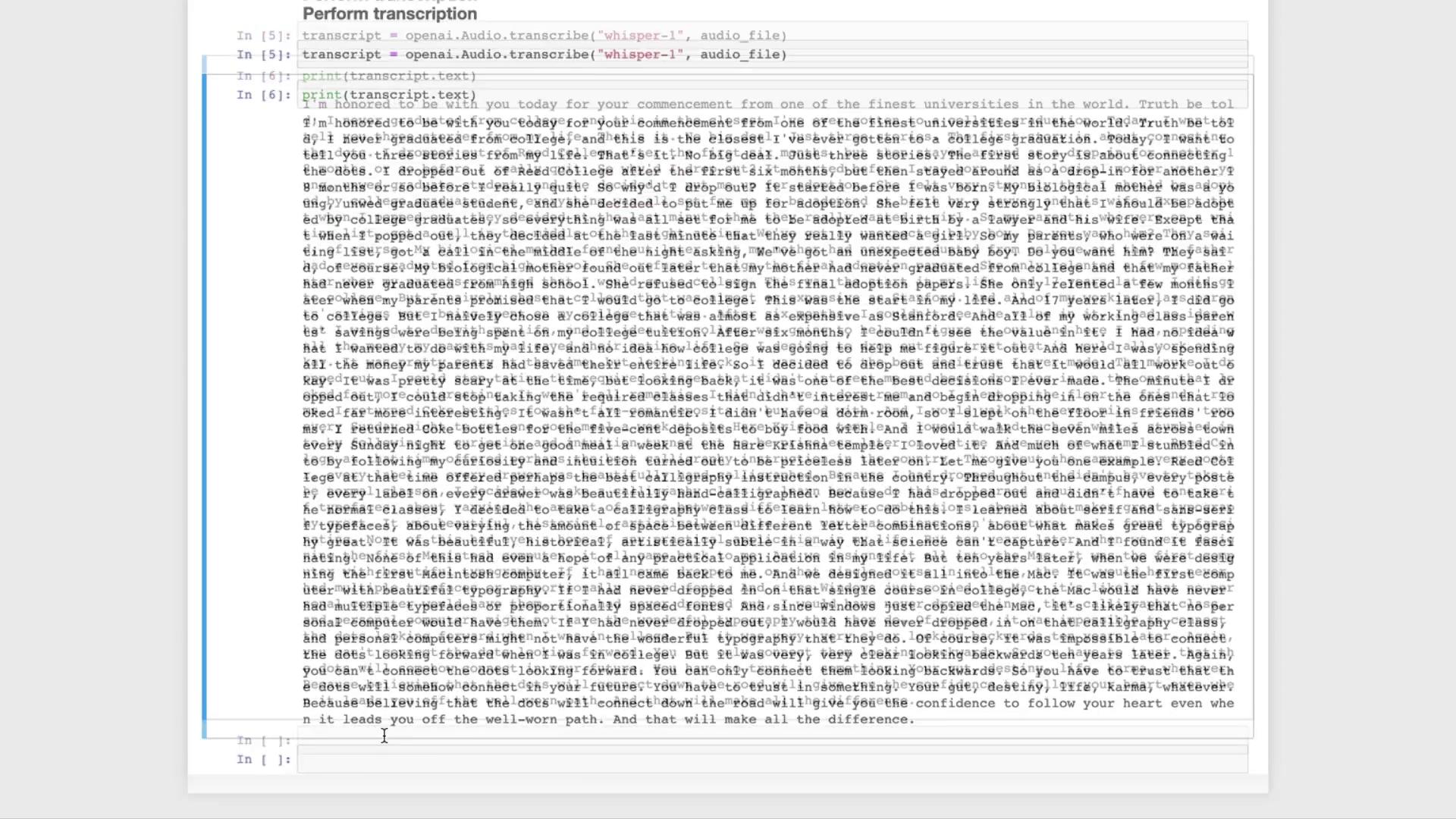
transcript = openai.Audio.transcribe("whisper-1", audio_file)
print(transcript.text)
```
Make sure `OPENAI_API_KEY` is correctly set. On macOS/Linux:
```bash theme={null}
export OPENAI_API_KEY="your_api_key_here"
```
## 3. Next Steps: NLP Pipelines
Once you have the raw transcript, you can feed it into large language models like [GPT-3.5 Turbo][1] or [GPT-4][2] to:
* Summarize the speech
* Generate Q\&A bots
* Classify or analyze sentiment
* Extract key topics
| Use Case | Model | Example Link |
| ------------------ | ------------- | ------------------------- |
| Summarization | GPT-3.5 Turbo | [API Reference][1] |
| Question & Answer | GPT-4 | [API Reference][2] |
| Sentiment Analysis | GPT-3.5 Turbo | Custom prompt engineering |
## 4. Run Whisper Locally
If you prefer not to use the API, you can run Whisper on your machine via the [open-source repository][3]:
## References
* [1]: https://platform.openai.com/docs/models/gpt-3-5-turbo
* [2]: https://platform.openai.com/docs/models/gpt-4
* [3]: https://github.com/openai/whisper