> ## Documentation Index
> Fetch the complete documentation index at: https://notes.kodekloud.com/llms.txt
> Use this file to discover all available pages before exploring further.
# Overview of Whisper
> OpenAI’s Whisper is a model for audio-to-text tasks, providing transcription and translation APIs for various languages.
OpenAI’s Whisper is a specialized foundation model designed for audio-to-text tasks. Unlike GPT-3.5, which processes text, or DALL·E 2, which generates images, Whisper accepts audio files as input and returns text output. It provides two main API endpoints for handling audio content:
## Key Audio APIs
Whisper supports transcription and translation for multiple source languages. However, its accuracy peaks when the output language is set to English.
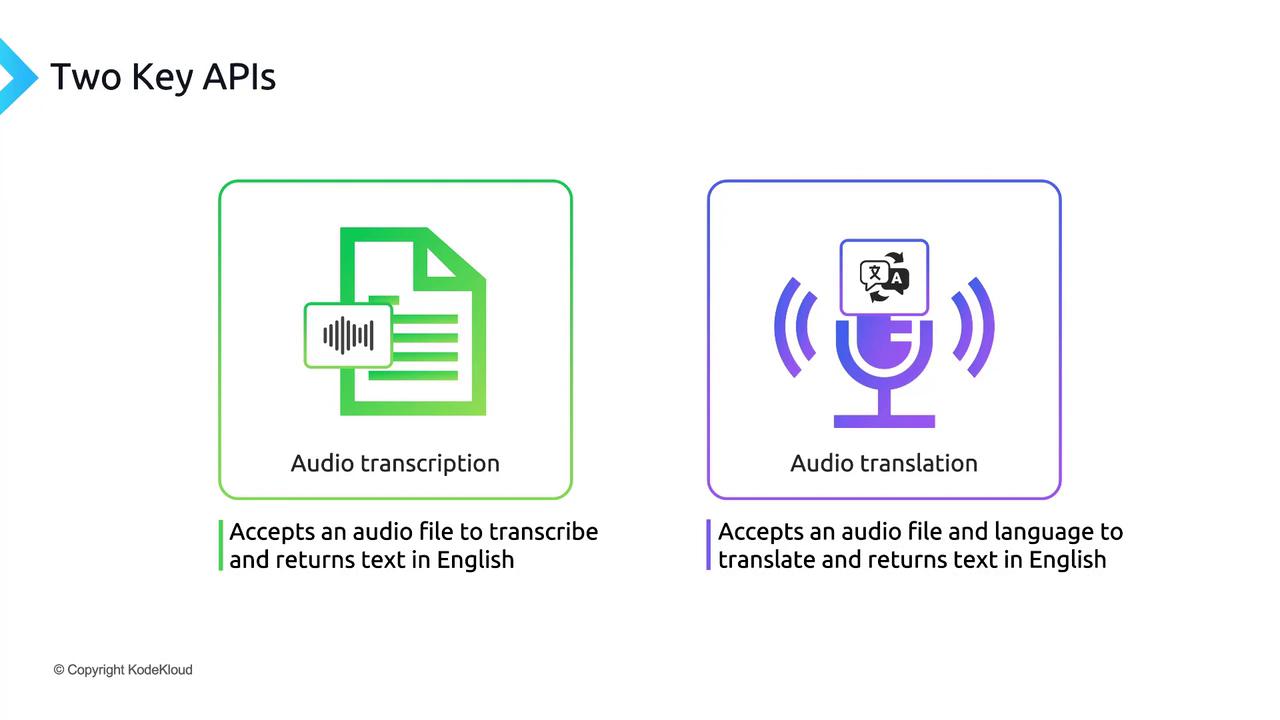
| Endpoint | Description |
| -------------------- | ------------------------------------------------------------------------- |
| audio.transcriptions | Transcribes spoken content from an uploaded audio file into English text. |
| audio.translations | Translates audio in various languages into English text. |
## Audio File Size Limit
Each audio file uploaded to Whisper must not exceed 25 MB. Exceeding this limit will result in an error response from the API.
## Deployment Options
Whisper is offered both as an open-source model and via the OpenAI API. Depending on your needs:
* **OpenAI API**: Easiest path—no infrastructure setup, automatic scaling, and straightforward billing.
* **Self-hosted Whisper**: Full control over compute environment, on-premises or cloud, ideal for organizations with strict data privacy requirements.
In this guide, we’ll demonstrate how to call the Whisper API through OpenAI’s managed service.
## Next Steps
Let’s dive into a hands-on demo of audio transcription and translation using the OpenAI Whisper API.
***
## Links and References
* [OpenAI Whisper API Reference](https://platform.openai.com/docs/api-reference/audio)
* [Whisper GitHub Repository](https://github.com/openai/whisper)
* [OpenAI API Documentation](https://platform.openai.com/docs/)