> ## Documentation Index
> Fetch the complete documentation index at: https://notes.kodekloud.com/llms.txt
> Use this file to discover all available pages before exploring further.
# What is Fine Tuning
> This article explains fine-tuning of large language models and its advantages over dynamic context injection for incorporating up-to-date, domain-specific data.
In this lesson, we’ll define **fine-tuning** and compare it with **dynamic context injection**. Pre-trained large language models (LLMs) are trained on massive, but sometimes outdated, datasets—GPT-3.5, for example, has a knowledge cutoff of September 2021. You can append fresh data to a prompt, but you’ll quickly hit the context window limit. GPT-3.5 Turbo only supports about 4 k tokens, and even 16 k-token windows can force you to chunk inputs, manage state, and suffer extra latency.
## Why Fine-Tuning?
Rather than repeatedly attaching external context to every API call, fine-tuning lets you **retrain** an existing model on your own up-to-date, domain-specific data—PDFs, web pages, CSVs, or any other format. The model’s parameters internalize your private information, eliminating token-window headaches and simplifying your application logic.
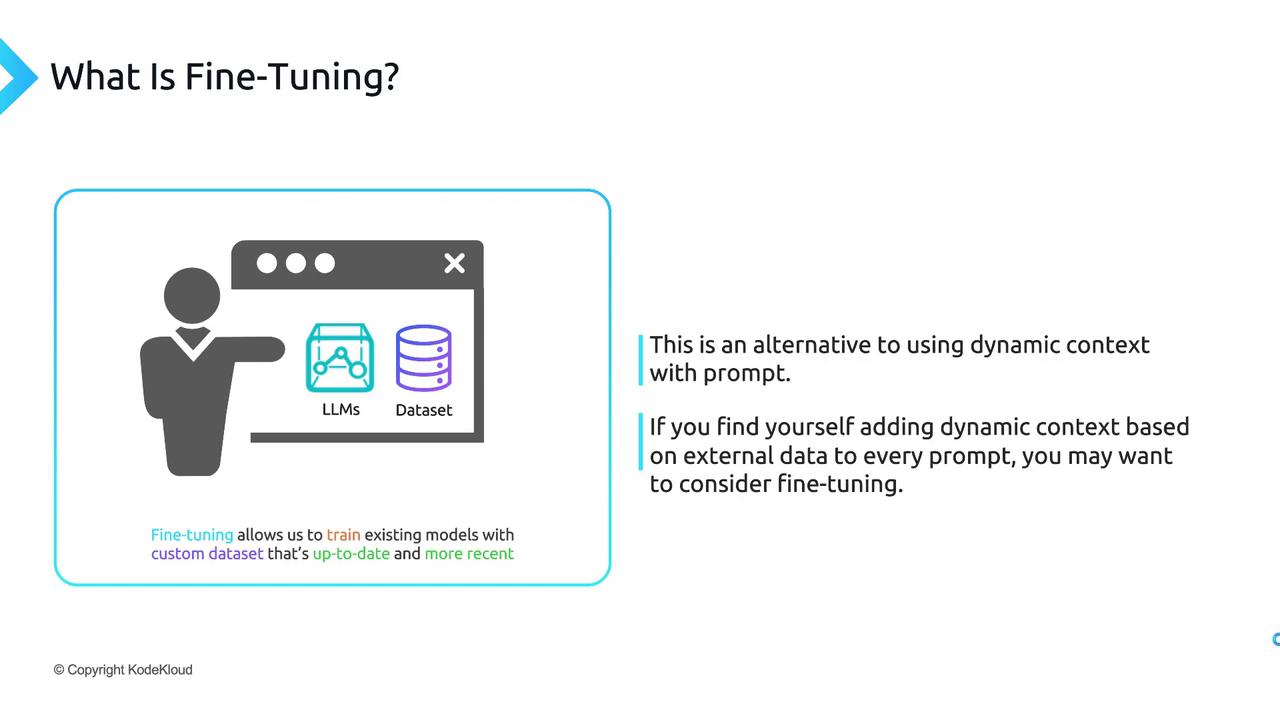
If you’re attaching external data to nearly every prompt, fine-tuning is probably the better path.
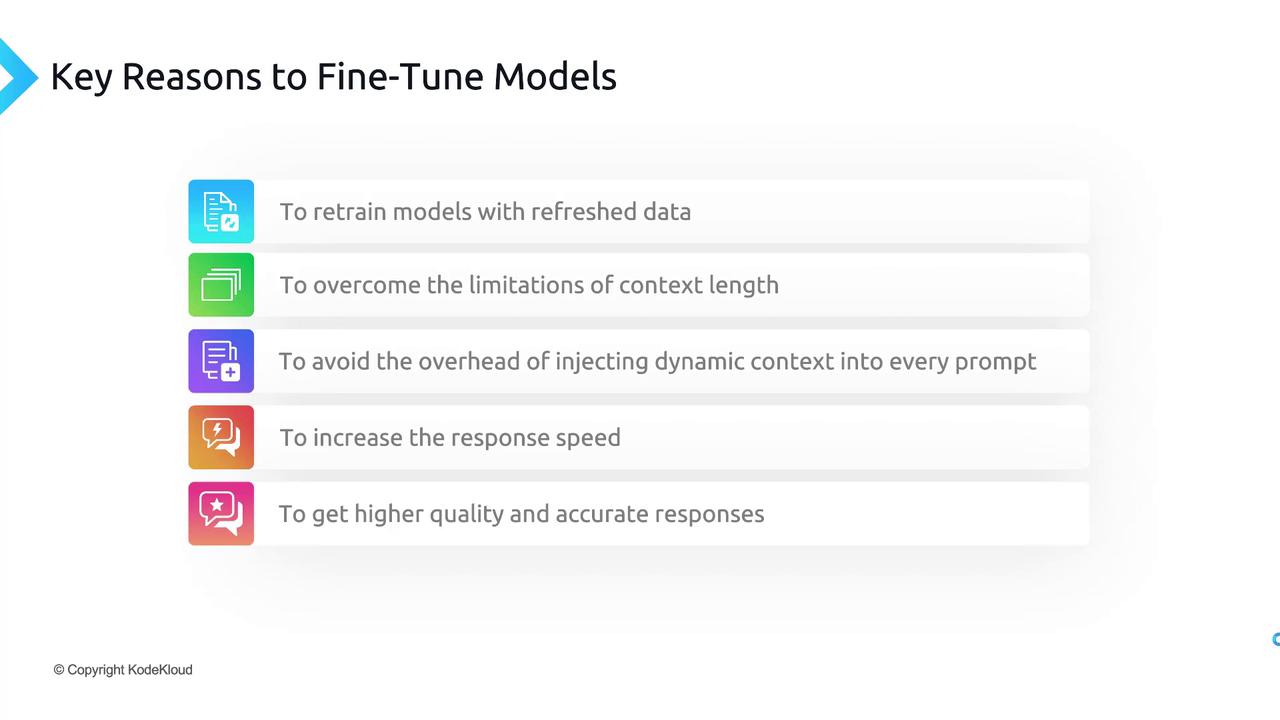
Fine-tuning can dramatically cut latency and reduce prompt-management complexity when your application relies on frequent data updates.
## Key Advantages of Fine-Tuning
| Advantage | Description |
| -------------------------------- | ---------------------------------------------------------------------------------------------------- |
| Retraining with Refreshed Data | Updates the model’s knowledge base using your custom dataset—no need for full-from-scratch training. |
| Overcoming Context-Length Limits | Embeds data directly into model parameters, bypassing token-window constraints. |
| Reduced Prompt Overhead | Eliminates bulky prompt payloads, cutting latency and simplifying your code. |
| Faster, More Responsive | Delivers answers quickly because the model “knows” your domain out of the box. |
| Higher Quality and Accuracy | Produces precise, use-case–aligned responses with your data baked in. |
This walkthrough will cover the end-to-end process of fine-tuning an OpenAI model, from data preparation to deployment.
***
## Links and References
* [OpenAI API Documentation](https://platform.openai.com/docs)
* [Large Language Models (LLMs)](https://en.wikipedia.org/wiki/Large_language_model)
* [OpenAI Fine-Tuning Guide](https://platform.openai.com/docs/guides/fine-tuning)