> ## Documentation Index
> Fetch the complete documentation index at: https://notes.kodekloud.com/llms.txt
> Use this file to discover all available pages before exploring further.
# Overview of DALL E 2
> DALL-E 2 is OpenAI’s model for generating high-quality images from text and visual prompts, enabling creative image synthesis and manipulation.
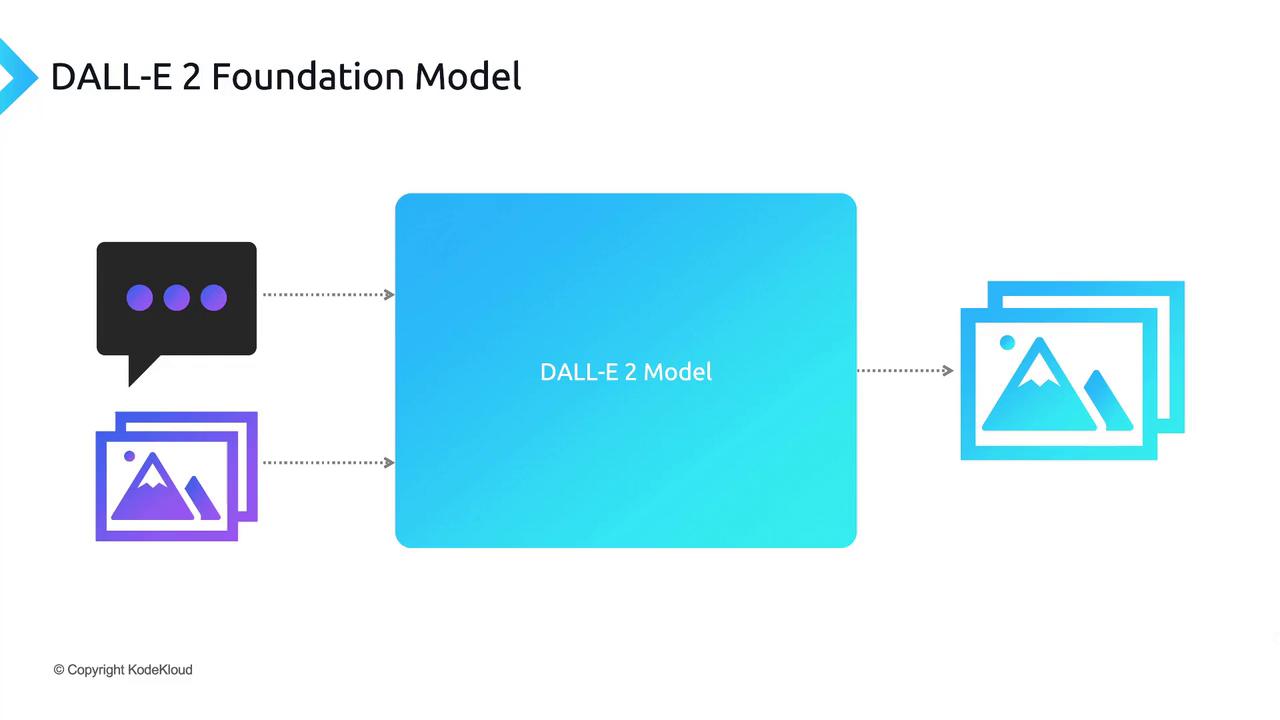
DALL-E 2 is OpenAI’s advanced text-to-image foundation model, designed to generate high-quality images from both textual and visual prompts. Unlike large language models such as [GPT-3](https://openai.com/product/gpt-3), DALL-E 2 specializes in creative image synthesis. You can:
1. Provide a **text prompt** describing the scene, style, or concept you want to visualize.
2. Supply an **image prompt** to create variations, overlays, or edits of an existing picture.
The model processes your input and returns one or more fully generated images, offering endless possibilities for design, prototyping, and creative exploration.
## Key DALL-E 2 APIs
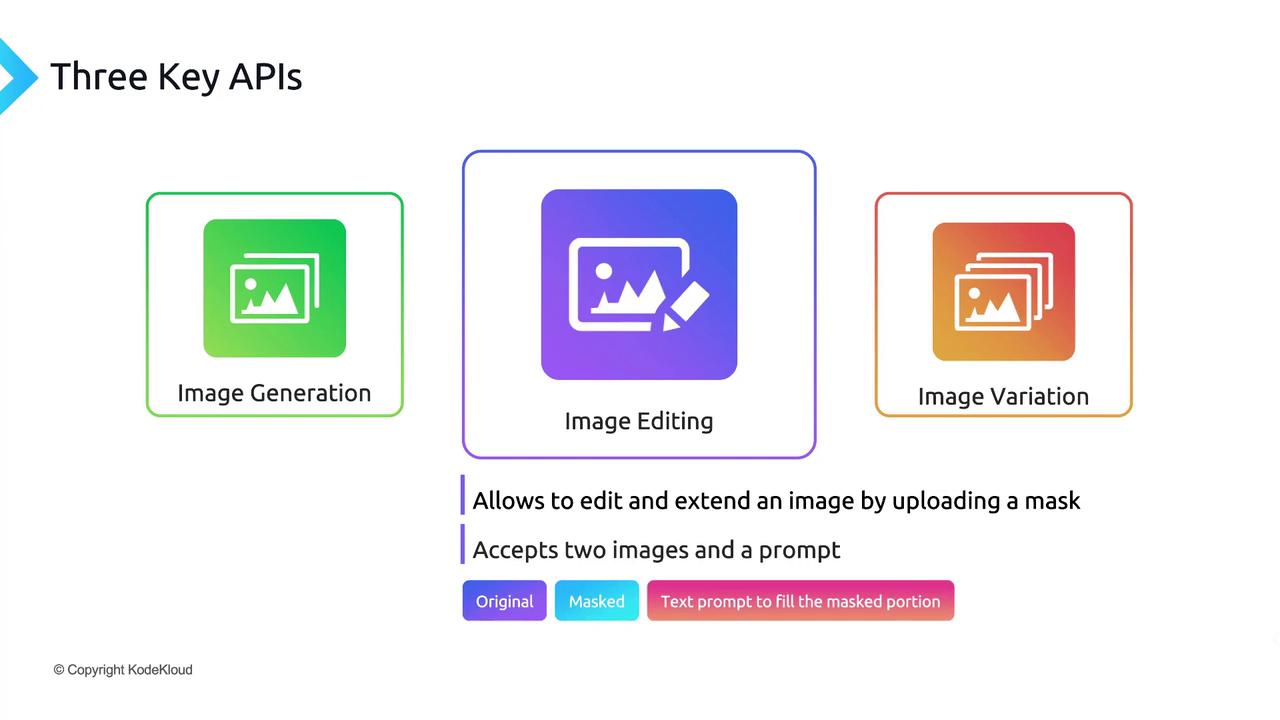
DALL-E 2 provides three core RESTful endpoints for image creation and manipulation:
| API | Description | Typical Use Case |
| ---------------- | ------------------------------------------------------------------------------------------ | ------------------------------------------- |
| Image Generation | Generate new images from scratch based on a descriptive text prompt. | Concept art, storyboarding, product mockups |
| Image Editing | Edit or extend an existing image by applying a mask and text prompt to specify changes. | Photo retouching, add/remove objects |
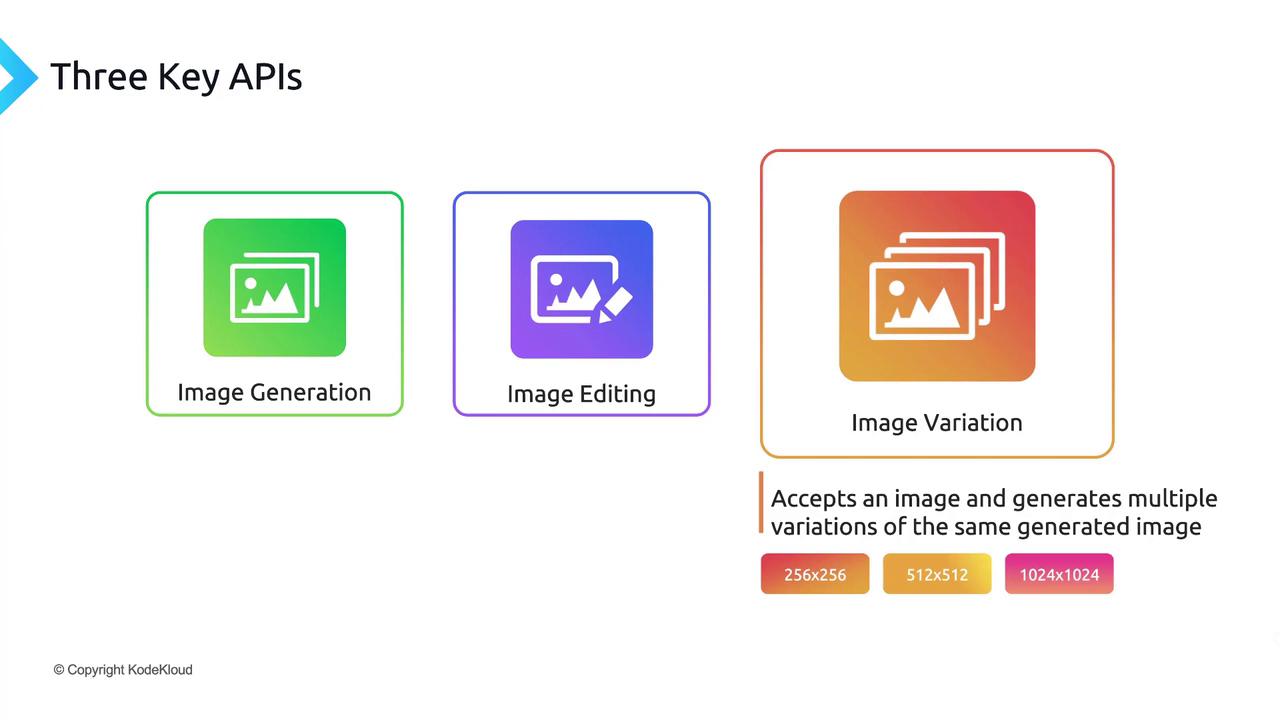
| Image Variation | Produce multiple stylistic variations of a source image without any additional text input. | Branding explorations, style testing |
### 1. Image Generation
Create brand-new visuals by sending a textual description:
```python theme={null}
from openai import OpenAI
client = OpenAI()
response = client.images.generate(
prompt="A futuristic city skyline at sunset, neon-lit skyscrapers reflecting on water",
n=1,
size="1024x1024"
)
print(response.data[0].url)
```
### 2. Image Editing
Modify a specific region of an existing image by supplying:
* `image`: the original image file
* `mask`: a black-and-white mask highlighting the edit area
* `prompt`: text describing what to place in the masked region
```python theme={null}
response = client.images.edit(
image=open("original.png", "rb"),
mask=open("mask.png", "rb"),
prompt="Add a sleek flying car in the sky above the buildings",
n=1,
size="512x512"
)
print(response.data[0].url)
```
Ensure your mask file aligns exactly with the dimensions of the source image. Mismatched sizes will result in API errors.
### 3. Image Variation
Generate several stylistic renditions of an existing image:
```python theme={null}
response = client.images.variations(
image=open("input.png", "rb"),
n=3,
size="256x256"
)
for img in response.data:
print(img.url)
```
DALL-E 2 supports three output resolutions: **256×256**, **512×512**, and **1024×1024**. Square images tend to produce the best results, but feel free to experiment with other aspect ratios.
Remember, generative image models incorporate a degree of creative randomness. Iterating your prompts—tweaking style descriptors, color palettes, or composition details—will help you achieve the perfect result.
***
## Next Steps: Live Demo
In the following section, we’ll walk through a hands-on demonstration of each DALL-E 2 API, complete with live code execution and real-time image generation.
***
## Links and References
* [OpenAI DALL-E 2 Documentation](https://platform.openai.com/docs/guides/images)
* [GPT-3 Overview](https://openai.com/product/gpt-3)
* [OpenAI Python Client](https://github.com/openai/openai-python)