> ## Documentation Index
> Fetch the complete documentation index at: https://notes.kodekloud.com/llms.txt
> Use this file to discover all available pages before exploring further.
# Section Intro
> DALL-E 2 is OpenAI’s image generation model that converts text prompts into high-resolution visuals with powerful creation and editing capabilities.
DALL-E 2 is OpenAI’s state-of-the-art image generation model, designed to convert text prompts into compelling, high-resolution visuals. While GPT-3.5 focuses on language, DALL-E 2 expands the OpenAI ecosystem with powerful image creation and editing capabilities.
Make sure you’ve set up your [OpenAI API key](https://platform.openai.com/account/api-keys) and installed the latest SDK or CLI before proceeding.
## DALL-E 2 Core Capabilities
Explore the three main features that power creative workflows with DALL-E 2:
| Capability | Use Case |
| ---------------- | --------------------------------------------------- |
| Image Generation | Generate brand-new images from descriptive prompts. |
| Image Editing | Inpaint or overlay elements onto existing images. |
| Image Variants | Produce multiple stylistic versions of one image. |
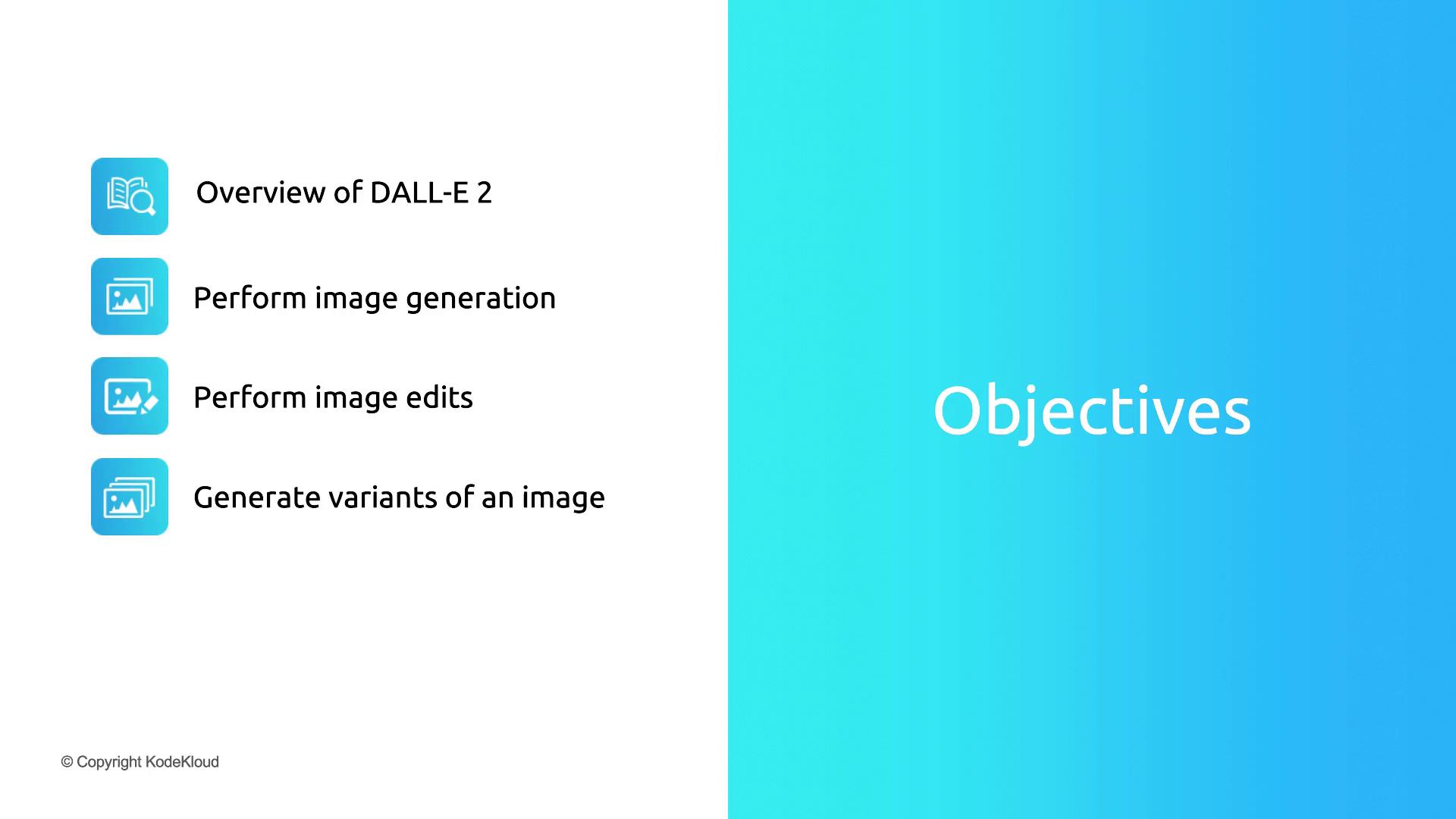
Before diving into the API demonstrations, let’s examine each use case in detail—highlighting key parameters, best practices, and example prompts.