> ## Documentation Index
> Fetch the complete documentation index at: https://notes.kodekloud.com/llms.txt
> Use this file to discover all available pages before exploring further.
# OpenAI Foundation Models
> OpenAI’s foundation models enable generative AI for text, image, and audio applications, featuring GPT, DALL·E, and Whisper.
OpenAI’s foundation models form the backbone of modern generative AI, powering text, image, and audio applications. In this lesson, we explore the three flagship models available via the OpenAI API:
* **GPT**: Large language model for text tasks
* **DALL·E**: Text-to-image synthesis
* **Whisper**: Automatic speech recognition and translation
## Generative Pre-trained Transformer (GPT)
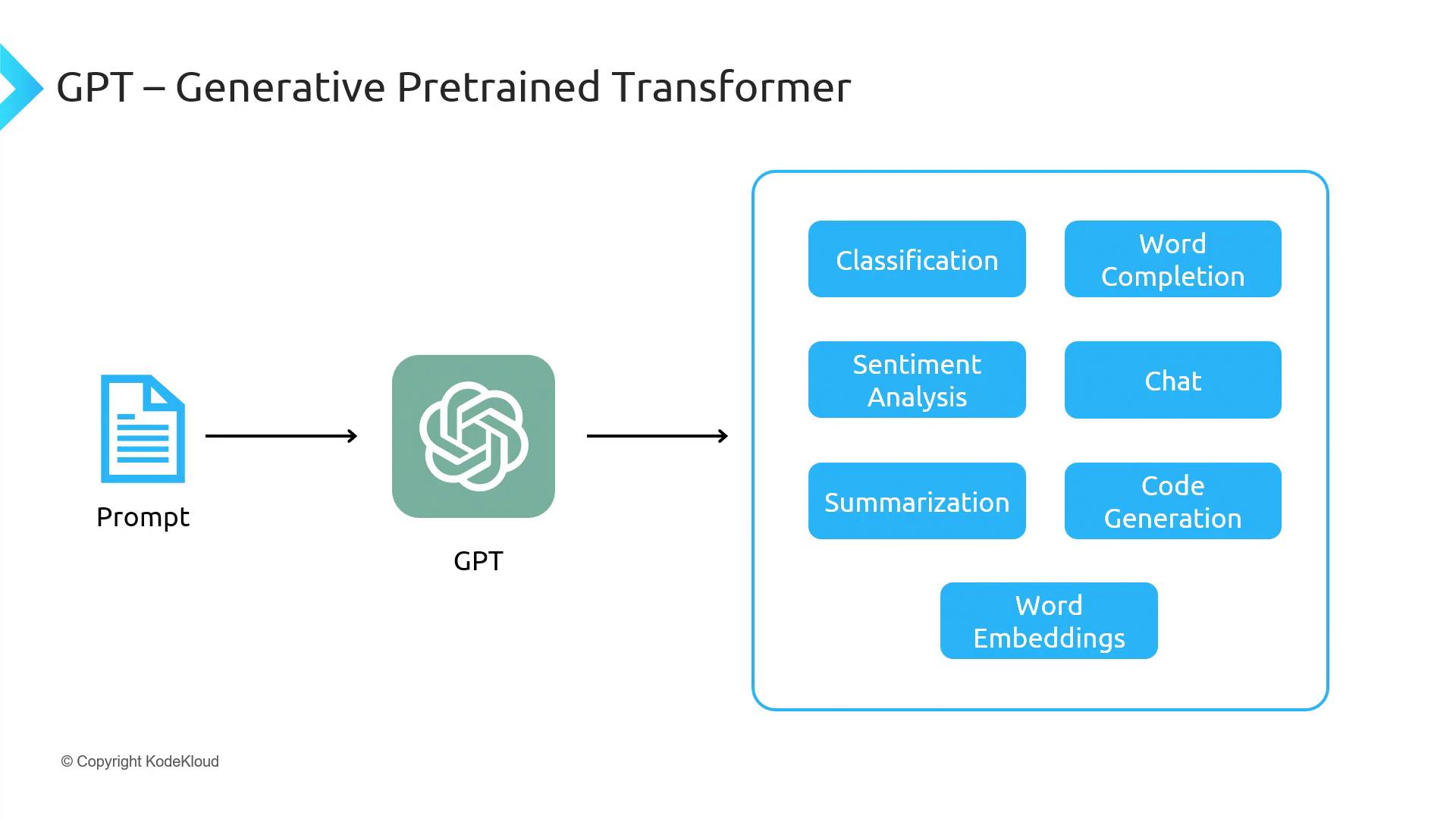
The **Generative Pre-trained Transformer (GPT)** is a transformer-based large language model trained on massive public-domain text corpora. It excels at generating contextually relevant text and supports a wide range of natural-language tasks.
GPT-3.5 is the current public release with 175 billion parameters. GPT-4 offers enhanced capabilities but is accessible only to approved users via the OpenAI waitlist.
### Key Capabilities of GPT-3.5
| Task | Description | Example API Call |
| ------------------ | ---------------------------------------------- | ---------------------------------------------------------------------------- |
| Text Generation | Continue or complete text | `openai.chat.completions.create({ model: "gpt-3.5-turbo", ... })` |
| Code Generation | Produce code snippets in multiple languages | `openai.chat.completions.create({ prompt: "Write Python sort...", ... })` |
| Summarization | Condense long documents | `openai.chat.completions.create({ prompt: "Summarize research...", ... })` |
| Sentiment Analysis | Classify emotional tone | `openai.chat.completions.create({ prompt: "Analyze sentiment of...", ... })` |
| Chat & Q\&A | Interactive conversations | `openai.chat.completions.create({ messages: [...], ... })` |
| Embeddings | Vector representations for search & clustering | `openai.embeddings.create({ model: "text-embedding-ada-002", ... })` |
## DALL·E: Text-to-Image Generation
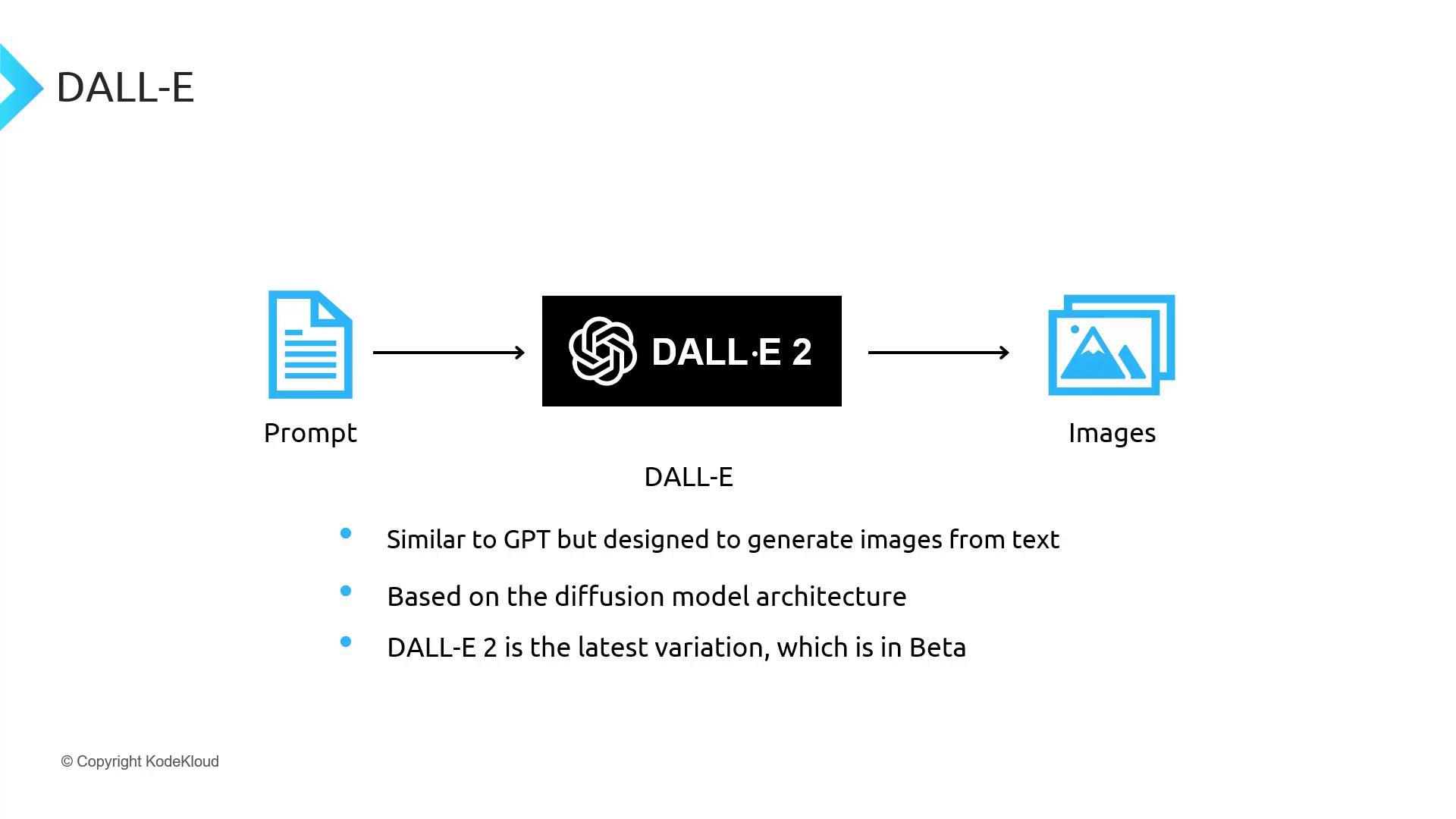
**DALL·E 2** is a diffusion-based model that transforms textual descriptions into high-fidelity images. It uses a two-step process: first generating a low-resolution image, then upscaling it.
### Generating an Image with DALL·E 2
```bash theme={null}
openai images.generate \
--model "dall-e-2" \
--prompt "A futuristic city skyline at sunset" \
--n 1 \
--size "1024x1024"
```
DALL·E 2 is currently in beta. Image credits and usage rights vary—review the [OpenAI Image Policy](https://openai.com/policies/images) before deploying.
## Whisper: Automatic Speech Recognition
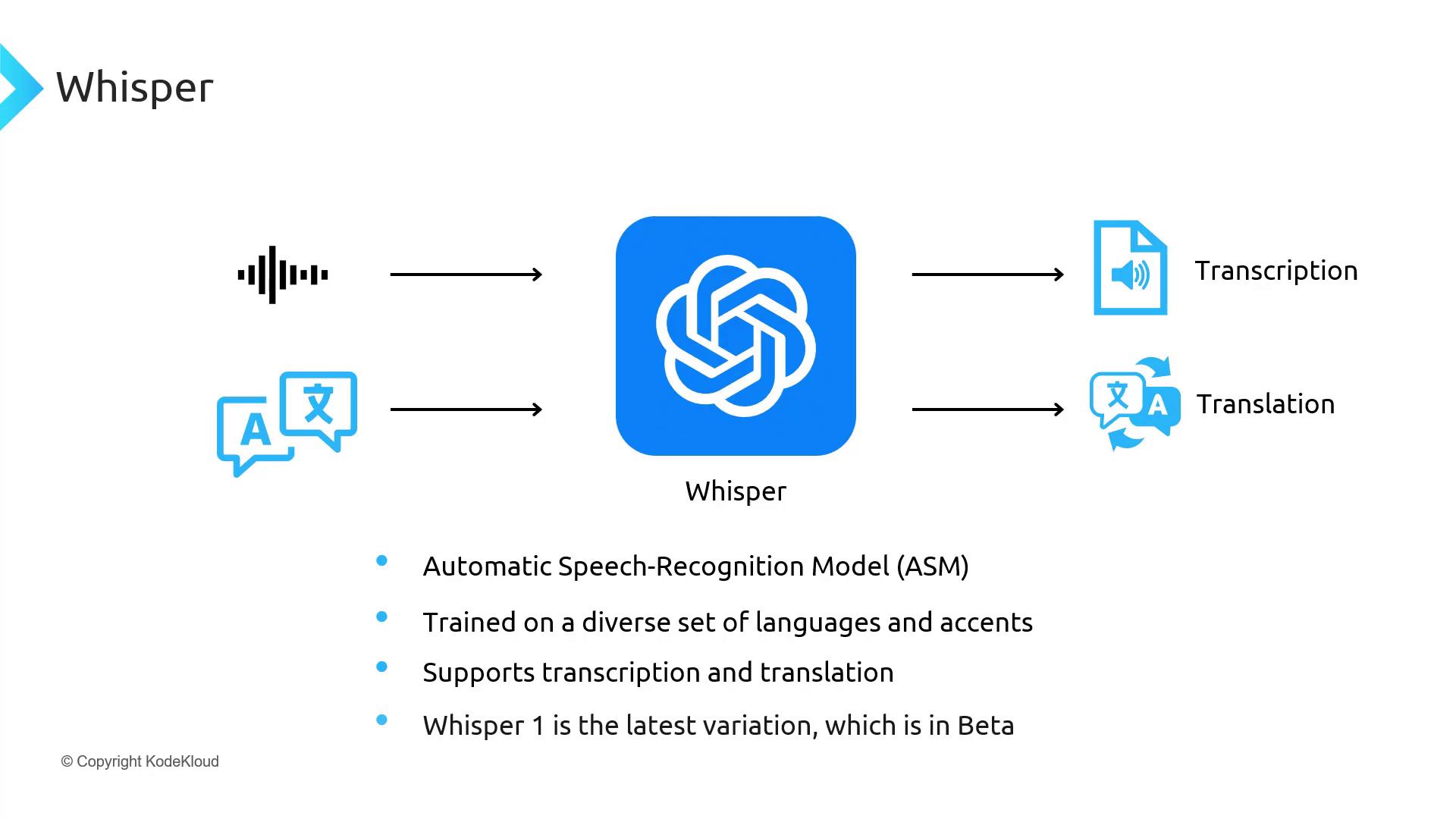
**Whisper** is a versatile ASR model trained on diverse languages, accents, and audio qualities. It provides both transcription and translation features out of the box.
### Transcribing Audio with Whisper
```bash theme={null}
openai audio.transcriptions.create \
--model "whisper-1" \
--file "meeting_recording.mp3" \
--language "en"
```
```bash theme={null}
openai audio.translations.create \
--model "whisper-1" \
--file "entrevista.mp3"
```
Audio files with background noise or overlapping speakers may reduce transcription accuracy. Preprocess audio with noise reduction when possible.
## Summary of OpenAI Foundation Models
| Model | Primary Function | Release Status | Example Use Cases |
| -------- | ---------------------------------- | -------------- | ------------------------------------ |
| GPT-3.5 | Text generation & comprehension | Production | Chatbots, content creation, code gen |
| DALL·E 2 | Text-to-image synthesis | Beta | Marketing art, concept design |
| Whisper | Speech transcription & translation | Beta | Meeting transcriptions, subtitles |
## Links and References
* [OpenAI API Documentation](https://platform.openai.com/docs)
* [GPT Models Overview](https://platform.openai.com/docs/models/gpt-3-5)
* [DALL·E Overview](https://platform.openai.com/docs/models/dall-e)
* [Whisper Documentation](https://platform.openai.com/docs/models/whisper)
Explore these foundation models to unlock cutting-edge generative AI in your applications.