> ## Documentation Index
> Fetch the complete documentation index at: https://notes.kodekloud.com/llms.txt
> Use this file to discover all available pages before exploring further.
# Section Intro
> This lesson covers the OpenAI platform, API configuration, and key parameters for effective use in development.
Welcome back! In this lesson, we’ll revisit the OpenAI platform’s big picture, configure our development environment to invoke the API, and explore the key parameters available in the OpenAI Playground, so you can hit the ground running.
Make sure you have an active OpenAI account and your API key ready. You’ll also need a recent version of [Node.js](https://nodejs.org/) or Python installed.
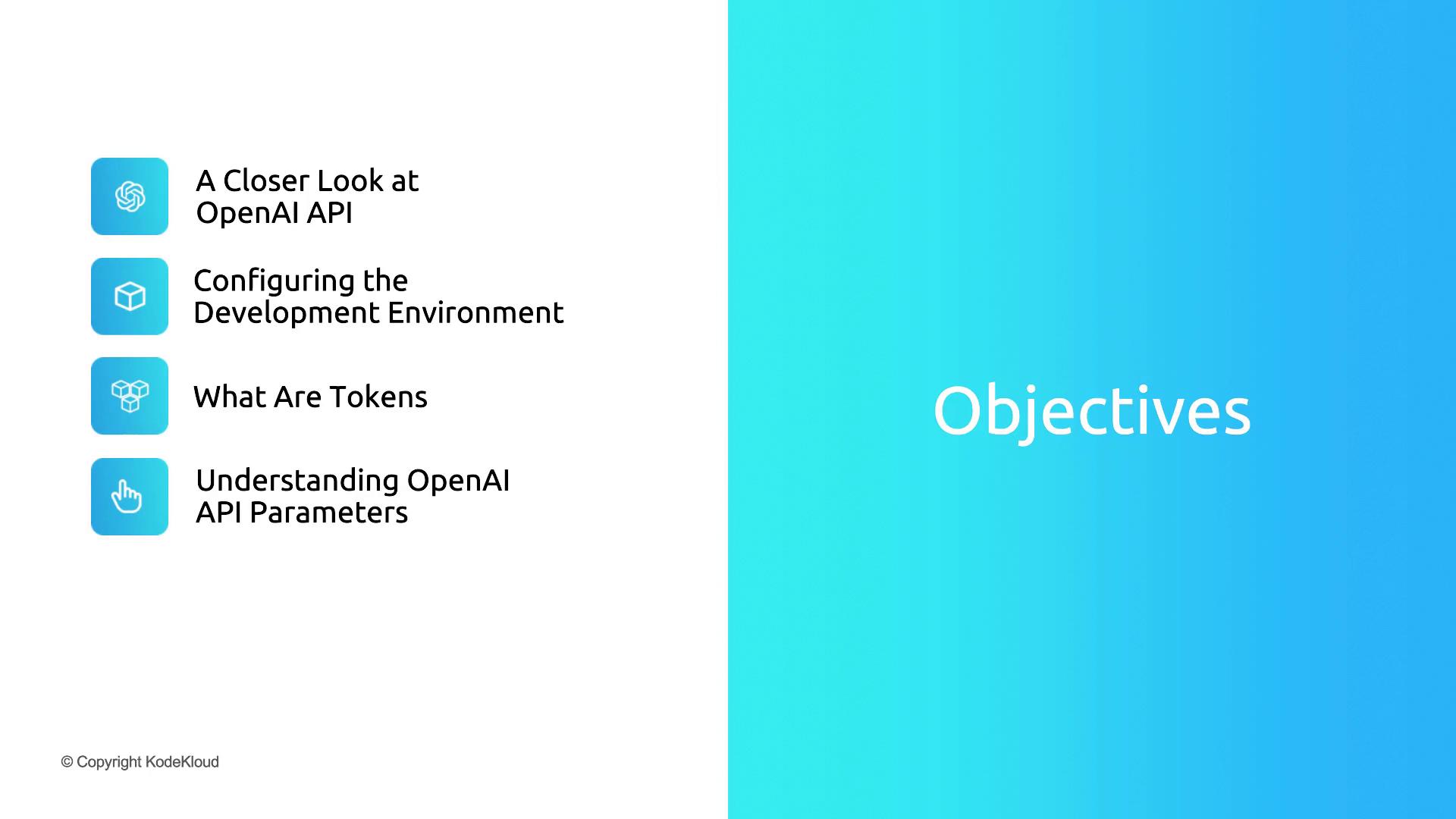
**What We’ll Cover:**
* A closer look at the OpenAI API and its core capabilities
* Setting up your development environment and authenticating requests
* Understanding tokens, usage limits, and cost implications
* Key parameters in the Playground for fine-tuning outputs
Let’s get started and move from high-level concepts to hands-on implementation!