> ## Documentation Index
> Fetch the complete documentation index at: https://notes.kodekloud.com/llms.txt
> Use this file to discover all available pages before exploring further.
# Dynamic Context
> This lesson explores enriching large language models with up-to-date information using dynamic context from various datasets.
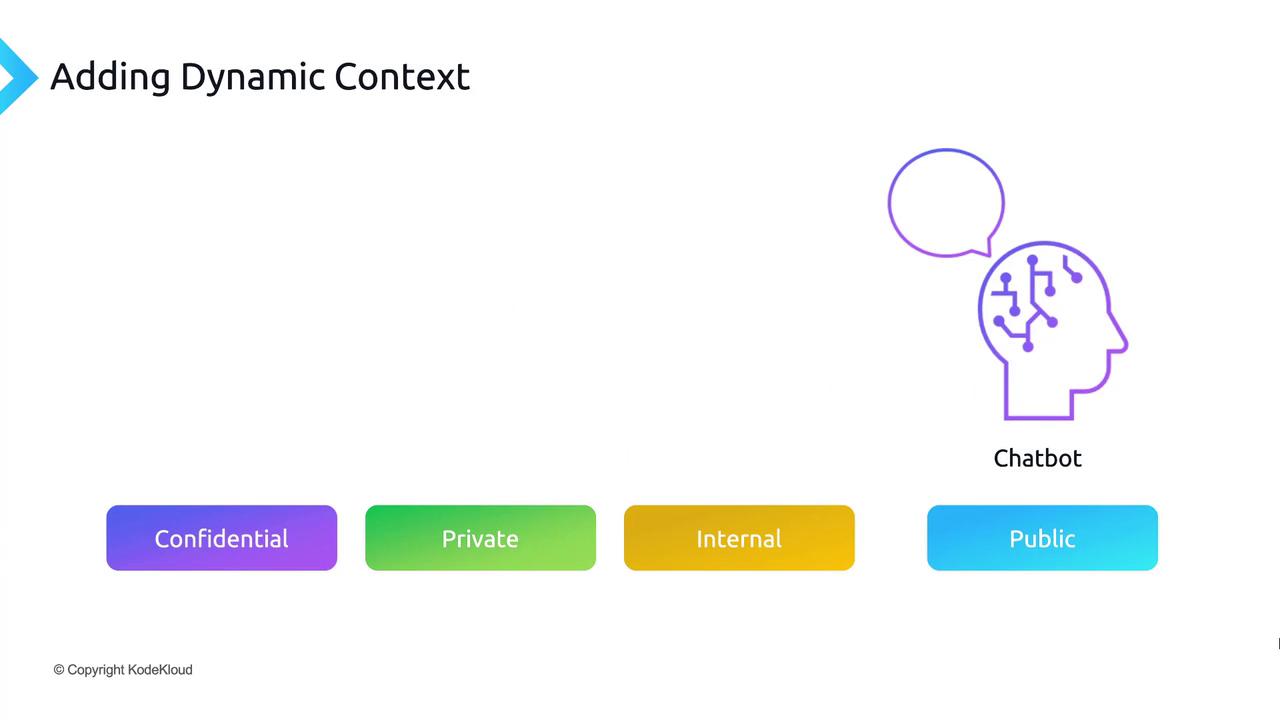
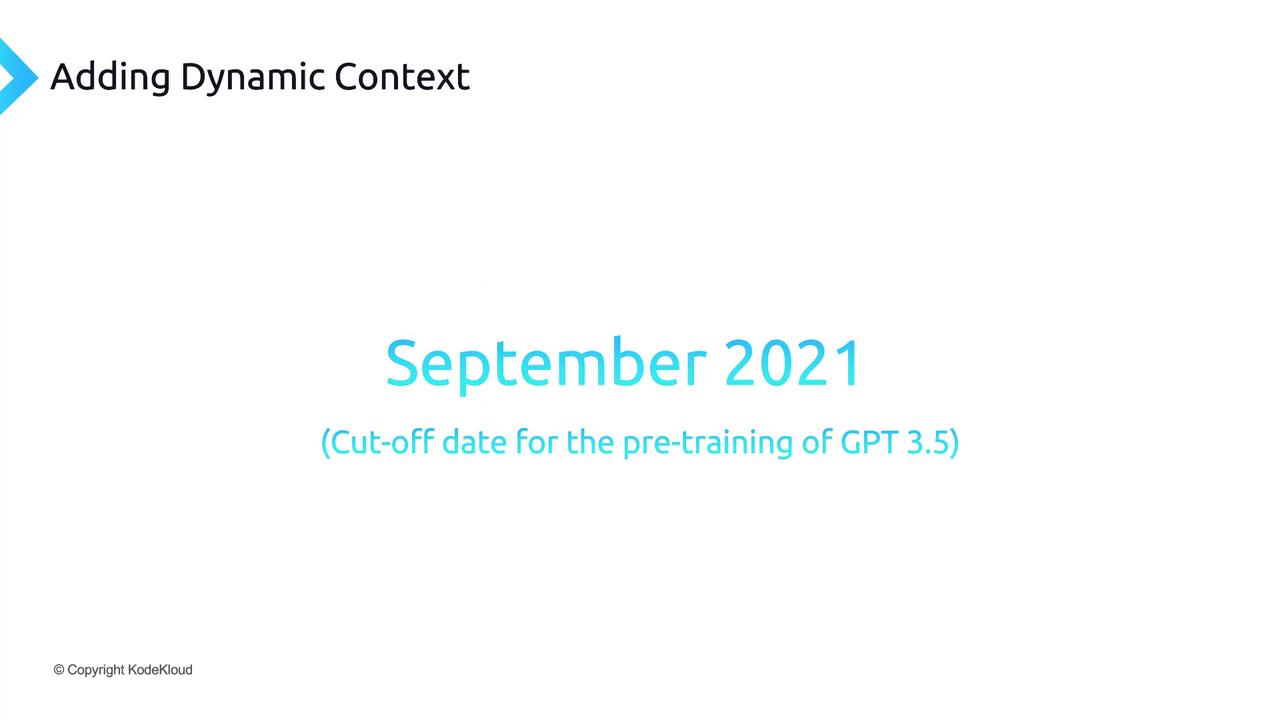
In this lesson, we’ll explore how to enrich large language models (LLMs) with up-to-date information by injecting **dynamic context** from your own datasets—whether they’re confidential, private, internal, or public. This technique helps you build chatbots and applications that stay current beyond GPT-3.5’s September 2021 pre-training cutoff.
## Why Dynamic Context Matters
Large language models are powerful, but their knowledge is frozen at the time of their last pre-training. To handle events, documents, or data generated after September 2021, you need a way to feed fresh information at query time.
## Core Workflow: Indexing & Retrieval
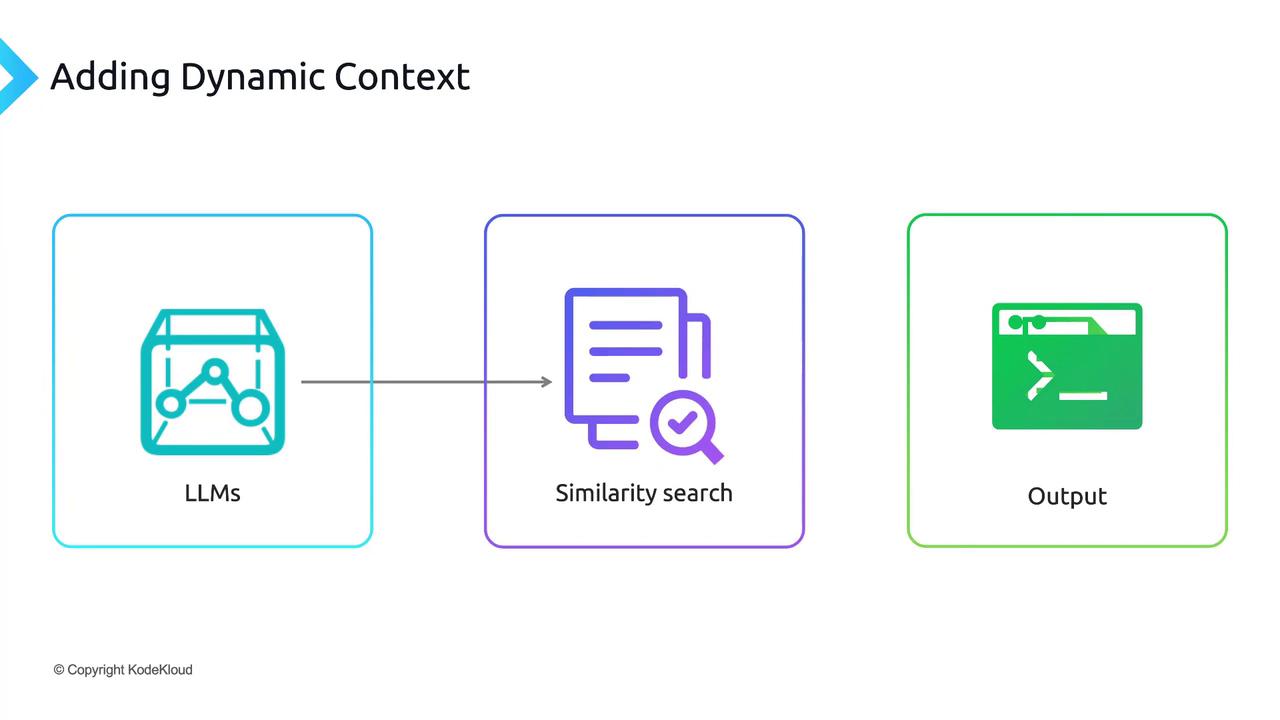
Adding dynamic context involves two key phases:
| Phase | Purpose | Example Tools |
| --------- | ------------------------------------------ | ------------------------------------------ |
| Indexing | Convert documents into vector embeddings | OpenAI Embeddings, Hugging Face Embeddings |
| Retrieval | Find and return the most relevant passages | Pinecone, Weaviate, Elasticsearch |
### 1. Indexing
* Break each document, FAQ, or dataset entry into chunks.
* Generate a vector embedding for each chunk.
* Store embeddings in a vector database (often called a “vector store”).
### 2. Retrieval
* Compute the embedding for the user’s prompt.
* Perform a similarity search against your vector store.
* Retrieve the top-k most relevant passages.
Adjust the value of k (top-k passages) based on token limits and response quality.
## End-to-End Sequence
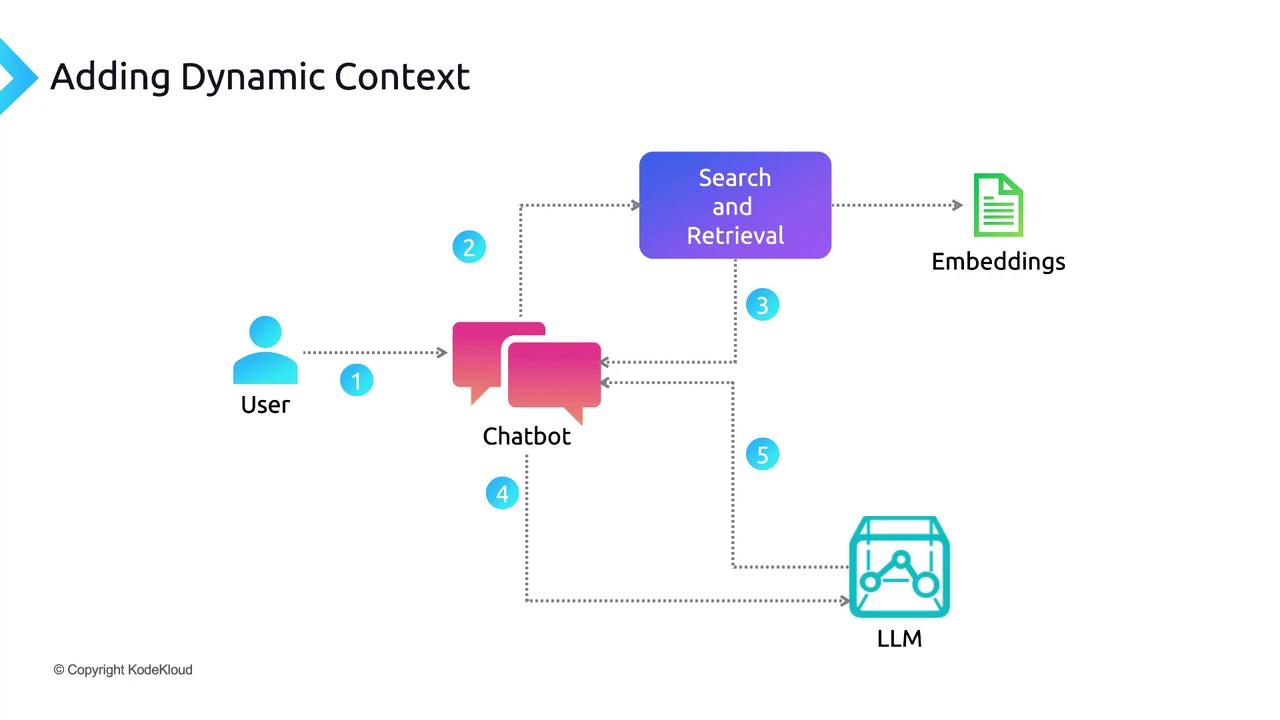
1. **User Query:** A prompt is submitted through the chatbot UI.
2. **Embedding:** The application computes an embedding for the prompt.
3. **Search:** The vector store returns the most similar passages.
4. **Injection:** Retrieved passages are prepended (or appended) to the original prompt.
5. **LLM Call:** The augmented prompt is sent to the language model API.
6. **Generation:** The model uses both pre-trained knowledge and dynamic context to craft a precise answer.
7. **Response:** The chatbot displays the final output to the user.
## Next Steps: Hands-On Demo
In the following section, we’ll implement a working prototype using the **AskUs** dataset, which contains events and information generated after GPT-3.5’s cutoff. You’ll see how dynamic context dramatically improves answer accuracy with real-world data. Ready to dive in?
***
## Links and References
* [OpenAI Embeddings API](https://platform.openai.com/docs/guides/embeddings)
* [Pinecone Vector Database](https://www.pinecone.io/)
* [Weaviate Documentation](https://weaviate.io/developers/weaviate)
* [GPT-3.5 Overview](https://platform.openai.com/docs/models/gpt-3-5)