> ## Documentation Index
> Fetch the complete documentation index at: https://notes.kodekloud.com/llms.txt
> Use this file to discover all available pages before exploring further.
# What are Word Embeddings
> This article explains word embeddings, their role in NLP, and how they facilitate semantic search and language model processing.
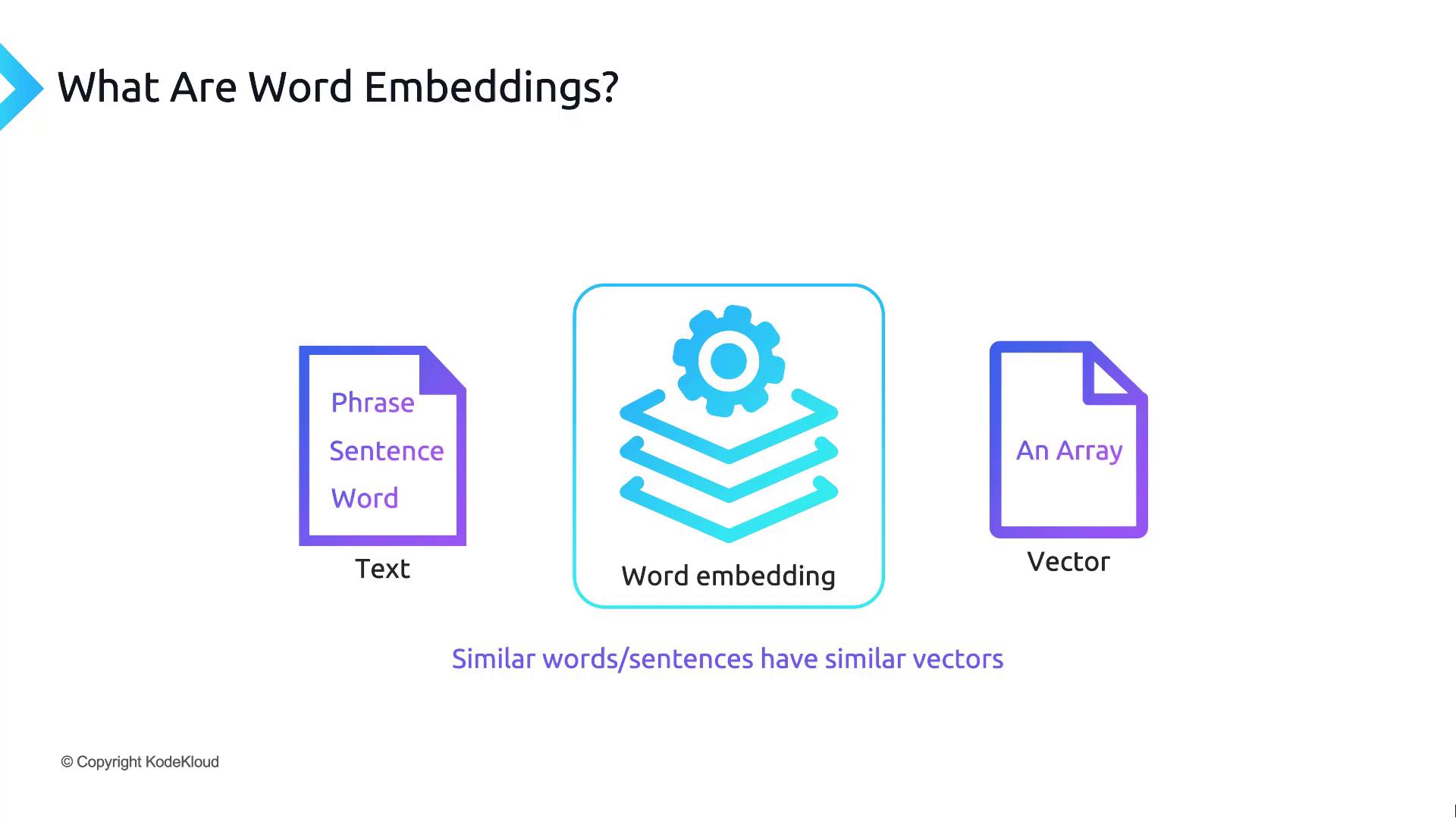
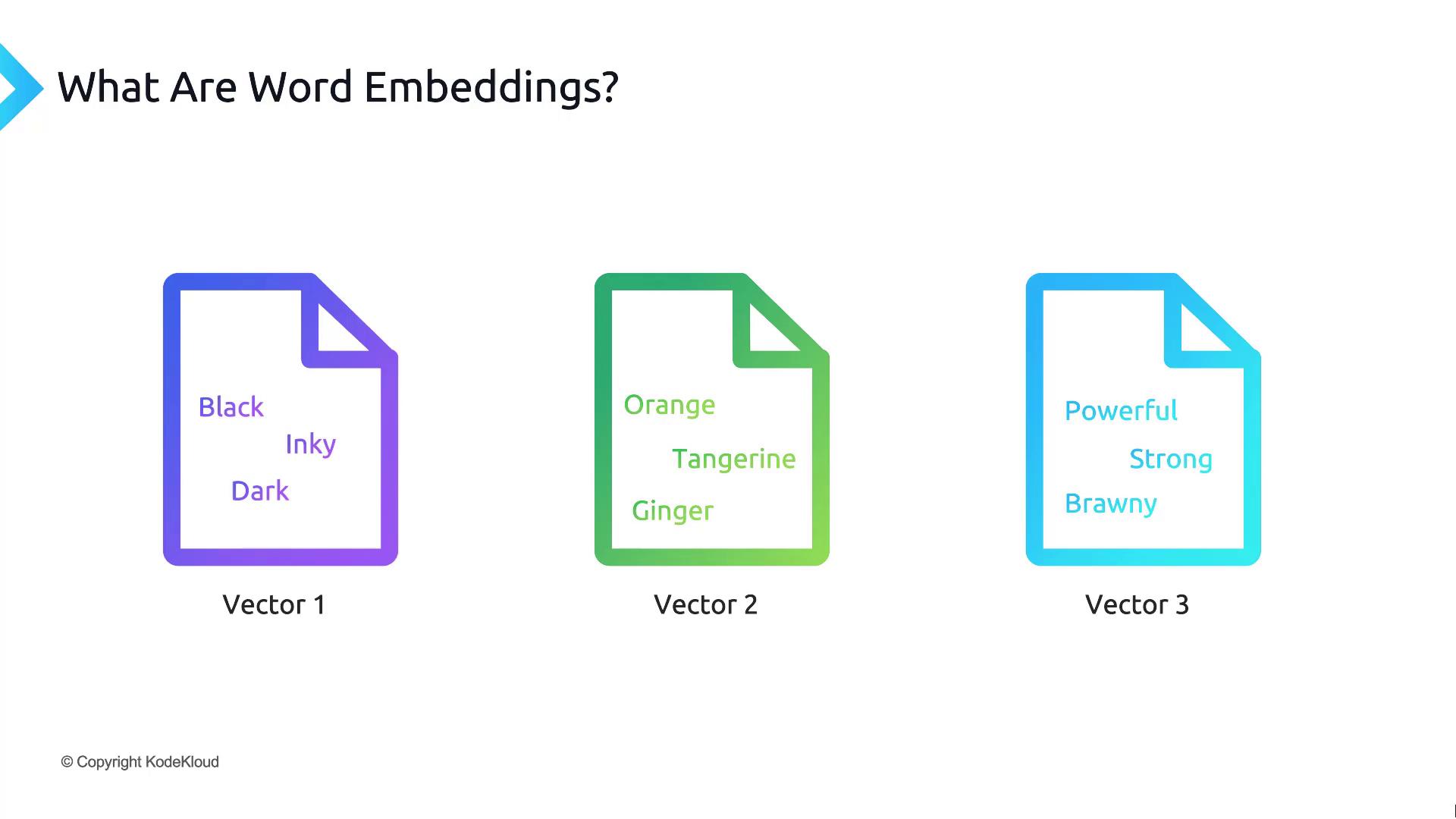
In modern natural language processing (NLP), **word embeddings** provide a dense, numerical representation of text. Whether it’s individual words, phrases, sentences, or entire documents, embeddings map semantically similar inputs to vectors that lie close together in high-dimensional space.
Embeddings are generated by specialized models that convert text into one-dimensional arrays (vectors). When you feed related words or sentences into these models, the resulting vectors cluster based on meaning.
## How Embeddings Power Language Models
Large language models (LLMs) use embeddings as a foundational building block. Before processing text, they tokenize the input and transform those tokens into dense vectors, capturing semantic and syntactic features.
### Embedding Workflow
1. **Prepare** any text (a single word up to a large document).
2. **Send** it to an embedding model API.
3. **Receive** a numerical vector encoding its meaning.
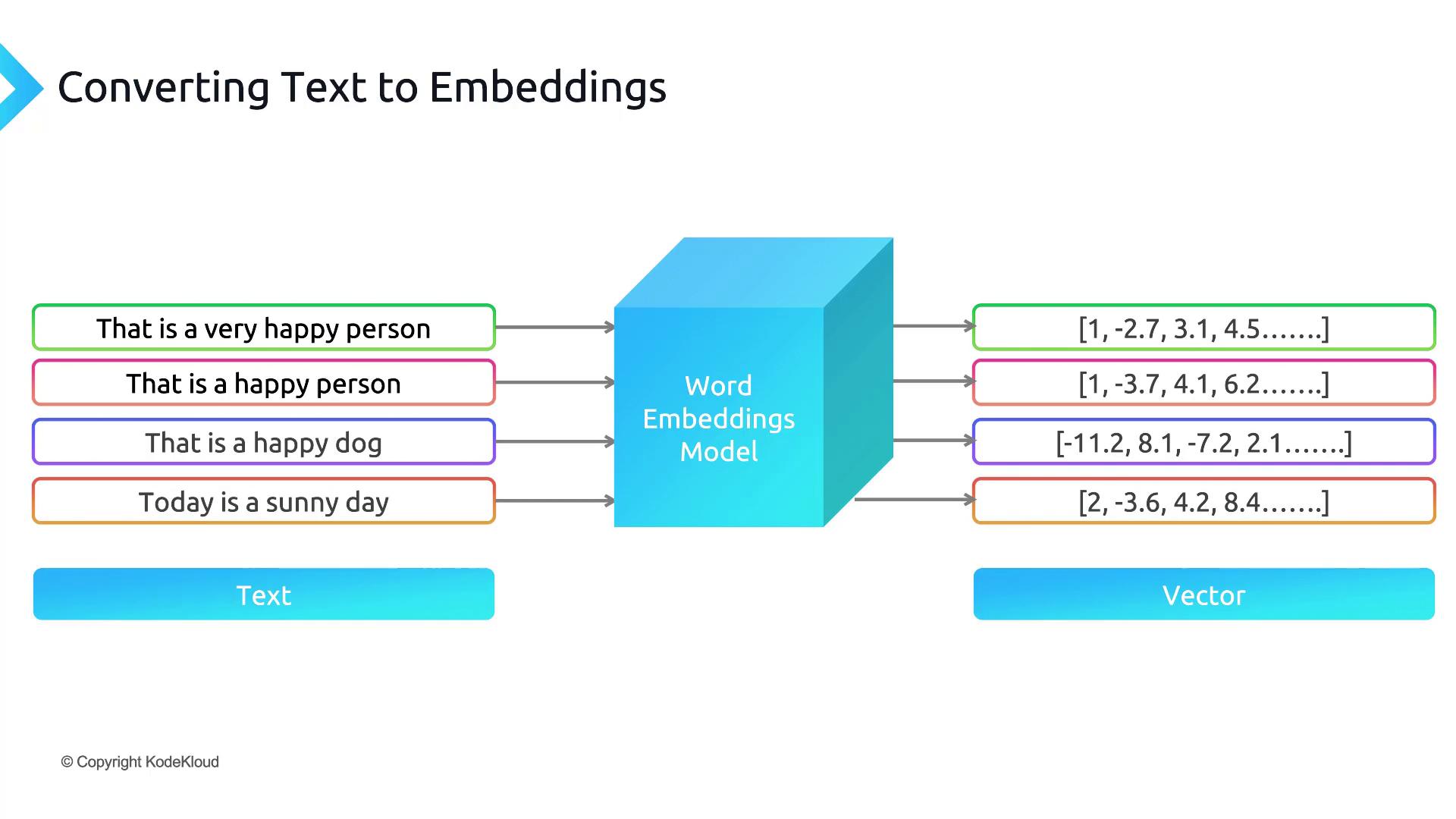
Embeddings typically have hundreds to thousands of dimensions. Despite their size, they enable efficient similarity computations and downstream tasks such as clustering, recommendation, and semantic search.
## Measuring Similarity: Cosine Similarity
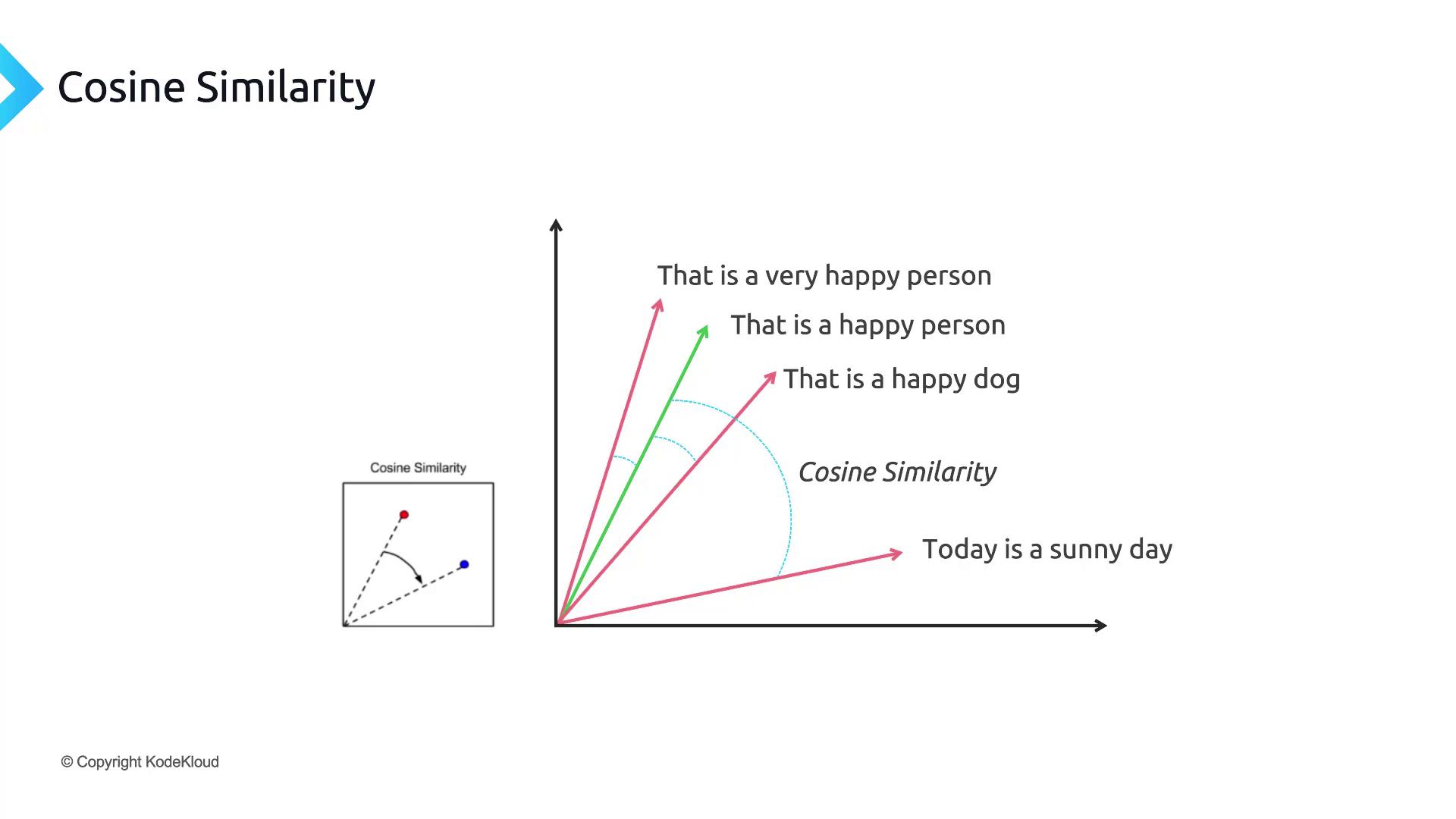
To compare two embedding vectors, we often use [cosine similarity](https://en.wikipedia.org/wiki/Cosine_similarity), which measures the cosine of the angle between them:
cos(θ) = (A · B) / (||A|| ||B||)
| Similarity Range | Interpretation |
| ---------------- | ----------------------------- |
| 0.9 – 1.0 | Nearly identical meaning |
| 0.5 – 0.9 | Related concepts |
| 0.0 – 0.5 | Weak or no relation |
| Negative values | Opposing or dissimilar topics |
## Semantic Search with Embeddings
Traditional keyword-based search can miss relevant results when phrasing differs. *Semantic search* converts both queries and documents into embeddings and retrieves items whose vectors lie closest to the query vector.
Instead of exact string matches, semantic search finds content by meaning, powering applications like:
* Document retrieval
* FAQ matching
* Contextual recommendation
## Generating Embeddings with OpenAI
Below is an example of how to generate embeddings using the OpenAI Python SDK:
```python theme={null}
import openai
openai.api_key = "YOUR_API_KEY"
response = openai.Embedding.create(
model="text-embedding-ada-002",
input=["OpenAI embeddings are powerful", "Embeddings capture semantic meaning"]
)
vectors = [item["embedding"] for item in response["data"]]
print(vectors)
```
Or with cURL:
```bash theme={null}
curl https://api.openai.com/v1/embeddings \
-H "Authorization: Bearer $OPENAI_API_KEY" \
-H "Content-Type: application/json" \
-d '{
"model": "text-embedding-ada-002",
"input": ["OpenAI embeddings are powerful", "Embeddings capture semantic meaning"]
}'
```
Keep your API keys secure. Never expose them in client-side code or public repositories.
***
## References
* [Cosine Similarity (Wikipedia)](https://en.wikipedia.org/wiki/Cosine_similarity)
* [Semantic Search (Wikipedia)](https://en.wikipedia.org/wiki/Semantic_search)
* [OpenAI API Documentation](https://platform.openai.com/docs/api-reference/embeddings)