> ## Documentation Index
> Fetch the complete documentation index at: https://notes.kodekloud.com/llms.txt
> Use this file to discover all available pages before exploring further.
# Introduction
> This article explores hybrid identity in Azure Active Directory, focusing on deploying Azure AD Connect and various authentication options for synchronized accounts.
Welcome back to our series on Azure Active Directory. In this lesson, we explore hybrid identity, a crucial component of Azure AD that bridges your on-premises directory with the cloud.
Previously, we discussed the various user types in Azure AD. While we covered cloud identity and guest users, directory-synchronized users were briefly mentioned and are now the focus of this hybrid identity discussion.
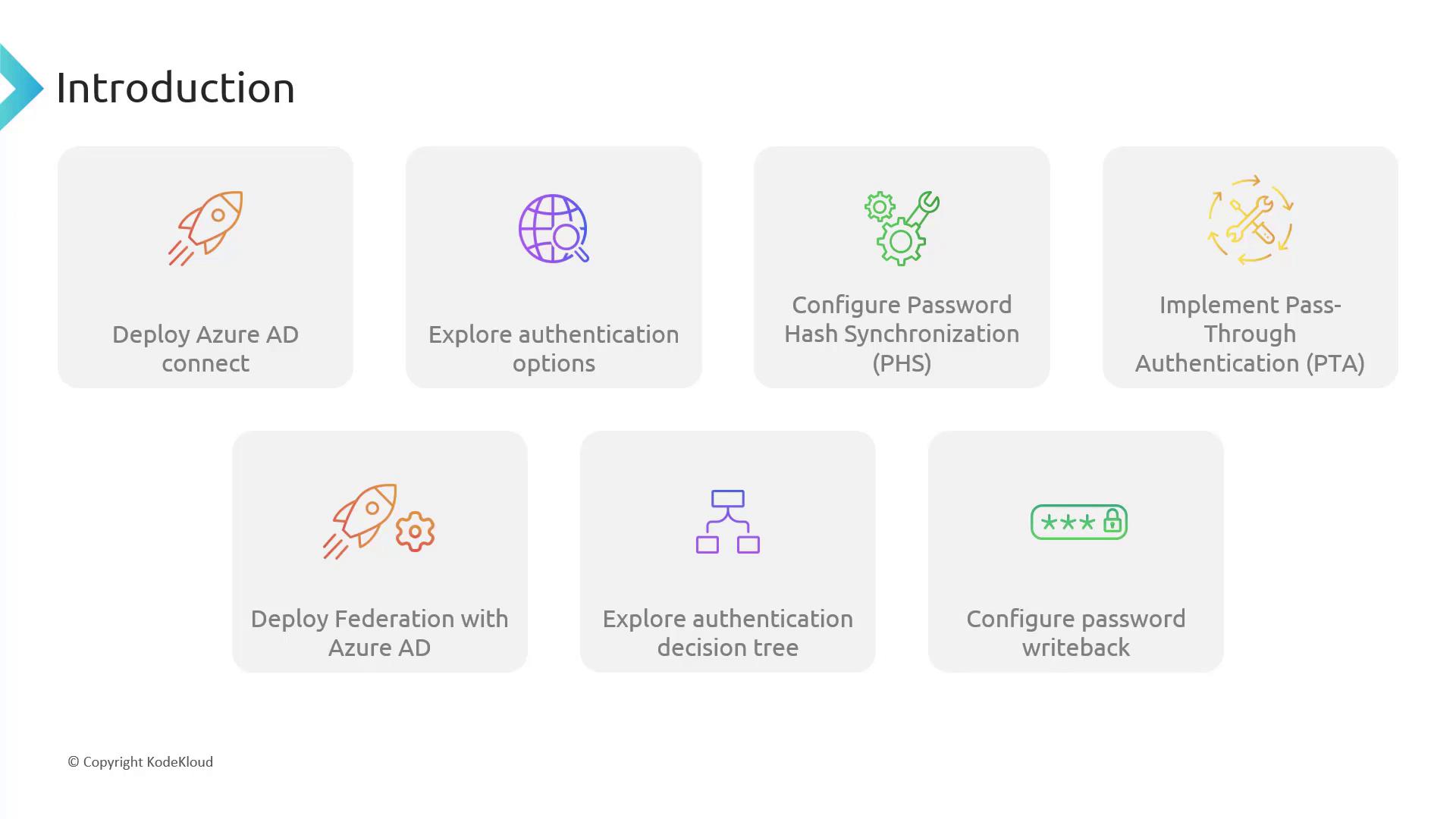
In this article, we will cover several key topics:
1. **Deploying Azure AD Connect**\
We will deploy a domain controller using a script that also configures the Azure AD Connect service. This service synchronizes your on-premises users to the cloud.
If you are using the core cloud labs, be aware of potential limitations. If you have your own tenant, you can test the full functionality without restrictions.
2. **Exploring Authentication Options**\
Azure AD Connect offers flexibility in handling authentication for synchronized accounts. You can choose from several methods based on your security and operational requirements:
* **Password Hash Synchronization:** Stores the password hash in the cloud.
* **Pass-through Authentication:** Keeps the password on-premises and relays the authentication to your domain controllers.
* **Federation Service:** Although gradually being phased out, this method is still supported.
We'll demonstrate each method and discuss best practices for implementation.
3. **Decision-Making Process for Hybrid Identity Configuration**\
With three authentication options, we provide a step-by-step decision tree to help guide you through selecting the most appropriate method for your environment.
4. **Configuring Password Write-back**\
Learn how to set up password write-back, allowing cloud-based password resets to be immediately applied to your on-premises domain controllers.
Below is an introductory diagram that outlines the steps for deploying and configuring Azure AD, including the various authentication options, password synchronization, and federation:
Let's begin by deploying Azure AD Connect.