> ## Documentation Index
> Fetch the complete documentation index at: https://notes.kodekloud.com/llms.txt
> Use this file to discover all available pages before exploring further.
# Common Jenkins Plugins and their Usage
> Overview of common Jenkins plugins, their use in CI/CD workflows, installation and management practices, and lifecycle considerations for secure, maintainable automation environments.
Let's explore Jenkins plugins and how they extend your CI/CD workflows.
Jenkins is a versatile automation engine that relies heavily on plugins to add functionality across source control, build tooling, quality checks, notifications, cloud integrations, and scaling. With over 1,900 community plugins, Jenkins can be tailored to many development environments and toolchains.
Common plugin-provided capabilities include:
* Source control integration (GitHub, Bitbucket, Gitea, etc.)
* Build tool support (Maven, Gradle, Node.js toolchains)
* Quality gates (code coverage, static analysis, linting)
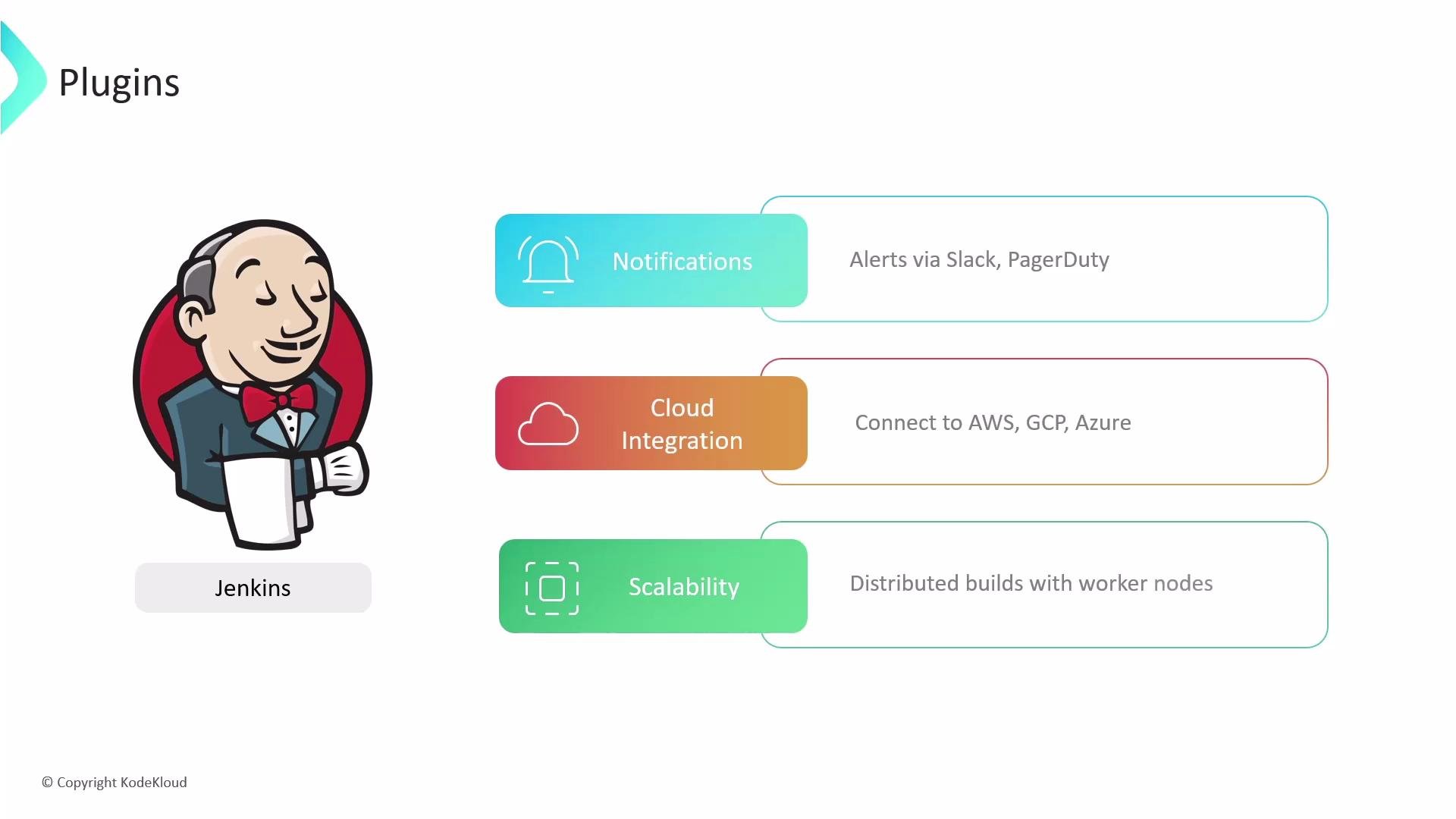
* Notifications (Slack, Email, PagerDuty)
* Cloud and infrastructure integration (AWS, GCP, Azure)
* Scalability support (distributed builds, worker nodes)
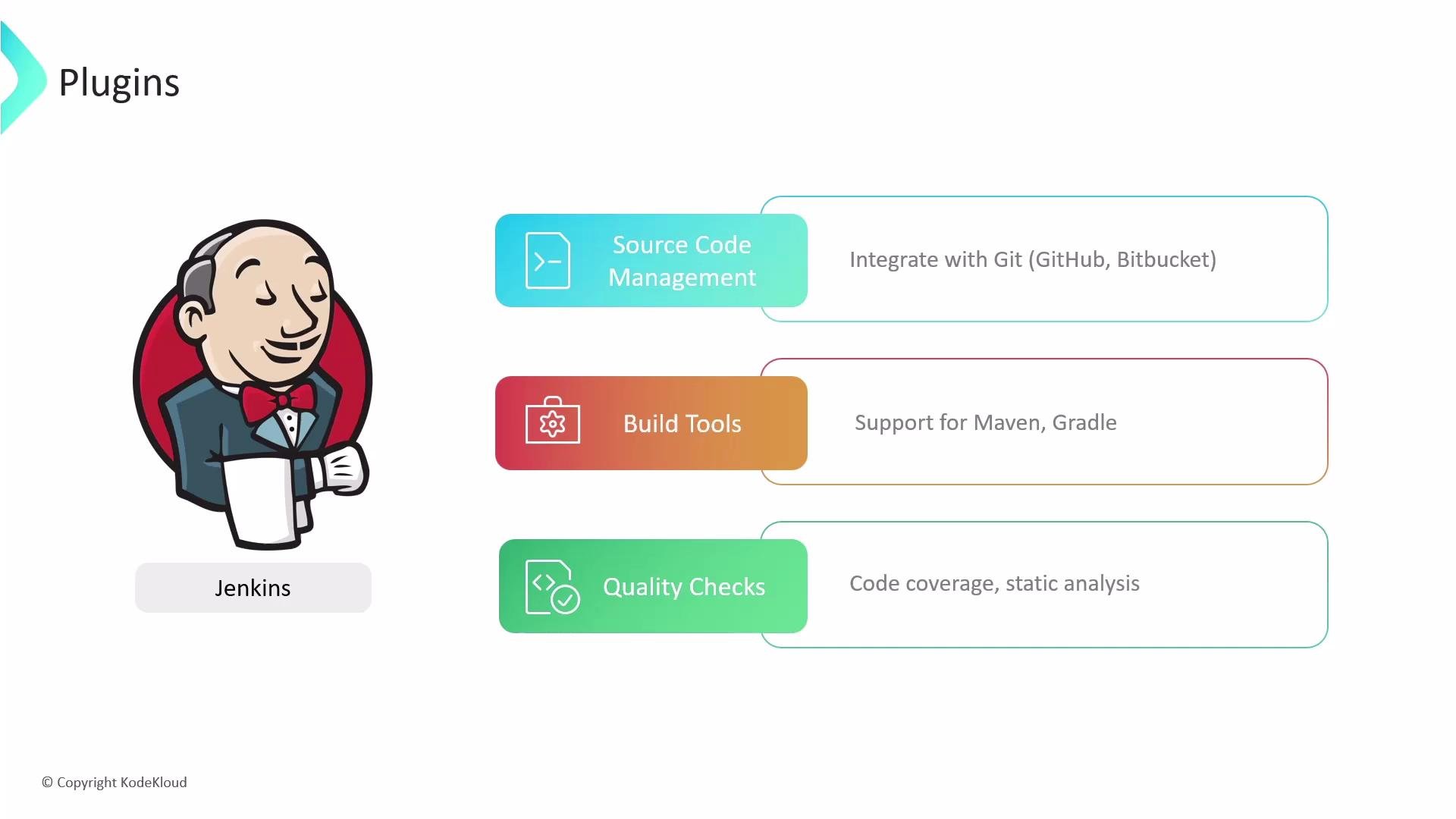 Plugins are the main mechanism for Jenkins to integrate with the tools you use daily. For example, you can configure build notifications to alert teams via Slack or PagerDuty, connect Jenkins to cloud providers for deployments, and scale your CI by distributing jobs to worker nodes.
 Plugin basics
* Jenkins plugins are delivered as Java archive files with `.hpi` or `.jpi` extensions. Historically, `.hpi` comes from the Hudson plugin format; `.jpi` is the Jenkins plugin format. Both are ZIP/JAR-based archives containing compiled code, resources, and metadata (manifest and plugin descriptors).
* If both `.hpi` and `.jpi` copies of the same plugin exist, the `.jpi` will typically take precedence.
* Installed plugins are stored in the Jenkins home `plugins` directory. The `JENKINS_HOME` environment variable points to this location (commonly `/var/lib/jenkins/plugins` on many Linux distributions).
To inspect the plugins directory on a Linux host:
```bash theme={null}
cd /var/lib/jenkins/plugins
ls -la
```
Recommended plugin categories and examples
* The table below maps common categories to typical plugins and their primary use cases.
| Category | Common Plugins | Typical Usage |
| ------------------------------ | --------------------------------------------: | --------------------------------------------------------------------- |
| Source Control | `git`, `github`, `bitbucket` | Checkout code from Git repositories and integrate PR/status checks. |
| Pipeline & UX | `workflow-aggregator` (Pipeline), `blueocean` | Author declarative or scripted pipelines; modern visualization. |
| Build Tools | `maven-plugin`, `gradle-plugin`, `nodejs` | Run Maven/Gradle/Node builds and publish artifacts. |
| Test & Coverage | `junit`, `jacoco`, `cobertura` | Publish test results and code coverage reports. |
| Static Analysis | `sonar`, `checkstyle`, `spotbugs` | Integrate static analysis and quality gates. |
| Notifications | `slack`, `email-ext`, `pagerduty` | Post build status updates to chat, email, or incident systems. |
| Credentials & Secrets | `credentials`, `credentials-binding` | Manage credentials and inject them into pipeline steps securely. |
| Container & Cloud | `docker-plugin`, `kubernetes`, `amazon-ecs` | Build/push Docker images and run agents in cloud/container providers. |
| Authentication & Authorization | `ldap`, `matrix-auth` | Integrate external auth and granular role-based access. |
Installing and managing plugins
Jenkins offers two common approaches during initial setup:
* Install suggested plugins — a curated set of common plugins (Git, Pipeline, Maven/Gradle, etc.) useful for most teams.
* Select plugins to install — pick only the plugins you need.
Plugin basics
* Jenkins plugins are delivered as Java archive files with `.hpi` or `.jpi` extensions. Historically, `.hpi` comes from the Hudson plugin format; `.jpi` is the Jenkins plugin format. Both are ZIP/JAR-based archives containing compiled code, resources, and metadata (manifest and plugin descriptors).
* If both `.hpi` and `.jpi` copies of the same plugin exist, the `.jpi` will typically take precedence.
* Installed plugins are stored in the Jenkins home `plugins` directory. The `JENKINS_HOME` environment variable points to this location (commonly `/var/lib/jenkins/plugins` on many Linux distributions).
To inspect the plugins directory on a Linux host:
```bash theme={null}
cd /var/lib/jenkins/plugins
ls -la
```
Recommended plugin categories and examples
* The table below maps common categories to typical plugins and their primary use cases.
| Category | Common Plugins | Typical Usage |
| ------------------------------ | --------------------------------------------: | --------------------------------------------------------------------- |
| Source Control | `git`, `github`, `bitbucket` | Checkout code from Git repositories and integrate PR/status checks. |
| Pipeline & UX | `workflow-aggregator` (Pipeline), `blueocean` | Author declarative or scripted pipelines; modern visualization. |
| Build Tools | `maven-plugin`, `gradle-plugin`, `nodejs` | Run Maven/Gradle/Node builds and publish artifacts. |
| Test & Coverage | `junit`, `jacoco`, `cobertura` | Publish test results and code coverage reports. |
| Static Analysis | `sonar`, `checkstyle`, `spotbugs` | Integrate static analysis and quality gates. |
| Notifications | `slack`, `email-ext`, `pagerduty` | Post build status updates to chat, email, or incident systems. |
| Credentials & Secrets | `credentials`, `credentials-binding` | Manage credentials and inject them into pipeline steps securely. |
| Container & Cloud | `docker-plugin`, `kubernetes`, `amazon-ecs` | Build/push Docker images and run agents in cloud/container providers. |
| Authentication & Authorization | `ldap`, `matrix-auth` | Integrate external auth and granular role-based access. |
Installing and managing plugins
Jenkins offers two common approaches during initial setup:
* Install suggested plugins — a curated set of common plugins (Git, Pipeline, Maven/Gradle, etc.) useful for most teams.
* Select plugins to install — pick only the plugins you need.
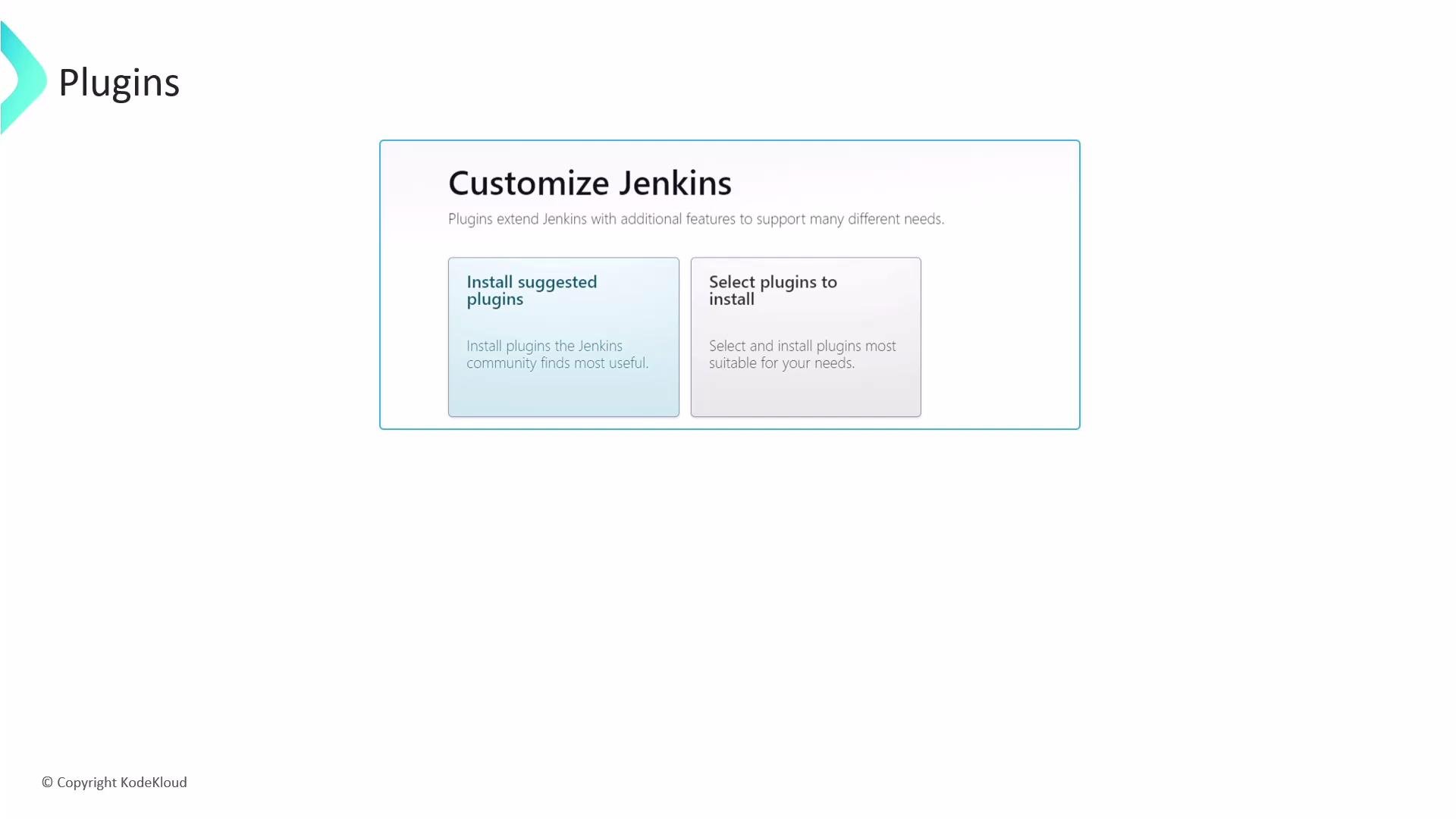 If you’re unsure which plugins you need, choosing “Install suggested plugins” provides a sensible default set that covers common CI/CD workflows (Git, Pipeline, and basic build tool support).
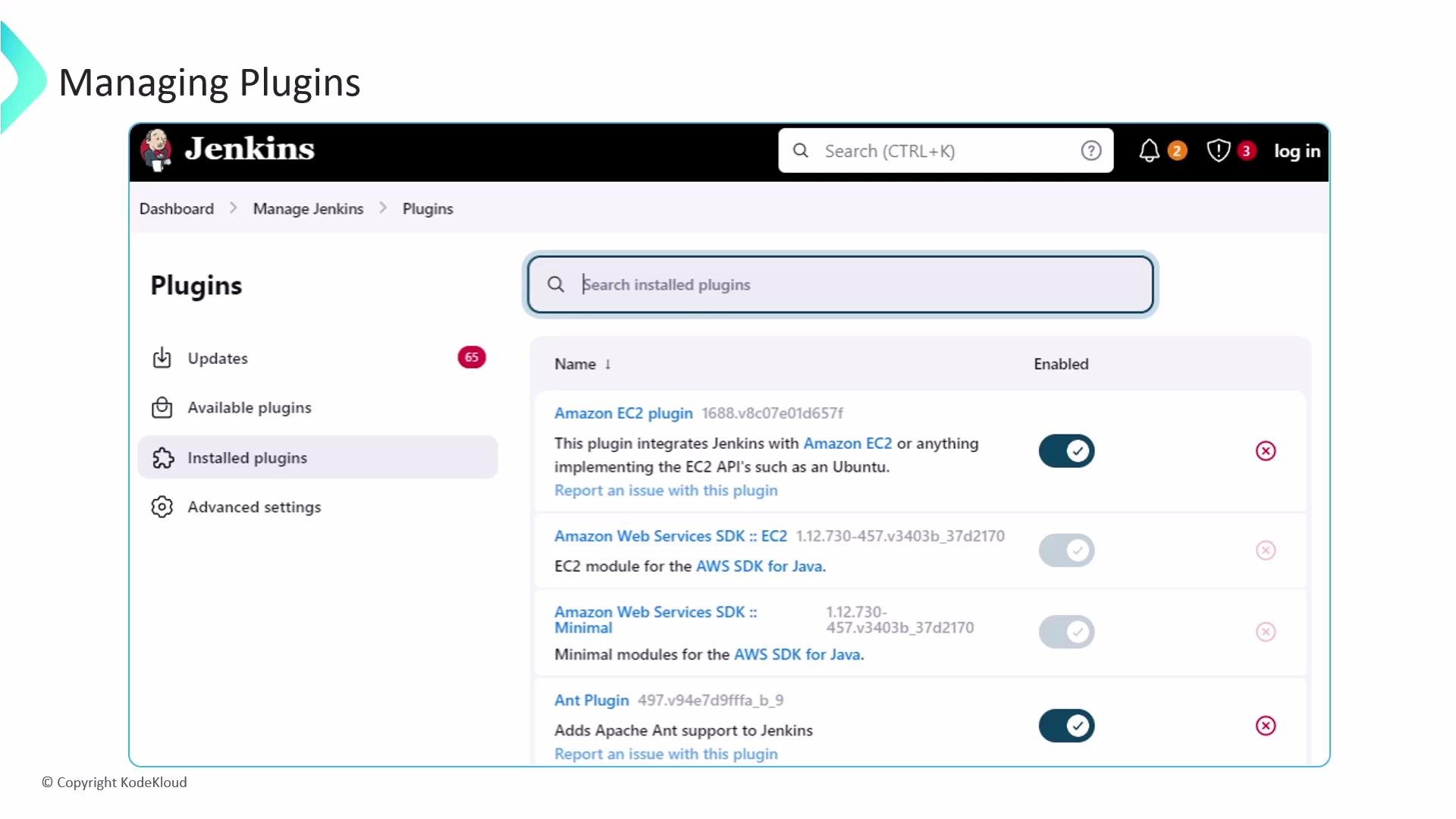
Manage plugins via the Jenkins web UI (Manage Jenkins → Manage Plugins). From there you can:
* Install new plugins from the Update Center or upload `.hpi`/`.jpi` files.
* Update installed plugins when new versions become available.
* Enable/disable plugins or uninstall those you no longer need.
* Review the plugin dependency tree and plugin update notifications.
Uninstalling a plugin without checking dependencies or testing can break jobs and other plugins. Always review the plugin dependency tree and test plugin changes in a staging Jenkins before applying to production.
If you’re unsure which plugins you need, choosing “Install suggested plugins” provides a sensible default set that covers common CI/CD workflows (Git, Pipeline, and basic build tool support).
Manage plugins via the Jenkins web UI (Manage Jenkins → Manage Plugins). From there you can:
* Install new plugins from the Update Center or upload `.hpi`/`.jpi` files.
* Update installed plugins when new versions become available.
* Enable/disable plugins or uninstall those you no longer need.
* Review the plugin dependency tree and plugin update notifications.
Uninstalling a plugin without checking dependencies or testing can break jobs and other plugins. Always review the plugin dependency tree and test plugin changes in a staging Jenkins before applying to production.
 Plugin lifecycle considerations
* Keep plugins up to date to receive bug fixes and security patches, but test updates in a staging environment first.
* Prefer widely used, actively maintained plugins to reduce risk.
* When upgrading Jenkins core, check plugin compatibility and the Update Center release notes.
* Automate plugin management (version pinning and provisioning) where possible, for example via:
* Configuration management tools (Ansible, Chef, Puppet)
* Infrastructure as code (baked images or containers with preinstalled plugins)
* Jenkins Configuration-as-Code (JCasC) for reproducible plugin configuration
Further reading and references
* [Jenkins Documentation — Managing Plugins](https://www.jenkins.io/doc/book/managing/plugins/)
* [Jenkins Plugins Index](https://plugins.jenkins.io/)
* [Jenkins Security Advisories](https://www.jenkins.io/security/)
Plugin installation, disabling, updates, and the Update Center are central to healthy Jenkins operations — manage them with care and include plugin maintenance in your regular CI/CD platform routines.
Plugin lifecycle considerations
* Keep plugins up to date to receive bug fixes and security patches, but test updates in a staging environment first.
* Prefer widely used, actively maintained plugins to reduce risk.
* When upgrading Jenkins core, check plugin compatibility and the Update Center release notes.
* Automate plugin management (version pinning and provisioning) where possible, for example via:
* Configuration management tools (Ansible, Chef, Puppet)
* Infrastructure as code (baked images or containers with preinstalled plugins)
* Jenkins Configuration-as-Code (JCasC) for reproducible plugin configuration
Further reading and references
* [Jenkins Documentation — Managing Plugins](https://www.jenkins.io/doc/book/managing/plugins/)
* [Jenkins Plugins Index](https://plugins.jenkins.io/)
* [Jenkins Security Advisories](https://www.jenkins.io/security/)
Plugin installation, disabling, updates, and the Update Center are central to healthy Jenkins operations — manage them with care and include plugin maintenance in your regular CI/CD platform routines.