> ## Documentation Index
> Fetch the complete documentation index at: https://notes.kodekloud.com/llms.txt
> Use this file to discover all available pages before exploring further.
# What are Custom Transformers
> Explains using custom transformers to convert nonstandard CI/CD pipeline constructs into GitHub Actions workflows, with Jenkins sleep example, Ruby transformer code, and dry run instructions.
Custom transformers let you tailor the GitHub Actions Importer’s behavior when converting CI/CD pipelines. They solve cases where the importer’s default conversion logic cannot accurately translate platform-specific constructs, custom steps, or organization-specific practices into GitHub Actions workflows.
Why use custom transformers?
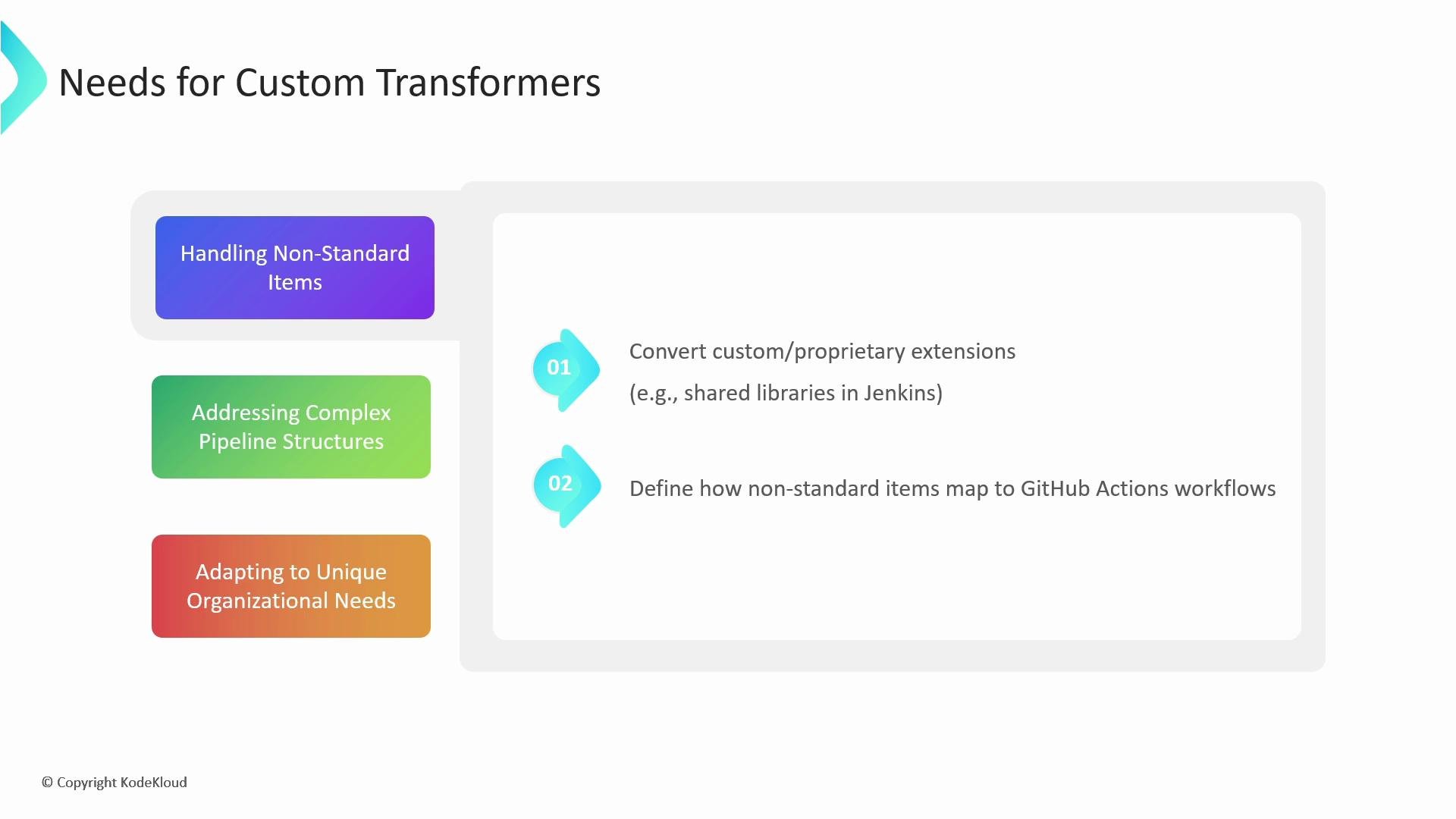
* Handle non-standard items: Pipelines often include proprietary extensions—such as shared libraries in Jenkins, Azure DevOps templates, or GitLab custom jobs—that standard migration tools may not convert correctly. Custom transformers allow you to define precise mappings from these platform-specific constructs to GitHub Actions steps or jobs.
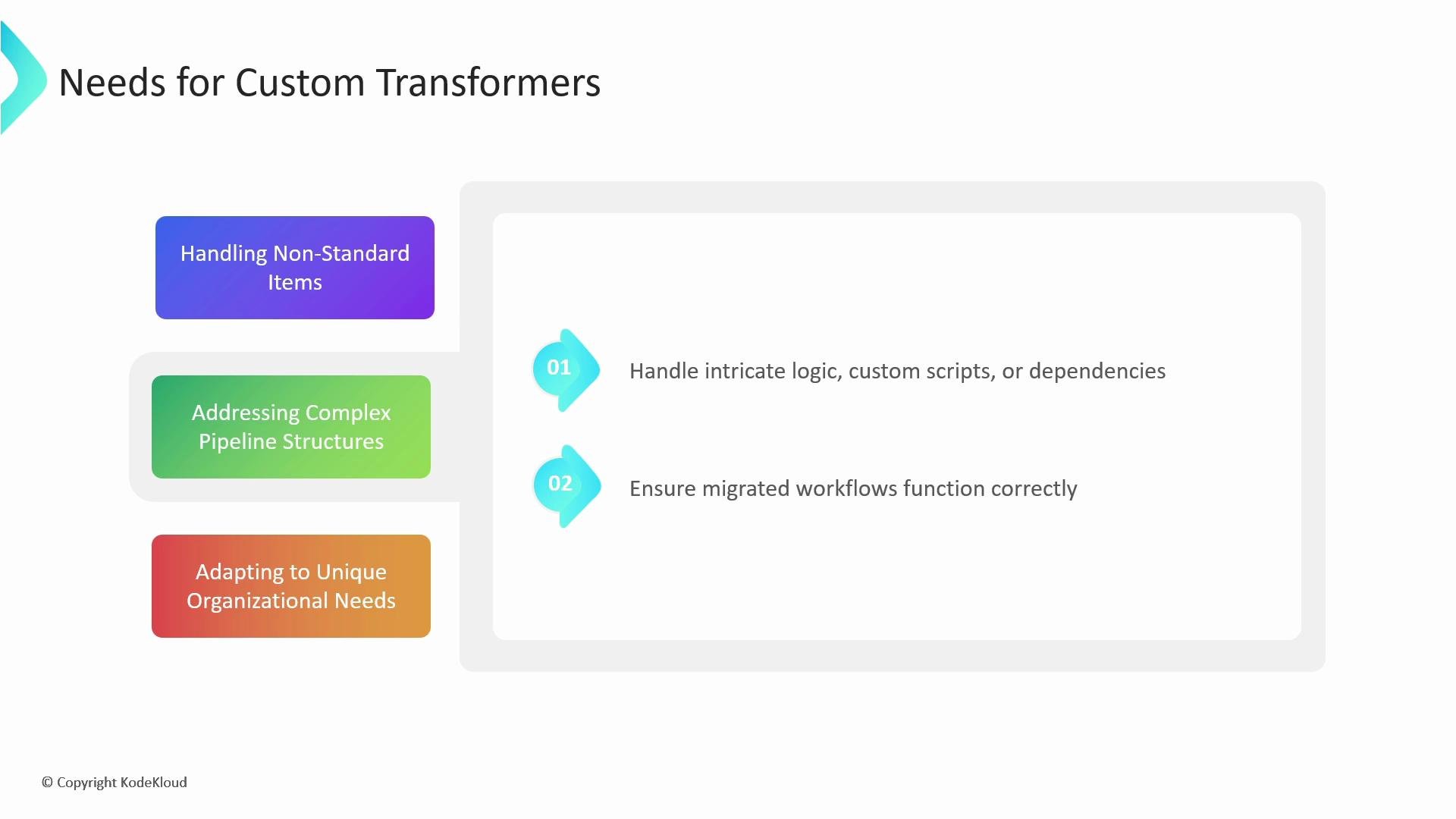
* Address complex pipeline logic: Some pipelines contain intricate control flow, custom scripts, or non-trivial dependency wiring. Instead of leaving these items unconverted, a transformer lets you programmatically interpret and emit equivalent GitHub Actions YAML so the migrated workflow behaves as expected.
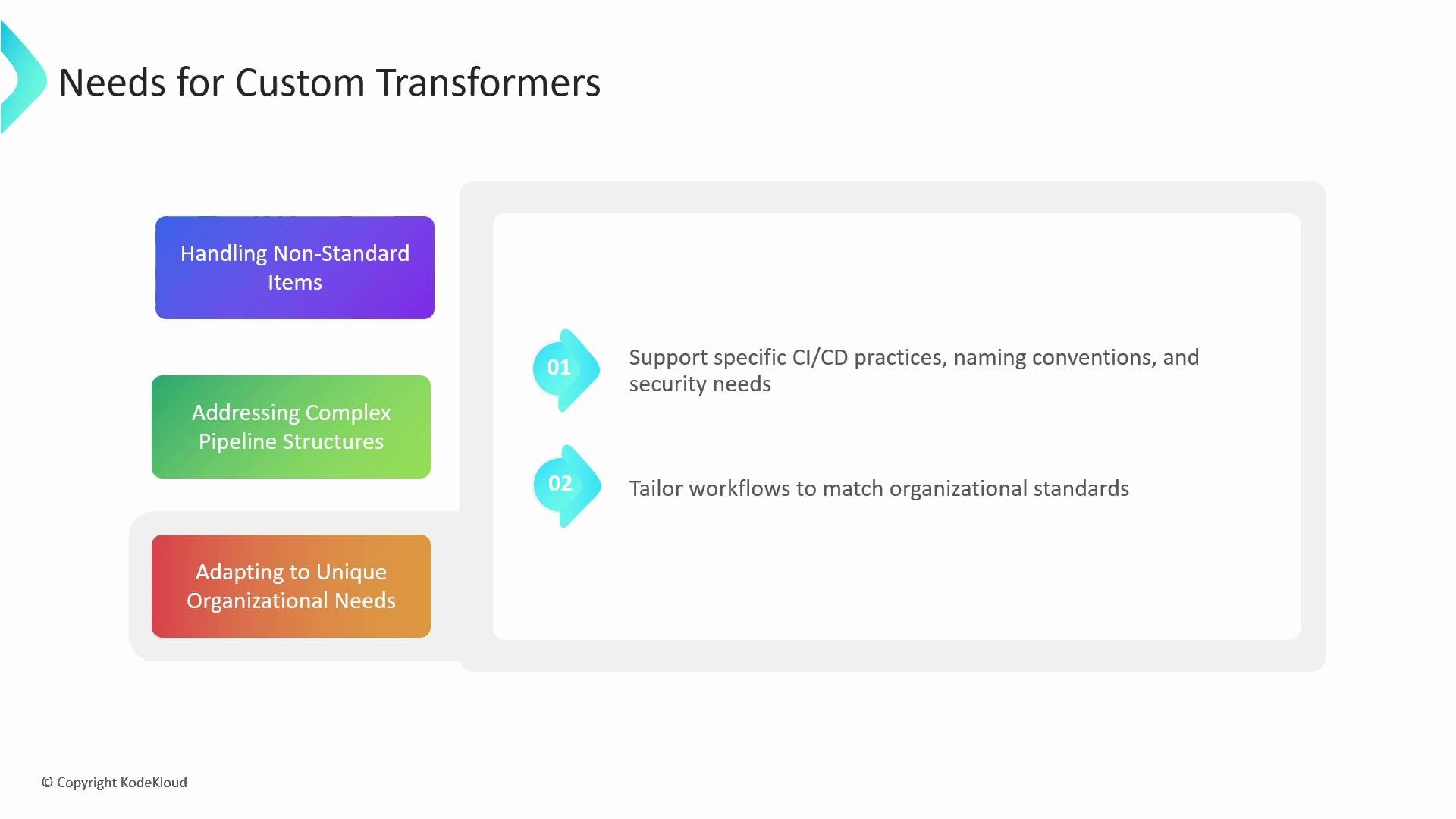
* Adapt to organizational standards: Naming conventions, security constraints, and CI/CD best practices differ across teams. With transformers you can enforce consistent job names, environment variable policies, or secrets handling during migration.
 Practical scenarios where custom transformers help:
* Converting non-standard Jenkins steps or plugins that the importer cannot parse.
* Rewriting scripted pipeline logic (Groovy) to shell commands or composite actions.
* Mapping platform-specific job labels or runner identifiers to GitHub Actions runners and labels.
Practical scenarios where custom transformers help:
* Converting non-standard Jenkins steps or plugins that the importer cannot parse.
* Rewriting scripted pipeline logic (Groovy) to shell commands or composite actions.
* Mapping platform-specific job labels or runner identifiers to GitHub Actions runners and labels.
 Summary table: When to add a custom transformer
| Situation | What to do | Example |
| ------------------------------------------------------- | --------------------------------------------------------------------------: | ----------------------------------------------------- |
| Importer leaves comments like "no matching transformer" | Implement a transformer for that step identifier | `sleep` step in Jenkinsfile |
| Complex scripted logic | Create transformer to emit a multi-step GitHub Actions job | Wrap script in `run` steps or create composite action |
| Organization conventions | Add transformer to rename jobs, enforce env vars, or inject security checks | Add standardized job `name` and `env` keys |
Summary table: When to add a custom transformer
| Situation | What to do | Example |
| ------------------------------------------------------- | --------------------------------------------------------------------------: | ----------------------------------------------------- |
| Importer leaves comments like "no matching transformer" | Implement a transformer for that step identifier | `sleep` step in Jenkinsfile |
| Complex scripted logic | Create transformer to emit a multi-step GitHub Actions job | Wrap script in `run` steps or create composite action |
| Organization conventions | Add transformer to rename jobs, enforce env vars, or inject security checks | Add standardized job `name` and `env` keys |
 ***
## Example: Converting a Jenkins `sleep` Step
Below is a small end-to-end example that demonstrates identifying a Jenkins step the importer could not convert, writing a custom transformer, and running a dry run to see the converted GitHub Actions workflow.
Jenkinsfile (Groovy)
```groovy theme={null}
pipeline {
agent {
label 'TeamARunner'
}
environment {
DISABLE_AUTH = 'true'
DB_ENGINE = 'sqlite'
}
stages {
stage('build') {
steps {
echo "Database engine is ${DB_ENGINE}"
sleep 80
echo "DISABLE_AUTH is ${DISABLE_AUTH}"
}
}
stage('test') {
steps{
junit '**/target/*.xml'
}
}
}
}
```
Generated GitHub Actions workflow (before custom transformer)
```yaml theme={null}
name: test_pipeline
on:
push:
env:
DISABLE_AUTH: 'true'
DB_ENGINE: sqlite
jobs:
build:
runs-on:
- self-hosted
- TeamARunner
steps:
- name: checkout
uses: actions/checkout@v2
- name: echo message
run: echo "Database engine is ${{ env.DB_ENGINE }}"
# # This item has no matching transformer
# - sleep:
# - key: time
# value:
# isLiteral: true
# value: 80
- name: echo_message
run: echo "DISABLE_AUTH is ${{ env.DISABLE_AUTH }}"
test:
runs-on:
- self-hosted
- TeamARunner
needs: build
steps:
- name: checkout
uses: actions/checkout@v2
- name: Publish test results
uses: EnricoMi/publish-unit-test-result-action@v1.7
if: always()
with:
files: "**/target/*.xml"
```
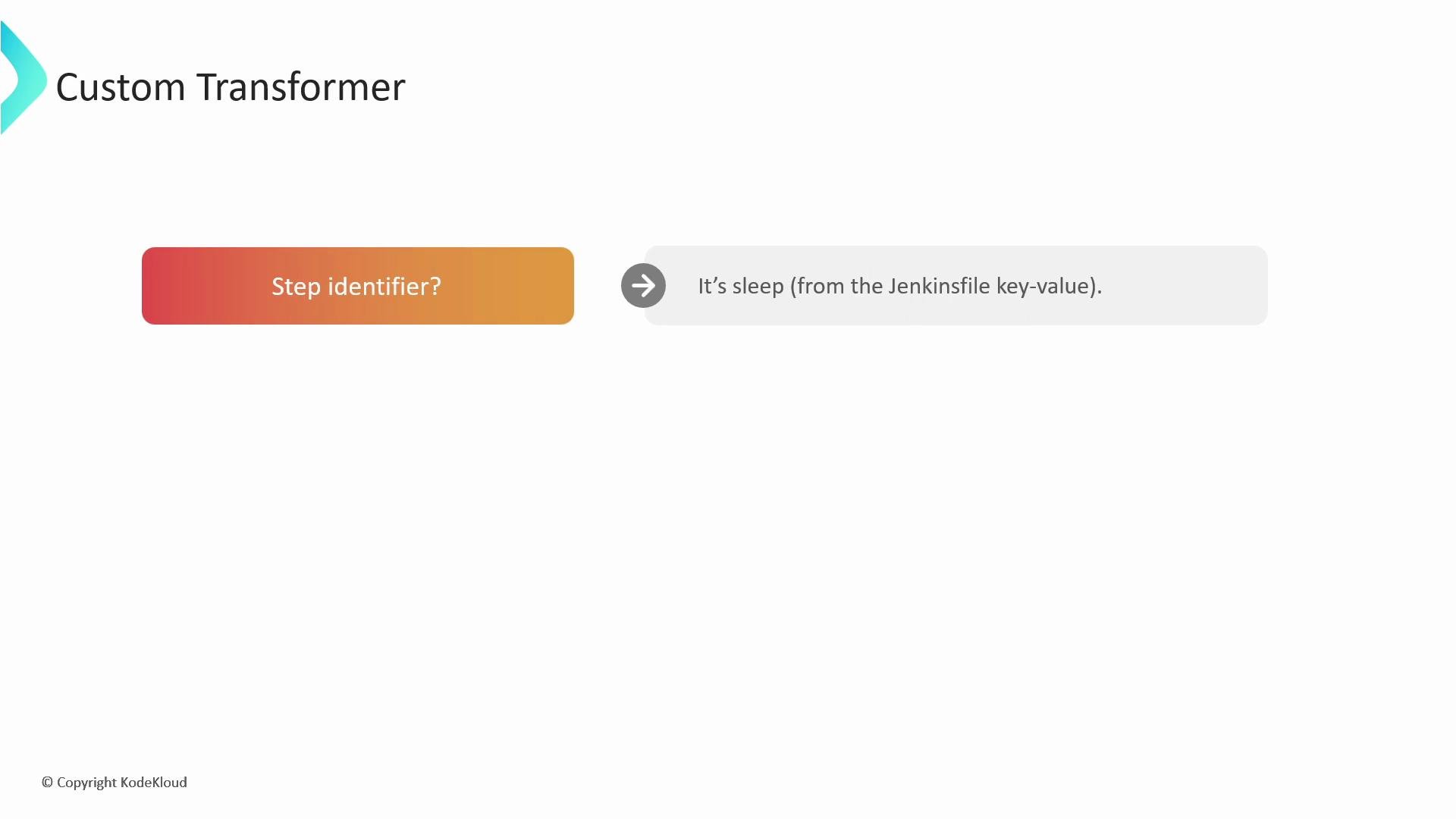
You can see the importer left the `sleep` step commented out with a note that there was no matching transformer. The next steps are: identify the Jenkins step and decide the equivalent GitHub Actions syntax.
Identify the step
Recognize the Jenkins step identifier (`sleep`) and check its arguments in the importer-provided `item` structure.
***
## Example: Converting a Jenkins `sleep` Step
Below is a small end-to-end example that demonstrates identifying a Jenkins step the importer could not convert, writing a custom transformer, and running a dry run to see the converted GitHub Actions workflow.
Jenkinsfile (Groovy)
```groovy theme={null}
pipeline {
agent {
label 'TeamARunner'
}
environment {
DISABLE_AUTH = 'true'
DB_ENGINE = 'sqlite'
}
stages {
stage('build') {
steps {
echo "Database engine is ${DB_ENGINE}"
sleep 80
echo "DISABLE_AUTH is ${DISABLE_AUTH}"
}
}
stage('test') {
steps{
junit '**/target/*.xml'
}
}
}
}
```
Generated GitHub Actions workflow (before custom transformer)
```yaml theme={null}
name: test_pipeline
on:
push:
env:
DISABLE_AUTH: 'true'
DB_ENGINE: sqlite
jobs:
build:
runs-on:
- self-hosted
- TeamARunner
steps:
- name: checkout
uses: actions/checkout@v2
- name: echo message
run: echo "Database engine is ${{ env.DB_ENGINE }}"
# # This item has no matching transformer
# - sleep:
# - key: time
# value:
# isLiteral: true
# value: 80
- name: echo_message
run: echo "DISABLE_AUTH is ${{ env.DISABLE_AUTH }}"
test:
runs-on:
- self-hosted
- TeamARunner
needs: build
steps:
- name: checkout
uses: actions/checkout@v2
- name: Publish test results
uses: EnricoMi/publish-unit-test-result-action@v1.7
if: always()
with:
files: "**/target/*.xml"
```
You can see the importer left the `sleep` step commented out with a note that there was no matching transformer. The next steps are: identify the Jenkins step and decide the equivalent GitHub Actions syntax.
Identify the step
Recognize the Jenkins step identifier (`sleep`) and check its arguments in the importer-provided `item` structure.
 Decide target GitHub Actions syntax
For a simple `sleep` step, a shell command is the appropriate GitHub Actions representation:
GitHub Actions step (YAML)
```yaml theme={null}
- name: Sleep for 80 seconds
run: sleep 80s
shell: bash
```
Create the custom transformer
Transformers are written in a domain-specific language built on Ruby and saved in a `.rb` file. A transformer matches the Jenkins step identifier, extracts arguments from the importer `item`, and returns a Ruby hash that serializes to the desired GitHub Actions step.
Example transformer (`transformers.rb`)
```ruby theme={null}
transform "sleep" do |item|
# Extract the sleep time value from the Jenkins step arguments
wait_time = item["arguments"][0]["value"]["value"]
# Return a hash representing the GitHub Actions step
{
"name" => "Sleep for #{wait_time} seconds",
"run" => "sleep #{wait_time}s",
"shell"=> "bash"
}
end
```
Ensure the transformer returns a valid Ruby hash (string or symbol keys are acceptable) that the importer can serialize to YAML. Use the actual `item` structure provided by the importer to access nested values correctly.
Run the importer with your custom transformers
Save your transformer file (for example, `transformers.rb`) and run a dry run of the importer, passing the file with `--custom-transformers`. Inspect the output directory to verify the converted workflow.
Example dry-run command
```sh theme={null}
gh actions-importer dry-run jenkins \
--url http://localhost:8080/job/test_pipeline \
--output-dir tmp/dry-run \
--custom-transformers transformers.rb
```
Expected change (diff-style)
```diff theme={null}
- # # This item has no matching transformer
- # - sleep:
- # - - key: time
- # - value:
- # - isliteral: true
- # - value: 80
+ - name: Sleep for 80 seconds
+ run: sleep 80s
+ shell: bash
```
You can author multiple transformers—one per Jenkins identifier or other platform construct—to systematically convert non-standard items across your pipelines.
Test transformers in a dry run before applying them broadly. Mis-parsed `item` structures or incorrect Ruby hashes can produce invalid YAML or unwanted workflow behavior. Keep backups of original pipeline definitions.
Further reading and references
* GitHub Actions Importer documentation and options
* Jenkins pipeline syntax: [https://www.jenkins.io/doc/book/pipeline/syntax/](https://www.jenkins.io/doc/book/pipeline/syntax/)
* Ruby language reference: [https://www.ruby-lang.org/en/](https://www.ruby-lang.org/en/)
* [GitHub Actions course on KodeKloud](https://learn.kodekloud.com/user/courses/github-actions)
* [Jenkins course on KodeKloud](https://learn.kodekloud.com/user/courses/jenkins)
That's all for now.
Decide target GitHub Actions syntax
For a simple `sleep` step, a shell command is the appropriate GitHub Actions representation:
GitHub Actions step (YAML)
```yaml theme={null}
- name: Sleep for 80 seconds
run: sleep 80s
shell: bash
```
Create the custom transformer
Transformers are written in a domain-specific language built on Ruby and saved in a `.rb` file. A transformer matches the Jenkins step identifier, extracts arguments from the importer `item`, and returns a Ruby hash that serializes to the desired GitHub Actions step.
Example transformer (`transformers.rb`)
```ruby theme={null}
transform "sleep" do |item|
# Extract the sleep time value from the Jenkins step arguments
wait_time = item["arguments"][0]["value"]["value"]
# Return a hash representing the GitHub Actions step
{
"name" => "Sleep for #{wait_time} seconds",
"run" => "sleep #{wait_time}s",
"shell"=> "bash"
}
end
```
Ensure the transformer returns a valid Ruby hash (string or symbol keys are acceptable) that the importer can serialize to YAML. Use the actual `item` structure provided by the importer to access nested values correctly.
Run the importer with your custom transformers
Save your transformer file (for example, `transformers.rb`) and run a dry run of the importer, passing the file with `--custom-transformers`. Inspect the output directory to verify the converted workflow.
Example dry-run command
```sh theme={null}
gh actions-importer dry-run jenkins \
--url http://localhost:8080/job/test_pipeline \
--output-dir tmp/dry-run \
--custom-transformers transformers.rb
```
Expected change (diff-style)
```diff theme={null}
- # # This item has no matching transformer
- # - sleep:
- # - - key: time
- # - value:
- # - isliteral: true
- # - value: 80
+ - name: Sleep for 80 seconds
+ run: sleep 80s
+ shell: bash
```
You can author multiple transformers—one per Jenkins identifier or other platform construct—to systematically convert non-standard items across your pipelines.
Test transformers in a dry run before applying them broadly. Mis-parsed `item` structures or incorrect Ruby hashes can produce invalid YAML or unwanted workflow behavior. Keep backups of original pipeline definitions.
Further reading and references
* GitHub Actions Importer documentation and options
* Jenkins pipeline syntax: [https://www.jenkins.io/doc/book/pipeline/syntax/](https://www.jenkins.io/doc/book/pipeline/syntax/)
* Ruby language reference: [https://www.ruby-lang.org/en/](https://www.ruby-lang.org/en/)
* [GitHub Actions course on KodeKloud](https://learn.kodekloud.com/user/courses/github-actions)
* [Jenkins course on KodeKloud](https://learn.kodekloud.com/user/courses/jenkins)
That's all for now.