> ## Documentation Index
> Fetch the complete documentation index at: https://notes.kodekloud.com/llms.txt
> Use this file to discover all available pages before exploring further.
# Demo GitHub Actions Workflow 1
> Guide to creating a basic GitHub Actions workflow and troubleshooting the common error of missing actions/checkout that leaves the runner workspace empty.
This guide walks through creating a simple GitHub Actions workflow and troubleshooting a common failure: forgetting to check out the repository, which leaves the runner workspace empty.
We'll pause our Jenkins pipeline for the moment and explore GitHub Actions instead.
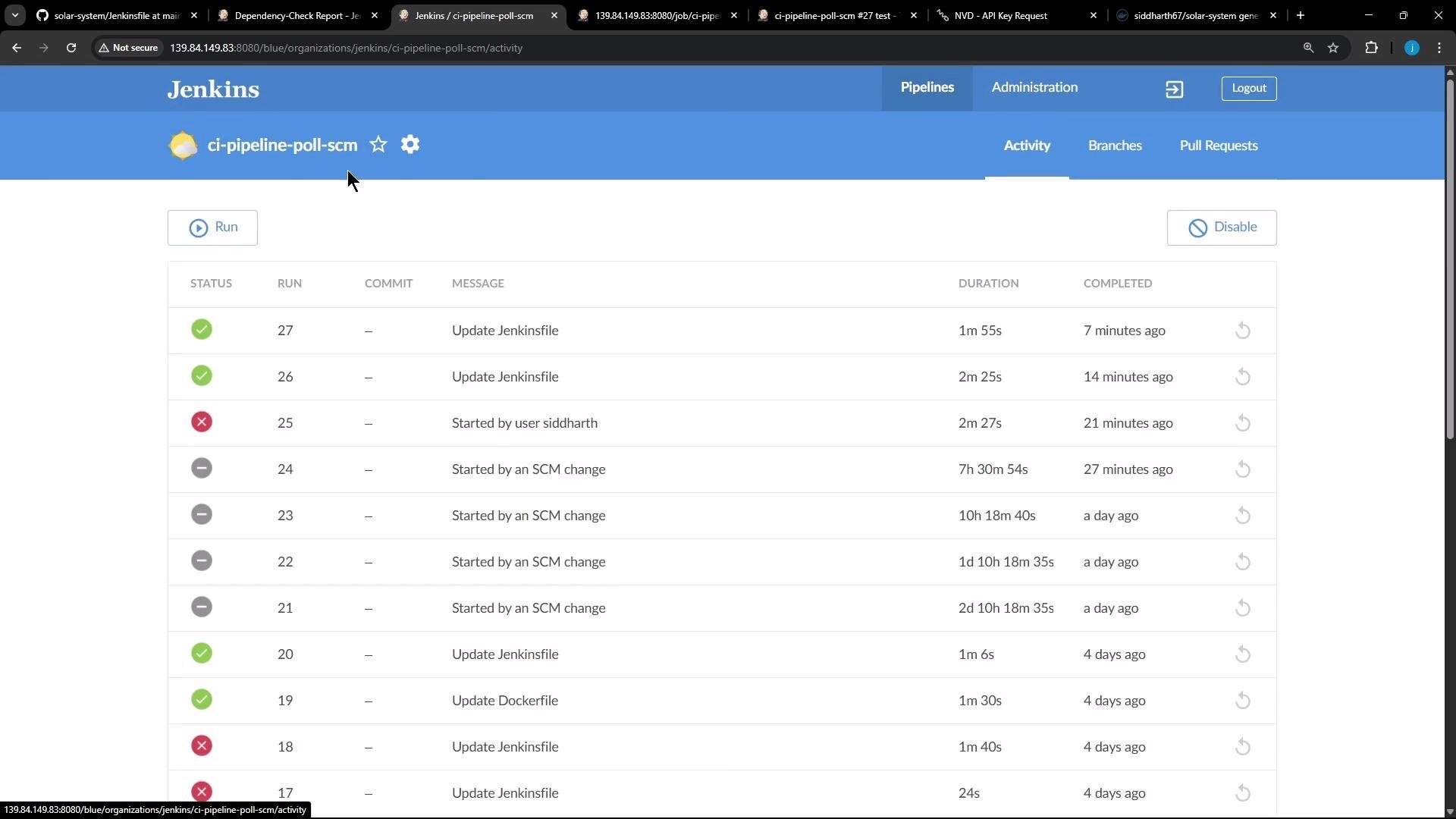 Example: a Jenkins pipeline (for context) that we are not running while migrating to Actions:
```groovy theme={null}
pipeline {
agent {
label 'us-west-1-ubuntu-22'
}
tools {
nodejs 'nodejs-22-6-0'
}
environment {
MONGO_URI = "mongodb+srv://supercluster.d83jj.mongodb.net/superData"
MONGO_DB_CREDS = credentials('mongo-db-credentials')
MONGO_USERNAME = credentials('mongo-db-username')
MONGO_PASSWORD = credentials('mongo-db-password')
}
stages {
stage('Installing Dependencies') {
agent {
docker {
image 'node:24'
args '-u root:root'
}
}
steps {
sh 'npm install --no-audit'
}
}
stage('Dependency Scanning') {
parallel {
stage('NPM Dependency Audit') {
steps {
sh '''
npm audit --audit-level=critical
'''
}
}
}
}
}
}
```
Create a new repository on GitHub (for example `actions-1`) and add a README. Open the repository's Actions tab and click Configure to create a starter workflow — GitHub will create `.github/workflows/.yml` for you.
Example: a Jenkins pipeline (for context) that we are not running while migrating to Actions:
```groovy theme={null}
pipeline {
agent {
label 'us-west-1-ubuntu-22'
}
tools {
nodejs 'nodejs-22-6-0'
}
environment {
MONGO_URI = "mongodb+srv://supercluster.d83jj.mongodb.net/superData"
MONGO_DB_CREDS = credentials('mongo-db-credentials')
MONGO_USERNAME = credentials('mongo-db-username')
MONGO_PASSWORD = credentials('mongo-db-password')
}
stages {
stage('Installing Dependencies') {
agent {
docker {
image 'node:24'
args '-u root:root'
}
}
steps {
sh 'npm install --no-audit'
}
}
stage('Dependency Scanning') {
parallel {
stage('NPM Dependency Audit') {
steps {
sh '''
npm audit --audit-level=critical
'''
}
}
}
}
}
}
```
Create a new repository on GitHub (for example `actions-1`) and add a README. Open the repository's Actions tab and click Configure to create a starter workflow — GitHub will create `.github/workflows/.yml` for you.
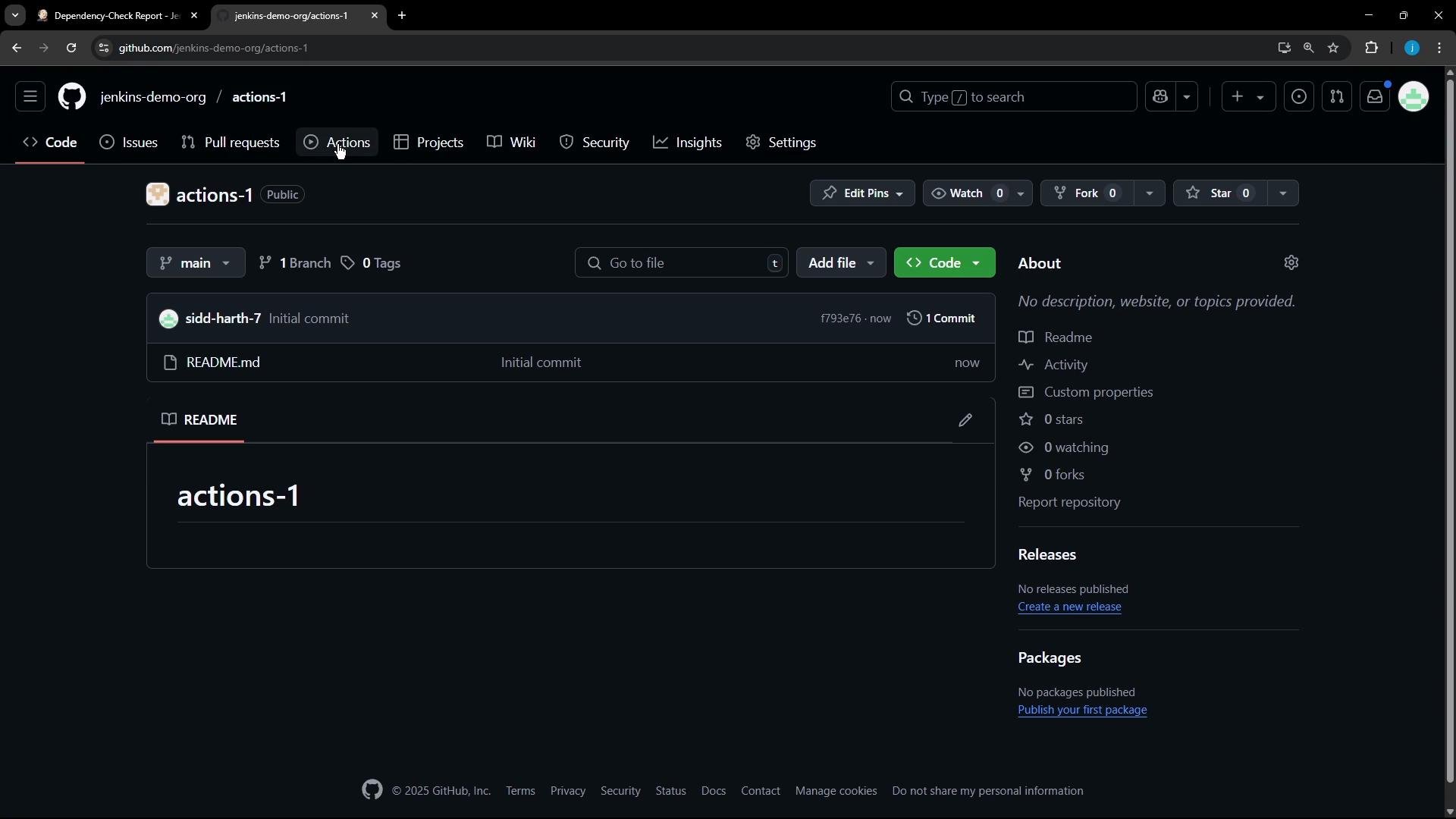 GitHub often provides this starter workflow template:
```yaml theme={null}
# This is a basic workflow to help you get started with Actions
name: CI
# Controls when the workflow will run
on:
# Triggers the workflow on push or pull request events (example)
push:
branches: [ "main" ]
pull_request:
branches: [ "main" ]
# Allows manual runs from the Actions tab
workflow_dispatch:
jobs:
# A single job called "build"
build:
runs-on: ubuntu-latest
steps:
# Checks-out your repository under $GITHUB_WORKSPACE, so your job can access it
- uses: actions/checkout@v4
# Example steps
- name: Run a one-line script
run: echo Hello, world!
```
You can simplify the triggers and rename the job. This example triggers on any push and allows manual runs:
```yaml theme={null}
name: CI
on:
push:
workflow_dispatch:
jobs:
first_job:
runs-on: ubuntu-latest
steps:
- uses: actions/checkout@v4
- name: Welcome Message
run: echo "My first GitHub Action Job"
- name: List files on repo
run: ls
- name: Read README
run: cat README.md
```
A common mistake is omitting the checkout step. If you comment out or remove `actions/checkout`, the runner will not have your repository files by default — `ls` will show an empty workspace and `cat README.md` will fail.
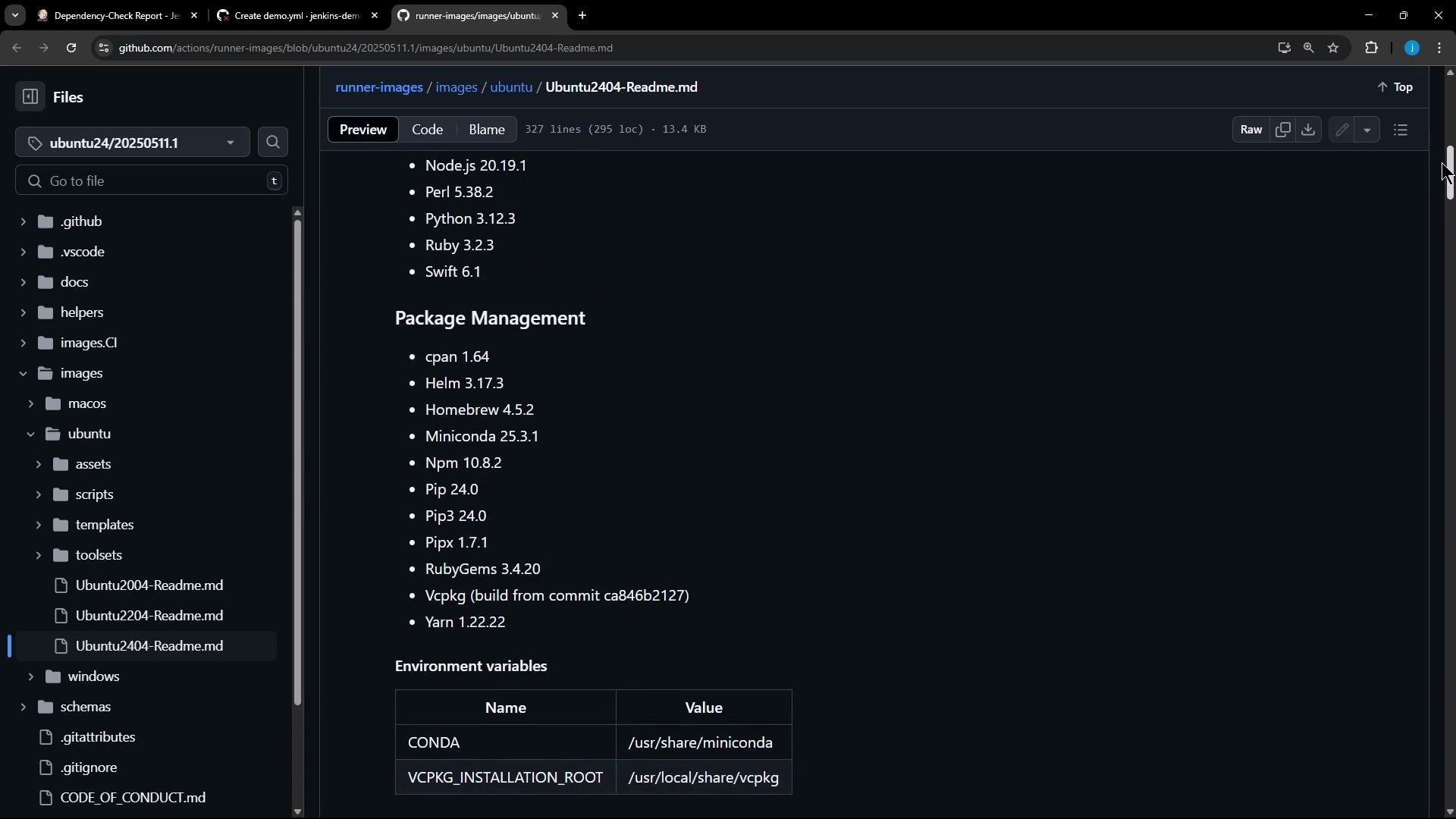
When a workflow runs, GitHub prints runner setup information (OS, image versions, and a long list of preinstalled tools). You can review the hosted runner images and available tools in the documentation.
GitHub often provides this starter workflow template:
```yaml theme={null}
# This is a basic workflow to help you get started with Actions
name: CI
# Controls when the workflow will run
on:
# Triggers the workflow on push or pull request events (example)
push:
branches: [ "main" ]
pull_request:
branches: [ "main" ]
# Allows manual runs from the Actions tab
workflow_dispatch:
jobs:
# A single job called "build"
build:
runs-on: ubuntu-latest
steps:
# Checks-out your repository under $GITHUB_WORKSPACE, so your job can access it
- uses: actions/checkout@v4
# Example steps
- name: Run a one-line script
run: echo Hello, world!
```
You can simplify the triggers and rename the job. This example triggers on any push and allows manual runs:
```yaml theme={null}
name: CI
on:
push:
workflow_dispatch:
jobs:
first_job:
runs-on: ubuntu-latest
steps:
- uses: actions/checkout@v4
- name: Welcome Message
run: echo "My first GitHub Action Job"
- name: List files on repo
run: ls
- name: Read README
run: cat README.md
```
A common mistake is omitting the checkout step. If you comment out or remove `actions/checkout`, the runner will not have your repository files by default — `ls` will show an empty workspace and `cat README.md` will fail.
When a workflow runs, GitHub prints runner setup information (OS, image versions, and a long list of preinstalled tools). You can review the hosted runner images and available tools in the documentation.
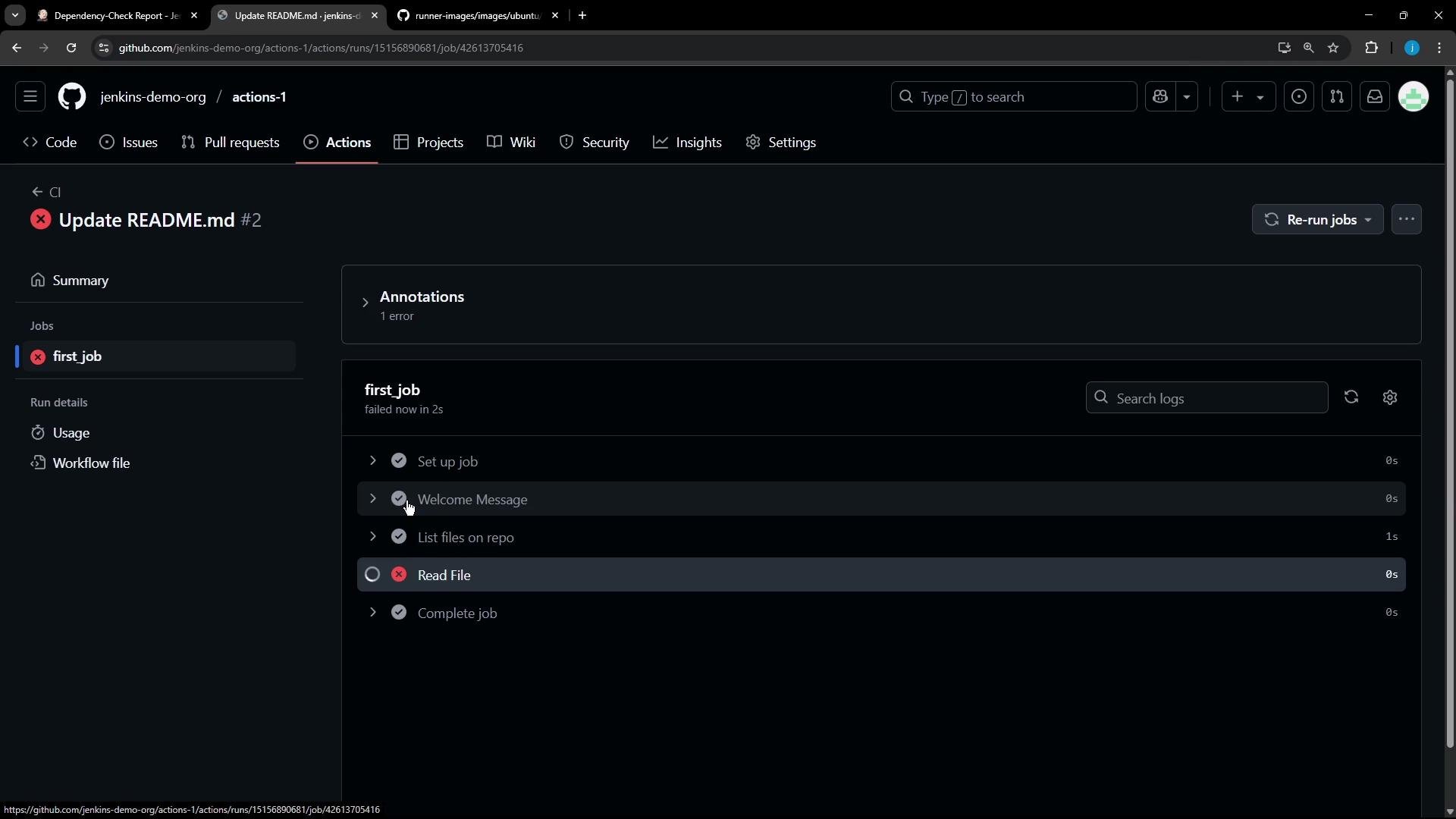
 If you remove checkout and push the workflow, the run will fail during the file-read step. Example failing run summary:
```text theme={null}
demo.yml
on: push
first_job
Process completed with exit code 1.
```
A failed "Read File" step appears like this in the Actions UI:
If you remove checkout and push the workflow, the run will fail during the file-read step. Example failing run summary:
```text theme={null}
demo.yml
on: push
first_job
Process completed with exit code 1.
```
A failed "Read File" step appears like this in the Actions UI:
 Example job log when the repository wasn't checked out:
```text theme={null}
Run echo "My first GitHub Action Job"
My first GitHub Action Job
Run ls
ls
shell: /usr/bin/bash -e {0}
Run cat README.md
cat: README.md: No such file or directory
Error: Process completed with exit code 1.
```
Why did this happen? By default the runner's workspace does not include your repository files. To make your repository available to the job, include the checkout action: `actions/checkout@v4`.
Key differences in workflow syntax:
| Keyword | Use case | Example |
| ------- | ---------------------------------------------------------- | ---------------------------------------------------- |
| `uses:` | Run a prebuilt action from the Marketplace or a repository | `actions/checkout@v4`, `docker/build-push-action@v6` |
| `run:` | Execute inline shell commands on the runner | `echo`, `ls`, `cat`, `npm` |
Always include `- uses: actions/checkout@v4` (or the appropriate version) as the first step if your job needs repository files. Note: hidden files (like `.github`) won't appear with `ls` unless you run `ls -a`.
After adding (or uncommenting) the checkout step and rerunning the workflow, the job has access to repository files and `cat README.md` will succeed. Here is the final example workflow:
```yaml theme={null}
name: CI
on:
push:
workflow_dispatch:
jobs:
first_job:
runs-on: ubuntu-latest
steps:
# Checks-out your repository under $GITHUB_WORKSPACE, so your job can access it
- uses: actions/checkout@v4
- name: Welcome Message
run: echo "My first GitHub Action Job"
- name: List files on repo
run: ls
- name: Read README
run: cat README.md
```
When the workflow runs successfully you'll see the checkout step complete, `ls` listing `README.md`, and the README content printed in the logs:
```text theme={null}
Run ls
README.md
Run cat README.md
# Exploring Actions
We will be learning GitHub Actions,
- a robust automation tool that empowers you to streamline repetitive tasks
- how to automate your software development workflows
- techniques to enhance productivity and code quality
```
Marketplace and useful community actions
* Browse the GitHub Marketplace for pre-built actions: [https://github.com/marketplace](https://github.com/marketplace)
* Each action repository documents inputs, outputs, and examples.
Example: a Docker build-and-push job using popular Marketplace actions:
```yaml theme={null}
name: ci
on:
push:
jobs:
docker:
runs-on: ubuntu-latest
steps:
- name: Login to Docker Hub
uses: docker/login-action@v3
with:
username: ${{ vars.DOCKERHUB_USERNAME }}
password: ${{ secrets.DOCKERHUB_TOKEN }}
- name: Set up QEMU
uses: docker/setup-qemu-action@v3
- name: Set up Docker Buildx
uses: docker/setup-buildx-action@v3
- name: Build and push
uses: docker/build-push-action@v6
with:
push: true
tags: user/app:latest
```
You can also manually trigger workflows from the Actions tab (Run workflow) or rely on triggers such as pushes and pull requests. The basic flow is:
1. Define triggers in your workflow YAML.
2. Run jobs on runners (hosted or self-hosted).
3. Use `actions/checkout` to access repository files.
4. Combine Marketplace `uses` actions with `run` shell steps to build, test, and deploy.
If your job needs repository content, do not forget `actions/checkout`. Missing this step is the most common cause of "No such file or directory" errors when reading files in Actions.
That's the basics of creating and troubleshooting your first GitHub Actions workflow. For deeper reference and runner images, see:
* GitHub Actions documentation: [https://docs.github.com/en/actions](https://docs.github.com/en/actions)
* About GitHub-hosted runners: [https://docs.github.com/en/actions/using-github-hosted-runners/about-github-hosted-runners](https://docs.github.com/en/actions/using-github-hosted-runners/about-github-hosted-runners)
Example job log when the repository wasn't checked out:
```text theme={null}
Run echo "My first GitHub Action Job"
My first GitHub Action Job
Run ls
ls
shell: /usr/bin/bash -e {0}
Run cat README.md
cat: README.md: No such file or directory
Error: Process completed with exit code 1.
```
Why did this happen? By default the runner's workspace does not include your repository files. To make your repository available to the job, include the checkout action: `actions/checkout@v4`.
Key differences in workflow syntax:
| Keyword | Use case | Example |
| ------- | ---------------------------------------------------------- | ---------------------------------------------------- |
| `uses:` | Run a prebuilt action from the Marketplace or a repository | `actions/checkout@v4`, `docker/build-push-action@v6` |
| `run:` | Execute inline shell commands on the runner | `echo`, `ls`, `cat`, `npm` |
Always include `- uses: actions/checkout@v4` (or the appropriate version) as the first step if your job needs repository files. Note: hidden files (like `.github`) won't appear with `ls` unless you run `ls -a`.
After adding (or uncommenting) the checkout step and rerunning the workflow, the job has access to repository files and `cat README.md` will succeed. Here is the final example workflow:
```yaml theme={null}
name: CI
on:
push:
workflow_dispatch:
jobs:
first_job:
runs-on: ubuntu-latest
steps:
# Checks-out your repository under $GITHUB_WORKSPACE, so your job can access it
- uses: actions/checkout@v4
- name: Welcome Message
run: echo "My first GitHub Action Job"
- name: List files on repo
run: ls
- name: Read README
run: cat README.md
```
When the workflow runs successfully you'll see the checkout step complete, `ls` listing `README.md`, and the README content printed in the logs:
```text theme={null}
Run ls
README.md
Run cat README.md
# Exploring Actions
We will be learning GitHub Actions,
- a robust automation tool that empowers you to streamline repetitive tasks
- how to automate your software development workflows
- techniques to enhance productivity and code quality
```
Marketplace and useful community actions
* Browse the GitHub Marketplace for pre-built actions: [https://github.com/marketplace](https://github.com/marketplace)
* Each action repository documents inputs, outputs, and examples.
Example: a Docker build-and-push job using popular Marketplace actions:
```yaml theme={null}
name: ci
on:
push:
jobs:
docker:
runs-on: ubuntu-latest
steps:
- name: Login to Docker Hub
uses: docker/login-action@v3
with:
username: ${{ vars.DOCKERHUB_USERNAME }}
password: ${{ secrets.DOCKERHUB_TOKEN }}
- name: Set up QEMU
uses: docker/setup-qemu-action@v3
- name: Set up Docker Buildx
uses: docker/setup-buildx-action@v3
- name: Build and push
uses: docker/build-push-action@v6
with:
push: true
tags: user/app:latest
```
You can also manually trigger workflows from the Actions tab (Run workflow) or rely on triggers such as pushes and pull requests. The basic flow is:
1. Define triggers in your workflow YAML.
2. Run jobs on runners (hosted or self-hosted).
3. Use `actions/checkout` to access repository files.
4. Combine Marketplace `uses` actions with `run` shell steps to build, test, and deploy.
If your job needs repository content, do not forget `actions/checkout`. Missing this step is the most common cause of "No such file or directory" errors when reading files in Actions.
That's the basics of creating and troubleshooting your first GitHub Actions workflow. For deeper reference and runner images, see:
* GitHub Actions documentation: [https://docs.github.com/en/actions](https://docs.github.com/en/actions)
* About GitHub-hosted runners: [https://docs.github.com/en/actions/using-github-hosted-runners/about-github-hosted-runners](https://docs.github.com/en/actions/using-github-hosted-runners/about-github-hosted-runners)