> ## Documentation Index
> Fetch the complete documentation index at: https://notes.kodekloud.com/llms.txt
> Use this file to discover all available pages before exploring further.
# Collaboration Culture
> How Datadog fosters collaboration culture by centralizing observability, enabling shared dashboards, notebooks, runbooks, and reusable components to improve knowledge sharing, incident response, and cross-team consistency
In this lesson we cover collaboration culture—how teams share operational knowledge, why it matters, and how Datadog supports collaborative observability across organizations.
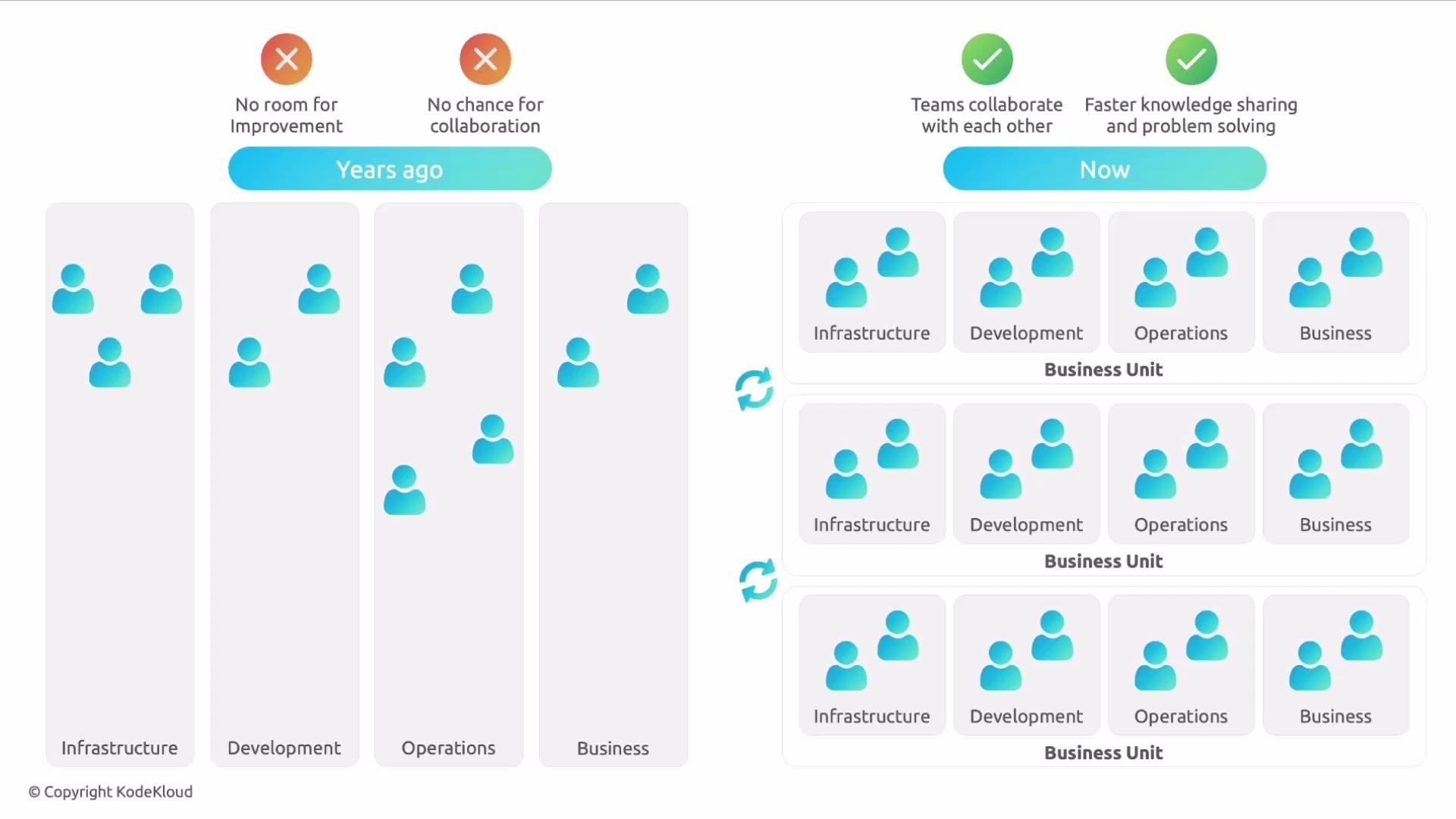
Historically, technology teams were often siloed and organized around narrow responsibilities. Those silos limited cross-team collaboration and slowed knowledge sharing. Modern practices like DevOps and SRE have broken down many of those barriers: teams now collaborate more closely, document patterns, and iterate on solutions faster—improving mean time to resolution and enabling continuous learning.
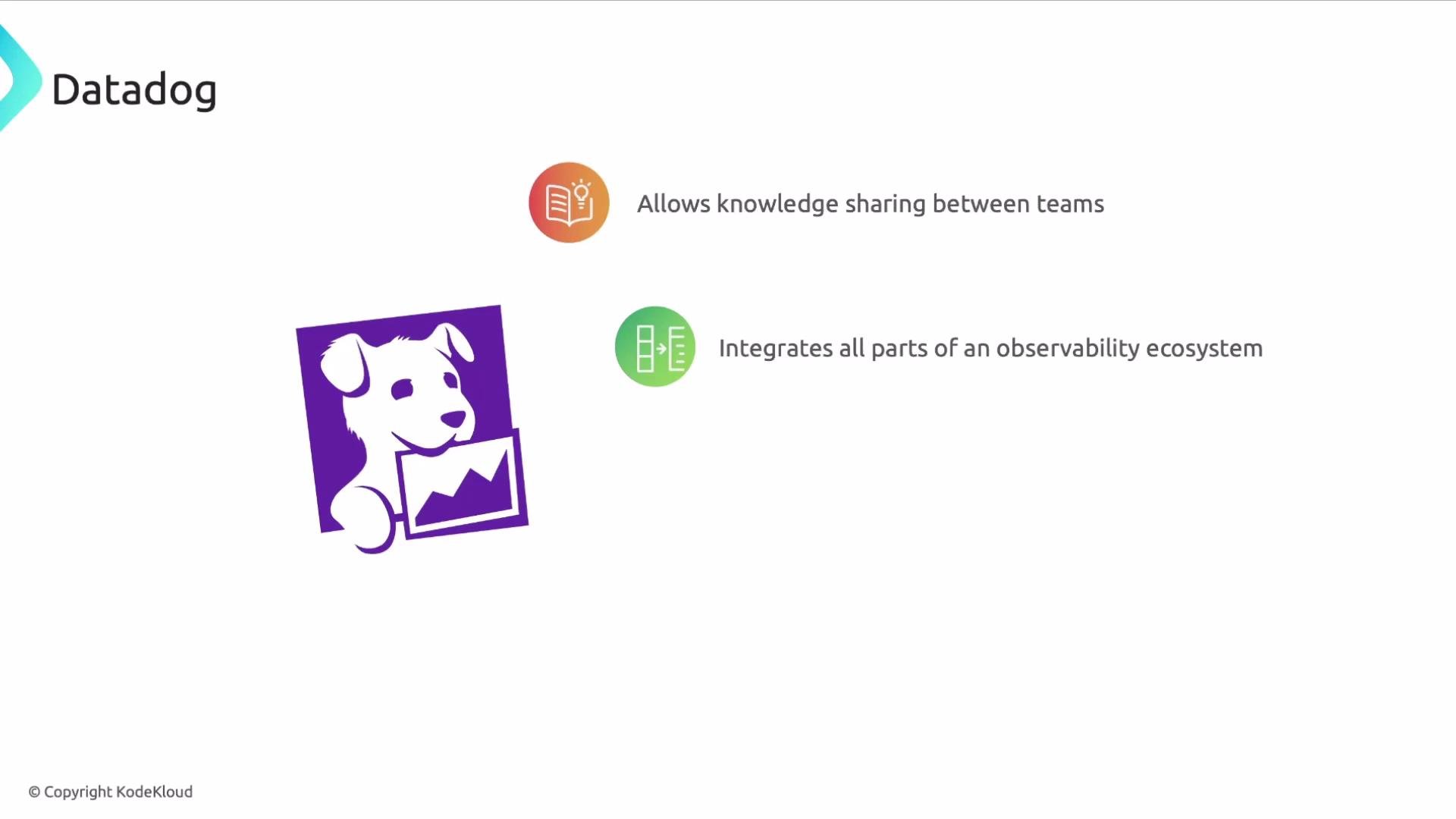
 Datadog is purpose-built to make collaboration part of your observability workflow. By consolidating logs, metrics, traces, dashboards, monitors, and apps into a single platform, Datadog reduces context switching and exposes operational patterns across teams. This centralized view helps teams discover reusable dashboard widgets, monitor logic, and runbook content—so learning and reuse happen naturally.
Datadog also embraces open source and community-driven tooling: community-built apps, integrations, and dashboard templates can be adopted to accelerate onboarding and standardize monitoring practices.
Datadog is purpose-built to make collaboration part of your observability workflow. By consolidating logs, metrics, traces, dashboards, monitors, and apps into a single platform, Datadog reduces context switching and exposes operational patterns across teams. This centralized view helps teams discover reusable dashboard widgets, monitor logic, and runbook content—so learning and reuse happen naturally.
Datadog also embraces open source and community-driven tooling: community-built apps, integrations, and dashboard templates can be adopted to accelerate onboarding and standardize monitoring practices.
 Key collaborative capabilities in Datadog
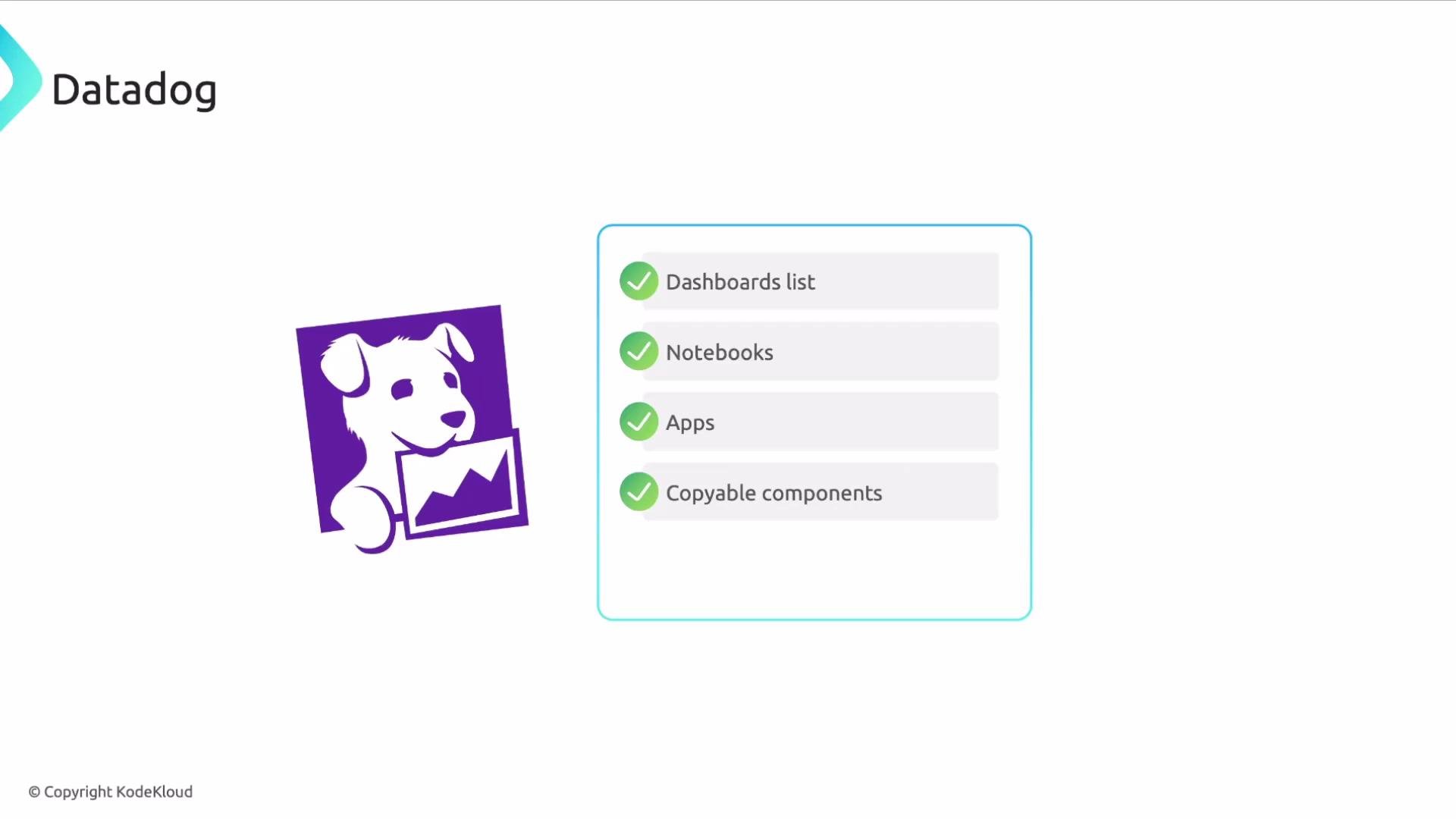
* Organization-wide dashboards: discover and reuse dashboards across teams.
* Notebooks and runbooks: document investigations, postmortems, and operational runbooks directly next to the data they reference.
* Copyable components: duplicate dashboard widgets and tweak them to match your service context—speeding up consistent observability.
* Integration catalog: pick from many pre-built integrations to standardize telemetry collection.
* Cross-organization sharing: connect teams and share settings or dashboards when collaboration spans business units.
| Feature | Benefit | Typical use |
| ----------------------- | ------------------------------------------ | ----------------------------------------------- |
| Organization dashboards | Shared view of service health across teams | `Dashboards` in Datadog |
| Notebooks & Runbooks | In-context documentation and playbooks | Incident postmortems, runbooks |
| Copyable widgets | Fast, consistent dashboard creation | Cloning and customizing widgets |
| Integration catalog | Faster telemetry onboarding | Add integrations for databases, cloud providers |
| Cross-org sharing | Reuse best practices across business units | Shared dashboards, monitors |
Use notebooks and runbooks to keep operational knowledge close to the telemetry that matters. Embedding playbooks next to dashboards reduces time-to-response and preserves institutional knowledge.
A small but powerful productivity feature is the ability to copy widgets and panels between dashboards. Instead of rebuilding visualizations from scratch, teams can duplicate components, adjust queries or time windows, and rapidly converge on consistent observability patterns.
Key collaborative capabilities in Datadog
* Organization-wide dashboards: discover and reuse dashboards across teams.
* Notebooks and runbooks: document investigations, postmortems, and operational runbooks directly next to the data they reference.
* Copyable components: duplicate dashboard widgets and tweak them to match your service context—speeding up consistent observability.
* Integration catalog: pick from many pre-built integrations to standardize telemetry collection.
* Cross-organization sharing: connect teams and share settings or dashboards when collaboration spans business units.
| Feature | Benefit | Typical use |
| ----------------------- | ------------------------------------------ | ----------------------------------------------- |
| Organization dashboards | Shared view of service health across teams | `Dashboards` in Datadog |
| Notebooks & Runbooks | In-context documentation and playbooks | Incident postmortems, runbooks |
| Copyable widgets | Fast, consistent dashboard creation | Cloning and customizing widgets |
| Integration catalog | Faster telemetry onboarding | Add integrations for databases, cloud providers |
| Cross-org sharing | Reuse best practices across business units | Shared dashboards, monitors |
Use notebooks and runbooks to keep operational knowledge close to the telemetry that matters. Embedding playbooks next to dashboards reduces time-to-response and preserves institutional knowledge.
A small but powerful productivity feature is the ability to copy widgets and panels between dashboards. Instead of rebuilding visualizations from scratch, teams can duplicate components, adjust queries or time windows, and rapidly converge on consistent observability patterns.
 When sharing dashboards, notebooks, or runbooks, be mindful of access controls and sensitive data. Review role-based permissions to avoid exposing credentials, PII, or internal-only metrics.
Cross-organization collaboration features let teams maintain visibility while sharing reusable assets and operational context. These capabilities encourage reuse of best practices, speed up incident response, and help distributed teams operate with a common, observable understanding of services.
Key takeaways
* Collaboration is a core outcome of centralized observability—Datadog reduces friction between teams by consolidating telemetry and documentation.
* Use notebooks, runbooks, and shareable widgets to standardize incident response and preserve knowledge.
* Leverage Datadog’s community integrations and templates to accelerate onboarding and align teams on monitoring patterns.
* Protect shared content with proper access controls to ensure only authorized teams see sensitive data.
Links and references
* [Datadog product documentation](https://docs.datadoghq.com/)
* [Microsoft Word](https://www.microsoft.com/en-us/microsoft-365/word)
* [Atlassian Confluence](https://www.atlassian.com/software/confluence)
That's it for this lesson. I hope you found it useful.
When sharing dashboards, notebooks, or runbooks, be mindful of access controls and sensitive data. Review role-based permissions to avoid exposing credentials, PII, or internal-only metrics.
Cross-organization collaboration features let teams maintain visibility while sharing reusable assets and operational context. These capabilities encourage reuse of best practices, speed up incident response, and help distributed teams operate with a common, observable understanding of services.
Key takeaways
* Collaboration is a core outcome of centralized observability—Datadog reduces friction between teams by consolidating telemetry and documentation.
* Use notebooks, runbooks, and shareable widgets to standardize incident response and preserve knowledge.
* Leverage Datadog’s community integrations and templates to accelerate onboarding and align teams on monitoring patterns.
* Protect shared content with proper access controls to ensure only authorized teams see sensitive data.
Links and references
* [Datadog product documentation](https://docs.datadoghq.com/)
* [Microsoft Word](https://www.microsoft.com/en-us/microsoft-365/word)
* [Atlassian Confluence](https://www.atlassian.com/software/confluence)
That's it for this lesson. I hope you found it useful.