> ## Documentation Index
> Fetch the complete documentation index at: https://notes.kodekloud.com/llms.txt
> Use this file to discover all available pages before exploring further.
# Determining Optimal LLM Context Window Size
> Guidelines for experimentally determining the optimal LLM context window by systematically testing varied window sizes and measuring model and system metrics to balance performance, latency, memory, and cost.
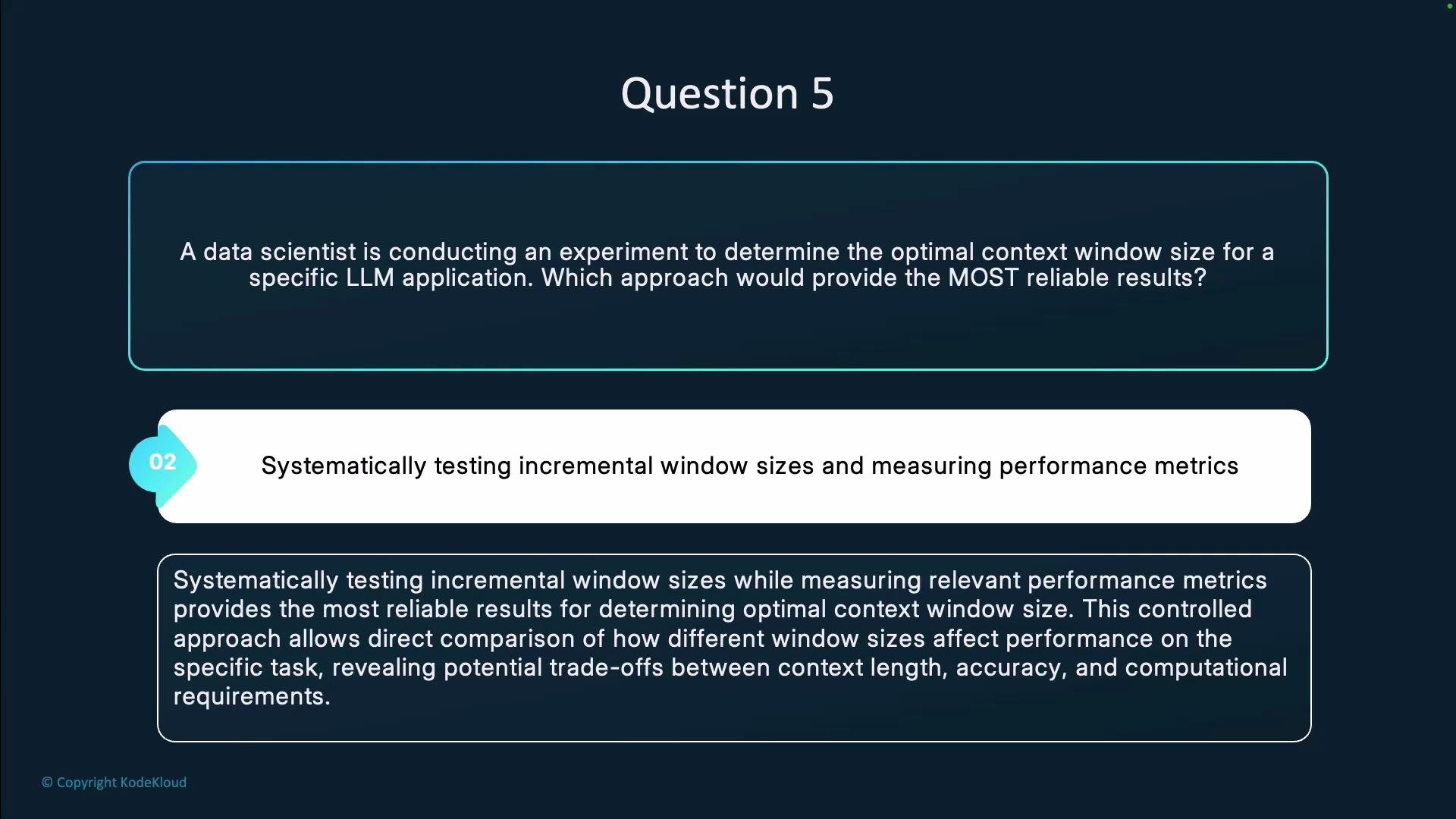
Question 5.
A data scientist is conducting an experiment to determine the optimal context window size for a specific LLM application.
Which approach would provide the most reliable results?
* Testing a single, extremely large context window?
* Systematically testing incremental window sizes and measuring performance metrics?
* Using the default context window recommended by the model documentation.
* Asking users which context window they prefer?
Answer: Systematically testing incremental window sizes and measuring performance metrics.
The most reliable method is a controlled, systematic experiment across multiple context window sizes, measuring both model performance and system/resource metrics. This reveals performance trends and practical trade-offs (accuracy, latency, memory, cost), rather than relying on a single data point or subjective preference.
Why this approach works
* Direct comparison: Changing only the context window isolates its effect on the task.
* Quantitative trade-offs: You can observe where performance gains plateau while resource costs keep rising.
* Reproducibility: Using consistent prompts, tokenization, and seeds reduces variance and supports statistically valid conclusions.
* Practicality: Allows you to combine model capability with operational constraints (latency, memory, and cost) to select the best real-world configuration.
Recommended experimental process
1. Define scope
* Specify task(s): e.g., summarization, question answering, code generation.
* Select datasets and clear evaluation splits (train/validation/test).
* Choose metrics: accuracy, F1, exact match, perplexity, latency, peak GPU/CPU memory, and inference cost.
2. Select window sizes to test
* Pick a range that covers typical and extreme cases (e.g., 512, 1,024, 2,048, 4,096 tokens), up to the model’s supported limit.
3. Ensure experimental consistency
* Use identical prompt templates, preprocessing, tokenization, and random seeds across runs.
* Repeat runs to quantify variance.
4. Measure and record both model and system metrics
* Model metrics: accuracy, F1, BLEU, ROUGE, perplexity, recall for long-range dependencies.
* System metrics: latency (p99/p95), throughput (tokens/sec), peak and average memory usage, and cost per inference.
5. Analyze results
* Plot performance vs. window size and resource usage vs. window size to identify inflection points and diminishing returns.
* Use statistical tests or confidence intervals to validate observed differences.
6. Consider hybrid or alternative approaches
* Retrieval-augmented prompting (store and fetch relevant context).
* Chunking + summarization (divide long context and compress).
* Streaming/recurrence mechanisms or stateful architectures.
* Compare any hybrid method against single-window baselines.
Table: Metrics and their purpose
| Metric category | What it indicates | Example |
| --------------------------- | ------------------------------------------ | --------------------------- |
| Accuracy / F1 / Exact Match | Task performance & correctness | `F1 = 0.82` |
| Perplexity | Model fluency & fit for generative tasks | Lower is better |
| Latency / Throughput | User-facing responsiveness and scalability | `p95 latency = 120ms` |
| Memory usage | Feasibility for deployment hardware | `peak GPU mem = 12GB` |
| Cost | Economic impact at scale | `cost per 1k requests = $X` |
Practical tips and pitfalls
* Don’t assume “bigger is always better.” Large windows can improve recall but often increase latency, memory usage, and cost disproportionately.
* Use validation splits and repeated trials to mitigate noisy measurements.
* If long contexts are necessary but expensive, evaluate hybrid solutions (retrieval, summarization, chunking) as first-class options.
Avoid making decisions based on a single run, purely model-documented defaults, or user preference alone. Those approaches miss the trade-offs that matter in production (latency, memory, and cost). Always validate experimentally for your specific task and deployment constraints.
The diagram below summarizes the recommended, systematic testing workflow and why it yields more reliable, actionable results than single-point or purely opinion-based choices.