> ## Documentation Index
> Fetch the complete documentation index at: https://notes.kodekloud.com/llms.txt
> Use this file to discover all available pages before exploring further.
# Managing GPU Memory Constraints for LLMs in Python
> Strategies to manage GPU memory for large language models in Python, including model parallelism, offloading, reduced precision, quantization, and gradient checkpointing.
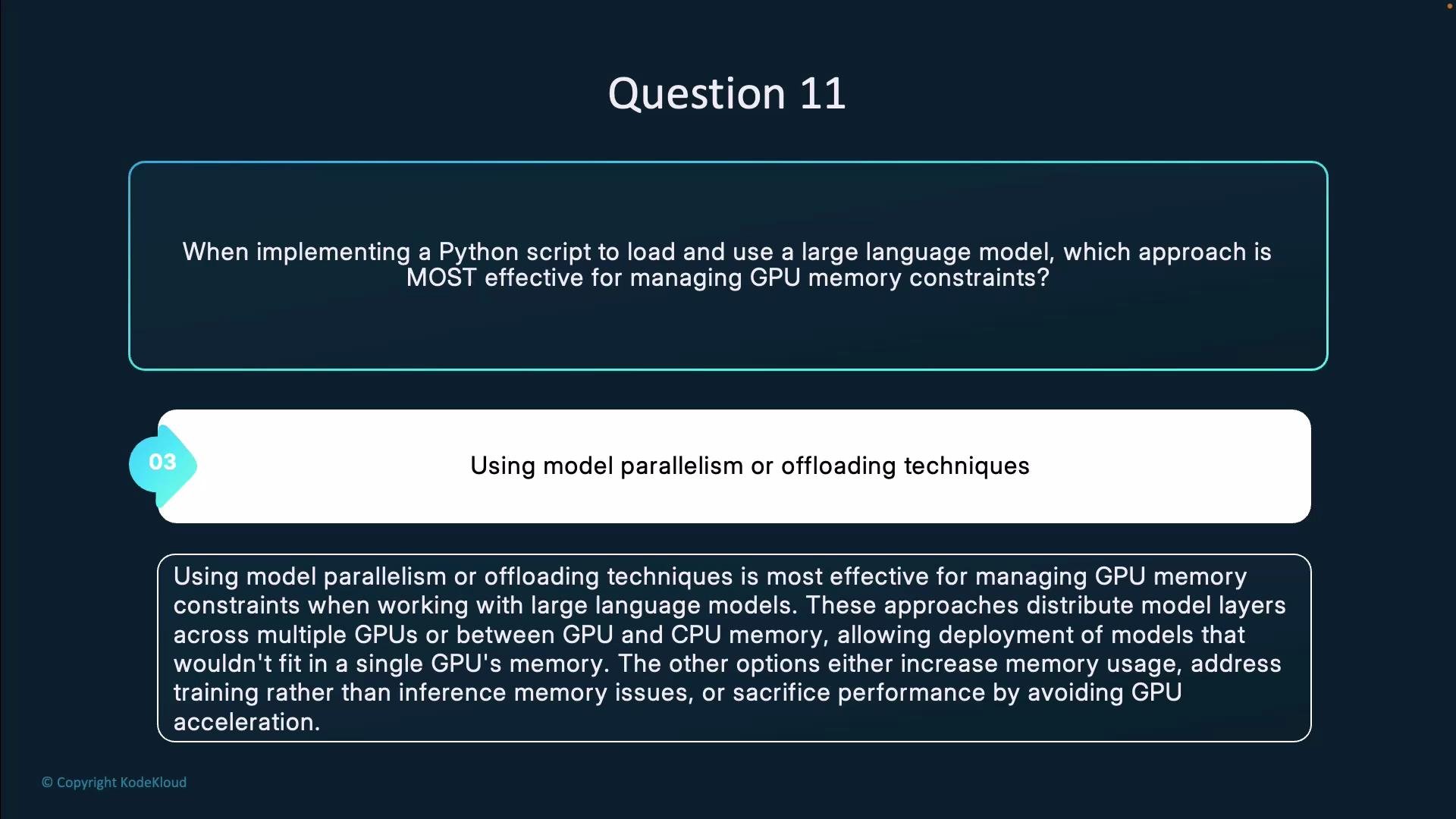
Question 11.
When implementing a Python script to load and use a large language model, which approach is most effective for managing GPU memory constraints?
* Loading the entire model at the highest precision possible
* Implementing gradient checkpointing
* Using model parallelism or offloading techniques
* Running exclusively on the CPU
Answer: Using model parallelism or offloading techniques.
 Summary
* Model parallelism and offloading are the most effective techniques to enable deployment of LLMs that exceed a single GPU’s memory capacity.
* Combine sharding/offload with lower precision (FP16/BF16 or quantization) for best results.
* Use gradient checkpointing primarily for training to reduce activation memory at the cost of extra computation.
* CPU-only execution should be a last resort due to large latency and throughput penalties.
Comparison of approaches
| Approach | Best for | Pros | Cons | Typical tooling / notes |
| -------------------------------------------- | -------------------------------------------------------------: | ------------------------------------------------------------------------------------------------------------------------- | --------------------------------------------------------------------------------------- | --------------------------------------------------------------------------------------- |
| Model parallelism / Offloading (recommended) | Inference and training of models that exceed single-GPU memory | Distributes parameters/activations across multiple GPUs or swaps rarely-used state to CPU/NVMe; enables very large models | More complex setup and communication overhead | DeepSpeed ZeRO / Offload, PyTorch FSDP, Megatron-LM, FairScale, Hugging Face Accelerate |
| Gradient checkpointing | Training with limited GPU memory | Reduces activation memory by recomputing activations during backward pass | Extra computation time; not typically useful for inference | PyTorch checkpoint, Hugging Face Trainer options |
| Lower precision (FP16/BF16 / quantization) | Both training (mixed precision) and inference (quantization) | Large memory savings and often faster compute on supported hardware | Quantization can reduce model quality if not calibrated; FP16 requires hardware support | NVIDIA mixed precision, bitsandbytes (8-bit / 4-bit) |
| CPU-only | When no GPU is available | Simplest to run | Very slow for large models; impractical for latency-sensitive workloads | Use only if no GPU options exist |
Recommended workflow (practical, ordered steps)
1. Try a reduced-precision format first (FP16 / BF16) for inference. This often halves memory usage with minimal accuracy impact on supported hardware.
2. Add model sharding or pipeline/tensor parallelism to split parameters across GPUs.
3. Use offloading to CPU or NVMe for optimizer/state or rarely-used layers when GPU memory is still insufficient.
4. For training, consider gradient checkpointing to reduce activation memory and combine with ZeRO or FSDP to shard optimizer and parameter states.
5. If memory still blocks deployment and performance is non-critical, fall back to CPU-only execution.
Quick examples and references
* DeepSpeed ZeRO Offload: [https://www.deepspeed.ai/](https://www.deepspeed.ai/)
* Hugging Face Accelerate: [https://huggingface.co/docs/accelerate](https://huggingface.co/docs/accelerate)
* PyTorch FSDP: [https://pytorch.org/docs/stable/fsdp.html](https://pytorch.org/docs/stable/fsdp.html)
* Megatron-LM: [https://github.com/NVIDIA/Megatron-LM](https://github.com/NVIDIA/Megatron-LM)
* Quantization & bitsandbytes: [https://github.com/TimDettmers/bitsandbytes](https://github.com/TimDettmers/bitsandbytes)
Example CLI (inference with Hugging Face Accelerate)
```bash theme={null}
# Create an Accelerate config interactively, then run script using multiple GPUs and mixed precision
accelerate config
accelerate launch --multi_gpu --mixed_precision=fp16 my_inference_script.py
```
Example DeepSpeed config snippet (ZeRO Offload)
```json theme={null}
{
"zero_optimization": {
"stage": 3,
"offload_param": {
"device": "cpu"
},
"offload_optimizer": {
"device": "cpu"
}
},
"fp16": {
"enabled": true
}
}
```
When to use each method
* Inference of very large models: prioritize sharding/offload + mixed precision / quantization.
* Training very large models: use ZeRO/FSDP + gradient checkpointing (if activation memory is the bottleneck).
* Prototyping or constrained environments: try quantized weights (8-bit/4-bit) to run on smaller GPUs.
* No GPUs available: CPU-only execution as a fallback (expect significantly slower performance).
For inference of very large models, combine sharding/offload with reduced precision (FP16/BF16 or quantization). For training, add gradient checkpointing if you need further memory savings at the cost of extra computation.
In short: use model parallelism or offloading techniques (optionally combined with lower precision) to manage GPU memory constraints; use gradient checkpointing mainly for training scenarios, and reserve CPU-only execution for situations where GPU-based solutions are unavailable.
Summary
* Model parallelism and offloading are the most effective techniques to enable deployment of LLMs that exceed a single GPU’s memory capacity.
* Combine sharding/offload with lower precision (FP16/BF16 or quantization) for best results.
* Use gradient checkpointing primarily for training to reduce activation memory at the cost of extra computation.
* CPU-only execution should be a last resort due to large latency and throughput penalties.
Comparison of approaches
| Approach | Best for | Pros | Cons | Typical tooling / notes |
| -------------------------------------------- | -------------------------------------------------------------: | ------------------------------------------------------------------------------------------------------------------------- | --------------------------------------------------------------------------------------- | --------------------------------------------------------------------------------------- |
| Model parallelism / Offloading (recommended) | Inference and training of models that exceed single-GPU memory | Distributes parameters/activations across multiple GPUs or swaps rarely-used state to CPU/NVMe; enables very large models | More complex setup and communication overhead | DeepSpeed ZeRO / Offload, PyTorch FSDP, Megatron-LM, FairScale, Hugging Face Accelerate |
| Gradient checkpointing | Training with limited GPU memory | Reduces activation memory by recomputing activations during backward pass | Extra computation time; not typically useful for inference | PyTorch checkpoint, Hugging Face Trainer options |
| Lower precision (FP16/BF16 / quantization) | Both training (mixed precision) and inference (quantization) | Large memory savings and often faster compute on supported hardware | Quantization can reduce model quality if not calibrated; FP16 requires hardware support | NVIDIA mixed precision, bitsandbytes (8-bit / 4-bit) |
| CPU-only | When no GPU is available | Simplest to run | Very slow for large models; impractical for latency-sensitive workloads | Use only if no GPU options exist |
Recommended workflow (practical, ordered steps)
1. Try a reduced-precision format first (FP16 / BF16) for inference. This often halves memory usage with minimal accuracy impact on supported hardware.
2. Add model sharding or pipeline/tensor parallelism to split parameters across GPUs.
3. Use offloading to CPU or NVMe for optimizer/state or rarely-used layers when GPU memory is still insufficient.
4. For training, consider gradient checkpointing to reduce activation memory and combine with ZeRO or FSDP to shard optimizer and parameter states.
5. If memory still blocks deployment and performance is non-critical, fall back to CPU-only execution.
Quick examples and references
* DeepSpeed ZeRO Offload: [https://www.deepspeed.ai/](https://www.deepspeed.ai/)
* Hugging Face Accelerate: [https://huggingface.co/docs/accelerate](https://huggingface.co/docs/accelerate)
* PyTorch FSDP: [https://pytorch.org/docs/stable/fsdp.html](https://pytorch.org/docs/stable/fsdp.html)
* Megatron-LM: [https://github.com/NVIDIA/Megatron-LM](https://github.com/NVIDIA/Megatron-LM)
* Quantization & bitsandbytes: [https://github.com/TimDettmers/bitsandbytes](https://github.com/TimDettmers/bitsandbytes)
Example CLI (inference with Hugging Face Accelerate)
```bash theme={null}
# Create an Accelerate config interactively, then run script using multiple GPUs and mixed precision
accelerate config
accelerate launch --multi_gpu --mixed_precision=fp16 my_inference_script.py
```
Example DeepSpeed config snippet (ZeRO Offload)
```json theme={null}
{
"zero_optimization": {
"stage": 3,
"offload_param": {
"device": "cpu"
},
"offload_optimizer": {
"device": "cpu"
}
},
"fp16": {
"enabled": true
}
}
```
When to use each method
* Inference of very large models: prioritize sharding/offload + mixed precision / quantization.
* Training very large models: use ZeRO/FSDP + gradient checkpointing (if activation memory is the bottleneck).
* Prototyping or constrained environments: try quantized weights (8-bit/4-bit) to run on smaller GPUs.
* No GPUs available: CPU-only execution as a fallback (expect significantly slower performance).
For inference of very large models, combine sharding/offload with reduced precision (FP16/BF16 or quantization). For training, add gradient checkpointing if you need further memory savings at the cost of extra computation.
In short: use model parallelism or offloading techniques (optionally combined with lower precision) to manage GPU memory constraints; use gradient checkpointing mainly for training scenarios, and reserve CPU-only execution for situations where GPU-based solutions are unavailable.