> ## Documentation Index
> Fetch the complete documentation index at: https://notes.kodekloud.com/llms.txt
> Use this file to discover all available pages before exploring further.
# Protocols Part 2
> Explains how a browser HTTPS request moves through the TCP/IP layers, covering encapsulation, routing, TCP versus UDP, ports, ARP/MAC, and common application protocols
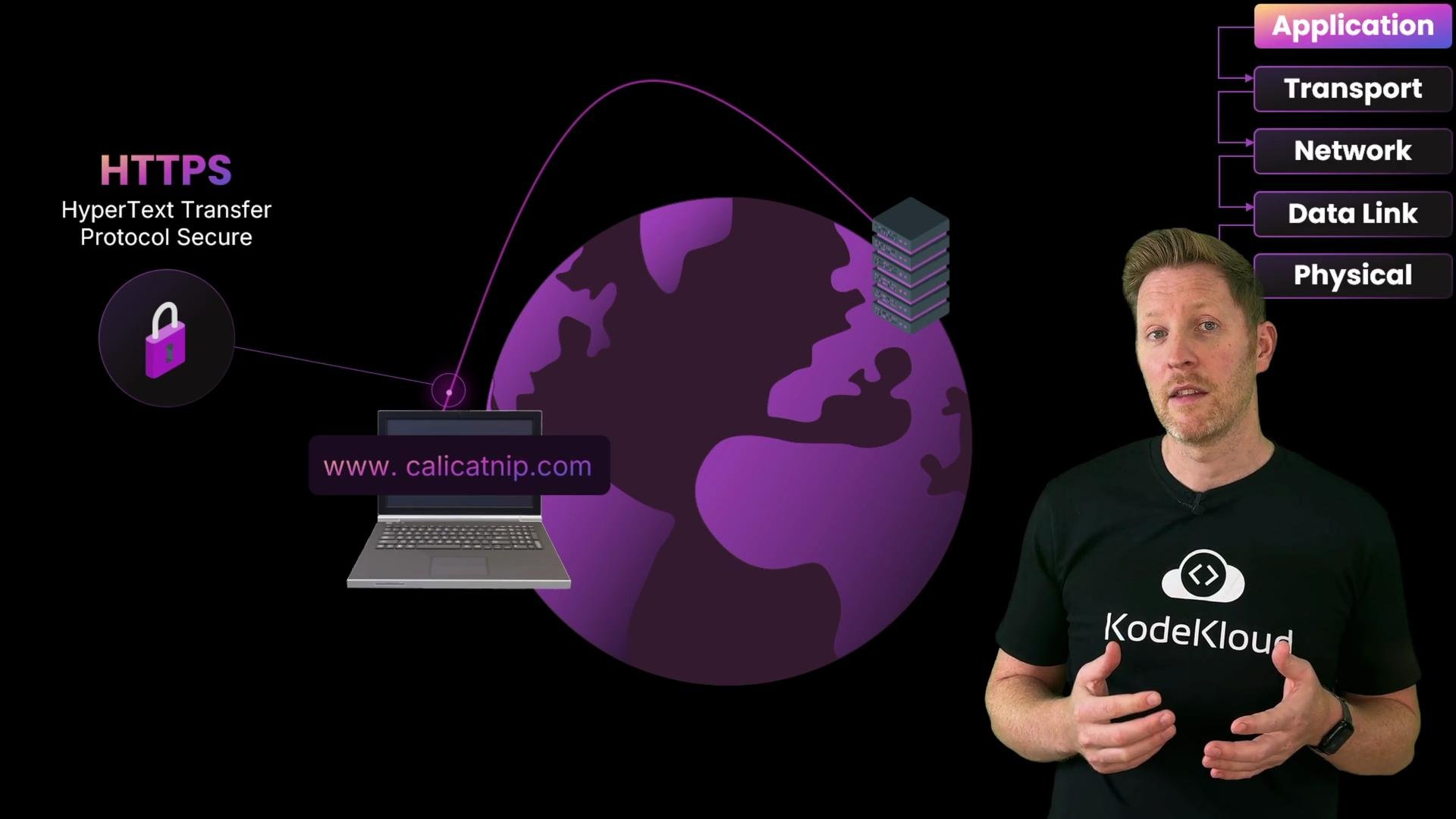
Cody types a URL into her browser — that single action kicks off a chain of events across the TCP/IP stack.
At the application layer the browser issues an HTTPS request (Hypertext Transfer Protocol Secure). HTTPS encrypts the HTTP message so intermediaries cannot read or tamper with it during transit.
 Internet layer: identifying who sent the packet and who should receive it
* The device needs an IP address to be identified as the sender. A DHCP (Dynamic Host Configuration Protocol) server usually assigns a private IP such as `192.168.x.x` so the host can participate on the local network.
* The human-friendly domain name must be converted to an IP address by DNS (Domain Name System). Your machine or router usually points to a DNS resolver — often a public resolver such as Google’s `8.8.8.8` (see [https://developers.google.com/speed/public-dns](https://developers.google.com/speed/public-dns)).
With a source IP and destination IP established (and an encrypted HTTPS payload), the operating system moves the data down to the transport layer.
Transport layer: TCP segments and reliable delivery
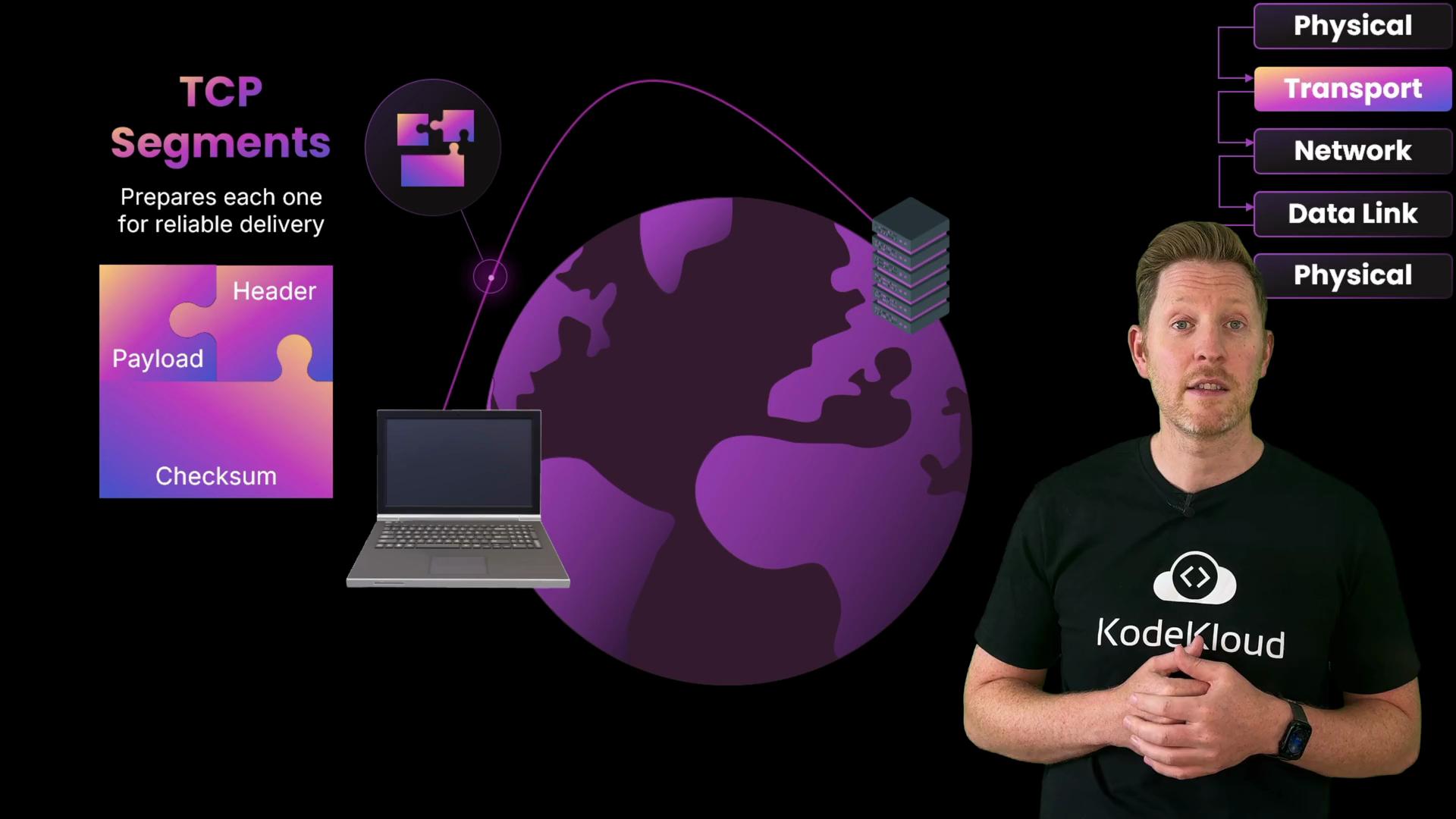
* The payload is split into TCP segments. Each segment receives a transport header containing sequence numbers, source and destination ports, flags (SYN, ACK, etc.), and checksums.
* TCP uses a three-way handshake (SYN → SYN-ACK → ACK) to establish a reliable connection before bulk data flows.
* Ports act like room numbers in a building: the IP gets the packet to the right host (the building), and the port (for example `443` for HTTPS) directs it to the correct service (the room).
Internet layer: identifying who sent the packet and who should receive it
* The device needs an IP address to be identified as the sender. A DHCP (Dynamic Host Configuration Protocol) server usually assigns a private IP such as `192.168.x.x` so the host can participate on the local network.
* The human-friendly domain name must be converted to an IP address by DNS (Domain Name System). Your machine or router usually points to a DNS resolver — often a public resolver such as Google’s `8.8.8.8` (see [https://developers.google.com/speed/public-dns](https://developers.google.com/speed/public-dns)).
With a source IP and destination IP established (and an encrypted HTTPS payload), the operating system moves the data down to the transport layer.
Transport layer: TCP segments and reliable delivery
* The payload is split into TCP segments. Each segment receives a transport header containing sequence numbers, source and destination ports, flags (SYN, ACK, etc.), and checksums.
* TCP uses a three-way handshake (SYN → SYN-ACK → ACK) to establish a reliable connection before bulk data flows.
* Ports act like room numbers in a building: the IP gets the packet to the right host (the building), and the port (for example `443` for HTTPS) directs it to the correct service (the room).
 Network layer: IP packets and routing hop-by-hop
Each TCP segment is encapsulated into an IP packet. The packet header includes the source and destination IP addresses; these guide the packet across routers toward the destination. Note that devices such as NATs or proxies may rewrite addresses (commonly the source address) when traffic traverses private/public boundaries.
Data link layer: frames, MAC addresses, and the first hop
Before the packet can travel on the local link (e.g., laptop → router), the network stack wraps it in a frame containing link-layer addresses:
* Every NIC has a unique MAC address.
* For the local hop, the laptop sets the frame’s source MAC to its own NIC and the destination MAC to the router’s NIC.
* The laptop discovers the router’s MAC using ARP (Address Resolution Protocol): it broadcasts “Who has this IP?” and the router replies with its MAC so the laptop can construct the frame.
Physical layer: bits on the wire (or air)
The frame is serialized into bits and transmitted as electrical signals, light pulses, or radio waves. At the router those bits are reconstructed back into a frame; the router strips the frame header, reads the IP packet, updates next-hop MAC addresses, and forwards the packet in a new frame toward the next hop.
Network layer: IP packets and routing hop-by-hop
Each TCP segment is encapsulated into an IP packet. The packet header includes the source and destination IP addresses; these guide the packet across routers toward the destination. Note that devices such as NATs or proxies may rewrite addresses (commonly the source address) when traffic traverses private/public boundaries.
Data link layer: frames, MAC addresses, and the first hop
Before the packet can travel on the local link (e.g., laptop → router), the network stack wraps it in a frame containing link-layer addresses:
* Every NIC has a unique MAC address.
* For the local hop, the laptop sets the frame’s source MAC to its own NIC and the destination MAC to the router’s NIC.
* The laptop discovers the router’s MAC using ARP (Address Resolution Protocol): it broadcasts “Who has this IP?” and the router replies with its MAC so the laptop can construct the frame.
Physical layer: bits on the wire (or air)
The frame is serialized into bits and transmitted as electrical signals, light pulses, or radio waves. At the router those bits are reconstructed back into a frame; the router strips the frame header, reads the IP packet, updates next-hop MAC addresses, and forwards the packet in a new frame toward the next hop.
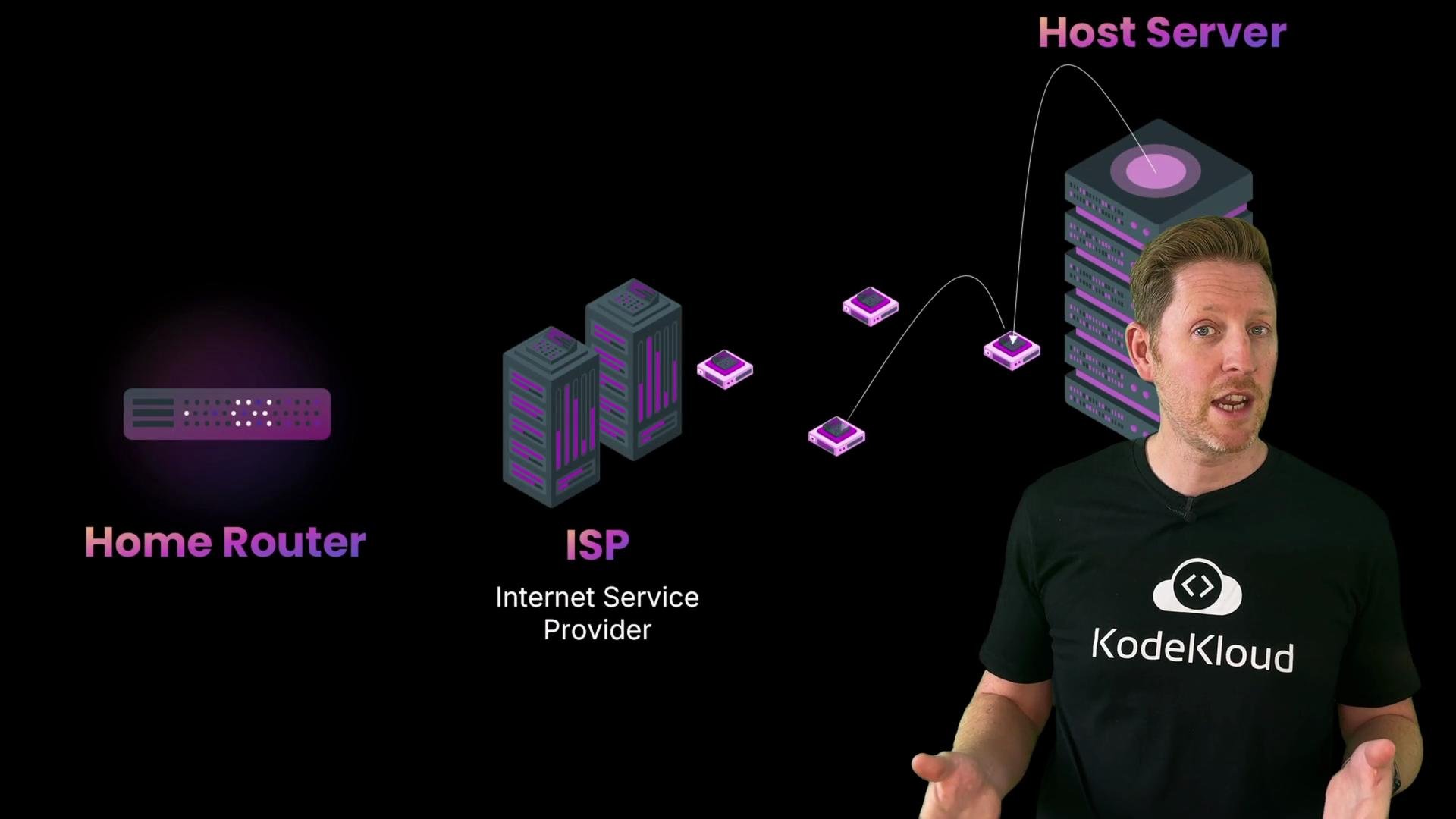
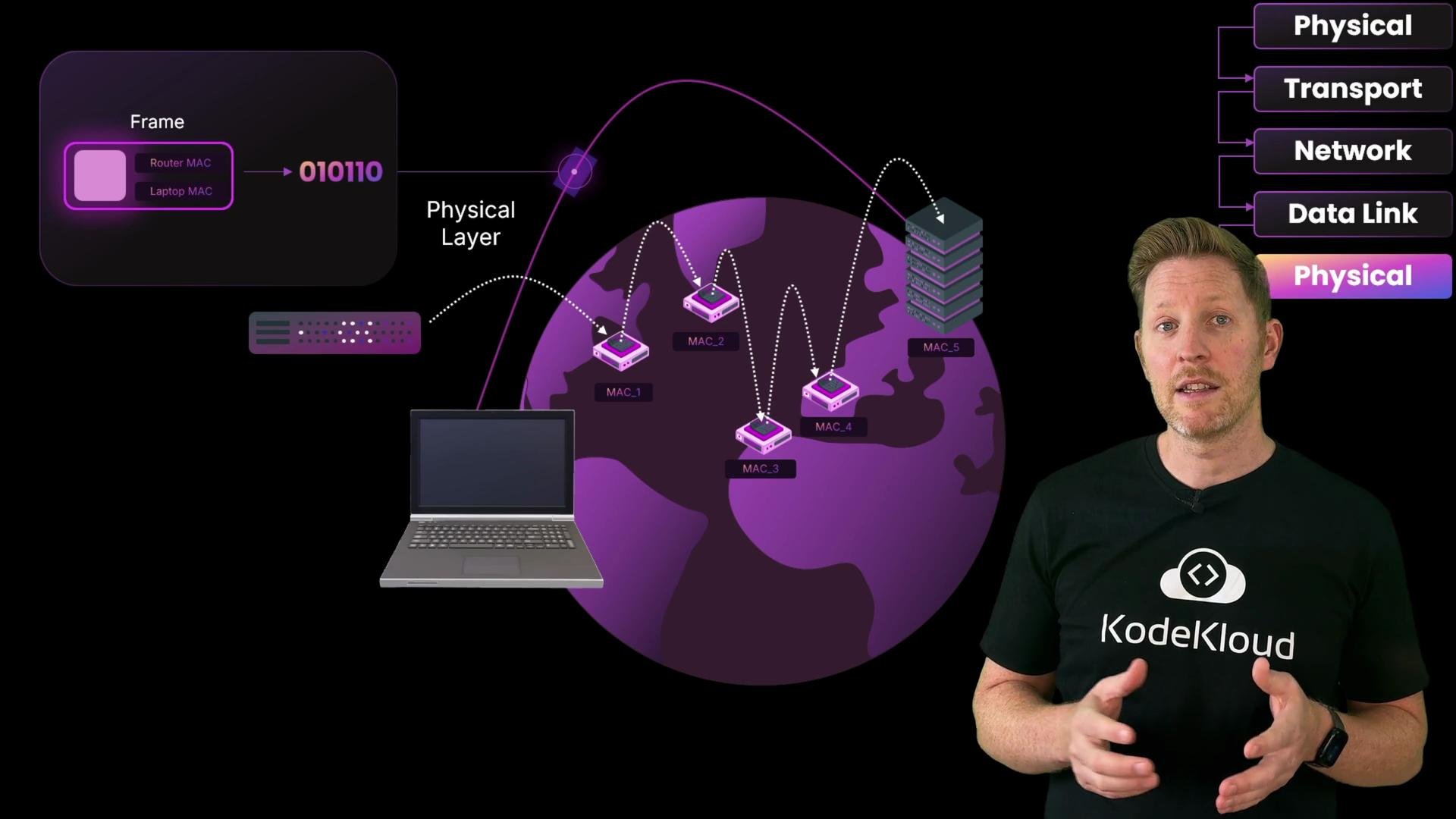 This cycle — build a new frame with the same IP packet — repeats at each hop until the packet reaches the destination server. In normal routing the destination IP does not change; however, proxies/NATs can alter addresses when crossing administrative boundaries.
Decapsulation at the destination
When the packet arrives, the server reverses the process: link-layer headers are removed and verified, then the network header is processed, and finally the transport header is removed so the application receives the original payload. This “peel the layers” process is called decapsulation. When the server replies, it encapsulates headers in the opposite direction and sends the response back to Cody.
This cycle — build a new frame with the same IP packet — repeats at each hop until the packet reaches the destination server. In normal routing the destination IP does not change; however, proxies/NATs can alter addresses when crossing administrative boundaries.
Decapsulation at the destination
When the packet arrives, the server reverses the process: link-layer headers are removed and verified, then the network header is processed, and finally the transport header is removed so the application receives the original payload. This “peel the layers” process is called decapsulation. When the server replies, it encapsulates headers in the opposite direction and sends the response back to Cody.
 Quick quiz
Which of the following statements is true?
A. Public and private IP addresses can be used interchangeably on the Internet.\
B. MAC addresses are used to route packets between global networks.\
C. TCP ensures reliable delivery by numbering segments and checking they arrive intact.\
D. DNS and TCP are both part of the transport layer in the TCP/IP model.
Pause and think.
Answer: C. TCP (transport layer) provides reliable delivery by sequencing segments, detecting errors, and retransmitting lost data.
Why the others are incorrect:
* A. Private IPs are not routable on the public Internet without NAT; public IPs are globally routable.
* B. MAC addresses operate only on the local link and are not used for routing across global networks.
* D. DNS is an application-layer protocol; TCP is a transport-layer protocol.
The TCP/IP model is consistent across applications — whether it’s a web page, file transfer, email, or voice — each message is taken down the stack, transported, and rebuilt at the far end.
When low latency matters: UDP and real-time traffic
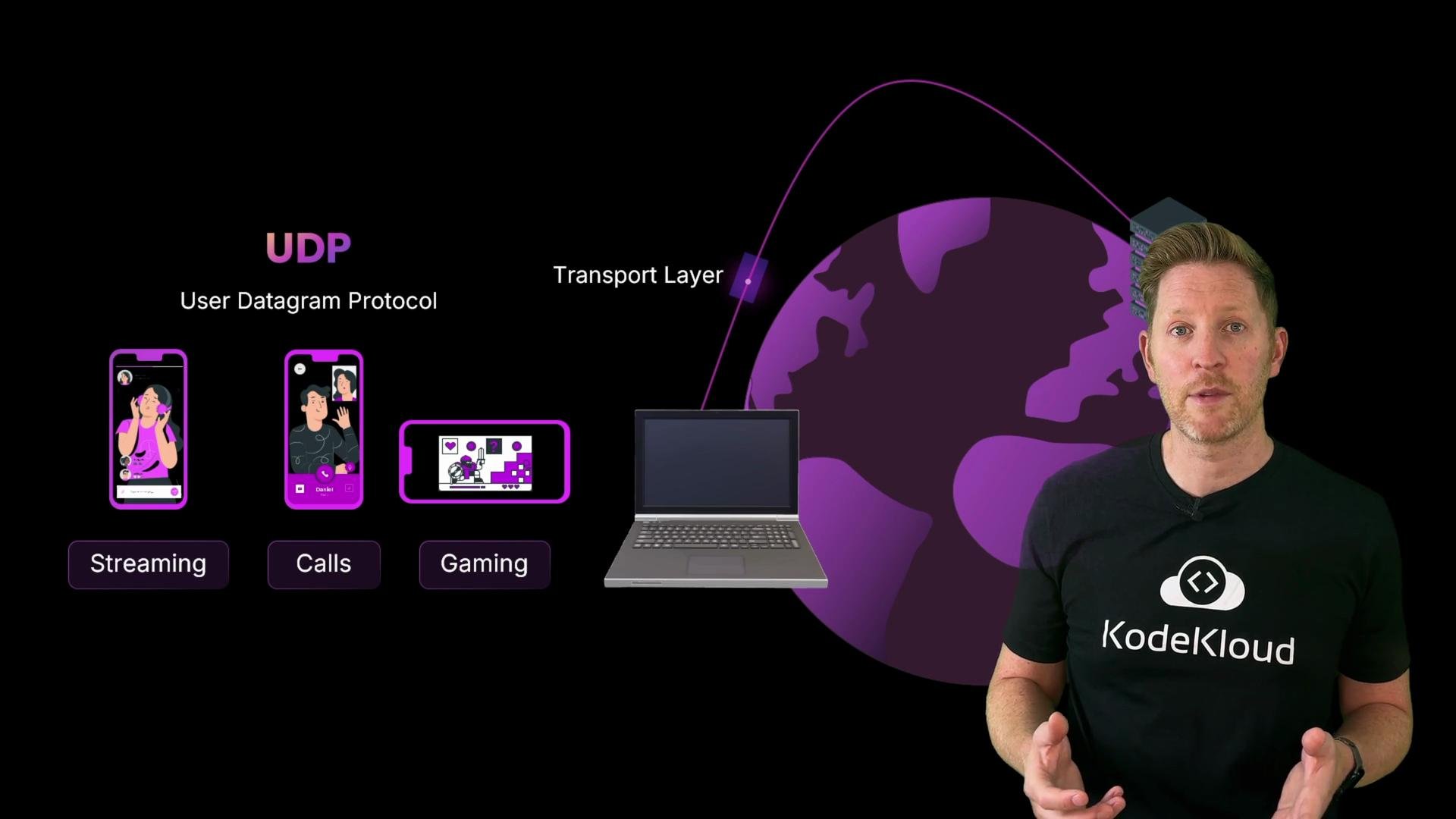
Real-time applications (voice/video calls, streaming, gaming) often prioritize speed and low latency over guaranteed delivery. These apps commonly use UDP (User Datagram Protocol) at the transport layer. Key characteristics of UDP:
* Connectionless: no handshake, no retransmissions.
* Low overhead and lower latency compared to TCP.
* Tolerates some packet loss in favor of responsiveness.
Quick quiz
Which of the following statements is true?
A. Public and private IP addresses can be used interchangeably on the Internet.\
B. MAC addresses are used to route packets between global networks.\
C. TCP ensures reliable delivery by numbering segments and checking they arrive intact.\
D. DNS and TCP are both part of the transport layer in the TCP/IP model.
Pause and think.
Answer: C. TCP (transport layer) provides reliable delivery by sequencing segments, detecting errors, and retransmitting lost data.
Why the others are incorrect:
* A. Private IPs are not routable on the public Internet without NAT; public IPs are globally routable.
* B. MAC addresses operate only on the local link and are not used for routing across global networks.
* D. DNS is an application-layer protocol; TCP is a transport-layer protocol.
The TCP/IP model is consistent across applications — whether it’s a web page, file transfer, email, or voice — each message is taken down the stack, transported, and rebuilt at the far end.
When low latency matters: UDP and real-time traffic
Real-time applications (voice/video calls, streaming, gaming) often prioritize speed and low latency over guaranteed delivery. These apps commonly use UDP (User Datagram Protocol) at the transport layer. Key characteristics of UDP:
* Connectionless: no handshake, no retransmissions.
* Low overhead and lower latency compared to TCP.
* Tolerates some packet loss in favor of responsiveness.
 Email, file transfer, and other application protocols
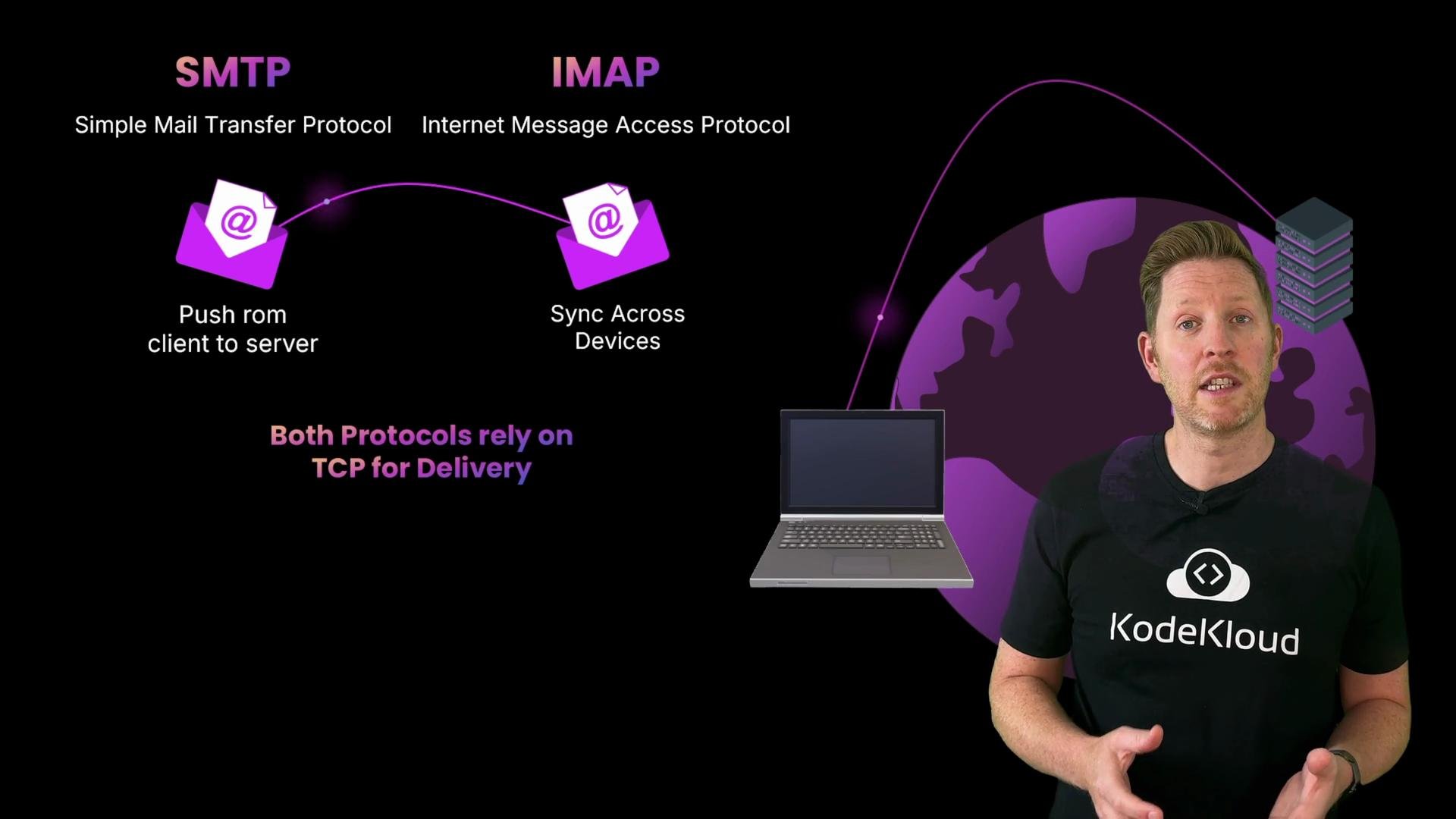
* Email: SMTP (Simple Mail Transfer Protocol) is used to send mail; IMAP (Internet Message Access Protocol) is used to retrieve and sync mailboxes. Both are application-layer protocols that typically use TCP for reliable delivery.
Email, file transfer, and other application protocols
* Email: SMTP (Simple Mail Transfer Protocol) is used to send mail; IMAP (Internet Message Access Protocol) is used to retrieve and sync mailboxes. Both are application-layer protocols that typically use TCP for reliable delivery.
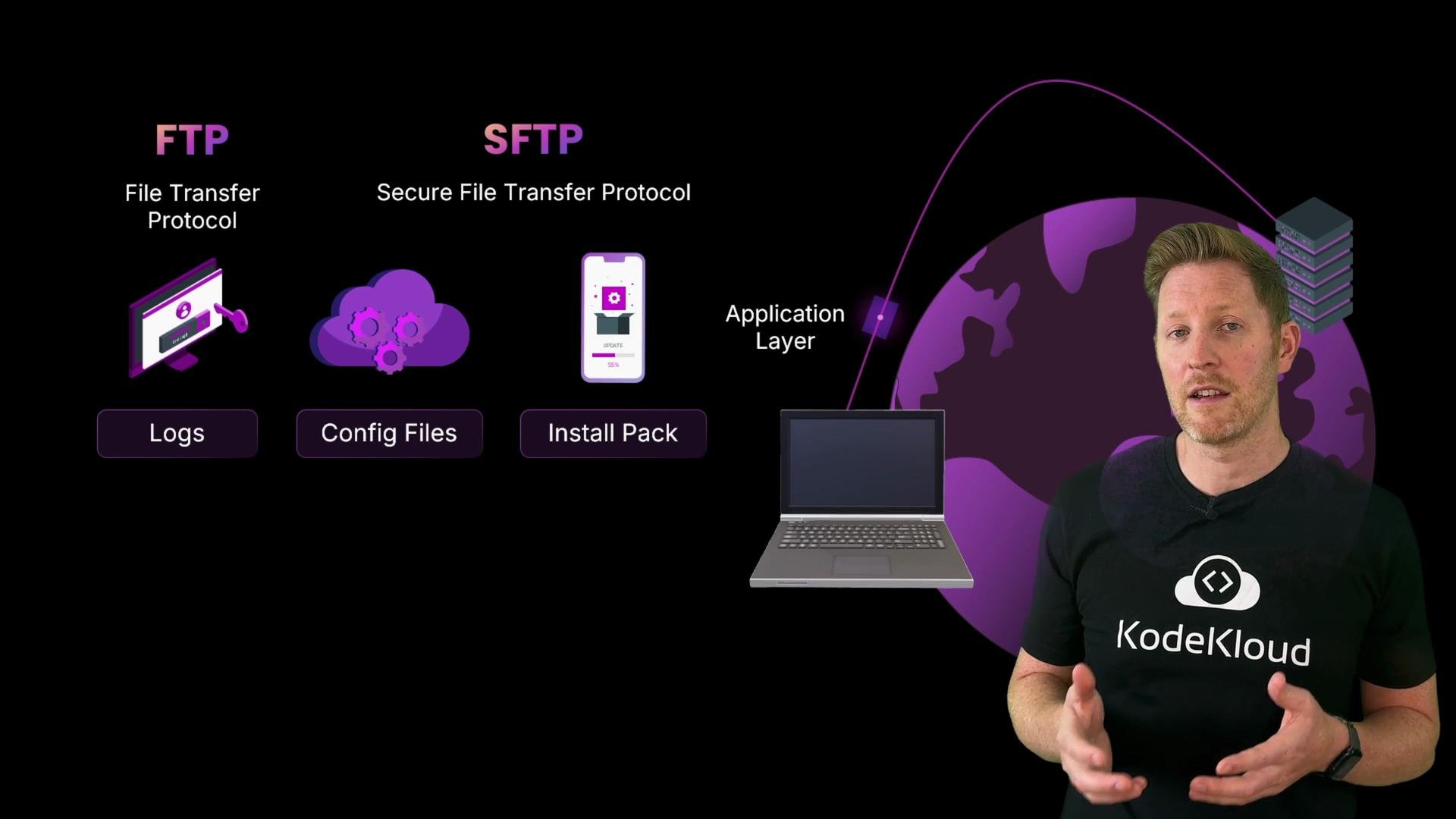
 * File transfer: FTP and secure variants such as SFTP/FTPS operate at the application layer and depend on TCP to ensure ordered, reliable delivery.
 Ports and common service mappings
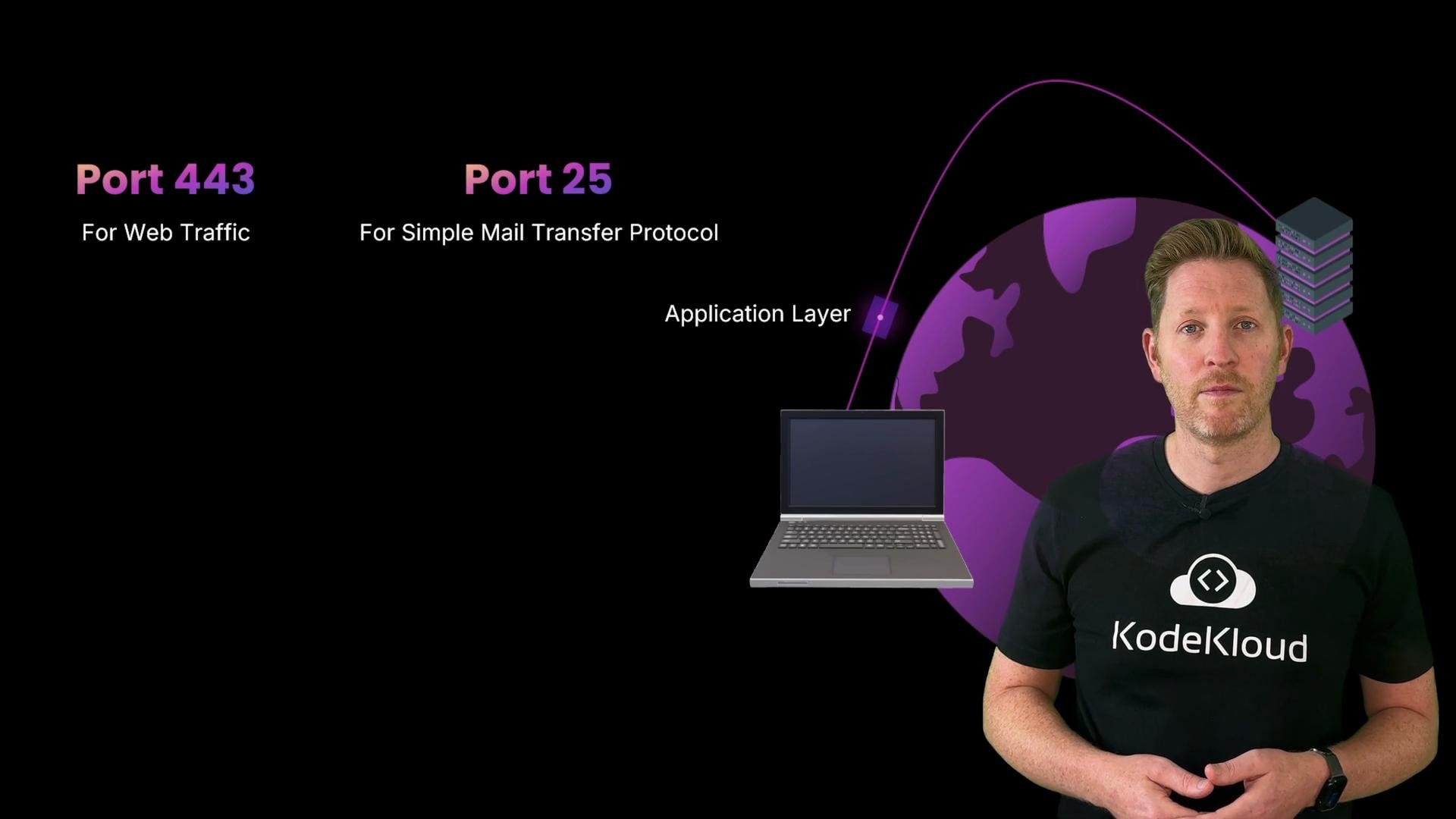
All the protocols described above use port numbers to direct traffic to the correct service on a host. You don’t need to memorize every port, but knowing common ones is helpful.
| Protocol / Service | Typical Layer | Common Port(s) |
| ---------------------- | ---------------------- | -------------------------- |
| HTTPS | Application (uses TCP) | `443` |
| HTTP | Application (uses TCP) | `80` |
| SMTP | Application (uses TCP) | `25`, submission `587` |
| IMAP | Application (uses TCP) | `143` (or `993` for IMAPS) |
| FTP | Application (uses TCP) | `21` (+ data ports) |
| DNS | Application (UDP/TCP) | `53` |
| SSH/SFTP | Application (uses TCP) | `22` |
| Custom real-time (UDP) | Transport (UDP) | varies |
For a comprehensive list of assigned ports see the IANA service name and port number registry: [https://www.iana.org/assignments/service-names-port-numbers/service-names-port-numbers.xhtml](https://www.iana.org/assignments/service-names-port-numbers/service-names-port-numbers.xhtml)
Ports and common service mappings
All the protocols described above use port numbers to direct traffic to the correct service on a host. You don’t need to memorize every port, but knowing common ones is helpful.
| Protocol / Service | Typical Layer | Common Port(s) |
| ---------------------- | ---------------------- | -------------------------- |
| HTTPS | Application (uses TCP) | `443` |
| HTTP | Application (uses TCP) | `80` |
| SMTP | Application (uses TCP) | `25`, submission `587` |
| IMAP | Application (uses TCP) | `143` (or `993` for IMAPS) |
| FTP | Application (uses TCP) | `21` (+ data ports) |
| DNS | Application (UDP/TCP) | `53` |
| SSH/SFTP | Application (uses TCP) | `22` |
| Custom real-time (UDP) | Transport (UDP) | varies |
For a comprehensive list of assigned ports see the IANA service name and port number registry: [https://www.iana.org/assignments/service-names-port-numbers/service-names-port-numbers.xhtml](https://www.iana.org/assignments/service-names-port-numbers/service-names-port-numbers.xhtml)
 Second quick quiz
Which of the following statements is true?
A. UDP guarantees every packet arrives in order and without errors.\
B. Email uses SMTP to send messages and IMAP to fetch them from a server.\
C. FTP sits at the transport layer and uses port 443 by default.\
D. Real-time protocols like UDP avoid the TCP/IP model to reduce delay.
Pause and think.
Answer: B. SMTP sends email; IMAP fetches and synchronizes mailboxes.
Why the others are incorrect:
* A. UDP does not guarantee ordering or retransmission — TCP provides those guarantees.
* C. FTP is an application-layer protocol (not transport) and does not use port `443` (HTTPS uses `443`).
* D. Real-time protocols still use the TCP/IP stack; they simply choose UDP at the transport layer to reduce latency.
Key takeaways — how protocols work together
* Each protocol in the stack solves a specific problem: naming (DNS), addressing (IP), reliable delivery (TCP), low-latency transport (UDP), and application-specific functions (HTTP, SMTP, FTP, etc.).
* IP addresses identify devices across networks: private IPs are used within local networks, public IPs are used for Internet reachability.
* MAC addresses identify devices on a local link; MACs are rewritten at every hop while the IP packet travels.
* Each layer adds its own header — transport adds segments, network adds packets, data link adds frames — and the recipient removes headers during decapsulation.
Second quick quiz
Which of the following statements is true?
A. UDP guarantees every packet arrives in order and without errors.\
B. Email uses SMTP to send messages and IMAP to fetch them from a server.\
C. FTP sits at the transport layer and uses port 443 by default.\
D. Real-time protocols like UDP avoid the TCP/IP model to reduce delay.
Pause and think.
Answer: B. SMTP sends email; IMAP fetches and synchronizes mailboxes.
Why the others are incorrect:
* A. UDP does not guarantee ordering or retransmission — TCP provides those guarantees.
* C. FTP is an application-layer protocol (not transport) and does not use port `443` (HTTPS uses `443`).
* D. Real-time protocols still use the TCP/IP stack; they simply choose UDP at the transport layer to reduce latency.
Key takeaways — how protocols work together
* Each protocol in the stack solves a specific problem: naming (DNS), addressing (IP), reliable delivery (TCP), low-latency transport (UDP), and application-specific functions (HTTP, SMTP, FTP, etc.).
* IP addresses identify devices across networks: private IPs are used within local networks, public IPs are used for Internet reachability.
* MAC addresses identify devices on a local link; MACs are rewritten at every hop while the IP packet travels.
* Each layer adds its own header — transport adds segments, network adds packets, data link adds frames — and the recipient removes headers during decapsulation.
 The TCP/IP model gives a practical framework for understanding, building, and troubleshooting end-to-end communication — from the single click in a browser to the packets traversing dozens of routers worldwide.
Remember: IPs route packets across networks; ports deliver data to the correct service on a host; MAC addresses are for local-link delivery; and each layer in the stack solves a distinct problem.
Later lessons will cover troubleshooting techniques — from basic connectivity checks (ping, traceroute) to packet-level inspection (tcpdump, Wireshark) — so you can trace where a packet is lost, delayed, or rewritten.
The TCP/IP model gives a practical framework for understanding, building, and troubleshooting end-to-end communication — from the single click in a browser to the packets traversing dozens of routers worldwide.
Remember: IPs route packets across networks; ports deliver data to the correct service on a host; MAC addresses are for local-link delivery; and each layer in the stack solves a distinct problem.
Later lessons will cover troubleshooting techniques — from basic connectivity checks (ping, traceroute) to packet-level inspection (tcpdump, Wireshark) — so you can trace where a packet is lost, delayed, or rewritten.