> ## Documentation Index
> Fetch the complete documentation index at: https://notes.kodekloud.com/llms.txt
> Use this file to discover all available pages before exploring further.
# Firewall Ports
> Guide to firewall ports, how firewalls control network traffic, common web and SSH ports, and managing rules with UFW, Firewalld and inspection tools like ss or netstat.
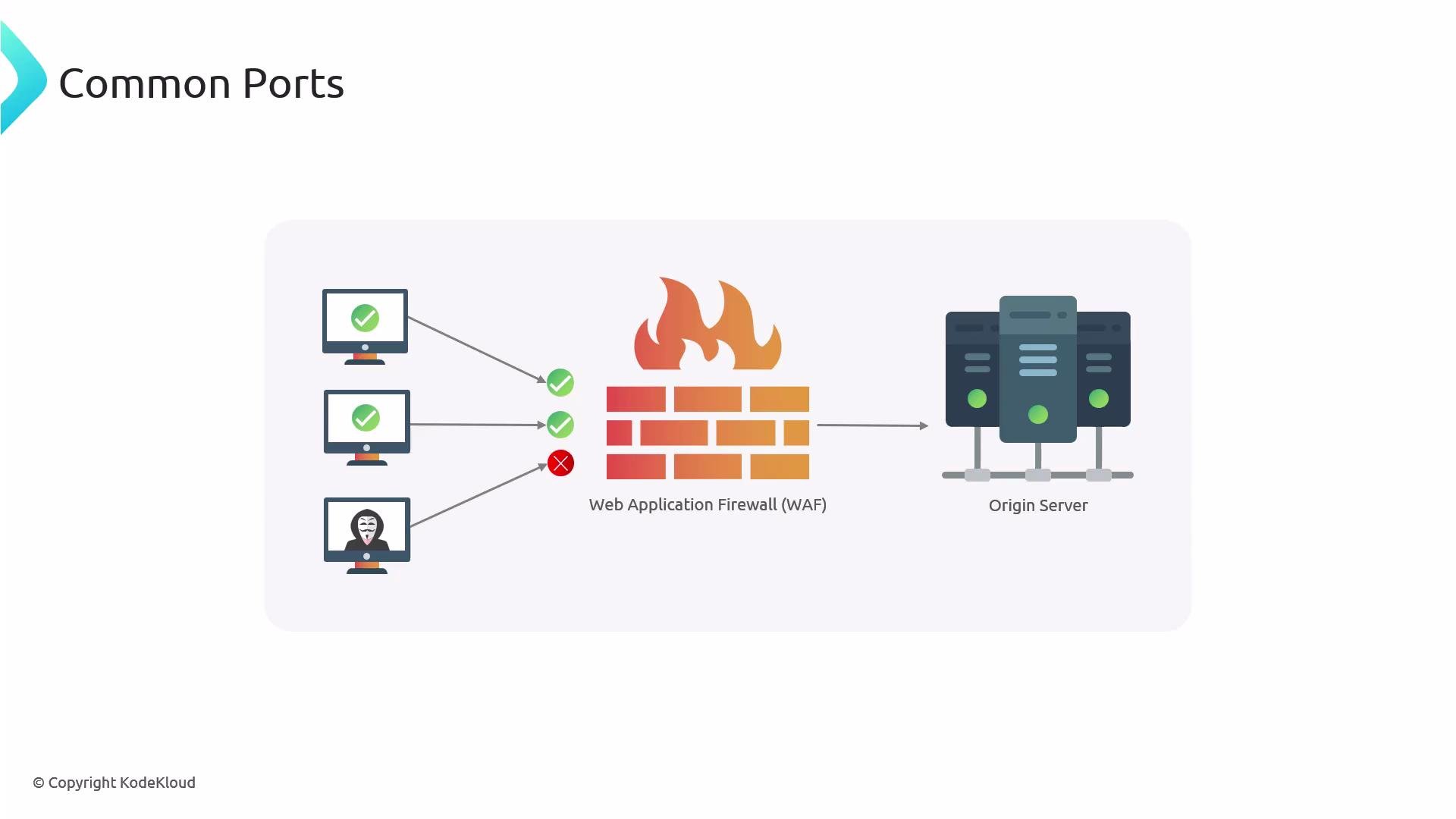
A firewall is a software or hardware security guard that sits between your system and the internet. It inspects and controls network traffic flowing in and out of a host or network to block unwanted access and reduce attack surface.
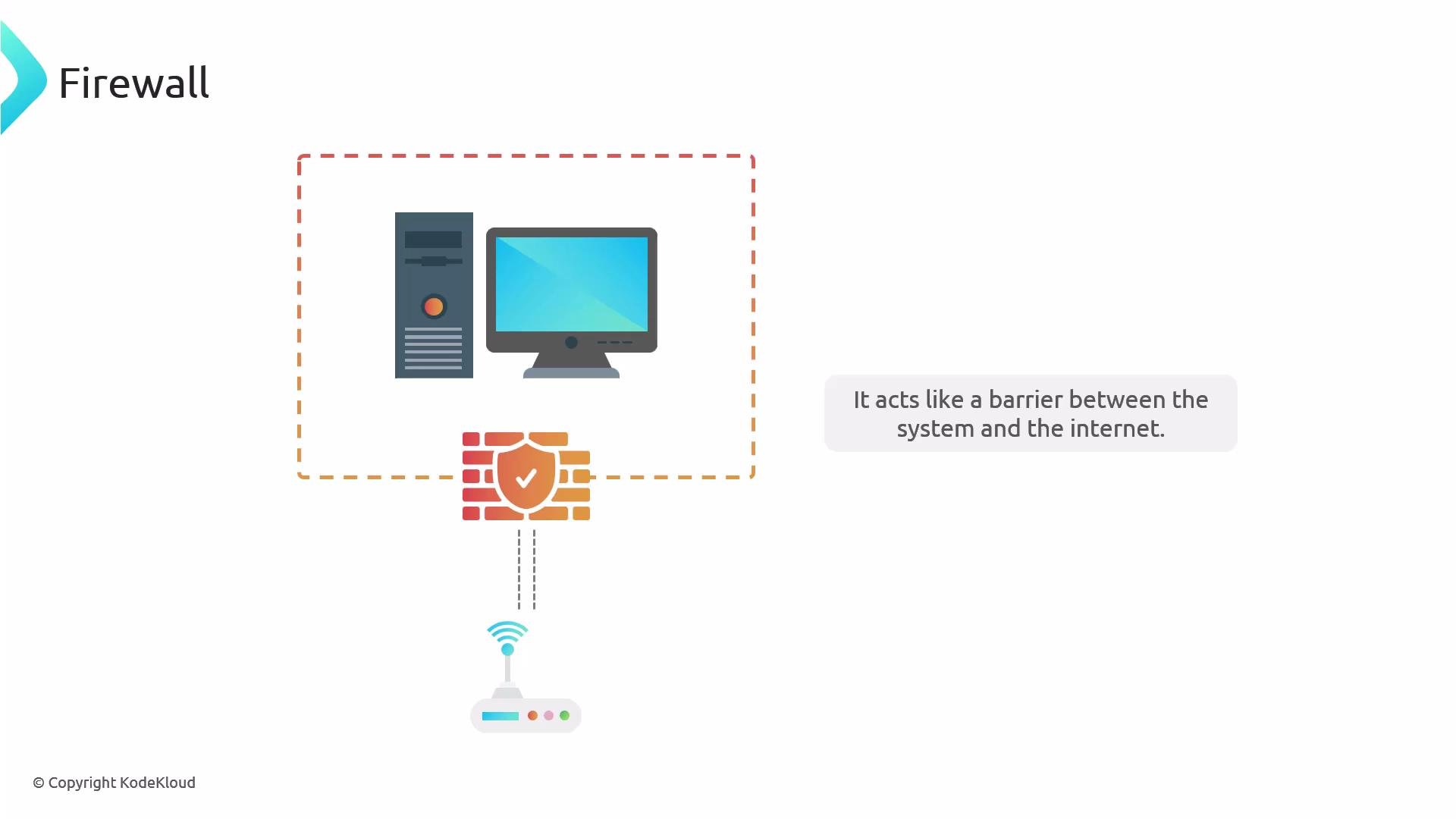 Think of a firewall like a home security system: it watches doors and windows and only lets approved people in. Firewalls can be implemented as host-level software (common on personal and server OSes) or as dedicated hardware appliances in data centers.
Linux distributions expose firewall management tools as friendly front-ends to the kernel packet-filtering system (historically `iptables`, increasingly `nftables`). For example:
* Debian / Ubuntu: UFW (Uncomplicated Firewall)
* Red Hat / Fedora / CentOS: Firewalld
Both tools configure the kernel packet filters; the kernel enforcement is what actually permits or blocks packets.
Think of a firewall like a home security system: it watches doors and windows and only lets approved people in. Firewalls can be implemented as host-level software (common on personal and server OSes) or as dedicated hardware appliances in data centers.
Linux distributions expose firewall management tools as friendly front-ends to the kernel packet-filtering system (historically `iptables`, increasingly `nftables`). For example:
* Debian / Ubuntu: UFW (Uncomplicated Firewall)
* Red Hat / Fedora / CentOS: Firewalld
Both tools configure the kernel packet filters; the kernel enforcement is what actually permits or blocks packets.
 Windows and macOS include built-in firewalls as well. Windows Firewall is typically enabled by default; macOS firewall must usually be enabled manually. Whatever platform you use, enable the firewall and only allow the traffic you need.
Ports — what are they?
A port is a network communication endpoint used by services on a computer. If a computer is a house, ports are the doors and windows. Close the ones you don’t need and only open the ones required by your services. For web traffic these are:
Windows and macOS include built-in firewalls as well. Windows Firewall is typically enabled by default; macOS firewall must usually be enabled manually. Whatever platform you use, enable the firewall and only allow the traffic you need.
Ports — what are they?
A port is a network communication endpoint used by services on a computer. If a computer is a house, ports are the doors and windows. Close the ones you don’t need and only open the ones required by your services. For web traffic these are:
 | Service | Port(s) | Notes |
| -------------- | ------- | --------------------------------------------------------------- |
| HTTP | `80` | Unencrypted web traffic |
| HTTPS | `443` | Encrypted web traffic (TLS) |
| SSH | `22` | Secure shell for remote administration — always treat carefully |
| Other services | varies | Expose only when necessary; prefer whitelisting IPs |
You don’t need to memorize every port number, but know `80`, `443`, and `22`. For servers exposed to the public internet, generally only open the web ports (80/443) and any management port (like SSH) restricted to trusted IPs. If you must open additional ports, prefer IP whitelisting or VPN access over broad exposure.
Avoid opening ports to “anywhere” unless absolutely necessary. Exposing management ports to the internet increases risk—use IP allowlists, SSH keys, or a VPN.
Managing UFW (Debian / Ubuntu)
Before enabling UFW on a remote machine, allow SSH so you don't lock yourself out.
Always allow SSH first. Example: `sudo ufw allow 22/tcp` before running `sudo ufw enable` on a remote server.
Common UFW commands:
```bash theme={null}
# Allow SSH and HTTPS
sudo ufw allow 22/tcp
sudo ufw allow 443/tcp
# Enable UFW
sudo ufw enable
# Reload rules (when necessary)
sudo ufw reload
# View rules with numbers (useful for deleting)
sudo ufw status numbered
# Delete a rule by its number (after checking the numbered list)
sudo ufw delete
sudo ufw reload
```
Notes:
* Use `sudo ufw status numbered` to see rule indices and remove rules safely.
* UFW is deliberately simple — it’s suitable for host-level firewalling and quick rule management.
Managing Firewalld (Red Hat / Fedora / CentOS)
If Firewalld is not installed, use your package manager to install and then start and enable it for boot persistence. Use `firewall-cmd` with `--permanent` for persistent rules, then `--reload` to apply them immediately.
Common Firewalld commands:
```bash theme={null}
# Install (example using yum) and ensure running
sudo yum update && sudo yum install -y firewalld
sudo systemctl enable --now firewalld
# Add HTTPS (port 443) permanently and reload
sudo firewall-cmd --permanent --add-port=443/tcp
sudo firewall-cmd --reload
# Remove HTTPS and reload
sudo firewall-cmd --permanent --remove-port=443/tcp
sudo firewall-cmd --reload
# View current configuration (runtime)
sudo firewall-cmd --list-all
```
Notes:
* `--permanent` changes the persistent configuration; `--reload` applies changes to the running runtime.
* You can enable and start Firewalld in one command with `sudo systemctl enable --now firewalld`.
Quick comparison: UFW vs Firewalld
| Feature | UFW (Debian/Ubuntu) | Firewalld (RHEL/Fedora/CentOS) |
| --------------- | -------------------- | --------------------------------------------- |
| Typical command | `ufw allow 443/tcp` | `firewall-cmd --permanent --add-port=443/tcp` |
| View rules | `ufw status` | `firewall-cmd --list-all` |
| Ease of use | Simple, host-focused | Flexible zones and rich rules |
Inspecting listening ports with netstat / ss
Tools like `netstat` (from net-tools) or `ss` (from iproute2) show which services are actually listening on ports — they do not show firewall rules.
Install `net-tools` if needed:
```bash theme={null}
# Debian/Ubuntu
sudo apt update && sudo apt install -y net-tools
# Red Hat/Fedora/CentOS
sudo yum install -y net-tools
```
List listening sockets:
```bash theme={null}
# Using netstat
sudo netstat -nltup
# Equivalent using ss (preferred on modern systems)
sudo ss -nltup
```
Explanation of options:
* `-n` show numeric addresses/ports
* `-l` show listening sockets
* `-t` show TCP
* `-u` show UDP
* `-p` show PID/program name
Important distinctions:
* `netstat` / `ss` show which services are bound to ports (i.e., listening). If no service is listening on a port, opening that port in the firewall does not make the service available.
* Firewall tools (UFW / Firewalld) control whether packet flows can reach those services. Both pieces must be configured correctly for a service to be reachable from the network.
Useful links and references
* UFW documentation: [https://help.ubuntu.com/community/UFW](https://help.ubuntu.com/community/UFW)
* Firewalld documentation: [https://firewalld.org/documentation/](https://firewalld.org/documentation/)
* netstat / ss references: `man netstat`, `man ss`
* General Linux firewall concepts: [https://www.kernel.org/doc/html/latest/networking/index.html](https://www.kernel.org/doc/html/latest/networking/index.html)
You can run the commands shown above to confirm which ports your services are listening on and which ports are allowed by your firewall.
| Service | Port(s) | Notes |
| -------------- | ------- | --------------------------------------------------------------- |
| HTTP | `80` | Unencrypted web traffic |
| HTTPS | `443` | Encrypted web traffic (TLS) |
| SSH | `22` | Secure shell for remote administration — always treat carefully |
| Other services | varies | Expose only when necessary; prefer whitelisting IPs |
You don’t need to memorize every port number, but know `80`, `443`, and `22`. For servers exposed to the public internet, generally only open the web ports (80/443) and any management port (like SSH) restricted to trusted IPs. If you must open additional ports, prefer IP whitelisting or VPN access over broad exposure.
Avoid opening ports to “anywhere” unless absolutely necessary. Exposing management ports to the internet increases risk—use IP allowlists, SSH keys, or a VPN.
Managing UFW (Debian / Ubuntu)
Before enabling UFW on a remote machine, allow SSH so you don't lock yourself out.
Always allow SSH first. Example: `sudo ufw allow 22/tcp` before running `sudo ufw enable` on a remote server.
Common UFW commands:
```bash theme={null}
# Allow SSH and HTTPS
sudo ufw allow 22/tcp
sudo ufw allow 443/tcp
# Enable UFW
sudo ufw enable
# Reload rules (when necessary)
sudo ufw reload
# View rules with numbers (useful for deleting)
sudo ufw status numbered
# Delete a rule by its number (after checking the numbered list)
sudo ufw delete
sudo ufw reload
```
Notes:
* Use `sudo ufw status numbered` to see rule indices and remove rules safely.
* UFW is deliberately simple — it’s suitable for host-level firewalling and quick rule management.
Managing Firewalld (Red Hat / Fedora / CentOS)
If Firewalld is not installed, use your package manager to install and then start and enable it for boot persistence. Use `firewall-cmd` with `--permanent` for persistent rules, then `--reload` to apply them immediately.
Common Firewalld commands:
```bash theme={null}
# Install (example using yum) and ensure running
sudo yum update && sudo yum install -y firewalld
sudo systemctl enable --now firewalld
# Add HTTPS (port 443) permanently and reload
sudo firewall-cmd --permanent --add-port=443/tcp
sudo firewall-cmd --reload
# Remove HTTPS and reload
sudo firewall-cmd --permanent --remove-port=443/tcp
sudo firewall-cmd --reload
# View current configuration (runtime)
sudo firewall-cmd --list-all
```
Notes:
* `--permanent` changes the persistent configuration; `--reload` applies changes to the running runtime.
* You can enable and start Firewalld in one command with `sudo systemctl enable --now firewalld`.
Quick comparison: UFW vs Firewalld
| Feature | UFW (Debian/Ubuntu) | Firewalld (RHEL/Fedora/CentOS) |
| --------------- | -------------------- | --------------------------------------------- |
| Typical command | `ufw allow 443/tcp` | `firewall-cmd --permanent --add-port=443/tcp` |
| View rules | `ufw status` | `firewall-cmd --list-all` |
| Ease of use | Simple, host-focused | Flexible zones and rich rules |
Inspecting listening ports with netstat / ss
Tools like `netstat` (from net-tools) or `ss` (from iproute2) show which services are actually listening on ports — they do not show firewall rules.
Install `net-tools` if needed:
```bash theme={null}
# Debian/Ubuntu
sudo apt update && sudo apt install -y net-tools
# Red Hat/Fedora/CentOS
sudo yum install -y net-tools
```
List listening sockets:
```bash theme={null}
# Using netstat
sudo netstat -nltup
# Equivalent using ss (preferred on modern systems)
sudo ss -nltup
```
Explanation of options:
* `-n` show numeric addresses/ports
* `-l` show listening sockets
* `-t` show TCP
* `-u` show UDP
* `-p` show PID/program name
Important distinctions:
* `netstat` / `ss` show which services are bound to ports (i.e., listening). If no service is listening on a port, opening that port in the firewall does not make the service available.
* Firewall tools (UFW / Firewalld) control whether packet flows can reach those services. Both pieces must be configured correctly for a service to be reachable from the network.
Useful links and references
* UFW documentation: [https://help.ubuntu.com/community/UFW](https://help.ubuntu.com/community/UFW)
* Firewalld documentation: [https://firewalld.org/documentation/](https://firewalld.org/documentation/)
* netstat / ss references: `man netstat`, `man ss`
* General Linux firewall concepts: [https://www.kernel.org/doc/html/latest/networking/index.html](https://www.kernel.org/doc/html/latest/networking/index.html)
You can run the commands shown above to confirm which ports your services are listening on and which ports are allowed by your firewall.