> ## Documentation Index
> Fetch the complete documentation index at: https://notes.kodekloud.com/llms.txt
> Use this file to discover all available pages before exploring further.
# Summary
> NGINX intermediate configuration guide covering server blocks, HTTPS redirects, rewrites, upstream load balancing, reverse proxy usage, and caching best practices.
Below is a concise, structured recap of the key concepts from this lesson on NGINX intermediate configuration. Each item includes practical notes and short examples you can apply directly.
## Server blocks (virtual hosts)
NGINX uses server blocks—defined with `server { ... }`—to host multiple sites on the same server. NGINX selects the appropriate server block using the `server_name` directive and the HTTP `Host` header.
* Typical server block:
```nginx theme={null}
server {
listen 80;
server_name example.com www.example.com;
root /var/www/example;
index index.html;
}
```
Use `nginx -t` after edits to validate configuration before reloading with `systemctl reload nginx` or `nginx -s reload`.
## Redirecting HTTP to HTTPS
To force HTTPS, return a redirect from the HTTP server block. A permanent redirect (301) is commonly used for SEO and caching, but use 302 if you plan to revert later.
* Permanent redirect example:
```nginx theme={null}
server {
listen 80;
server_name example.com;
return 301 https://$host$request_uri;
}
```
A `301` is cached by clients and search engines. Use `302` (temporary) during testing to avoid long-lived caches.
## Rewrites and regex
Use `location` blocks and the `rewrite` directive to transform request URIs, implement clean URLs, or map legacy routes.
* Clean URL rewrite example:
```nginx theme={null}
location /posts/ {
rewrite ^/posts/([0-9]+)$ /posts.php?id=$1 last;
}
```
* Prefer `try_files` for simple file-to-index fallbacks:
```nginx theme={null}
location / {
try_files $uri $uri/ /index.php?$query_string;
}
```
## Upstreams and backend pools
Define backend pools with `upstream { ... }`. These pools let NGINX proxy requests to application servers and enable load balancing.
* Upstream example:
```nginx theme={null}
upstream app_pool {
server 10.0.0.1:5000;
server 10.0.0.2:5000;
}
server {
location / {
proxy_pass http://app_pool;
proxy_set_header Host $host;
proxy_set_header X-Real-IP $remote_addr;
}
}
```
## Load balancing algorithms
NGINX supports several algorithms to distribute traffic. Choose based on session affinity, performance, and failure tolerance.
| Algorithm | Use case | Notes |
| -------------------- | ----------------------------------- | ------------------------------------------------------------------- |
| Round robin | Default, evenly distribute requests | No session affinity; simple and effective |
| Weighted round robin | Prefer higher-capacity backends | Assign `weight` per server in `upstream` |
| IP hash | Sticky sessions based on client IP | Useful for session-affine workloads (simple shopping cart behavior) |
Examples:
* Weighted upstream:
```nginx theme={null}
upstream app_pool {
server 10.0.0.1:5000 weight=3;
server 10.0.0.2:5000 weight=1;
}
```
* IP hash:
```nginx theme={null}
upstream app_pool {
ip_hash;
server 10.0.0.1:5000;
server 10.0.0.2:5000;
}
```
## Reverse proxy vs. load balancer
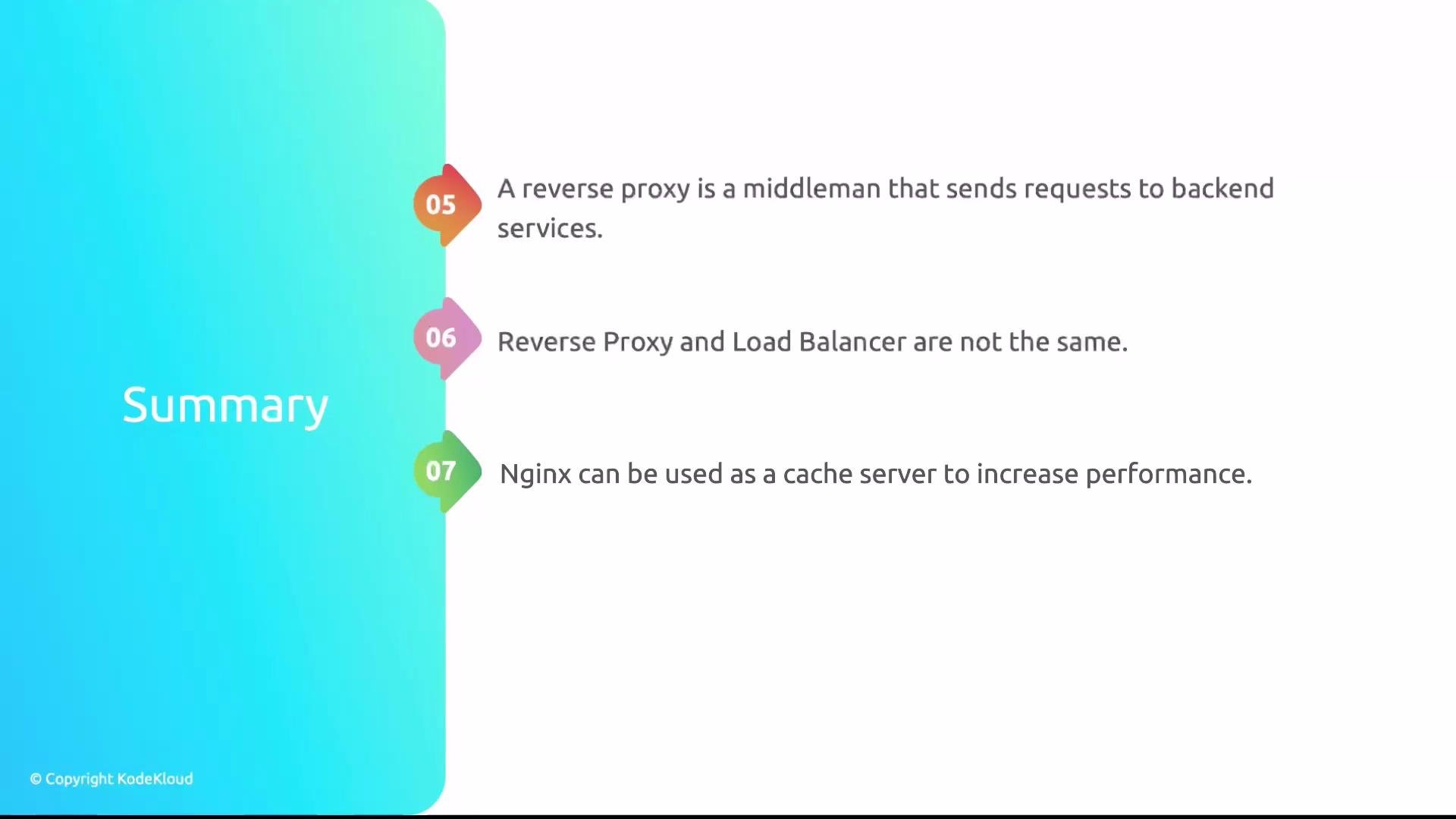
* Reverse proxy: Forwards client requests to a backend application. Useful even with a single backend (e.g., proxying to a Flask app on port 5000 or a Node server).
* Load balancer: Distributes traffic across multiple backends, providing scalability and failover. While a load balancer can point to a single server, you need multiple backends to realize load distribution and redundancy.
Practical tip: Combine roles—NGINX can act as both a reverse proxy and a load balancer, adding caching, SSL termination, and request rewriting in front of your application fleet.
 ## Caching
NGINX caching reduces backend load and speeds up responses by storing upstream responses locally using `proxy_cache`.
* Basic cache setup:
```nginx theme={null}
proxy_cache_path /var/cache/nginx levels=1:2 keys_zone=my_cache:10m max_size=1g inactive=60m use_temp_path=off;
server {
location / {
proxy_cache my_cache;
proxy_pass http://app_pool;
proxy_cache_valid 200 302 10m;
proxy_cache_valid 404 1m;
add_header X-Proxy-Cache $upstream_cache_status;
}
}
```
Best practices:
* Honor or control `Cache-Control` and `Expires` headers appropriately.
* Use cache-busting or cache purging strategies for dynamic content.
* Monitor `X-Proxy-Cache` and cache directory size to avoid stale content and disk overuse.
And that wraps it up for this lesson.
## Caching
NGINX caching reduces backend load and speeds up responses by storing upstream responses locally using `proxy_cache`.
* Basic cache setup:
```nginx theme={null}
proxy_cache_path /var/cache/nginx levels=1:2 keys_zone=my_cache:10m max_size=1g inactive=60m use_temp_path=off;
server {
location / {
proxy_cache my_cache;
proxy_pass http://app_pool;
proxy_cache_valid 200 302 10m;
proxy_cache_valid 404 1m;
add_header X-Proxy-Cache $upstream_cache_status;
}
}
```
Best practices:
* Honor or control `Cache-Control` and `Expires` headers appropriately.
* Use cache-busting or cache purging strategies for dynamic content.
* Monitor `X-Proxy-Cache` and cache directory size to avoid stale content and disk overuse.
And that wraps it up for this lesson.