> ## Documentation Index
> Fetch the complete documentation index at: https://notes.kodekloud.com/llms.txt
> Use this file to discover all available pages before exploring further.
# Introduction and Objectives
> Hands-on NGINX course teaching installation, virtual hosts, reverse proxying, TLS security, performance optimizations, caching, rate limiting, monitoring, and troubleshooting for production web deployments
NGINX is a cornerstone of modern web infrastructure — a high-performance, event-driven web server and reverse proxy used for serving static content, proxying and load balancing traffic, terminating TLS/HTTPS, and more. In this lesson you’ll get a focused, hands-on introduction to NGINX that covers both fundamentals and practical production-ready skills.
My name is Anthony, and I’ll guide you through the course objectives, core concepts, and the hands-on labs that will help you deploy, secure, and optimize web applications with NGINX.
 What makes NGINX powerful is its event-driven architecture — it handles many simultaneous connections efficiently by using non-blocking, asynchronous processing. This design is ideal for high-concurrency scenarios such as API gateways, static site hosting, and reverse proxying to application servers.
Course highlights:
* Install and configure NGINX on Linux (Debian/Ubuntu and RHEL/CentOS paths).
* Create and host a basic website and multiple virtual servers.
* Configure reverse proxying, redirects, and upstream load balancing.
* Implement TLS/HTTPS and important HTTP security headers.
* Apply optimizations: caching, compression, rate limiting, and monitoring.
* Troubleshoot common issues and interpret access/error logs.
What makes NGINX powerful is its event-driven architecture — it handles many simultaneous connections efficiently by using non-blocking, asynchronous processing. This design is ideal for high-concurrency scenarios such as API gateways, static site hosting, and reverse proxying to application servers.
Course highlights:
* Install and configure NGINX on Linux (Debian/Ubuntu and RHEL/CentOS paths).
* Create and host a basic website and multiple virtual servers.
* Configure reverse proxying, redirects, and upstream load balancing.
* Implement TLS/HTTPS and important HTTP security headers.
* Apply optimizations: caching, compression, rate limiting, and monitoring.
* Troubleshoot common issues and interpret access/error logs.
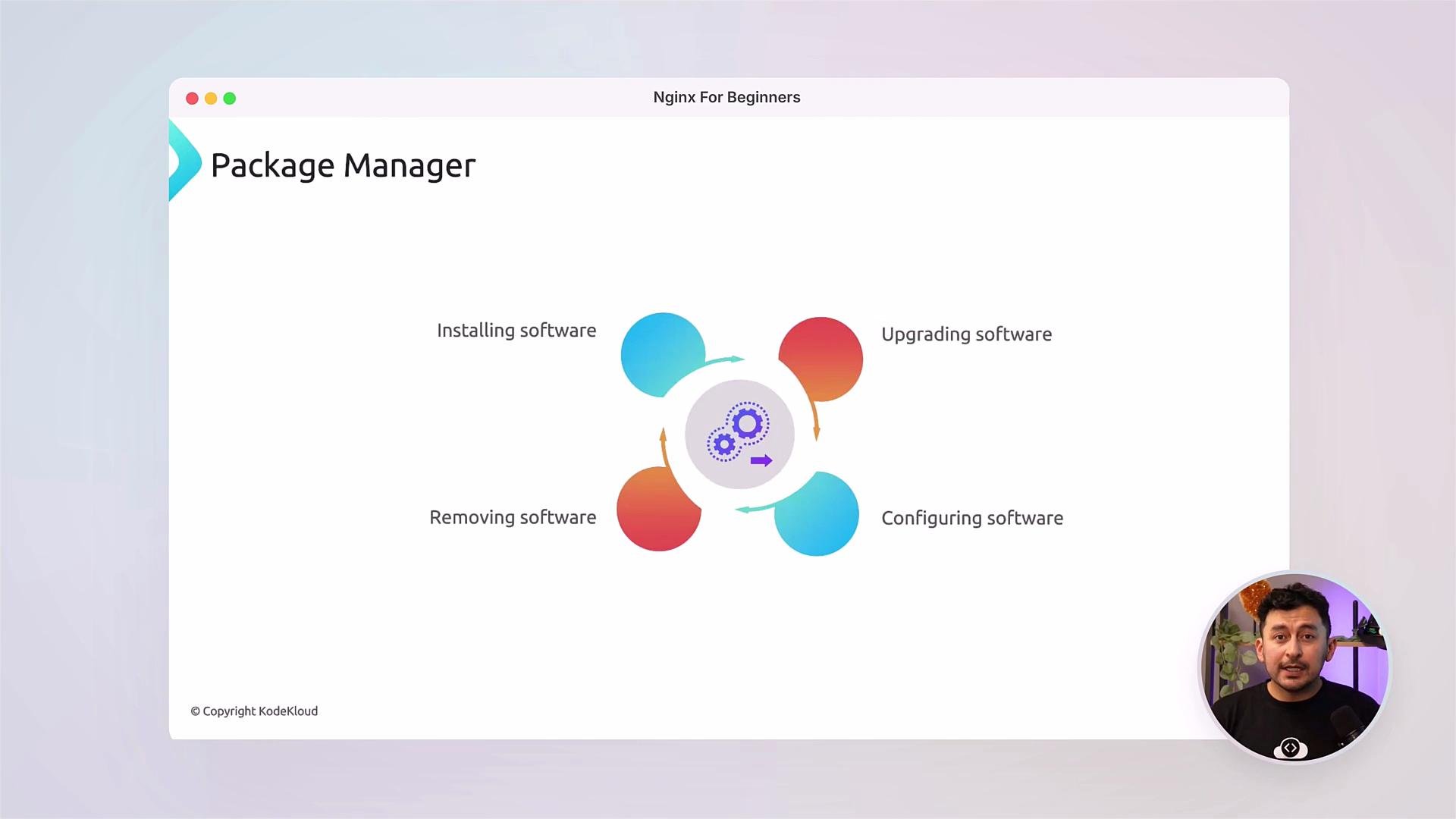 We’ll begin with installation and package lifecycle management so you can maintain NGINX safely and predictably. Typical install commands include:
```bash theme={null}
# Debian/Ubuntu
sudo apt update
sudo apt install nginx
# RHEL/CentOS (dnf or yum)
sudo dnf install nginx
sudo systemctl enable --now nginx
```
You’ll also learn how to manage virtual servers (`server` blocks), set up redirects and rewrites, and configure upstream server pools for load balancing.
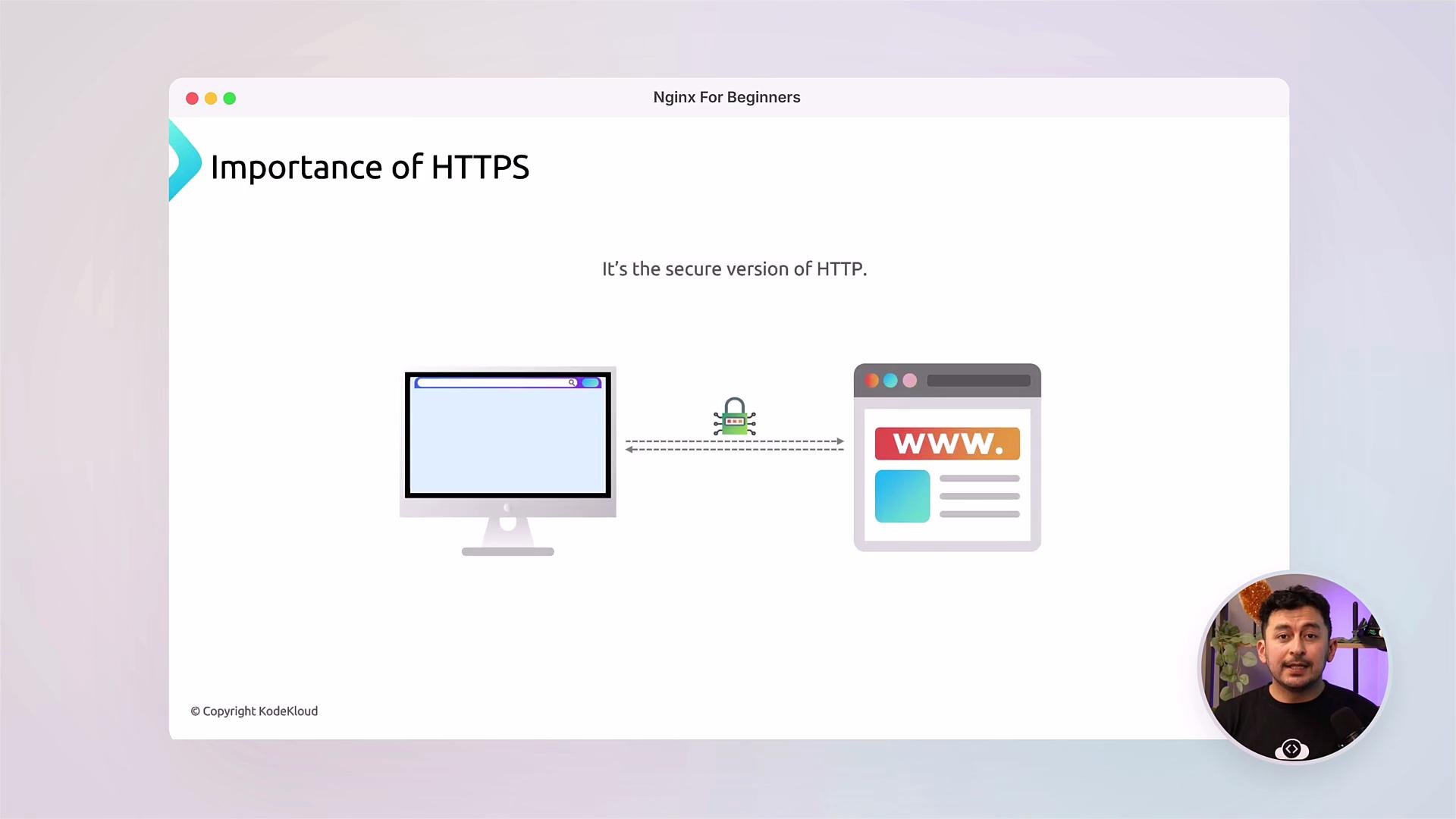
We’ll cover HTTPS and best practices for TLS termination — including using automated certificate issuers like Let's Encrypt — and how to configure essential HTTP headers (HSTS, Content-Security-Policy, X-Frame-Options) to harden your deployment.
We’ll begin with installation and package lifecycle management so you can maintain NGINX safely and predictably. Typical install commands include:
```bash theme={null}
# Debian/Ubuntu
sudo apt update
sudo apt install nginx
# RHEL/CentOS (dnf or yum)
sudo dnf install nginx
sudo systemctl enable --now nginx
```
You’ll also learn how to manage virtual servers (`server` blocks), set up redirects and rewrites, and configure upstream server pools for load balancing.
We’ll cover HTTPS and best practices for TLS termination — including using automated certificate issuers like Let's Encrypt — and how to configure essential HTTP headers (HSTS, Content-Security-Policy, X-Frame-Options) to harden your deployment.
 Security callouts:
Always run updates and follow the principle of least privilege. Use valid TLS certificates and enable strong cipher suites. When exposing services to the public internet, make sure your firewall is configured and only necessary ports (e.g. 80, 443) are open.
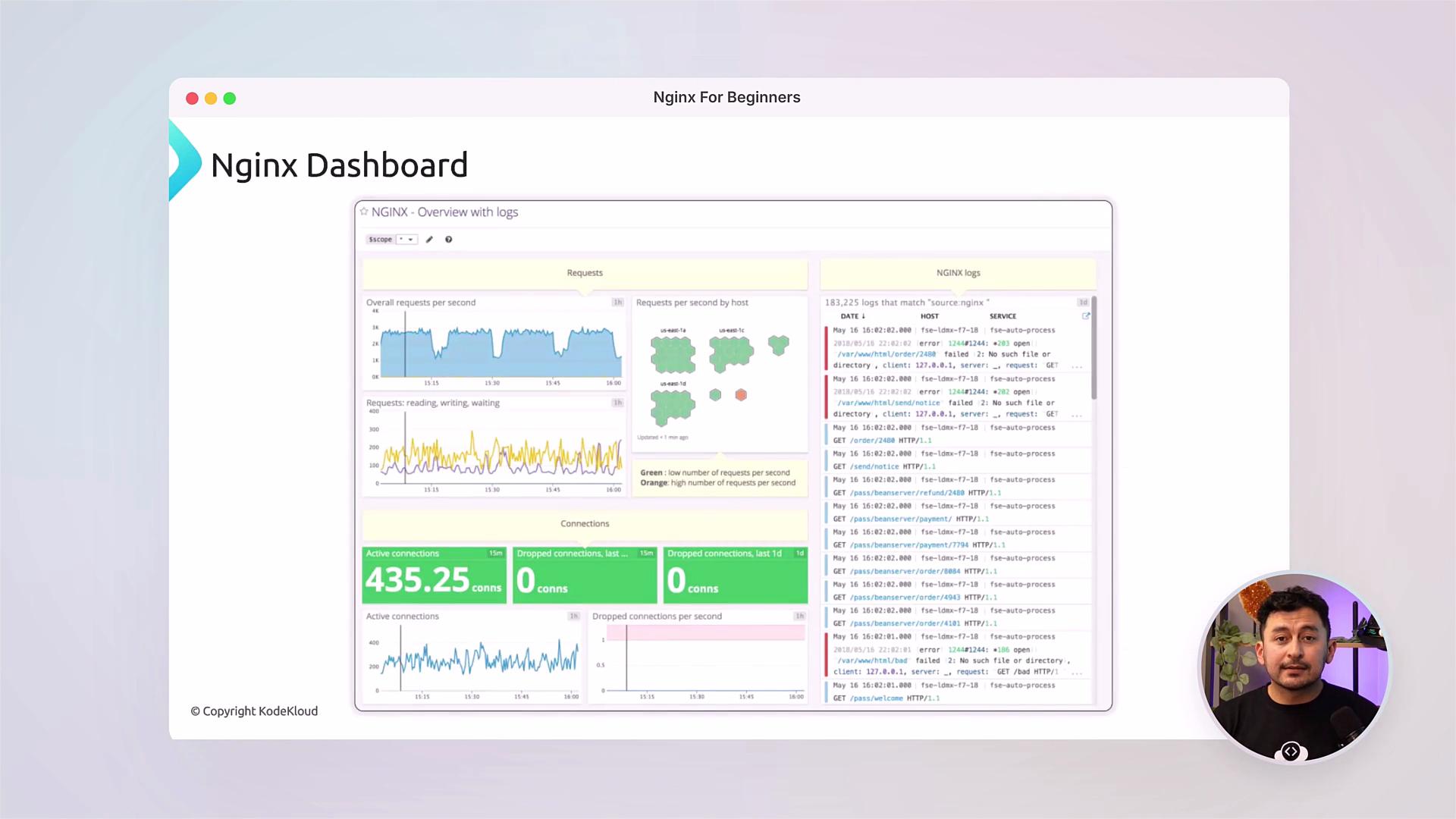
Optimization and observability are key parts of production operations. You will implement rate limiting, HTTP caching, gzip/brotli compression, and basic monitoring to reduce latency and improve throughput. We’ll also cover how to read and make sense of NGINX access and error logs to diagnose issues.
Security callouts:
Always run updates and follow the principle of least privilege. Use valid TLS certificates and enable strong cipher suites. When exposing services to the public internet, make sure your firewall is configured and only necessary ports (e.g. 80, 443) are open.
Optimization and observability are key parts of production operations. You will implement rate limiting, HTTP caching, gzip/brotli compression, and basic monitoring to reduce latency and improve throughput. We’ll also cover how to read and make sense of NGINX access and error logs to diagnose issues.
 Course structure
| Module | Focus | What you'll learn |
| ------------------------------ | ---------------------- | ----------------------------------------------------- |
| Installation & Basics | Get started | Install NGINX, directory layout, managing the service |
| Virtual Hosts & Routing | Hosting multiple sites | `server` blocks, `location` matching, redirects |
| Reverse Proxy & Load Balancing | Scale applications | Upstreams, health checks, sticky sessions |
| TLS & Security | Secure delivery | HTTPS, certificates, security headers, rate limiting |
| Performance & Caching | Improve latency | gzip/brotli, proxy\_cache, caching headers |
| Monitoring & Troubleshooting | Maintain reliability | Logs, status module, metrics, debugging tips |
Tip: Follow along with the labs. Practicing each module on a local VM or cloud instance will help you retain the configuration patterns and troubleshooting steps covered in the videos.
Additional resources and references
* NGINX official documentation: [https://nginx.org/en/docs/](https://nginx.org/en/docs/)
* NGINX Beginner Guide: [https://nginx.org/en/docs/beginners\_guide.html](https://nginx.org/en/docs/beginners_guide.html)
* Let’s Encrypt for TLS certificates: [https://letsencrypt.org/](https://letsencrypt.org/)
* KodeKloud community and course labs: [https://kodekloud.com/](https://kodekloud.com/)
Community
At KodeKloud, community learning matters. Join the discussion forums to ask questions, share configurations, and compare troubleshooting approaches with peers worldwide.
Course structure
| Module | Focus | What you'll learn |
| ------------------------------ | ---------------------- | ----------------------------------------------------- |
| Installation & Basics | Get started | Install NGINX, directory layout, managing the service |
| Virtual Hosts & Routing | Hosting multiple sites | `server` blocks, `location` matching, redirects |
| Reverse Proxy & Load Balancing | Scale applications | Upstreams, health checks, sticky sessions |
| TLS & Security | Secure delivery | HTTPS, certificates, security headers, rate limiting |
| Performance & Caching | Improve latency | gzip/brotli, proxy\_cache, caching headers |
| Monitoring & Troubleshooting | Maintain reliability | Logs, status module, metrics, debugging tips |
Tip: Follow along with the labs. Practicing each module on a local VM or cloud instance will help you retain the configuration patterns and troubleshooting steps covered in the videos.
Additional resources and references
* NGINX official documentation: [https://nginx.org/en/docs/](https://nginx.org/en/docs/)
* NGINX Beginner Guide: [https://nginx.org/en/docs/beginners\_guide.html](https://nginx.org/en/docs/beginners_guide.html)
* Let’s Encrypt for TLS certificates: [https://letsencrypt.org/](https://letsencrypt.org/)
* KodeKloud community and course labs: [https://kodekloud.com/](https://kodekloud.com/)
Community
At KodeKloud, community learning matters. Join the discussion forums to ask questions, share configurations, and compare troubleshooting approaches with peers worldwide.