> ## Documentation Index
> Fetch the complete documentation index at: https://notes.kodekloud.com/llms.txt
> Use this file to discover all available pages before exploring further.
# Performance Introduction
> Practical NGINX performance techniques and configurations for rate limiting, caching, compression, keep-alive tuning, log analysis, and monitoring with Datadog
Welcome to the final module — congratulations on making it this far.
In this lesson you'll learn practical, production-ready performance techniques for NGINX that help protect and speed up your web server. These short, actionable configurations are easy to apply and suitable for most deployments.
Here are the objectives we'll work through:
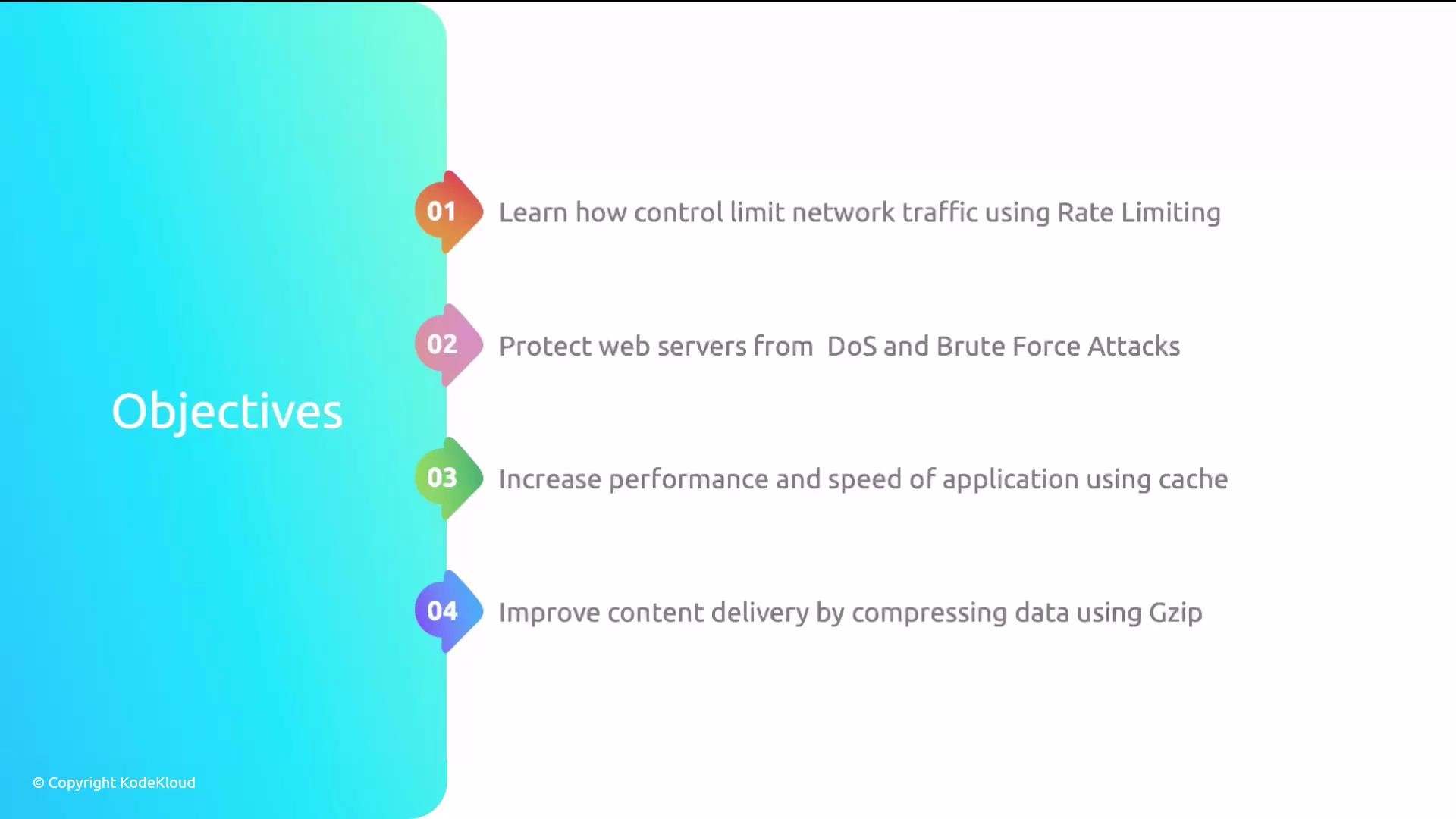
* Rate limiting — control how much traffic reaches your site to protect against DDoS, brute-force attacks, and aggressive scraping.
* Caching — use NGINX caching to boost response times and reduce backend load.
* Compression — use `gzip` to compress responses and improve delivery. `gzip` is supported out of the box by NGINX, so you don't need to install anything else.
 We’ll also cover these supporting topics:
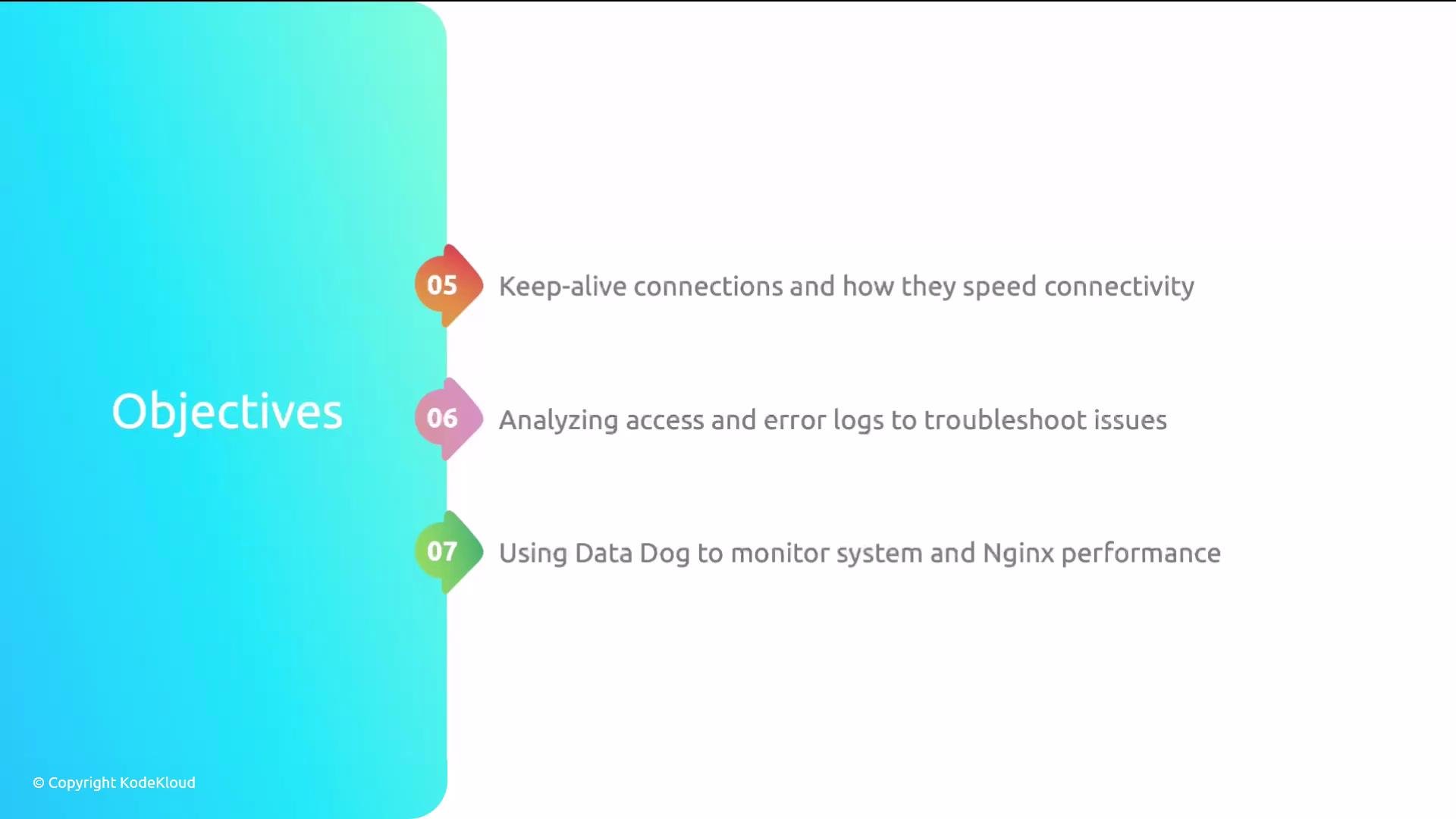
* Keep-alive connections — what they are and how they improve connection reuse and latency.
* Log analysis — how to analyze access and error logs to troubleshoot and optimize.
* Monitoring — an overview of using [Datadog](https://www.datadoghq.com/) to monitor NGINX metrics and system performance.
The Datadog section includes installation and configuration examples, but we will not run a hands-on Datadog lab because it requires a personal Datadog account. You can follow the steps in this lesson to set it up in your own environment.
We’ll also cover these supporting topics:
* Keep-alive connections — what they are and how they improve connection reuse and latency.
* Log analysis — how to analyze access and error logs to troubleshoot and optimize.
* Monitoring — an overview of using [Datadog](https://www.datadoghq.com/) to monitor NGINX metrics and system performance.
The Datadog section includes installation and configuration examples, but we will not run a hands-on Datadog lab because it requires a personal Datadog account. You can follow the steps in this lesson to set it up in your own environment.
 That's the plan — rate limiting, caching and compression, keep-alive tuning, log analysis and troubleshooting, and monitoring with [Datadog](https://www.datadoghq.com/). The configurations we cover are practical and quick to apply; anyone can follow them. Grab a cup of coffee and let's get started.
## Quick reference: features and example directives
| Feature | Benefit | Example directive |
| ----------------: | :--------------------------------------------------- | :--------------------------------------------------------------------------------- |
| Rate limiting | Protects from spikes, brute-force, and scraper abuse | `limit_req_zone $binary_remote_addr zone=one:10m rate=1r/s;` |
| Caching | Reduces backend load and improves latency | `proxy_cache_path /var/cache/nginx levels=1:2 keys_zone=mycache:10m inactive=60m;` |
| Compression | Smaller responses, faster transfer | `gzip on; gzip_types text/plain application/json;` |
| Keep-alive tuning | Reuse TCP connections to reduce latency | `keepalive_timeout 65; keepalive_requests 100;` |
| Log analysis | Troubleshoot errors and traffic patterns | Analyze `/var/log/nginx/access.log` and `error.log` |
| Monitoring | Track performance and alert on anomalies | Use Datadog NGINX integration for metrics and dashboards |
## Links and references
* [NGINX Documentation — Admin Guide](https://nginx.org/en/docs/)
* [Datadog — NGINX Integration](https://www.datadoghq.com/)
That's the plan — rate limiting, caching and compression, keep-alive tuning, log analysis and troubleshooting, and monitoring with [Datadog](https://www.datadoghq.com/). The configurations we cover are practical and quick to apply; anyone can follow them. Grab a cup of coffee and let's get started.
## Quick reference: features and example directives
| Feature | Benefit | Example directive |
| ----------------: | :--------------------------------------------------- | :--------------------------------------------------------------------------------- |
| Rate limiting | Protects from spikes, brute-force, and scraper abuse | `limit_req_zone $binary_remote_addr zone=one:10m rate=1r/s;` |
| Caching | Reduces backend load and improves latency | `proxy_cache_path /var/cache/nginx levels=1:2 keys_zone=mycache:10m inactive=60m;` |
| Compression | Smaller responses, faster transfer | `gzip on; gzip_types text/plain application/json;` |
| Keep-alive tuning | Reuse TCP connections to reduce latency | `keepalive_timeout 65; keepalive_requests 100;` |
| Log analysis | Troubleshoot errors and traffic patterns | Analyze `/var/log/nginx/access.log` and `error.log` |
| Monitoring | Track performance and alert on anomalies | Use Datadog NGINX integration for metrics and dashboards |
## Links and references
* [NGINX Documentation — Admin Guide](https://nginx.org/en/docs/)
* [Datadog — NGINX Integration](https://www.datadoghq.com/)