> ## Documentation Index
> Fetch the complete documentation index at: https://notes.kodekloud.com/llms.txt
> Use this file to discover all available pages before exploring further.
# Rate Limiting
> Explains Nginx rate limiting concepts and configurations to protect servers from abuse like DDoS, brute force and scraping using request and connection limits.
Imagine driving 90 km/h on a highway with a 100 km/h limit — you’re within the law and won’t be stopped. If another car speeds past at 130 km/h and is pulled over, they get a fine. Rate limiting for web servers follows the same principle: it defines how many requests a client (usually an IP or API key) can make in a given timeframe. Proper rate limiting protects server resources, prevents abuse, and mitigates attacks such as Distributed Denial of Service (DDoS).
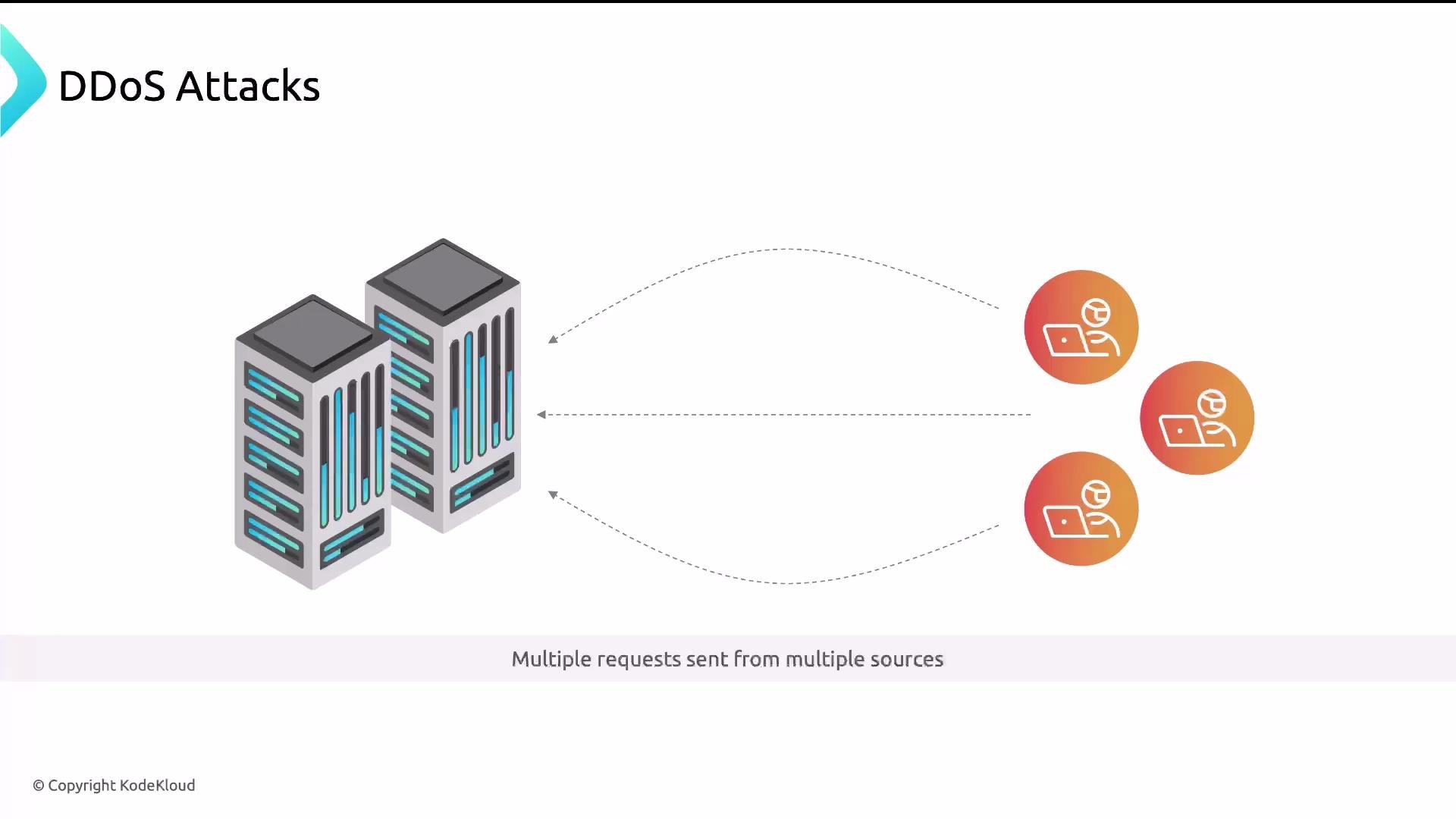 A DDoS attack floods a server with requests from many sources simultaneously with the intent to overwhelm and take the site offline.
Common abuse and attack patterns
* DDoS — massive volumes of requests from many sources.
* Brute-force attacks — automated scripts try many credentials on a login endpoint.
* Web scraping — bots extract valuable content (product listings, images, pricing) and republish it elsewhere.
* API overuse — a client issues too many requests in a short time, degrading service for others.
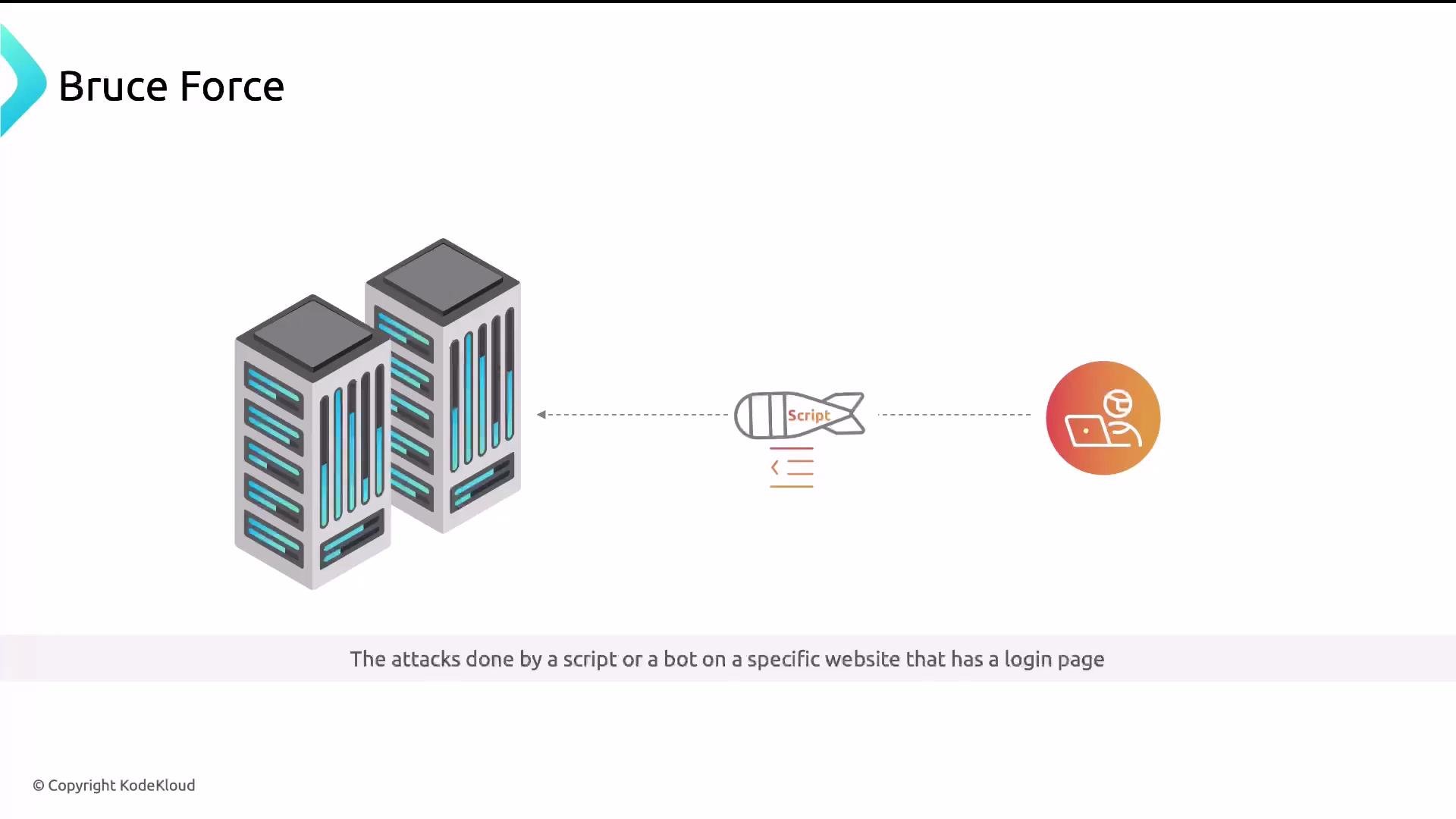
Brute-force login attempts are frequently automated using scripts or bots that try many password combinations until one works.
A DDoS attack floods a server with requests from many sources simultaneously with the intent to overwhelm and take the site offline.
Common abuse and attack patterns
* DDoS — massive volumes of requests from many sources.
* Brute-force attacks — automated scripts try many credentials on a login endpoint.
* Web scraping — bots extract valuable content (product listings, images, pricing) and republish it elsewhere.
* API overuse — a client issues too many requests in a short time, degrading service for others.
Brute-force login attempts are frequently automated using scripts or bots that try many password combinations until one works.
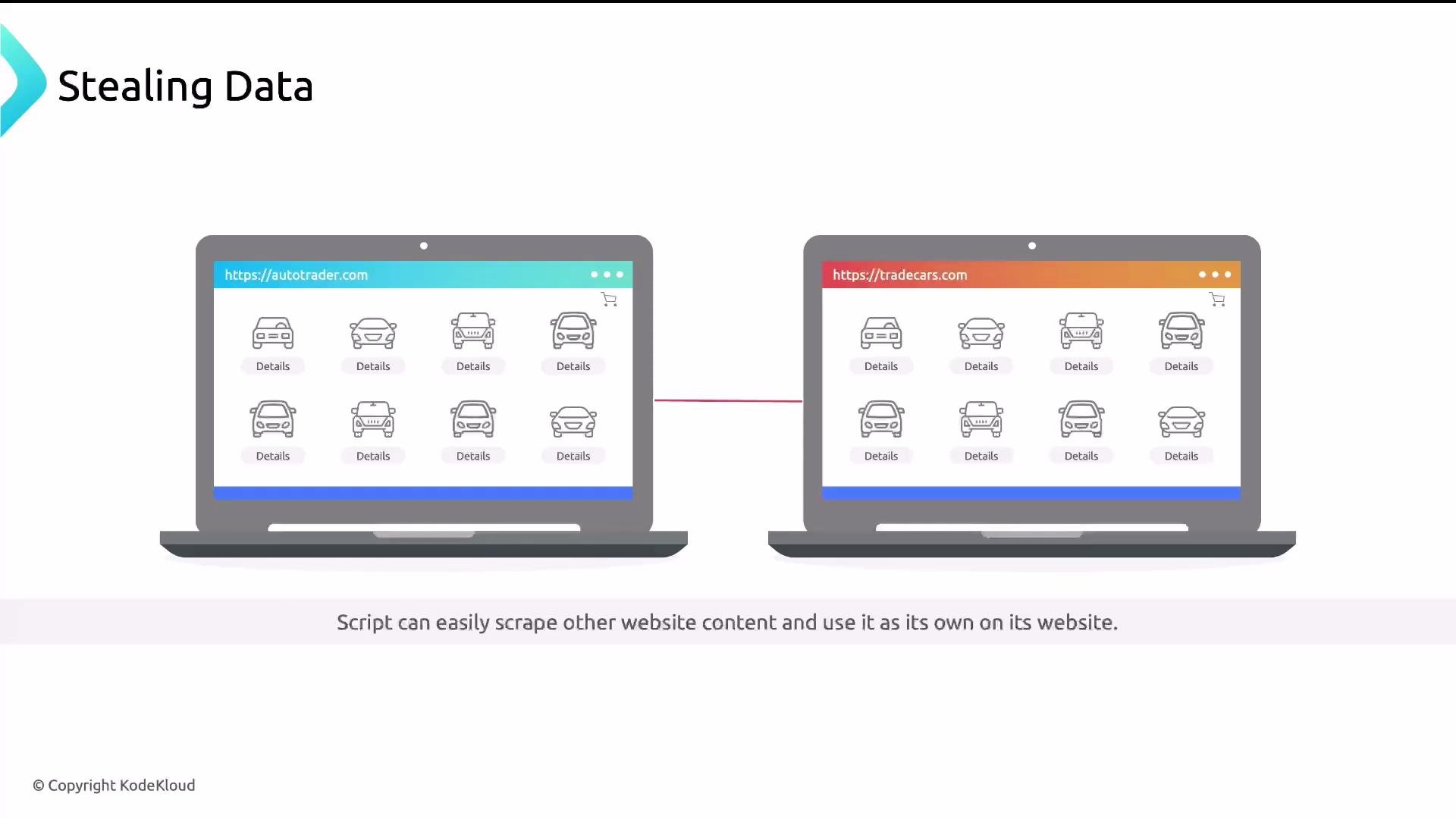
 Web scraping can quietly steal large amounts of content and reuse it — for instance, an auto listings site being copied and republished by another site.
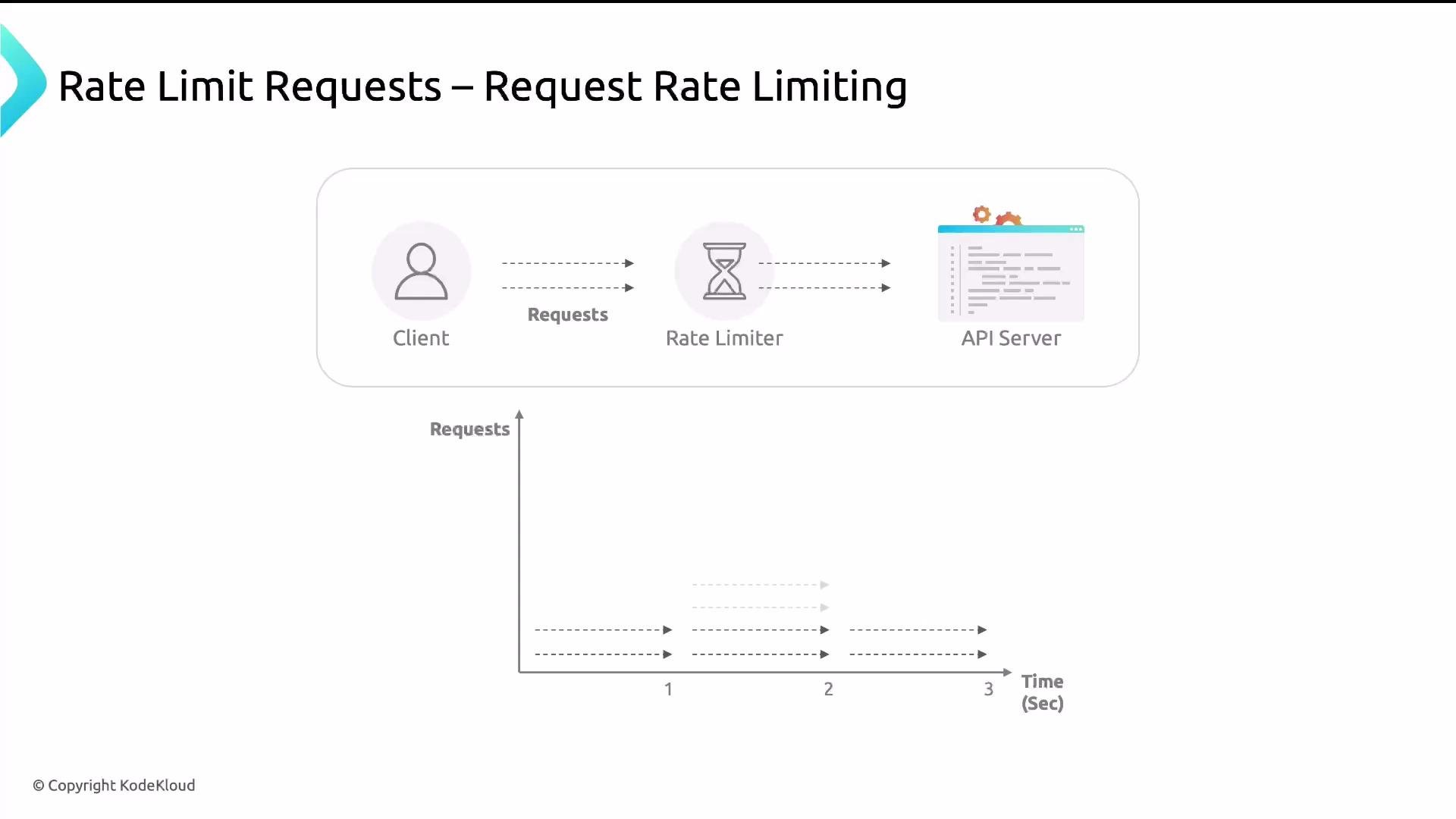
 APIs behave like waiters: they fetch or compute data for each request. When too many requests arrive at once, the API becomes slow or unavailable. Rate limiting keeps services responsive by controlling request rate and concurrency.
How rate limiting works — core concepts
* Identify the client: commonly by IP address (`$remote_addr` or optimized `$binary_remote_addr`), API key, or user identifier.
* Measure time between requests and count requests in a time window.
* Enforce thresholds (delay, reject, or drop requests) for clients that exceed limits.
Nginx implements two complementary rate-limiting methods:
1. Request rate limiting (`limit_req`) — controls the number of requests per time unit (e.g., 2 requests per minute). Implements a token/leaky-bucket style smoothing algorithm with `burst` and `nodelay` tuning.
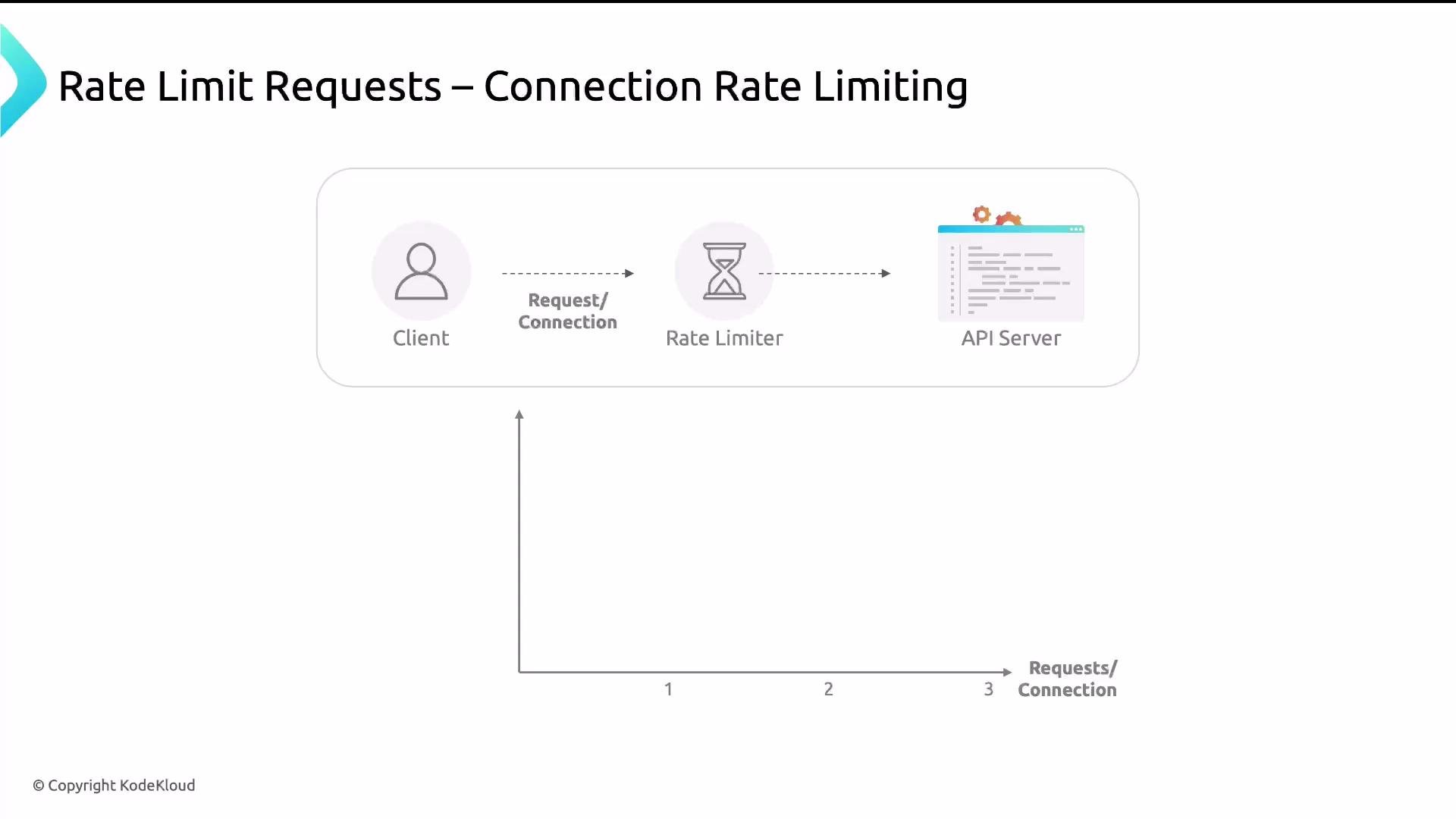
2. Connection rate limiting (`limit_conn`) — caps concurrent connections per client (e.g., 1 connection per IP).
Request rate limiting
Request rate limiting restricts the number of requests a client can issue during a specified rate. Excess requests may be delayed (queued) up to a configured burst size or rejected immediately depending on `burst` and `nodelay`. The `limit_req` set of directives smooths spikes rather than enforcing a hard fixed-window reset.
APIs behave like waiters: they fetch or compute data for each request. When too many requests arrive at once, the API becomes slow or unavailable. Rate limiting keeps services responsive by controlling request rate and concurrency.
How rate limiting works — core concepts
* Identify the client: commonly by IP address (`$remote_addr` or optimized `$binary_remote_addr`), API key, or user identifier.
* Measure time between requests and count requests in a time window.
* Enforce thresholds (delay, reject, or drop requests) for clients that exceed limits.
Nginx implements two complementary rate-limiting methods:
1. Request rate limiting (`limit_req`) — controls the number of requests per time unit (e.g., 2 requests per minute). Implements a token/leaky-bucket style smoothing algorithm with `burst` and `nodelay` tuning.
2. Connection rate limiting (`limit_conn`) — caps concurrent connections per client (e.g., 1 connection per IP).
Request rate limiting
Request rate limiting restricts the number of requests a client can issue during a specified rate. Excess requests may be delayed (queued) up to a configured burst size or rejected immediately depending on `burst` and `nodelay`. The `limit_req` set of directives smooths spikes rather than enforcing a hard fixed-window reset.
 Example Nginx configuration for request rate limiting:
```nginx theme={null}
http {
# Track requests per client IP, use 10MB of shared memory for the zone,
# and set the rate to 2 requests per minute.
limit_req_zone $binary_remote_addr zone=req_limit_per_ip:10m rate=2r/m;
# Return HTTP 429 Too Many Requests when the limit is exceeded.
limit_req_status 429;
}
server {
listen 80;
server_name example.com www.example.com;
root /var/www/example.com/html;
index index.html;
location /admin {
# Apply the request rate limit zone defined above.
limit_req zone=req_limit_per_ip;
try_files $uri $uri/ =404;
}
}
```
Key parts explained
* `$binary_remote_addr` — compact binary representation of the client IP (faster than the string form).
* `zone=req_limit_per_ip:10m` — shared memory zone name and size (10 MB) used to store client counters.
* `rate=2r/m` — allowed rate (2 requests per minute). You can use `r/s` for per-second rates (e.g., `1r/s`).
* `limit_req_status 429` — set the response code for rejected requests to HTTP 429 (Too Many Requests). Nginx defaults to 503, so 429 is preferred for clarity.
* `limit_req zone=req_limit_per_ip;` — activates the rate limit in a `location` or `server` context.
Tuning burst and nodelay
* `burst` configures how many requests above the rate can be queued temporarily.
* `nodelay` forces immediate processing of burst requests without delays (but still enforces the extra capacity).
Example with `burst`:
```nginx theme={null}
location /api/ {
# Allow short bursts of up to 5 extra requests; excess will be delayed to match rate.
limit_req zone=req_limit_per_ip burst=5;
}
```
Connection rate limiting
Connection rate limiting caps the number of simultaneous connections a client can open. This helps mitigate DDoS scenarios where attackers open many concurrent connections.
Example Nginx configuration for request rate limiting:
```nginx theme={null}
http {
# Track requests per client IP, use 10MB of shared memory for the zone,
# and set the rate to 2 requests per minute.
limit_req_zone $binary_remote_addr zone=req_limit_per_ip:10m rate=2r/m;
# Return HTTP 429 Too Many Requests when the limit is exceeded.
limit_req_status 429;
}
server {
listen 80;
server_name example.com www.example.com;
root /var/www/example.com/html;
index index.html;
location /admin {
# Apply the request rate limit zone defined above.
limit_req zone=req_limit_per_ip;
try_files $uri $uri/ =404;
}
}
```
Key parts explained
* `$binary_remote_addr` — compact binary representation of the client IP (faster than the string form).
* `zone=req_limit_per_ip:10m` — shared memory zone name and size (10 MB) used to store client counters.
* `rate=2r/m` — allowed rate (2 requests per minute). You can use `r/s` for per-second rates (e.g., `1r/s`).
* `limit_req_status 429` — set the response code for rejected requests to HTTP 429 (Too Many Requests). Nginx defaults to 503, so 429 is preferred for clarity.
* `limit_req zone=req_limit_per_ip;` — activates the rate limit in a `location` or `server` context.
Tuning burst and nodelay
* `burst` configures how many requests above the rate can be queued temporarily.
* `nodelay` forces immediate processing of burst requests without delays (but still enforces the extra capacity).
Example with `burst`:
```nginx theme={null}
location /api/ {
# Allow short bursts of up to 5 extra requests; excess will be delayed to match rate.
limit_req zone=req_limit_per_ip burst=5;
}
```
Connection rate limiting
Connection rate limiting caps the number of simultaneous connections a client can open. This helps mitigate DDoS scenarios where attackers open many concurrent connections.
 Example Nginx configuration for connection rate limiting:
```nginx theme={null}
http {
# Track concurrent connections per client IP in a 10MB shared zone.
limit_conn_zone $binary_remote_addr zone=conn_limit_per_ip:10m;
# Return HTTP 429 Too Many Requests for connection limit violations.
limit_conn_status 429;
}
server {
listen 80;
server_name example.com www.example.com;
root /var/www/example.com/html;
index index.html;
location /admin {
# Allow only 1 concurrent connection per IP using the defined zone.
limit_conn conn_limit_per_ip 1;
try_files $uri $uri/ =404;
}
}
```
Connection rate limiting explained
* `limit_conn_zone` — defines the shared memory zone and the key used to identify clients (here `$binary_remote_addr`).
* `limit_conn_status 429` — HTTP status for exceeded connection limits.
* `limit_conn conn_limit_per_ip 1` — maximum concurrent connections allowed per key. Increase the number to permit more simultaneous connections for legitimate clients.
Quick reference — common Nginx rate-limiting directives
| Directive | Purpose | Example |
| ------------------- | ------------------------------------------------- | ------------------------------------------------------------------------- |
| `limit_req_zone` | Defines a shared memory zone and request rate key | `limit_req_zone $binary_remote_addr zone=req_limit_per_ip:10m rate=2r/m;` |
| `limit_req` | Applies a request-rate policy within a context | `limit_req zone=req_limit_per_ip burst=5 nodelay;` |
| `limit_req_status` | Set HTTP status for request limit violations | `limit_req_status 429;` |
| `limit_conn_zone` | Defines shared zone and key for connection limits | `limit_conn_zone $binary_remote_addr zone=conn_limit_per_ip:10m;` |
| `limit_conn` | Apply concurrent-connection limit | `limit_conn conn_limit_per_ip 1;` |
| `limit_conn_status` | Set HTTP status for connection limit violations | `limit_conn_status 429;` |
Best-practice notes
Choose an appropriate shared memory zone size (for example, `10m`) based on the expected number of distinct clients you need to track. Shared zones are per Nginx instance (shared across worker processes on the same host) and are not synchronized across multiple machines — for distributed deployments use a centralized rate-limiting layer or an external store if you need cross-instance coordination.
Additional recommendations
* Prefer `429` for clarity when rejecting clients (`limit_req_status` / `limit_conn_status`).
* Apply stricter limits only to sensitive endpoints (login, admin, API write endpoints), and more permissive rules to public, high-traffic pages.
* Combine rate limits with other controls: authentication, WAF rules, IP blacklists, and CDN edge-rate limiting for better resilience.
* Monitor rejected and delayed requests (`error_log`, metrics) and adjust limits based on real traffic patterns to avoid false positives.
Links and references
* Nginx rate limiting (official docs): [https://nginx.org/en/docs/http/ngx\_http\_limit\_req\_module.html](https://nginx.org/en/docs/http/ngx_http_limit_req_module.html) and [https://nginx.org/en/docs/http/ngx\_http\_limit\_conn\_module.html](https://nginx.org/en/docs/http/ngx_http_limit_conn_module.html)
* DDoS (Wikipedia): [https://en.wikipedia.org/wiki/Distributed\_denial-of-service\_attack](https://en.wikipedia.org/wiki/Distributed_denial-of-service_attack)
* Brute-force attack (Wikipedia): [https://en.wikipedia.org/wiki/Brute-force\_attack](https://en.wikipedia.org/wiki/Brute-force_attack)
* Web scraping (Wikipedia): [https://en.wikipedia.org/wiki/Web\_scraping](https://en.wikipedia.org/wiki/Web_scraping)
That concludes this lesson on rate limiting. Use `limit_req` for request smoothing and `limit_conn` for concurrent-connection caps, and tune the values to match your application’s traffic and resiliency requirements.
Example Nginx configuration for connection rate limiting:
```nginx theme={null}
http {
# Track concurrent connections per client IP in a 10MB shared zone.
limit_conn_zone $binary_remote_addr zone=conn_limit_per_ip:10m;
# Return HTTP 429 Too Many Requests for connection limit violations.
limit_conn_status 429;
}
server {
listen 80;
server_name example.com www.example.com;
root /var/www/example.com/html;
index index.html;
location /admin {
# Allow only 1 concurrent connection per IP using the defined zone.
limit_conn conn_limit_per_ip 1;
try_files $uri $uri/ =404;
}
}
```
Connection rate limiting explained
* `limit_conn_zone` — defines the shared memory zone and the key used to identify clients (here `$binary_remote_addr`).
* `limit_conn_status 429` — HTTP status for exceeded connection limits.
* `limit_conn conn_limit_per_ip 1` — maximum concurrent connections allowed per key. Increase the number to permit more simultaneous connections for legitimate clients.
Quick reference — common Nginx rate-limiting directives
| Directive | Purpose | Example |
| ------------------- | ------------------------------------------------- | ------------------------------------------------------------------------- |
| `limit_req_zone` | Defines a shared memory zone and request rate key | `limit_req_zone $binary_remote_addr zone=req_limit_per_ip:10m rate=2r/m;` |
| `limit_req` | Applies a request-rate policy within a context | `limit_req zone=req_limit_per_ip burst=5 nodelay;` |
| `limit_req_status` | Set HTTP status for request limit violations | `limit_req_status 429;` |
| `limit_conn_zone` | Defines shared zone and key for connection limits | `limit_conn_zone $binary_remote_addr zone=conn_limit_per_ip:10m;` |
| `limit_conn` | Apply concurrent-connection limit | `limit_conn conn_limit_per_ip 1;` |
| `limit_conn_status` | Set HTTP status for connection limit violations | `limit_conn_status 429;` |
Best-practice notes
Choose an appropriate shared memory zone size (for example, `10m`) based on the expected number of distinct clients you need to track. Shared zones are per Nginx instance (shared across worker processes on the same host) and are not synchronized across multiple machines — for distributed deployments use a centralized rate-limiting layer or an external store if you need cross-instance coordination.
Additional recommendations
* Prefer `429` for clarity when rejecting clients (`limit_req_status` / `limit_conn_status`).
* Apply stricter limits only to sensitive endpoints (login, admin, API write endpoints), and more permissive rules to public, high-traffic pages.
* Combine rate limits with other controls: authentication, WAF rules, IP blacklists, and CDN edge-rate limiting for better resilience.
* Monitor rejected and delayed requests (`error_log`, metrics) and adjust limits based on real traffic patterns to avoid false positives.
Links and references
* Nginx rate limiting (official docs): [https://nginx.org/en/docs/http/ngx\_http\_limit\_req\_module.html](https://nginx.org/en/docs/http/ngx_http_limit_req_module.html) and [https://nginx.org/en/docs/http/ngx\_http\_limit\_conn\_module.html](https://nginx.org/en/docs/http/ngx_http_limit_conn_module.html)
* DDoS (Wikipedia): [https://en.wikipedia.org/wiki/Distributed\_denial-of-service\_attack](https://en.wikipedia.org/wiki/Distributed_denial-of-service_attack)
* Brute-force attack (Wikipedia): [https://en.wikipedia.org/wiki/Brute-force\_attack](https://en.wikipedia.org/wiki/Brute-force_attack)
* Web scraping (Wikipedia): [https://en.wikipedia.org/wiki/Web\_scraping](https://en.wikipedia.org/wiki/Web_scraping)
That concludes this lesson on rate limiting. Use `limit_req` for request smoothing and `limit_conn` for concurrent-connection caps, and tune the values to match your application’s traffic and resiliency requirements.