Congratulations on completing the NGINX course. Throughout this journey you gained practical, hands-on experience with one of the most widely used and high-performance web servers in modern infrastructure. We covered core concepts and real-world techniques including:
  • NGINX fundamentals and architecture
  • Serving static content and virtual hosts
  • Reverse proxying and load balancing
  • Caching, compression, and rate limiting for performance
  • Security basics and hardening practices
  • Integrating NGINX with cloud and container platforms
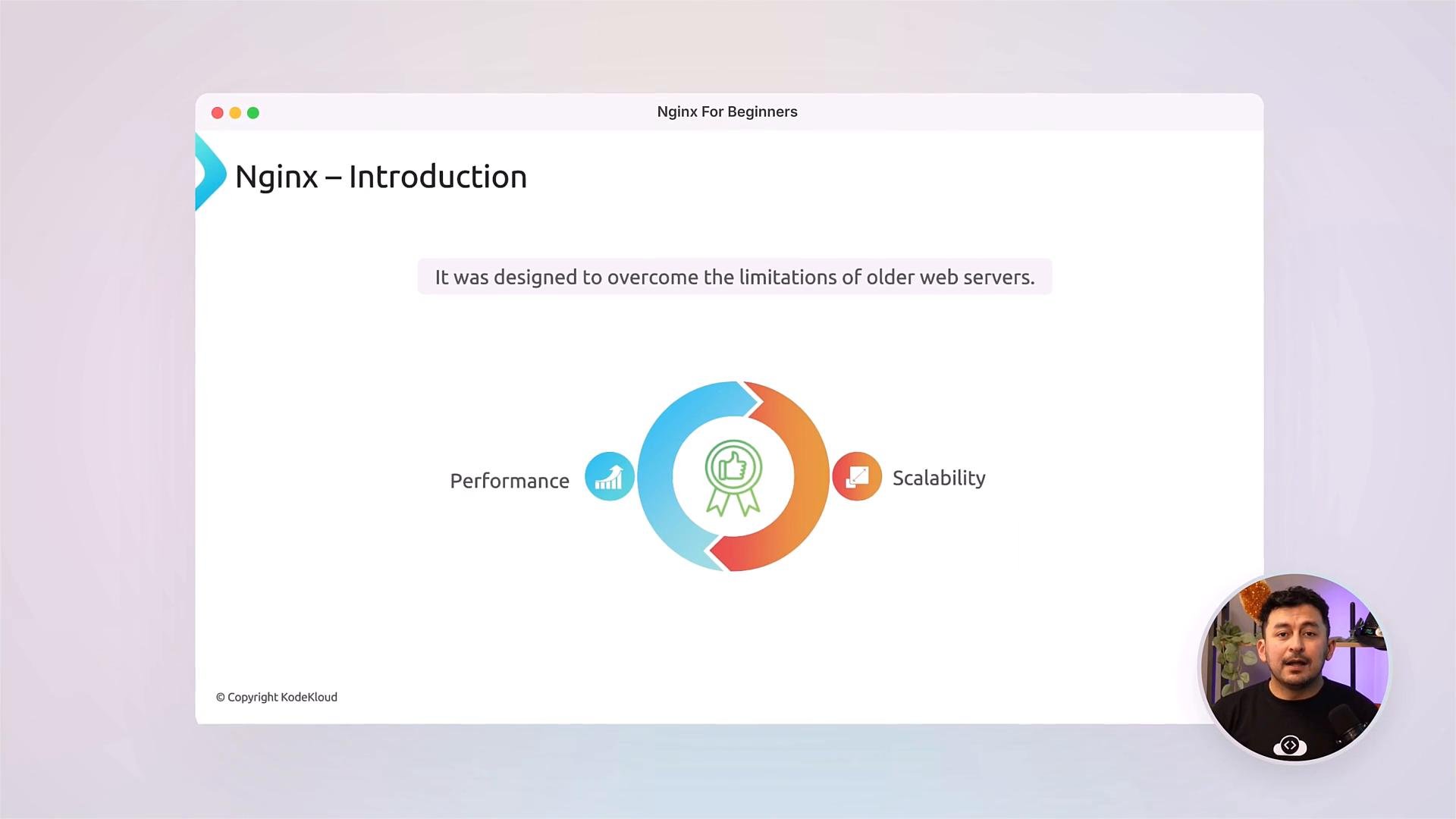
A presentation slide titled "Nginx – Introduction" with a central circular infographic highlighting performance and scalability and the caption "It was designed to overcome the limitations of older web servers." A small webcam feed of the presenter appears in the lower-right corner.
You also learned practical optimizations — caching, gzip compression, and request rate limiting — that keep web applications fast and resilient under load. This course emphasized applying theory to practice. Through labs and exercises you practiced deploying, configuring, and managing NGINX for real-world scenarios. Below is a concise example server block that demonstrates a basic virtual host serving static files. Use this as a starting template when configuring a site on port 80.
Explanation of the primary directives shown above:
  • listen 80; — Binds the server block to port 80 (HTTP).
  • server_name — Hostnames that this server block will respond to (virtual host).
  • root — Filesystem path used as the document root for served files.
  • index — Default file names returned when a directory is requested.
  • try_files $uri $uri/ =404; — Attempts to serve the exact file, then the directory index, otherwise returns a 404.
Quick reference for these directives: After editing NGINX configuration files, always test and reload or restart the service:
A successful default installation typically returns the NGINX welcome page, for example:
Practical checklist to take your NGINX deployments further:
  • Validate configuration with nginx -t before reload/restart.
  • Use systemctl reload nginx for configuration changes in production to avoid dropping connections.
  • Enable gzip compression and proper cache headers for static assets.
  • Configure rate limiting and request filtering to mitigate abuse.
  • Monitor metrics and logs (access/error logs, plus metrics exporter if needed) for performance tuning.
  • Consider using load balancers and health checks for high availability.
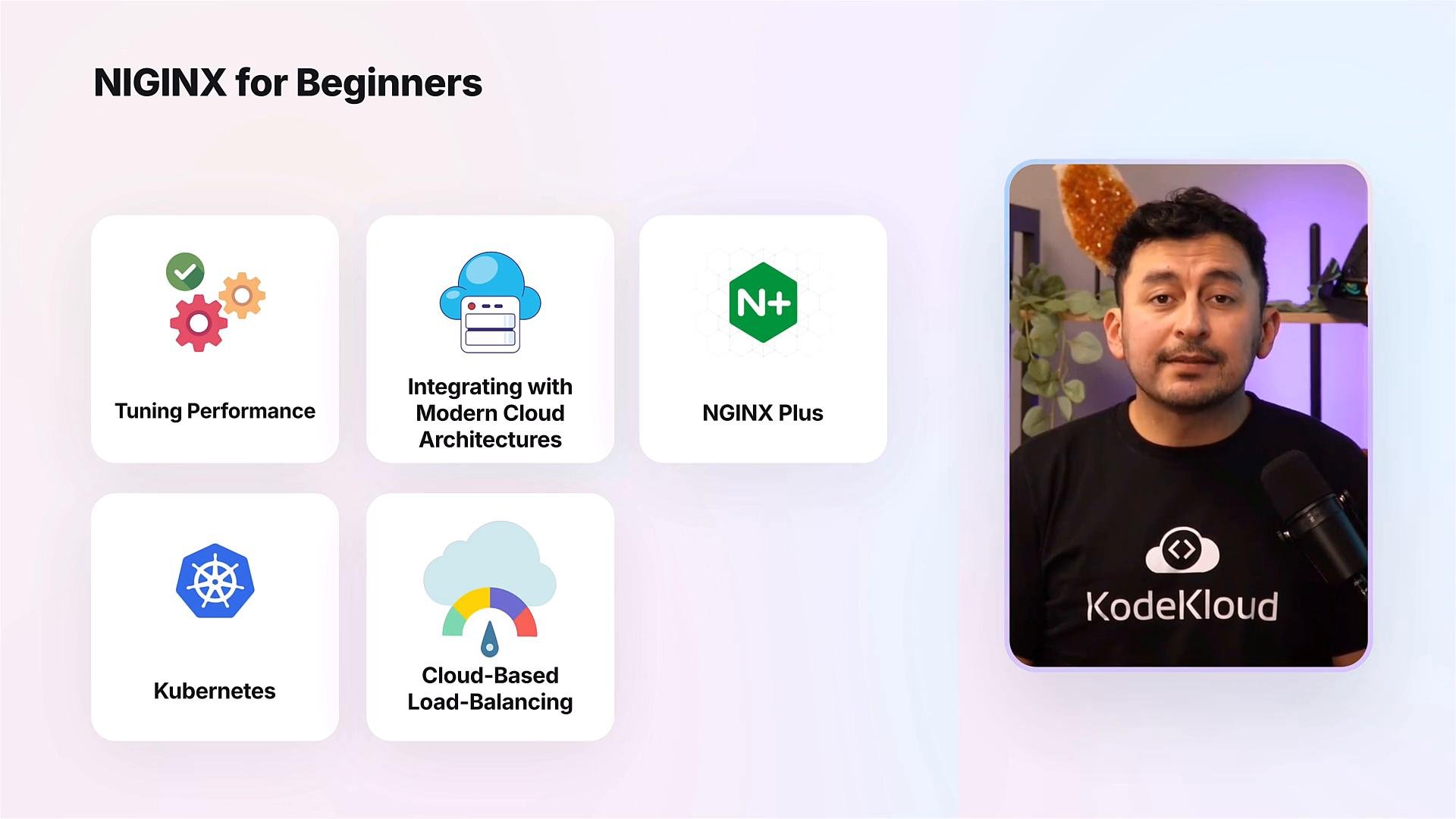
Whether you’re optimizing web traffic, securing applications, or scaling infrastructure, you now have the confidence to tackle complex challenges. Keep exploring — NGINX has a rich ecosystem and many advanced topics to pursue: tuning, performance benchmarking, integration with cloud platforms, Kubernetes ingress, and advanced modules including NGINX Plus.
A slide titled "NGINX for Beginners" showing topic cards like Tuning Performance, Integrating with Modern Cloud Architectures, NGINX Plus, Kubernetes, and Cloud-Based Load-Balancing. On the right is a presenter in a KodeKloud shirt speaking into a microphone.
Looking for next steps? Consider learning Kubernetes for the Absolute Beginners - Hands-on Tutorial, Gateway API with NGINX Fabric Gateway, or diving deeper into NGINX Plus features to broaden your production deployment skills.
Additional resources and references: I sincerely thank you for your dedication and enthusiasm throughout this course. Your learning journey doesn’t end here — continue experimenting, refine your configurations, and apply these concepts to real-world projects. Stay connected with the KodeKloud community to ask questions, share experiences, and grow your skills. The web is evolving, and with your NGINX expertise you’re well-equipped to build fast, secure, and scalable applications. Step forward with confidence and make an impact on the world of web infrastructure. Thank you for joining me on this journey, and I wish you the best in your continued learning.

Watch Video